Project 2 - V&V SW Analysis II
Q.1 Ans :-
First Open the LDRA Tool
Go to Sequence ==> Click New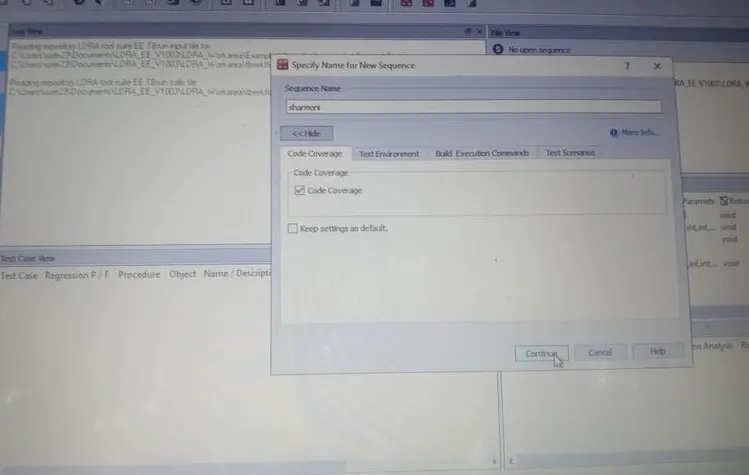
Enter a Sequence Name ==> Click Code Coverage ==> Click Continue
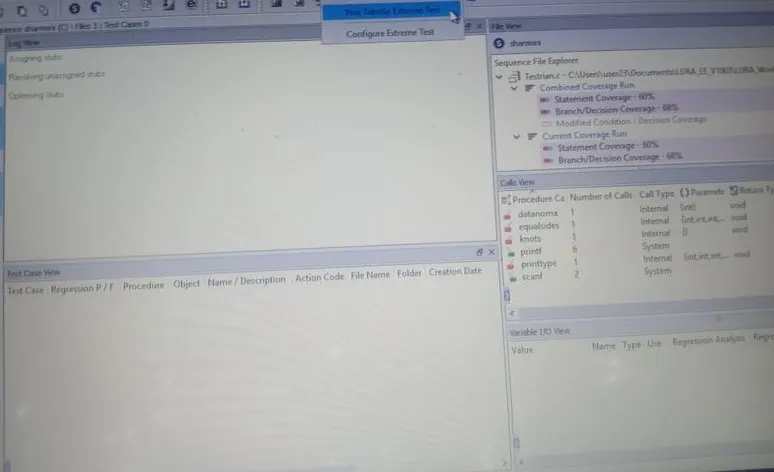
Go to Extereme Test ==> Click Run Tabular Extreme Test.
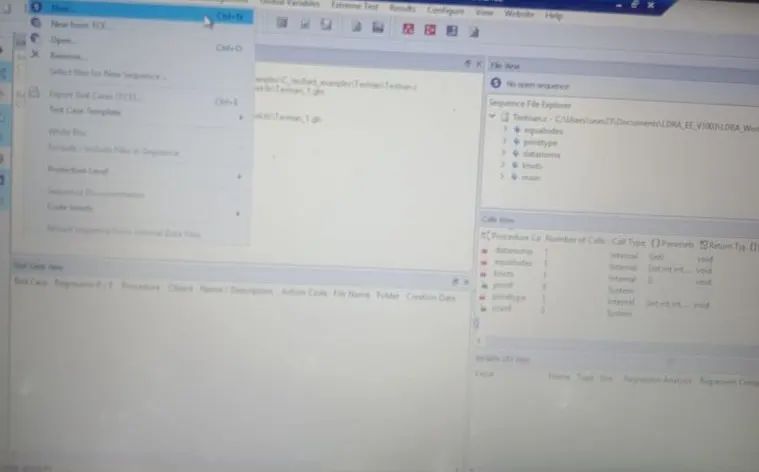
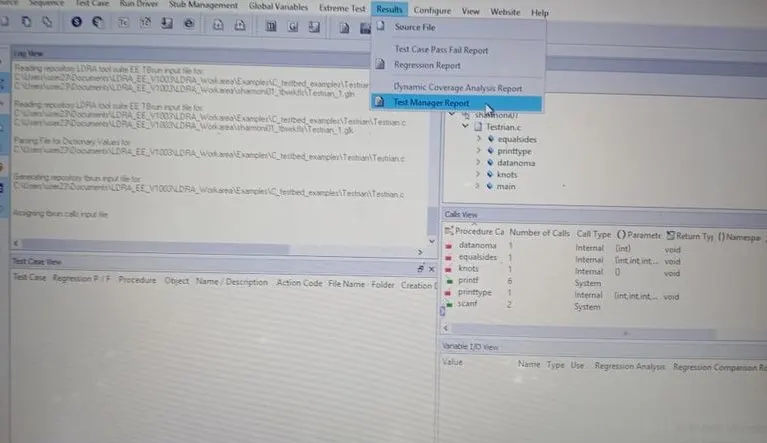
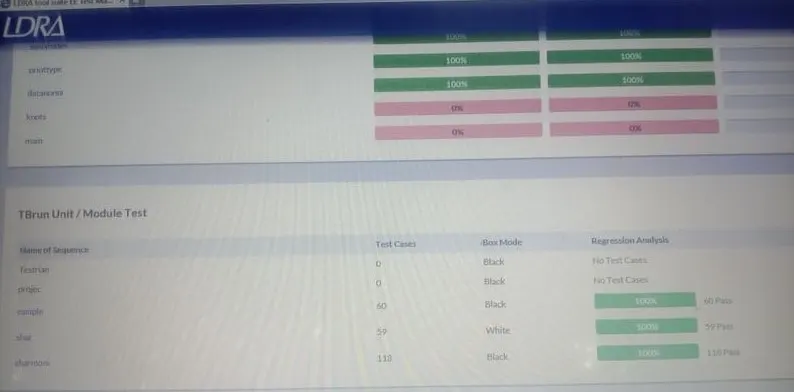
Go to Results ==> Click Test Manager Report
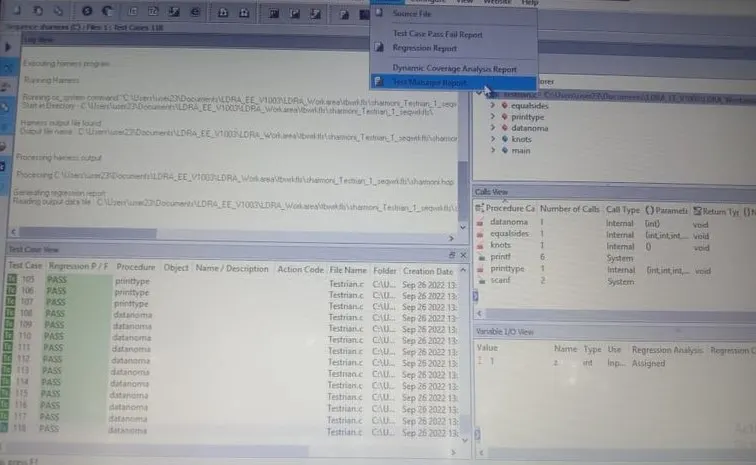
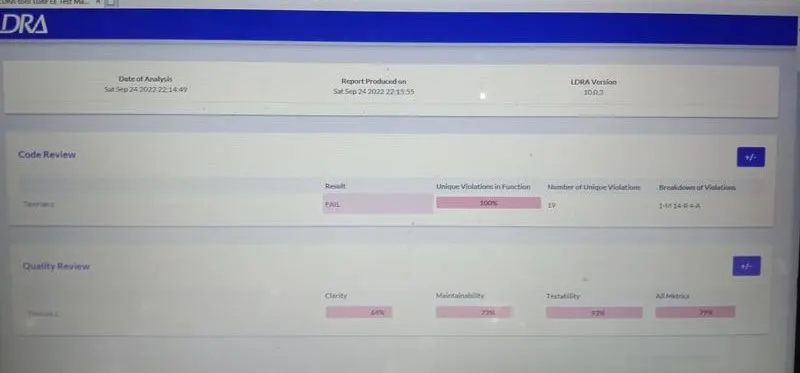
Code Review Report is Generated Using LDRA tool suite
Q.2 Ans :-
Automatic Testing :
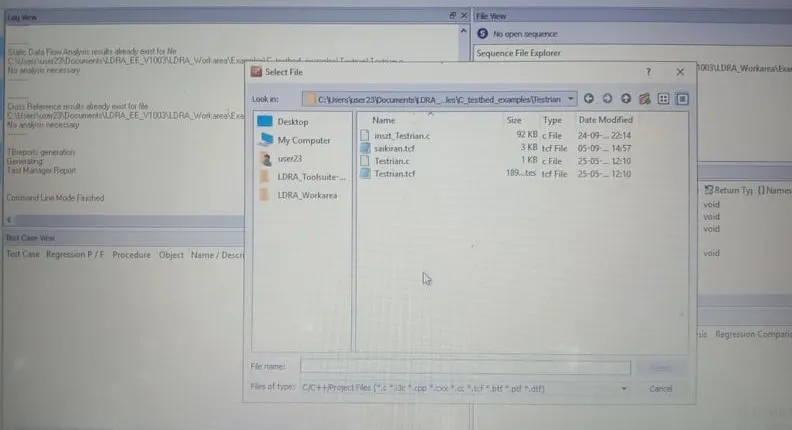
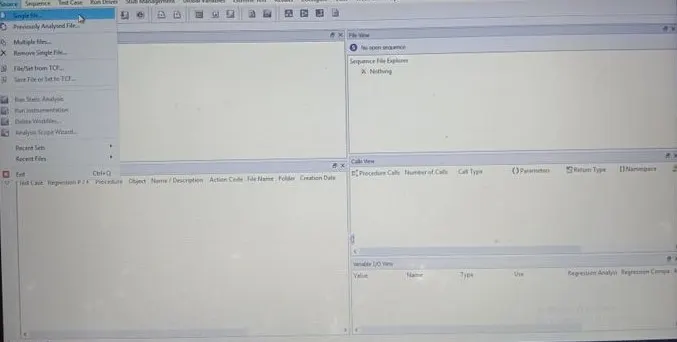
Go to Source => Click Single File
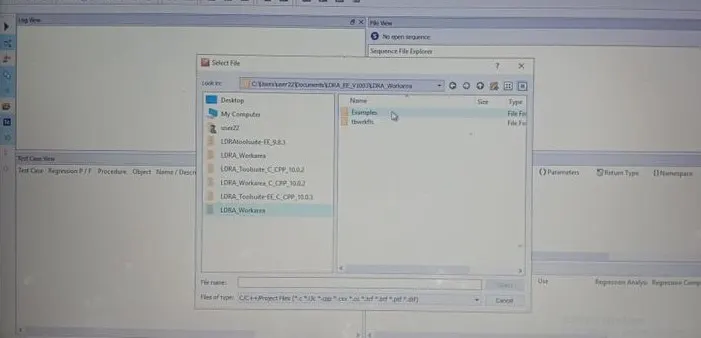
Click Examples
Click ToolSuite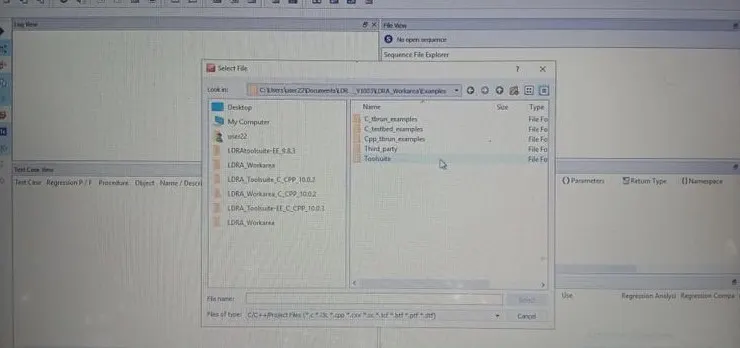
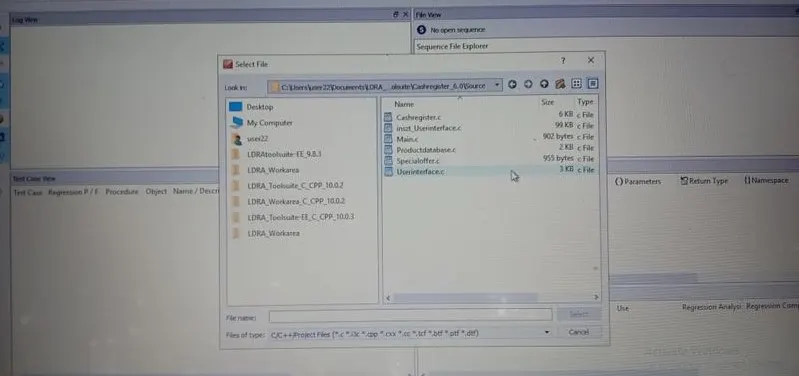
Click Source
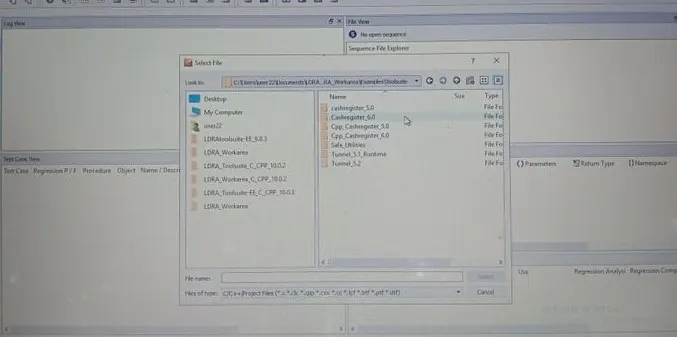
Click Userinterface
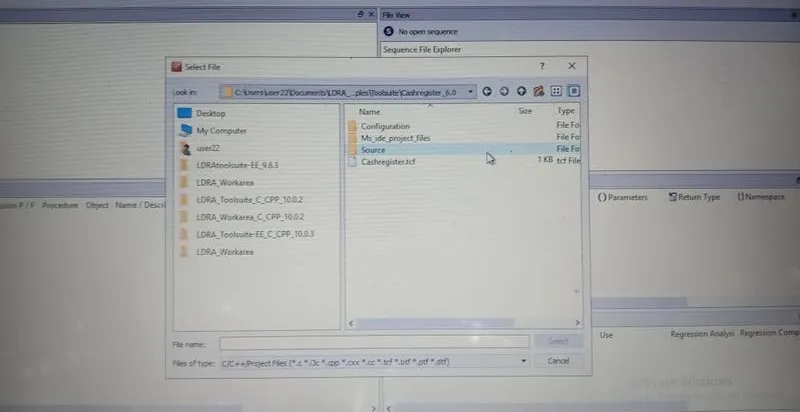
Click Cashregister_6.0
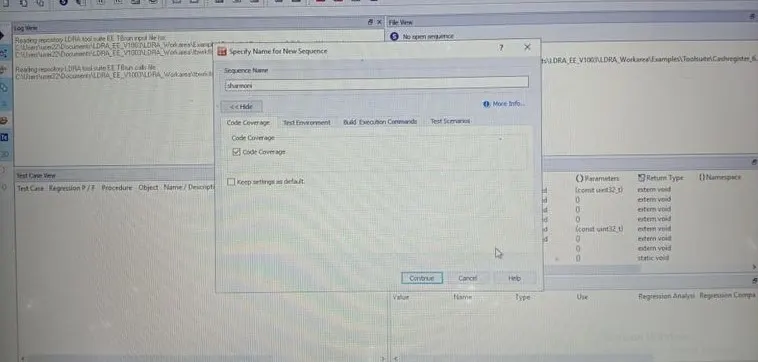
Go to Sequence=> Click New
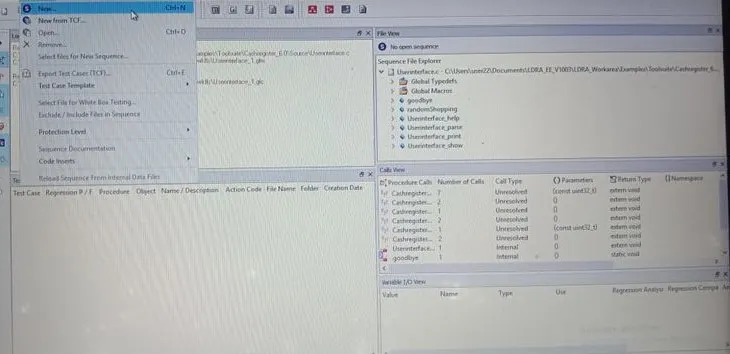
Enter a Sequence Name => Click Code Coverage => Continue
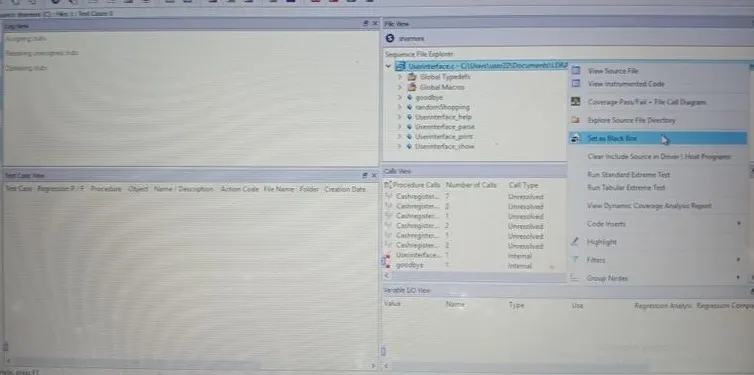
In File View=> Right Click a File => Set as Black Box
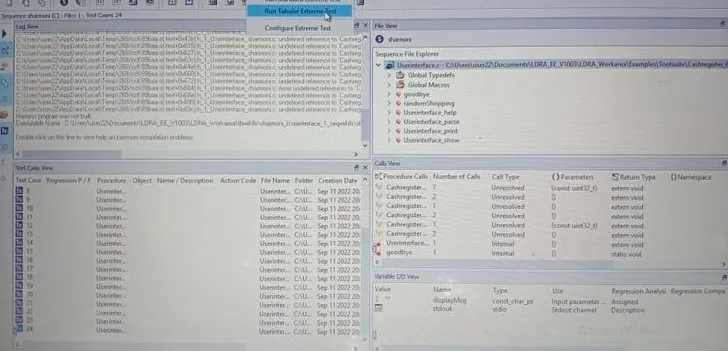
Go to Extereme Test => Click Run Tabular Extereme Text
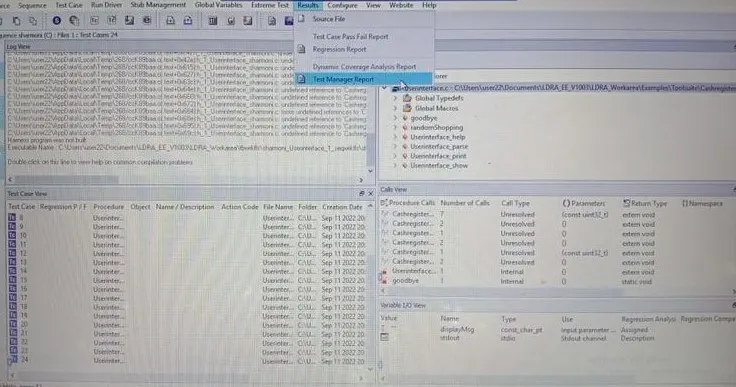
Go to Result => Click Test Manager Report
Test Manager Report is Generated
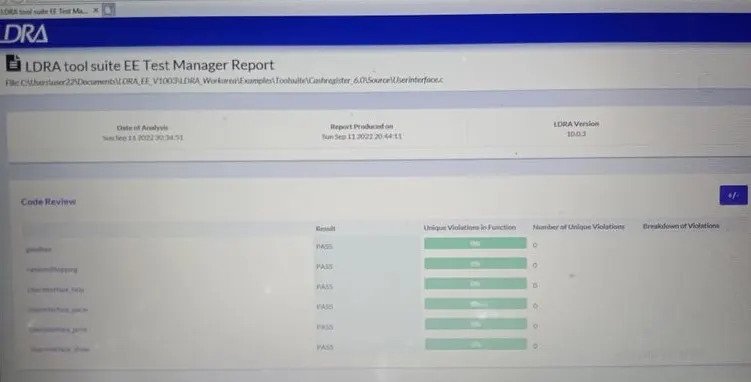
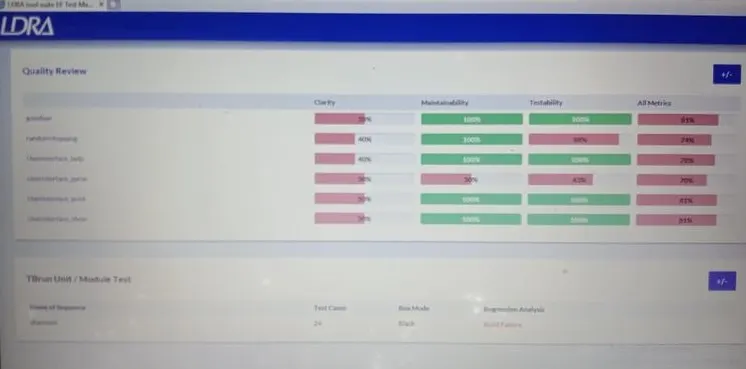
Manual White Box Testing :
Go to Source => Single File
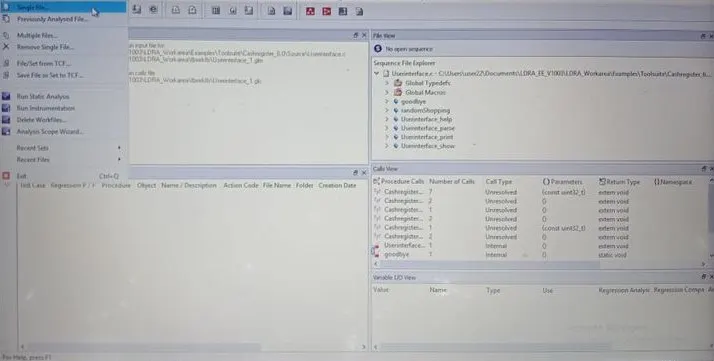
Select Userinterface .c File
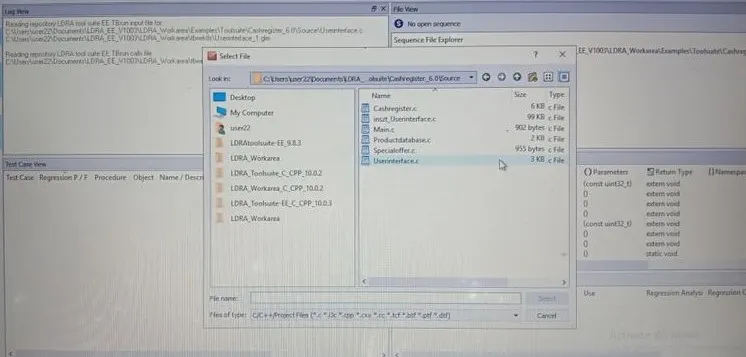
Go to Sequence => Click New
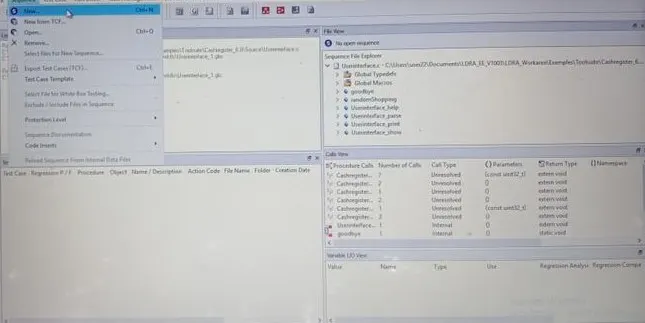
Enter Sequence Name => Click Code Coverage => Continue
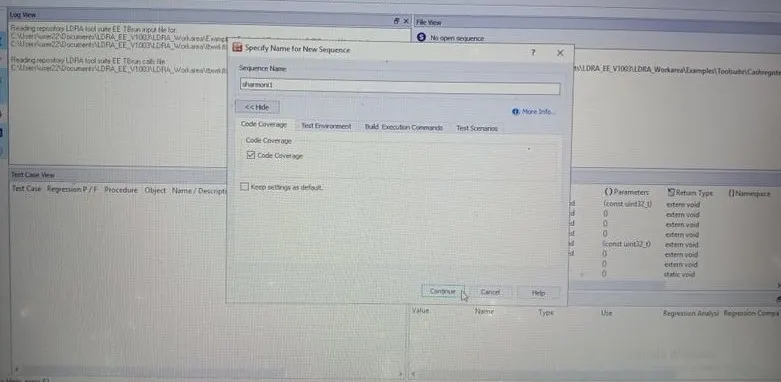
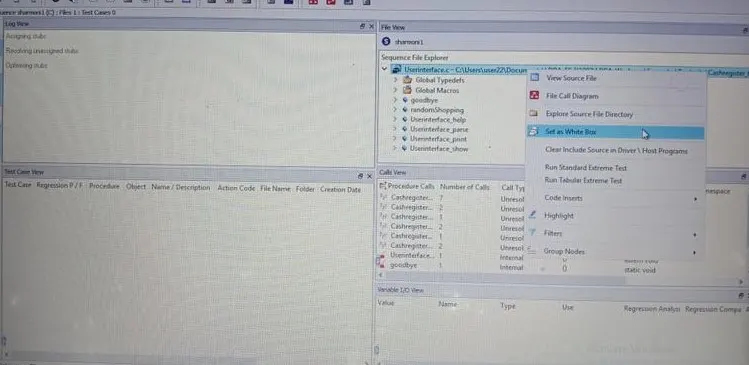
In File View and Right Click then Set As White Box Testing
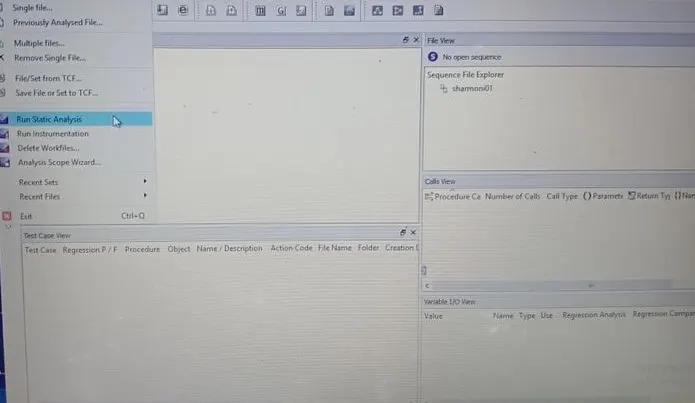
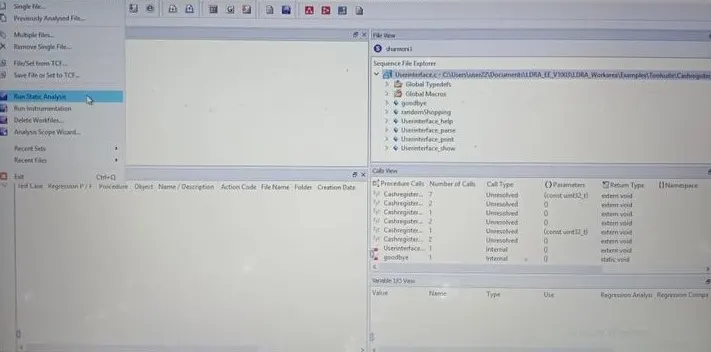
Go To Source => Run Static Analysis
Go to Results => Click Test Manager Report
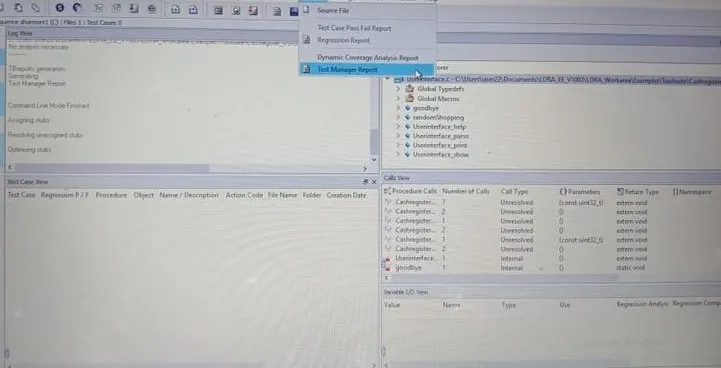
White Box Test Report is Generated
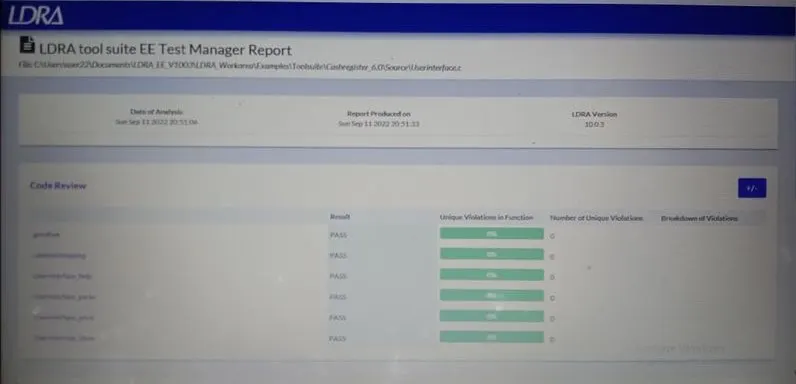
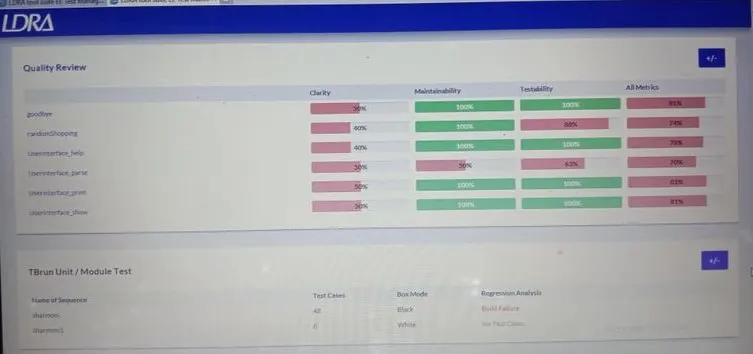
STEPS TO FOLLOW TO STORE THE TEST CASES AS .tcf file
STEPS TO FOLLOW TO STORE THE TEST CASES AS .tcf file
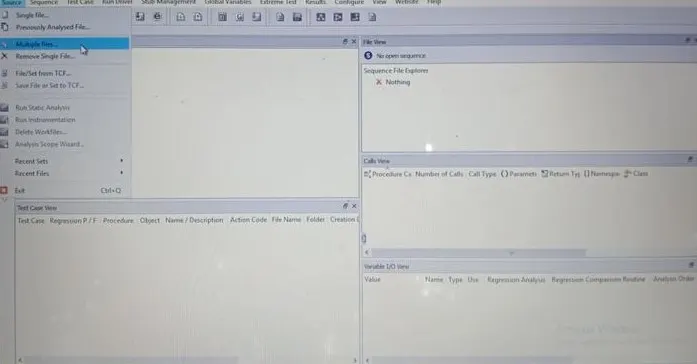
- Tbrun
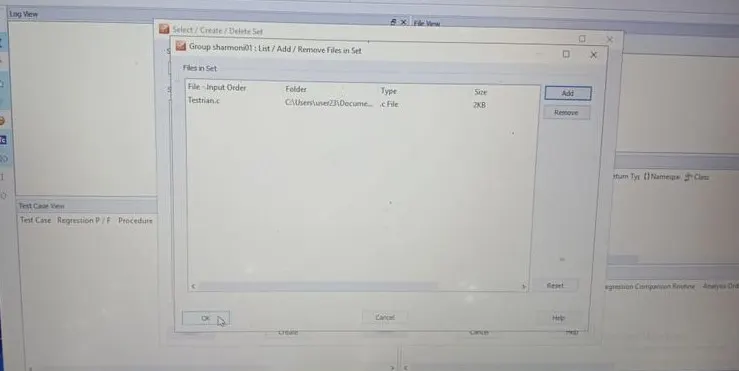
- Source..multiple files
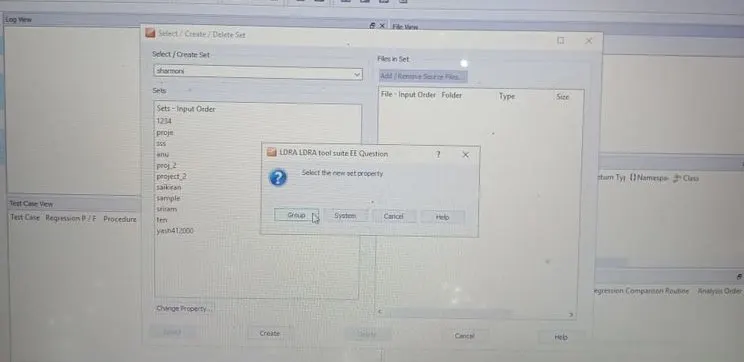
- create…demo(name)
- Group..independent
- System..dependencies in files(preferred)
- Choose the .c file
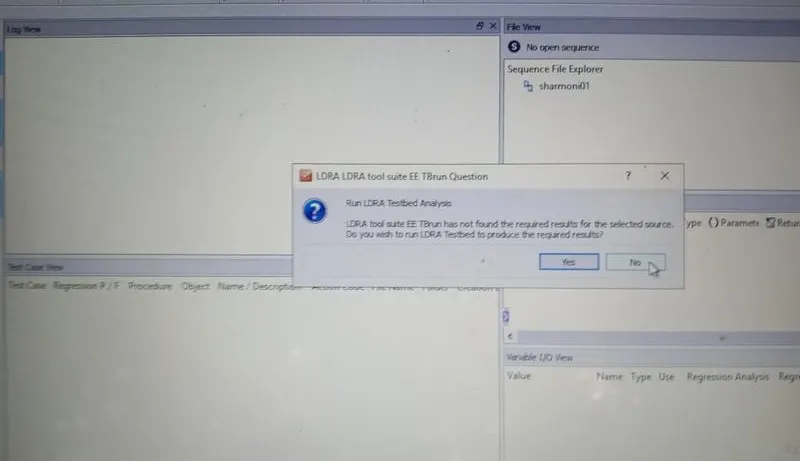
- Ldra test bed..no
- Configure..ldra test configuration..static options..path of grocers.c file
- Static analysis
- Report