Project 2 - V&V SW Analysis II
1.Perform Static Code Review Analysis for “C:\**\LDRA_workarea\Examples\C_Testbed_examples\Testrain\Testrain.c” Generate Code review report and upload them.
Procedure
- Perform static code analysis for testrian.c
- The file location for the file is C:\**\LDRA_workarea\Examples\C_Testbed_examples\Testrain\Testrain.c”
- select source and select run static code analysis
- Test report is obtaoned from the results and is attached along
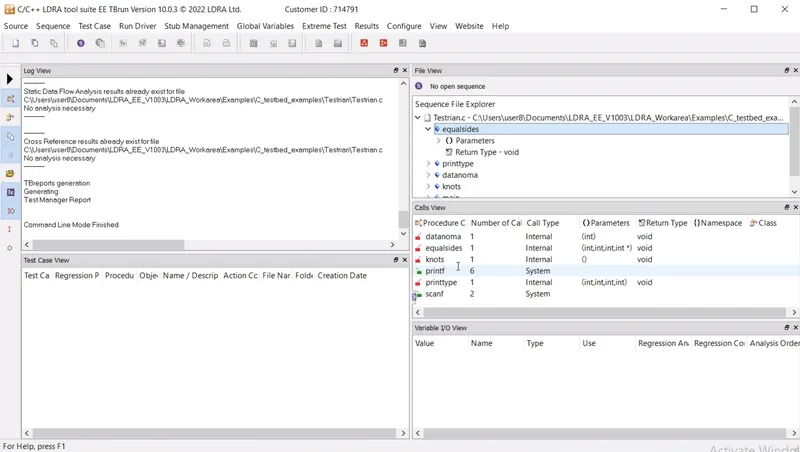
Figure 1 shows running static analysis for testrian.c
Result
- Performed Static Code Review Analysis for “C:\**\LDRA_workarea\Examples\C_Testbed_examples\Testrain\Testrain.c”
- Generated Code review report and uploaded them.
2.Perform Integration testing by including all the .C files available in the folder location C:\**\LDRA_workarea\Examples\Toolsuite\Cashregister_6.0\ ** A)Create the test cases manually as well as automatically using TBExtreme and upload the reports. B)store the test cases as .tcf file. Upload the location image where the .tcf file is stored.
Integration testing (sometimes called integration and testing, abbreviated I&T) is the phase in software testing in which individual software modules are combined and tested as a group
Procedure
- Integration testing is performed foe all .c files in the Cashregister_6.0
- Select source , select multiple file create a file add the required .c files for testing and create file
- Cashregister.c,userinterface.c and main.c are chosen for testing
- Stub management is done by creating sequence
- Static code analysis id done and result is obtained from test manager report
- White box testing is done for multiple files
- Testing is done by selecting run extreme tabular test
- Regression report, Dynamic coverage test report is analyzed
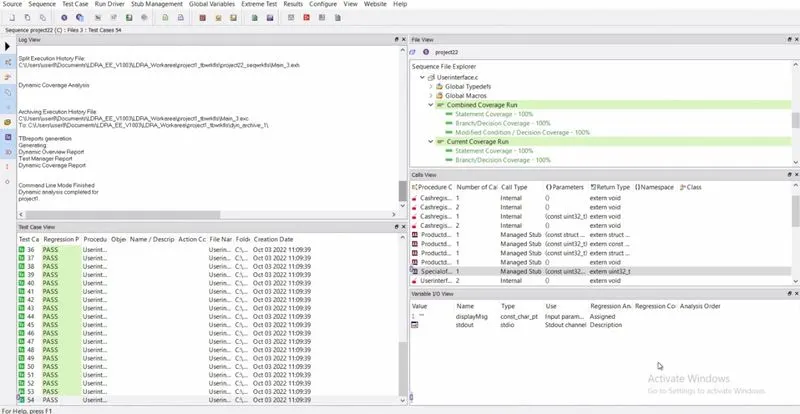
Figure 1-10shows the procedure performing integration test for multiple files
Figure 1 shows running staic analysis
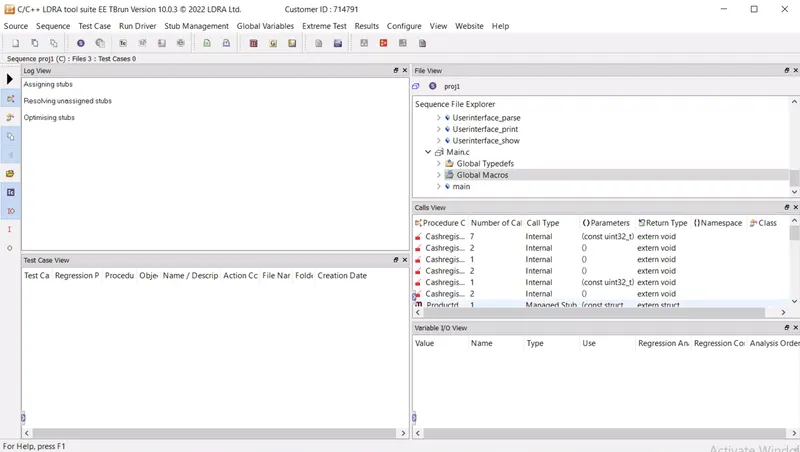
Figure 2 and 3 shows stub mangement
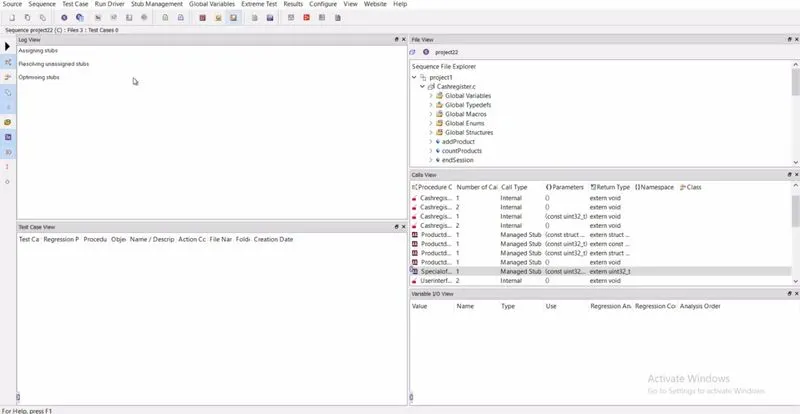
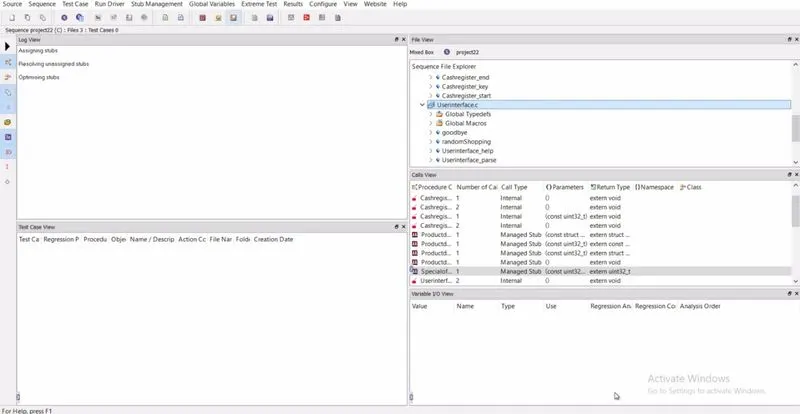
Figure 4 show selecting white box testing
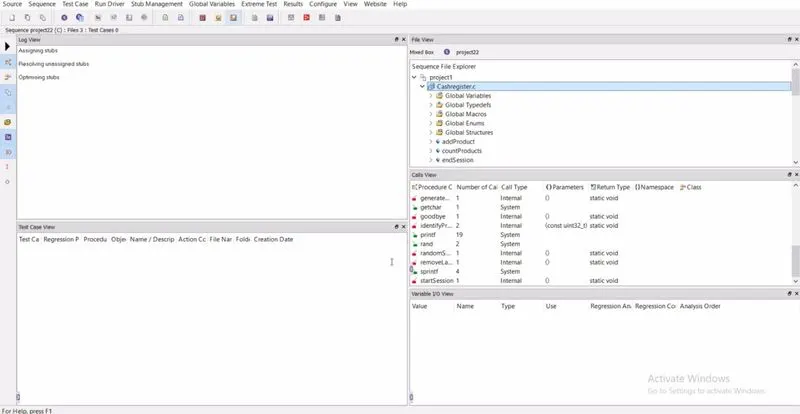
Figure 5 showing running extreme tabular test for multiple files Userinterface.c, Cashregister.c and Main.c in Cashregister_6.0
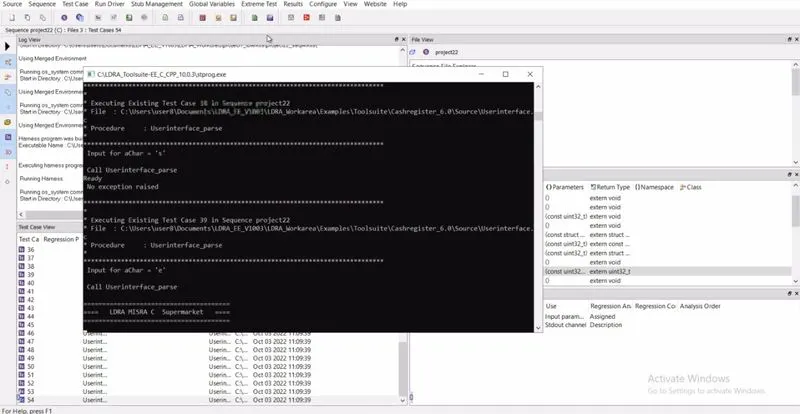
Figure 6 shows saving .tcf file
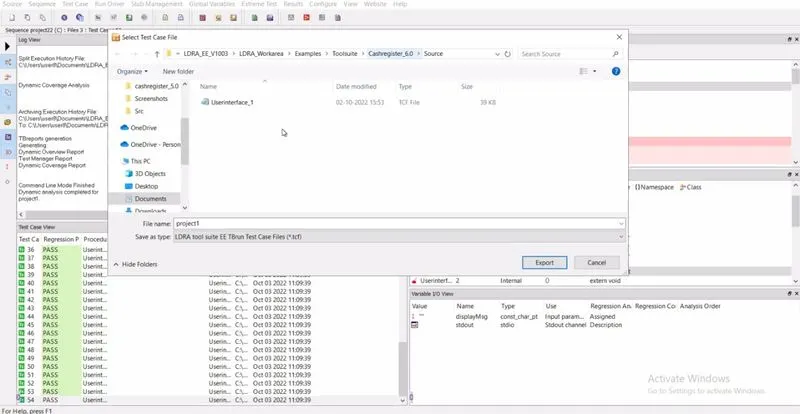
Figure 7 and 8 shows the results after performing test cases
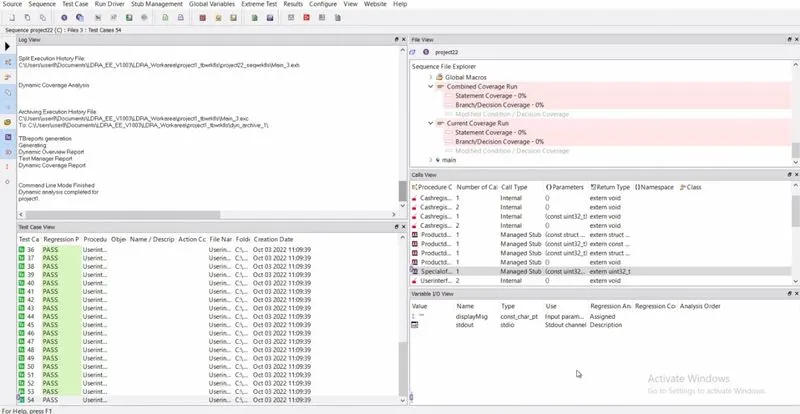
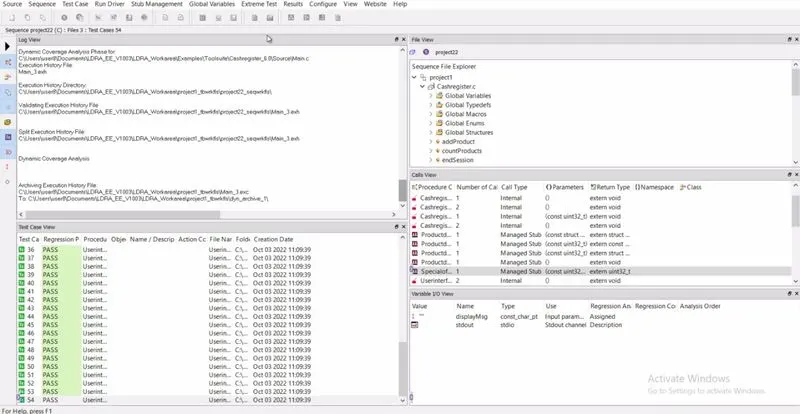
Figure 9 shows .tcf file location
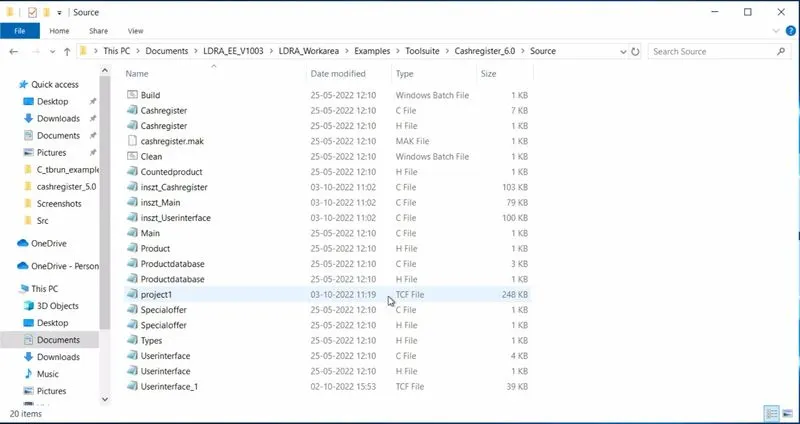
Figure 10 shows completion of integration testing
Result
- Performed Integration testing by including all the .C files available in the folder location C:\**\LDRA_workarea\Examples\Toolsuite\Cashregister_6.0\ **
- A)Created the test cases manually as well as automatically using TBExtreme and upload the reports
- B)Stored the test cases as .tcf file. Upload the location image where the .tcf file is stored