Project 2 - V&V SW Analysis II
Question 1
Aim:- Perform Static Code Review Analysis for “C:\**\LDRA_workarea\Examples\C_Testbed_examples\Testrain\Testrain.c” Generate Code review report and upload them.
Follow the following Step:-
Step 1:- Open LDRA tool
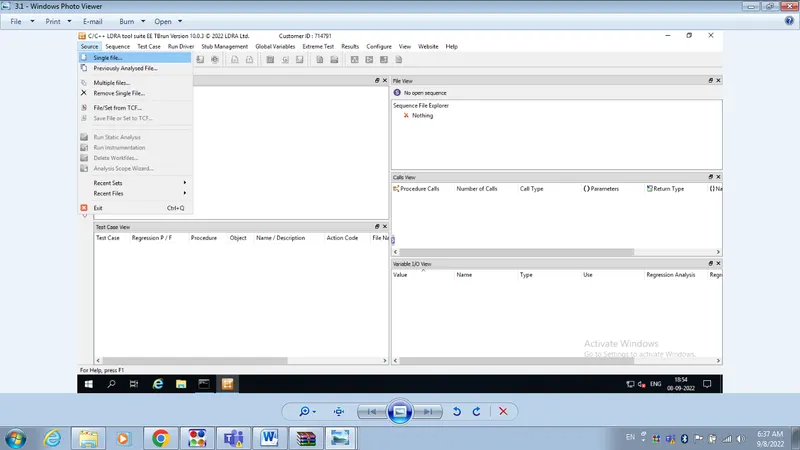
Step 2:- Click on source
Step 3:- Click on single file
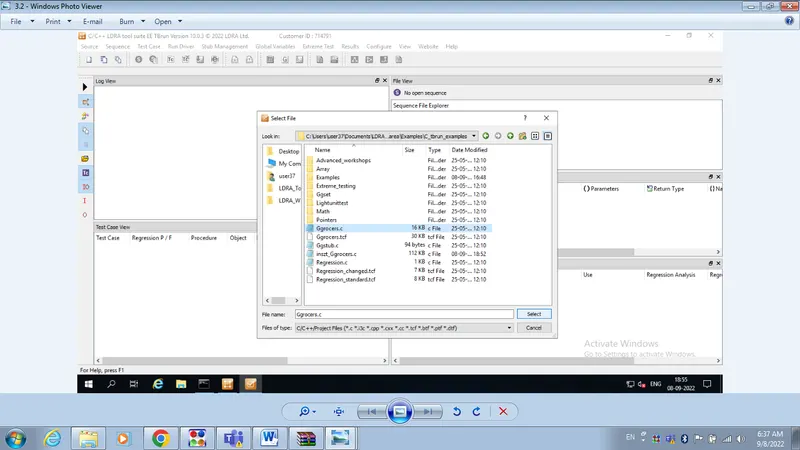
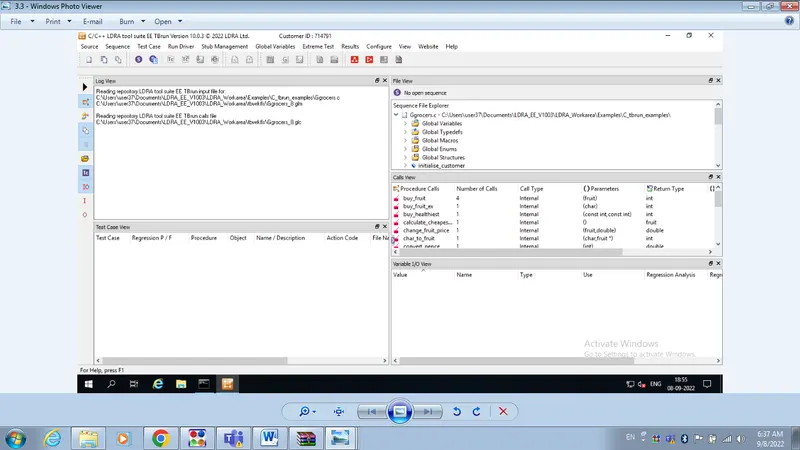
Step 4:- We will select Ggroceries.c file
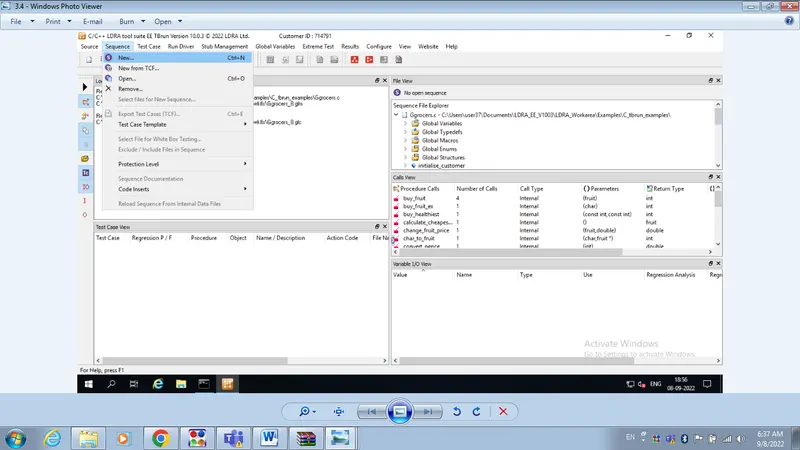
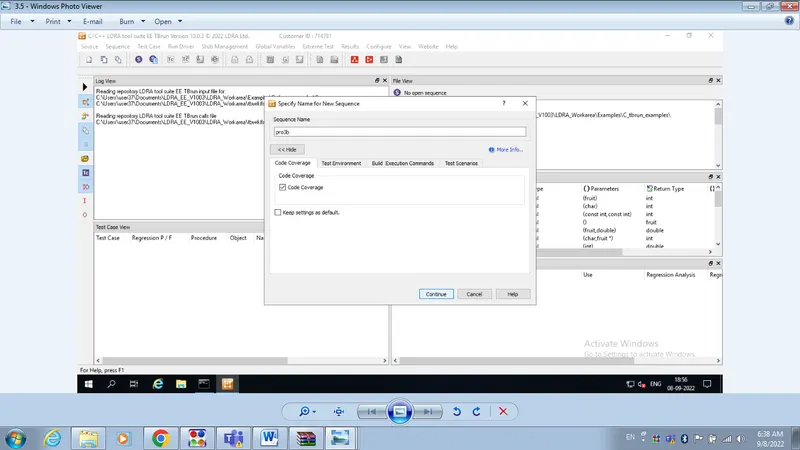
Step 5:- We will go to Sequence, here we will give any name, and click on coverage check box
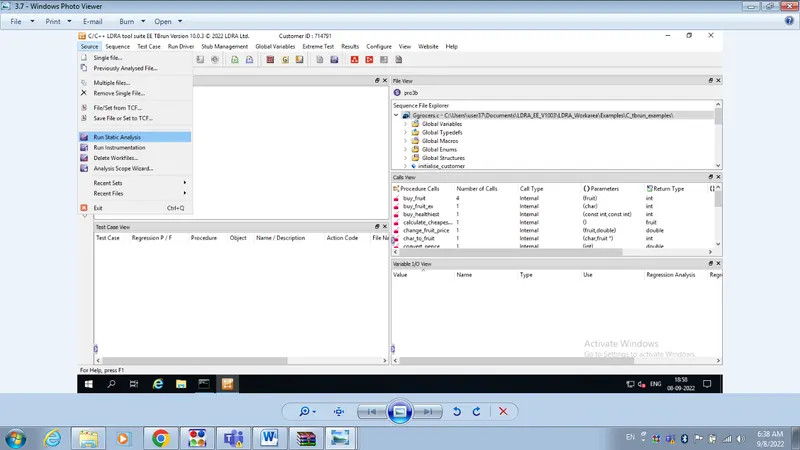
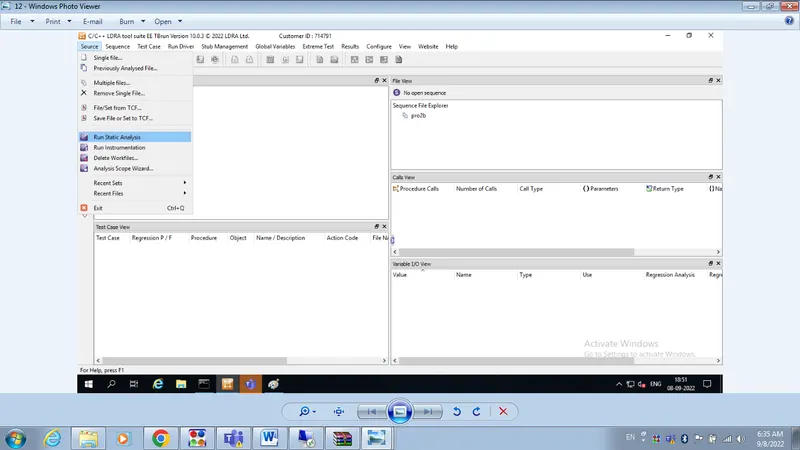
Step 6:- Then go to source menu and click on Run static analysis
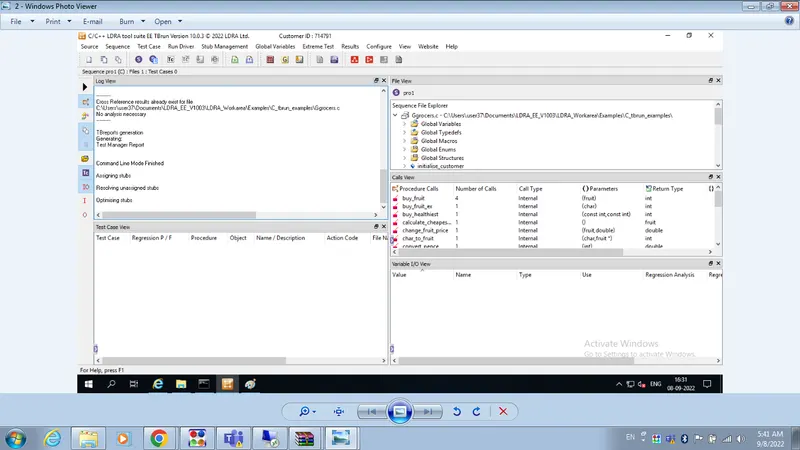
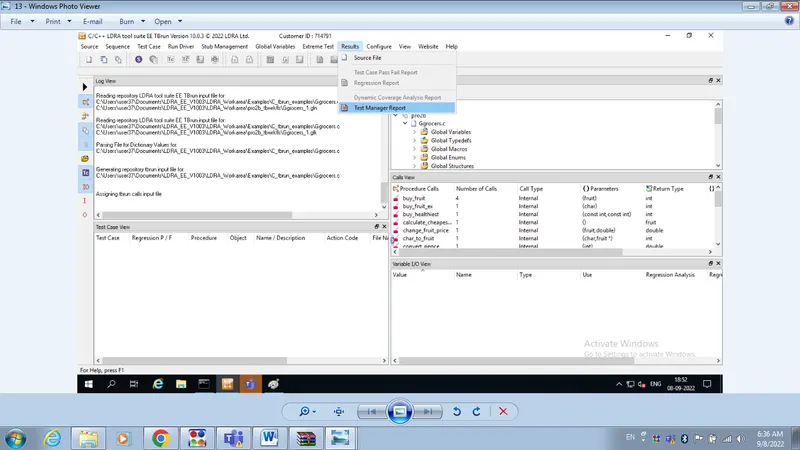
Step 7:- Then click on result menu and click on test manager report
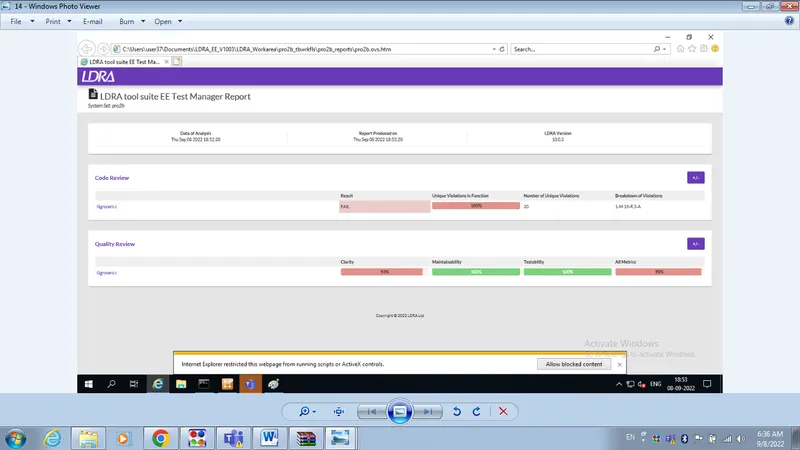
The report of testing will be generated.
Question 2
Aim:- Perform Integration testing by including all the .C files available in the folder location C:\**\LDRA_workarea\Examples\Toolsuite\Cashregister_6.0\ **
A)Create the test cases manually as well as automatically using TBExtreme and upload the reports.
Follow the following Step:-
Step 1:- Open LDRA tool
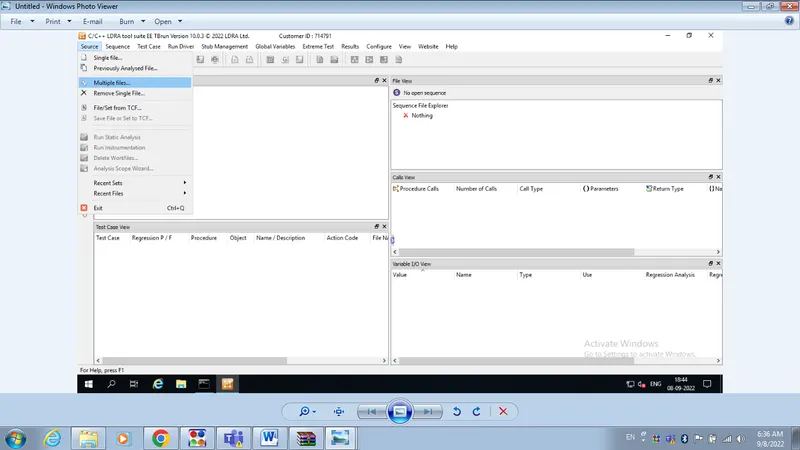
Step 2:- Click on source
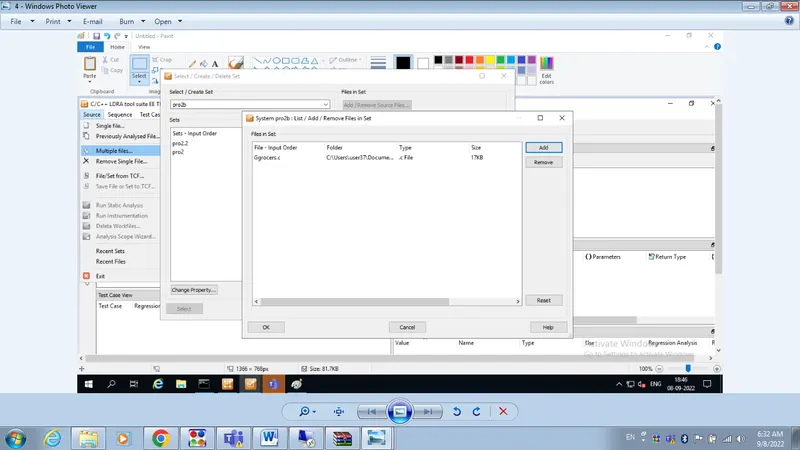
Step 3:- Click on Multiple File
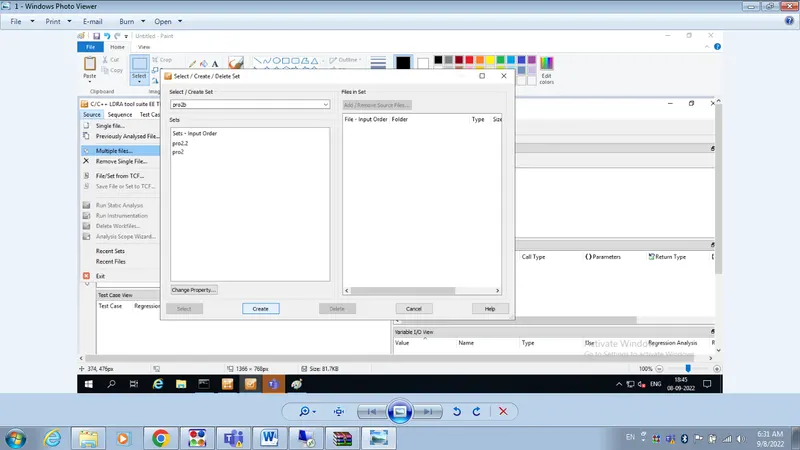
Step 4:- One window pop up
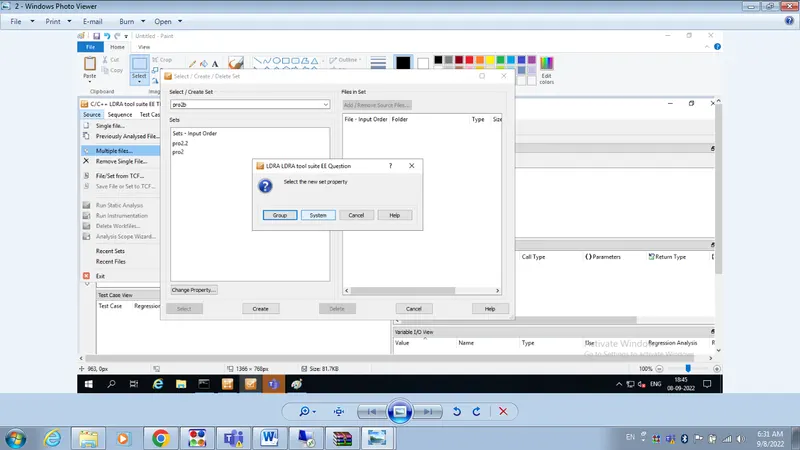
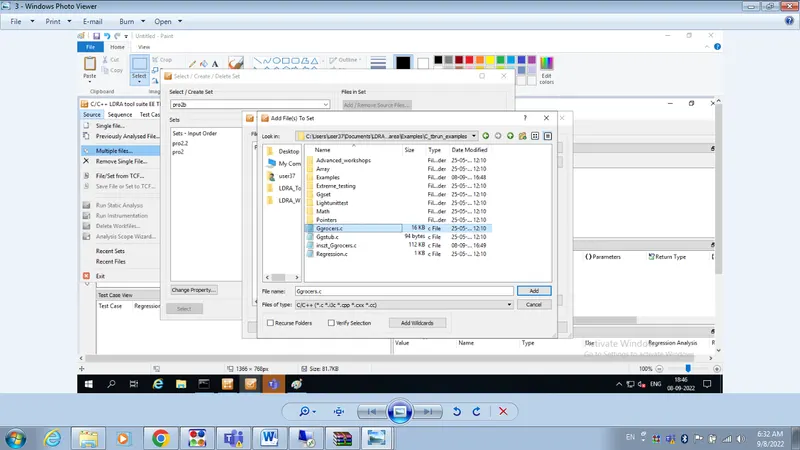
Step 5:- Give any name and click on create and then click on system then click on add then select Ggrocer.c click on OK
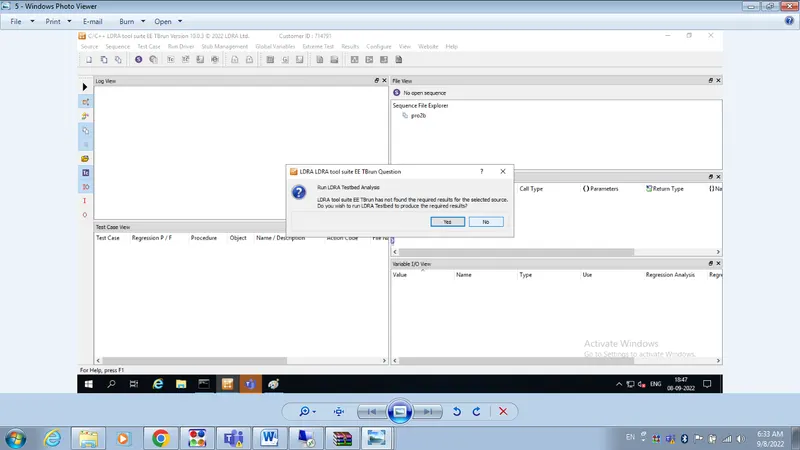
Step 6:- Test bed analysis window opens click on no option
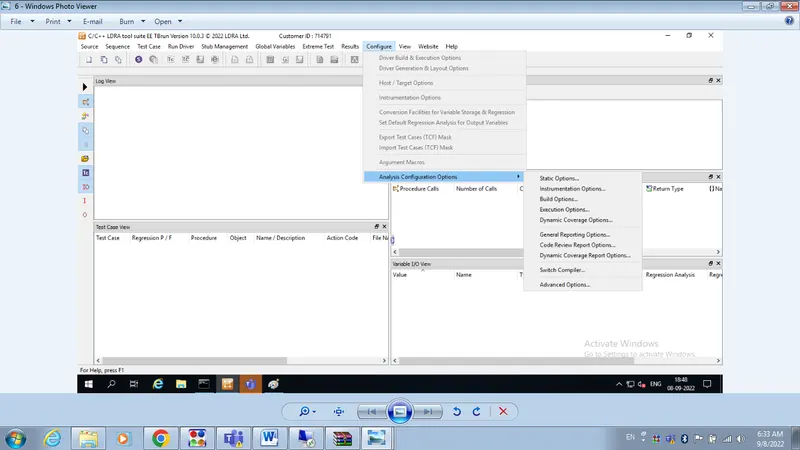
Step 7:- Now Go to configure on menu bar and click on Analysis configure option
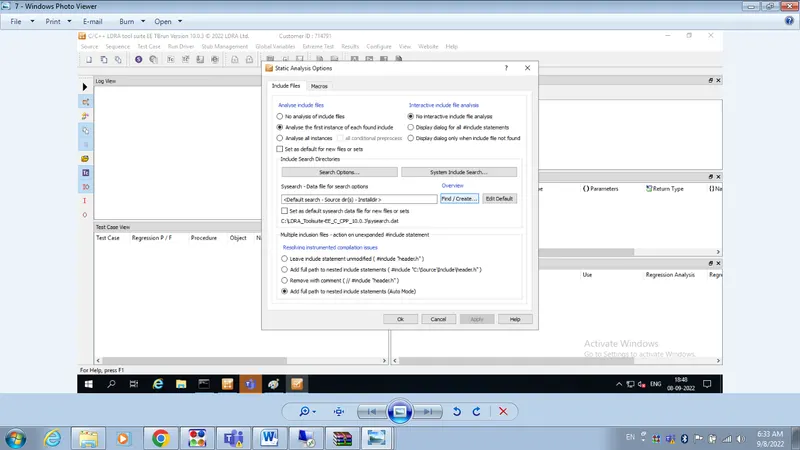
Step 8:- Click on Static option and a window open
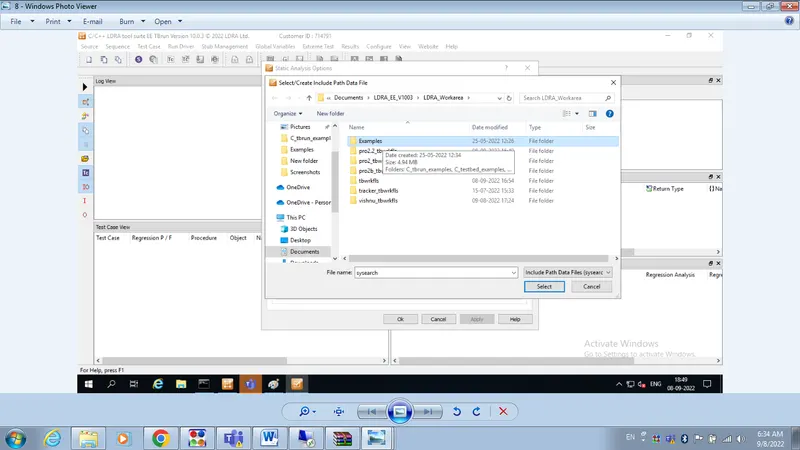
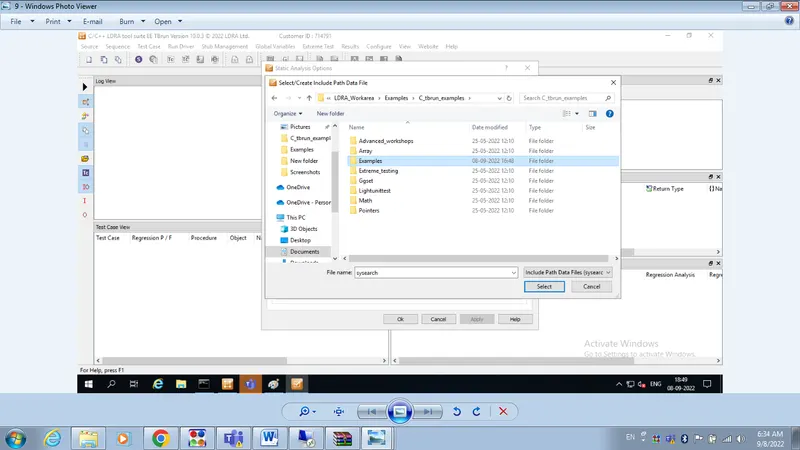
Step 9:- Now click on Find/create button- then on exapmple-than on Tburn_exapmples option - then click on example - then click on select
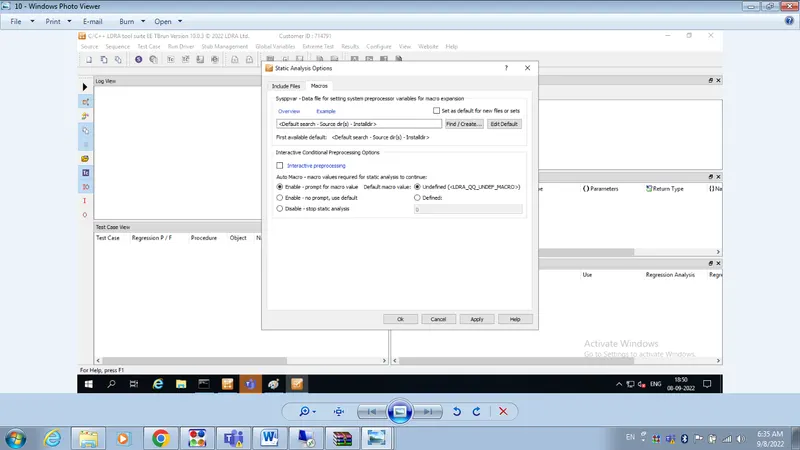
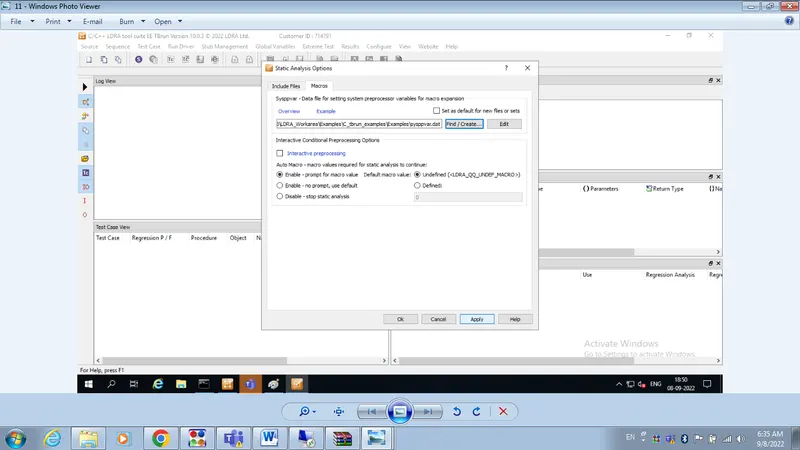
Step 10:- Go to Macro click on Find/create button- then on exapmple-than on Tburn_exapmples option - then click on example - then click on select
Step 11:- Now click on Apply than OK
Step 12:- Go to source click on Run static analysis
Step 13:- Go to result menu bar and then click on take test manager test report
The report will be generated.
2 B. Store the test cases as .tcf file. Upload the location image where the .tcf file is stored.
Step 1:- Open LDRA tool menu
Step 2:- Click on Source
Step 3:-Click on Single file
Step 4:- Select the Ggrocer.c or any .c file
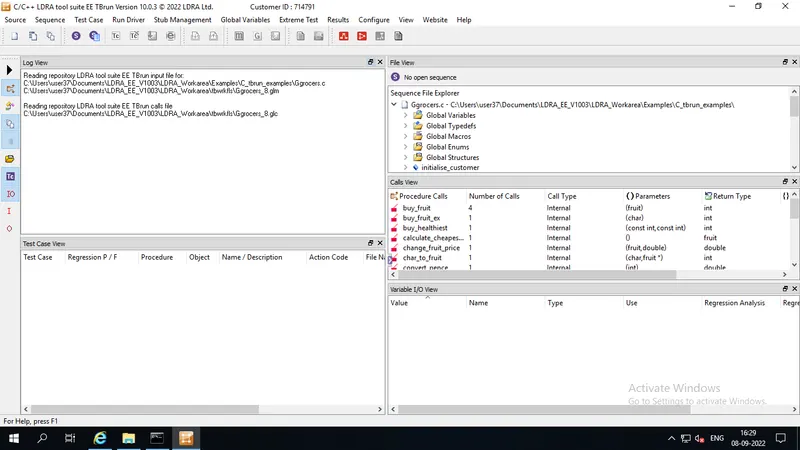
Step 5 :- You can see the uploaded Ggrocer.c file in File view window
Step 6:- Go to sequence and clcik on new then give a name and click on code coverage check box
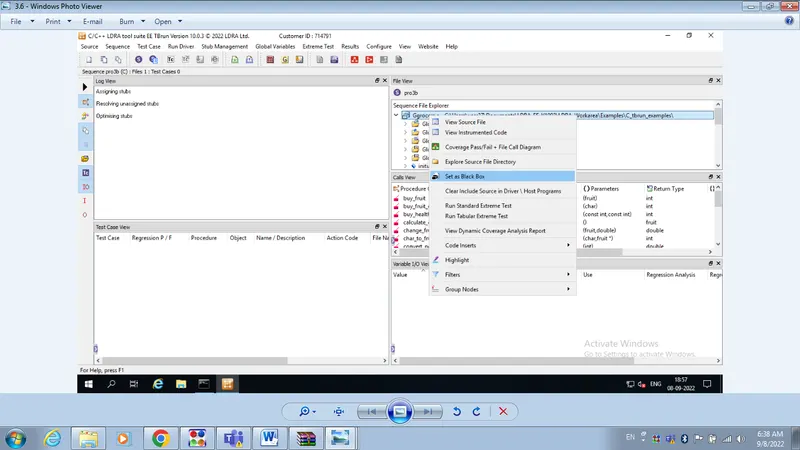
Step 7:- Right click on Ggrocer.c in file view window and click on set as black box testing
Step 8:- Go to source menu and click on Run static analysis
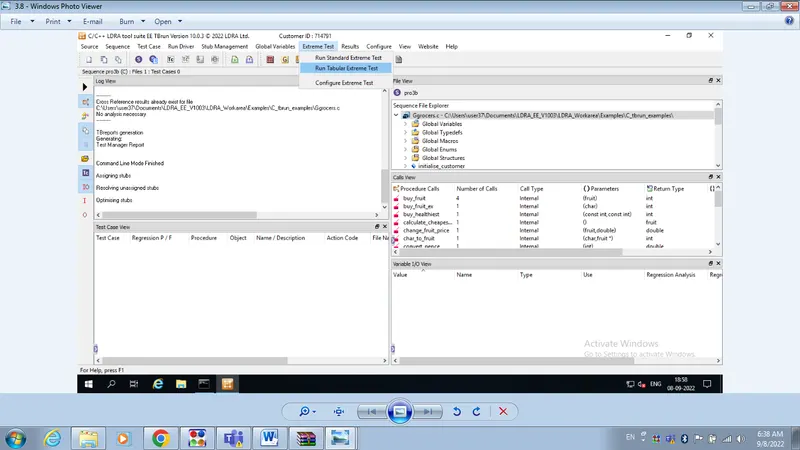
Step 9:- Go to extreme test on menu bar
Step 10:- Click on Run Tabular extreme test case ( all the test case pertaining to function in Ggrocery.c file have created)
Step 11:- All test created (40).
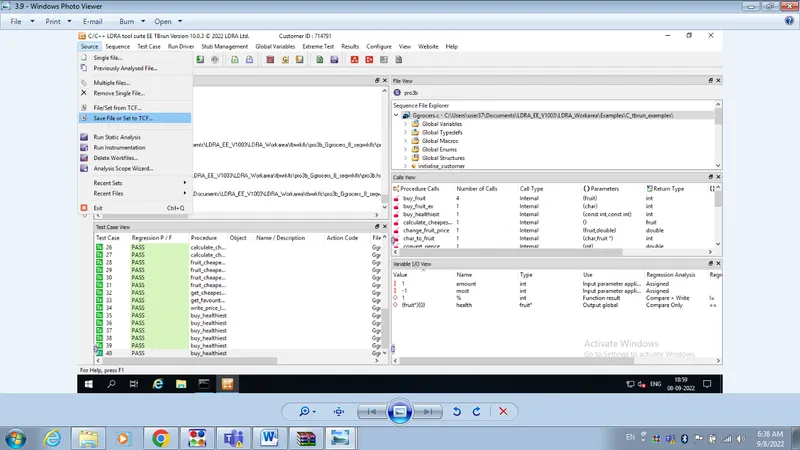
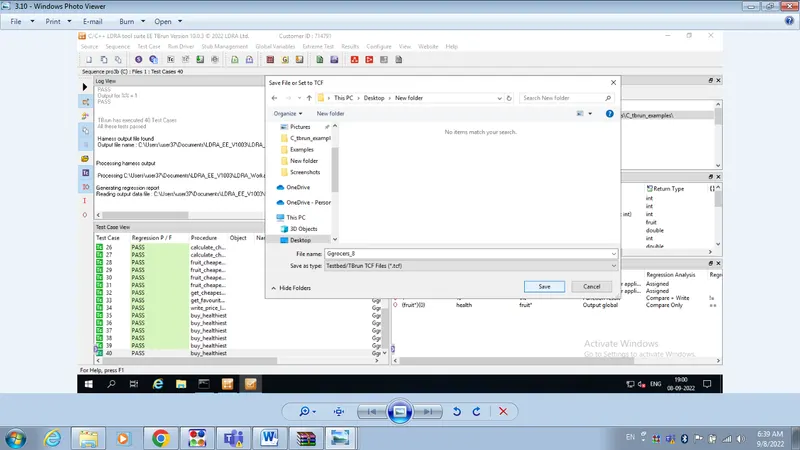
Step 12:- Go to source and click on Save file or set to TCF
Step 13:- Save file and send to your mail ID from remote desk Top