Project - 2 - Meshing on the suspension Assembly
Aim
To create a Surface and Volume mesh and give Connection to the Rear suspension model as per the given Elements Quality criteria.
Theory
Suspension is the part of an automobile that negates most of the forces that the car gets from driving on the road making sure the cabin stays still. The job of a suspension is to maximize the friction between the tires and the road surface, to provide steering stability with good handling and to ensure comfort to the passengers. It's consists of tires, springs, shock absorbers and linkages that connects a vehicle to its wheels and allows relative motion between them.
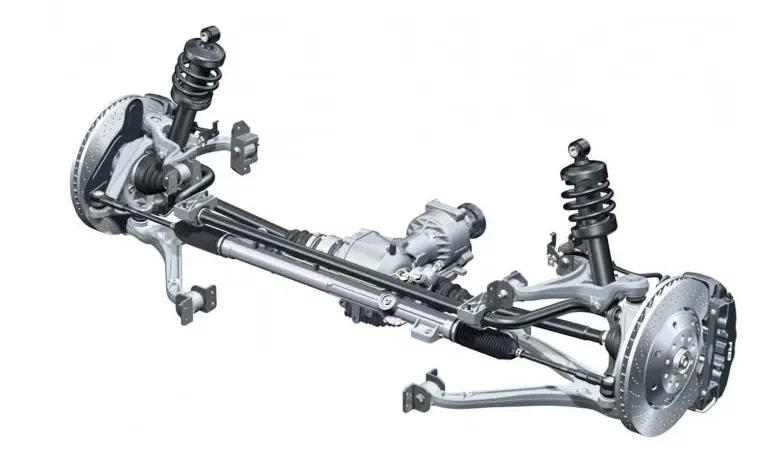
Procedure
Step 1: Geometry Import
Open ANSA software->file->open select the components
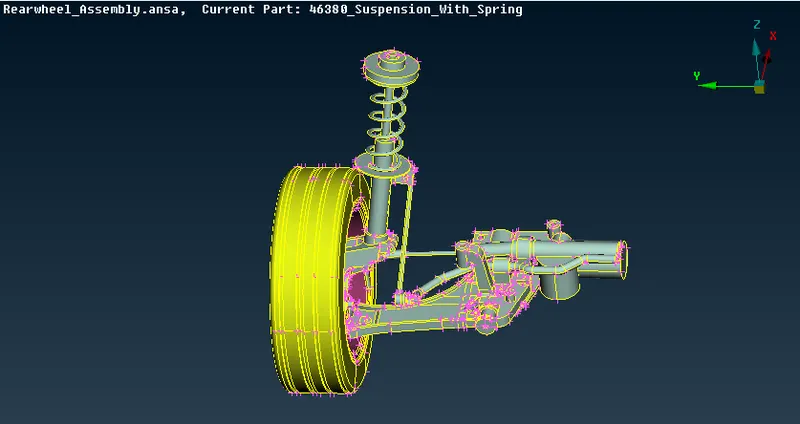
Step 2: Topo & Geometry clean up and Assigning properties
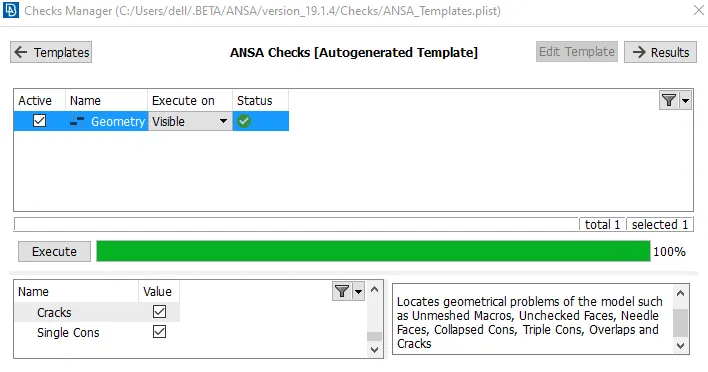
Go to the Tools-> check-> Geometry, than click on Execute
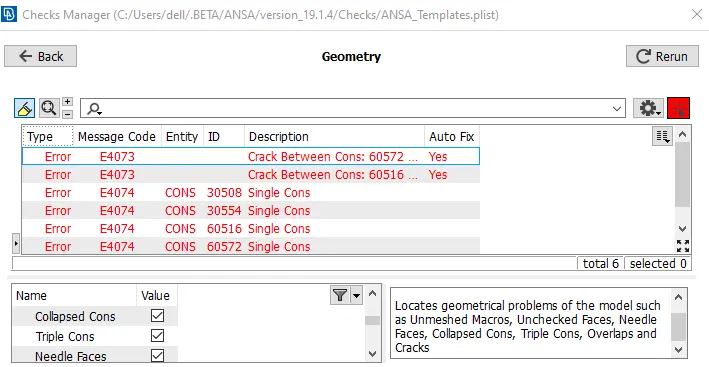
select all the error types, Right click on Fix
Properties
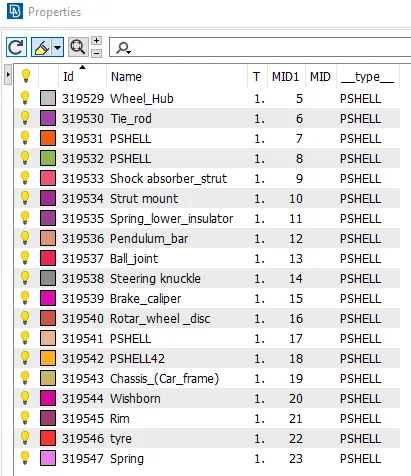
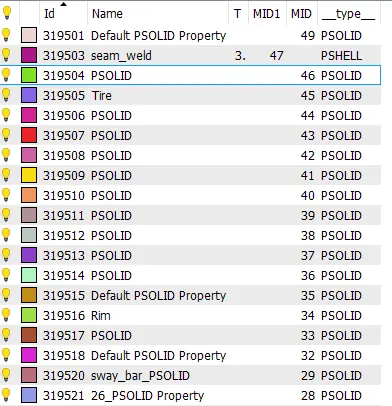
Step 3: Assigning Mesh and Quality parameter for different cases
Case1: Components thickness less than 5 mm ( to take Mid surface)
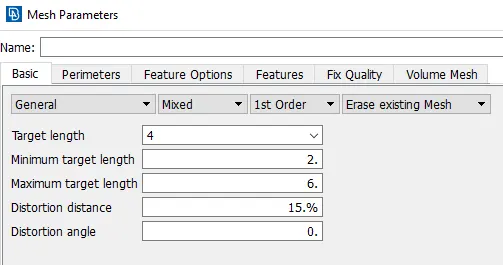
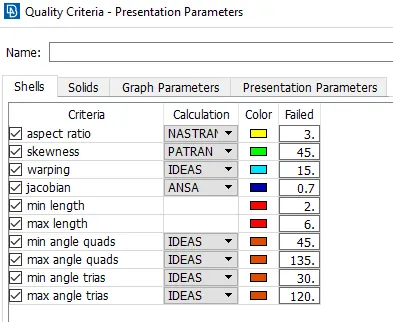
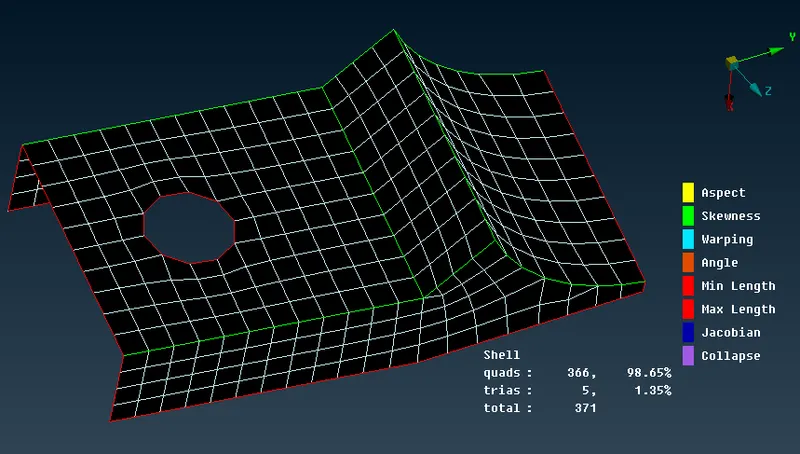
fig-: Surface meshing without thickness
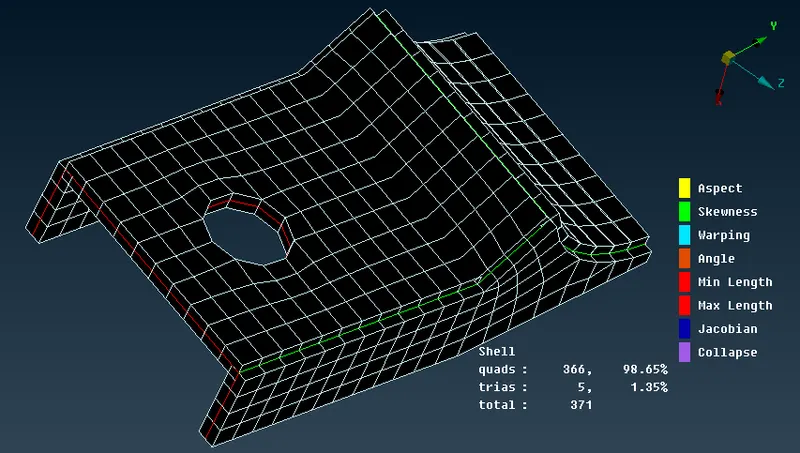
fig-: surface meshing with assigned thickness
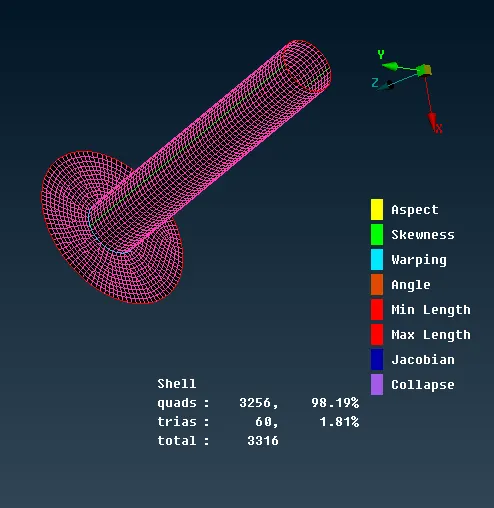
fig-: Shell mesh without thickness
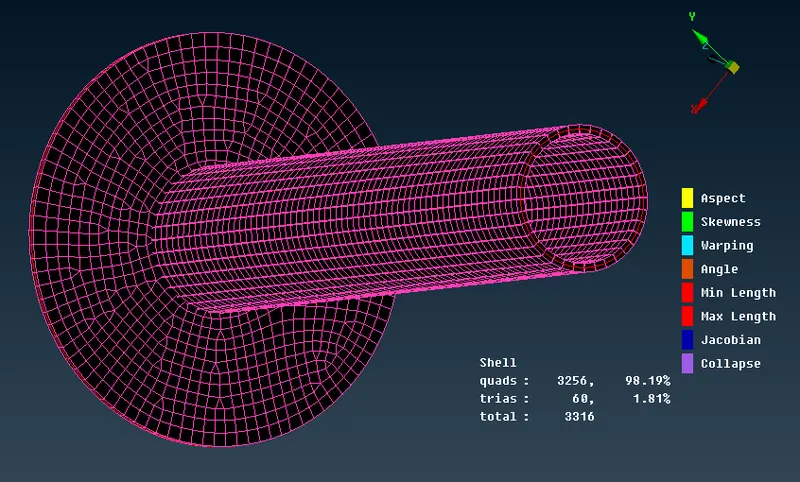
fig-: shell mesh with thickness
Case 2 : Mesh and Quality criteria for Tire and Rim
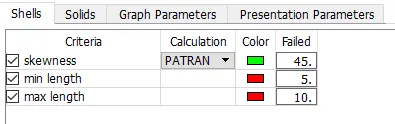
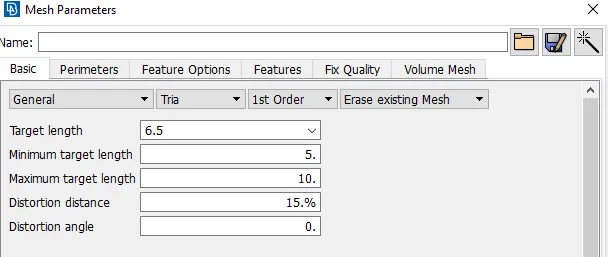
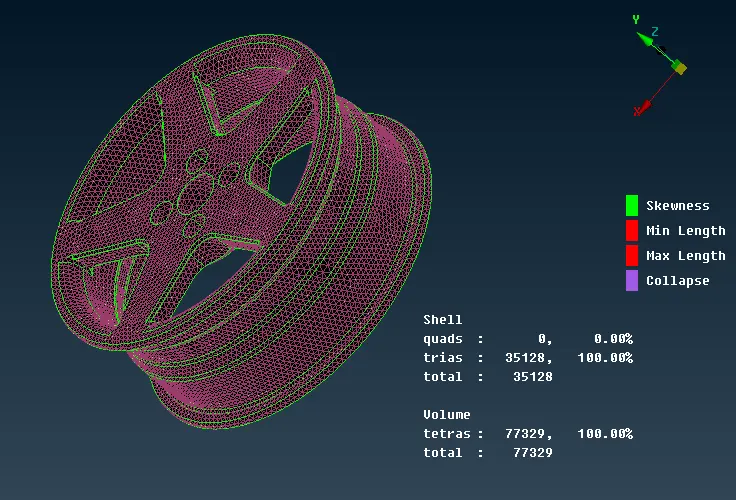
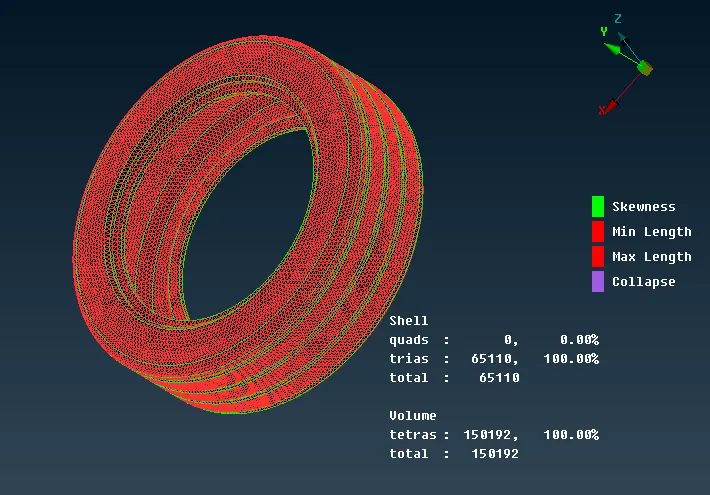
Case 3: Components other than Tire and Rim
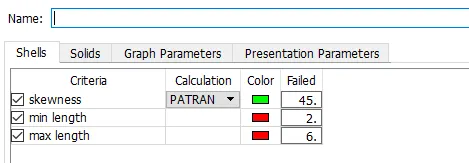
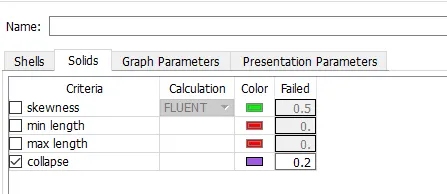
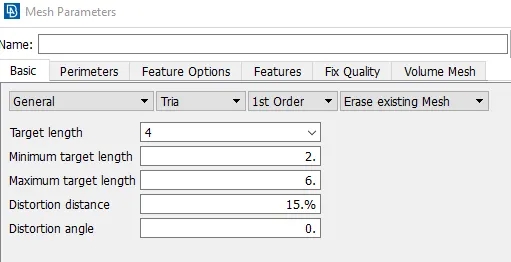
Step 4: Connection
Connector is a geometric constraint that defines how a part is connected to another part in an assembly model. The different types of connnection used in this model are
- Bolt Connection
- Seam weld Connection
- CBAR Connection
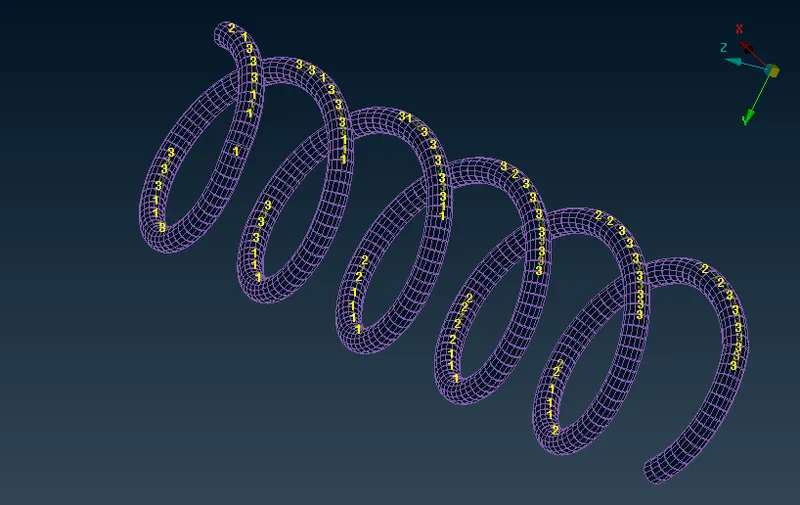
- Spring connection (CBAR connection)
Frst of all we need to make middle curve. Go to Topo module -> Curves-> middle than connect all the curve by connect, make COG point on curve than select CBAR on NASTRAN deck specific Radius as 5mm.
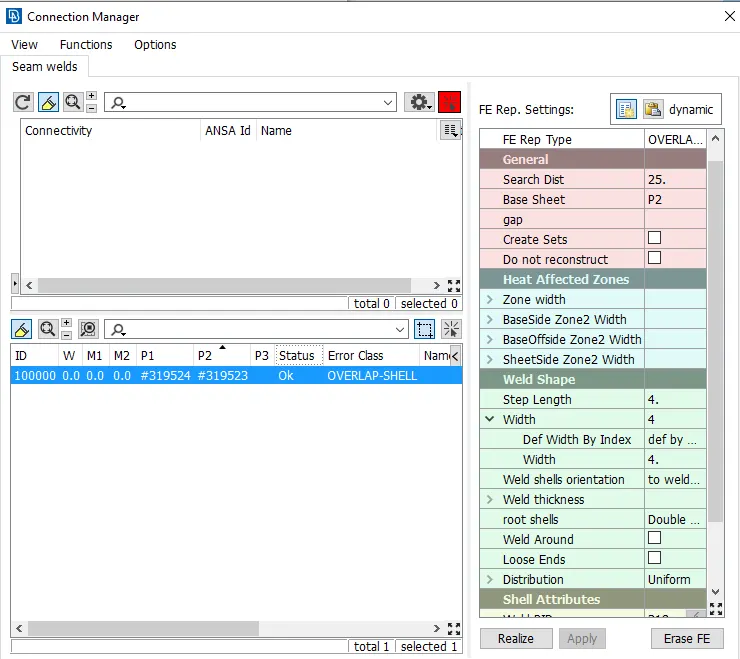
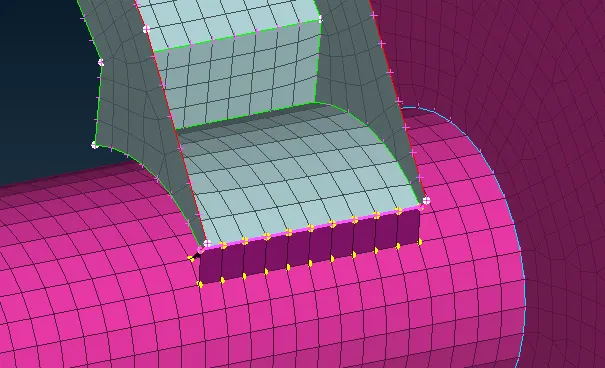
- Seam weld connection
Convert curve into seam line than assign part and other parameter as shown below.
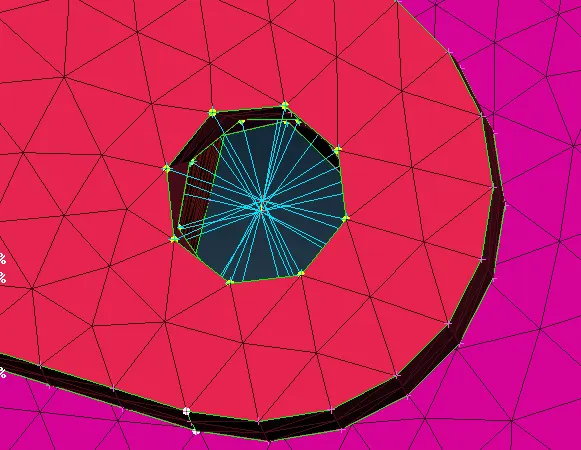
- RB2 connection
Go to NASTRAN deck-> RB2-> multi nodes than select all the nodes after this apply two node
Meshing
- Surface mesh
Meshing is the foundation of all FE based CAE activity
On mesh module apply spot and best mesh generation than reconstruct is done, if required smooth is apply
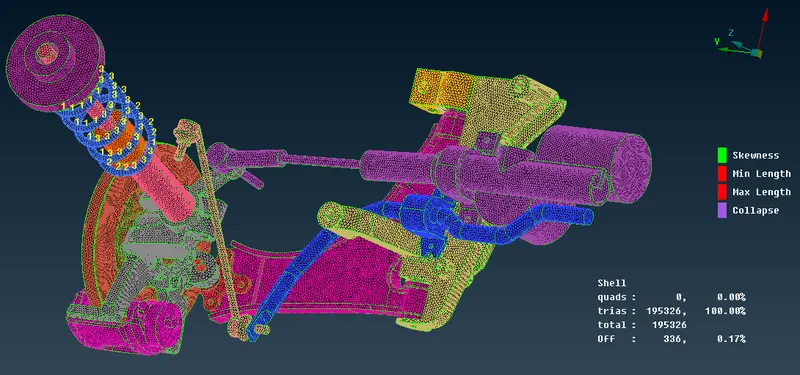
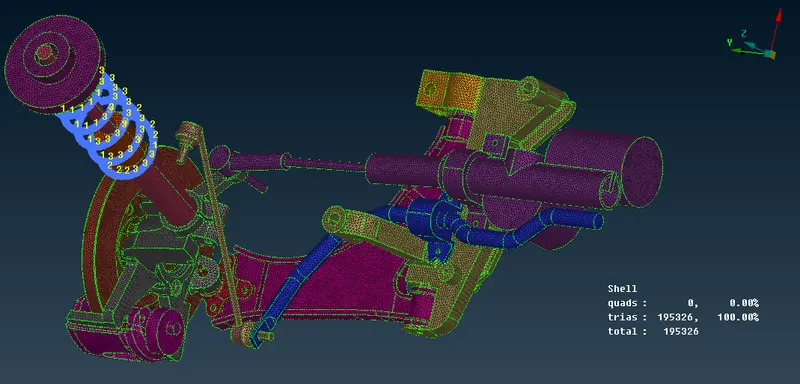
- Volume mesh
Go to volume mesh module define the geometry apply Tetra Rapid or Terta FEM
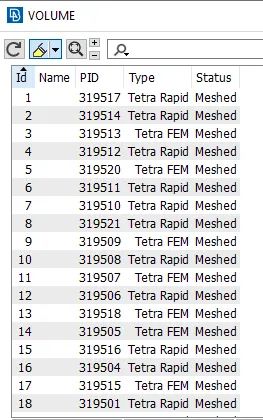
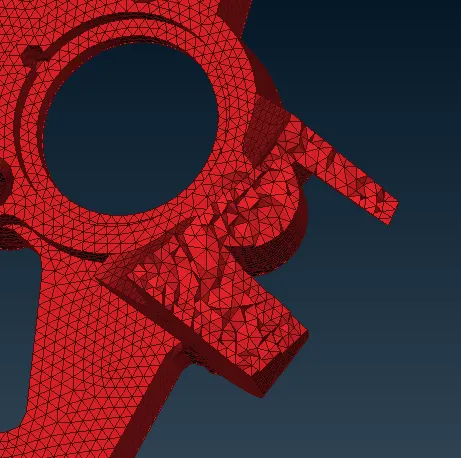
fig-: Inside view of volume mesh (tetra)
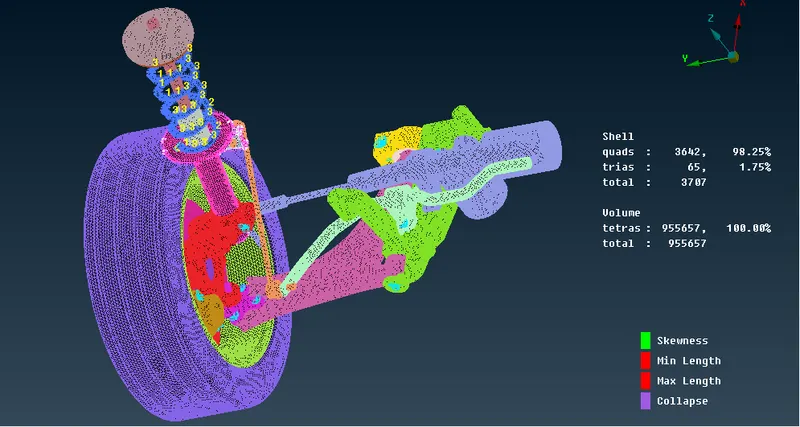
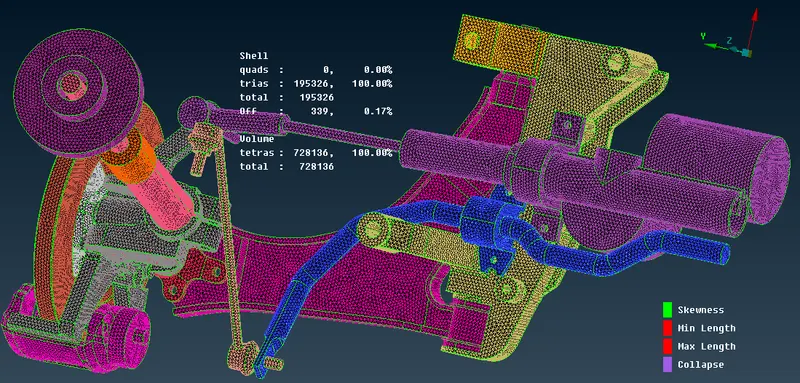
Fig-: Final model with all connection and meshing
Final assembly and connection
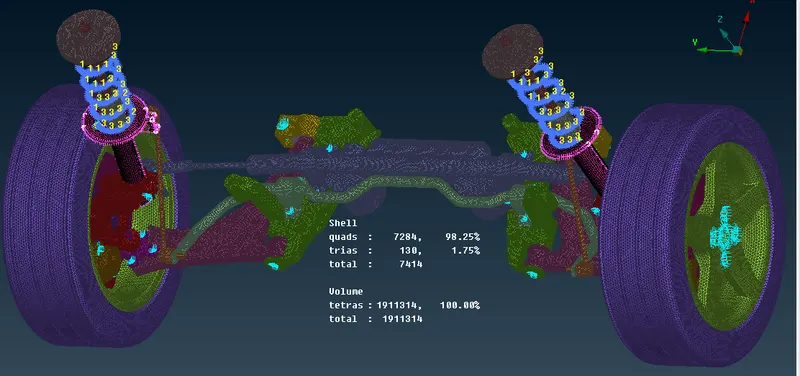
fig-: In shadow mode
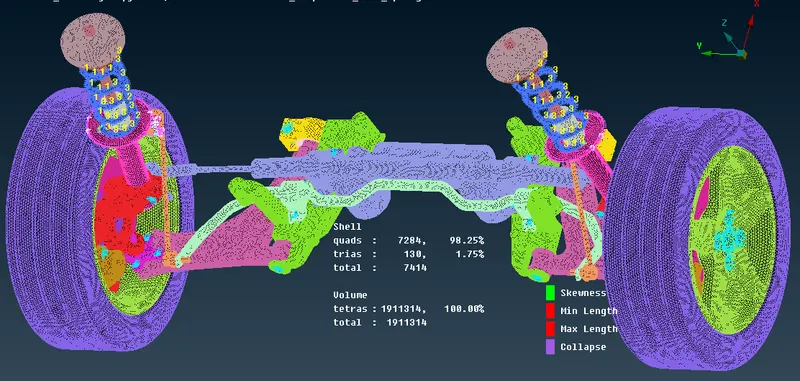
fig-: on Hidden mode
Learning outcomes
- Fixing Geometry errors by Manually
- Learned how to extract mid surface of the Component
- Got an idea how to assign property and materials to the Component
- Able to know how to do meshing according to diffferent Quality Criteria
- Learned to use volume and surface mesh
- learned to remove surface Elements fail
- learned to remove tetra collapse from volume mesh and studies to remove raised and kinks
- Studies differnt types of connection and respective steps to do it.
- Used transformed option to do symmetric operation to save time.
Conclusion
For given components(Rear suspension model) the mid surface is extracted, surface and volume mesh is performed for different components. no tetra collapse is present on model.
All the components of a suspension system are captured with solid elements i.e tetra and shell elements as per quality criteria and connection is deployed.