Project - 2 - Meshing on the suspension Assembly
https://drive.google.com/file/d/1yIw-zQcpY4sKmKJrmjDF9oYNNqyDDKJ-/view?usp=sharing
Steps
1-After the geometry cleanup, I set the quality criteria for rim and tyre.
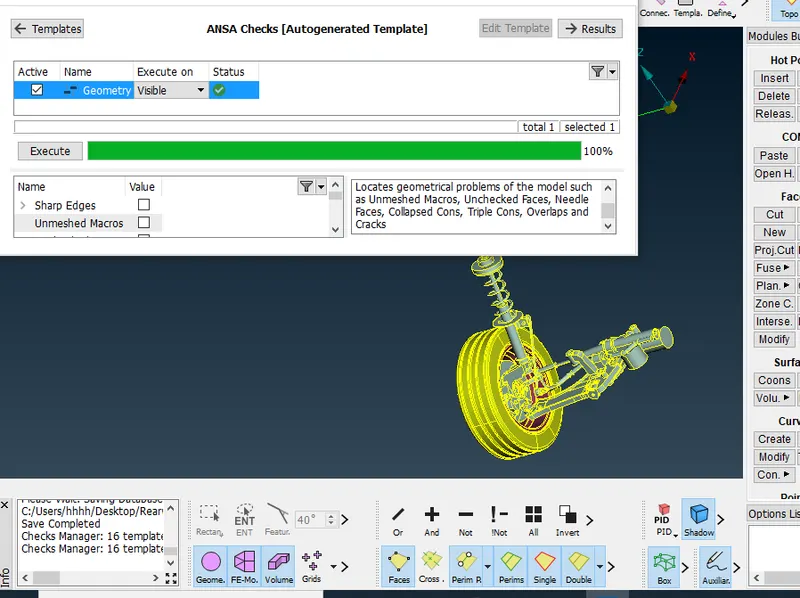
2-Manually mesh the tyre and rim with combination of tia and ortho tria. whereas, some quality issues are remaining in the rim.
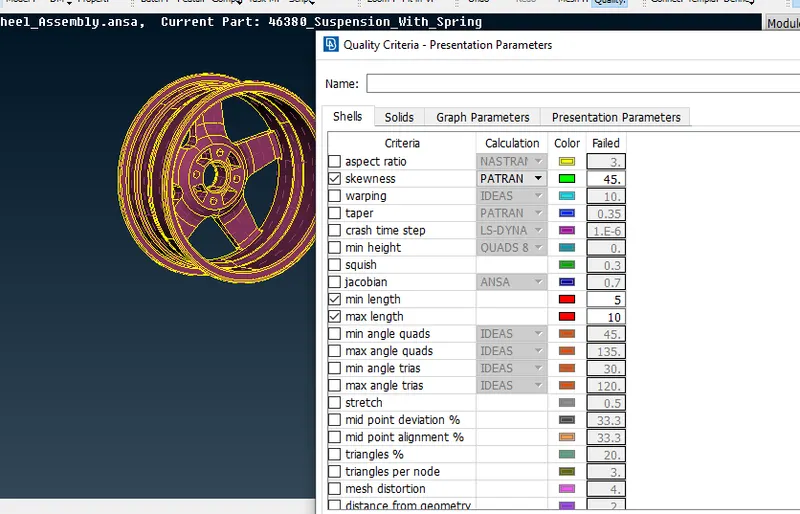
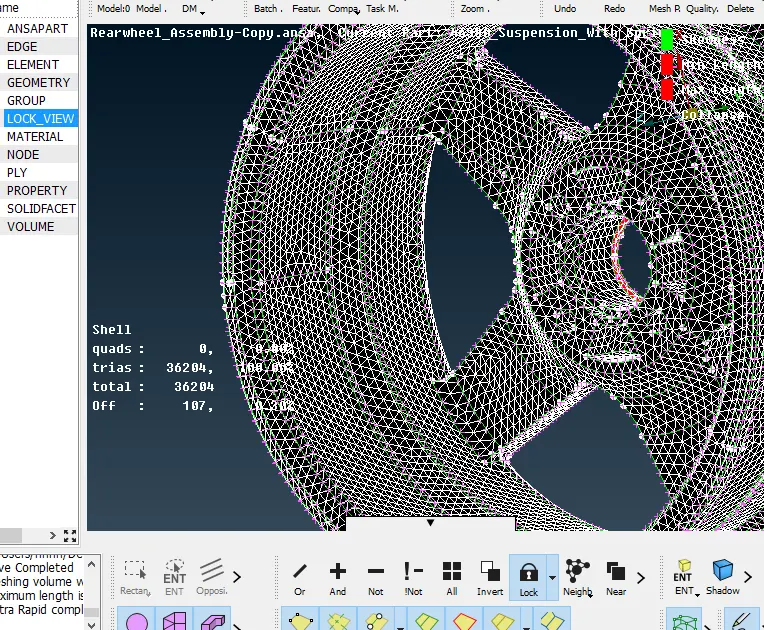
3-Before volume definition set the quality of tet collapse = 0.3
Then Define the volume and create volume mesh also check the quality (tet collapse = 0.3)
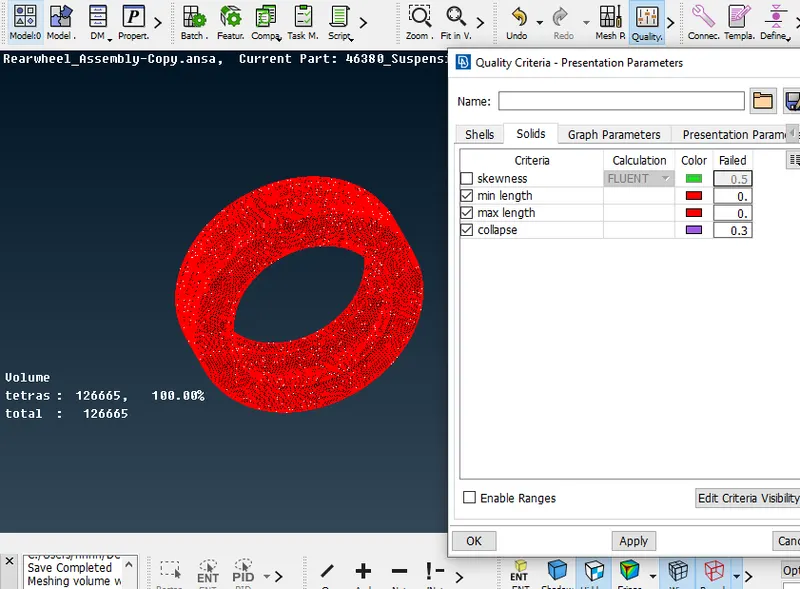
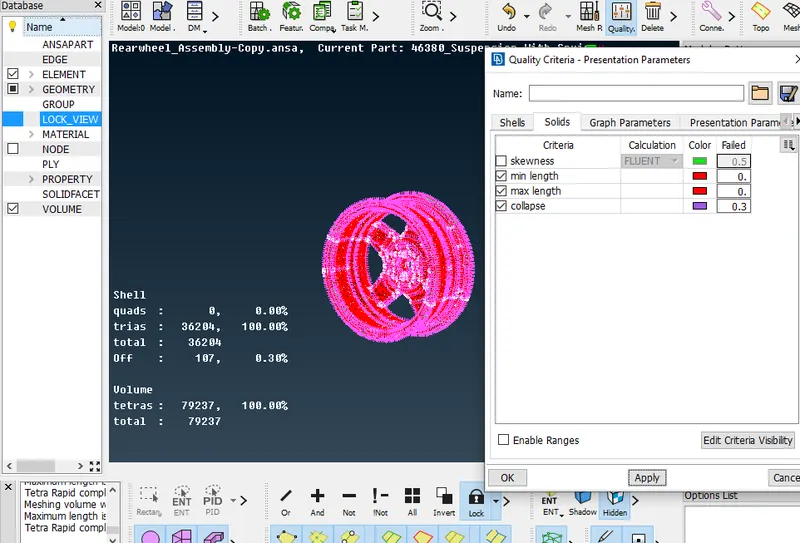
4- After tyre and rim, I change the quality criteria as per the conditions given.
Set the separate part as part-3 in the model browser then I did batch mesh of this part and l clear the quality.
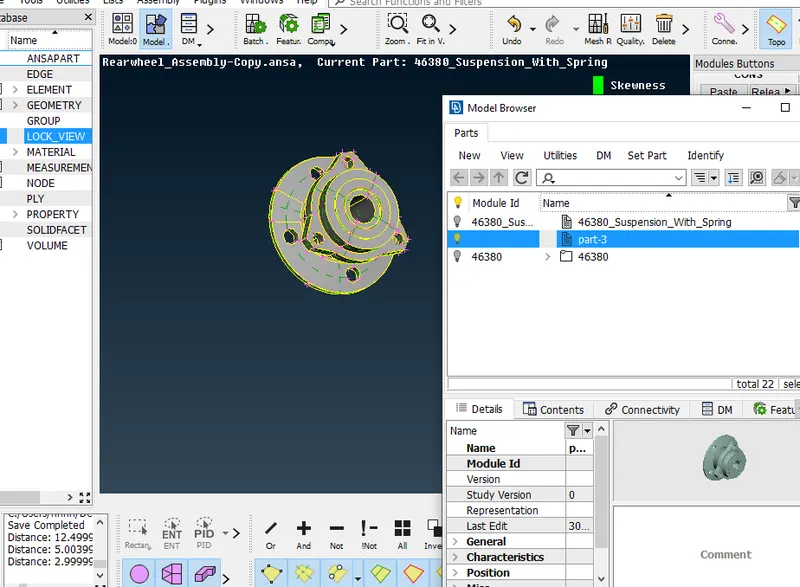
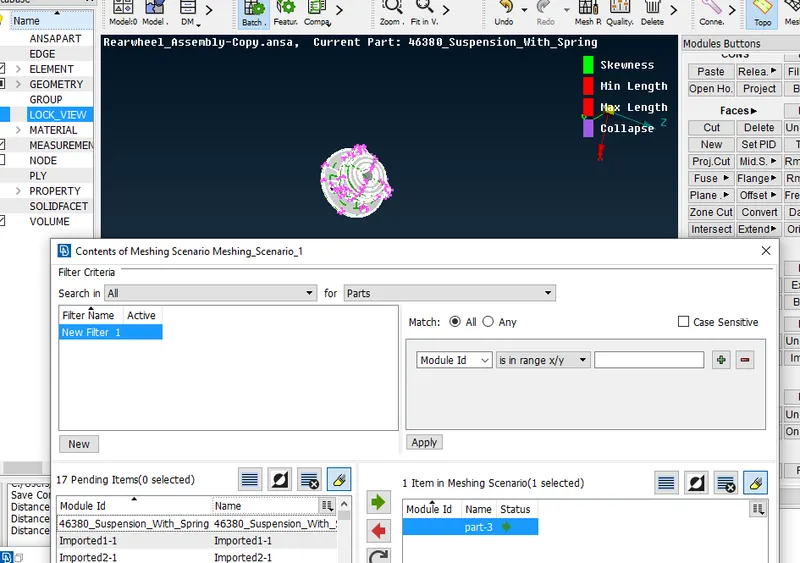
5- define and mesh the volume of part-3, and then I clear the quality of tet collapse.
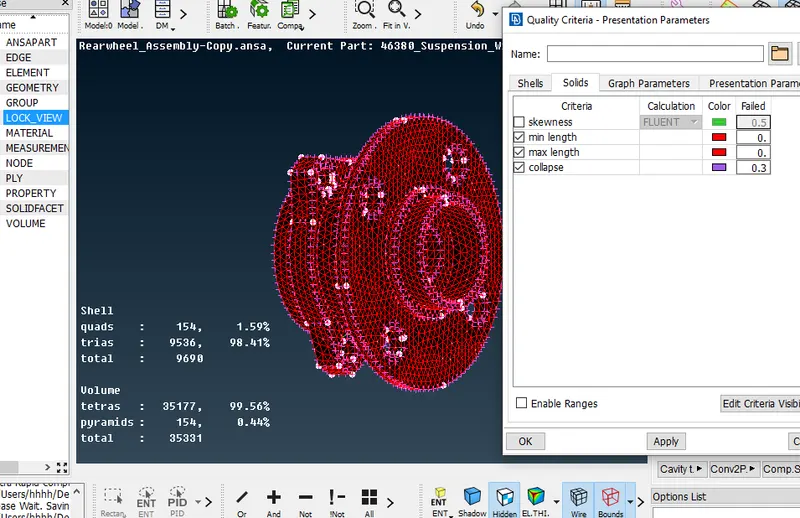
6- Similar steps are carried out for part-4, 5, 6.
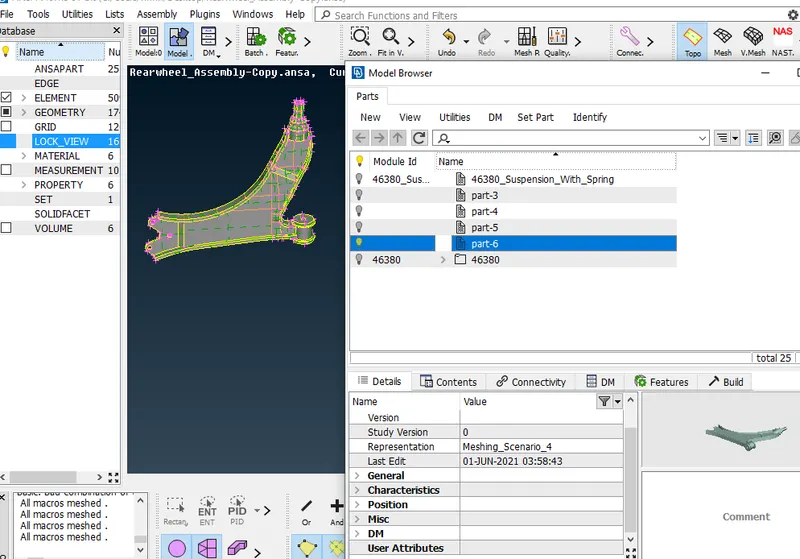
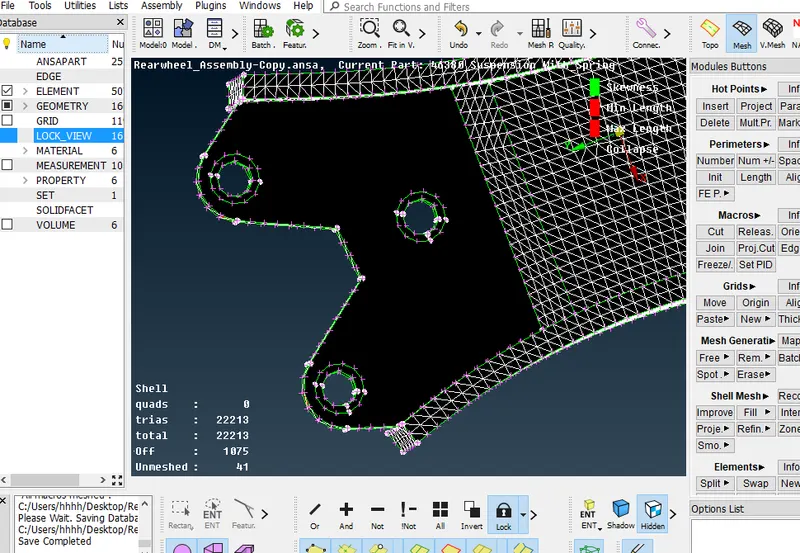
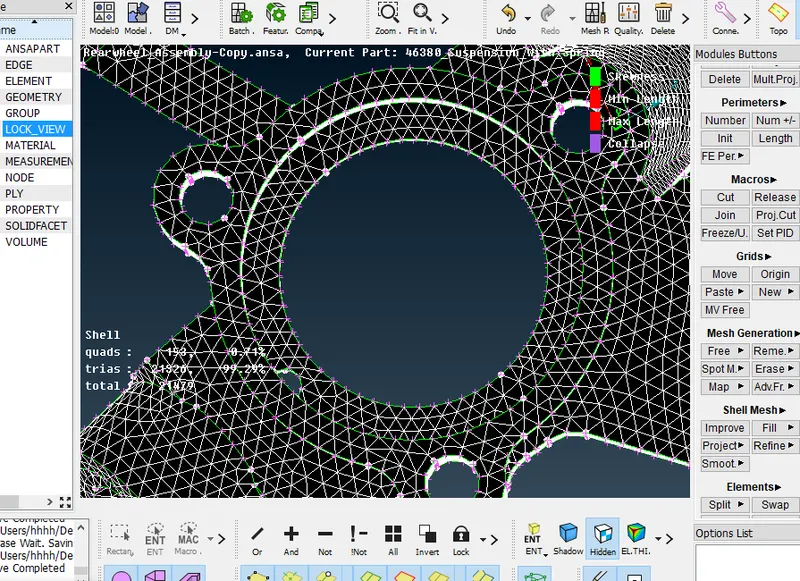
7- Mesh the uniform thick part (thickness <5mm) with quad elements after creating mid surface extraction.
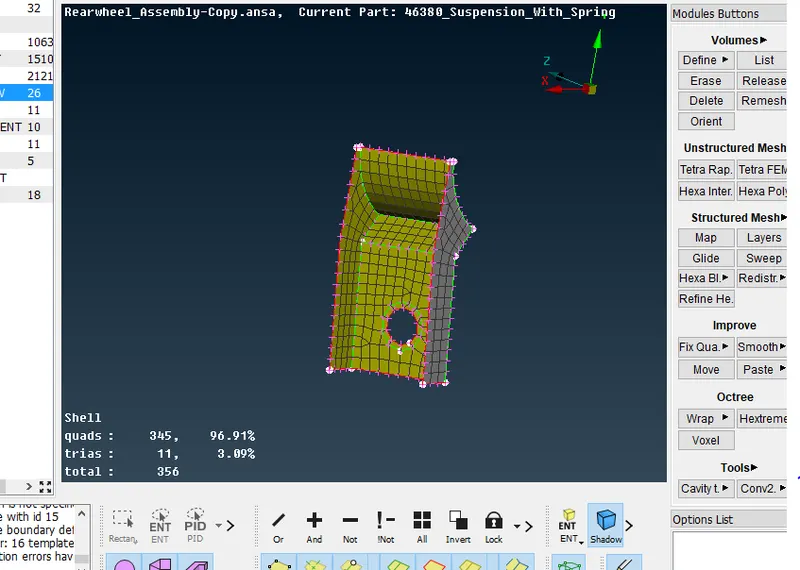
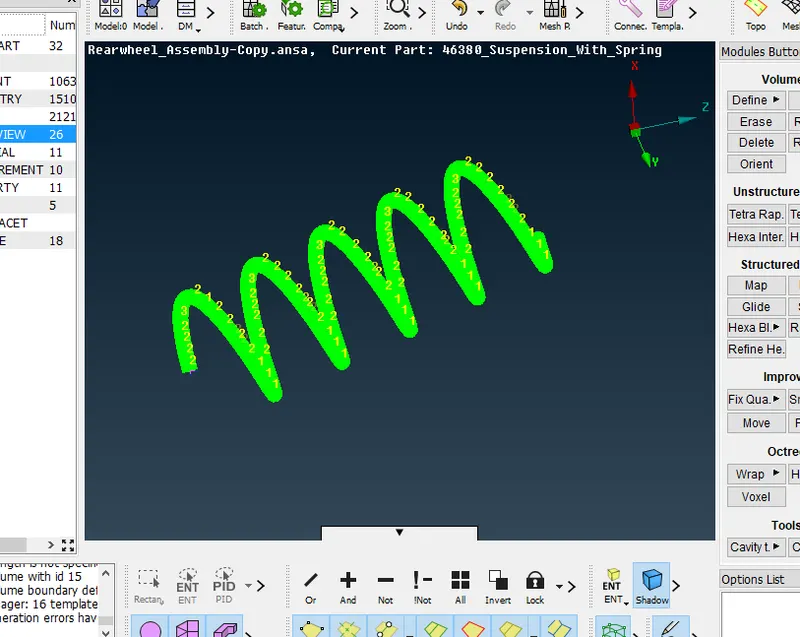
8- Convert the torsional spring into 1-D element.
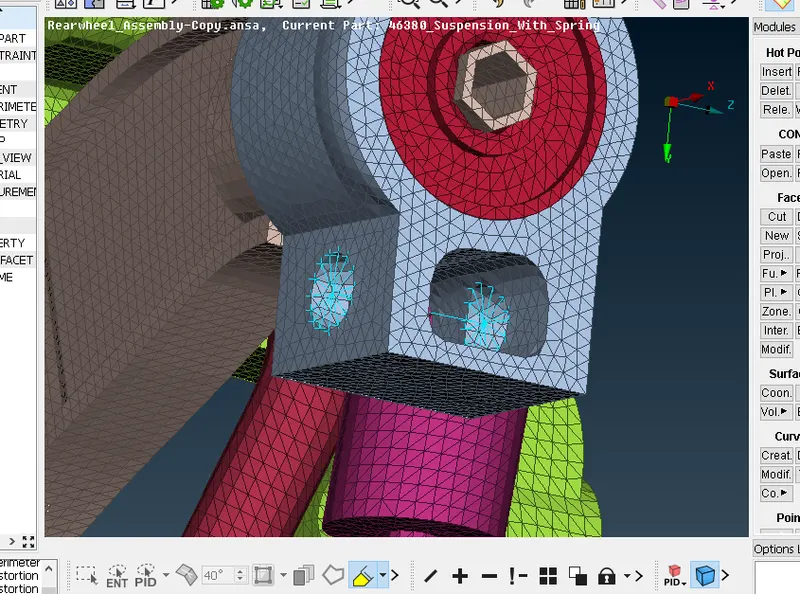
9- create the bolt connection using cluster RBE2 and 2-node RBE2
learning outcomes
1-Learn to mesh the components manually and auto with batch mesh
2-Learn to define volume and creating volume mesh
3-Learn to clear the quality of shell mesh and volume meshed components
4-Learn to do bolt connections, seam weld connections.