Project - 2 - Meshing on the suspension Assembly
Aim :- In this project i have to do 2D & 3D meshing for the rear wheel assembly with the given quality criteria for different parameters also need deploy the valid connection.
Procedure:-
First we need to import the cad model in the ansa.
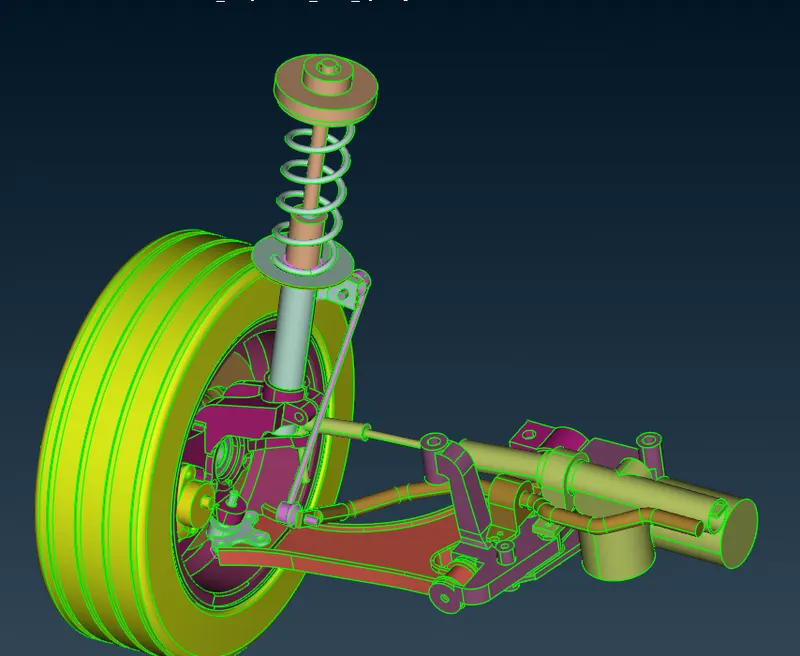
Here the assembly contain the multiple component, this has to be differentiated for easy understanding.
Component with variable thickness and thickness more than the 5mm has tobe 3D meshed.
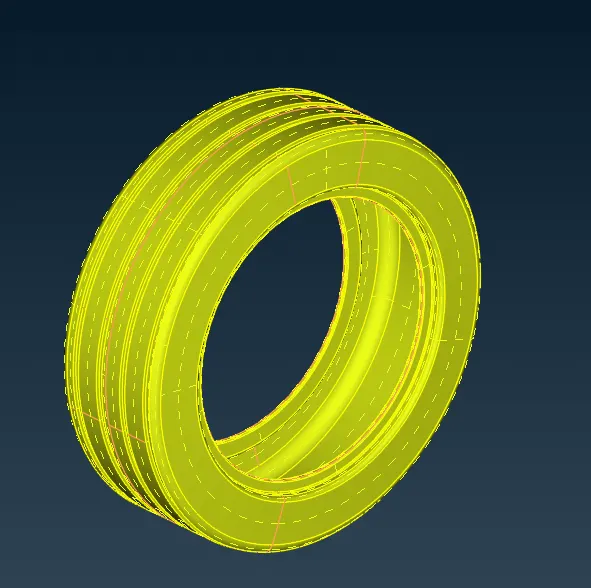
As shown above once the component is isolated we can do geometry clean up first perform the geometry check, then go for toggling of unneccessary cons which would distrub the mesh flow.
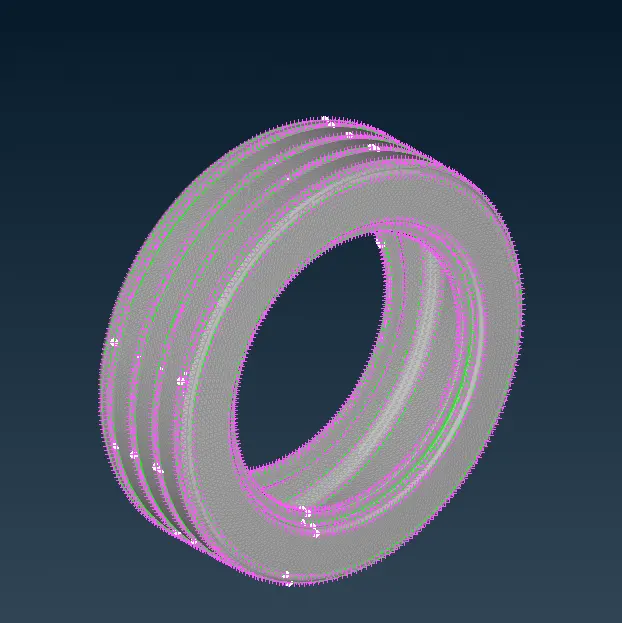
As shown in the figure surface meshing is done to capture whole volume of the tyre for defining the volume for 3D tetra Mesh. Surface mesh should be done while there should not be any quality error present as it will be mapped.
Ortho tria and normal tria combination should be performed to get good surface qualtiy no kinks or raise element present.
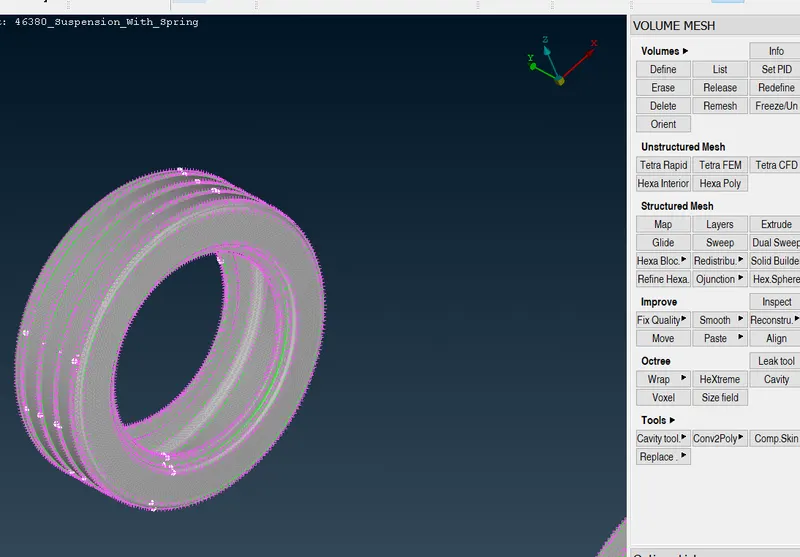
As shown in the figure the volume is define from the volume deck module where tetra meshing is perform for the given volume.
we need to check for tet collapse in the volume mesh and try to fix it if present any.
Similar process can be followed for the reamining component to get tetra mesh
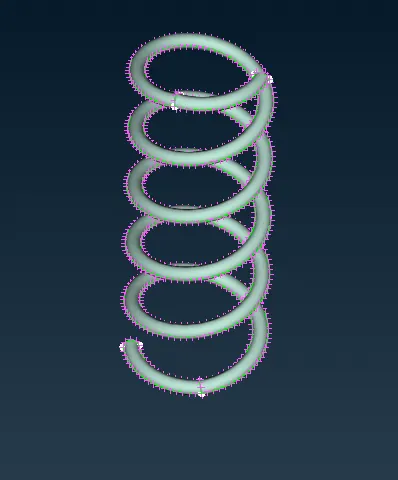
AS shown in the figure the spring component can be captured with the 1D element for that we need to create the curve using the middle command in the curve section
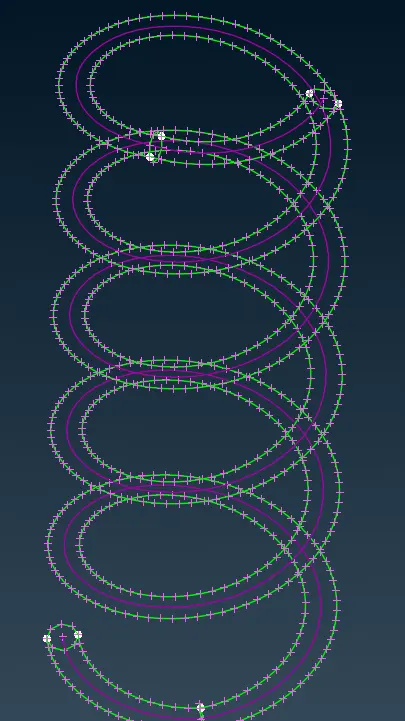
Once the curve is created then we have to deplot the center point for the given curve. Then in volume deck we can get the cbar element selecting the curve through the box selection method we will get 1d element as shown in the figure.
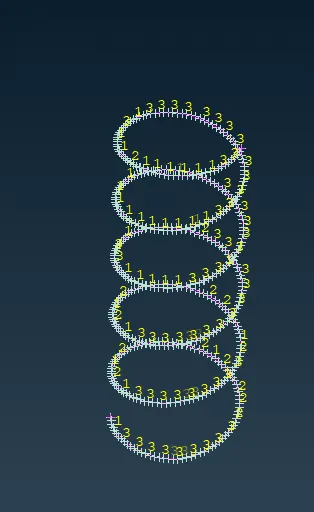
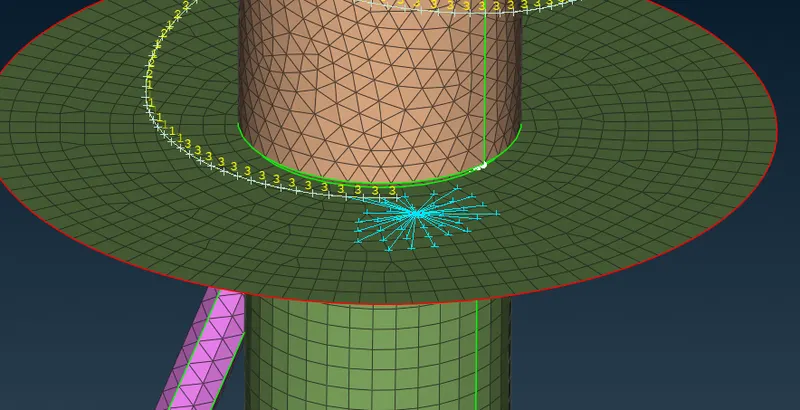
Here major connection are rbe2 and seam weld connection. As shown in the above image the spring is connected with the rbe2
elements to restrict the motion all dof.
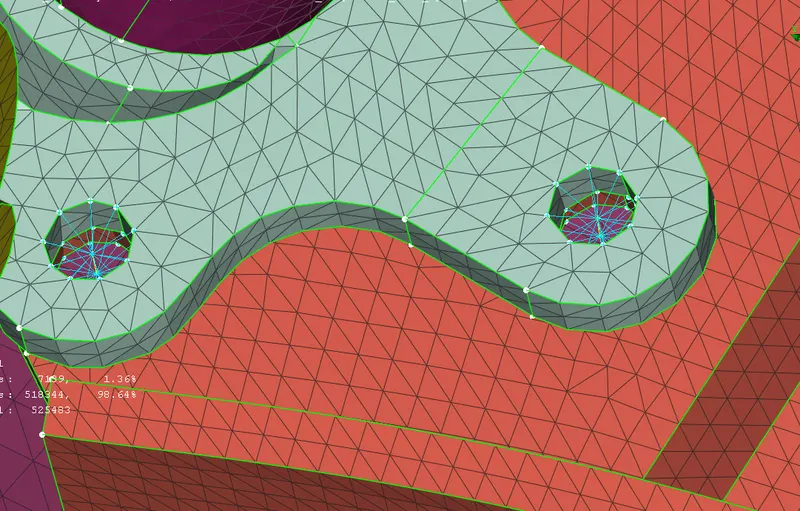
Similarly we can deploy the cluster rbe2 elements on two holes indiviually and then connecting then with the 2 noded rbe2 element to form the bolt representation.
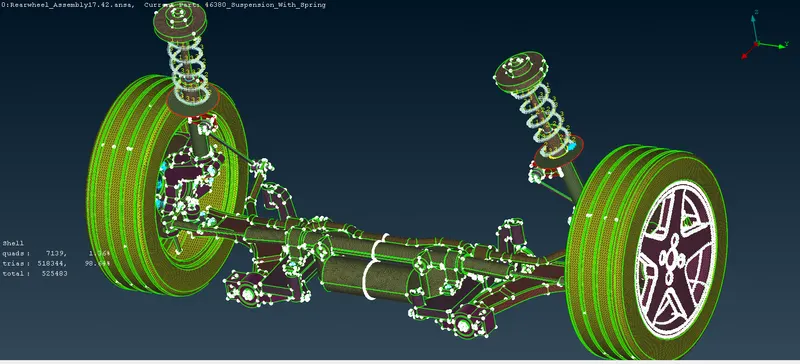
After Deploying the connection we can replicate the half portion by the help of transform command then after pasting the nodes to get the connectivity.
Conclusion and Learnings:-
Learned how to manage the big assembly with various elemnet in it.
Learned deploying the connection according to their pyhsical represemtation.
Learned 1D meshing of Spring coil.