Project - 2 - Meshing on the suspension Assembly
OBJECTIVE
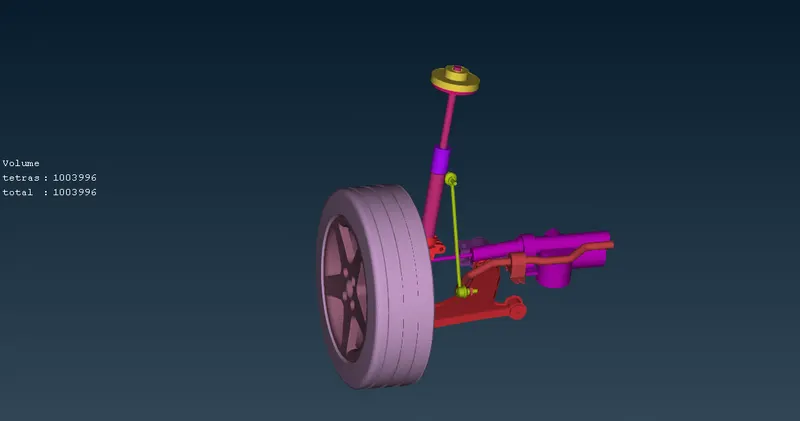
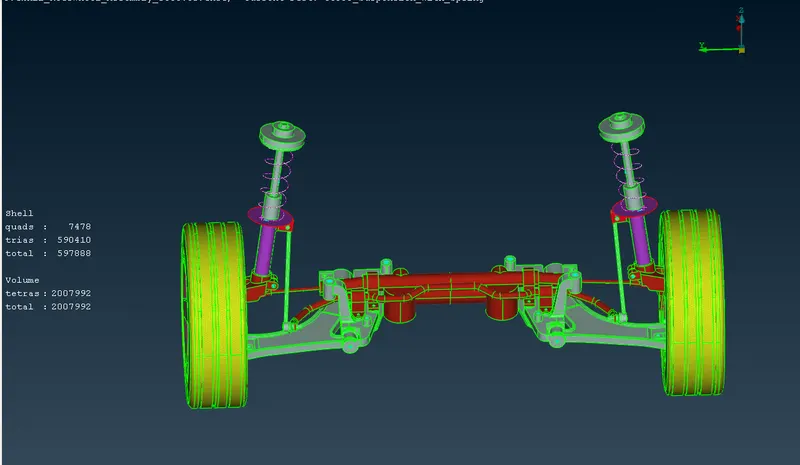
For the given assembly, check for the geometrical errors and mesh with the given element Quality criteria. After meshing the component the thickness has to be assigned for mid surfaces. Use tetra elements to model non-uniform thickness components. Also use Appropriate connections to connect the component.At last perform Symmetry command to reflect the half finished model to the other side.
Quality Criteria for Surface Meshing of Tyre and Rim (Element type: Tria) :
S.No Quality Criteria Value
1 Target/Average length 6.5
2 Minimum Length 5
3 Maximum Length 10
4 Skewness 45
Quality criteria for Surface Meshing of Non Uniform thickness components other than Tyre and Rim (Element type: Tria) :
|
S.No |
Quality Criteria |
Value |
|
1 |
Target/Average length |
4 |
|
2 |
Minimum Length |
2 |
|
3 |
Maximum Length |
6 |
|
4 |
Skewness |
45 |
Quality Criteria for Volume meshing of all Non Uniform thickness components (Element type: Tetra Elements):
S.No Quality Criteria Value
1 Tet-collapse 0.2
Quality criteria for Mid surfacing of Uniform thickness part which has thickness less than 5 mm (Element type: Mixed elements) :
S.No Quality Criteria Value
1 Target/Average length 4
2 Minimum Length 2
3 Maximum Length 6
4 Aspect 3
5 Warpage 15
6 Skewness 45
7 Jacobian 0.7
8 Minimum Quad Angle 45
9 Maximum Quad Angle 135
10 Minimum Tria Angle 30
11 Maximum Tria Angle 120
PROCEDURE
- Open the given model.
- Go to geometry checks.Select single cons,triple cons,overlapped surfaces,needlefaces,cracks etc.If any remove them automatically or manually.
- Isolate each part using PID region option.
- Measure its thickness.If the part having thickness less than 5 mm,take its mid surface.Othervise directly go to surface mesh.
- Use quality criteria as per given in the question.Remove all off elements using split,reconstruct,smooth options.
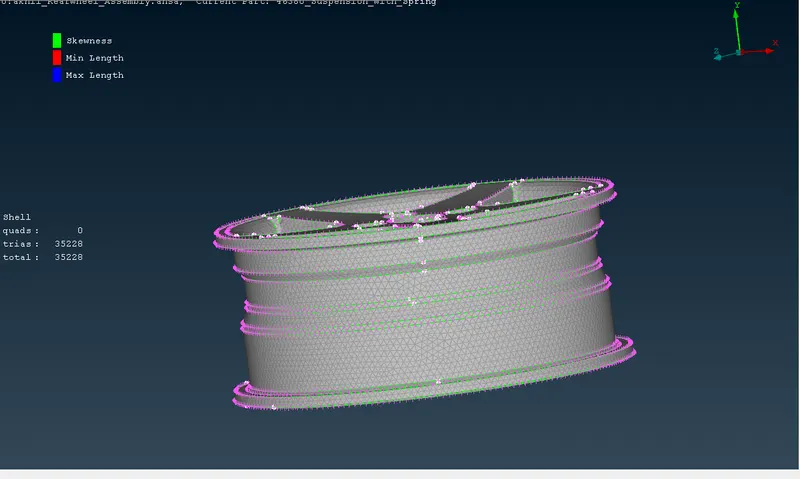
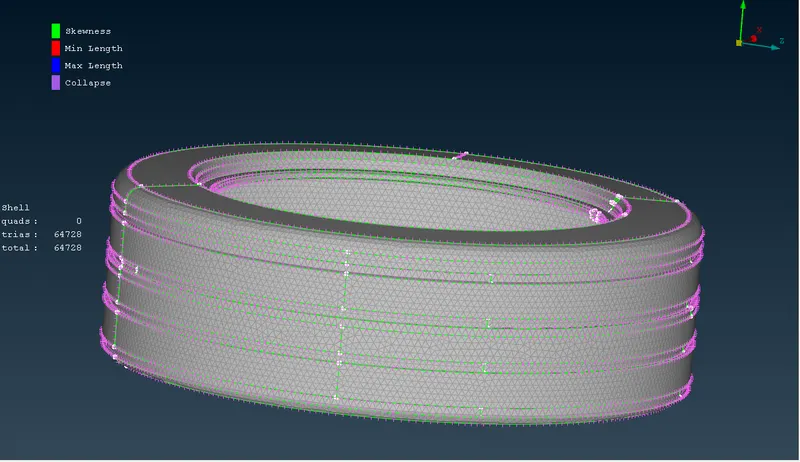
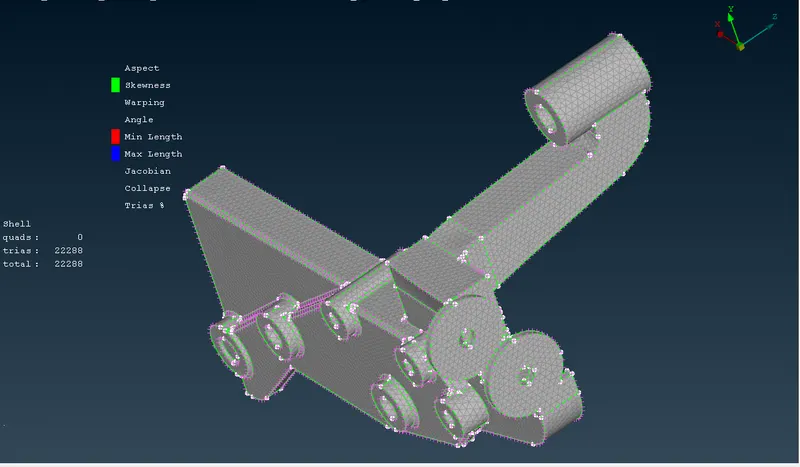
- Extract the mid surface for the parts which have less than 5 mm thickness.
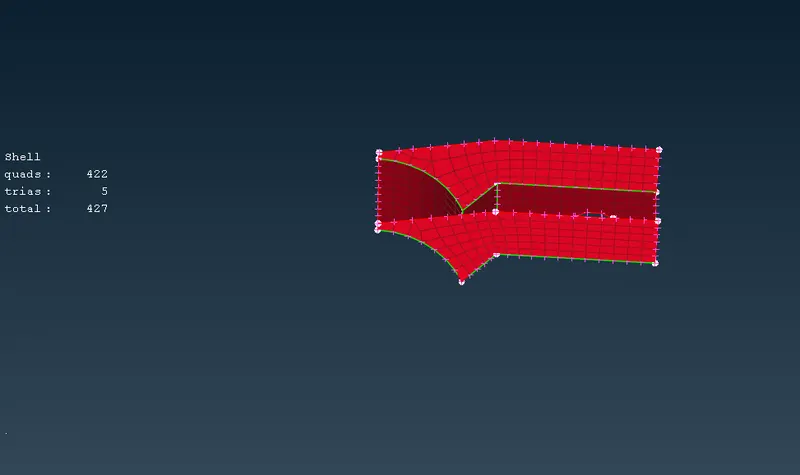
- Surface mesh the mid surfaces using quad elements.Remove all off elements and opposite trias using smooth,reconstruct,split options.
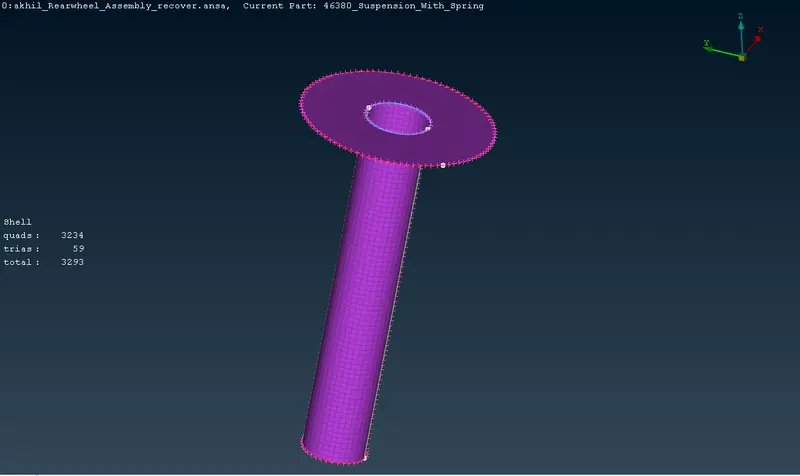
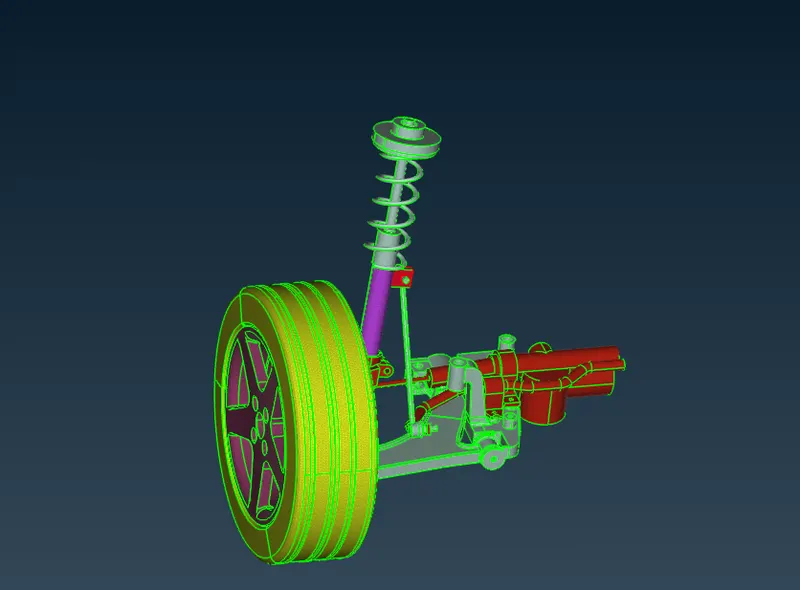
- Go to volume deck. Go to define option.Define the volumes.
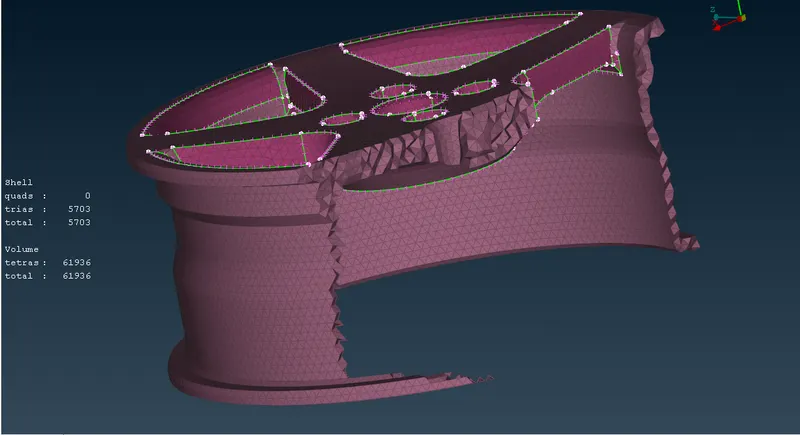
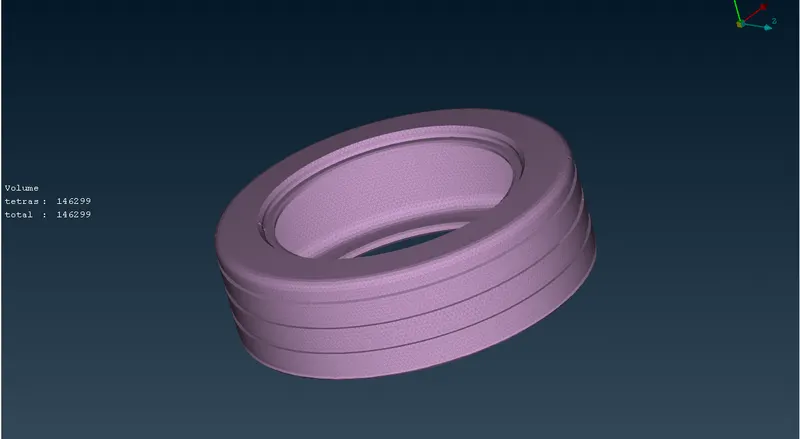
- Go to list box.Select tetra FEM.Volume mesh each volumes.
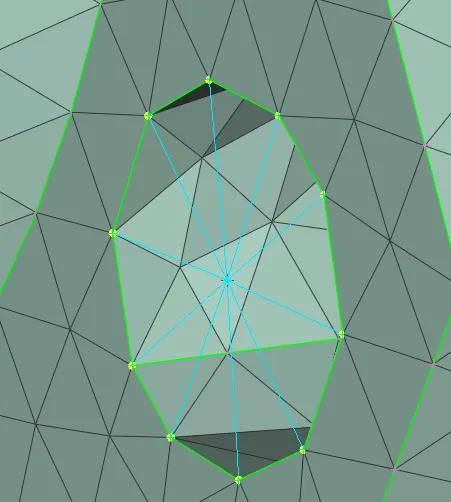
- Give tet collapse as .2 in quality criteria.If any remove them manually or automatically.
- Go to NASTAN deck.
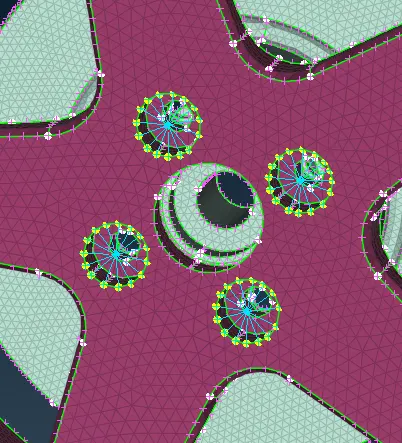
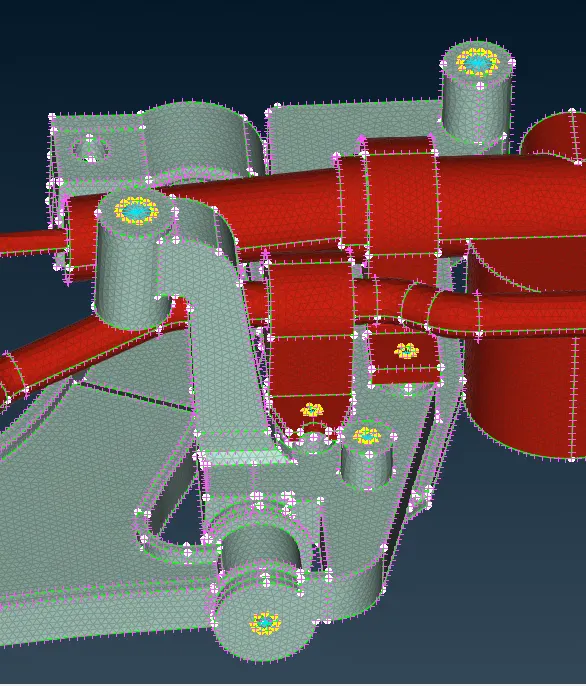
- Select elements-RBE2- many nodes.Create rigid connections at the locations where bolts are used.
- Create a curve at the seam weld location.Convert the curve into seam line.Go to connection manager.
- Select the seam line.Select P1,P2.select rep type as overlap shell.Select width as 4 mm and weld PID.Apply it
- Create the middle curve of the spring.Connect the nodes to make a single curve.Create the COG point of the curve.
- Go to NASTAN-elements-CBAR.Select orientation with nodes.Select curve.Click on COG point.
- Give element length as 4 nd create the 1D element.
- Go to transform- copy.
- Select all entities.Select symmetry- mirror 3 points plane.
- Select 3 points at different locations in the mid plane and click ok.
LEARNING OUTCOMES
- Understood how to tpological cleanups,surface mesh, volume mesh and mid surface extraction.
- Understood how to make rigid connections for bolt ,weld etc.
- Understood how to do symmetry.
RESULT
For the given assembly, checked for the geometrical errors and meshed with the given element Quality criteria. After meshing the component the thickness assigned for mid surfaces. U. Also made Appropriate connections to connect the component. At last performed Symmetry command to reflect the half finished model to the other side.
CONCLUSIONS
Spring is represented as a 1D CBAR element. Connections with the spring is made by taking some random nodes and represented as cluster RBE2.