Project - 2 - Meshing on the suspension Assembly
Aim :- To check geometrical errors and mesh the geometry according to thickness varry along with length within given quality criteria.
Procedure :-
- After downloading the model first step we have to do is to check geometrical errors. To check the geometry we have to divide whole model into different parts.
- After that we check all the parts seperately and remove all the errors like unchecked edges. And check the geometry again.
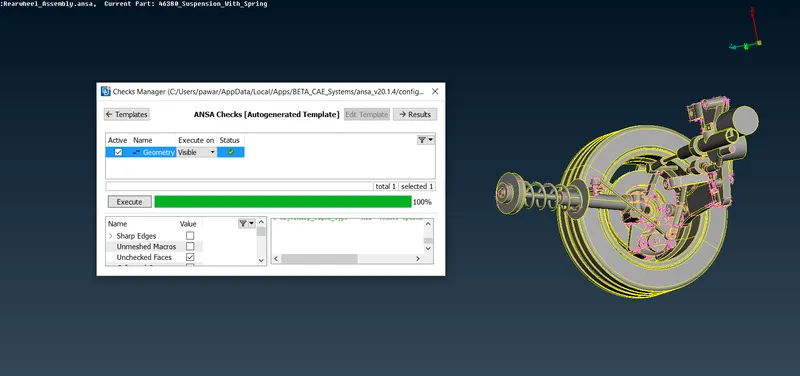
- Now we have to measure the thickness of different parts, so that we will found that whether given part have uniform thickness or not.
- As per given information we will use volume mesh ,tetra mesh and surface mesh for suspension assembly and other than suspension assembly and tyre - rim.
1)Tyre and Rim :-
- First we will check the geometrical errors for Rim and Tyre and if there will be errors then remove all the errors.
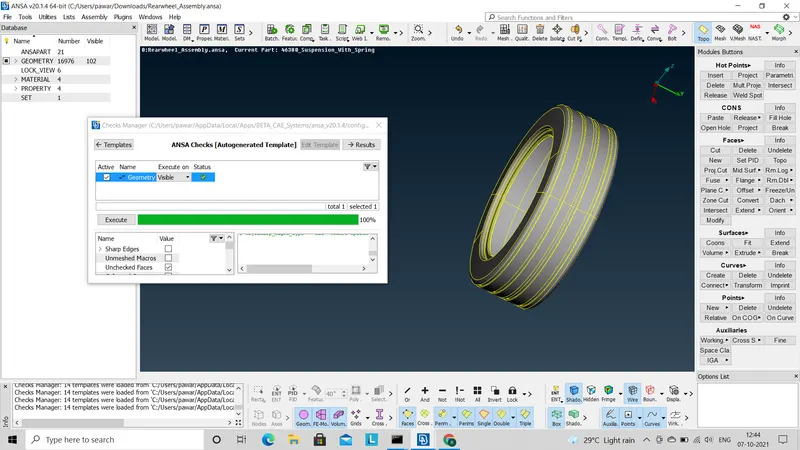
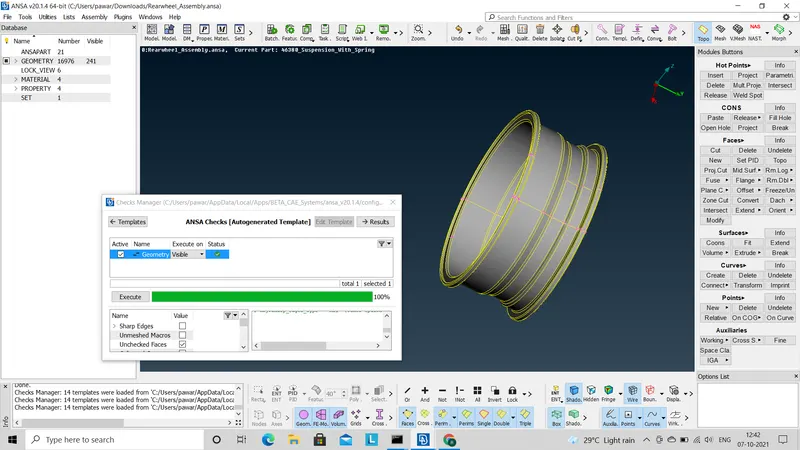
- According to given information we will use surface mesh for this part as thickness is greater than 5mm.
- In surface mesh, we will use tria or ortho-tria element as per requirement. i.e. for curved surface we will use ortho mesh and for plane surface we will use tria mesh by using (Mesh module - Spot mesh - Select the surface).
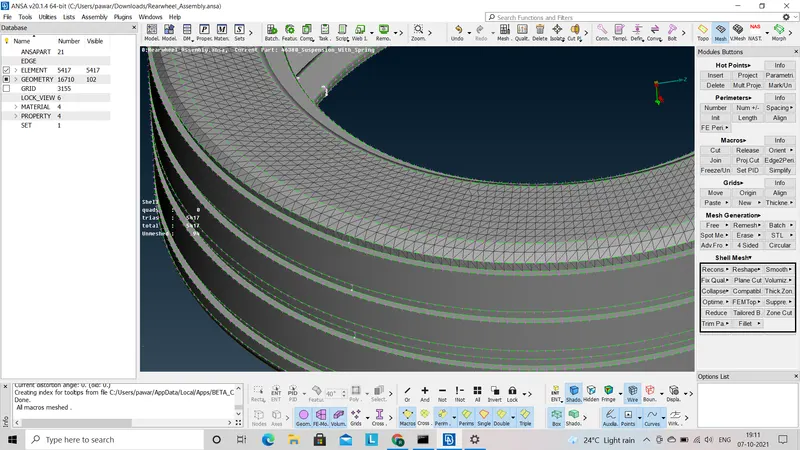
Meshed part without quality assign
- After that we have to assign quality criteria and mesh parameter as per given information. in mesh parameter we have to mention the mesh type i.e. mixed, tria, ortho-tria.
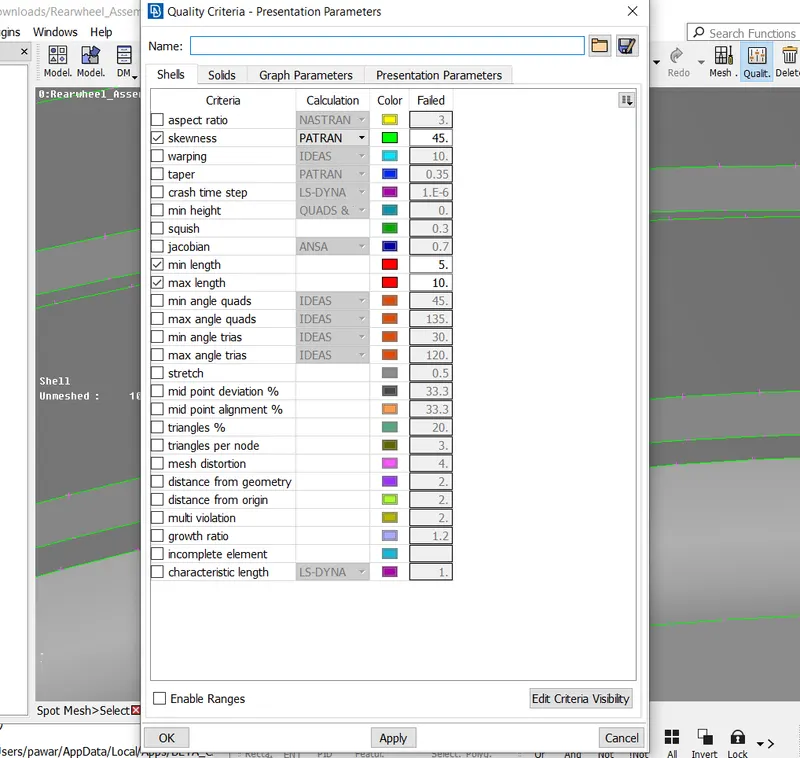
- Now we have to check whether meshed part is in whithin quality criteria or not. To check this we have to go for hidden option. So we have to remove all the OFF elements.
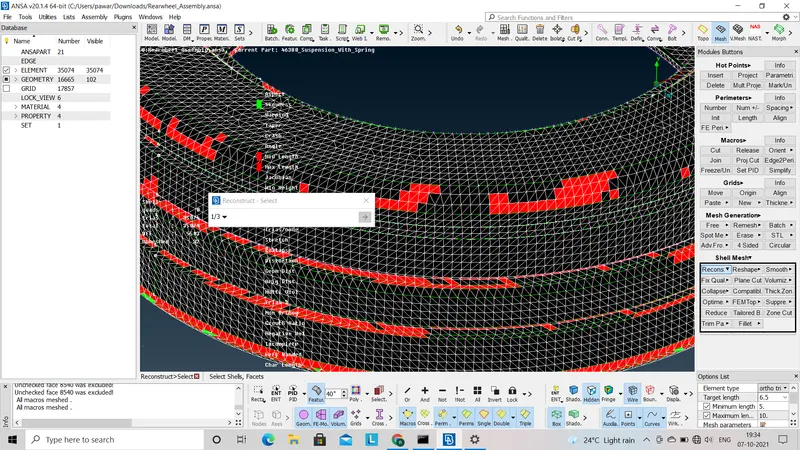
Component with quality errors
- To remove all the OFF elements we have to use Reconsrtuction option by using (Mesh module - Shell mesh - Reconstruction).
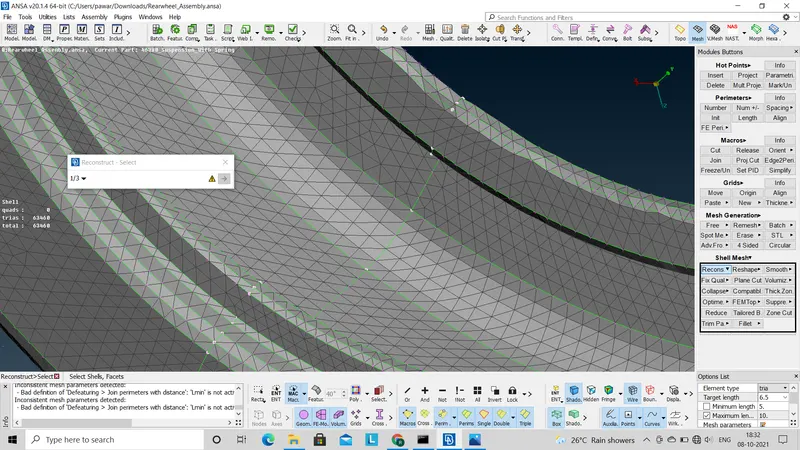
Meshed component with proper quality
- Also we can use split / swap option to remove some OFF elements by using ( Mesh module - Element - Split \ Swap).
- In this way we will remove all the OFF elements in given model.
2) Component other than tyre and rim (Volume mesh) :-
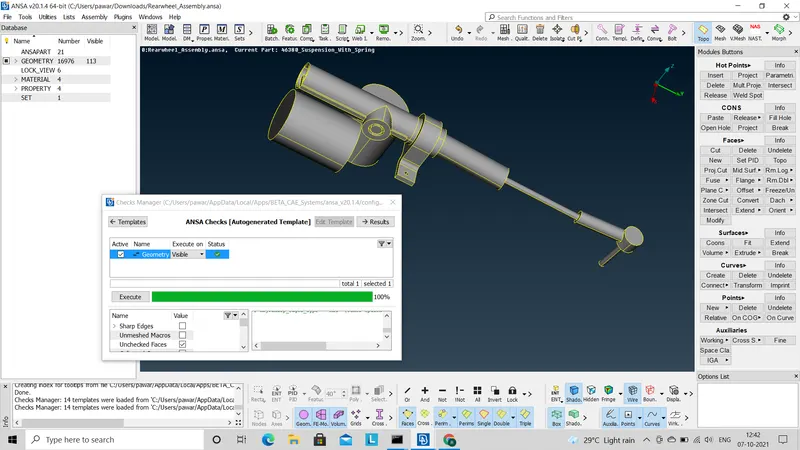
-
- Now part with thickness greater than 5mm or part with varring thickness we will use volume mesh.
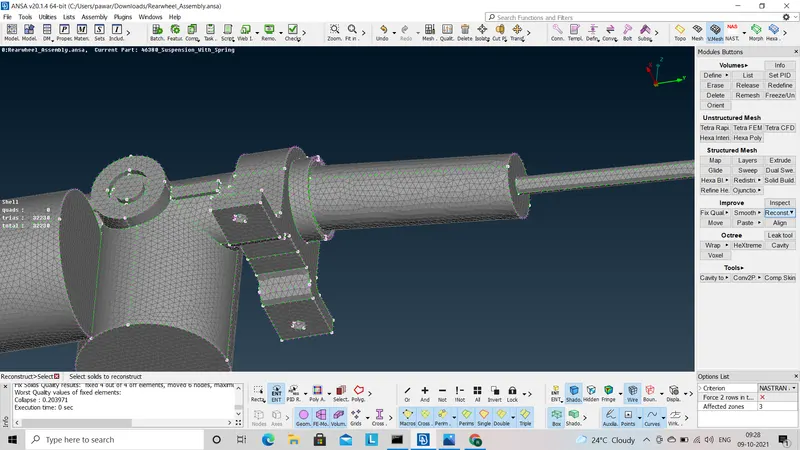
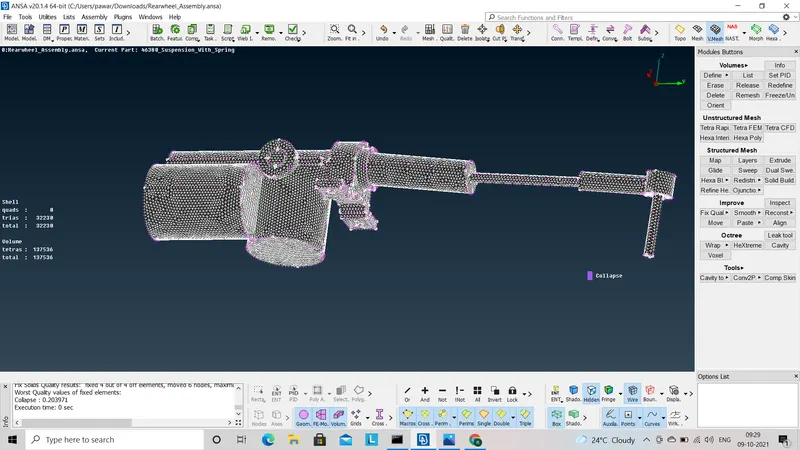
- For volume mesh we have to first do surface mesh by using (mesh module - mesh generation - spot mesh - Select the surface).
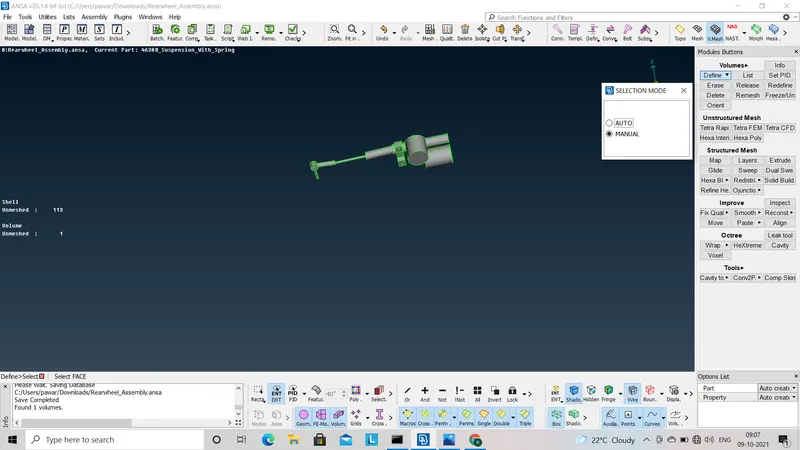
- After doing surface mesh we have to extract that mesh to whole volume of given part by using volume mesh.For this we have define the volume by using (Volume mesh module - Volume - Define - Manual). By selecting the whole part we can define the volume.
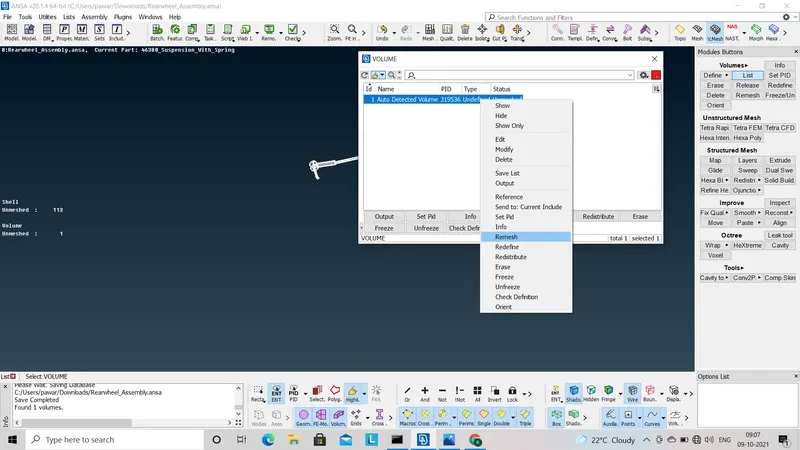
- It gives undefined-unmeshed volume so to get meshed volume we have to go List option by using (Volume mesh module - Volume - List) then we have to right click and go for remesh option and select Tetra rapid or Tetra FEM option.
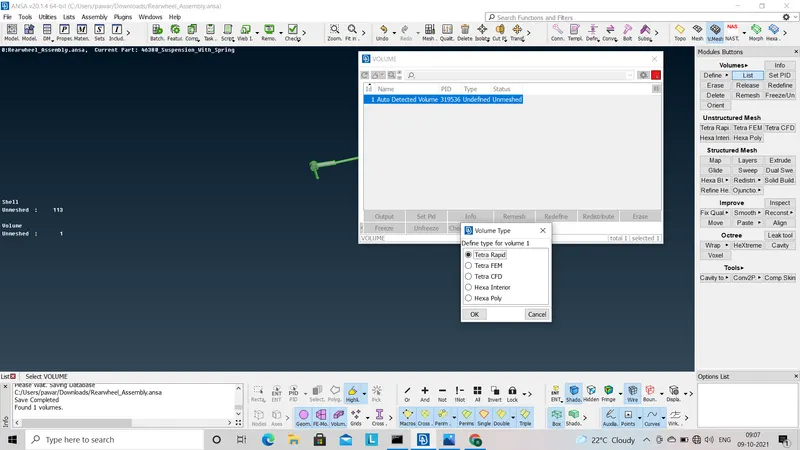
- In this way we will get volume mesh. This will gives you unstructured mesh under the volume.
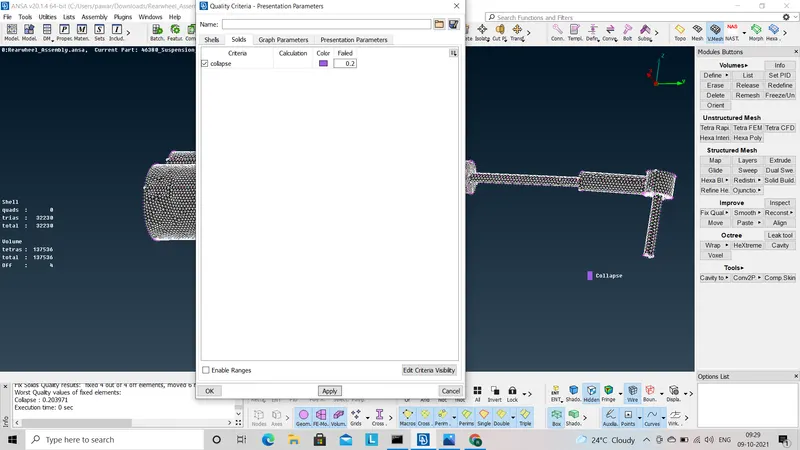
- Now we have to go for quality check, In quality check we only check for tet collapse of value 0.2. To remove this quality error we have to change the height of each element by using ( Mesh module - Grids - MV Free).
3) Surface mesh for Suspention assembly :-
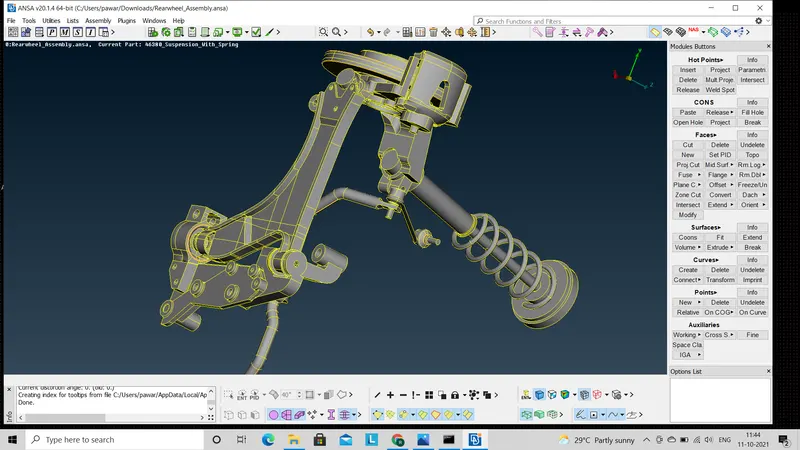
- The component with thickness greater than 5mm and with varrying thickness we also go for surface mesh.
- Before going for surface meshing on suspension assembly we have to do some defeaturing on it. So that it will not fail for quality criteria.
- To make surface mesh on given component we have to go with ( Mesh module - Mesh generation - Spot mesh - select the surface). In this way we will do surface mesh step by step.
- After that we have to assign quality criteria and mesh parameter as per given information.
- Now we have to check whether meshed part is in whithin quality criteria or not. To check this we have to go for hidden option. So we have to remove all the OFF elements.
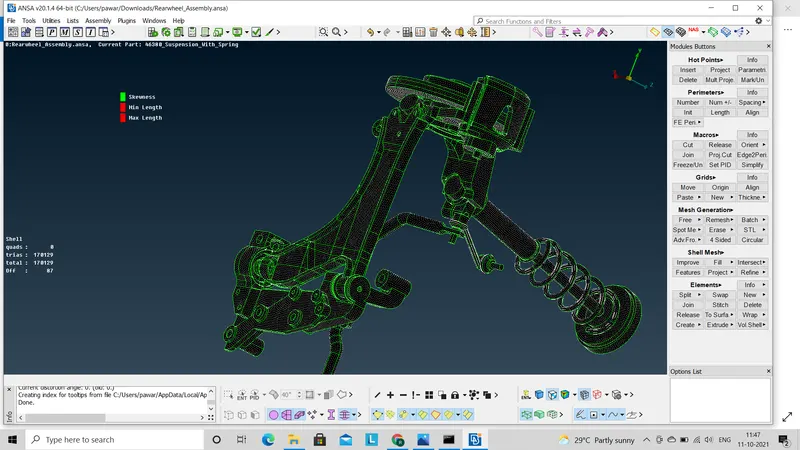
- To remove all the OFF elements we have to use Reconsrtuction option by using (Mesh module - Shell mesh - Reconstruction).
- After doing surface mesh we have to extract that mesh to whole volume of given part by using volume mesh.For this we have define the volume by using (Volume mesh module - Volume - Define - Manual). By selecting the whole part we can define the volume.
- After defining the volume it gives error like intersection error due to two volumes are near to each other. We have to remove this error by defining volume seperately to different parts.
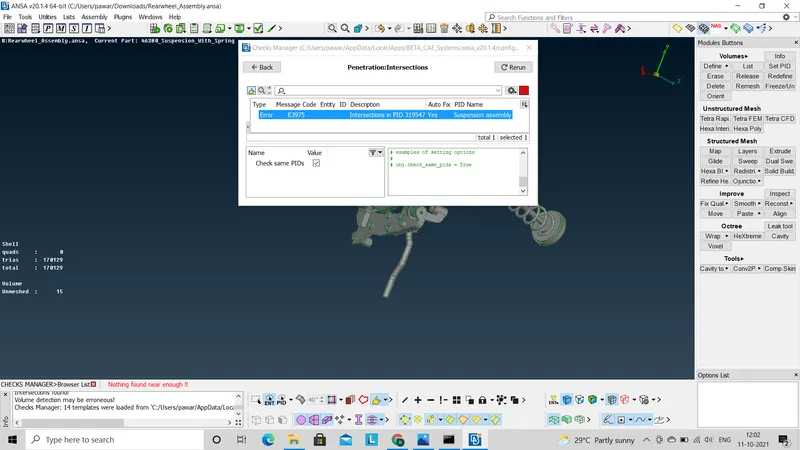
Intersection error during volume define
- It gives undefined-unmeshed volume so to get meshed volume we have to go List option by using (Volume mesh module - Volume - List) then we have to right click and go for remesh option and select Tetra rapid or Tetra FEM option.
4)Manual midsurface and Meshing :-
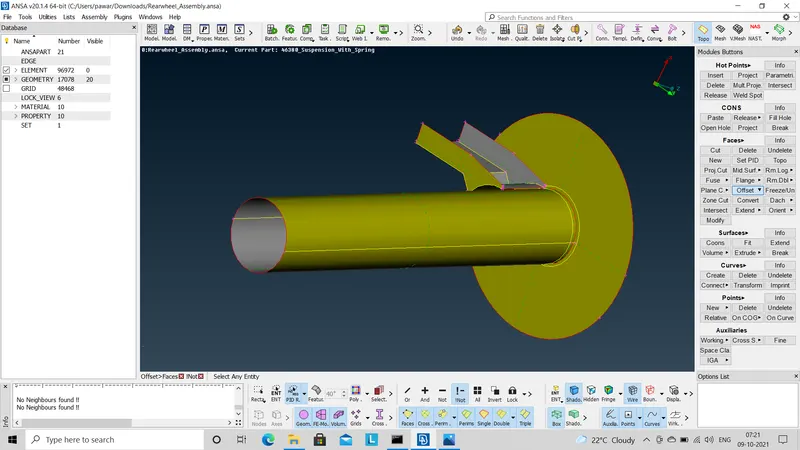
- In given model we have some component with uniform thickness with value less than 5mm. For this components we will go for manual midsurfacing and meshing.
- To extract the midsurface we will go for offset method by using ( Topo module - Faces - Offset). After extracting the mid we have to extend all the surfaces to each other by using ( Topo module - Faces - Extend).
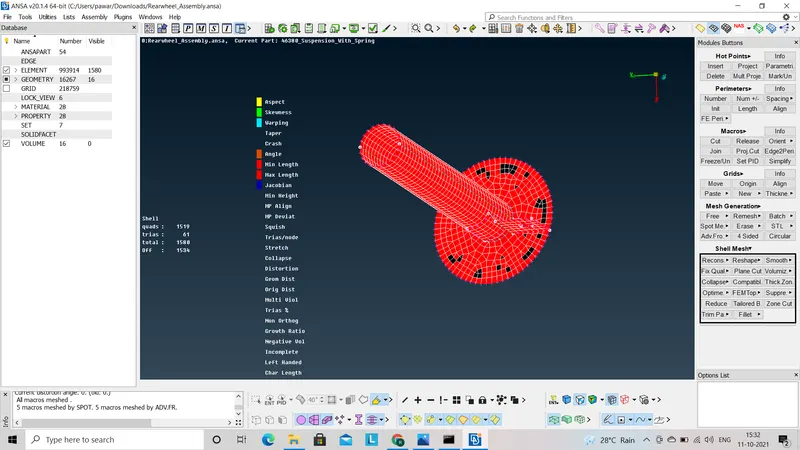
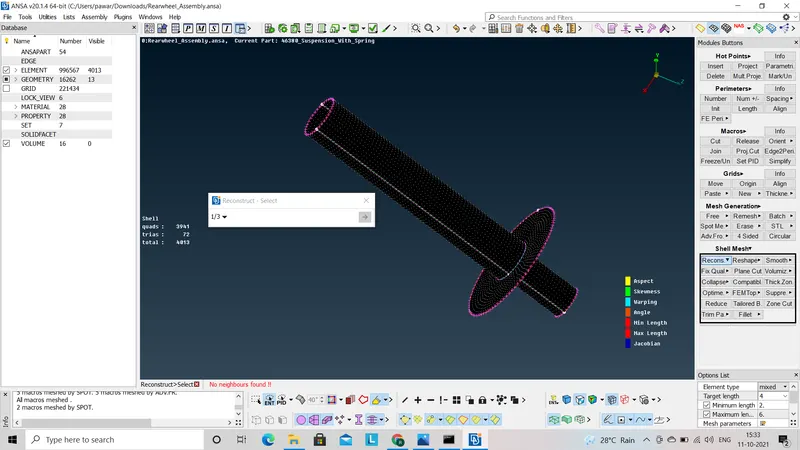
component with quality error Component with proper quality
5) Connections :-
- Spring connection :-
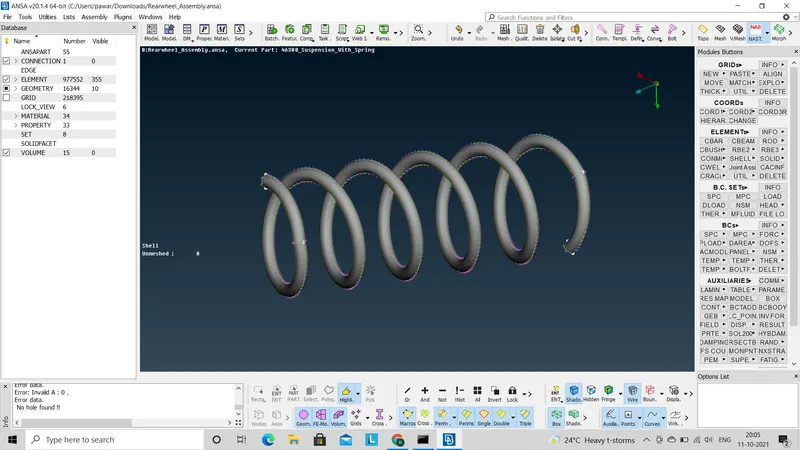
1) In suspension assembly we have spring connection along with assembly. To define connection to it we have to consider it as 1D element.
2)Now we have to first make curve middle by using (Topo module - Curves - Middle). After that we have to add COG point to the curve.
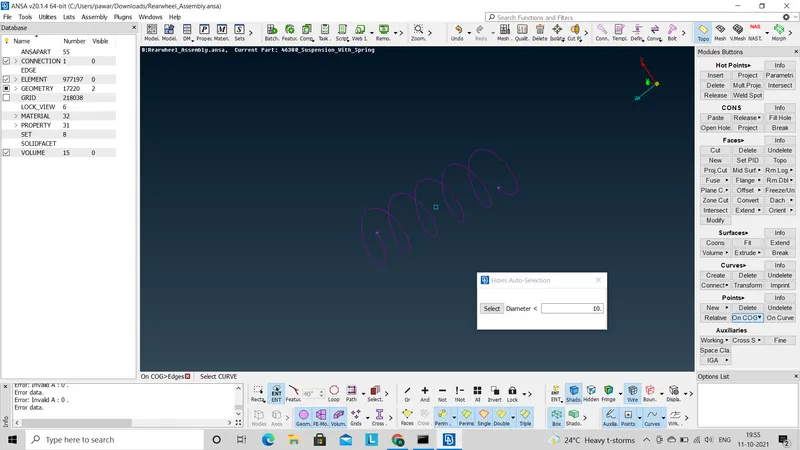
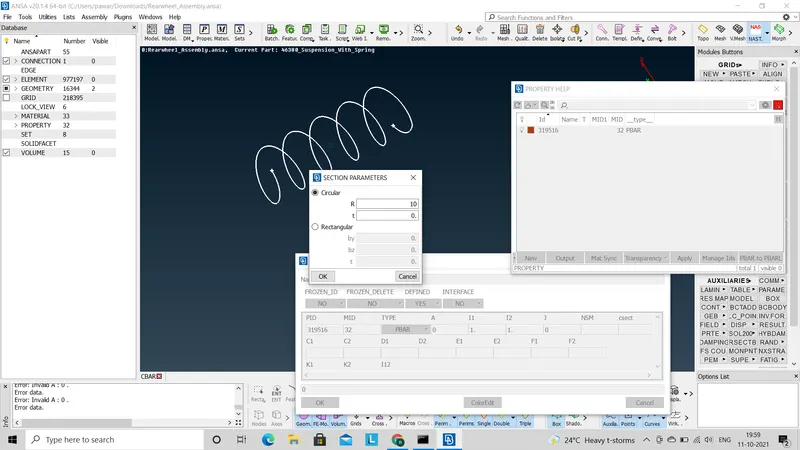
Curve middle option Assign PID and area
3) After that we have to go for C-BAR by using (NAST module - Elements - C BAR). Now set PID to the C BAR by entering the area value.
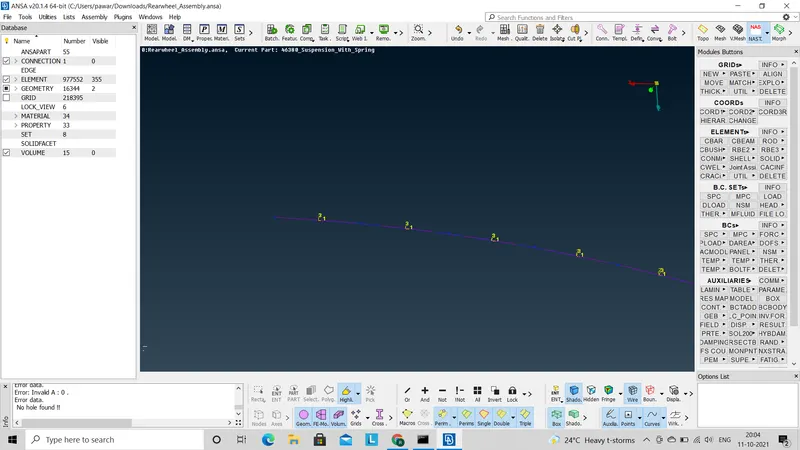
C-BAR representation
- Bolt connection :-
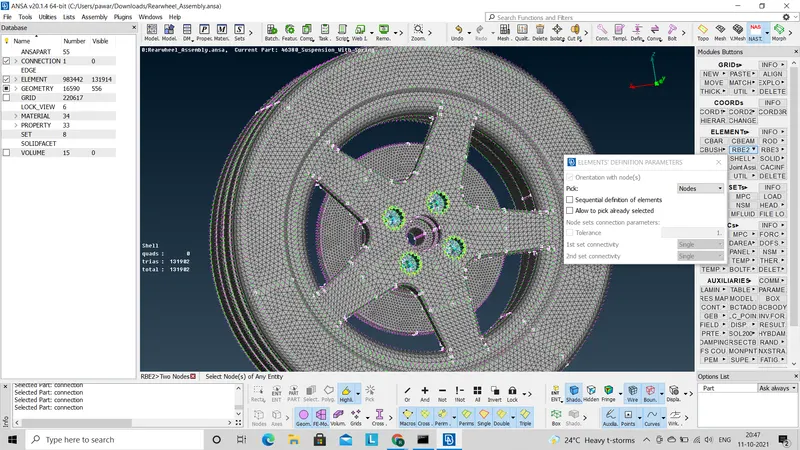
Holes where we have bolt in assembly we have to assign bolt connection to it. To assign bolt connection we have use RBE2 Two nodes / many nodes option by using (NAST Module - Elements - RBE 2 - many nodes/Two nodes).
Learning Outcomes :-
- To check the geometrical errors of given component.
- To make volume mesh within quality criteria. (Tet collapse=0.2)
- To make surface mesh on complex parts within given quality criteria.
- To make manual midsurfacing and meshing.
Conclusion :-
In this challenge I learn about how to make volume mesh, surface mesh and manual mesh within given quality criteria. Also how to remove all the quality errors. MAke the different type of connections asper requirement.