Project-2-Meshing of Door Inner Panel Challenge
REPORT
AIM
To mesh the given component by following the given quality criteria.
PROCEDURE
Before meshing we need to create mid surface. This model have a lot of geometric errors.
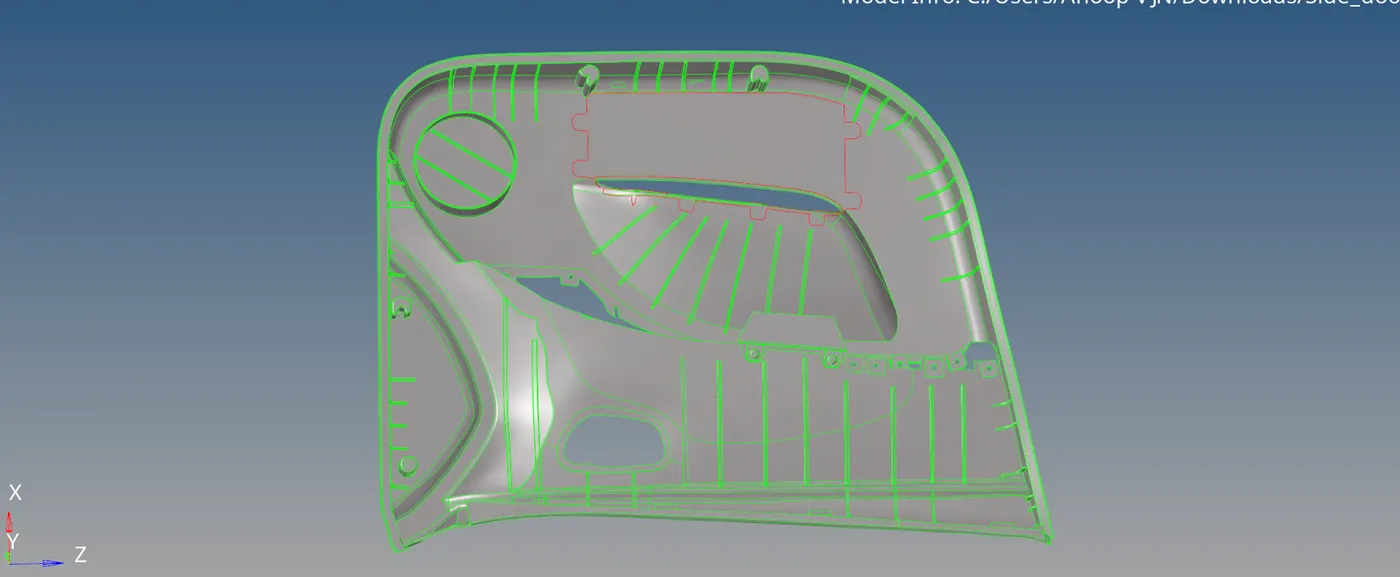
For fixing geometric errors I mainly used F11-toggle edge, replace node, 2D-spline, ruled. All geometric errors are fixed.
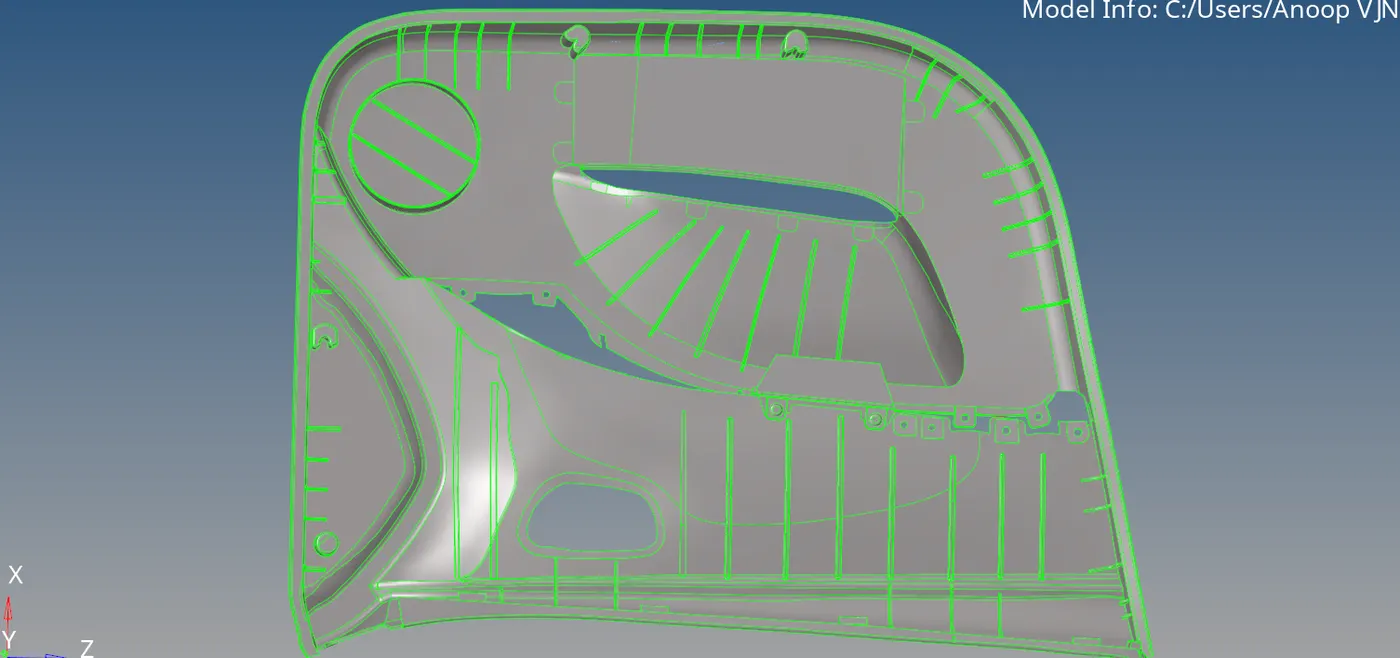
For middle surface generation I used geom -mid surface- auto mid surface. But there are many problems with that mid surface. Some feature surfaces are not captured.
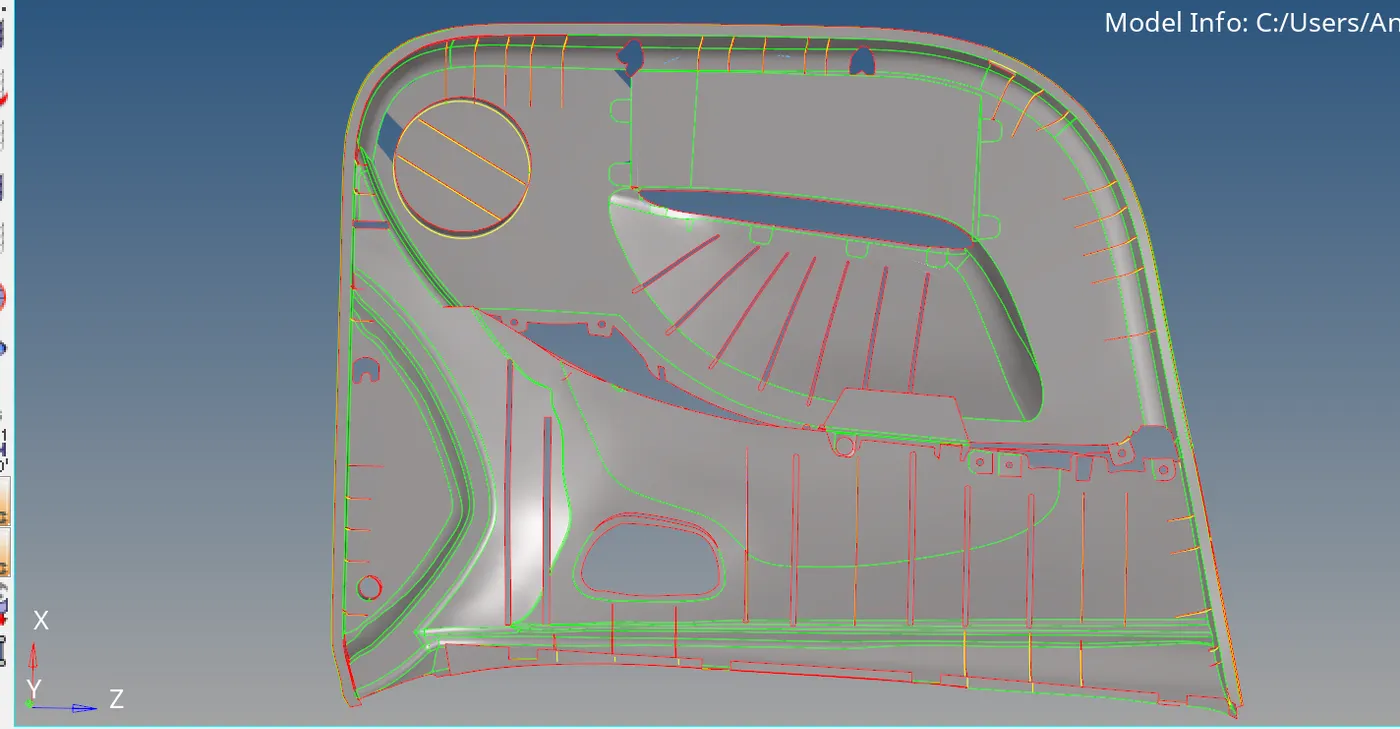
The feature shown below was missing so I captured it using surface edit, nodes and drag.
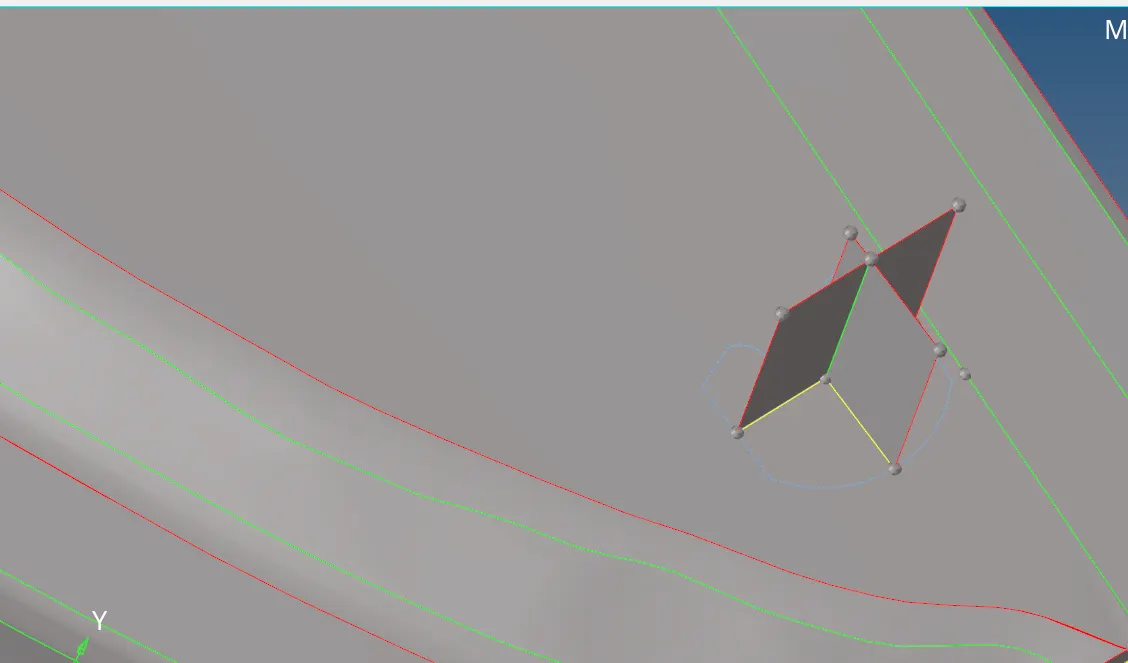
The figure below shows mid surface exceeding the geometry, it can be fixed using surface edit.
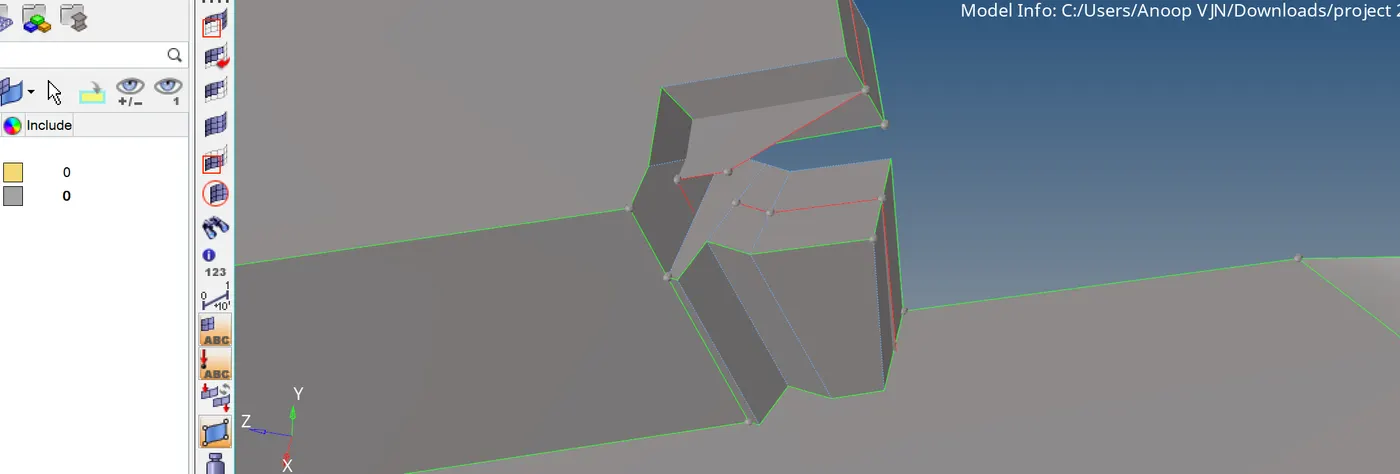
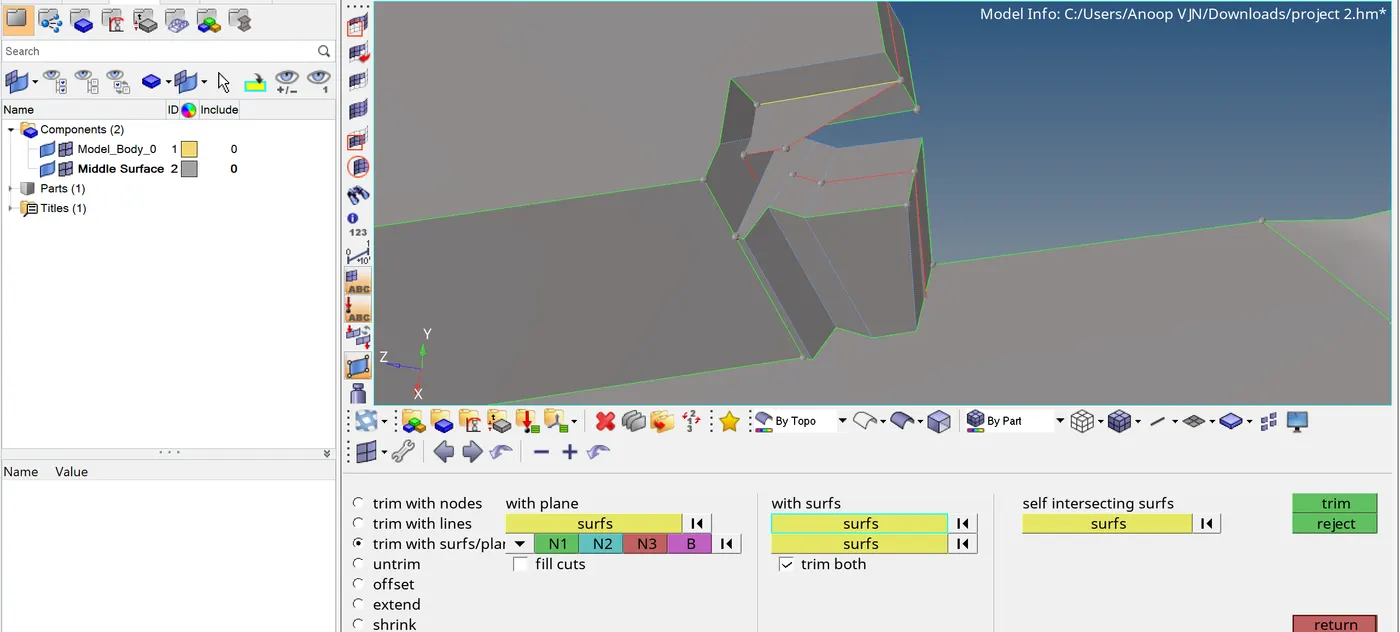 Then delete the unwanted surface.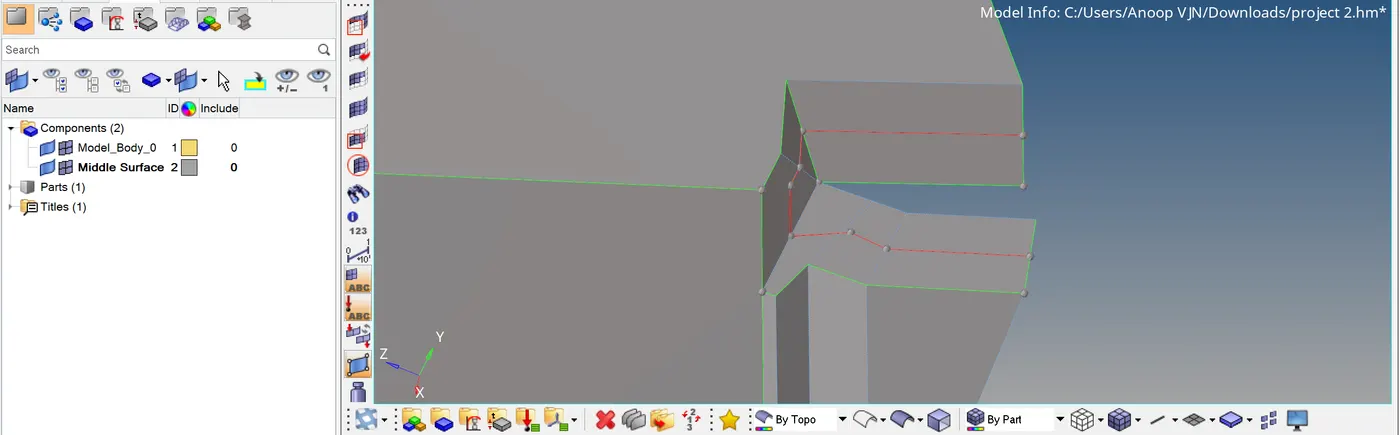
The figure shows below, to create hole on mid surface. I used surface edit- trim with lines.
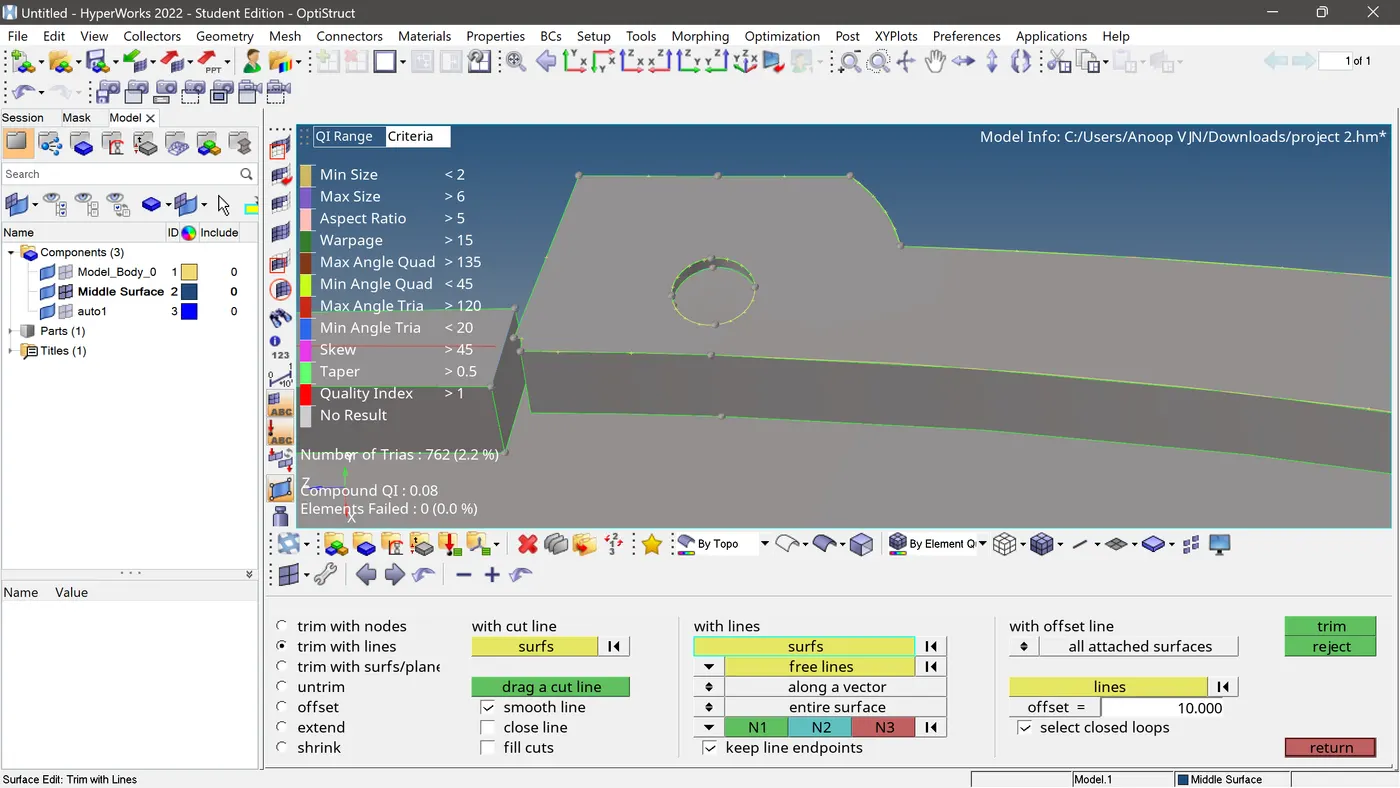
Then deleted the surface.
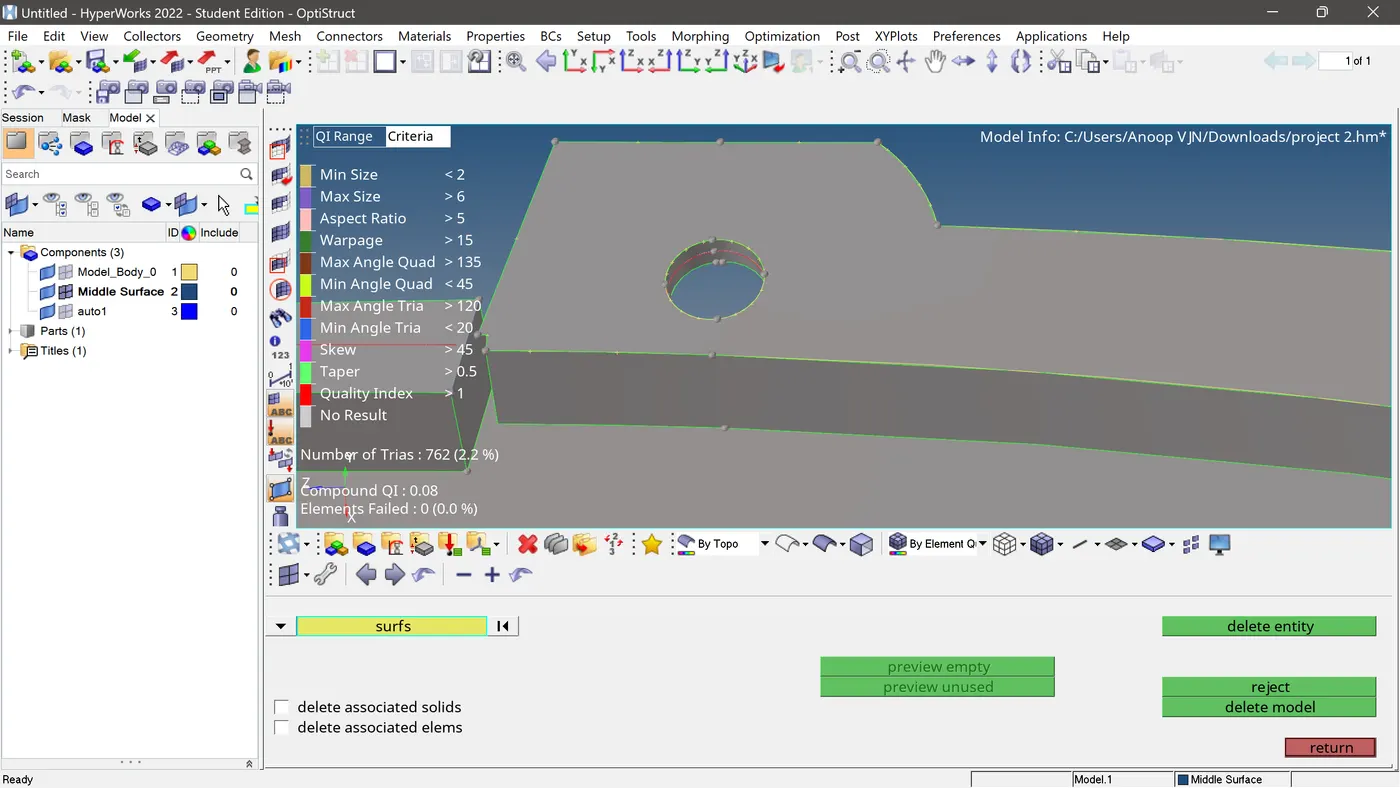
Other surface errors are fixed using F11, 2D-spline, ruled etc. I managed to complete the mid surface.
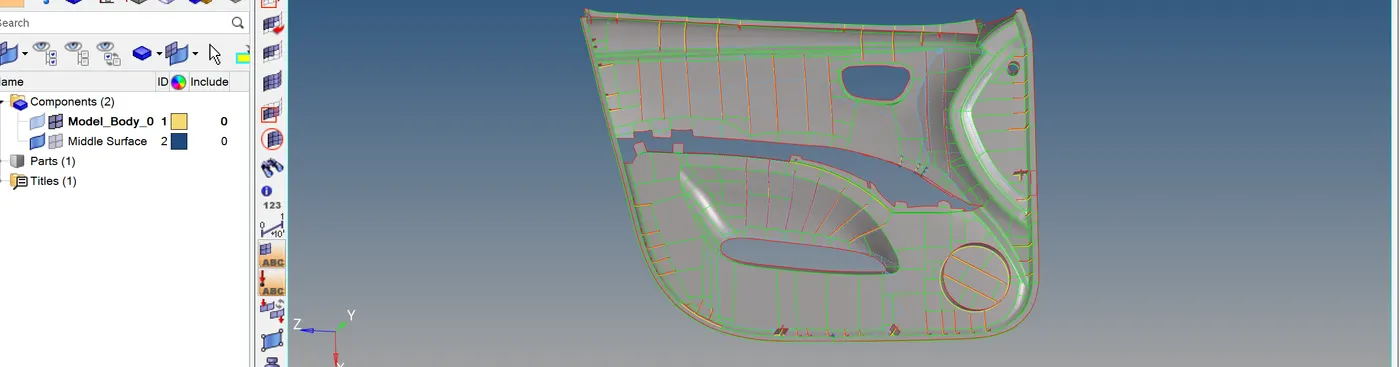
Now meshing the model remains. First uploaded all the quality criteria values in the quality index tab. Then started meshing using F12-automesh. Adjusted the number of elements and re meshed to attain mesh quality. But that is not enough to attain good mesh flow.
To attain good mesh flow I used Q(quality index), F6, F3.
Here below I used Q-place node to fix failed elements.
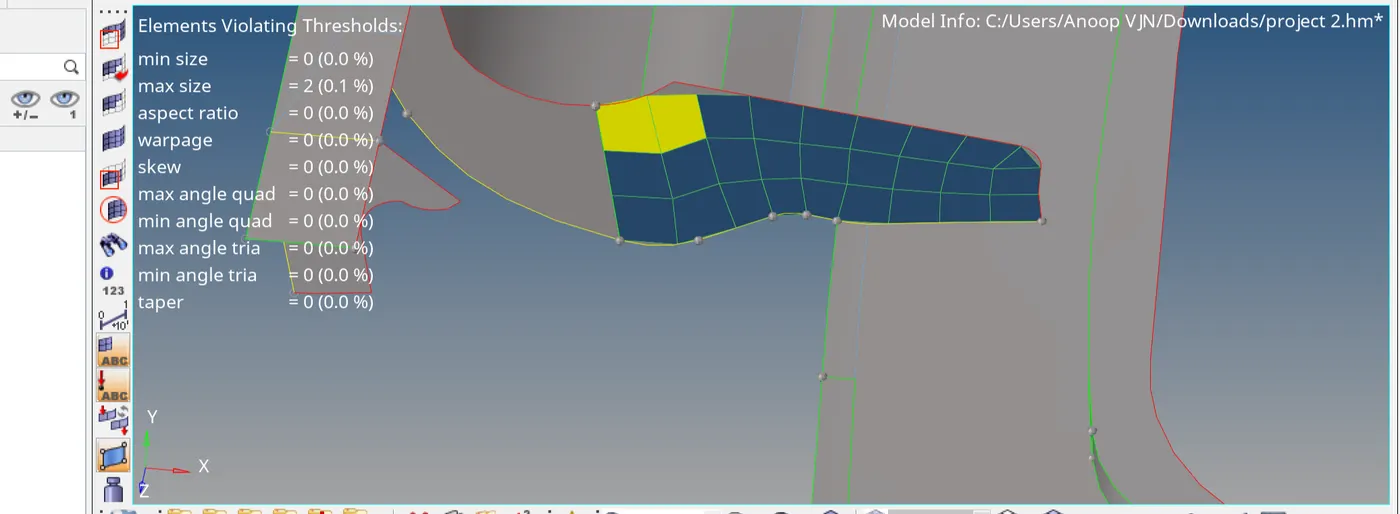
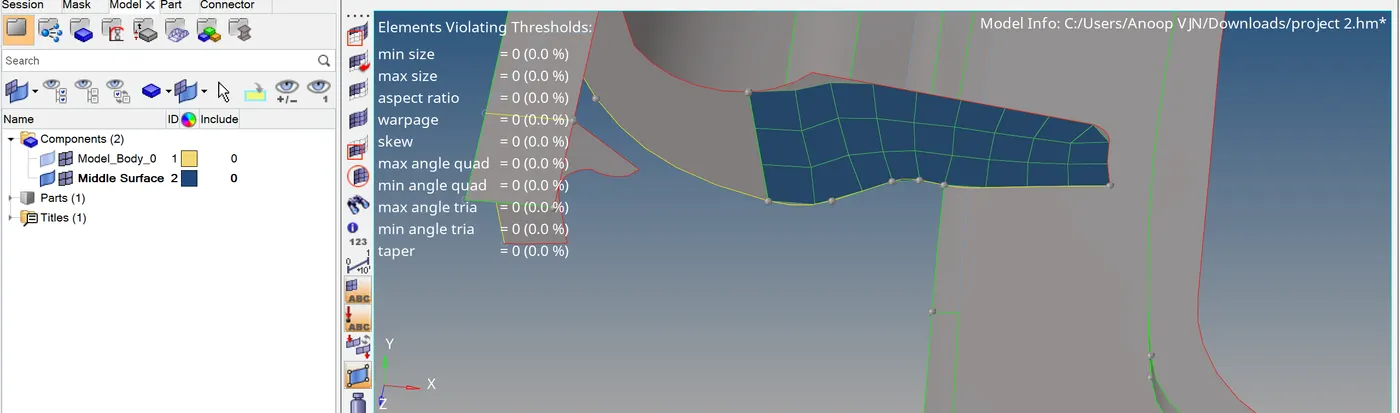
The figure below I used translate to maintain minimum length criteria.
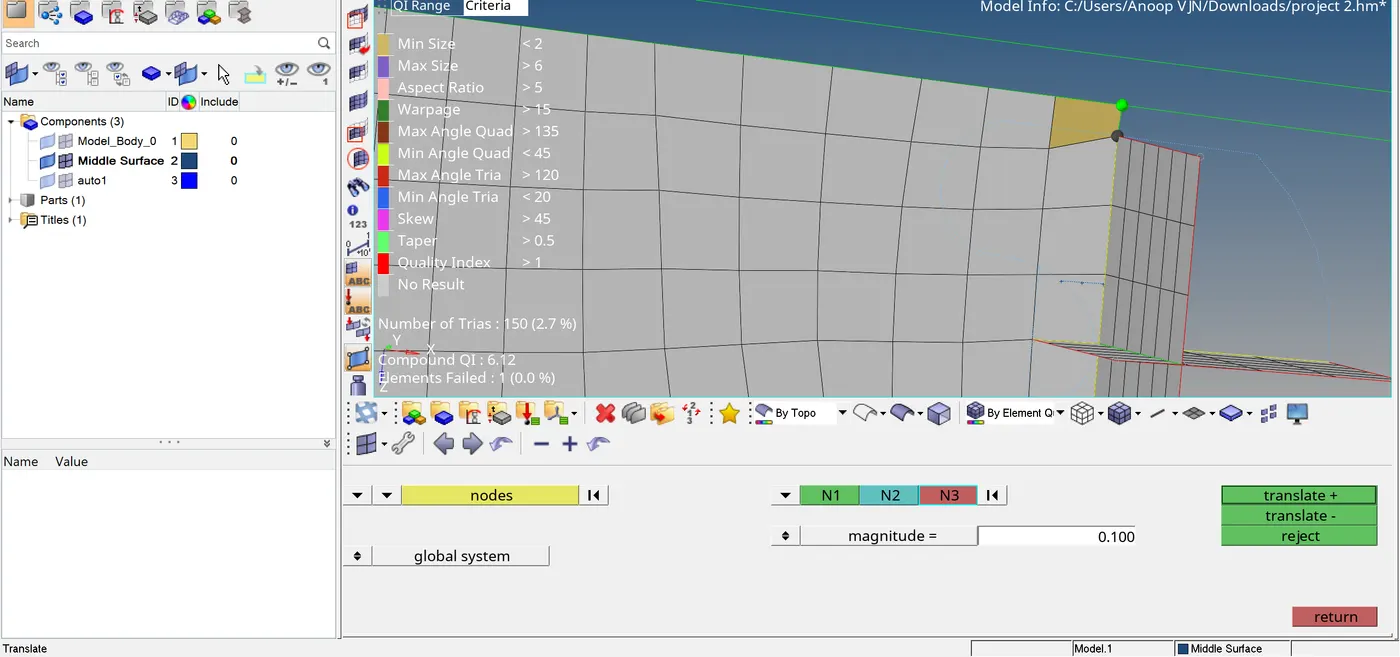
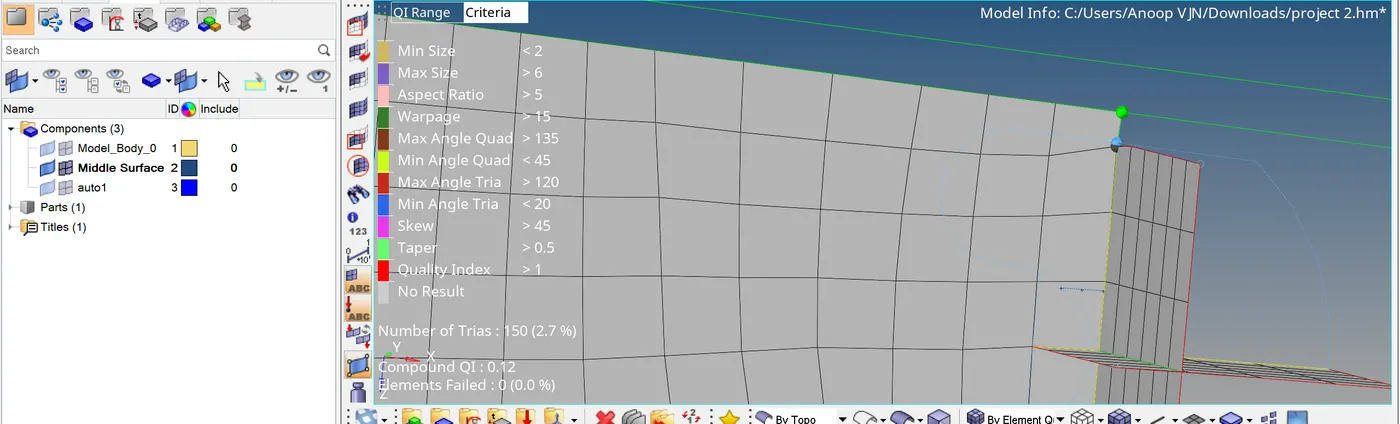
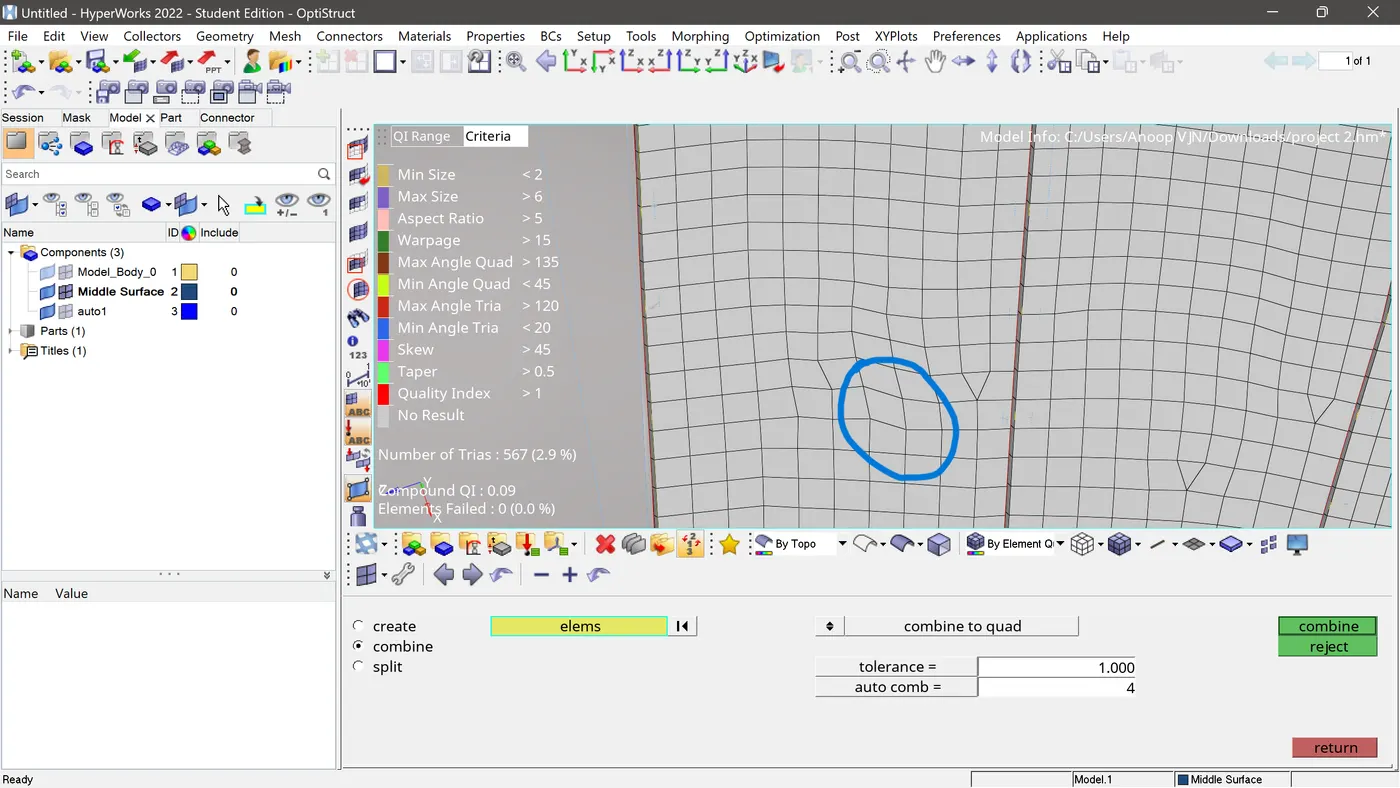
The Figure below shows opposite trias.
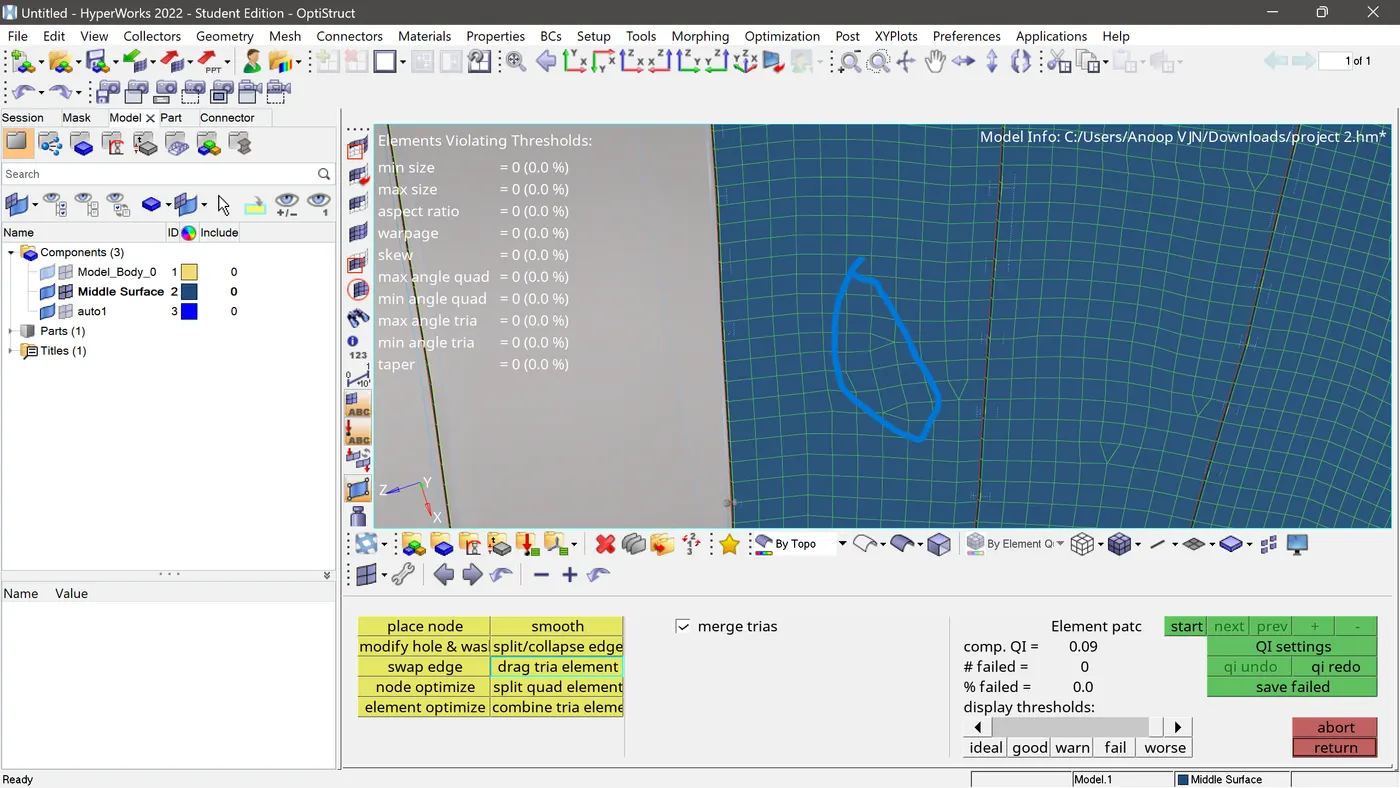
I dragged it together.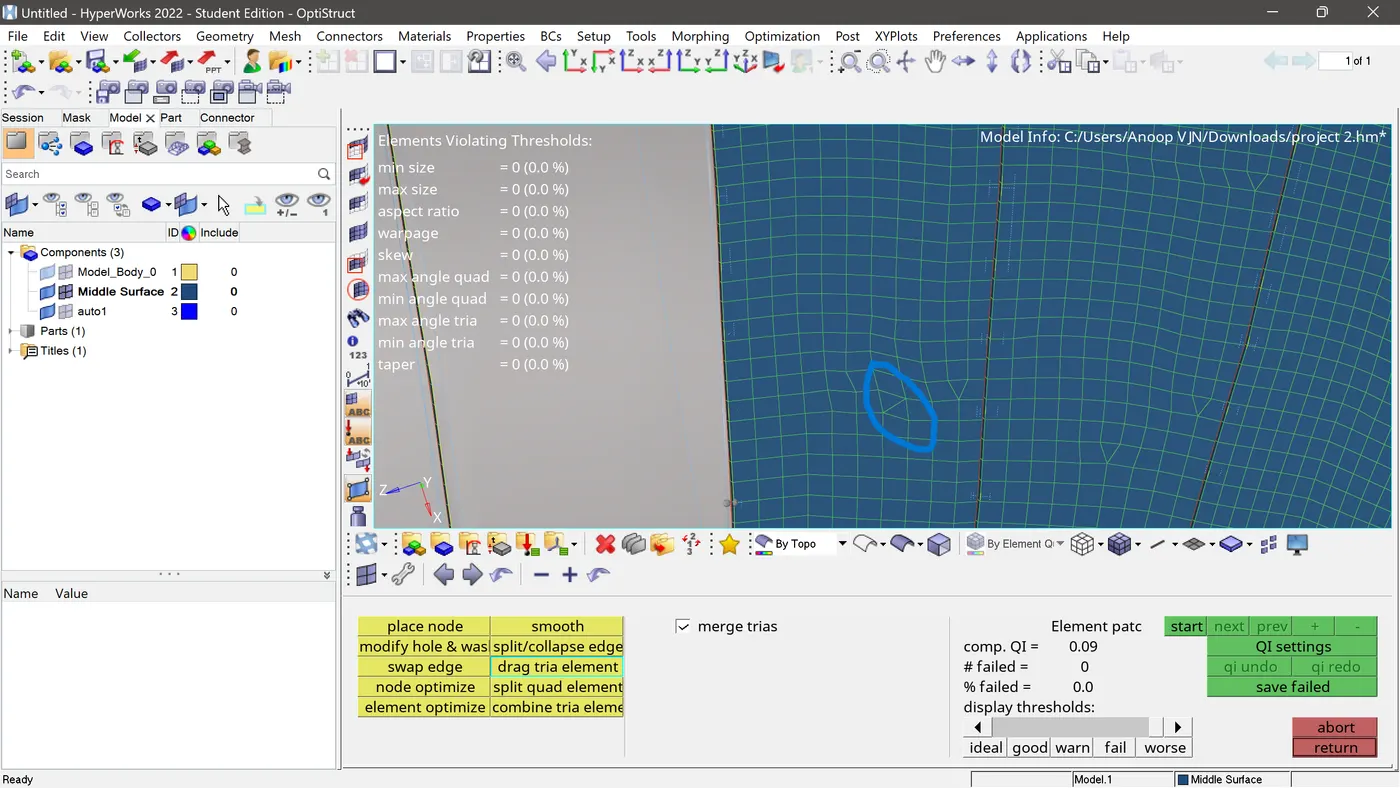
And then combined it.
RESULT
I have completed the meshing of the model without failing the quality criteria. And applied thickness to the mid surface.
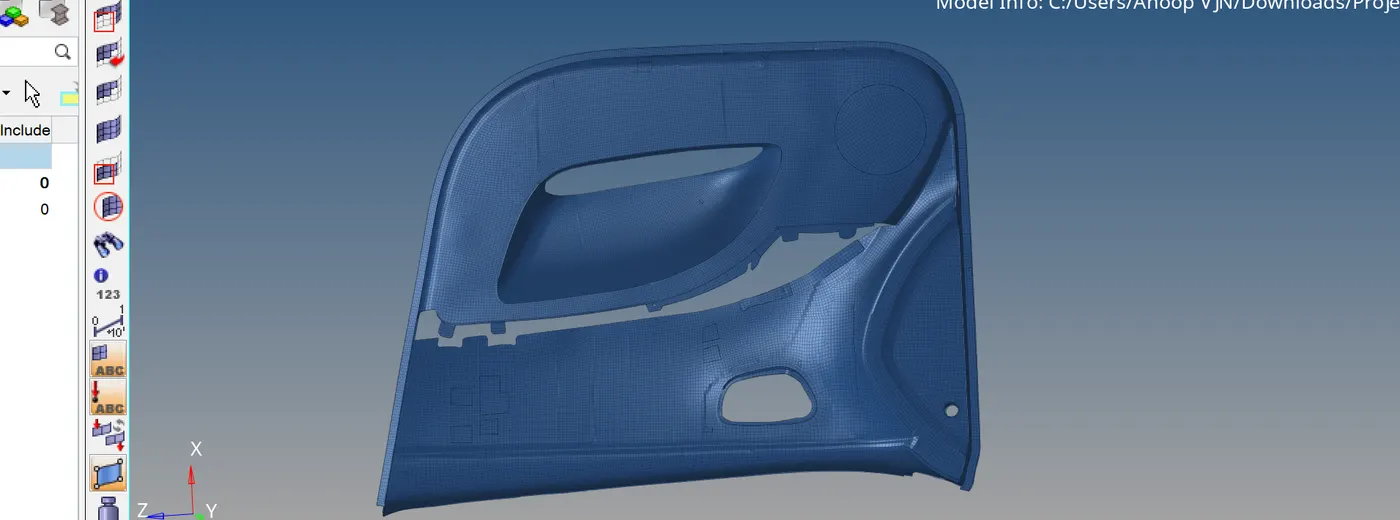
The FE is uploaded in the box below.
The drive link to the model is given below because its file size is more that it cant be uploaded in the space given.
https://drive.google.com/file/d/18mctNNVgOcNWX9bSSQ7hAQxaaNqHK87w/view?usp=sharing