Project-2-Meshing of Door Inner Panel Challenge
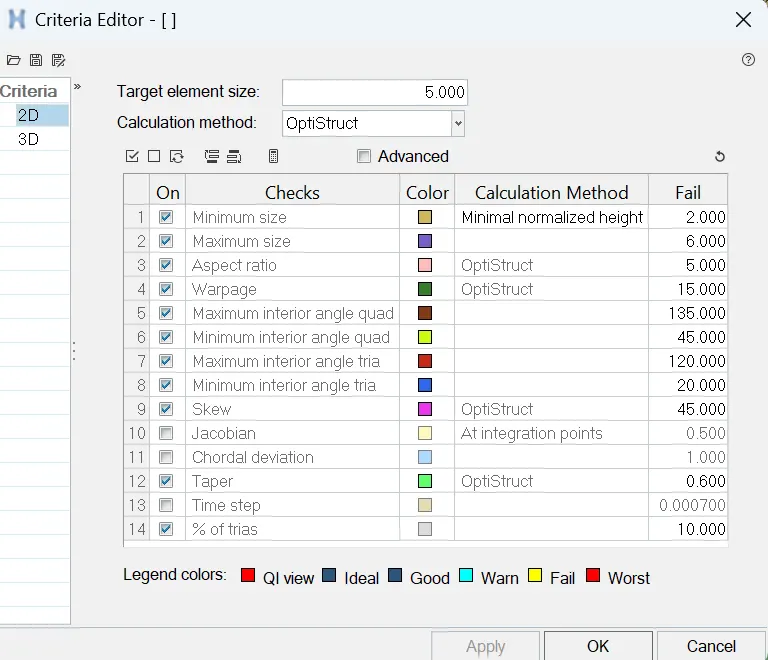
AIM: For the given side door panel extract the midsurface and mesh it according to the given quality criteria and assign the thickness to it.
PROCEDURE:
- First, import the side door panel into HYPERMESH and check if any solids are present. If there is a solid, delete it and start extracting the midsurface.
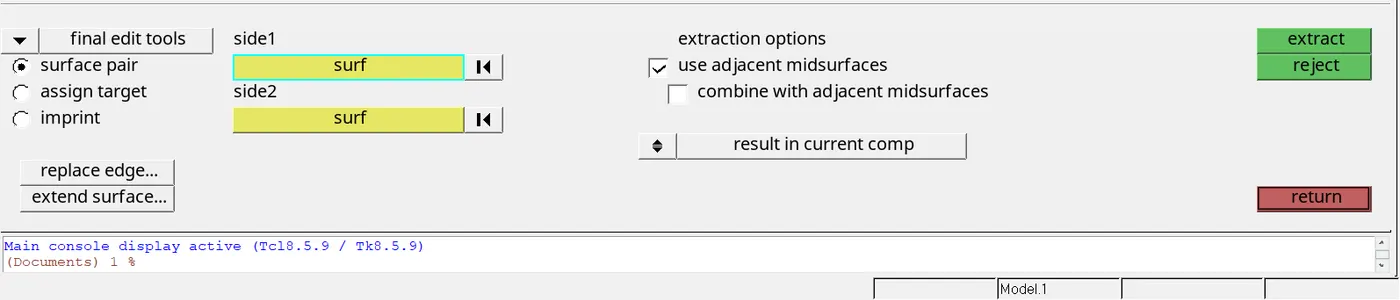
- For extracting the midsurface, use GEOM-->MIDSURFACE-->FINAL EDIT TOOLS Select two surfaces that are to be extracted.
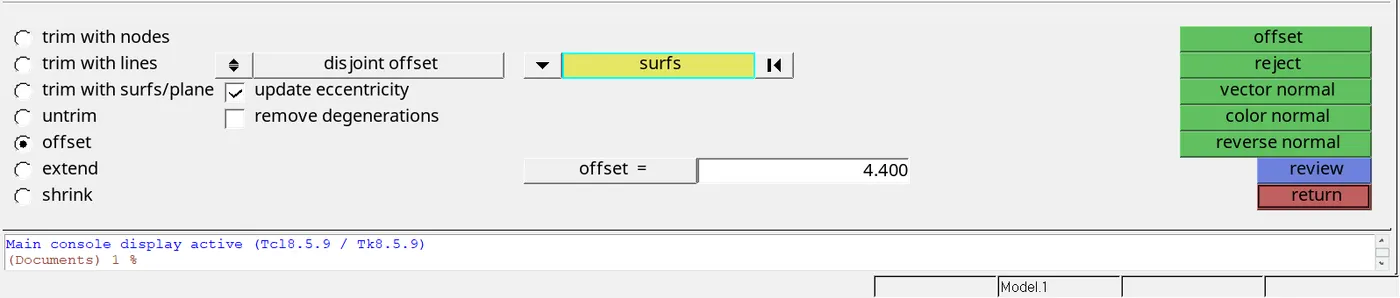
- For extracting the midsurface, we can use the GEOM-->SURFACE EDIT-->OFFSET and select the surface first, duplicate it and then give the offset distance based on the thickness. make sure that the direction of the surface is pointing inwards the component.
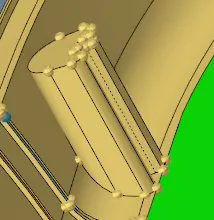
- Some parts are solids in the component; those parts can be modelled as shown in the figure.
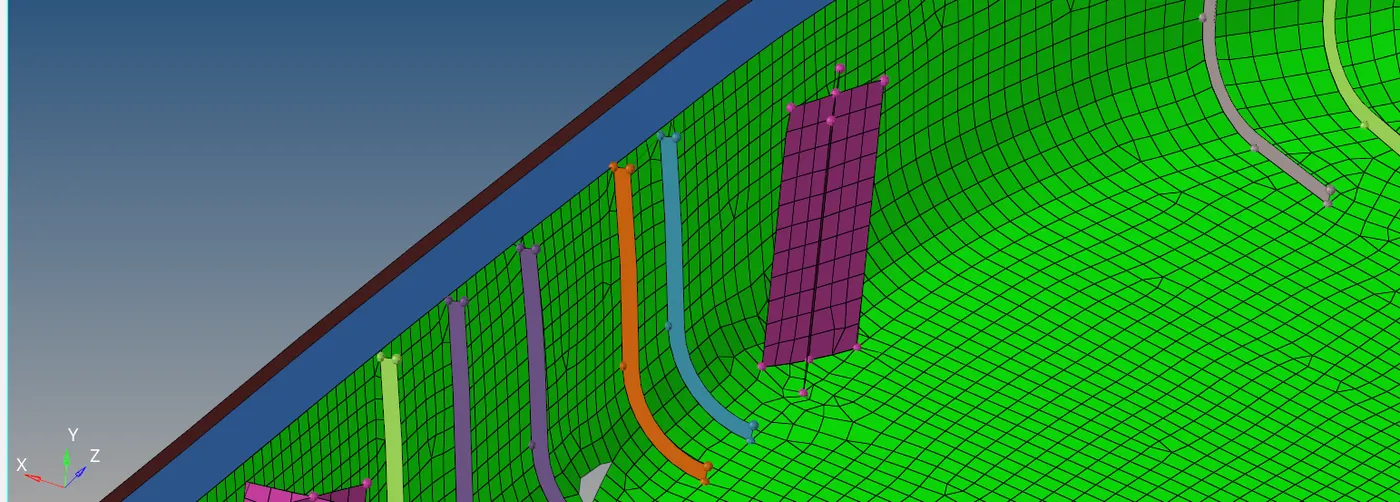
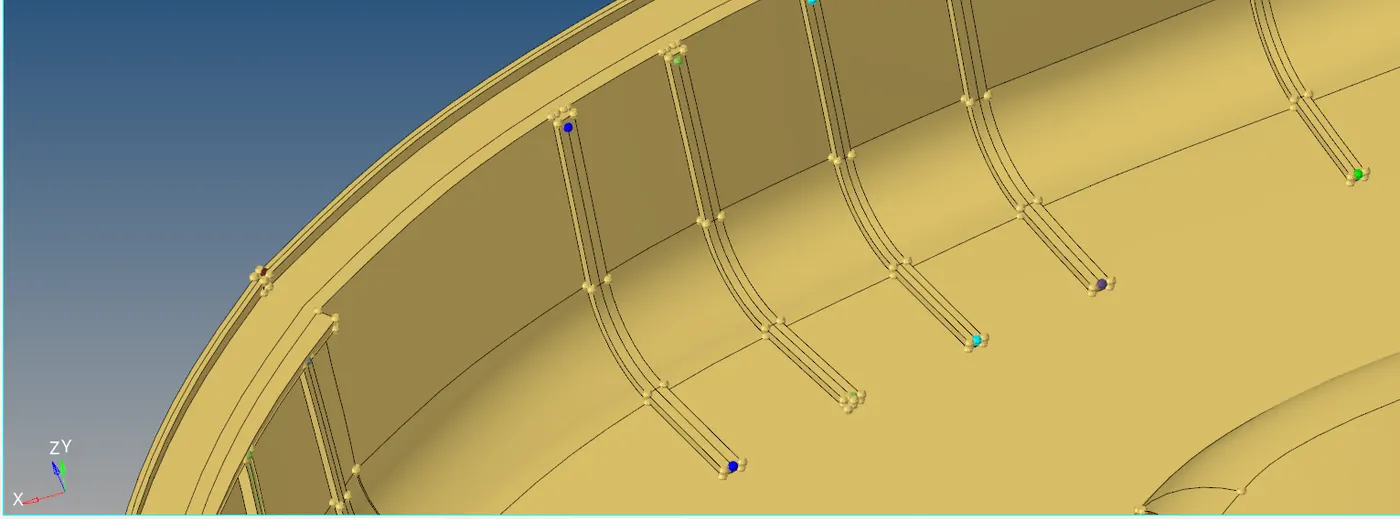
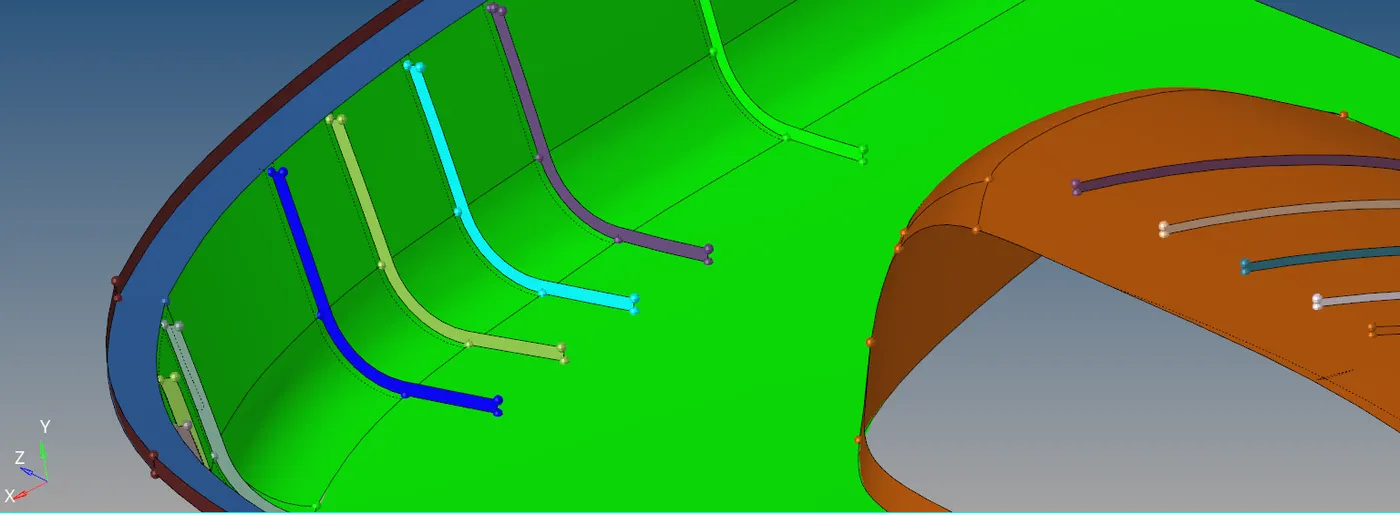
- The ribs can be modeled, as shown in the figure by offsetting the surfaces and extending it to the end.
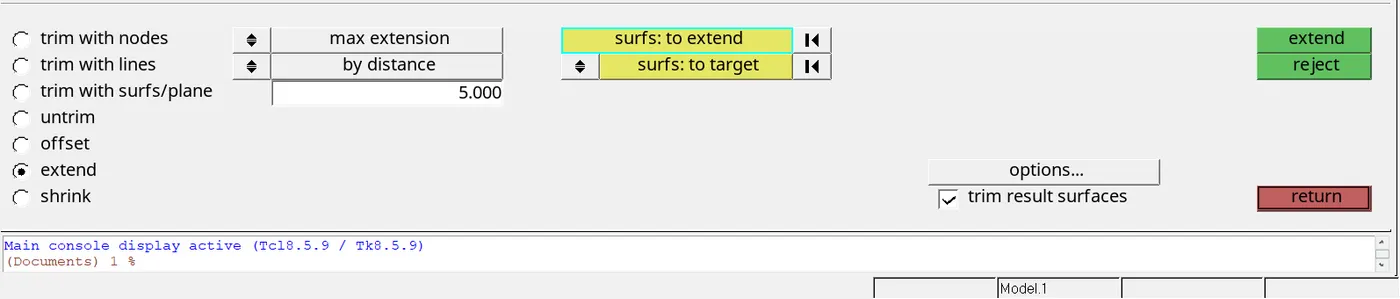
- After extracting the midsurface the component needs to be meshed using the 2D-->automesh and select the surfaces according. Don't rebuild the mesh until and unless meshing the whole component otherwise connectivity issues will be arising.
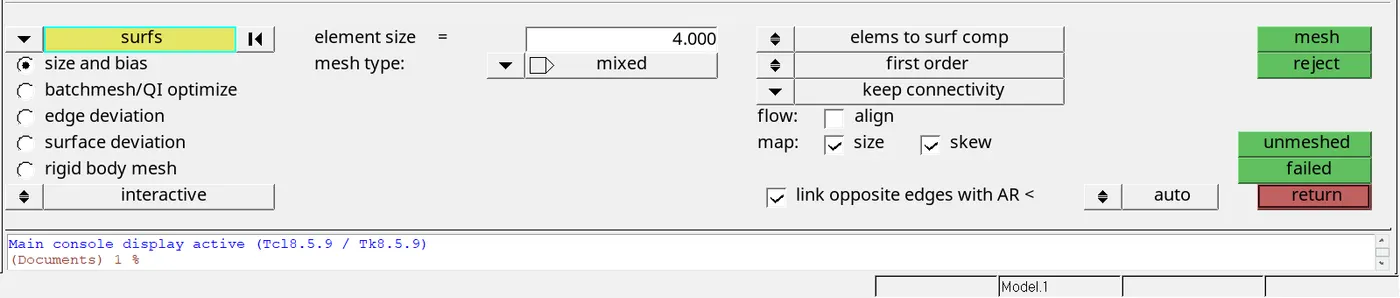
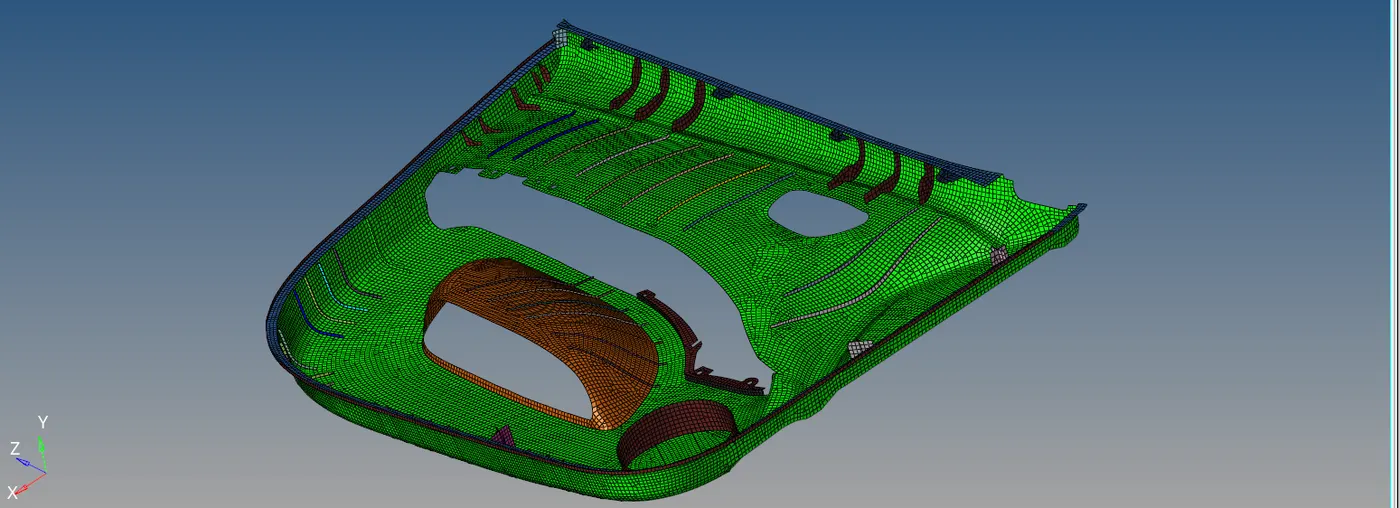
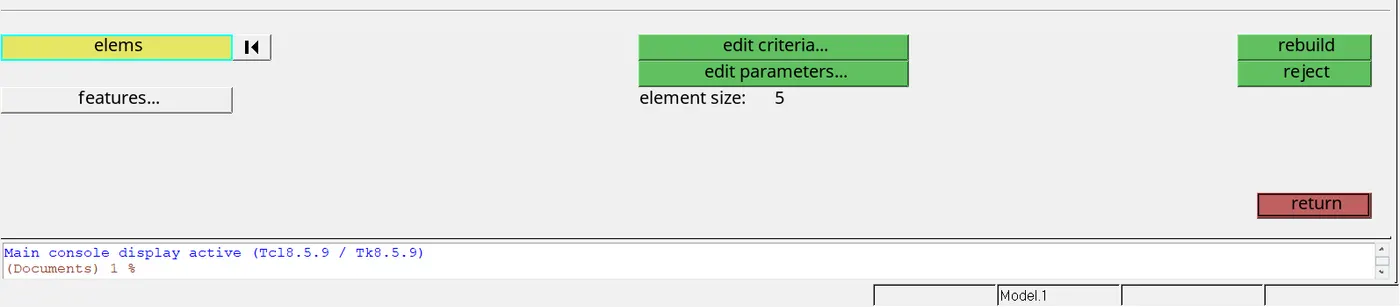
- we can rebuild mesh to reduce the number of failed elements and also we can use the quality index to optimise the elements.
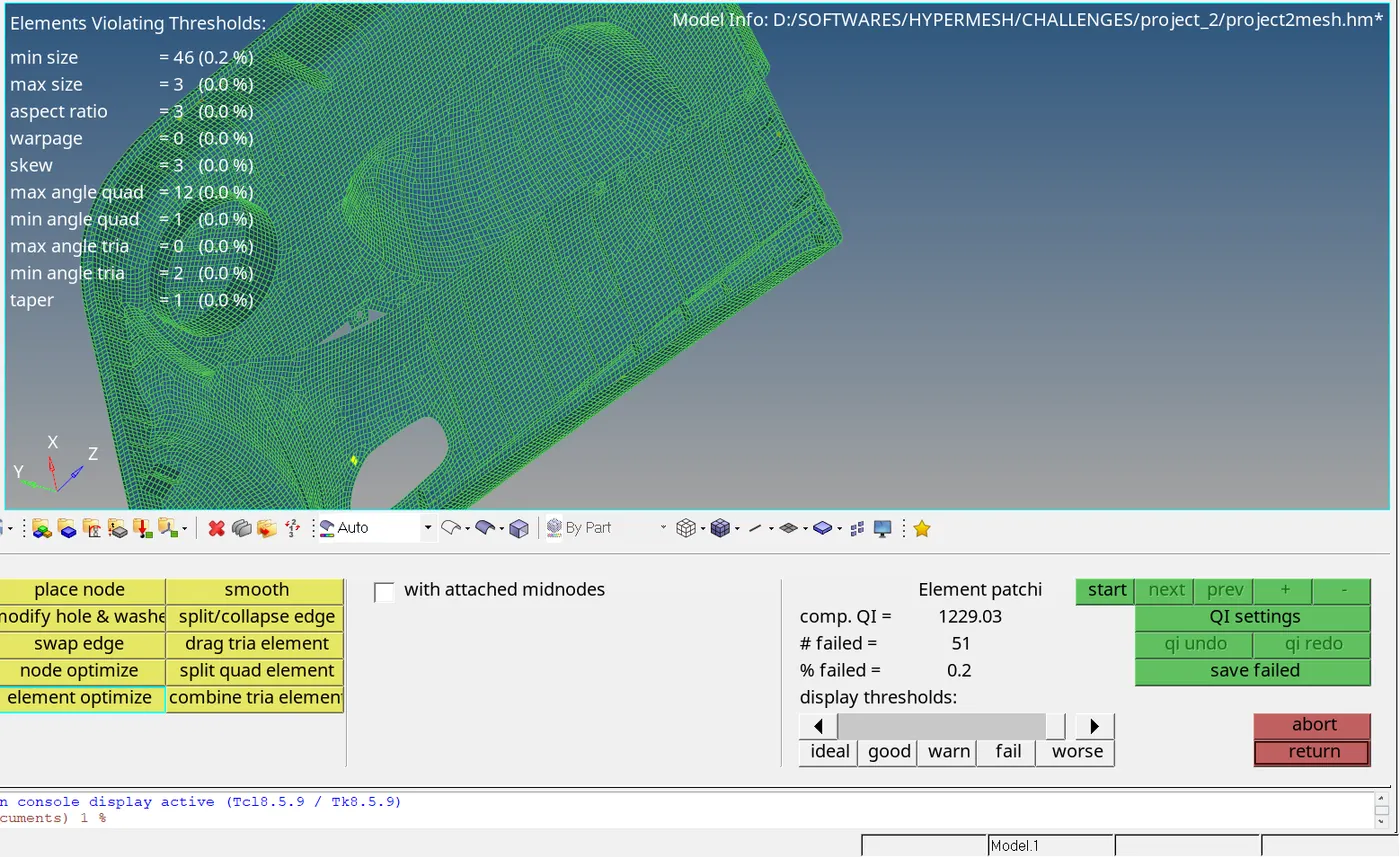
- After meshing the component we need to assign the thickness for the respective component by creating the property on the left side panel.
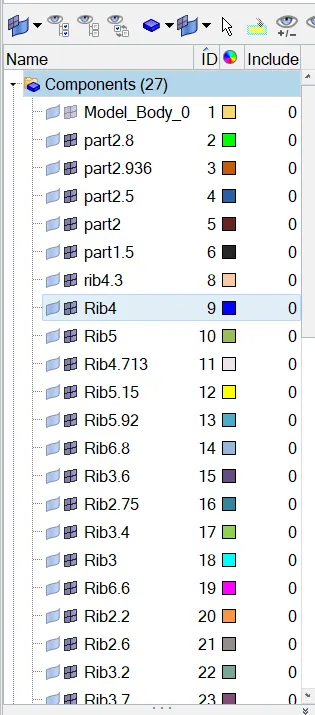
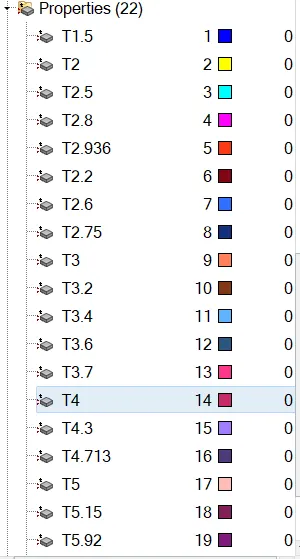
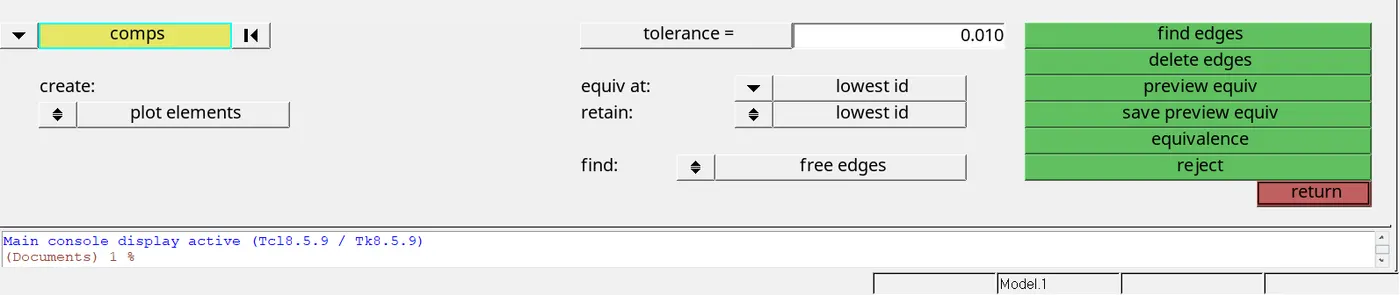
- At the end check for any edge mesh is not connecting with the adjacent mesh by TOOL-->EDGES.
CONCUSION: For the given side door panel the midsurface is extracted and meshed according to the given quality criteria.
NOTE: I have uploaded only the midsurface and meshed component and deleted the given componet because it is restricting me upload more than 20MB.