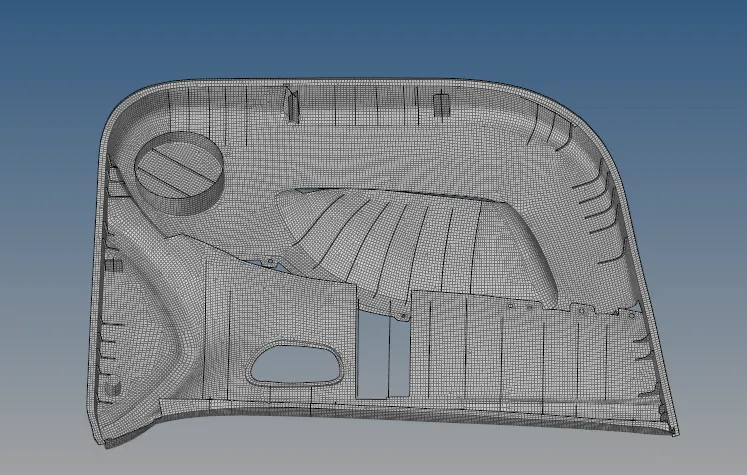
Project-2-Meshing of Door Inner Panel Challenge
AIM: To extract the mid surface of the side door inner panel and to mesh it with the
     given quality criteria


PROCEDURE:

1.Model in IGES format is imported to the hyper works.
2.Model is checked for deformations or missing surfaces.

  Some deformations and topology errors wehre found and missing sufaces where also found.
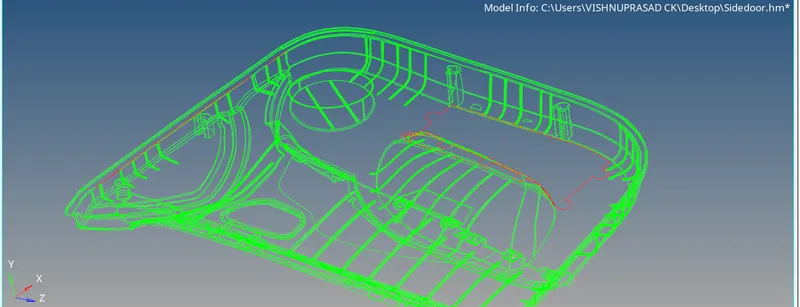
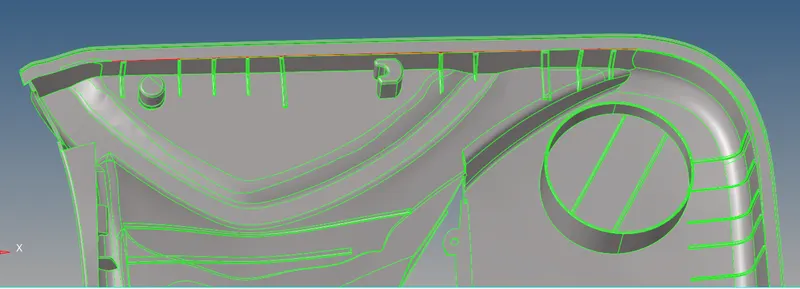
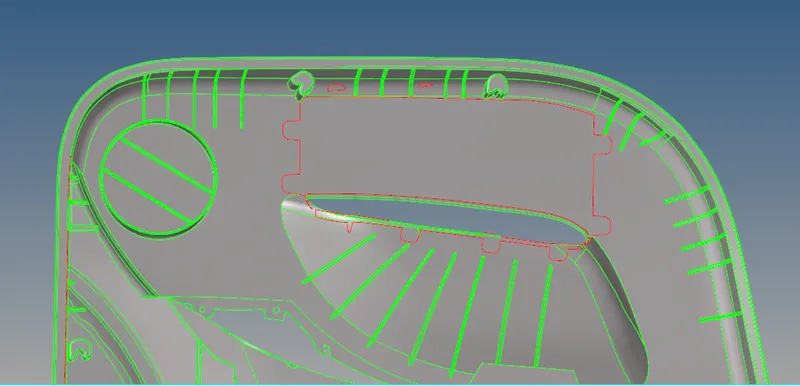
3.The missing surface error was corrected by using spline and ruled method from 2D and
  surface options respectively.

4. The deformation errors where corrected by using toggle option ,  point replace
   options.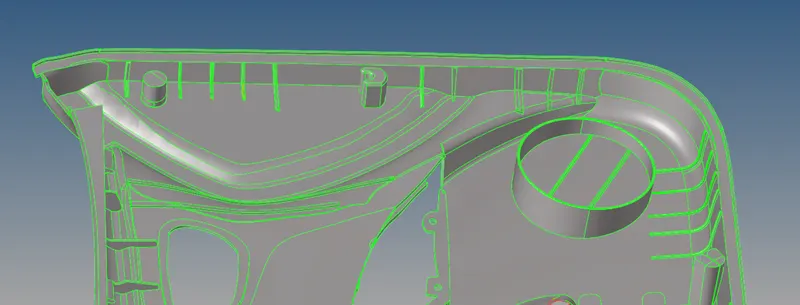
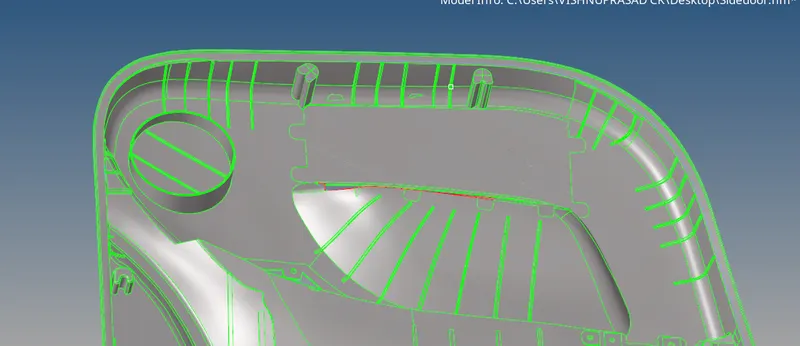
5. Mid surface of the component was taken by using offset method from auto mid suface option in geometry.

    The mid surface obtained contained missing sufaces, missing sub parts and topology
    errors.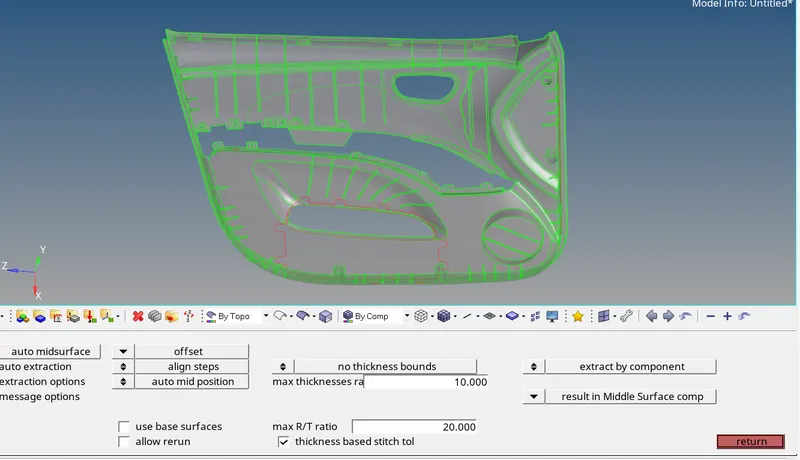
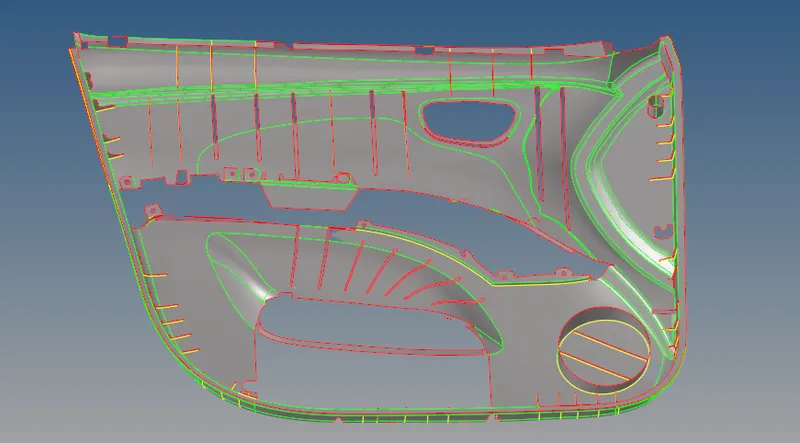
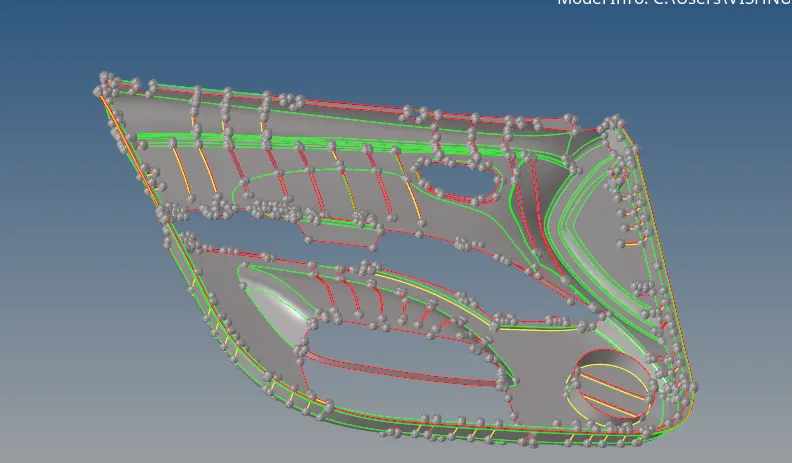
6. Each error in the obtained mid surface is corrected by different options.

    * Used mid line option  from lines in geometry to create a kine which passes through
      the centre of the geometry and ruled option from suface is used to create the mid
      surfaces of  the non uniform  ribs.


    * Used offset method option from surface edit option  to obtain the mid surface of
      the unifrom ribs.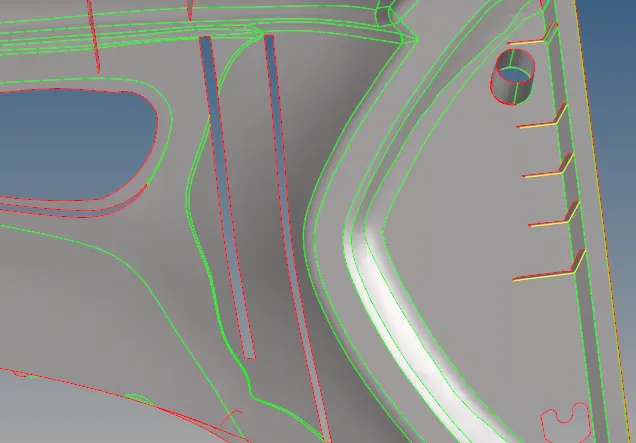
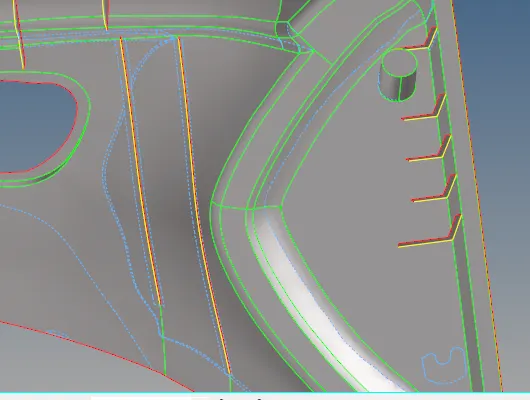
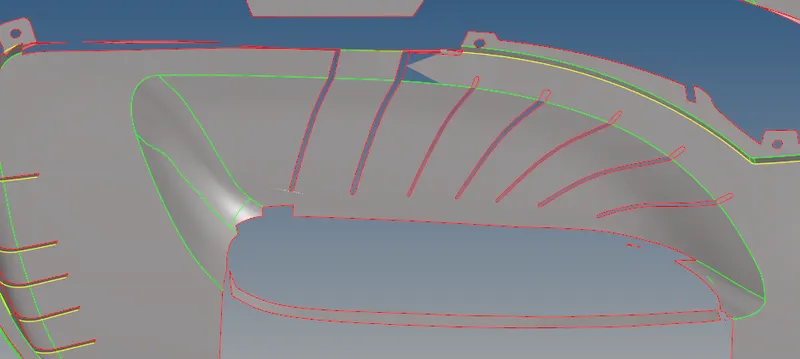
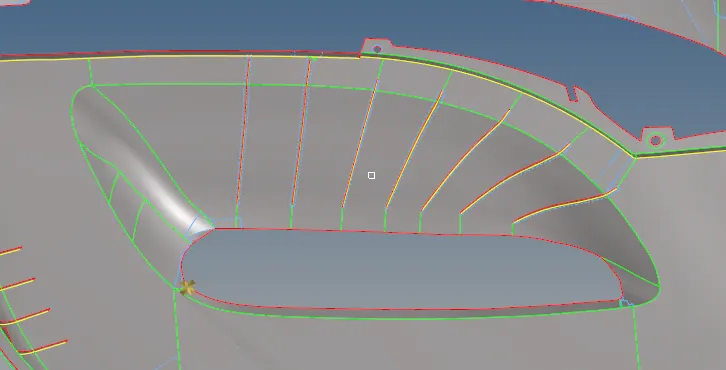
    * Missing surface error in mid surfaces were corrected by using ruled option and the
      spline option from surface and 2D respectively.

    *To obtain the missing or to produce in correct surfaces offset method from the
     surface edit option is used by checking the thickness of the surface,selecting
     the surface and offseting suface in required direction by duplicating it
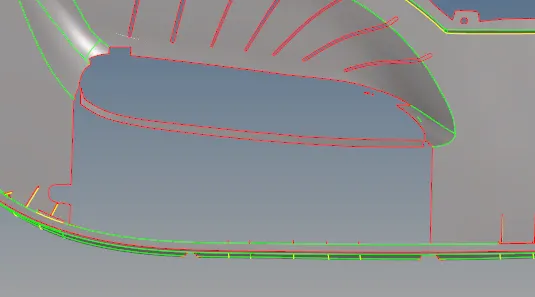
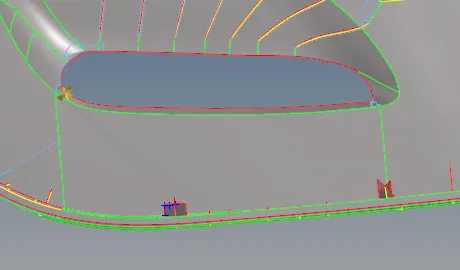
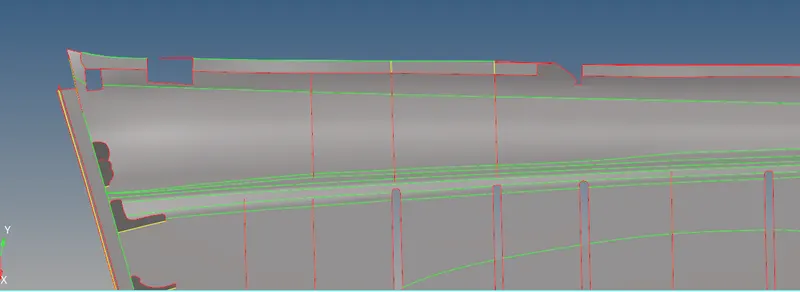
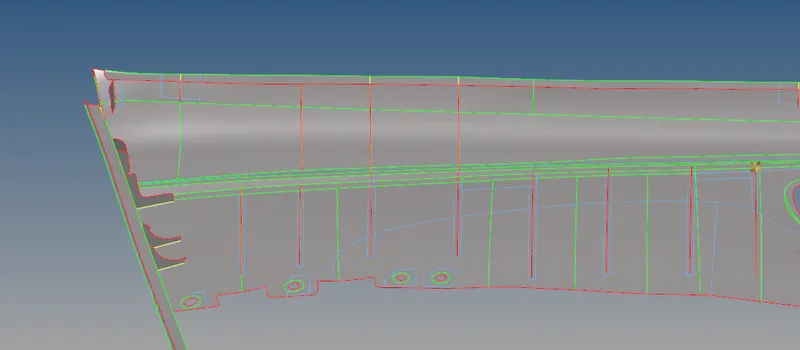
    *Some of sub parts which were non capturable were modified

     Holes were created by using project to suface option and by using line to surface
     trim option and by deleting the trimmed surfaces.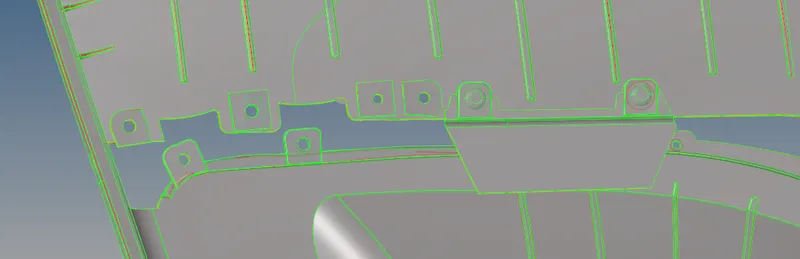
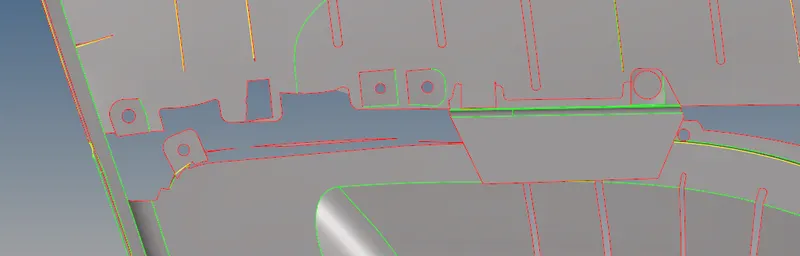
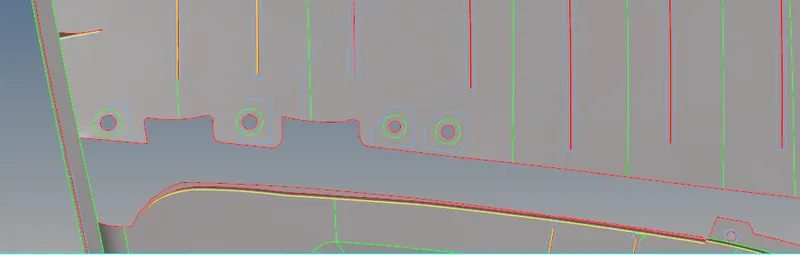
 * Some of the un capturable subparts were also modified and obtained the mid surface

 * Middle method was used to obtain the line passing through the centre and ruled option
   was used to obtain the mid surface with combination of trim by line option.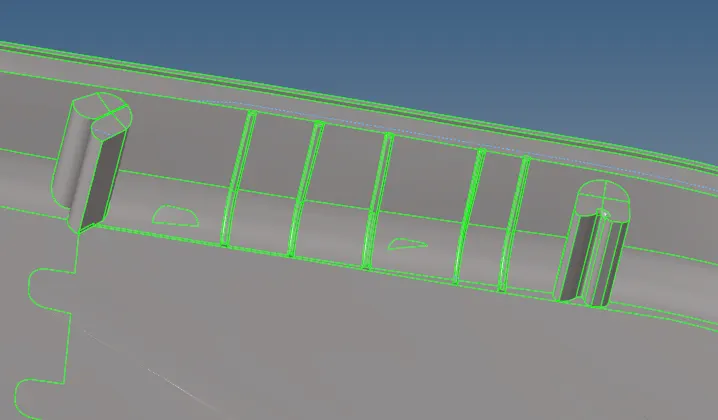
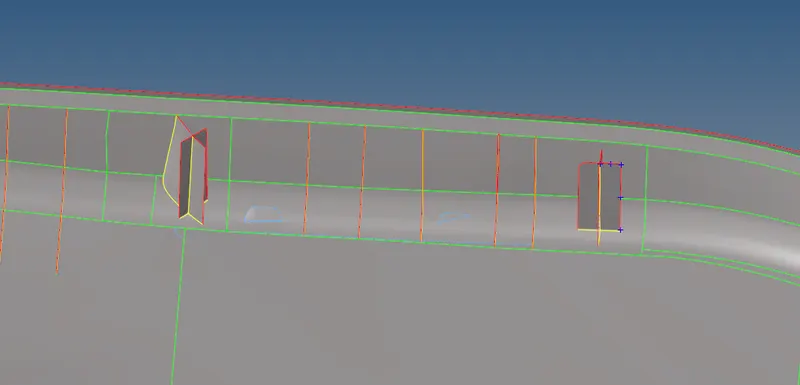
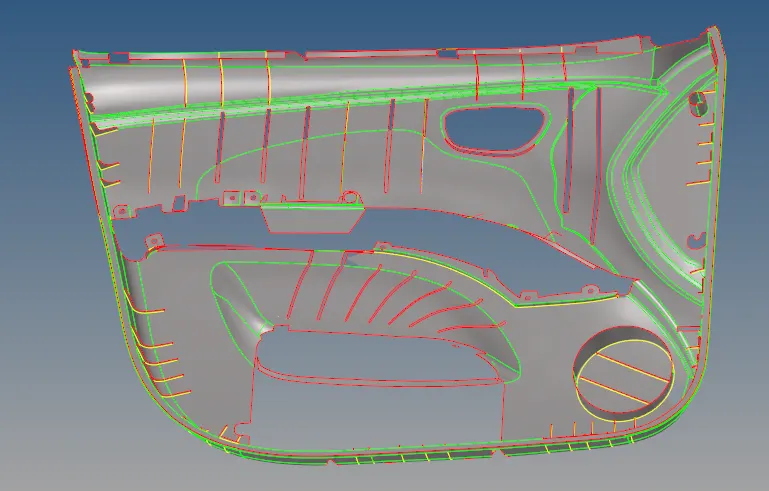
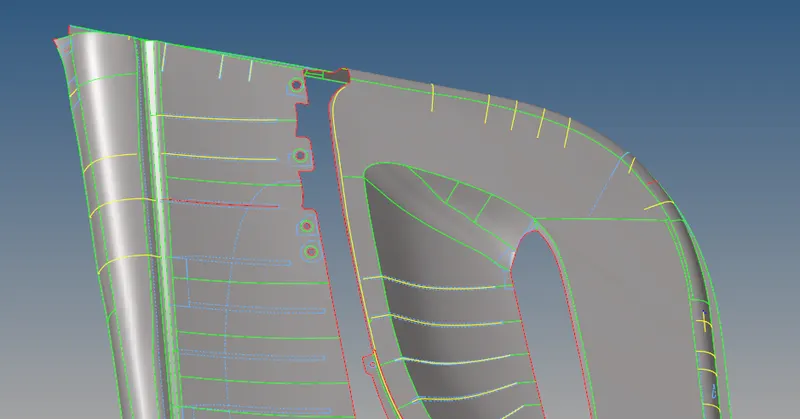
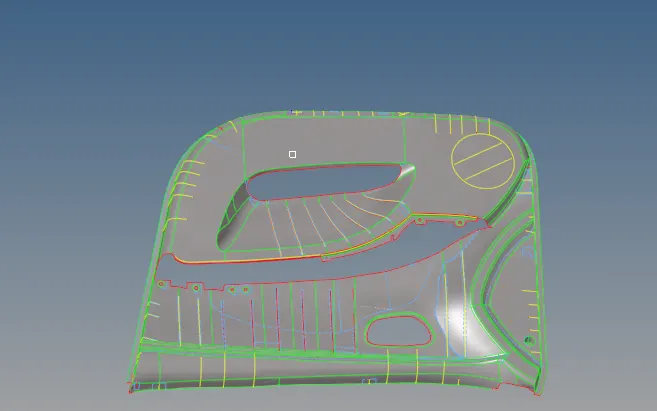
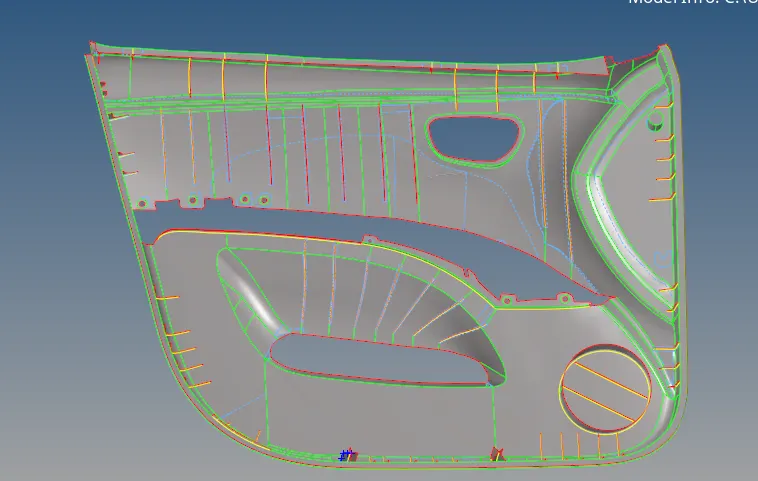
7.By using the different options mid surface of the inner side door panel was obtained.Initial condition of mid-surface
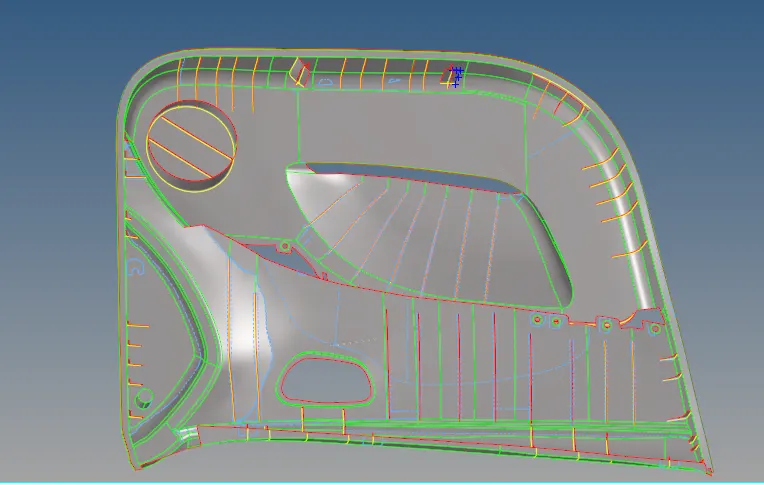
Final mid -surface
8. Geometric clerance of the obtained mid surface was done to avoid min length errors.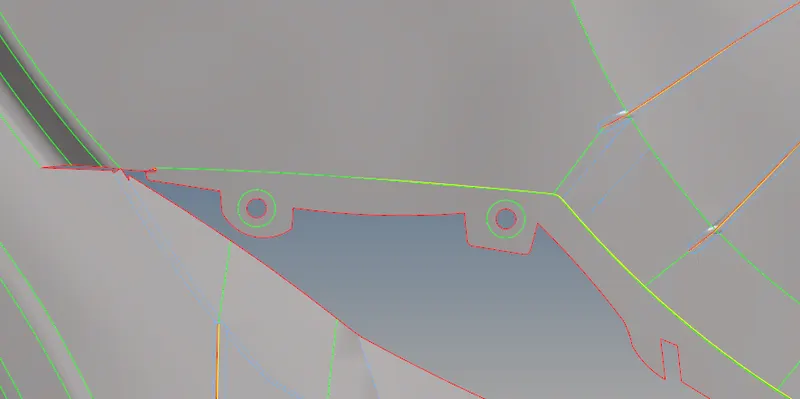
9. Meshing of the mid surface was done by using auto mesh option in 2D with the given
quality criteria 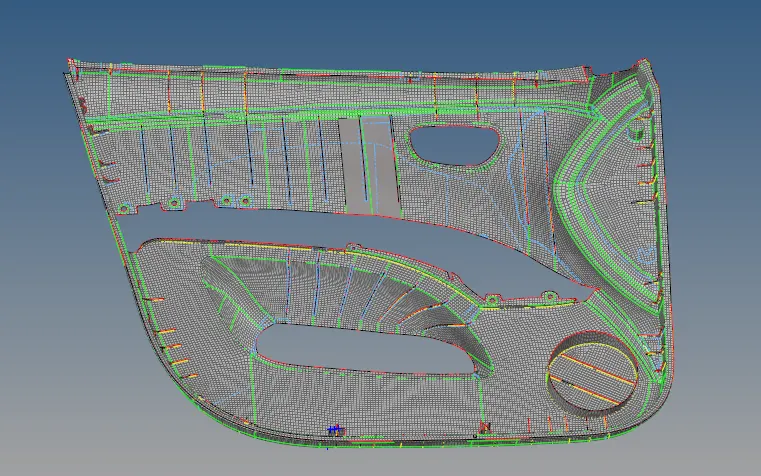
10. All the error elements are corrected by using clean up tools in quality index option.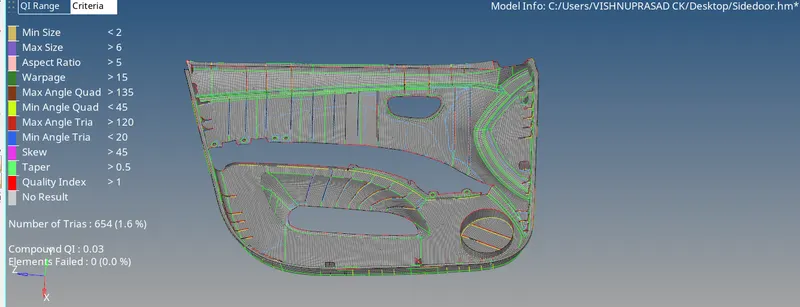
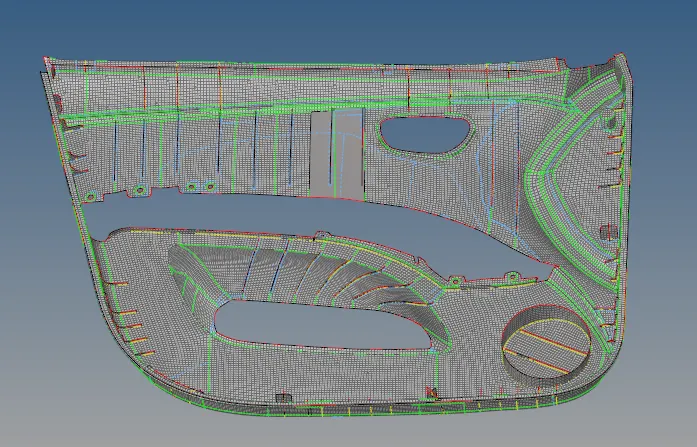
11. Thickness is assigned to the 2D mesh by taking the average thickness of the
    component.


    Property card is made and thickness value is provided in it and the property is assigned to the 2D mesh.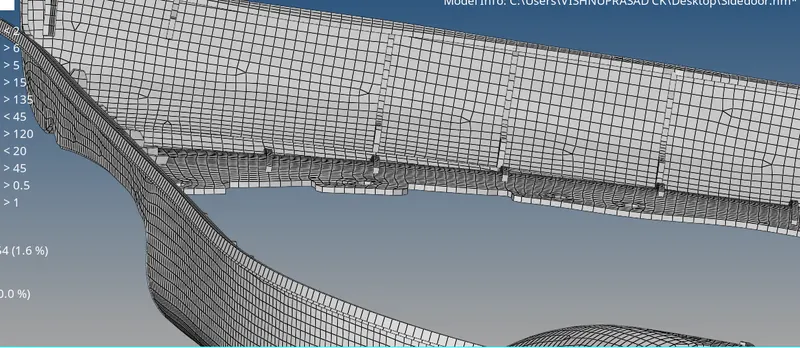
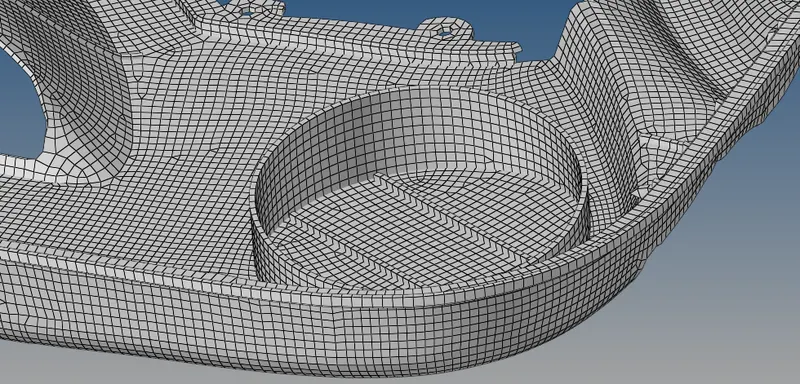
RESULT:

The given side door inner panel's mid surface is extracted , mesh is done on it and the average thickness is assign to it.