Project 2 - Integrate following sensors to the Dev Board
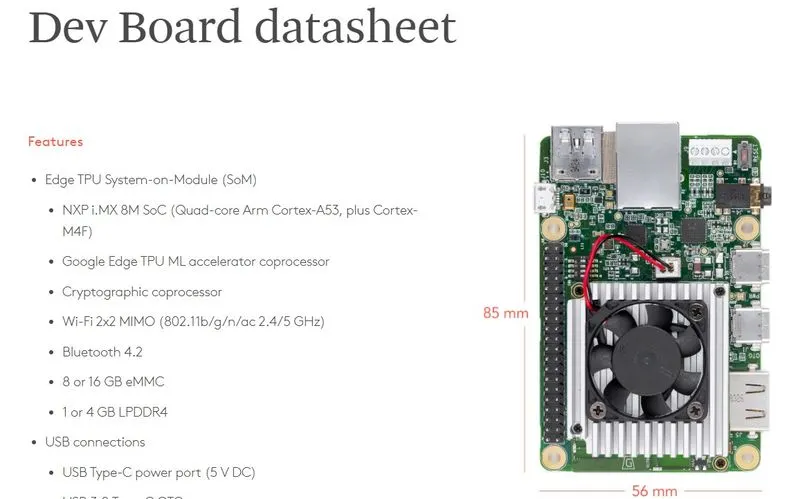
https://coral.ai/docs/dev-board/datasheet/
Integrate following sensors to the Dev Board:
- GPS
- IMU Sensor
Achieve the following task with the help of these sensors:
- The microcontroller should automatically detect sensor’s (GPS + IMU) connection and disconnection and print suitable string over the terminal (Serial to USB used)
- You should use buffer for receiving GPS data over UART, and should enable UART Reception Interrupt.
- IMU data to come over I2C, you should carry this data in Separate Queue according to Sensor (Accelerometer + Gyro) to a particular task.
- Main Objective is to identify the GPS location and whenever there is a change in distance greater than 100m, the system should print out the Co-ordinates along with IMU sensor values.
- Printing of the values can be done by transferring values over UART and then Serial to USB can be used to view at Terminal Window.

To integrate the GPS and IMU sensors to the Dev Board and achieve the tasks mentioned, follow the steps below:
-
Hardware Setup Connect the GPS and IMU sensors to the appropriate pins on the Dev Board. The GPS sensor should be connected to a UART port, and the IMU sensor should be connected to an I2C port. Make sure that the connections are correct and secure.
-
Software Setup To detect the connection and disconnection of the sensors, you can use the interrupt pins available on the Dev Board. Whenever a sensor is connected or disconnected, the corresponding interrupt pin will trigger an interrupt, and you can handle it in your code to print a suitable message over the serial port.
For receiving GPS data over UART, you should enable UART Reception Interrupt, which will allow the microcontroller to receive data from the GPS sensor in the background and store it in a buffer. You can then process this data in your code to extract the GPS coordinates.
For the IMU sensor, you should read the data from the sensor over I2C and store it in a queue. You can use separate queues for accelerometer and gyro data to process them separately in different tasks.
-
Main Objective To identify the GPS location and detect a change in distance greater than 100m, you can use the Haversine formula to calculate the distance between two GPS coordinates. Whenever the distance between the current GPS location and the previous location exceeds 100m, you can print the current GPS coordinates along with the IMU sensor values.
-
Printing Values To print the values over the serial port, you can use the Serial to USB converter available on the Dev Board. Transfer the values over UART to the Serial to USB converter, and you can view them on the terminal window.
Overall, the steps involve connecting the sensors to the Dev Board, setting up the software to detect sensor connections and disconnections, reading data from the sensors, processing the data, detecting changes in GPS coordinates, and printing the values over the serial port.
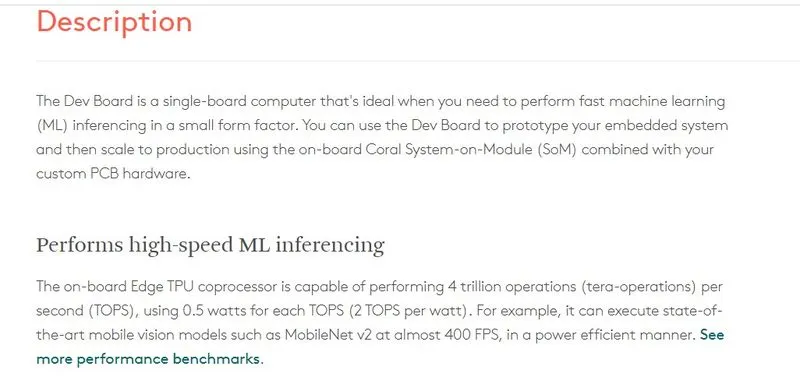
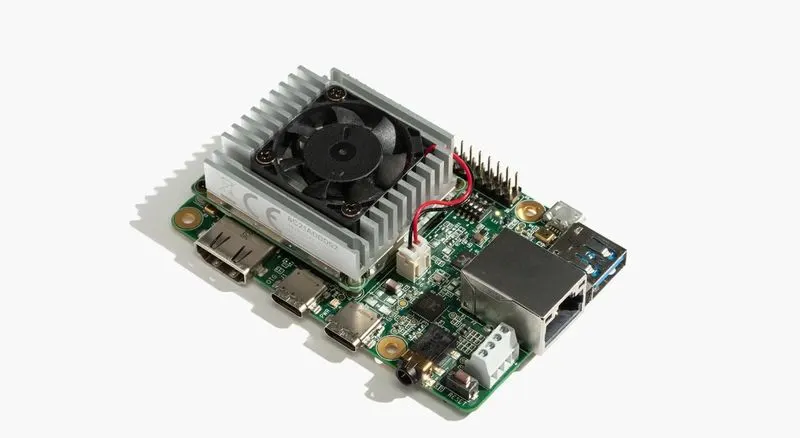
The Dev Board is a single-board computer that's ideal when you need to perform fast machine learning (ML) inferencing in a small form factor. You can use the Dev Board to prototype your embedded system and then scale to production using the on-board Coral System-on-Module (SoM) combined with your custom PCB hardware.
Tech specs
| CPU | NXP i.MX 8M SoC (quad Cortex-A53, Cortex-M4F) |
| GPU | Integrated GC7000 Lite Graphics |
| ML accelerator | Google Edge TPU coprocessor: 4 TOPS (int8); 2 TOPS per watt |
| RAM | 1 or 4 GB LPDDR4 |
| Flash memory | 8 GB eMMC, MicroSD slot |
| Wireless | Wi-Fi 2x2 MIMO (802.11b/g/n/ac 2.4/5GHz) and Bluetooth 4.2 |
| USB | Type-C OTG; Type-C power; Type-A 3.0 host; Micro-B serial console |
| LAN | Gigabit Ethernet port |
| Audio | 3.5mm audio jack (CTIA compliant); Digital PDM microphone (x2); 2.54mm 4-pin terminal for stereo speakers |
| Video | HDMI 2.0a (full size); 39-pin FFC connector for MIPI-DSI display (4-lane); 24-pin FFC connector for MIPI-CSI2 camera (4-lane) |
| GPIO | 3.3V power rail; 40 - 255 ohms programmable impedance; ~82 mA max current |
| Power | 5V DC (USB Type-C) |
| Availability | Australia, Japan, New Zealand, Taiwan, European Union (except France, Czech Republic), Ghana, Hong Kong, India, Oman, Philippines, Singapore, South Korea, Thailand, United States |
for schametics and documentation goto:
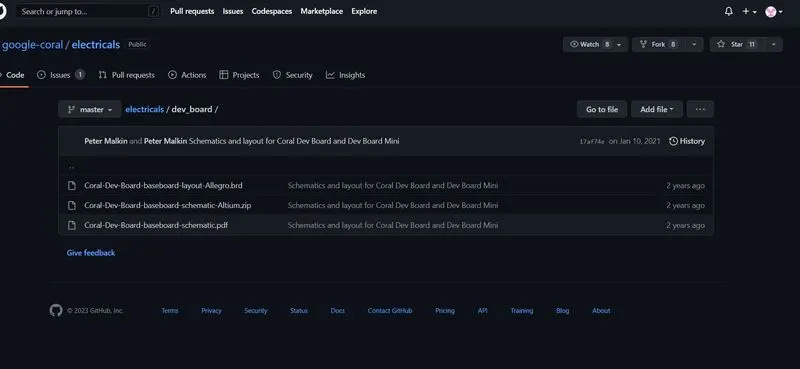
https://github.com/google-coral/electricals/commit/17af74ed635fd50d2ffdde8142fd9f2f39b37ed0