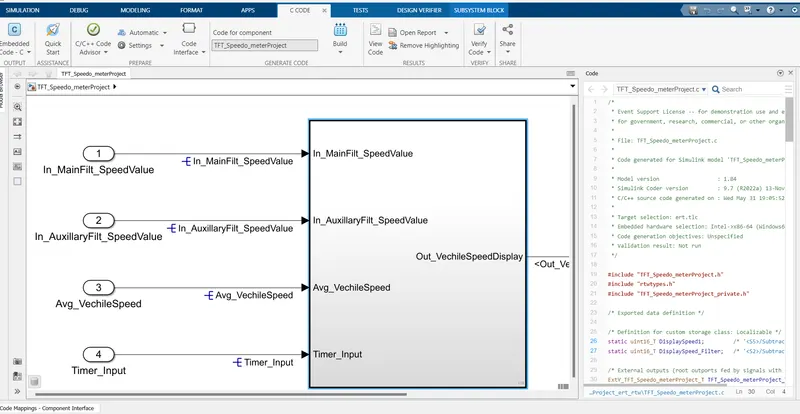
Project 2 - Development of TFT Cluster Speedometer Software Component
Aim:
To develop Cluster Instrument receives the signals from other ECU via CAN bus interface. It also receives commands from the driver via steering wheel buttons. The signals are then processed by the Cluster ECU, after which the Cluster ECU may send the vehicle information to the LCD or light the LEDs and so forth, according to the results. Therefore, the Cluster ECU can be viewed as a carrier of the information flow
solution
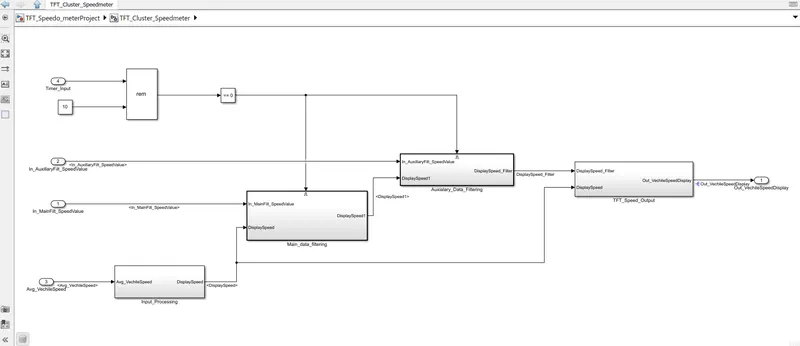
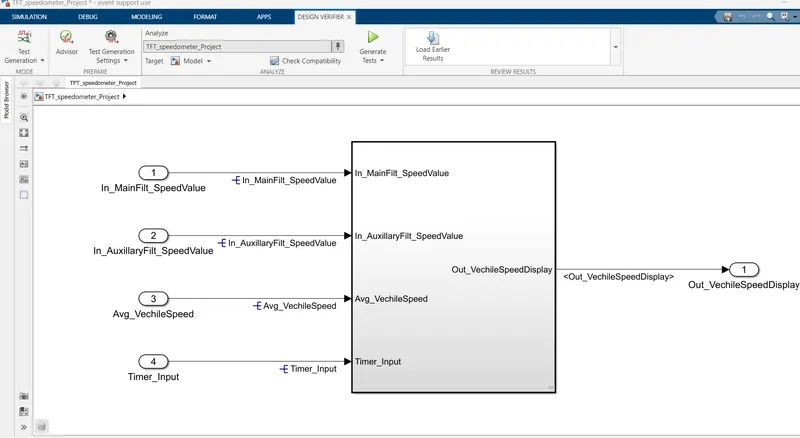
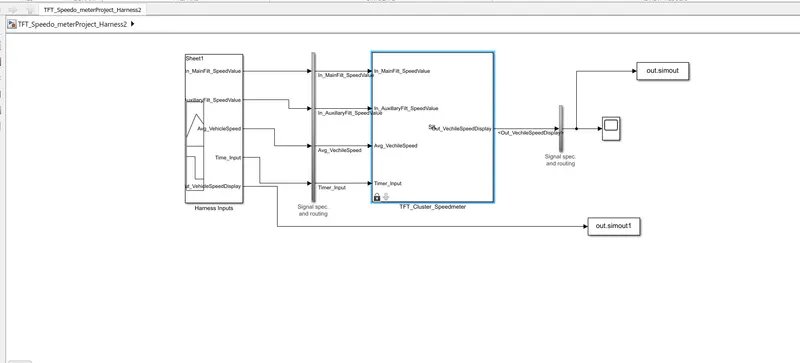
TFT Cluster Speedmeter is developed using MATLAB/Simulink using the requirement shown below
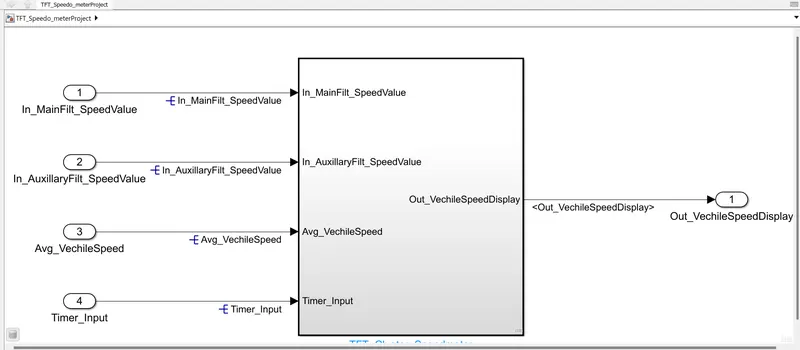
Requirements:
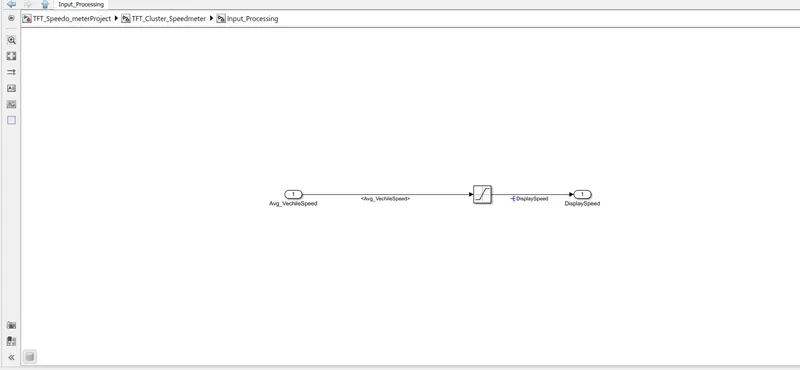
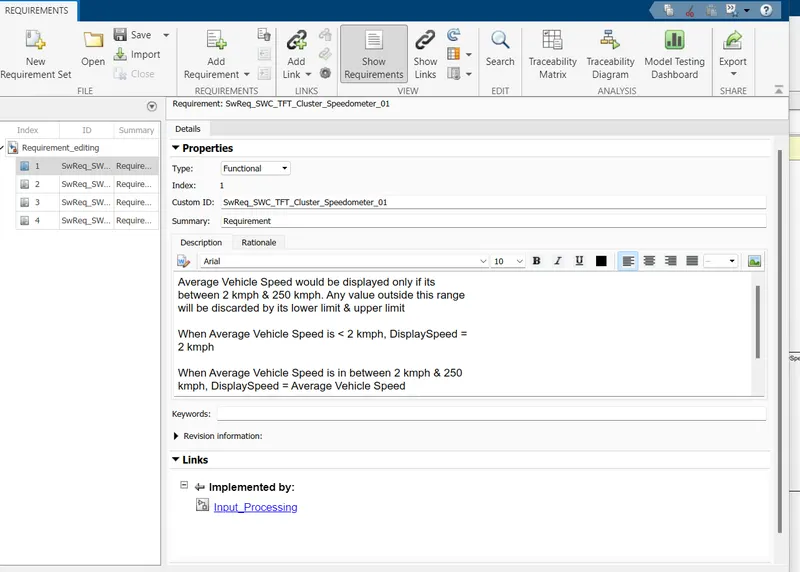
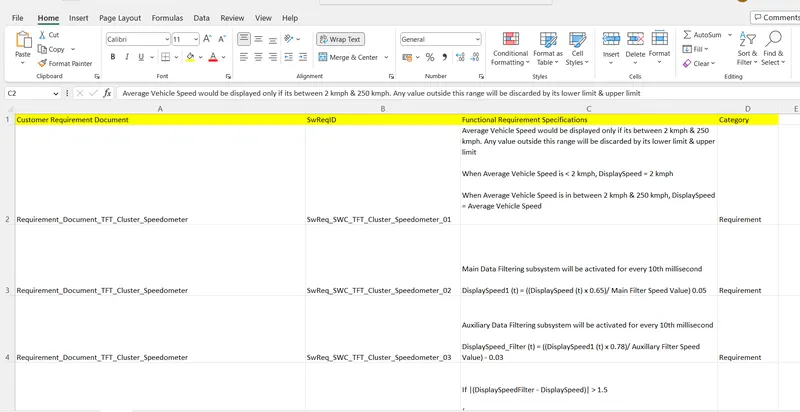
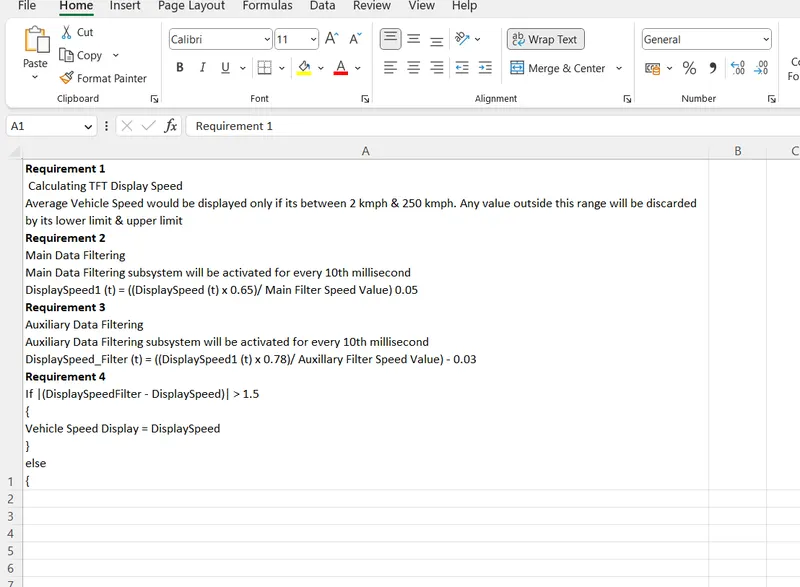
1.1 Calculating TFT Display Speed
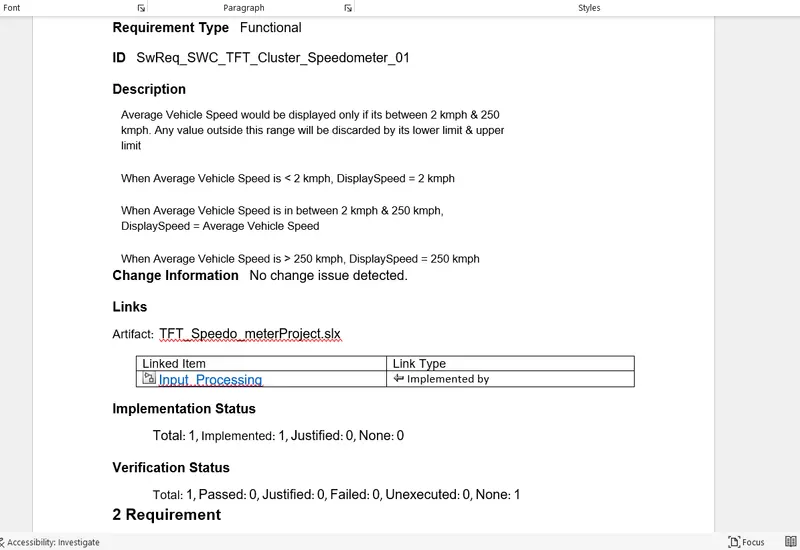
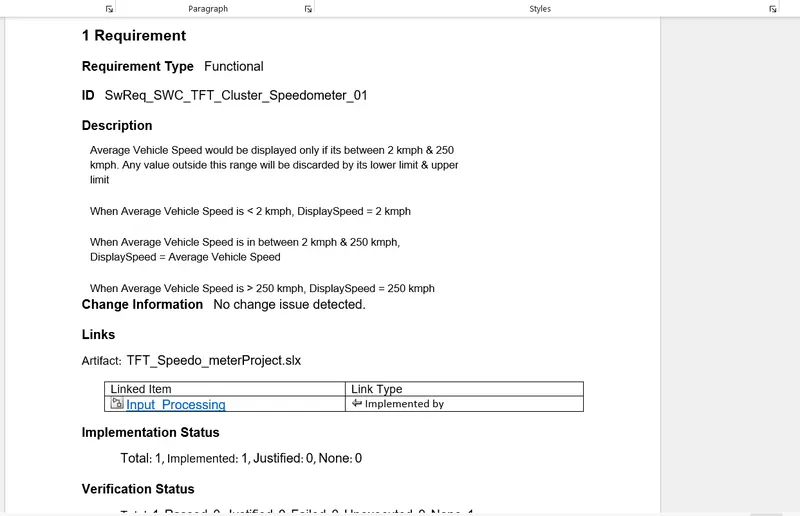
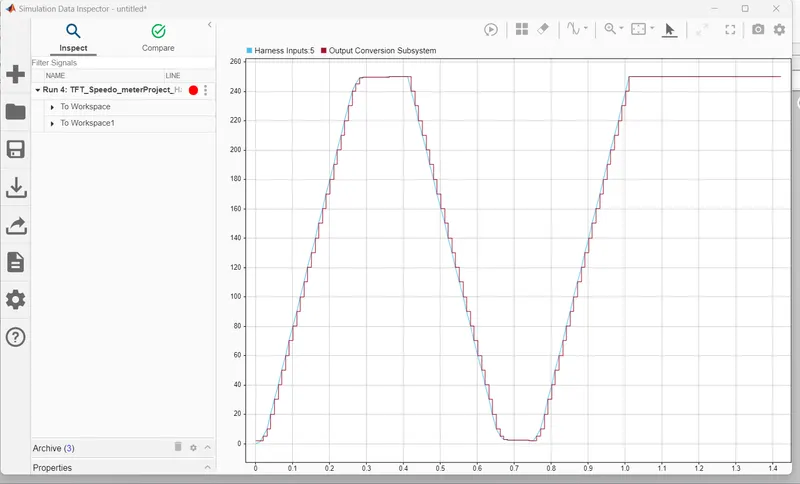
Average Vehicle Speed would be displayed only if its between 2 kmph & 250 kmph. Any value outside this range will be discarded by its lower limit & upper limit.When Average Vehicle Speed is < 2 kmph, DisplaySpeed = 2 kmph.When Average Vehicle Speed is in between 2 kmph & 250 kmph, DisplaySpeed = Average Vehicle Speed.When Average Vehicle Speed is > 250 kmph, DisplaySpeed = 250 kmph
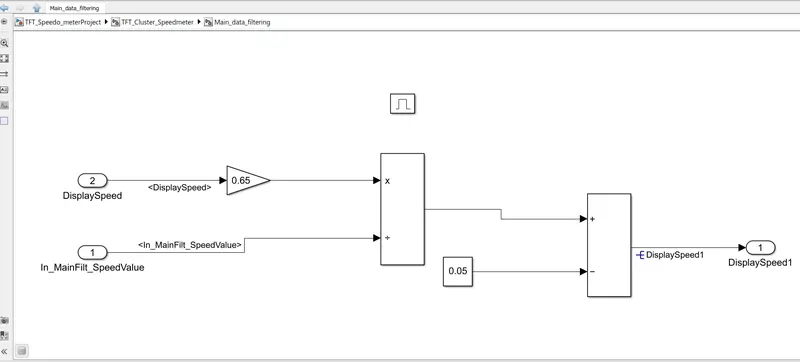
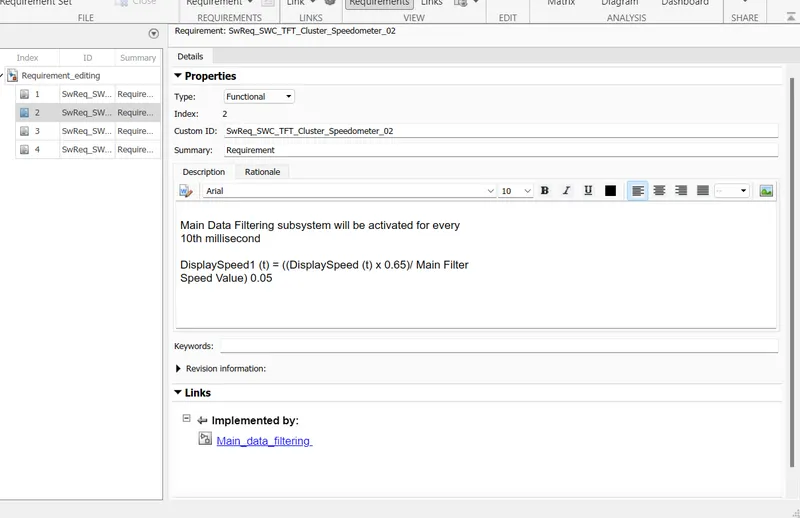
Main Data Filtering
Main Data Filtering subsystem will be activated for every 10th millisecond.DisplaySpeed1 (t) = ((DisplaySpeed (t) x 0.65)/ Main Filter Speed Value) 0.05
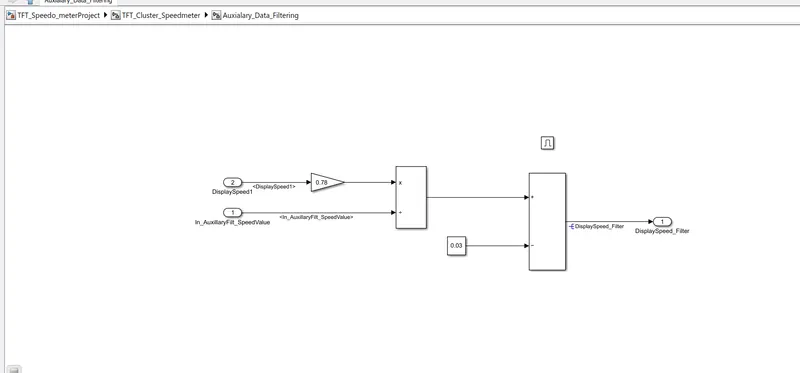
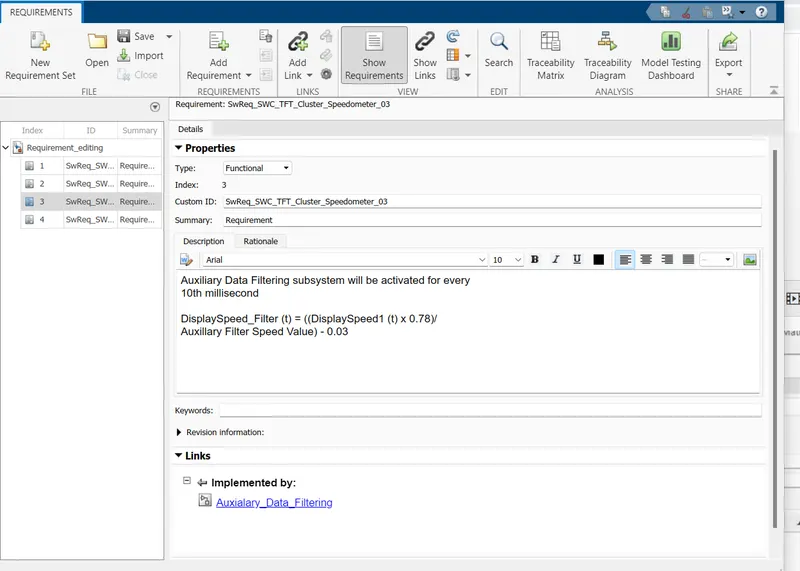
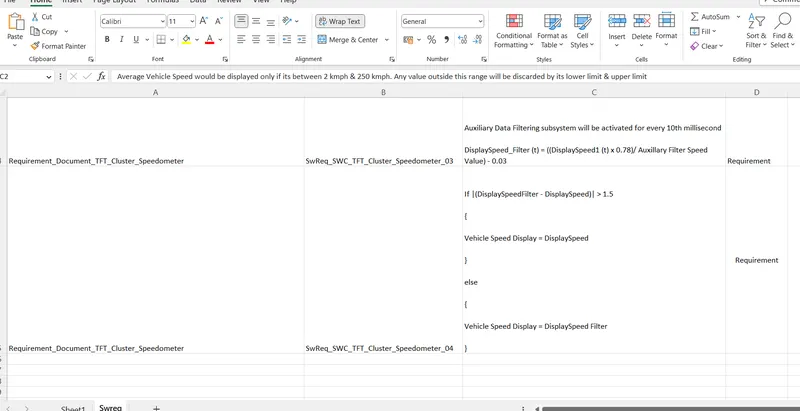
Auxiliary Data Filtering
Auxiliary Data Filtering subsystem will be activated for every 10th millisecond,DisplaySpeed_Filter (t) = ((DisplaySpeed1 (t) x 0.78)/ Auxillary Filter Speed Value) - 0.03
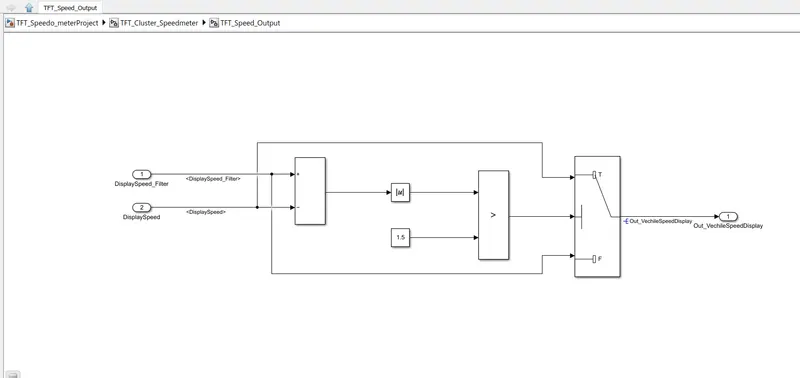
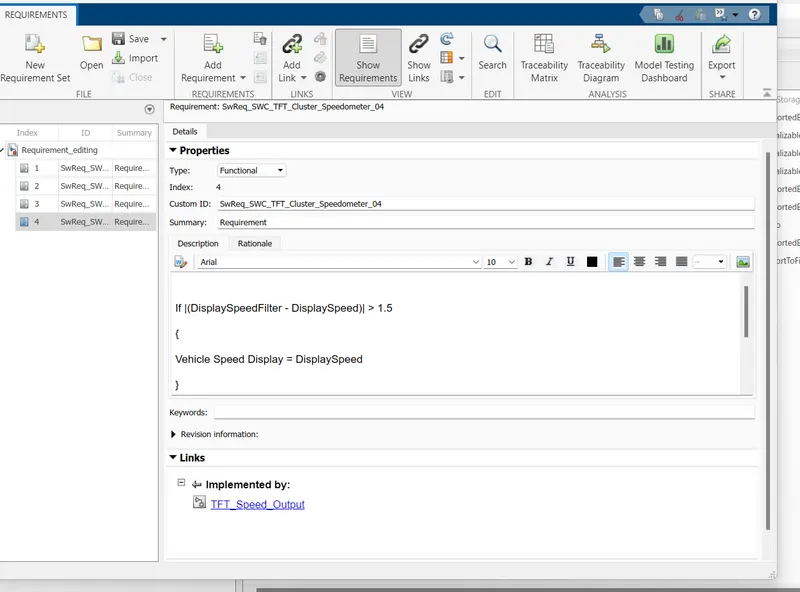
TFT Speed Output
|
If |(DisplaySpeedFilter - DisplaySpeed)| > 1.5 |
|
{ |
|
Vehicle Speed Display = DisplaySpeed |
|
} |
|
else |
|
{ |
|
Vehicle Speed Display = DisplaySpeed Filter |
|
} |
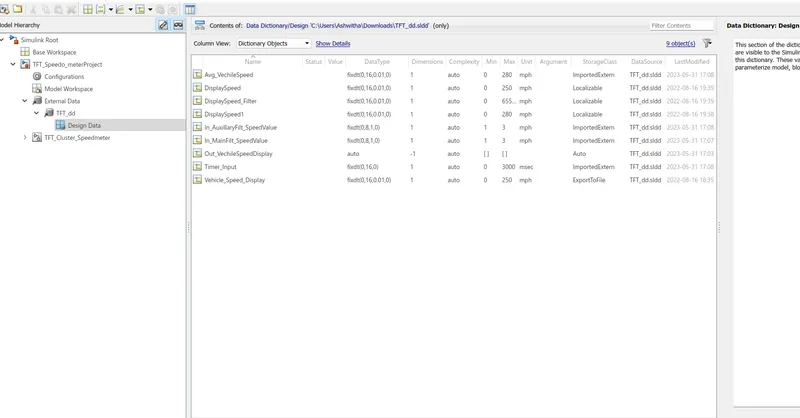
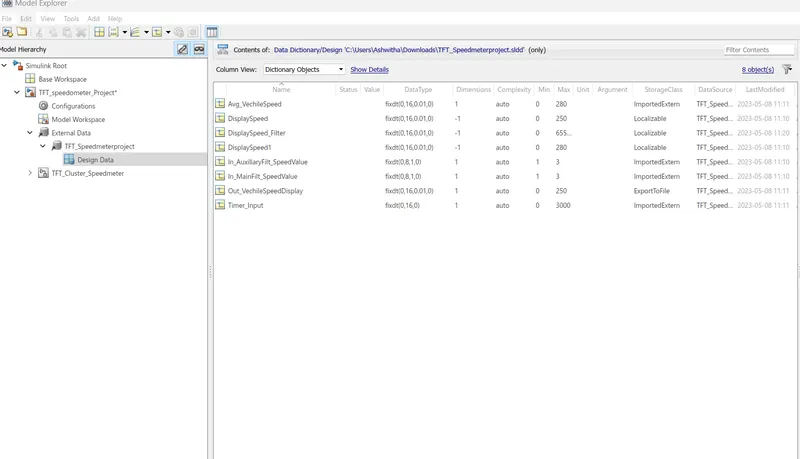
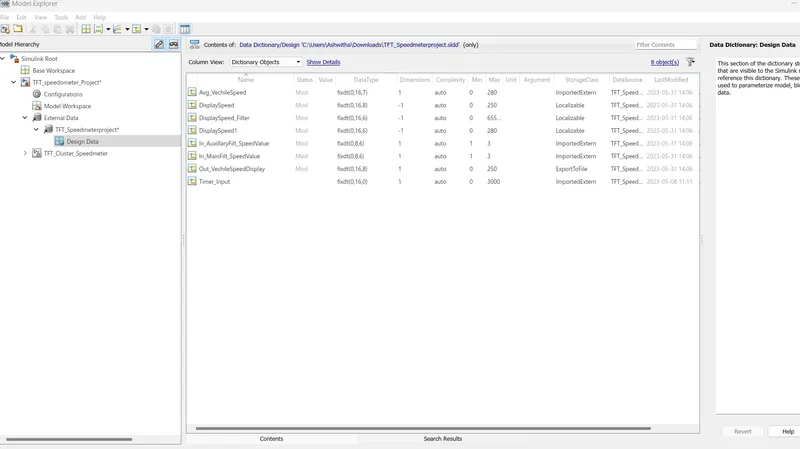
simulink data dictionaryfile
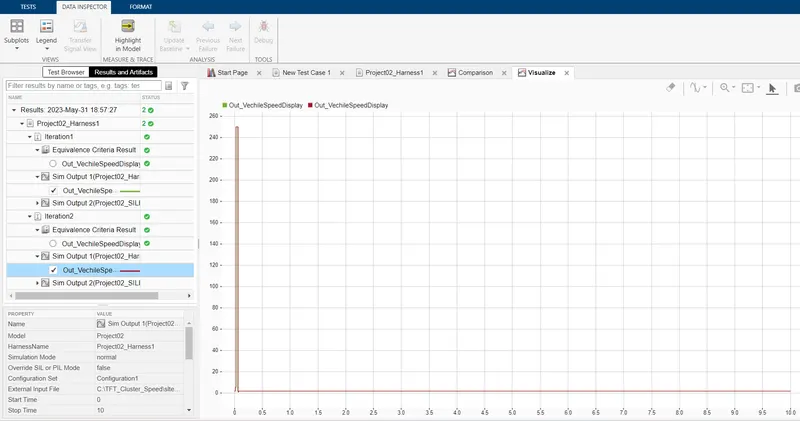
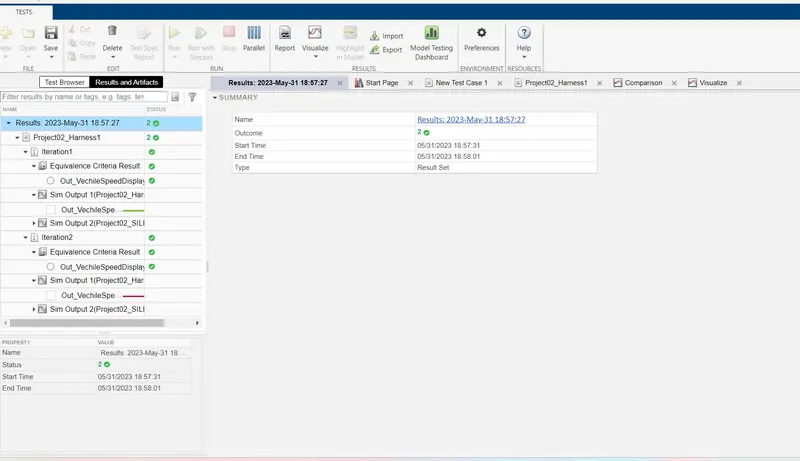
BASELINE TESTING
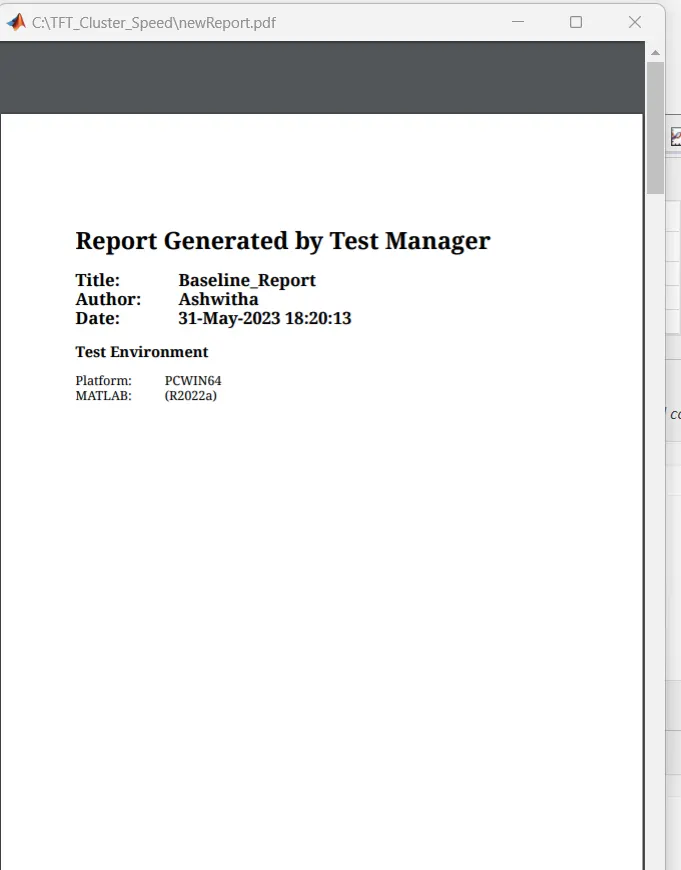
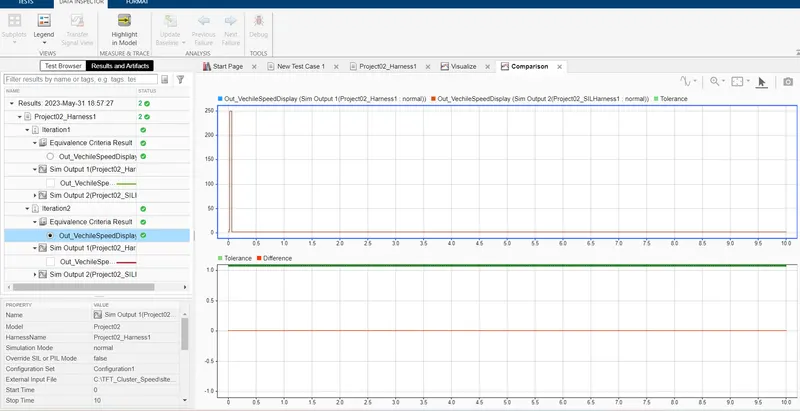
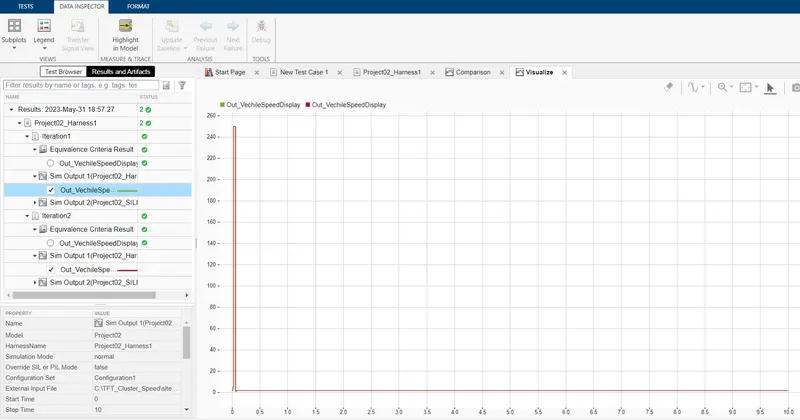
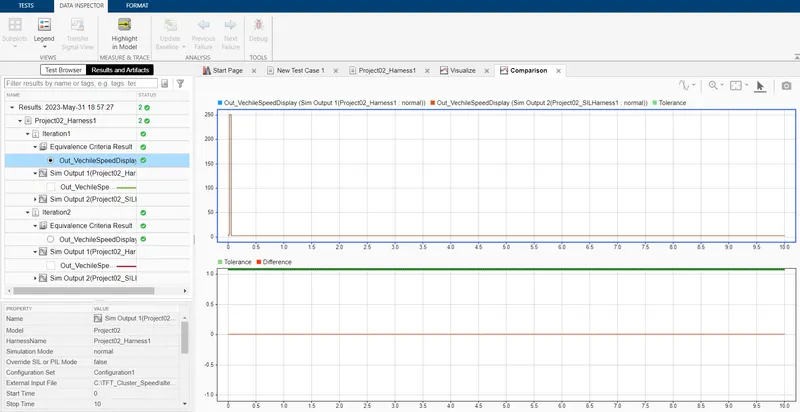
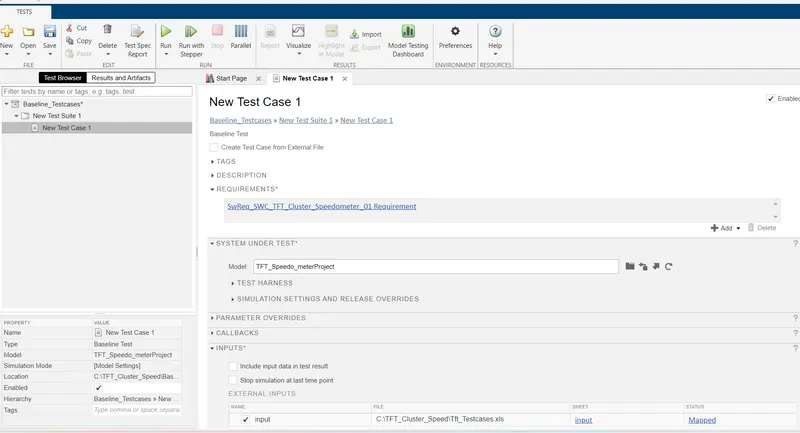
BACKTOBACK
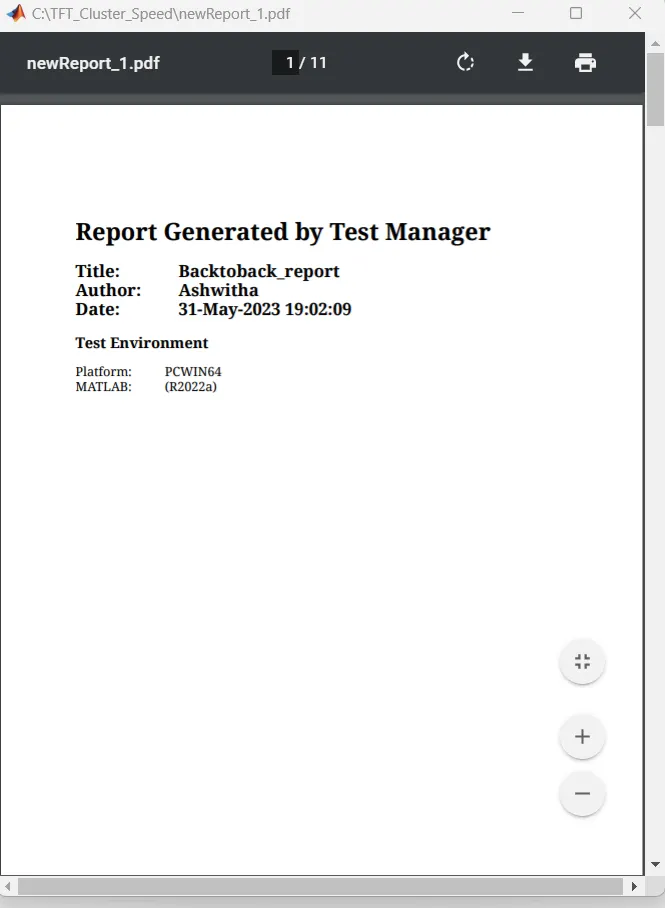
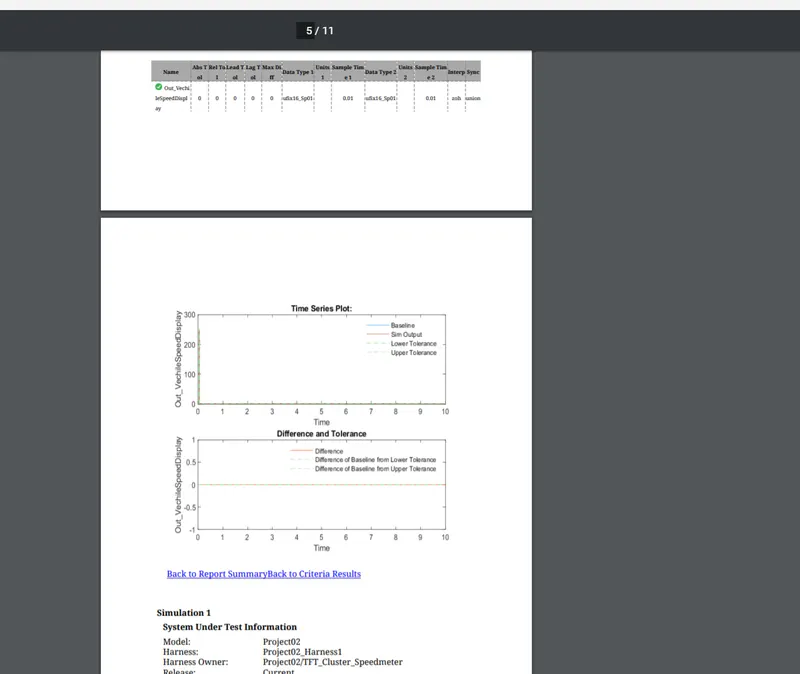
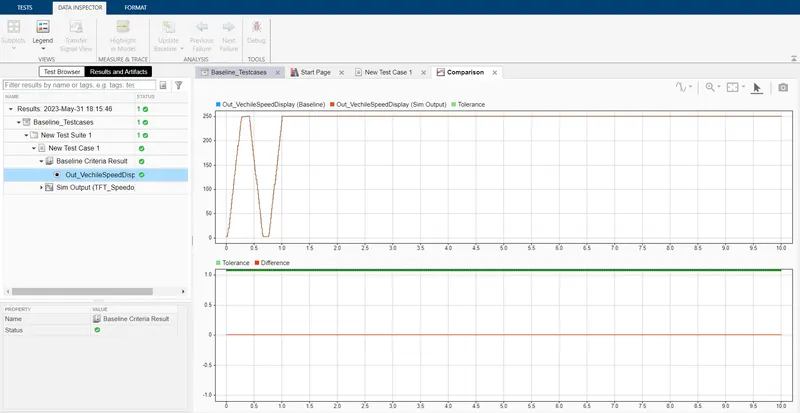
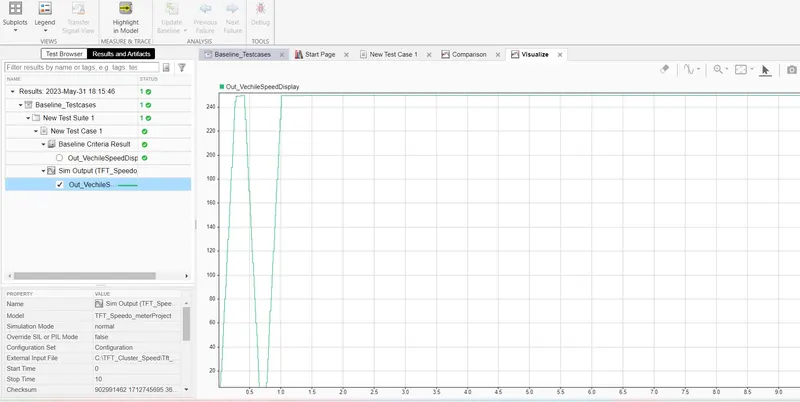
BACKTOBACK TESTING
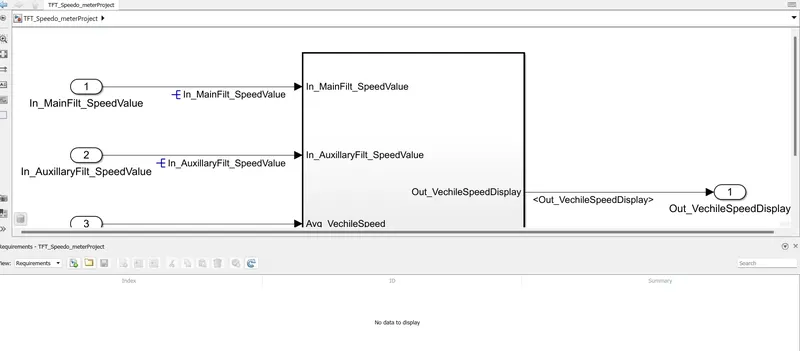
Requirement tagging1
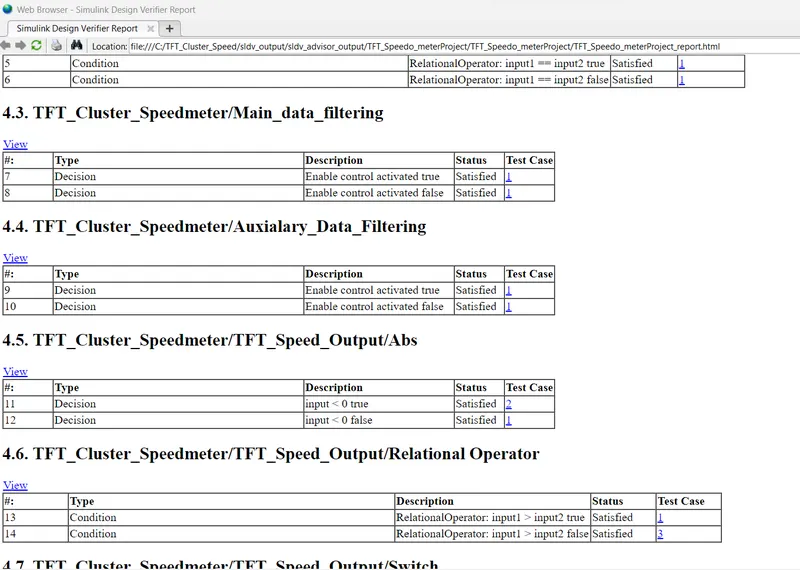
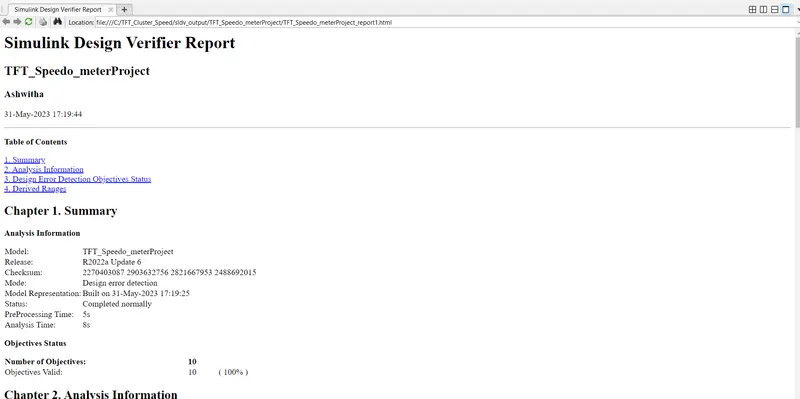
Checked the SLDVDesign error report
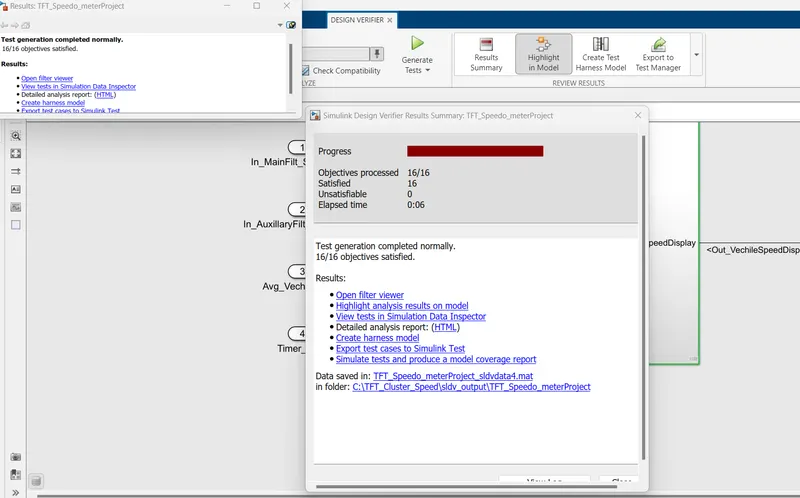
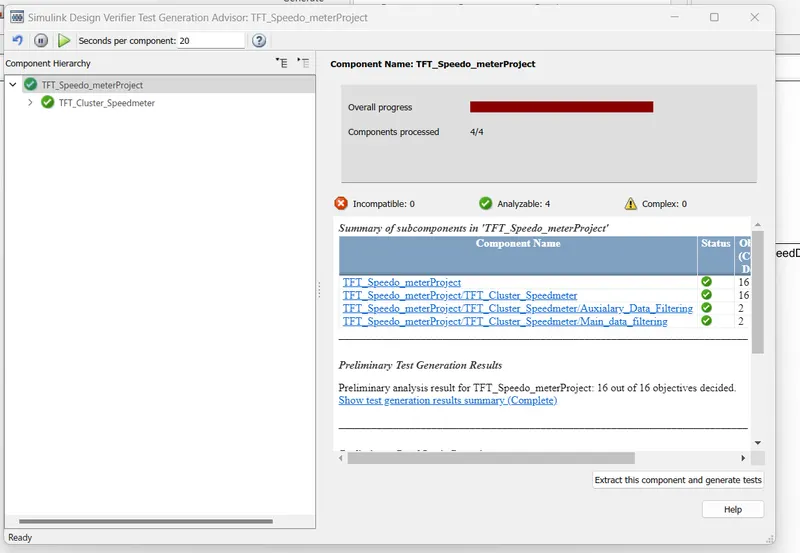
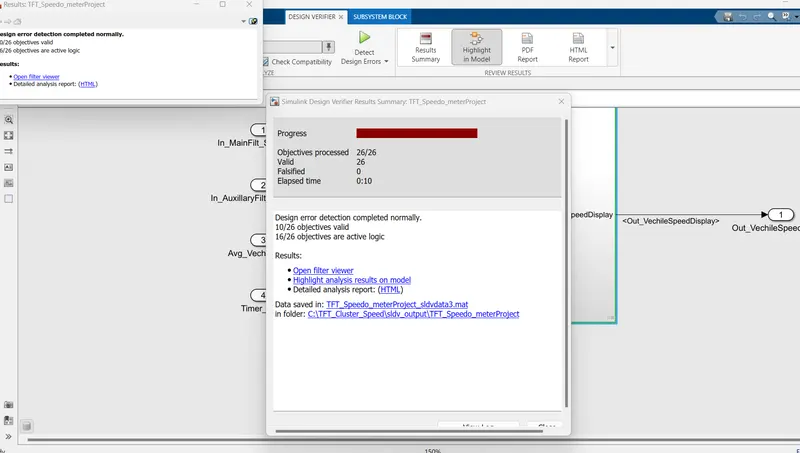
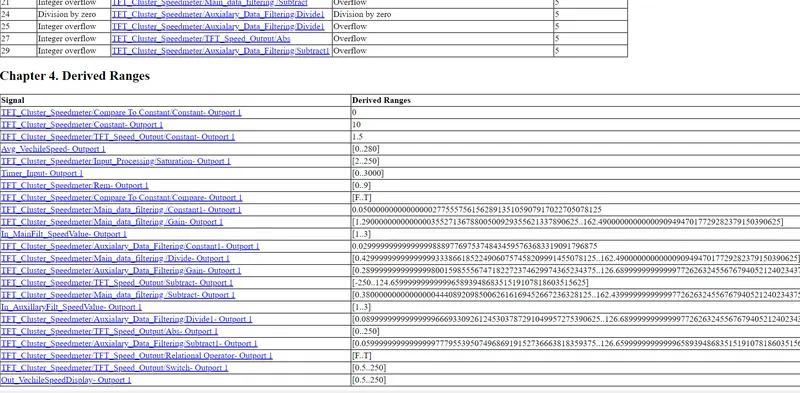
TEST GENRATION REPORT:-
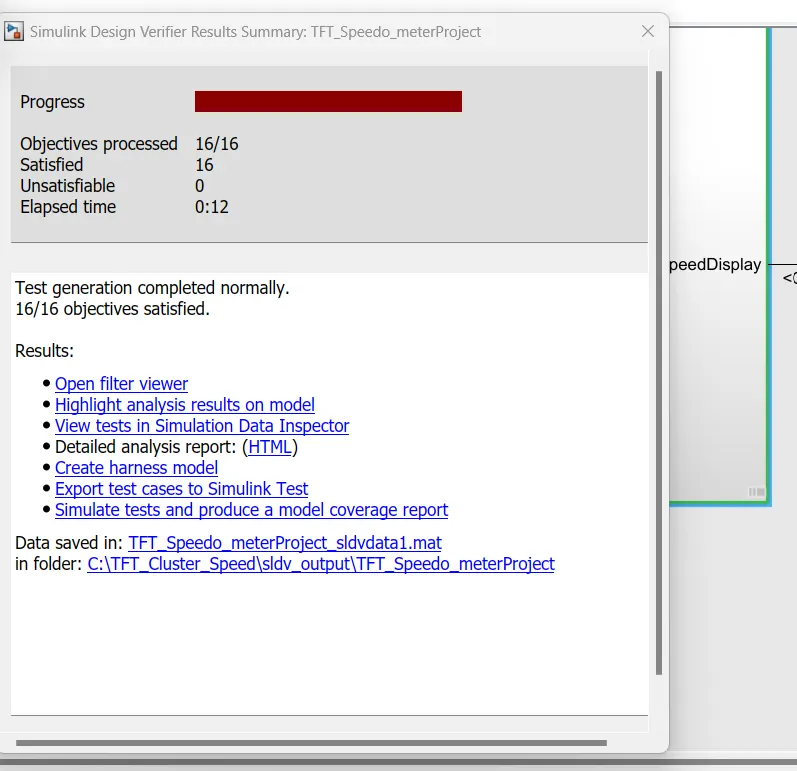
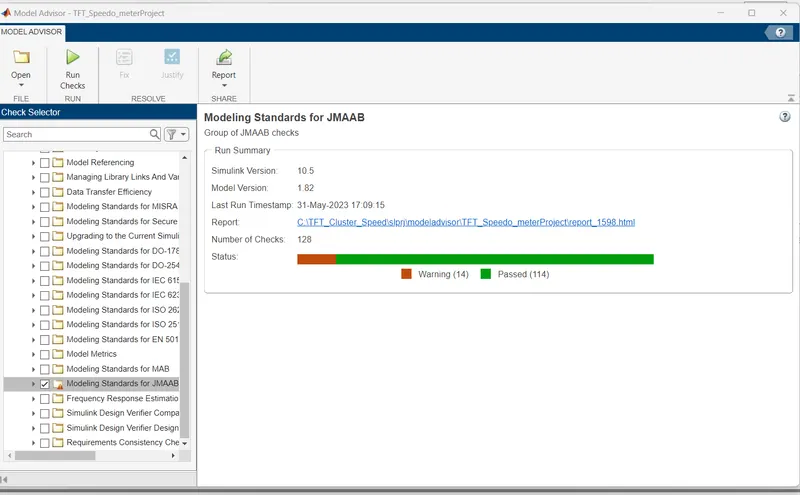
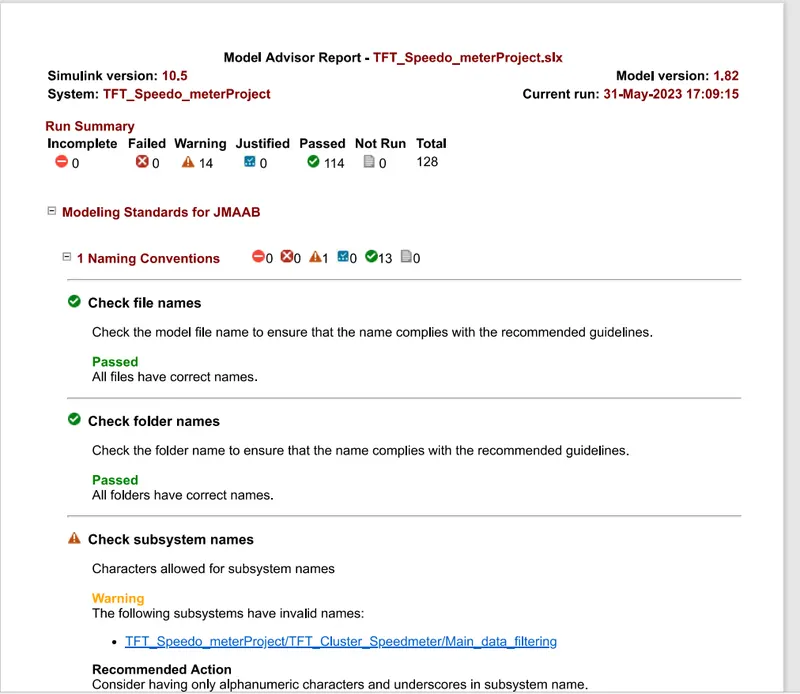
Model advisor JMAAB checking
Fixed point tool report
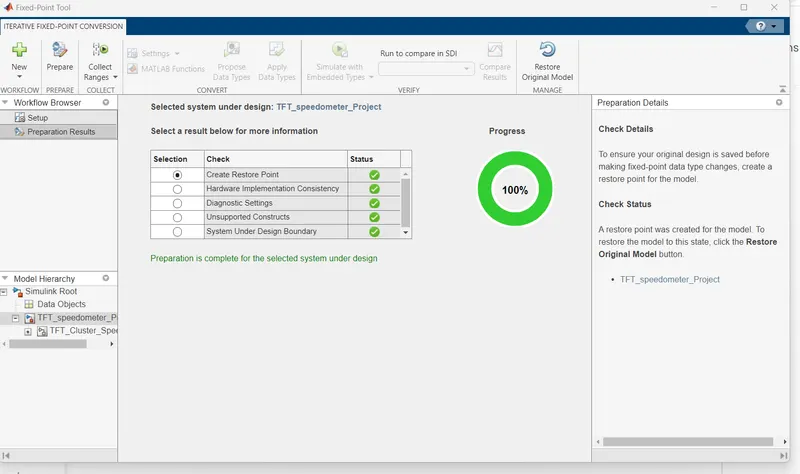
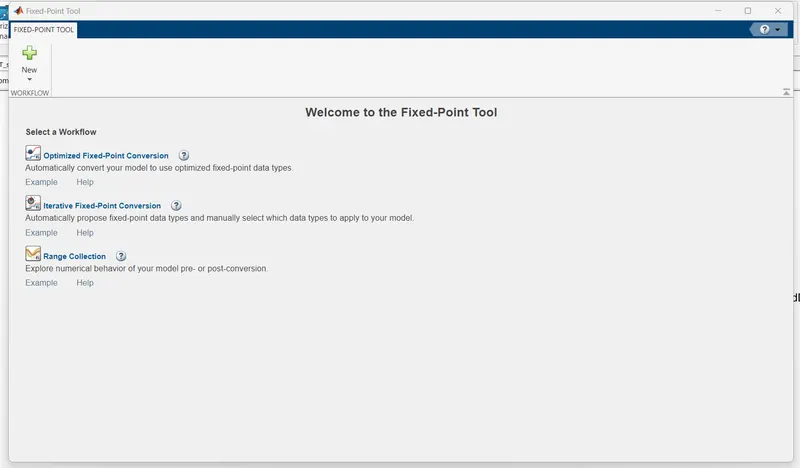
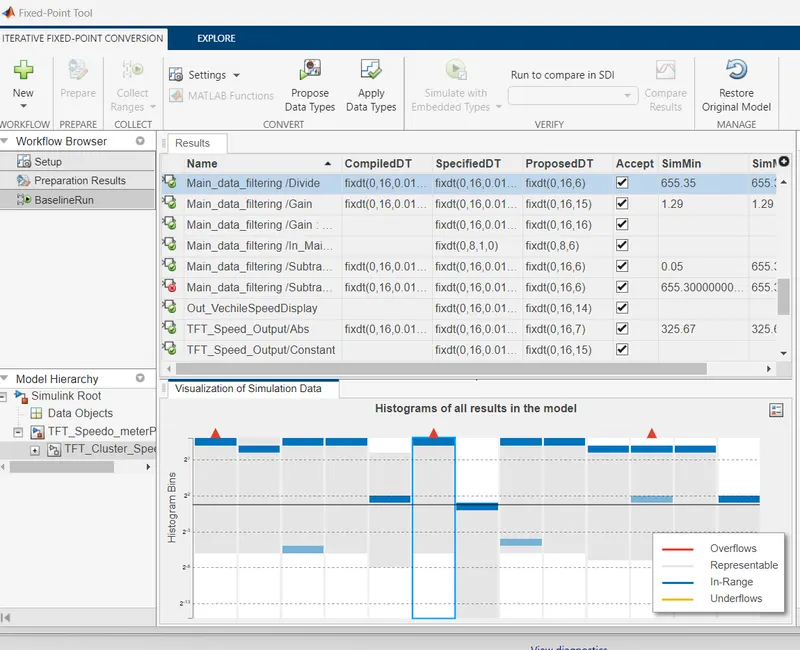
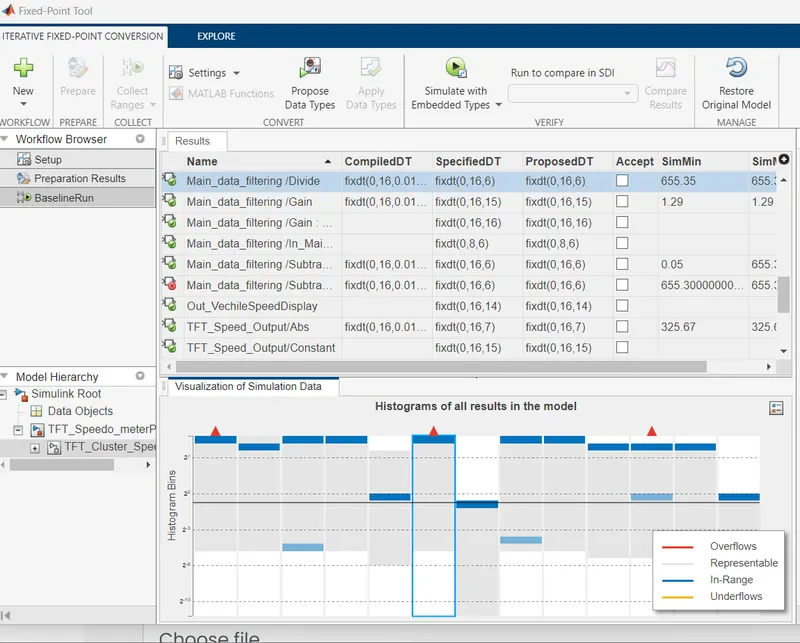
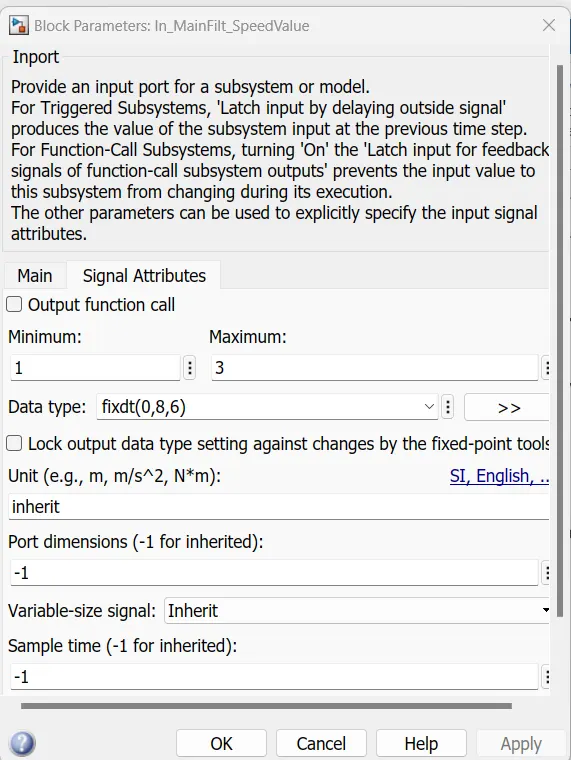
Applied the corresponding data types
After applying,The datatypes are changed:
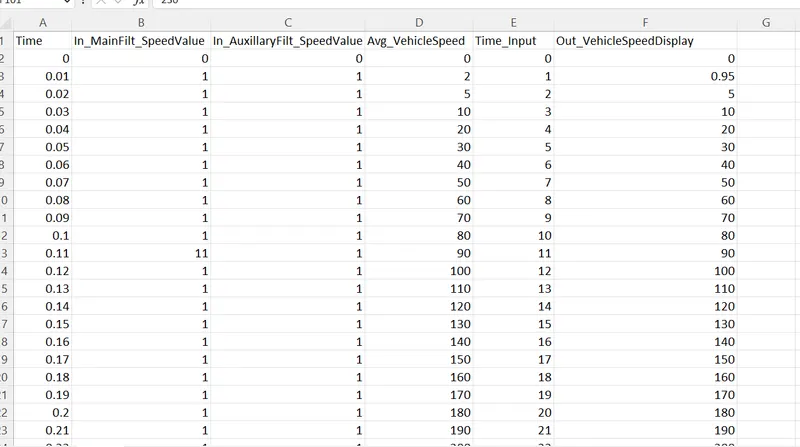
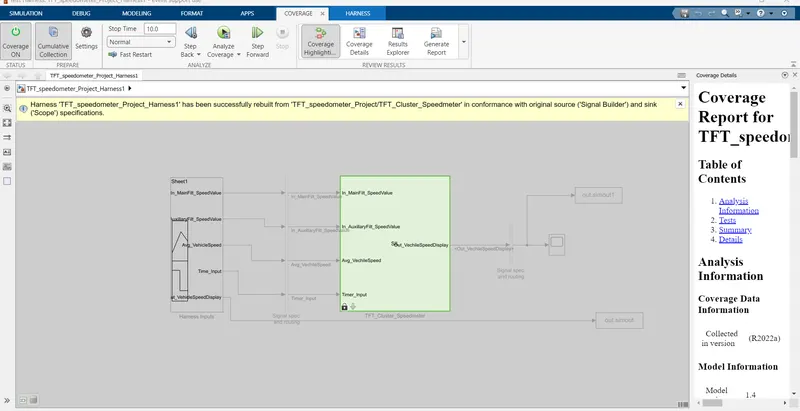
MIL BLOCK:-
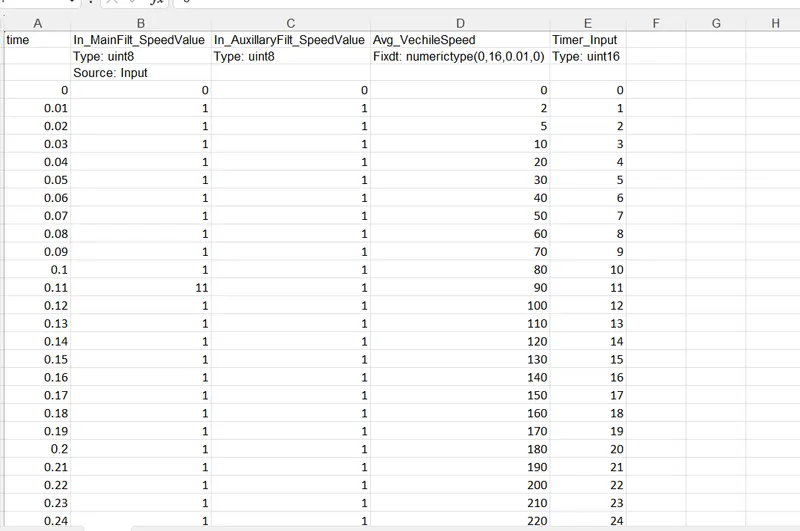
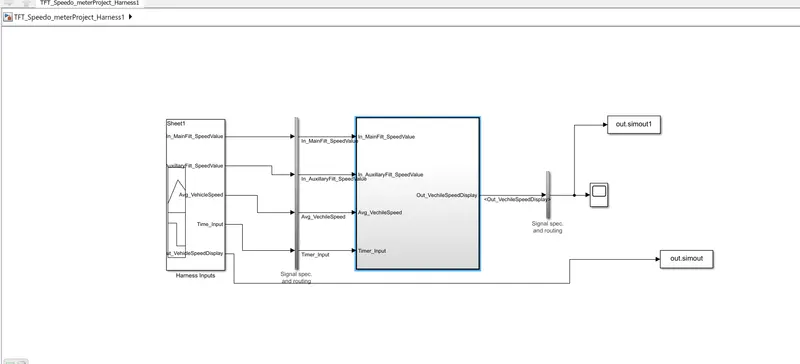
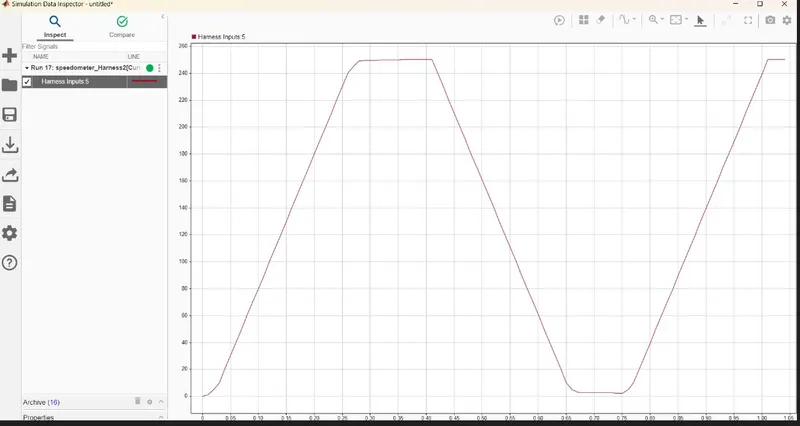
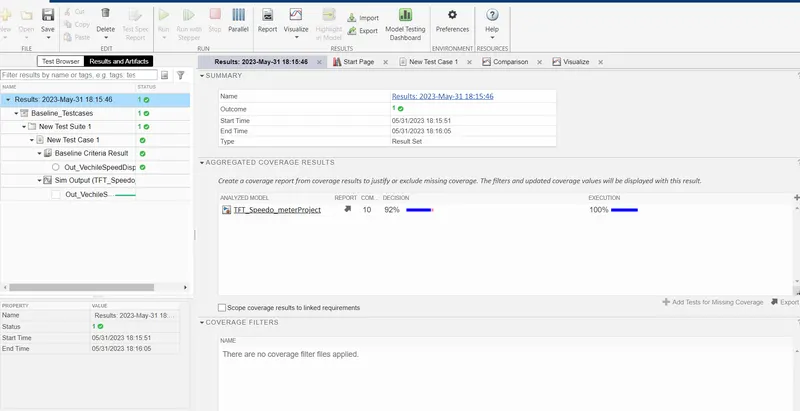
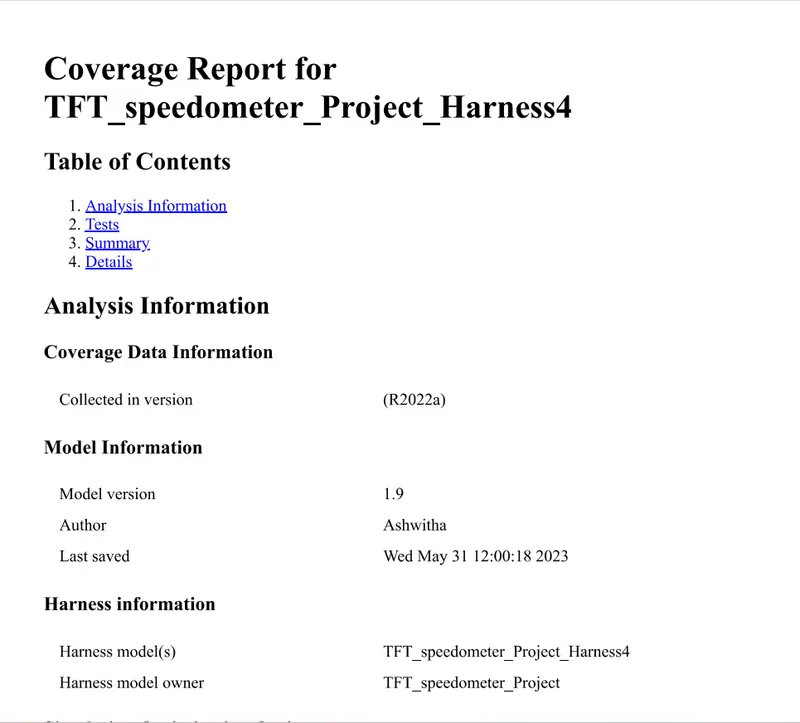
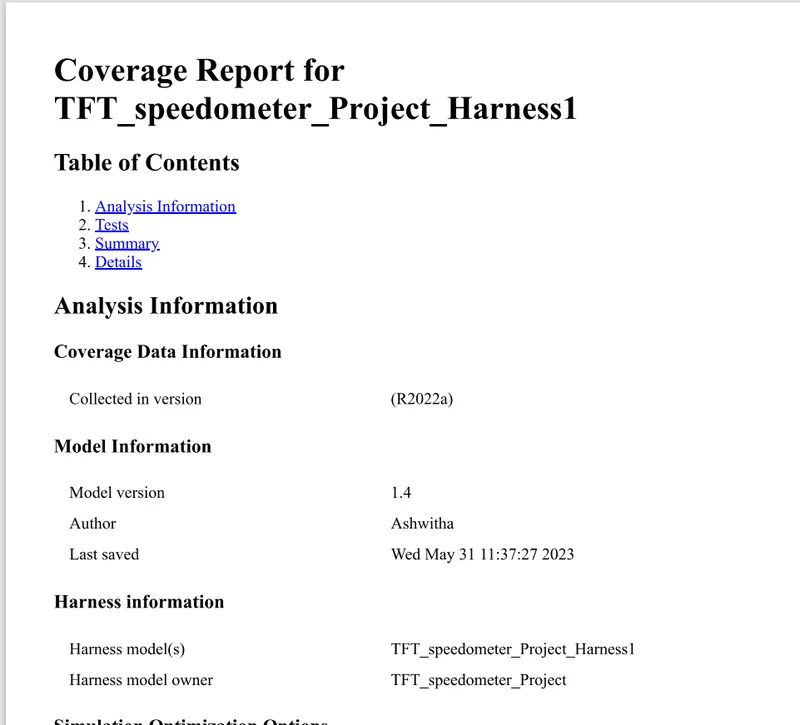
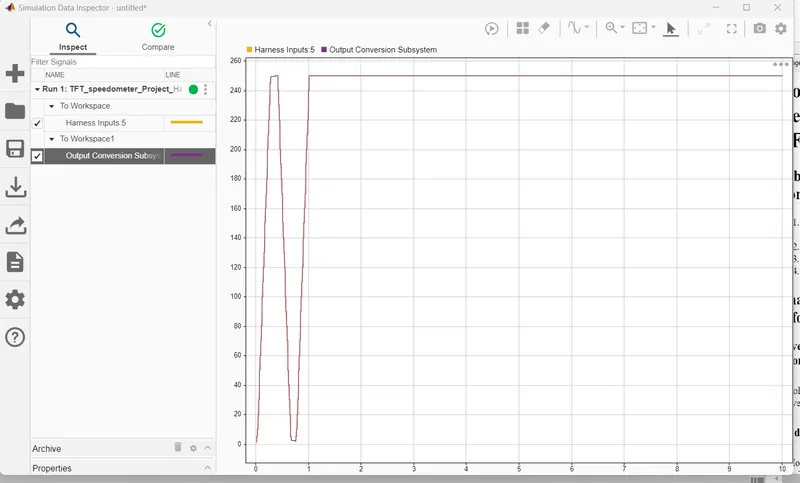 CIVERAGE REPORT MIL
SIL BLOCK:-
POLYSOACE:-
1. Open model and save a copy to a writable location.
2. Open the Simulink Coder app.
3. Open the Model Configuration Parameters dialog box. In the C Code tab, click Settings. Alternatively, from the command line, enter:
View the code generation report.
The report includes links to model files and associated utility and header files.
Polyspace Bug Finder:
In c & c++ embedded software, polyspace bug finder detects run time errors,as well as AUTOSAR c++14,CERT C++ & custom naming Conventions.
First we need to do the Configuration parameters settings ;In that we can see tha tha polyspace general overview.
'Project configuration' option in configuration parameters can be configured via the polyspace tool as well .
And we need to set the source code language is set to 'C.
The 'Bug finder Analysis ' option allows us to choose the criteria based on which the run time errors & other code related errors are evaluated.
Integer Overflow parameters are not available by default, hence we can choose custom & select the same .
Each defect category parameter listed here is automatically classified by the tool based on its impact & criticality:
Low , medium & high.
Inside the Polyspace workspace will be created. All the files wiil be located on the workspace.
like Target & computer ,Coding standards & code metrics as well as precision & Reporting etc..
We need to select all the options inside it .
for Auto code generation we need to set the configuration parameters as fuxed step solver and discrete continous mode , Then after code generation must be in embedded coder only.
After setting the model settings click on apps , in that choose embedded coder , click on build the the code will be generated.
We need to import files in coding standards & code metrics And we need to check the option of MISRAC2004.
And check the option of calculate code metrics.
In Bug finder analysis check the option of default.
And we can see the errors in tab.
In polyspace , the very first thing we need to clikc on the new project, and we need to enter our project name.
Before running polyspace Bug finder, generate code using Embedded coder.
Reports folder gets created in the MATLAB folder path where the model is placed .
Polyspace application opens with a new project automatically getting created in the same name as model that we created in our folder.And at last we need to analyze the code results.
AUTOCODE GENERATION:-