Project 2 - Development of TFT Cluster Speedometer Software Component
Step 1:
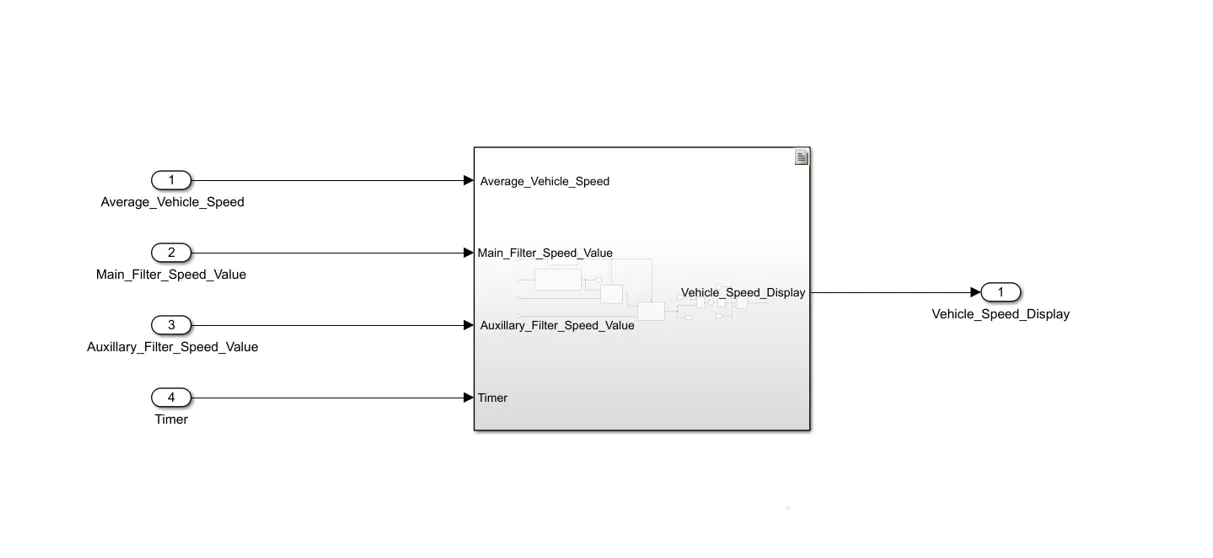
Create the model as per the requirements which is given in question.
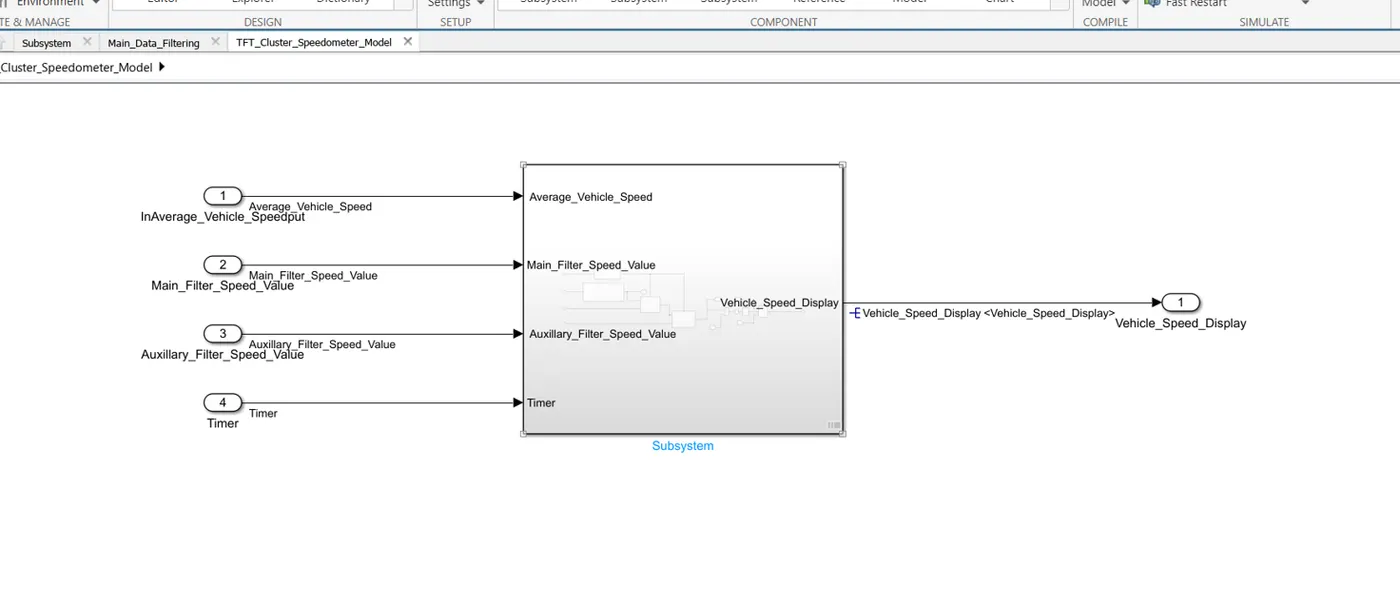
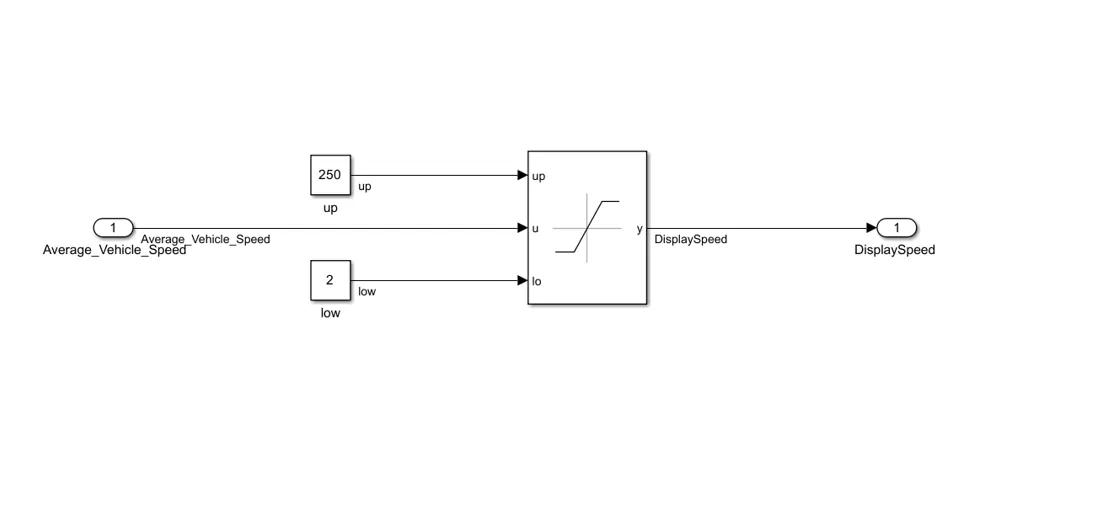
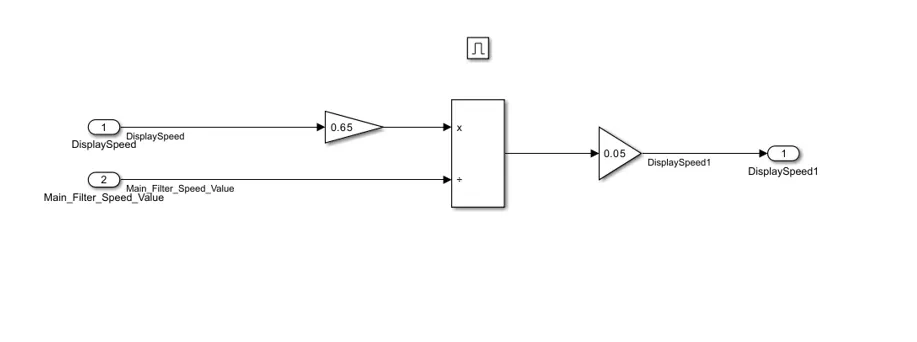
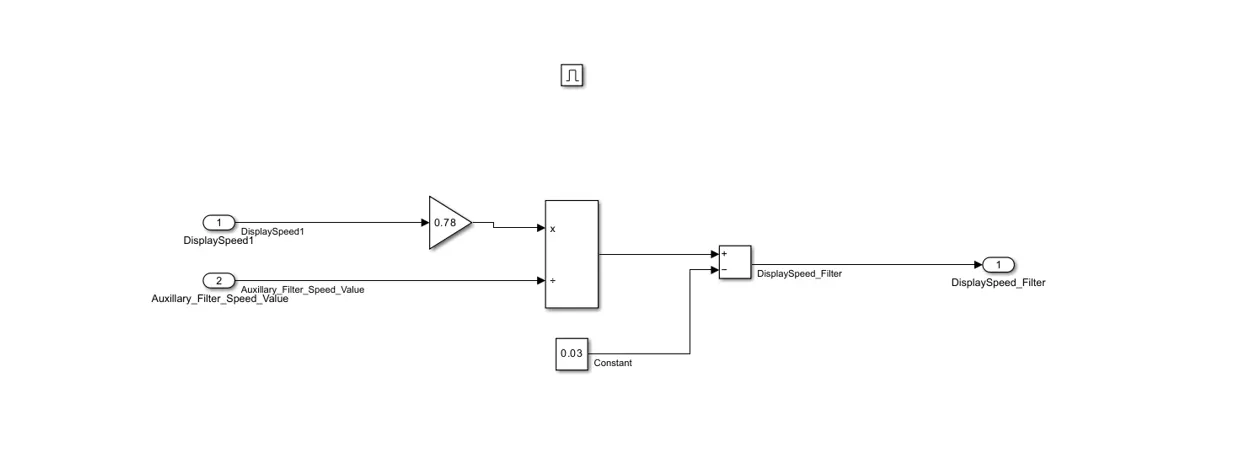
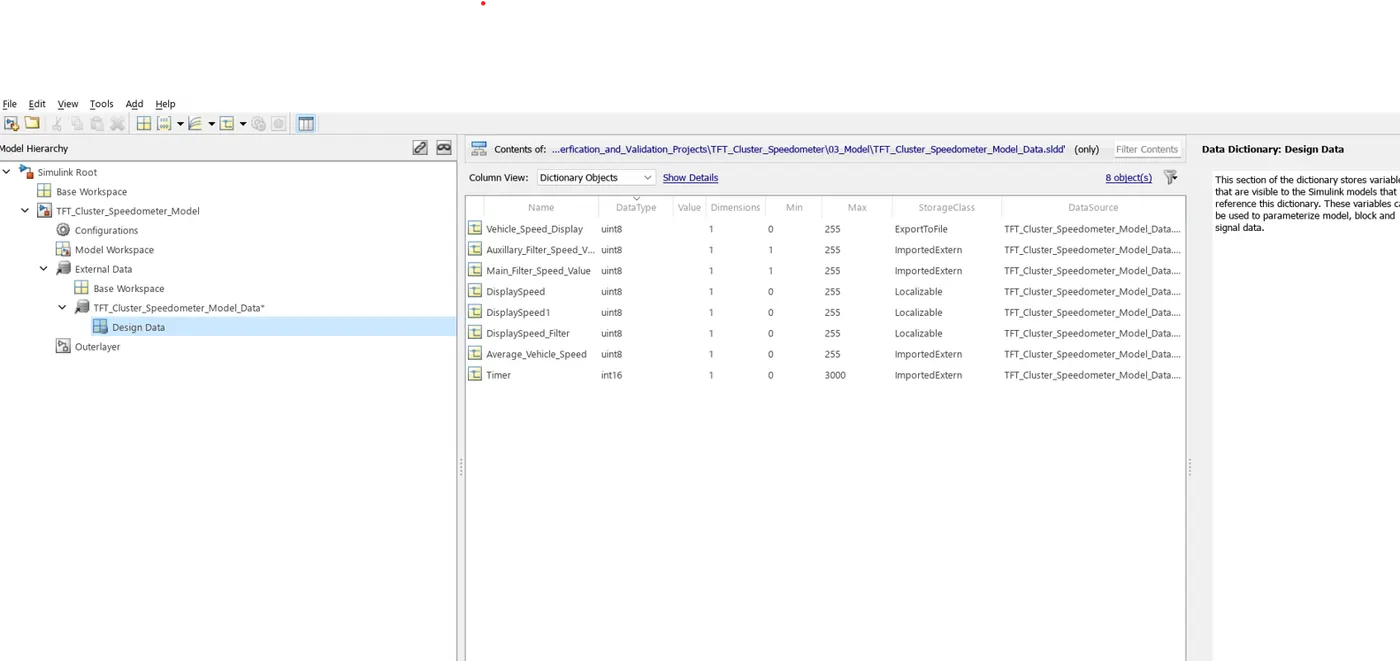
Step 2: Create the Data Dictionary to the model which has created.
Step 3:
Create the requirement as form of Excel sheet.
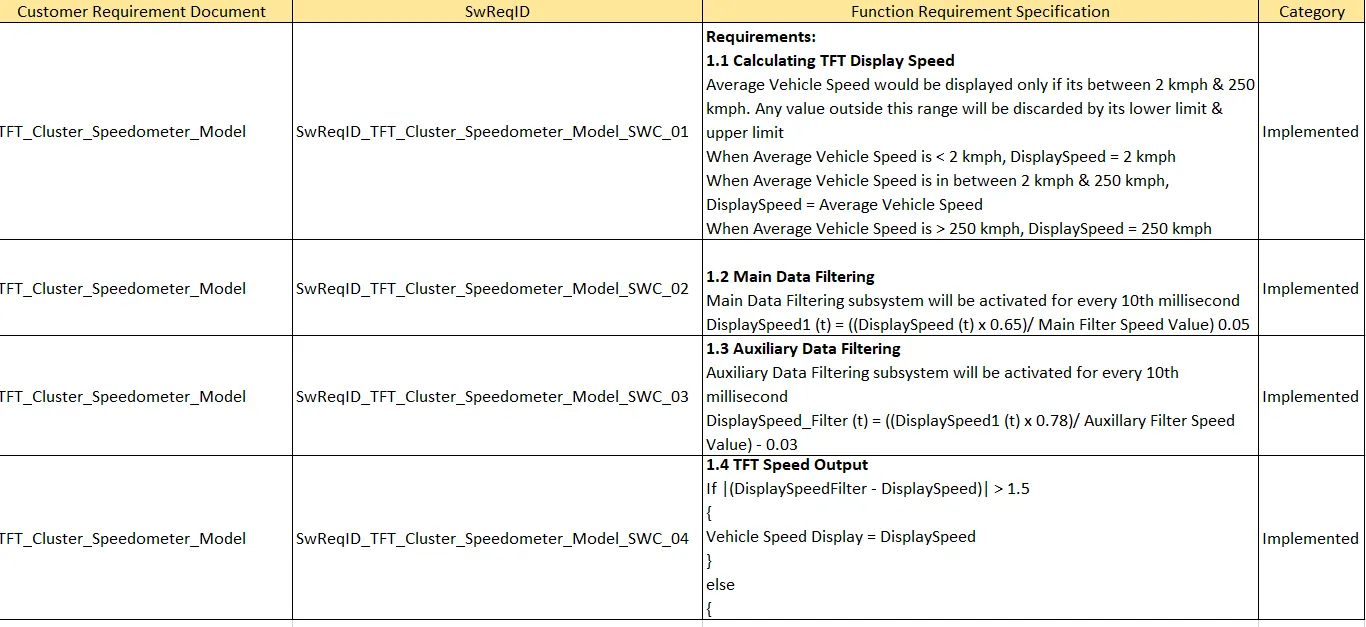
Step 4:
Create the requirement document via matlab simulink with the extension of (.slreqx).
And link the requirement document to the model.
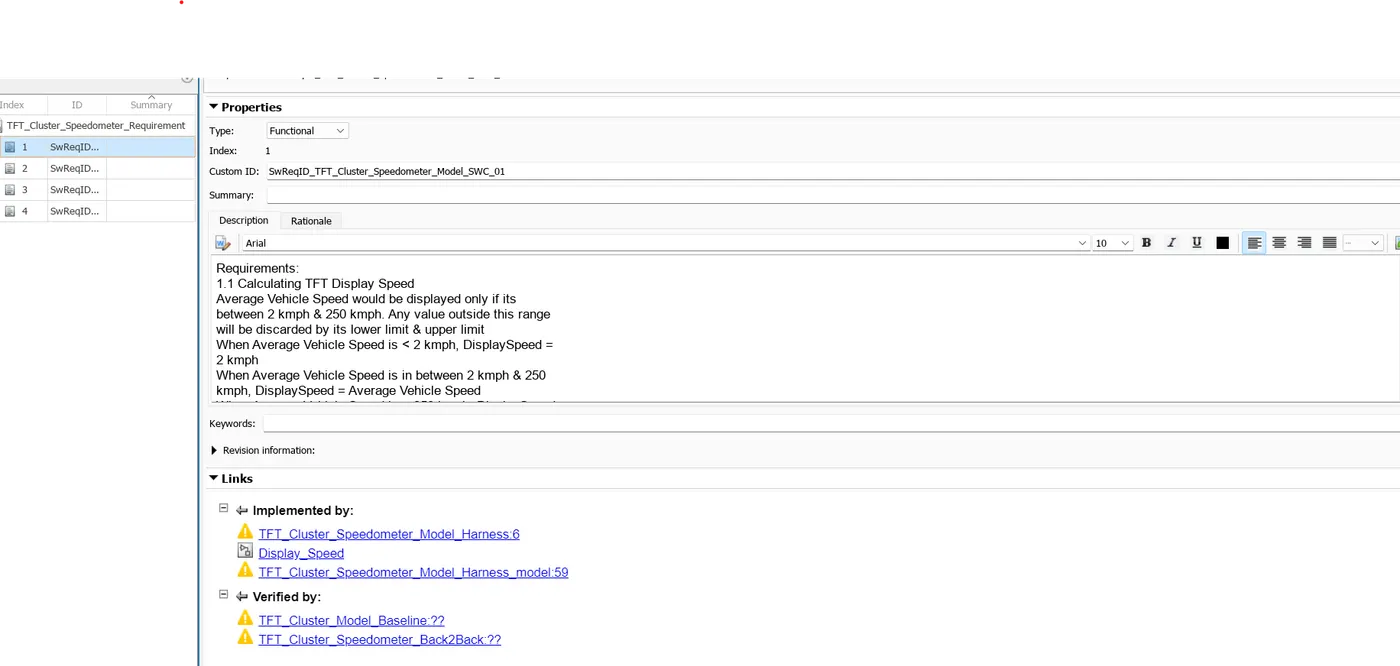
If the requirement document is successfully linked, a small icon would be appeared like the
image which is given below.
Step 5: Then open the fixed point tool. Apps --> Fixed Point Tool.
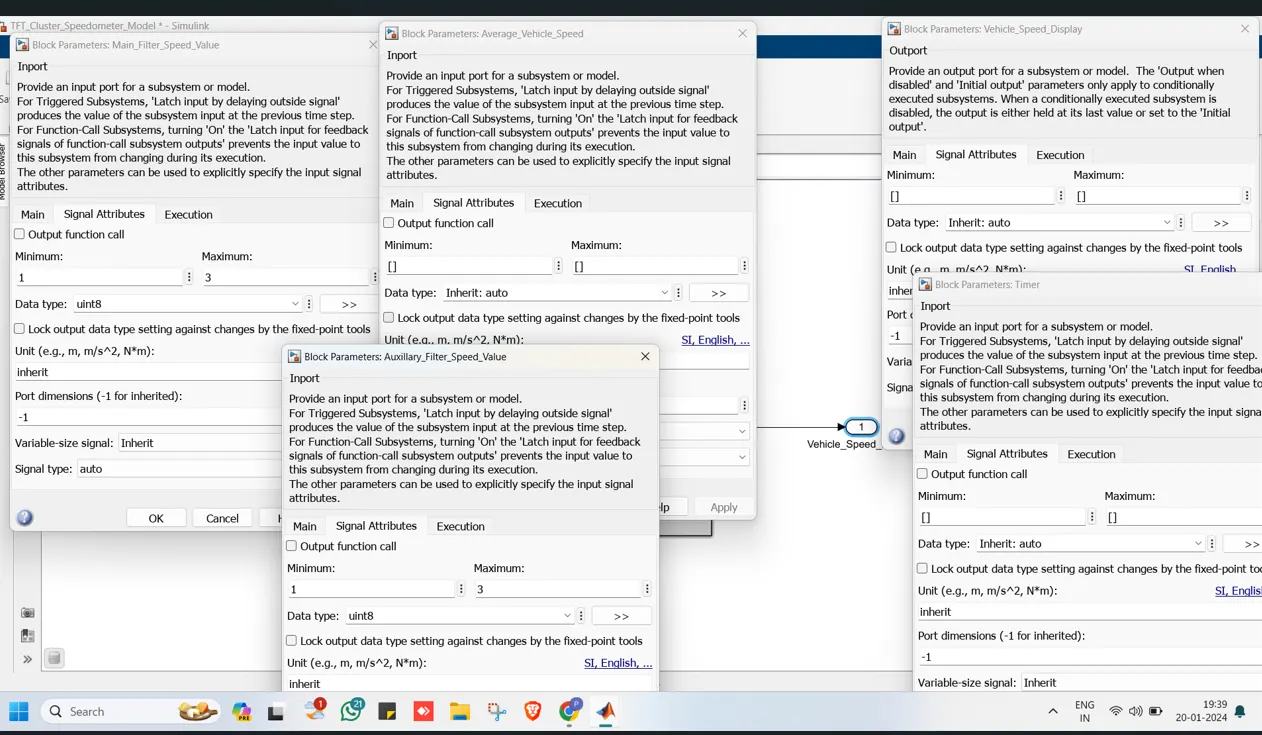
Do prepare.
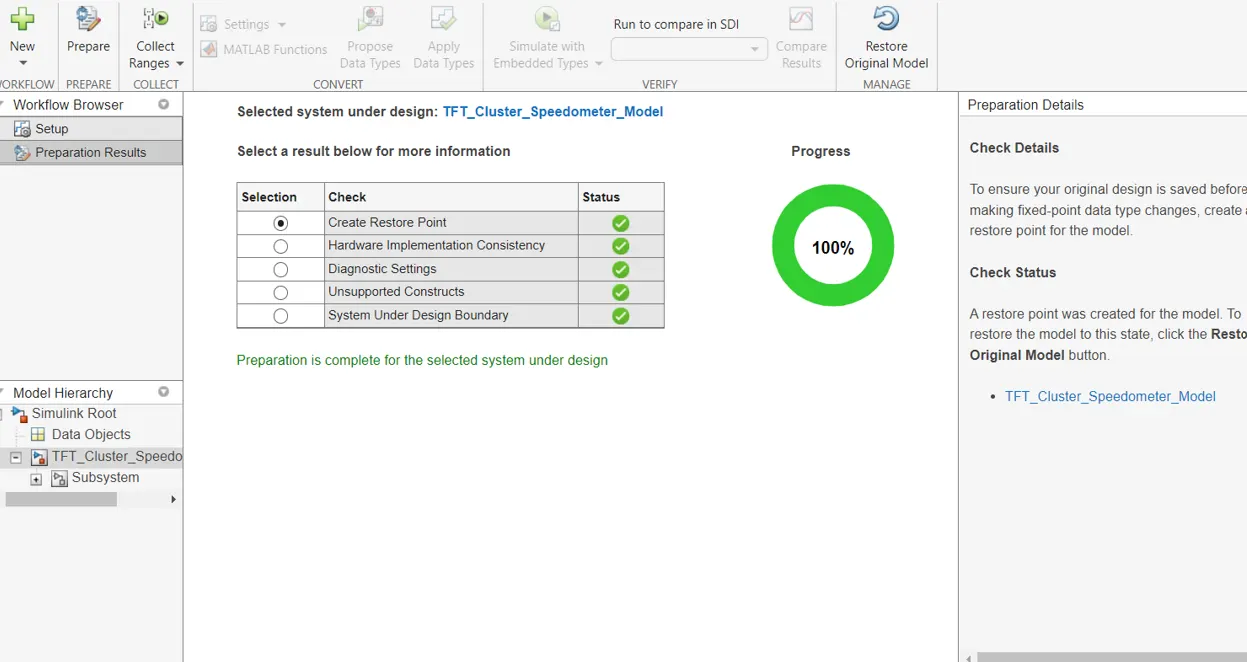
Do collect ranges.
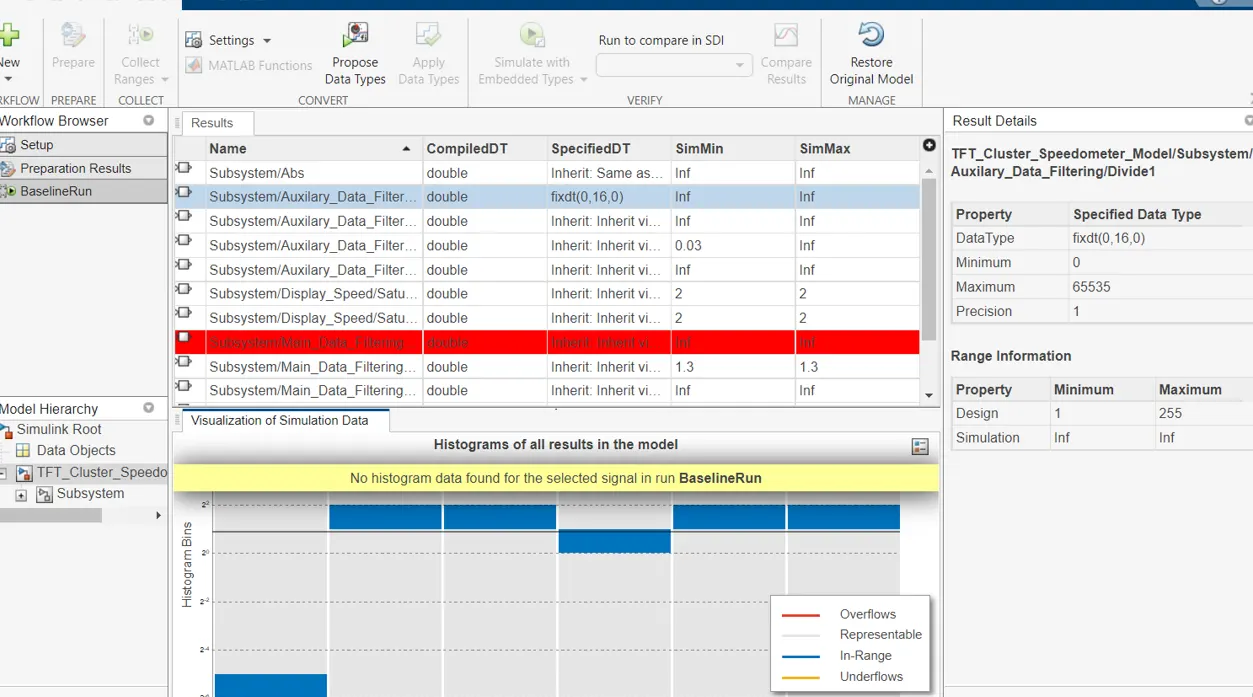
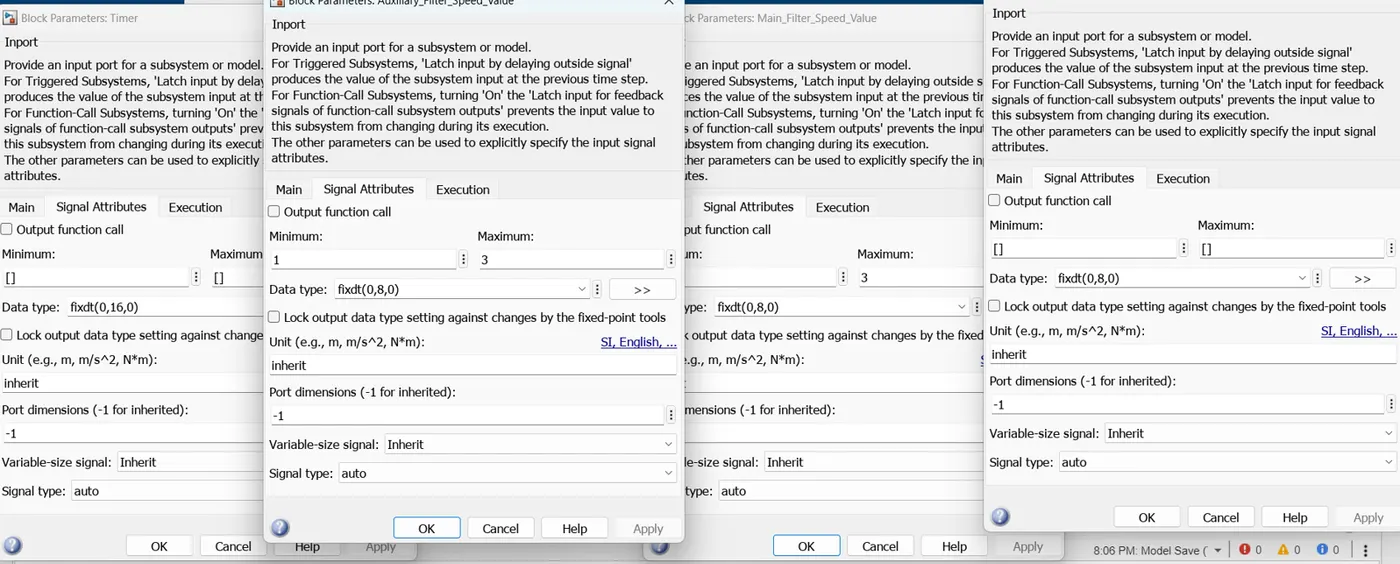
Then do propose data types. Then do apply data types. Then simulate. All the data type
would be converted in to fixed point tool.
Step 6: Once fixed point data type conversion getting completed, go to Apps --> Design verifier
--> choose Design Error Detection --> Run the detect design errors.
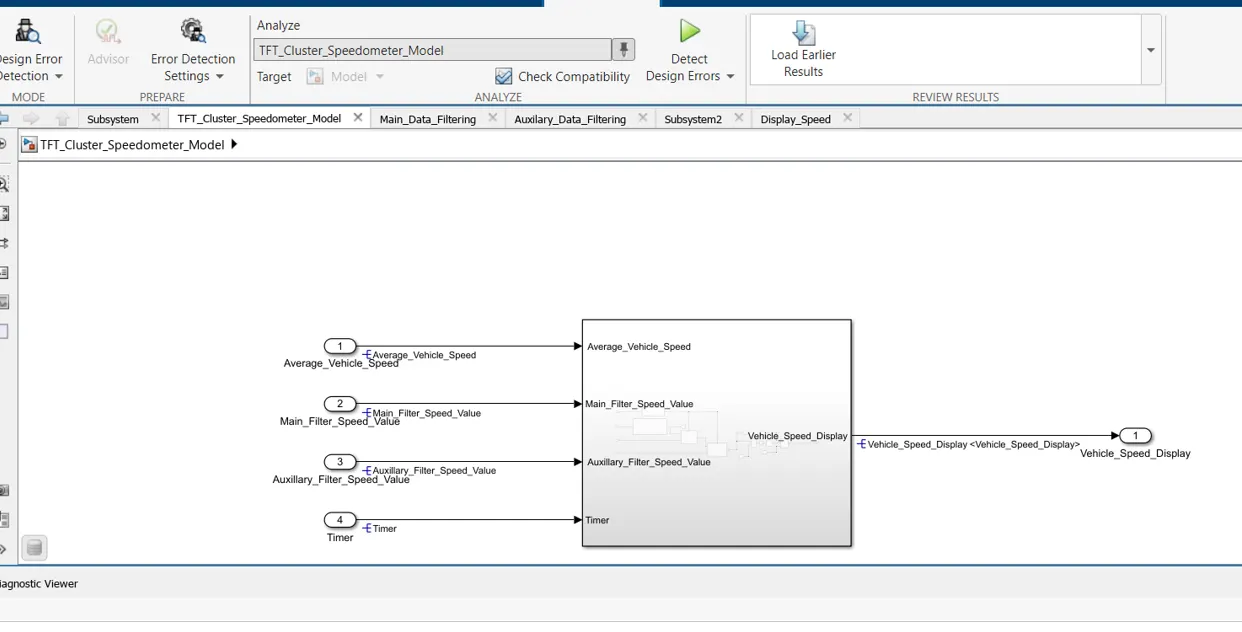
Once it is simulated without errors, the report would be generated.
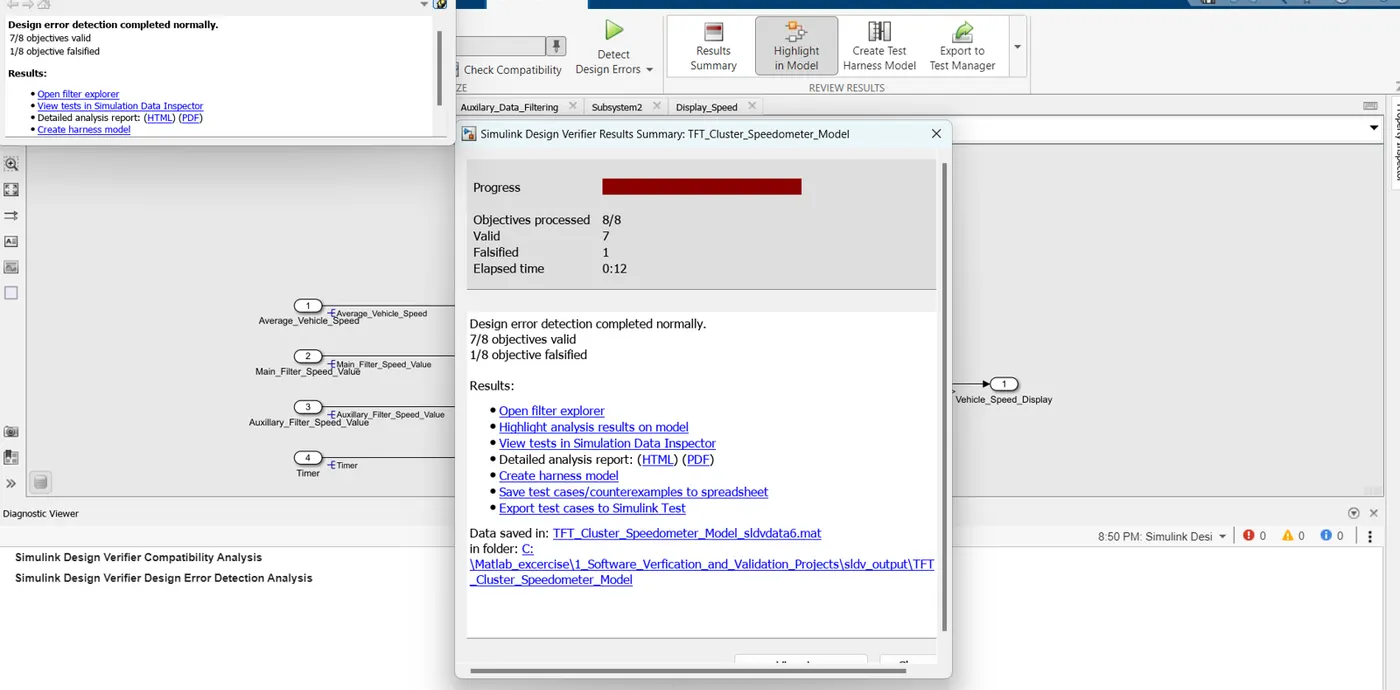
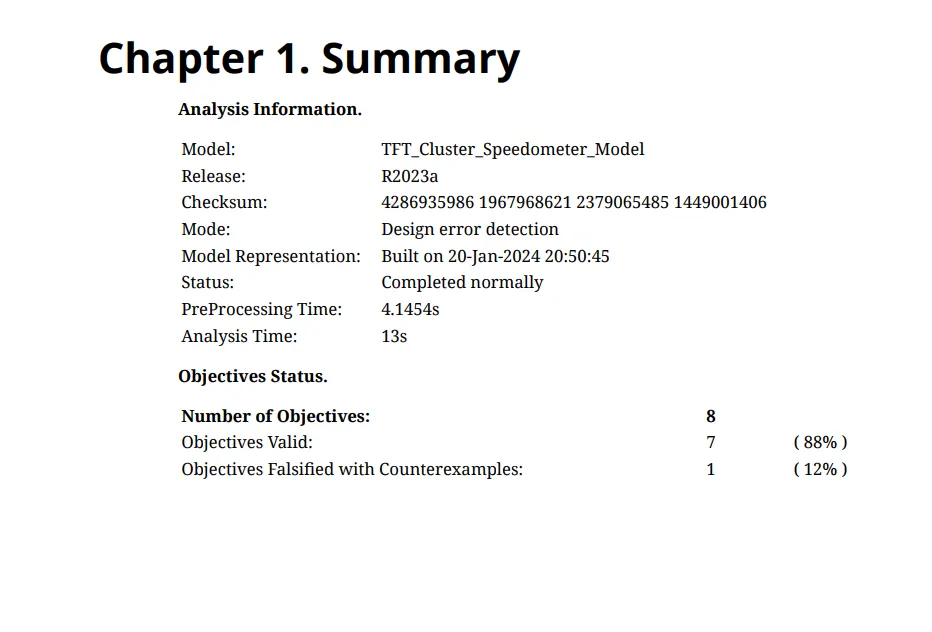
Step 7: Create the test cases for the developed model.
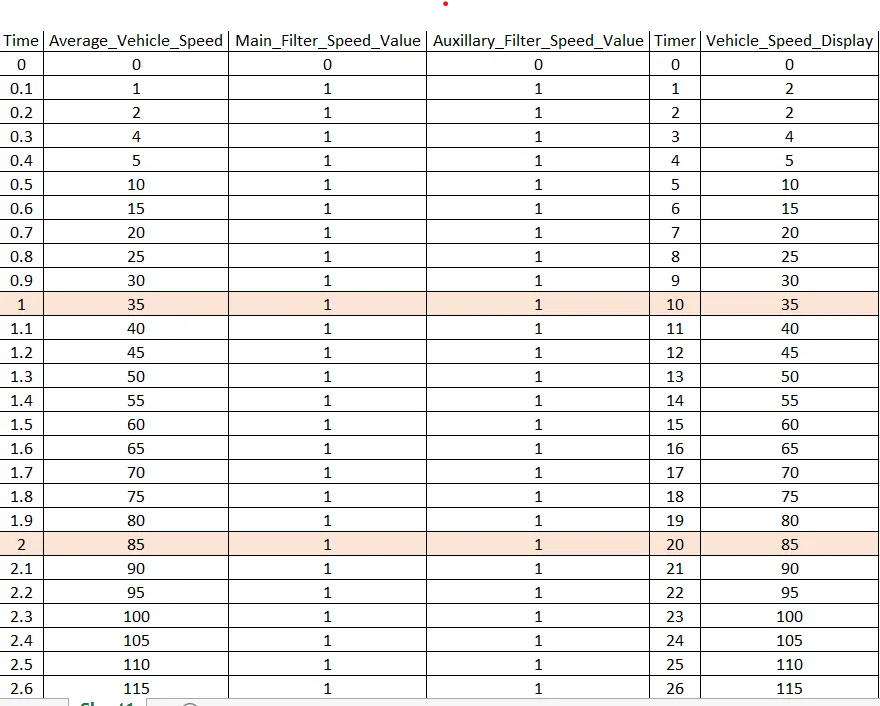
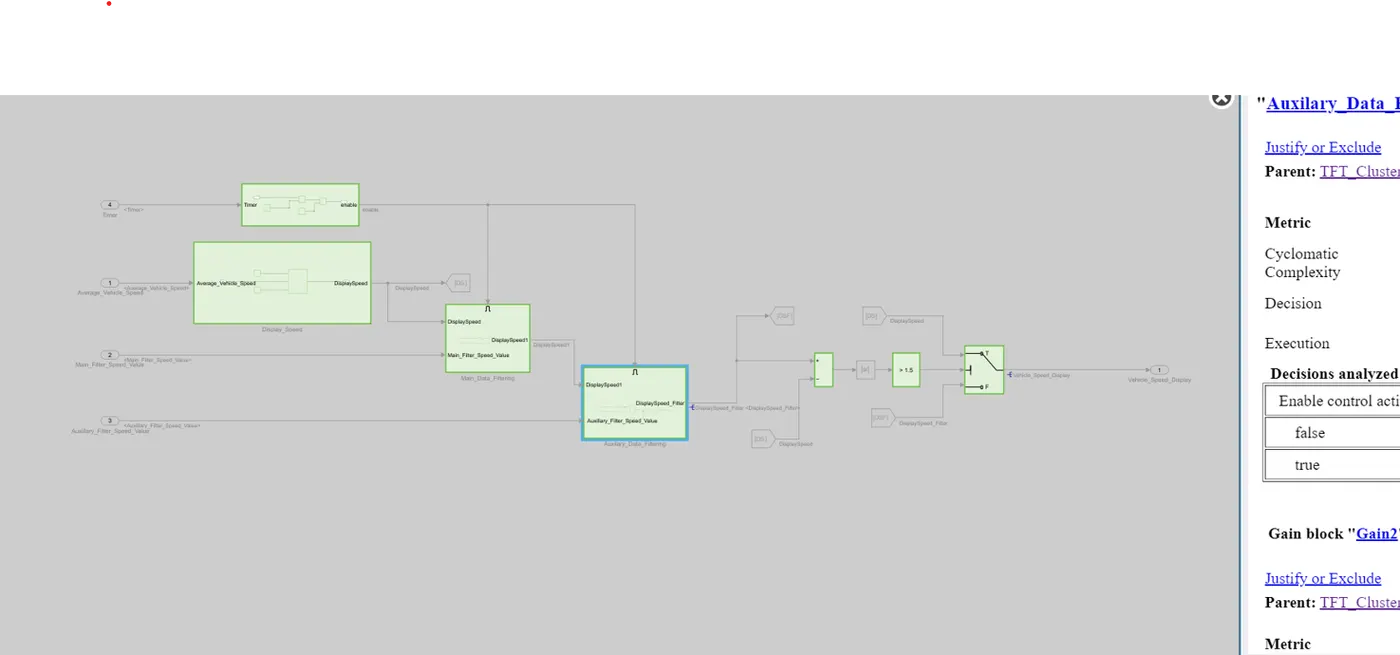
Step 8: Then create the harness model to model for model in loop.
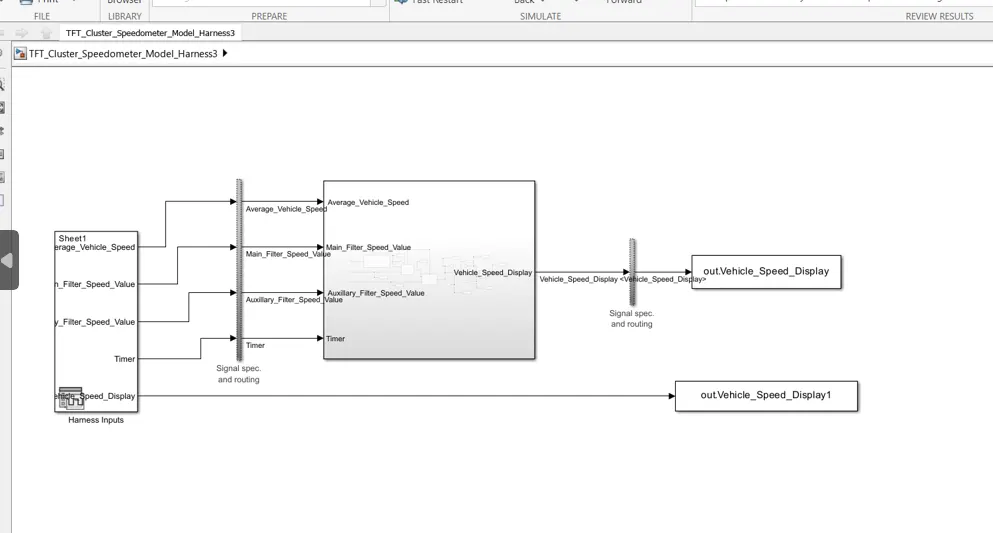
Model in Loop result has been attached below.
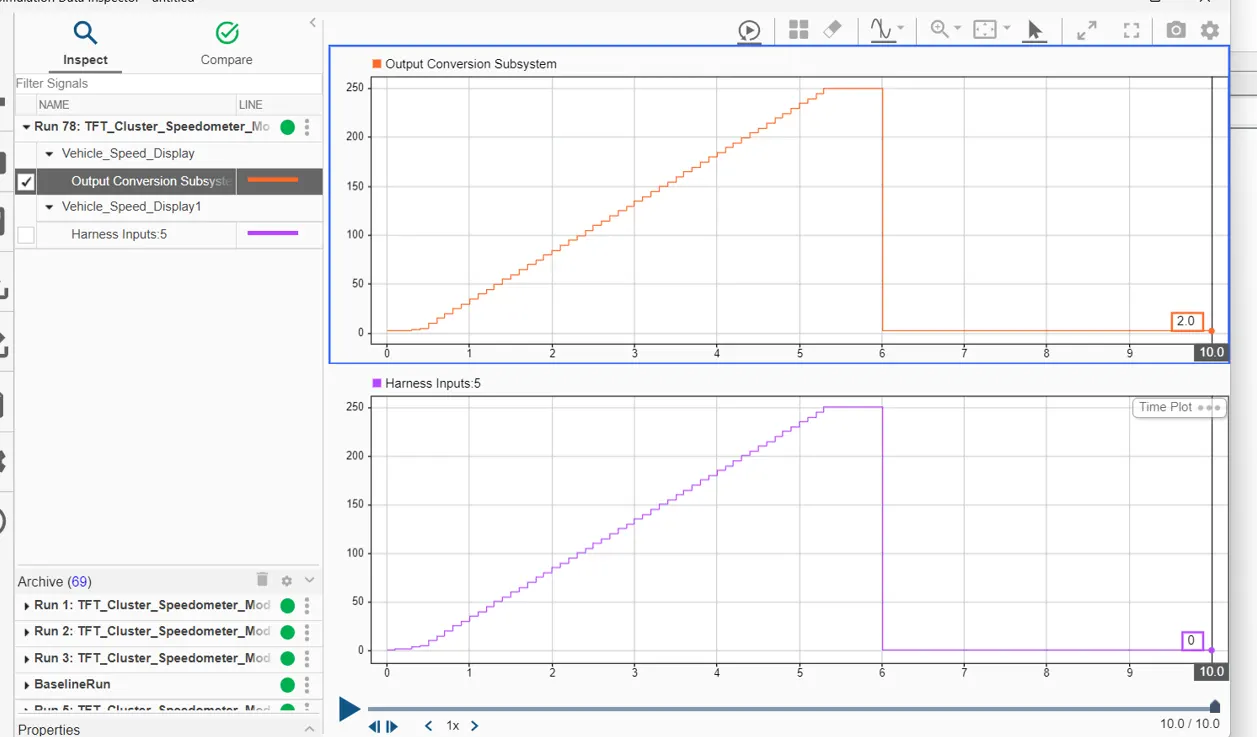
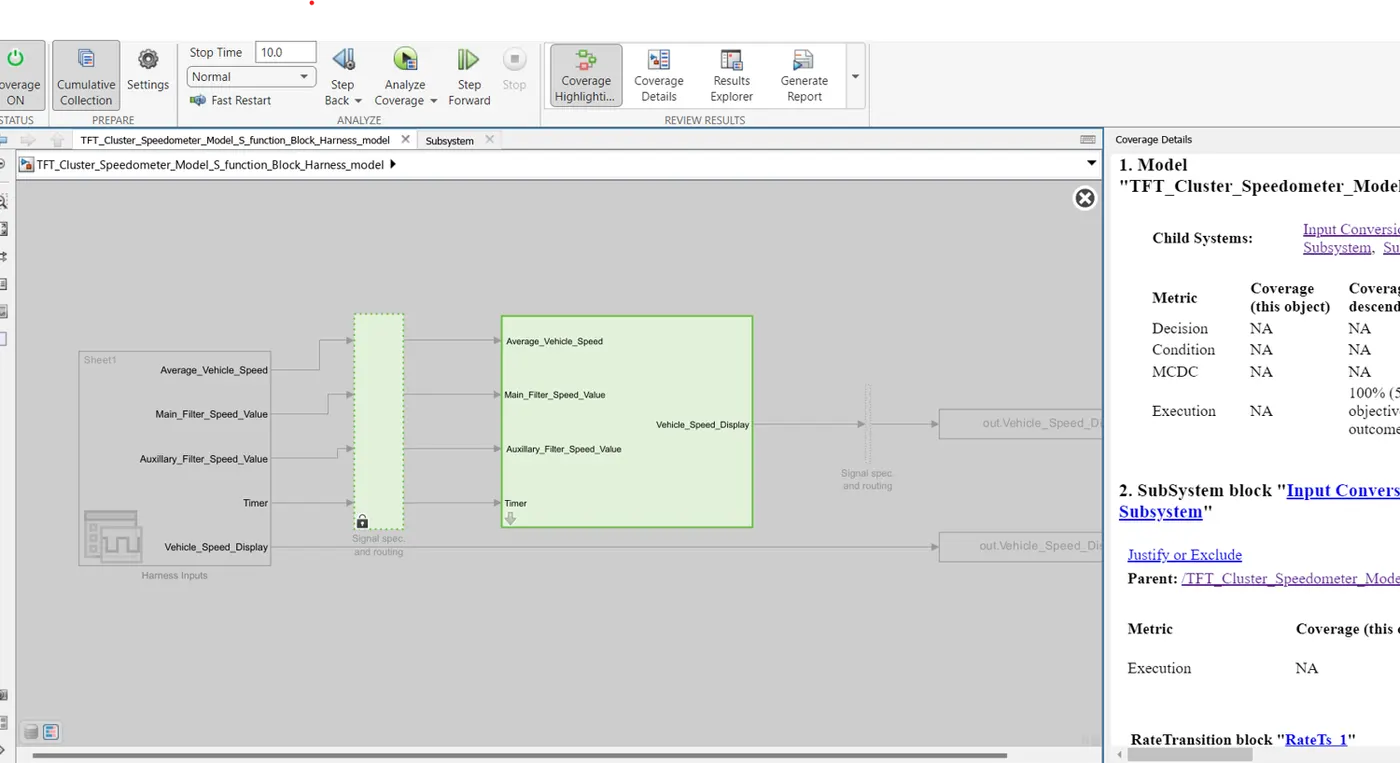
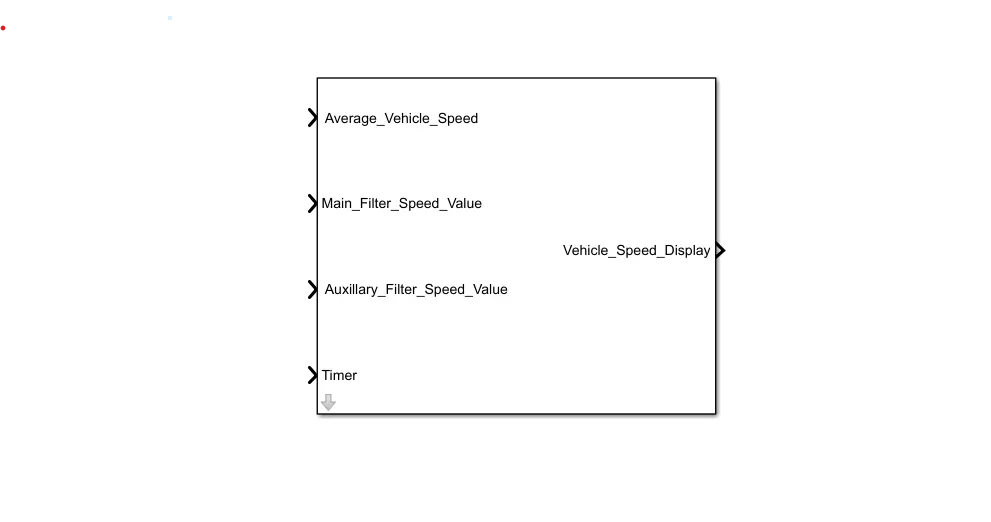
Step 9: Once MIL is completed, move to SIL. For that, create the S-function block to the
model. Then create the harness to the S-function which has been created.
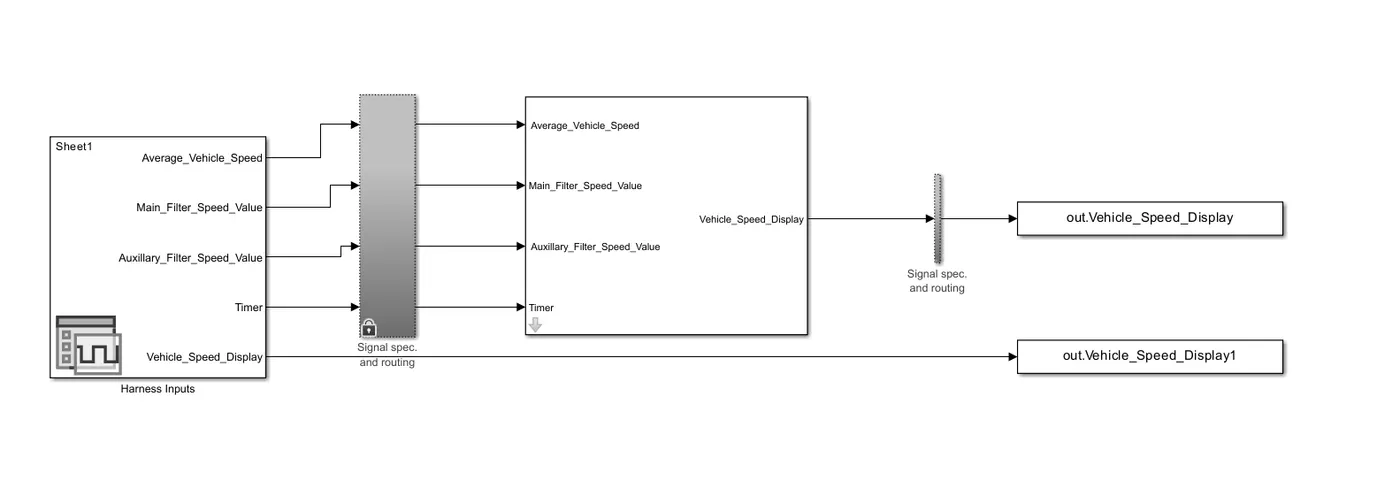
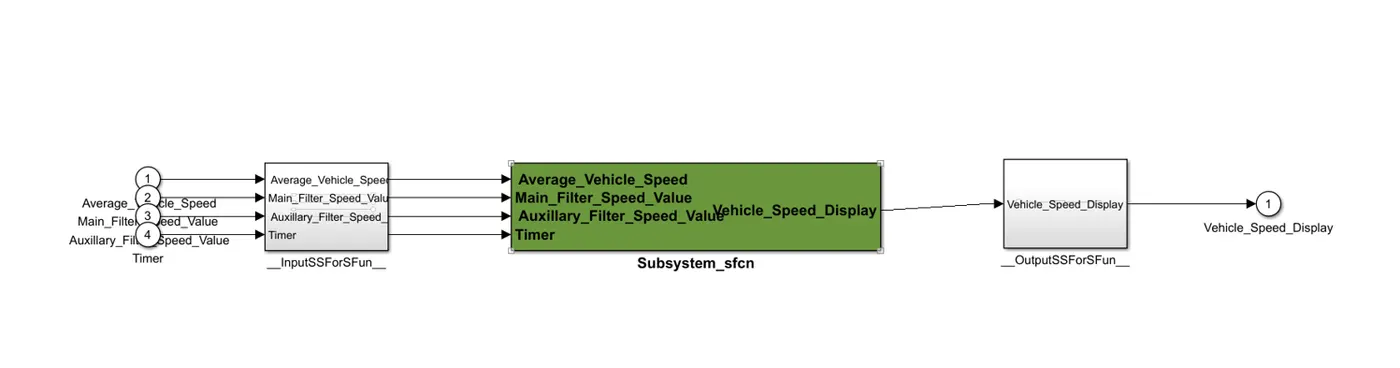
SIL result has been attached below.
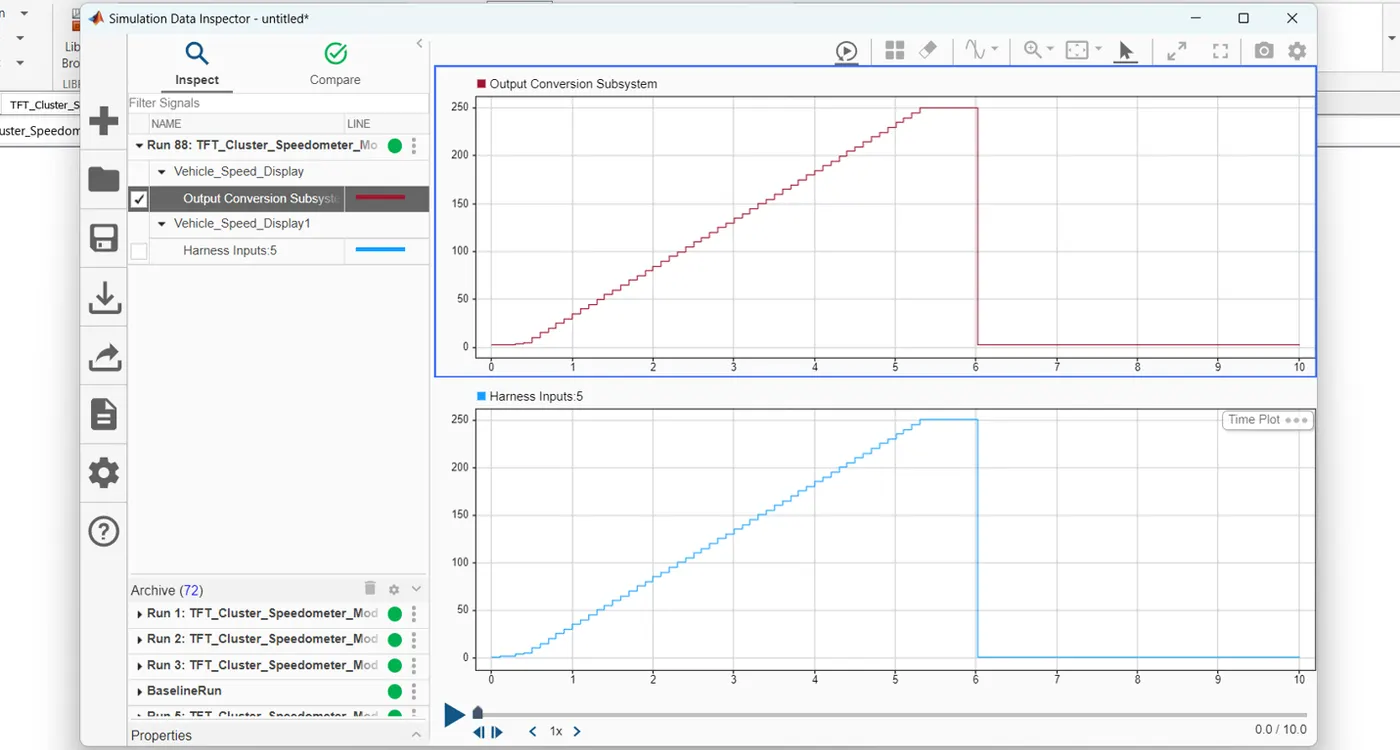
Step 10: Then go to Design verifier, do Test generation. After simulation the report would be
generated.
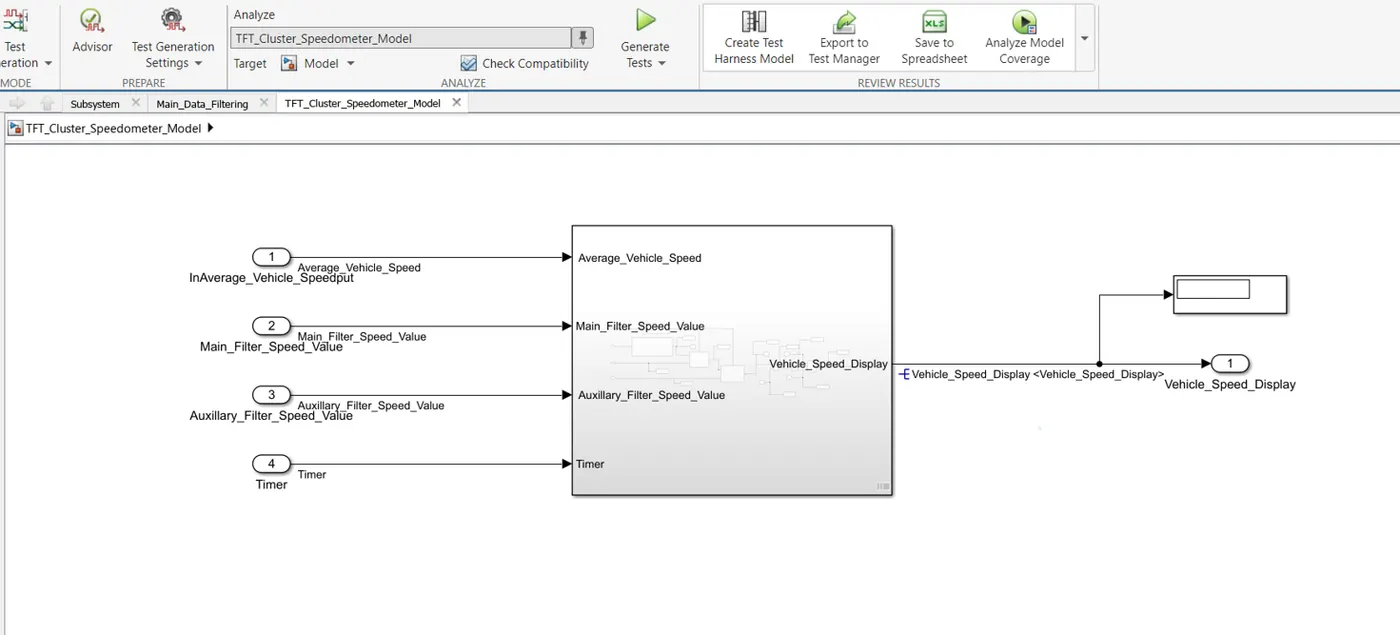
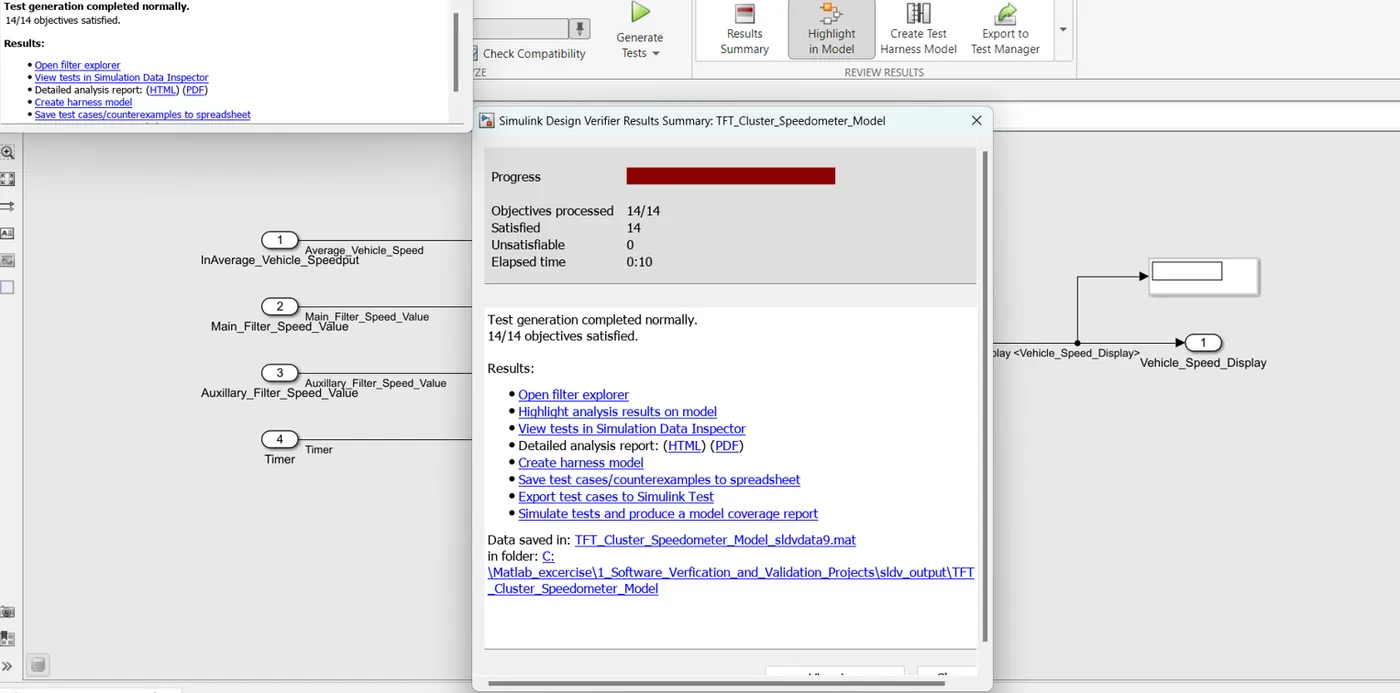
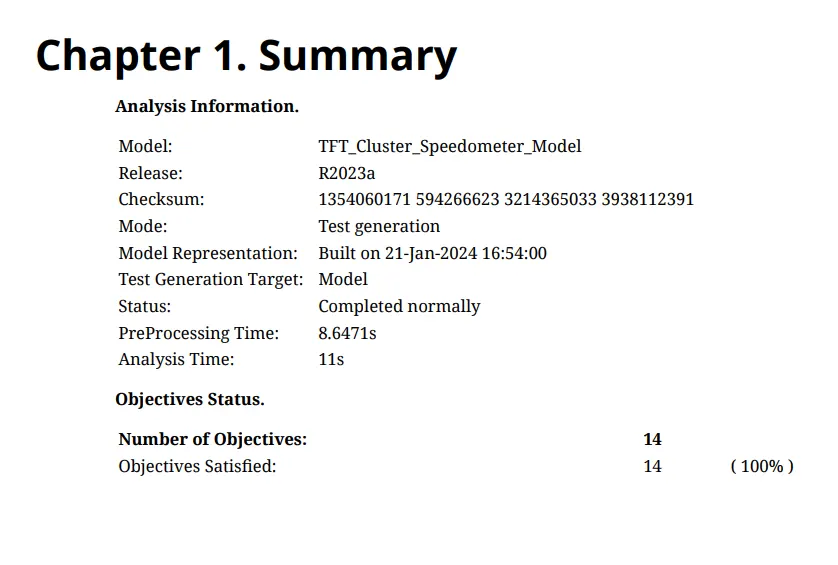
Step 11: Go to APPS --> Embedded Coder. Do build, after build the code would be generated
automatically.
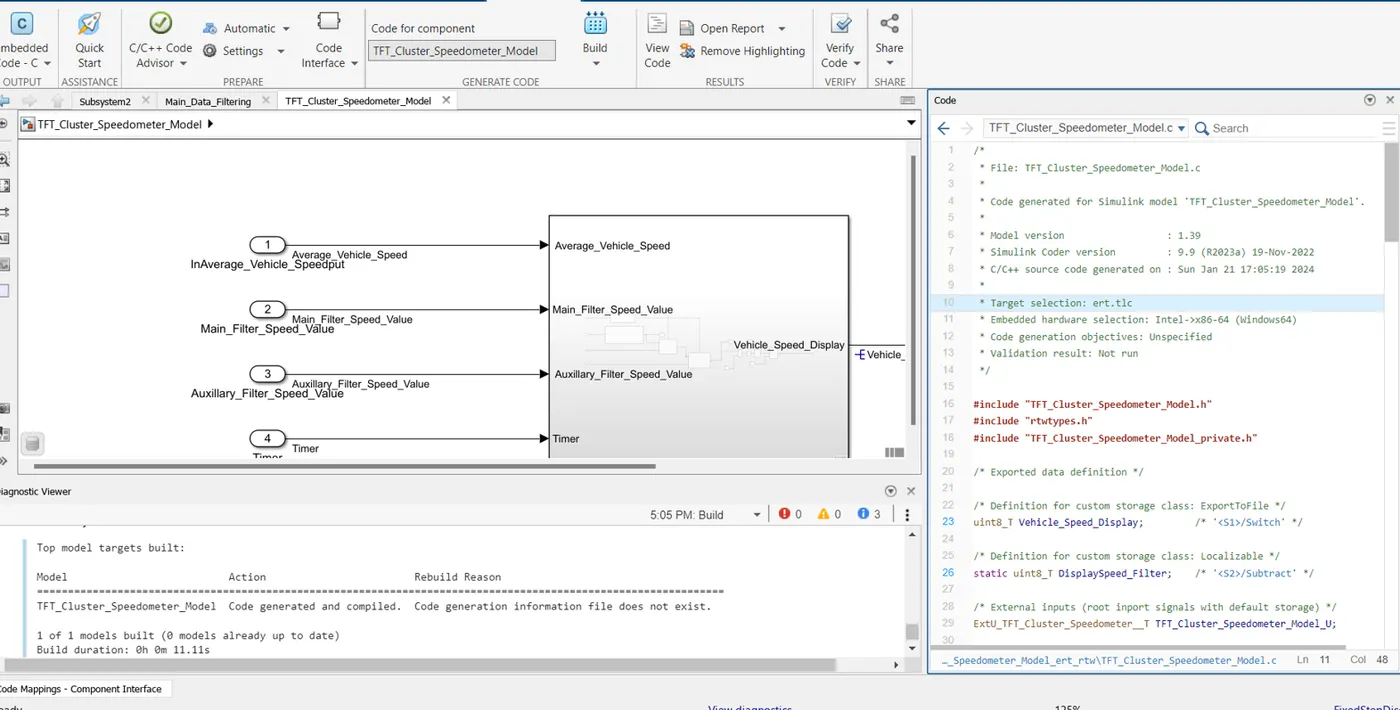
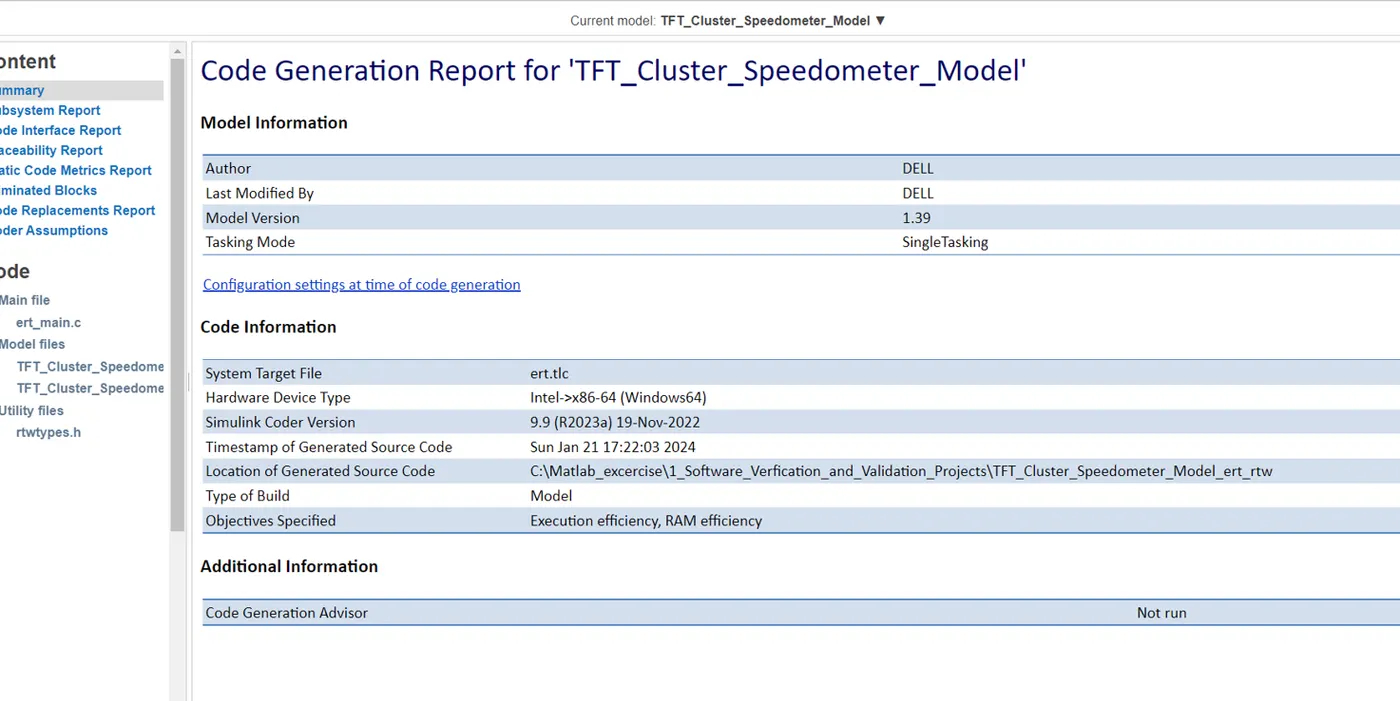
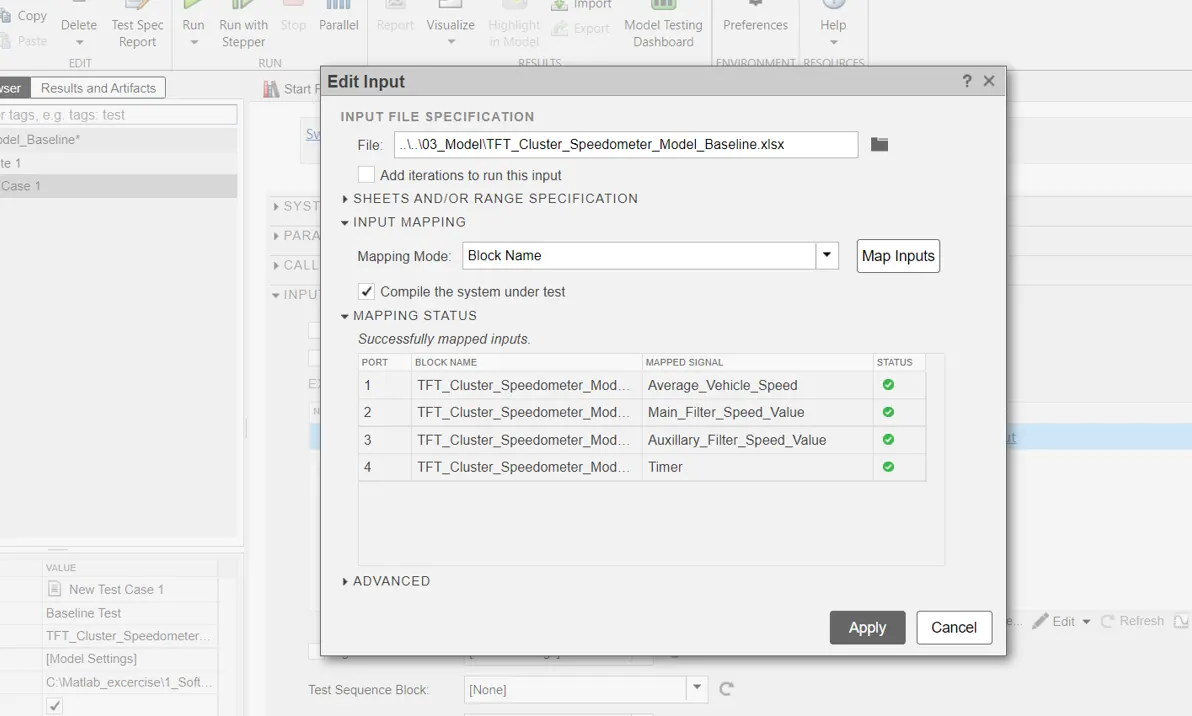
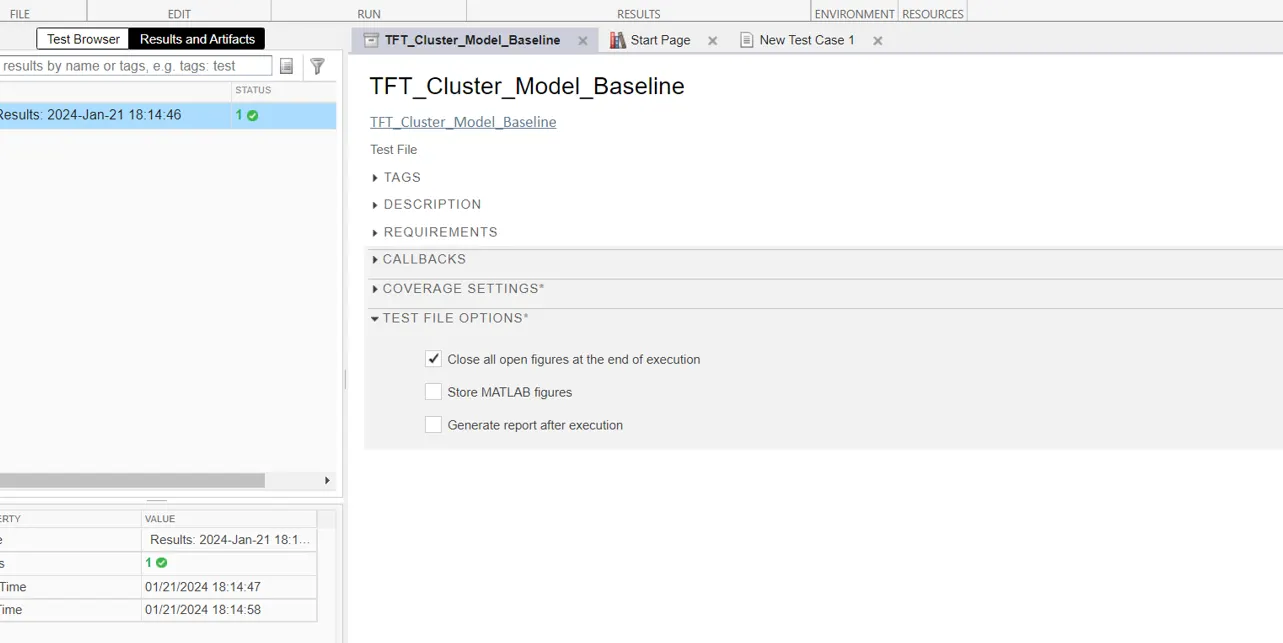
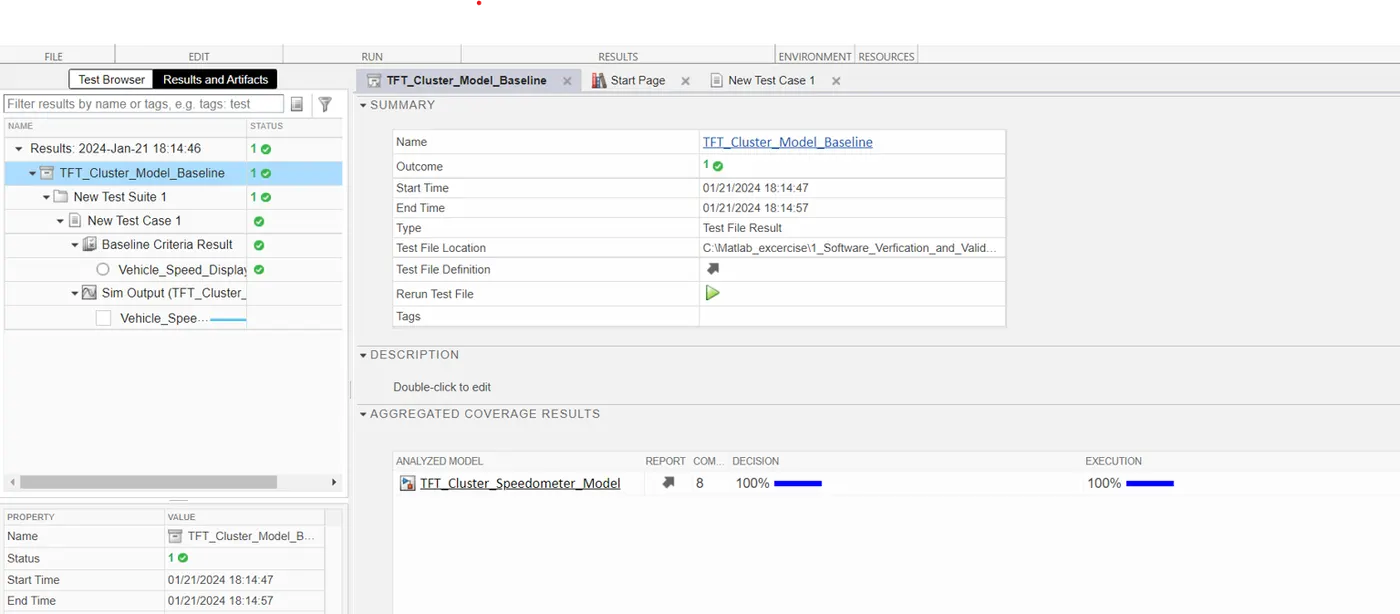
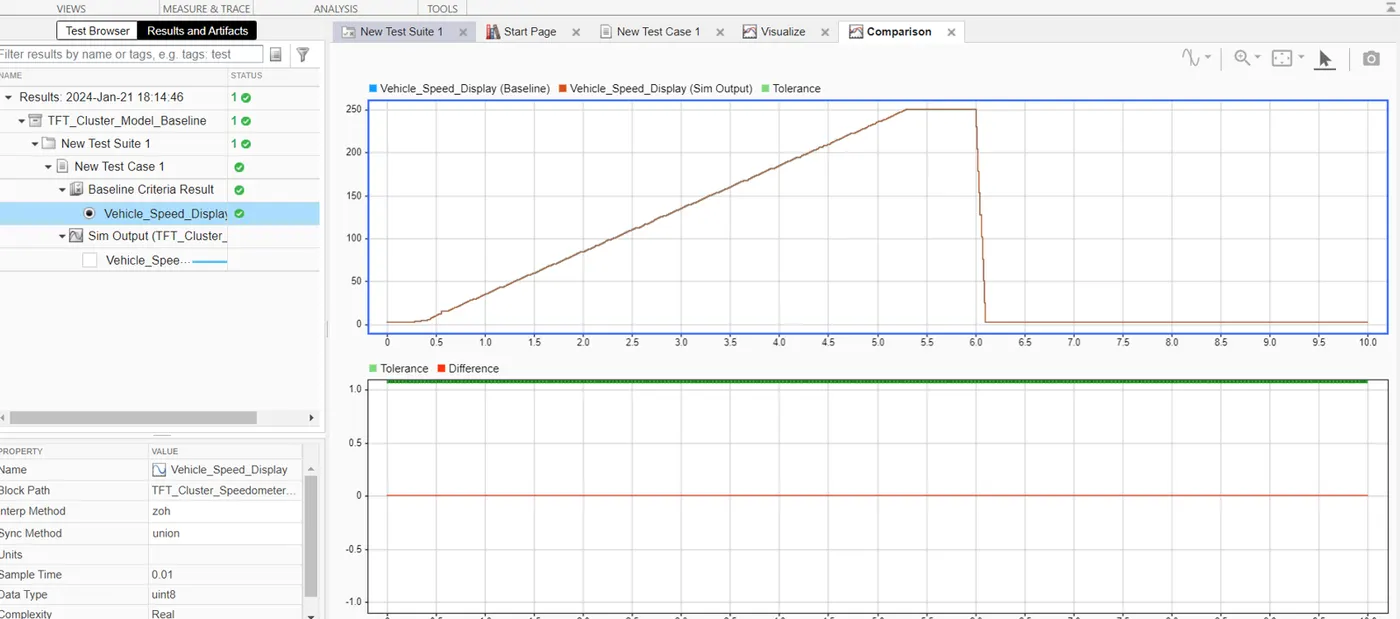
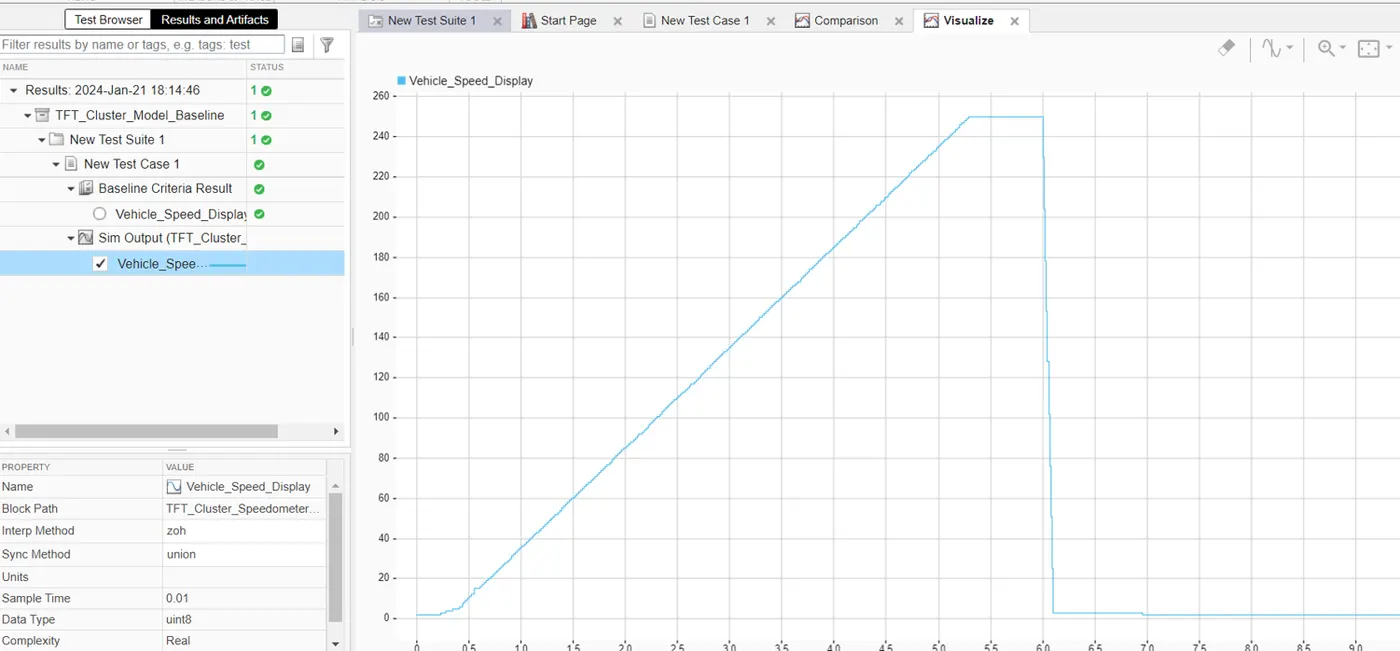
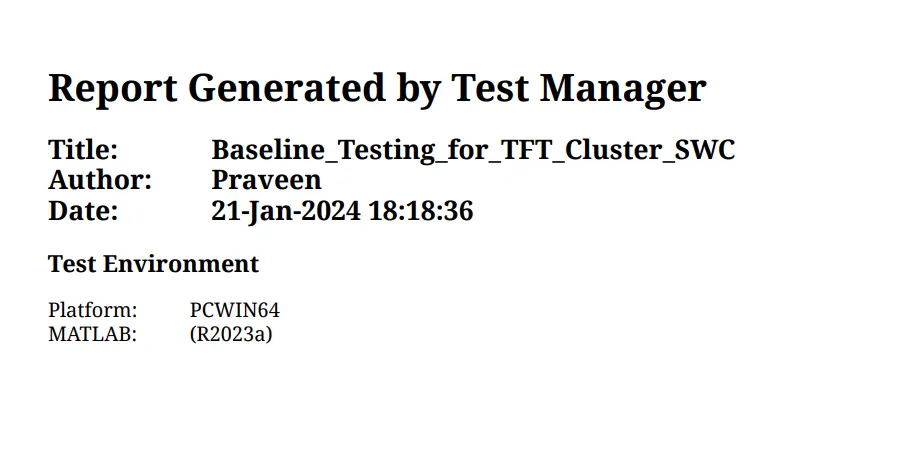
Step 12: Base line test has been done. And the base line report also would be generated.