Project 2_Creating a 3D rendered model for a Residential Building in AutoCad
Create a 3 dimensional model of the residential building with a rendered view.
ANS:
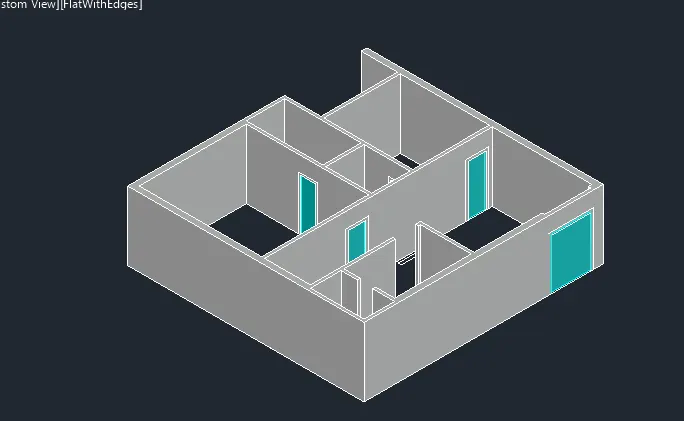
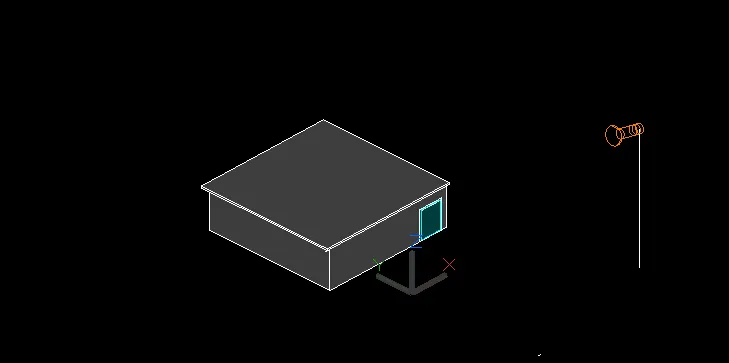
Aim: To Create a 3 dimensional model of the residential building with a rendered view.
Introduction: In AutoCAD the 3D models are drawn with 3D modelling.The 3d model shows the x,y and z axis of the through this we can visualise the model in all views and directions.
Procedure:
1.First we have to open AutoCAD software.
2.Then we have to set the AutoCAD from drafting and designing to 3D modelling.
3.Then we have to set the units to engineering units.
4.Then we have to draw the plan and elevation on the xy plane.
5.Then set the ucs to 3D that shows z axis.
6.Then we have to draw the isometric view of the plan.
7. The height of the wall is 9ft.
8.Then draw the doors and windows with their sizes. And draw the slab with the thickness of 5inch.
Result: Then we get the rendered 3D view of the plan.