Project 2
Objective
Route wiring harness for the given car back door and prpare flatten view drawing in CATIA V5.
Components Used
- 12 pole Connectors
- 4 pole Connectors
- 2 pole Connectors
- Fir Tree Clips
- 10 mm COT Tubes
- Car Back Door
Workbenches Used
- Assembly Design
- Electrical Harness Design
- Electrical Harness Flattening
- Drafting
Procedure
Define a product file and within it define two product files.One is for back door and other for the other components such as COT tubes,Connectors,Fir tree clips etc.The catoloque documents are also attached.
Harness Routing
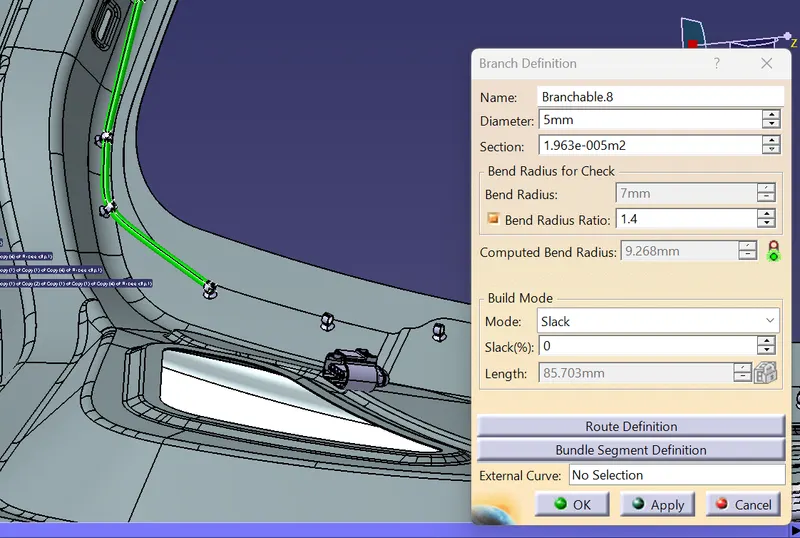
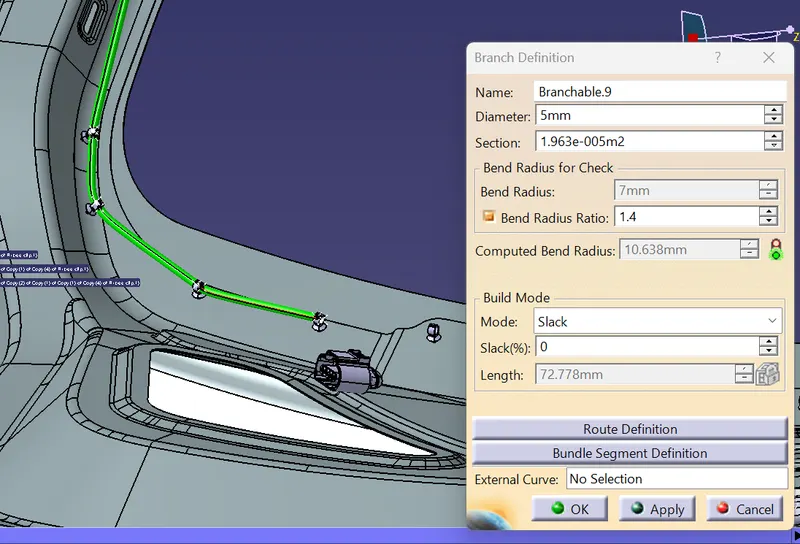
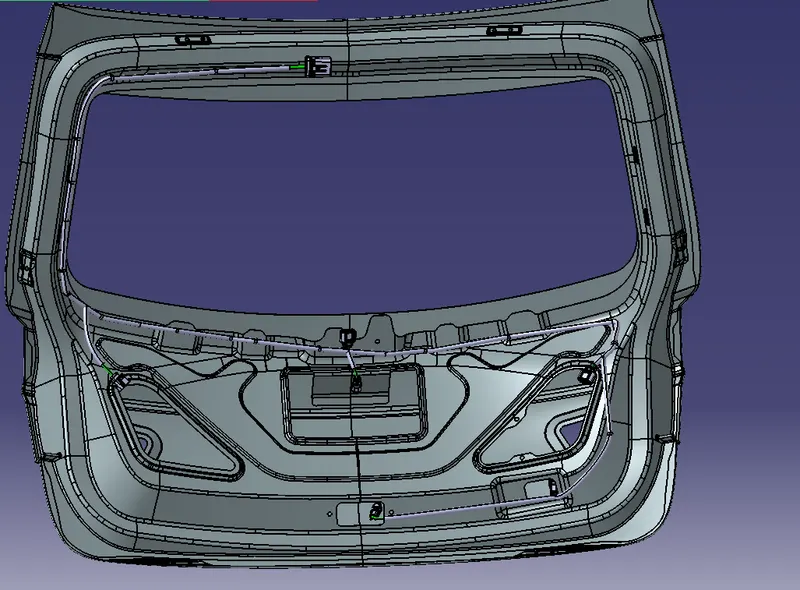
The components are arranged in the back door in the particular positions in the assembly design workbench and the product file geometrical bundle is defined as a geometrical bundle in the electrical harness assembly workbench and the bundles are defined between the connetcors and fir tree clips.Th daimeter and slack are all applied according to the requirements.
Flattening and Drawing
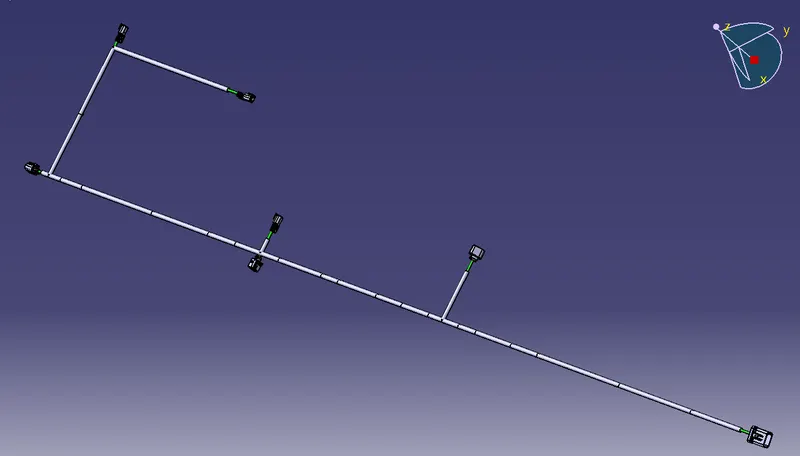
A new product is formed in the electrical harness flattening work bench in which the flattening properties are defined.Then the already made harness assembly is extracted into this product file using Extract Command.Then apply the Flatten command and hence the flattened model is obtained.
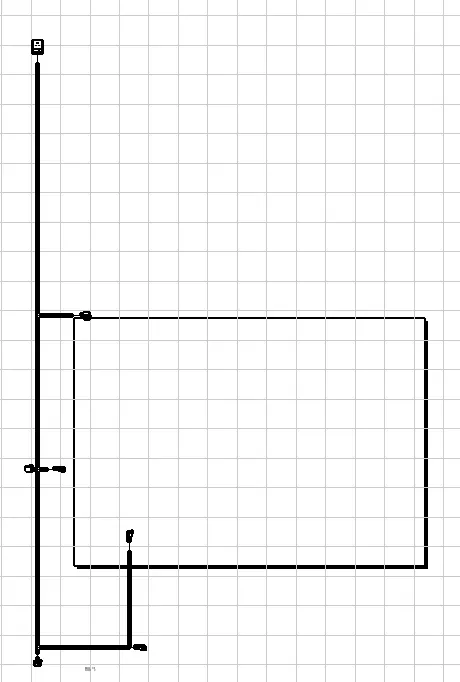
Open a new drawing file in which aplly the Front View command in it and select any one faces of the connectors and then the drawing is obtained.Apply the required properties in them.
Observations
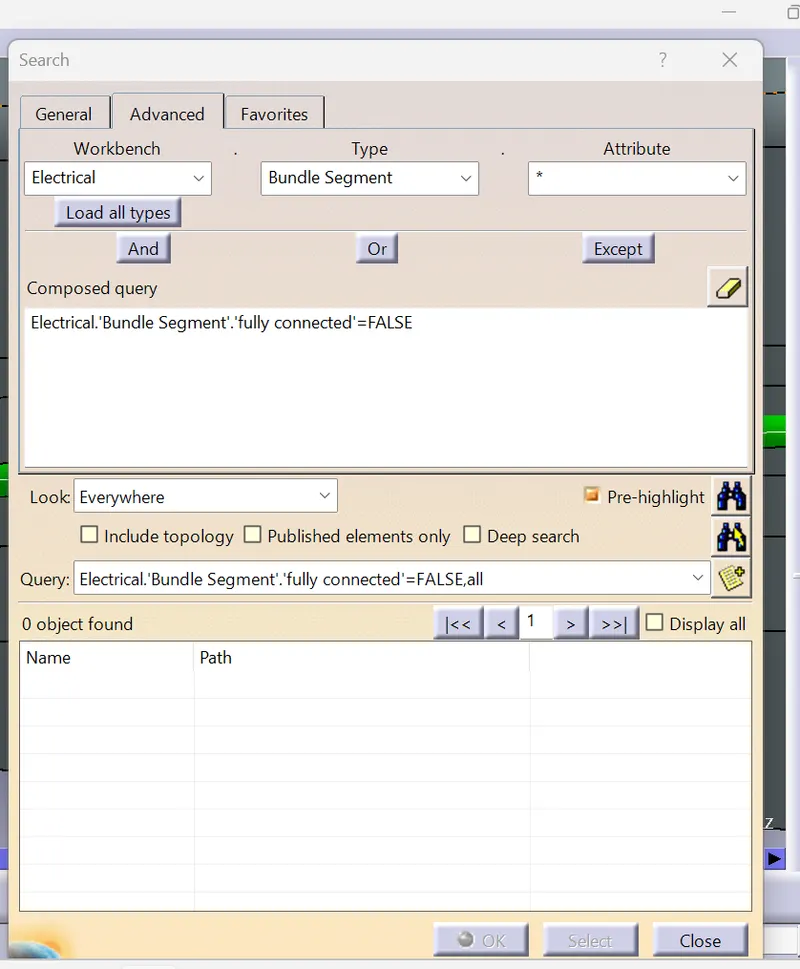
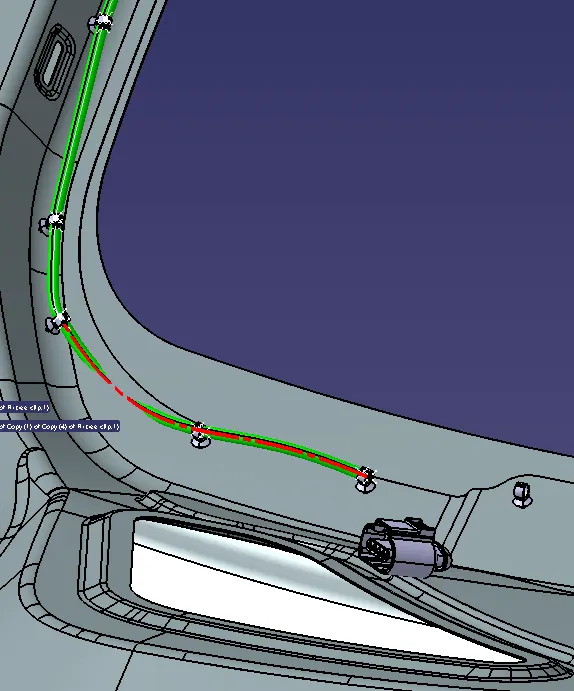
The bundle continuity along the harness is checked and errors were all solved.