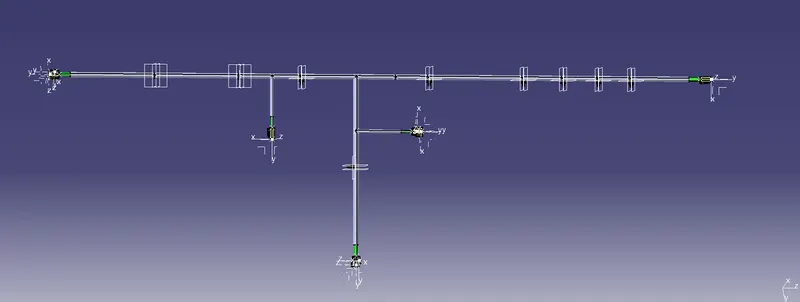
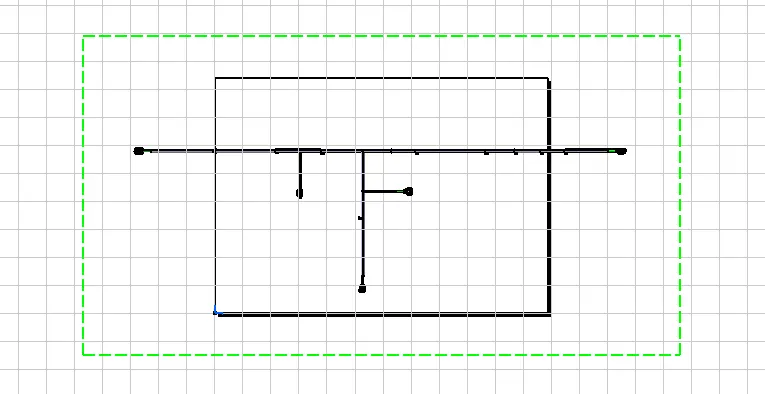
Project 2
ELECTRICAL DISTRIBUTION SYSTEM(EDS):
EDS basicaly deals with physical and logical architecture,schematic development,power distribution,wiring harness design,wiring harness component design of given electrical system.
E & E ARCHITECTURE:
It is high level logical connectivity diagram represents the number of systems,subsystem and logical connectivity between them. it is also extended to show CAN(CONTROL AREA NETWORK) between different electronic controllers.
EDS:(ELECTRICAL DISTRIBUTION SYSTEM)
IT CONSIST OF 4 COMPONENTS
1. E&E ARCHITECTURE
2. LOGICAL SCHEMATIC
3. SCHEMATIC DEVELOPMENT
4. WH ROUTING AND PACKING
The term wiring harness refers to assembly of wires,connectors,terminals,protection covering,insulations,clips and clamps,fuse and relay boxes,retention devices,guiding channels,elctronic components
CONNECTORS:
Connectors are plastic molded housing with locking and retention features.
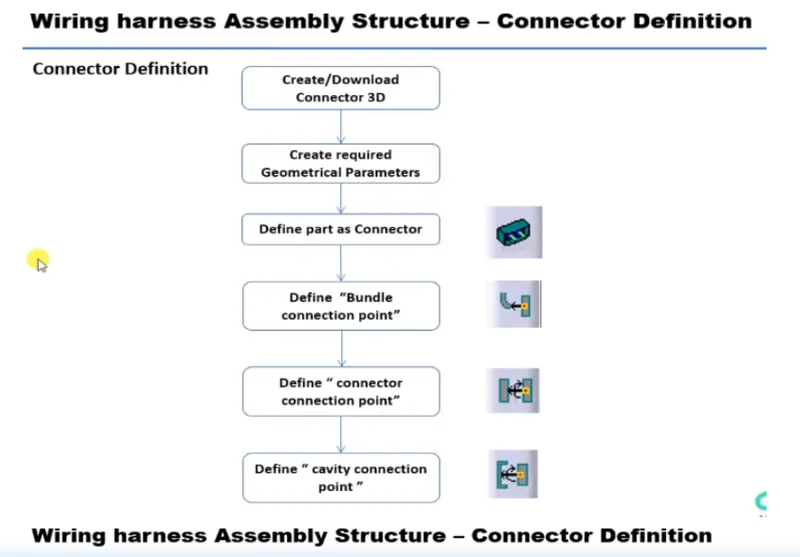
first import the CAD files in catia-V5
then start with part design and select point option to create midpoint
then create axis on the midpoint( Y axis should be facing the front face of connector
X axis should be pointing in the direction of lock
Z axis should be pointing across the connector from left to right)
After defining all connectors electrically
create new productg and import the back door
and now add all the required conectors
place all connectors at desired location with the help of compass,snap tools
after placing them at desired location
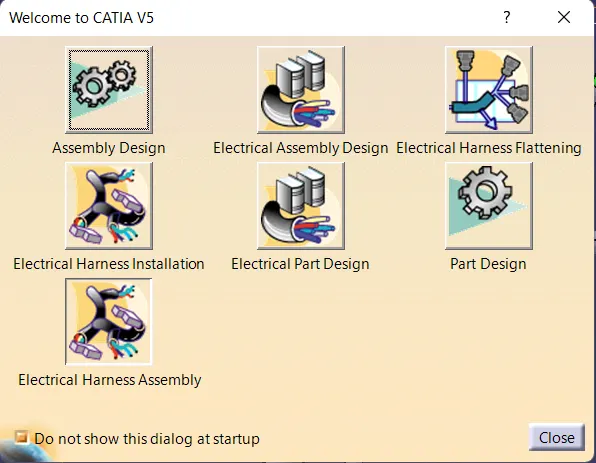
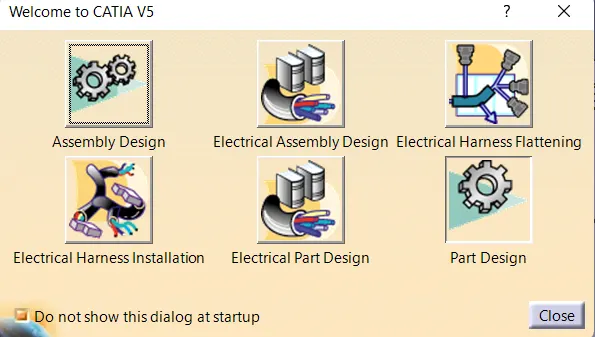
After that change to Electrical Harness Assembly
and select 1. which is Geometrical bundle
then click Multi-Branchable document
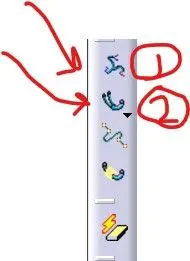
and select add branch
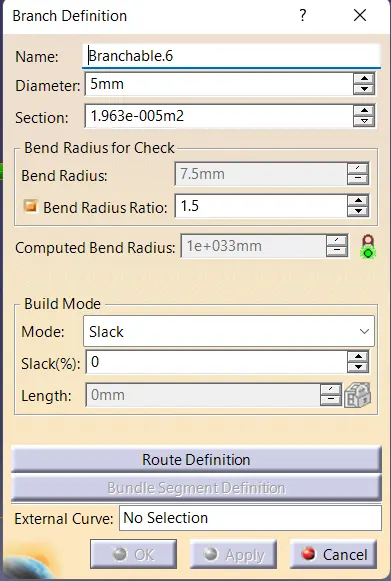
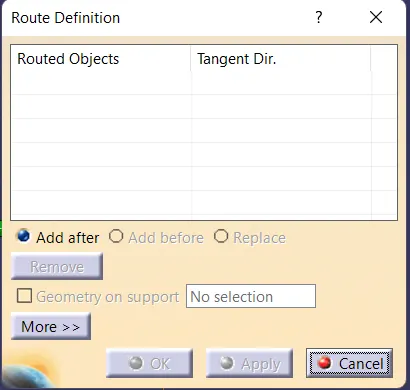
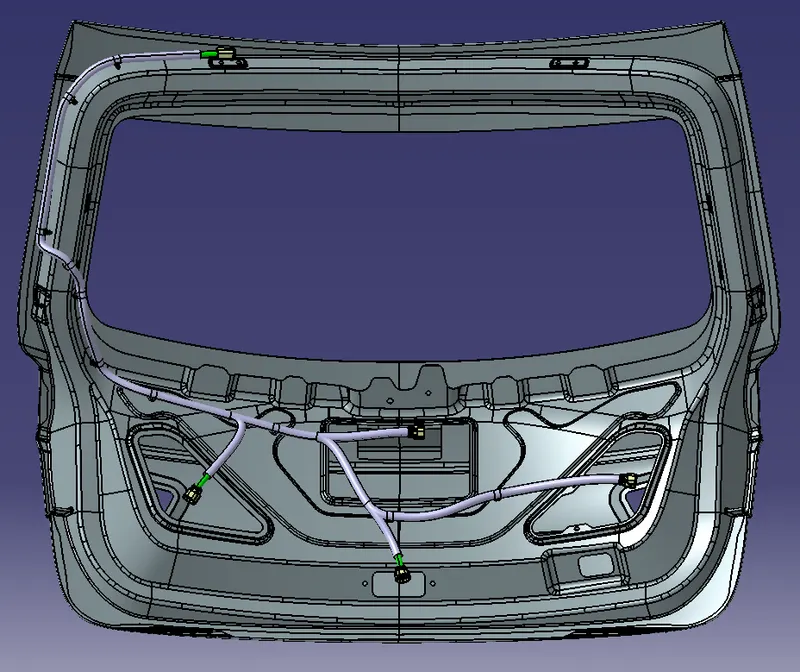
and define all the desired parameters and select route defination
and select the 2 objects between which you need harness
ADD 'Branch point' to give point at a desired location then sub branch
NOW TO APPLY PROTECTIVE COVERING
select 'PROTECTIVE COVERING BLOCK'
below MULTI-BRANCHABLE
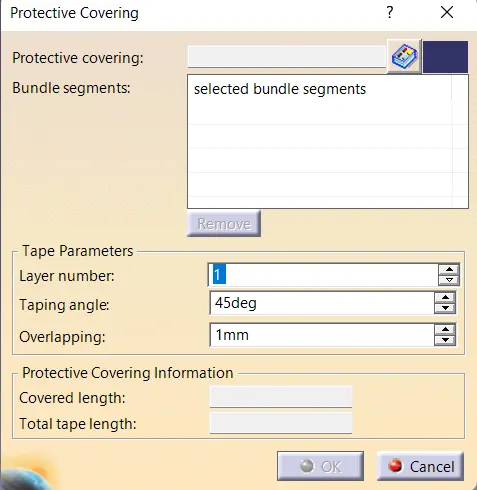
select segment
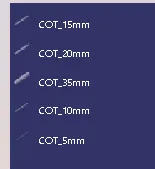
and select the desired COT (CORROGATED TUBE)
NOTE: COT tube should be greater then the diameter of harness
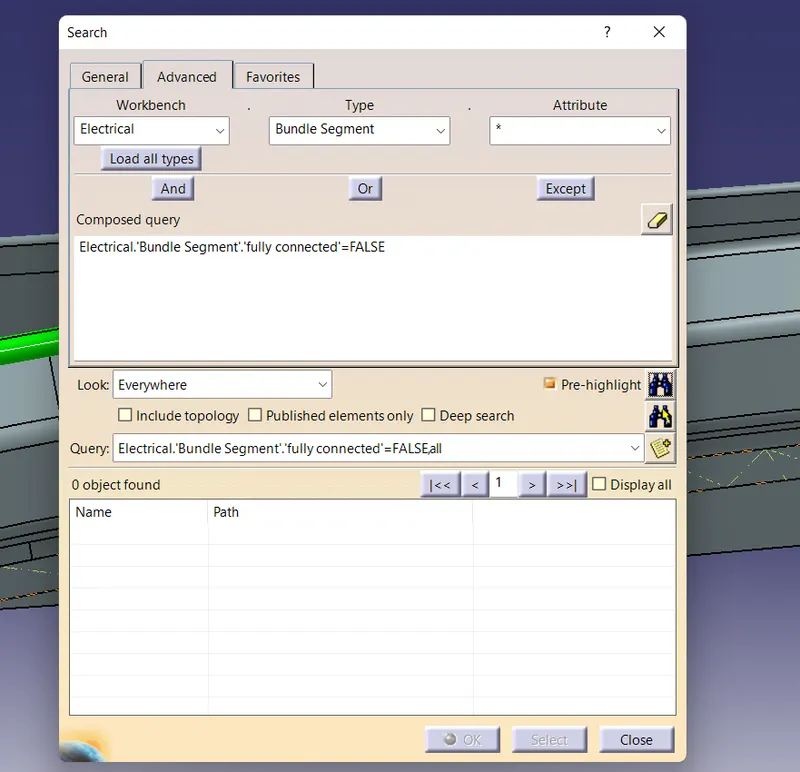
also dont forget to check whether they are fully connected or not
now create new product and select harness flatterning and import the flatterning file
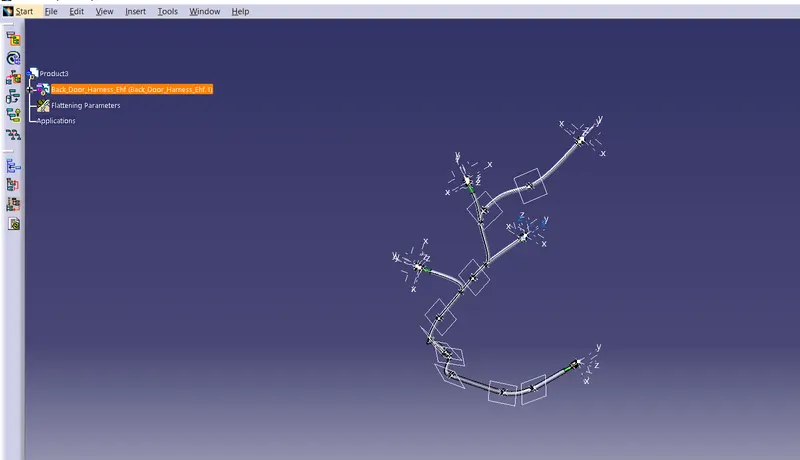
now straighten the harness routing
Define all the parameters
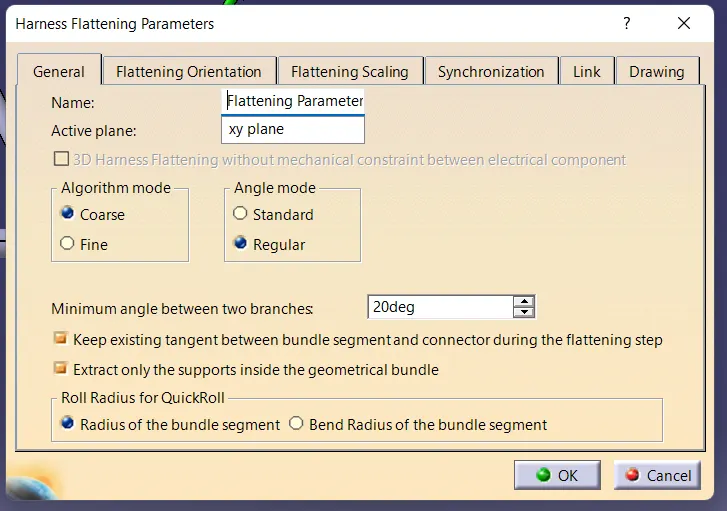
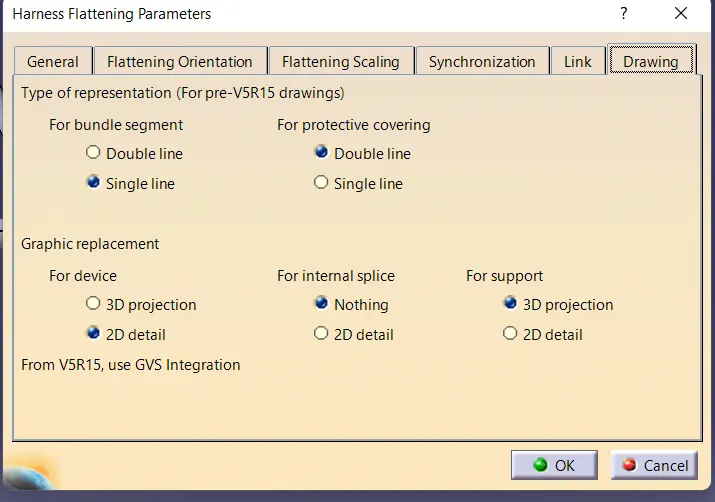
after defining all parameters the ending will have .ehf(electrical harness flatterning)