Project 2
ROUTING OF WIRING HARNESS FOR CAR BACKDOOR USING CATIAV5
Aim:
- To Define the mechanical components electrically and prepare a catalogue for the same.
- To Provide proper routing of bundle without any interference and also provide support parts like clips and clamps.
- To Prepare a report with all the required images required for the challenge.
- To Attach all the file required for the challenge.
Procedure:
- Downloading the cad files using TE website and define the mechanical parts into electrical. add them to the connector catalogue.
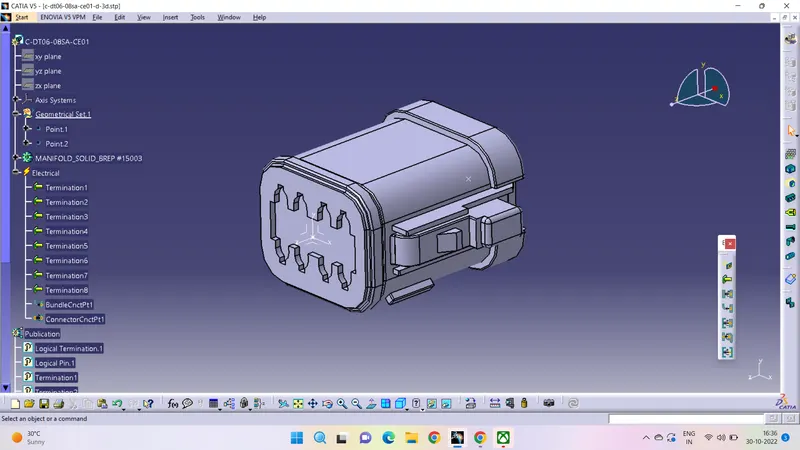
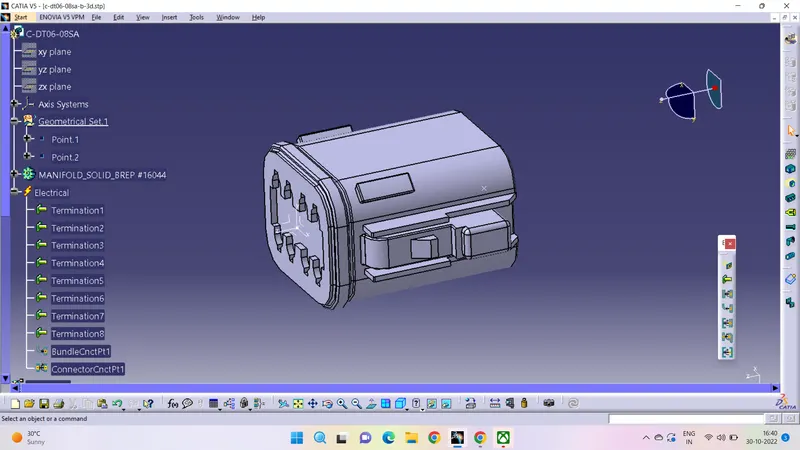
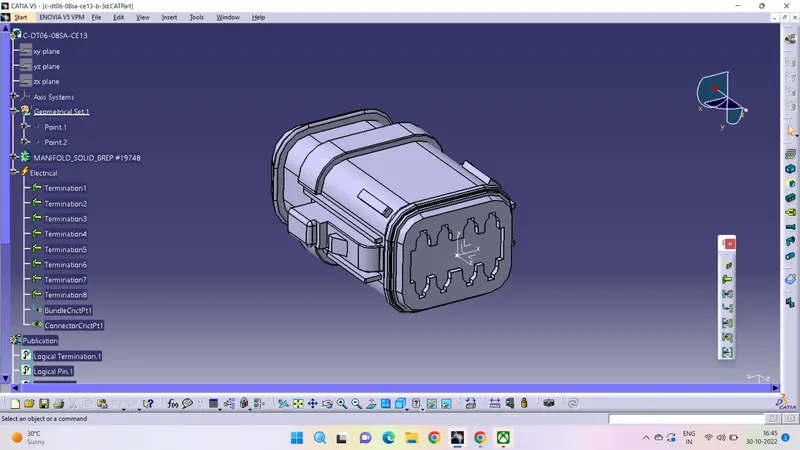
- Define the clips electrically. and give entry and exit points to the clips for bundle routing.
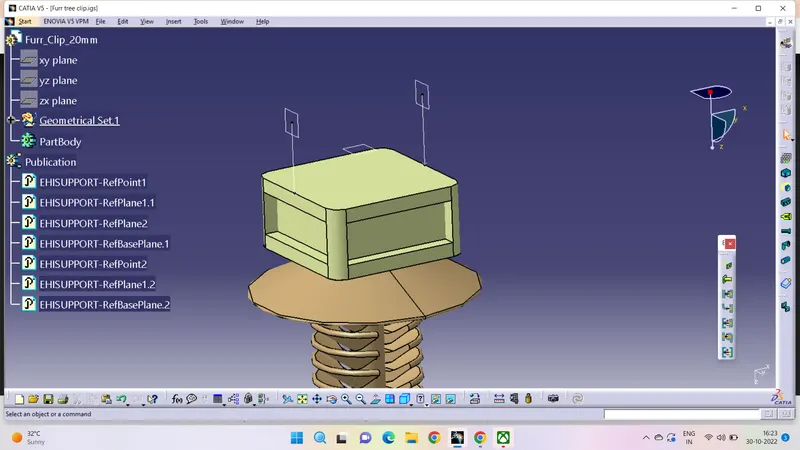
- Arrange all the clips and components on the back door.
- An inter connection connector at the top of car backdoor and two connectors on either side for headlights and two connectors for numberplate.
- The supportive clips are been arranged throughout the door in between the connector at top and the connectors at the bottom.
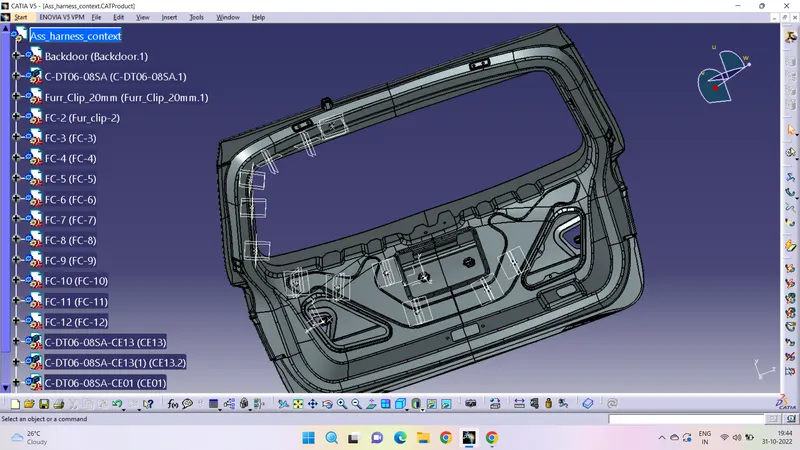
- Routing wiring harness is done by giving suitable diameter and slack where ever required. Components and clips have been adjusted with the manupulaiton and compass tools.
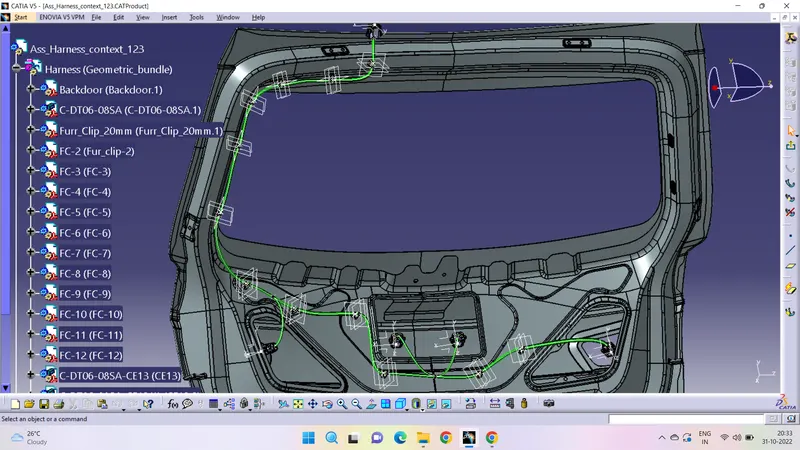
- The entire routing is done and checked for the bundle connectivity (Edit-search-electrical-bundle segment-fullyconnected-true/false-ok)
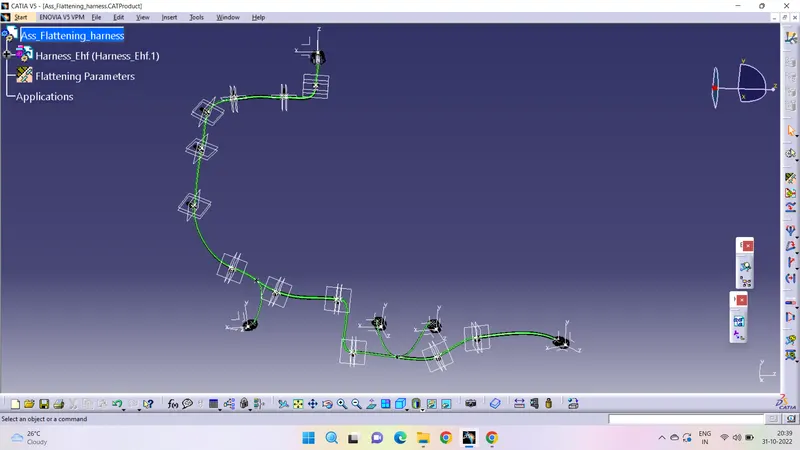
- The routed wiring harness is imported to the flattening workbench product of geometrical bundle and flattened with the reference of the connector face as plane.
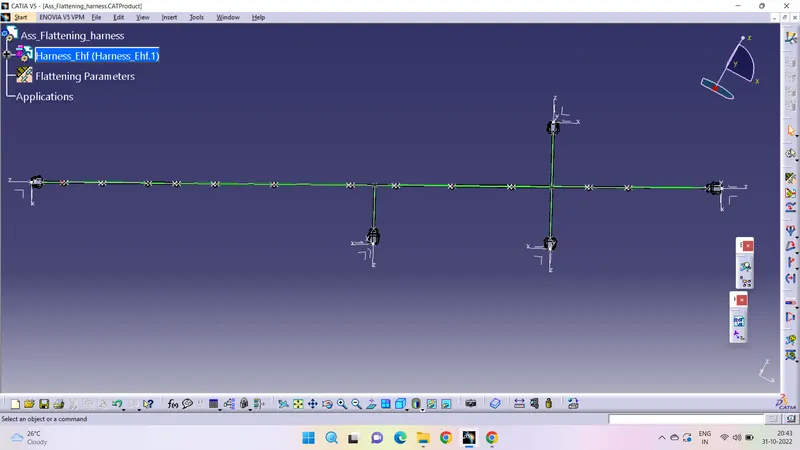
- The proctective cover is added to the bundles(cot_tubes) with the clearence of 10-20mm from the connectors and clips.
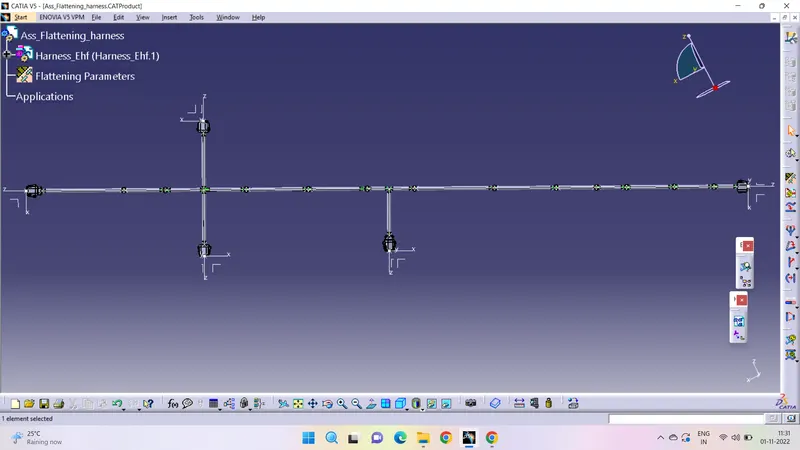
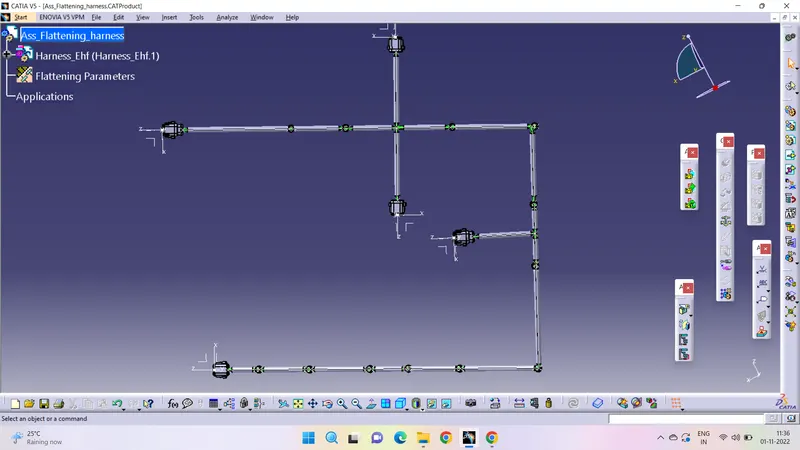
- As the entire flattening is too large to fit in the 2D drawing sheet, the bundle is rotated in between and arranged the disturbed components properly.
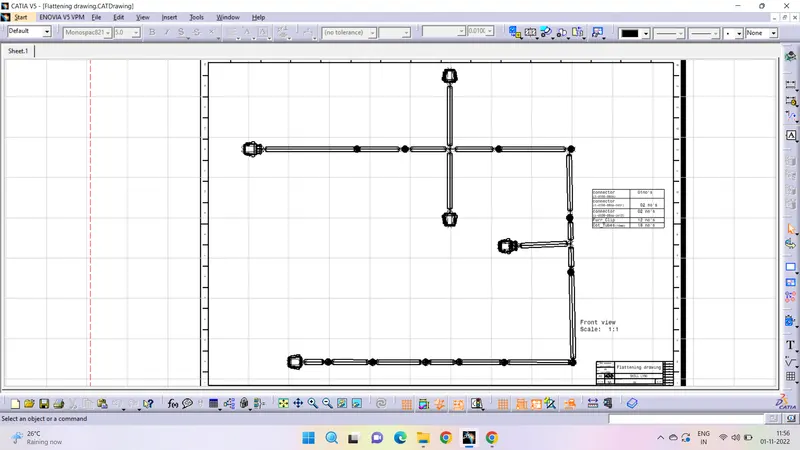
- Create a 2D drawing sheet of A0 size (New-drawing-size-ok) and fill the frame and title block in the sheet background(edit-sheetbackground-frame and title block)
- Enter into the working inputs and goto front view and select the face that was selected for the flatttening of routed bundle and click on the sheet to display.
- Enter Details and arrange the drawing properly and make sure the wires and protective covering along with components are visble.
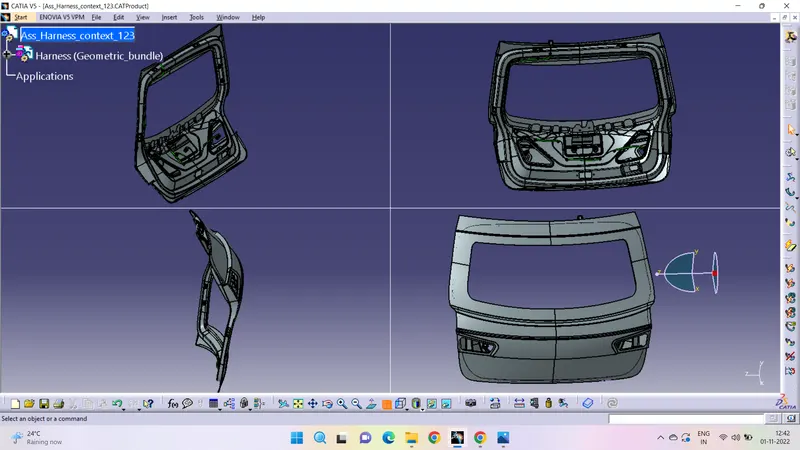
Here are the various views of the car backdoor :
Therefore, the aim is achieved as mentioned in the challenge and a detailed report is made with images required.
A zip file is attached successfully.