Project 2
- Downloaded Cad Data and saved as .Cat part
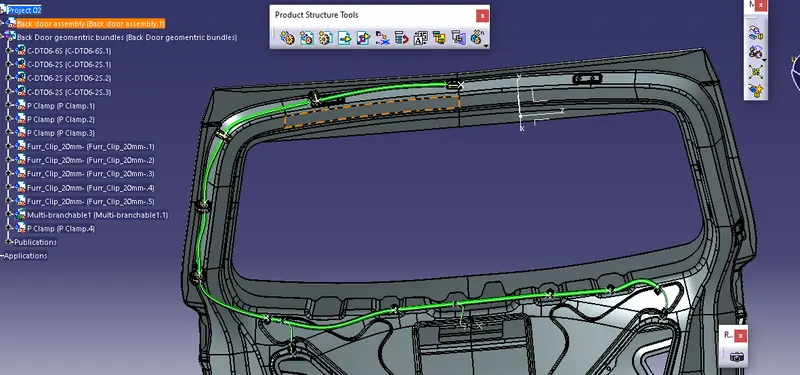
- created a New Product and inserted the Back door assembly.
- and created a new product for Geomentric bundle.
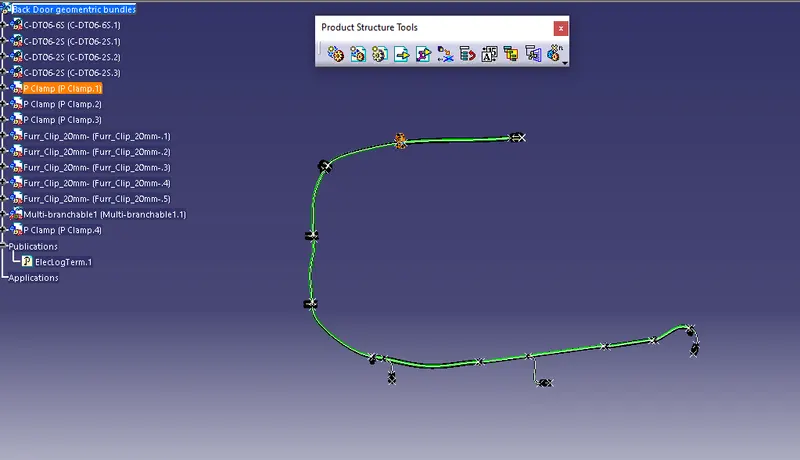
- activated geomentric bundle product and and inserted connectors and clamps from my catalogue.
- Placed all the connectors and clamps in appropriate places by using snap, Smart move and compus.
- Started rounting the bundle and finished properly.
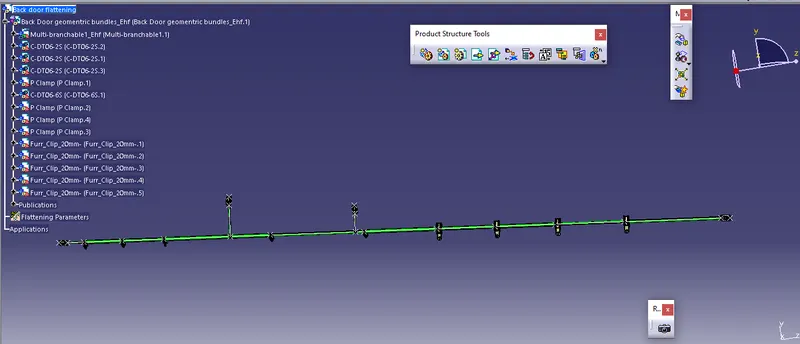
- Created a new product for Flattening.
- extracted the geomentric bundles into flattening product and straightened it.
- rotated the clamps for visualizing in drawing.
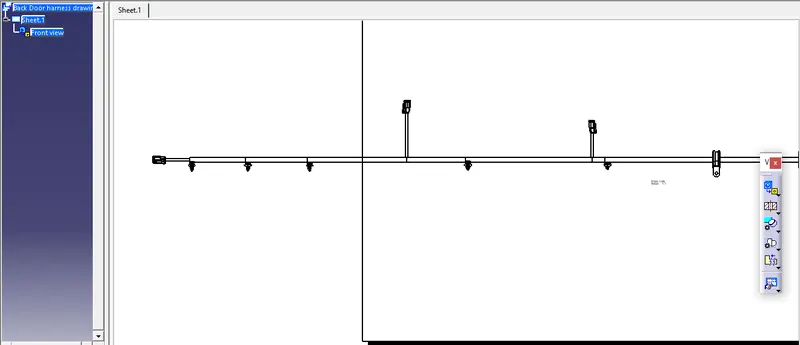
- created a new drawing and inserted the flattened product into drawing view.
- Kindly find the attached file and images for the reference.