Project 2
PROJECT 2
For this project, a CAD model of a tailgate is provided. Task required involves:
- Defining the connectors and clips
- Placing various components such as factory clips and connectors
- Routing the harness bundle
- Flatten the bundle
- Generate a drawing
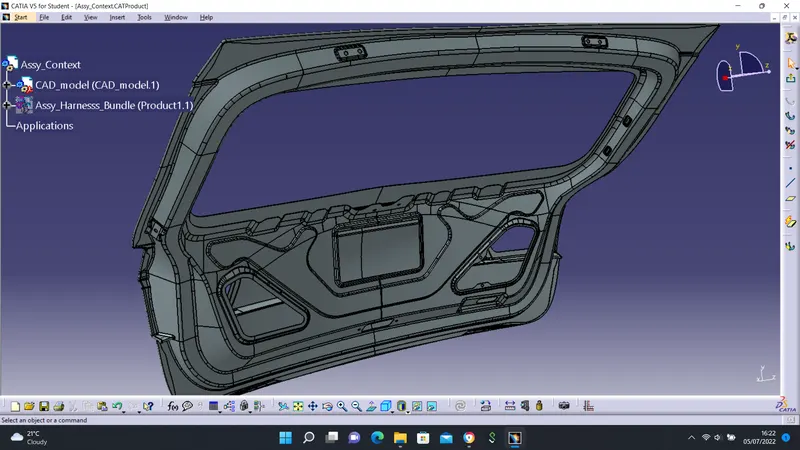
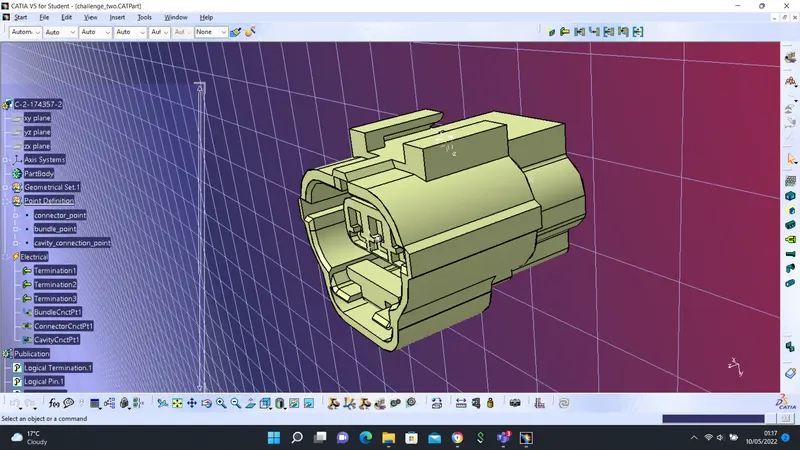
step 1 - Component Definition
Connector Definition Steps
- download connector CAD data
- create required geometrical parameters
- define part as a connector
- define bundle connector point
- define connector connection point
- define cavity connection point (optional)
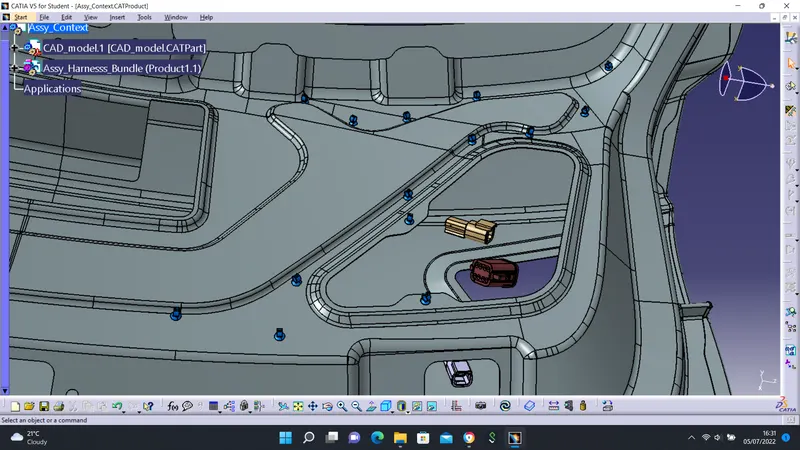
step 2 - Components Placement
To place components on the required surface of the tailgate, numerous tools such as Compass, Manipulation, Rotation, etc were used.
step 3 - Harness Routing
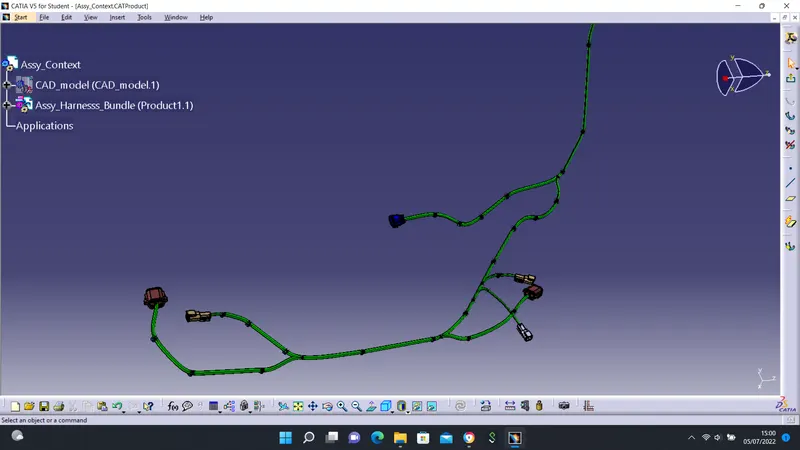
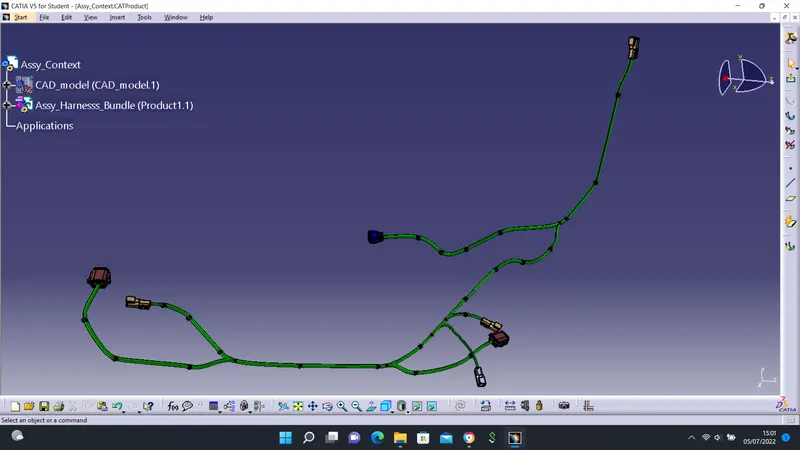
To perform routing operations, the Assembly Harness Bundle product was electrically defined. Certain considerations such as Slack value was inputted to prevent harness fouling.
Branches were also created to route other harnesses.
Continuity checks were also performed to ensure the harness is fully connected. Tangent Management was also used to correct harnesses that are fouling with the surface of the CAD data.
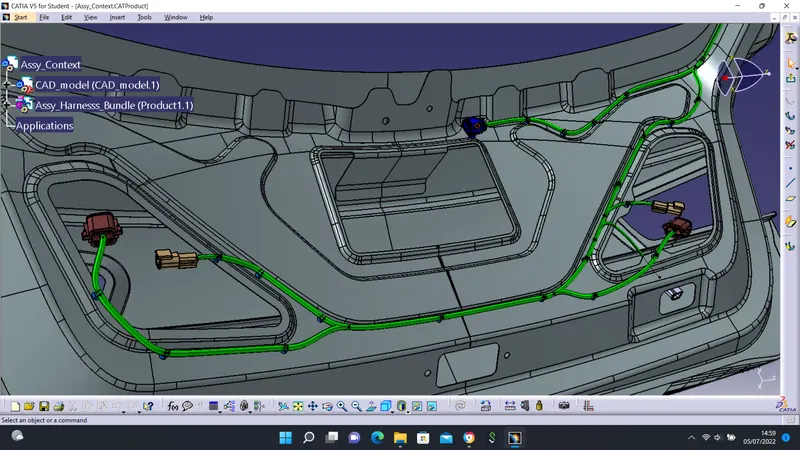
Tangent management was used to correct Fouling on the image below.
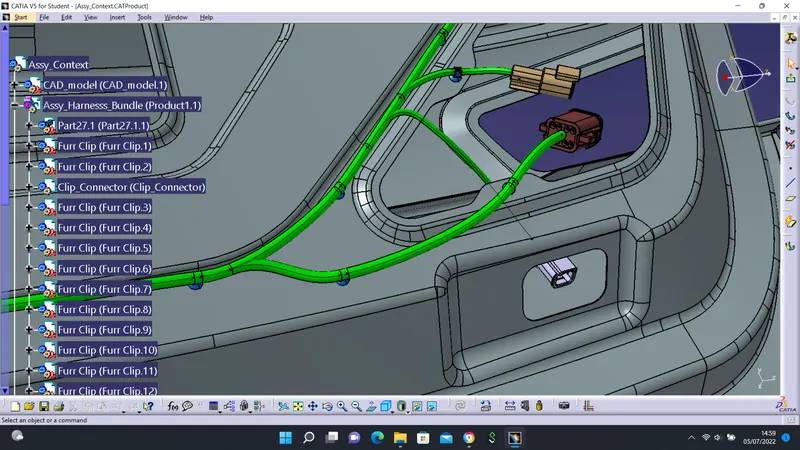
Assembly Harness Bundle Images
step 4 - Flattening
To perform a flattening operation, certain settings Harness Flattening Parameters have to be in place. It is important to save the flattening file in the same folder with the harness to be flattened.
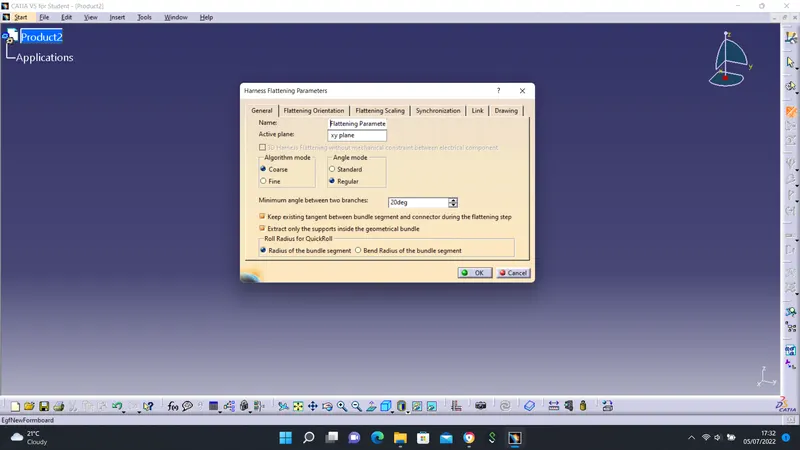
Flattening Commands
Some commands were used to flatten the file. Some of the commands used include:
- Rotate
- Bend
- Roll
- Quick Roll, etc
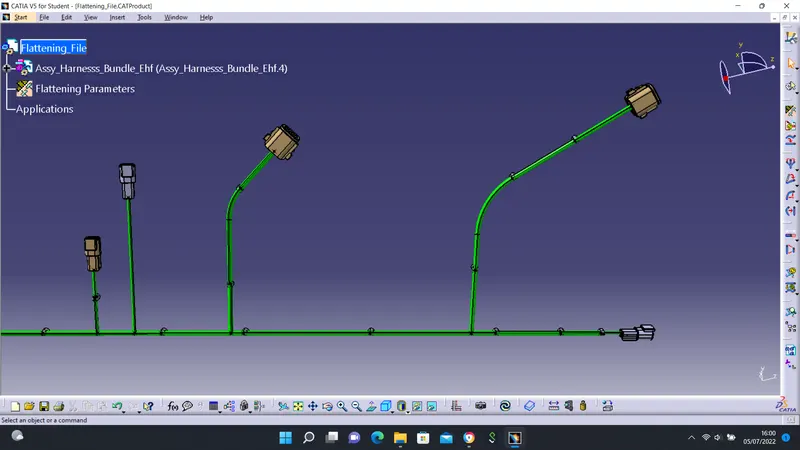
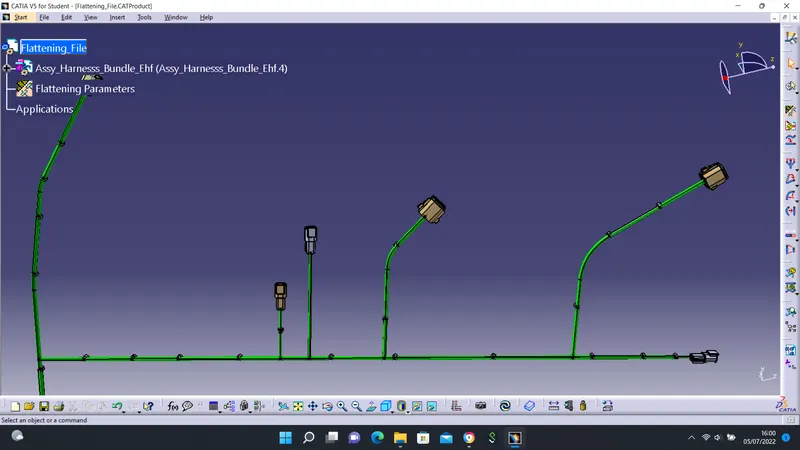
step 5 - Drawing Generation
After the flattening operation, a Drawing file was generated. To perform this operation, certain parameters were inputted. Parameters such as:
- Standard: 150
- Sheet style: AO 150
- Landscape, etc
The Front View command was used to import the file from the flattening workbench.
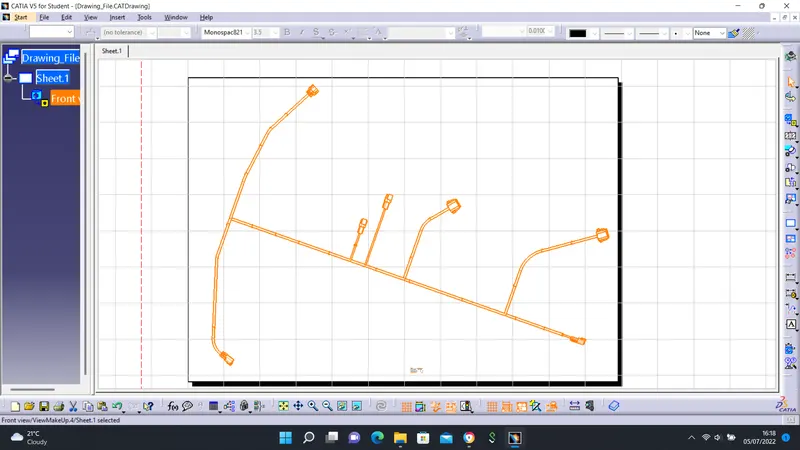
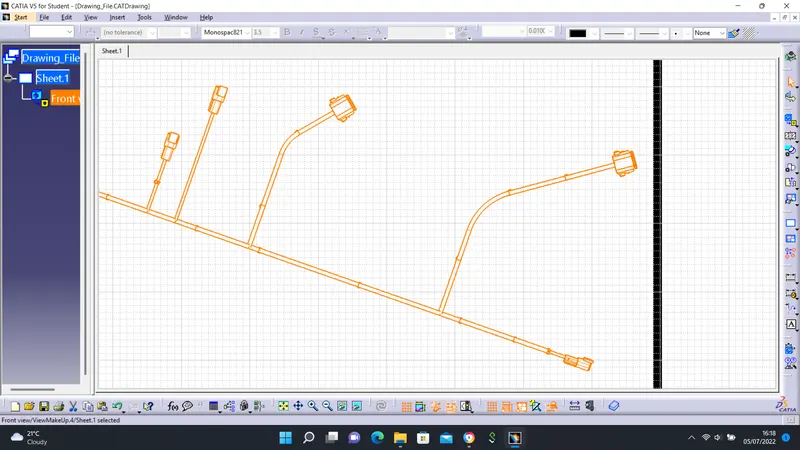
Important Data on Harness Drawing
- drawing template and details
- harness layout
- dimensions
- connector views
- protection and sizes, etc