Project 2 - 2D meshing on the instrumental Panel
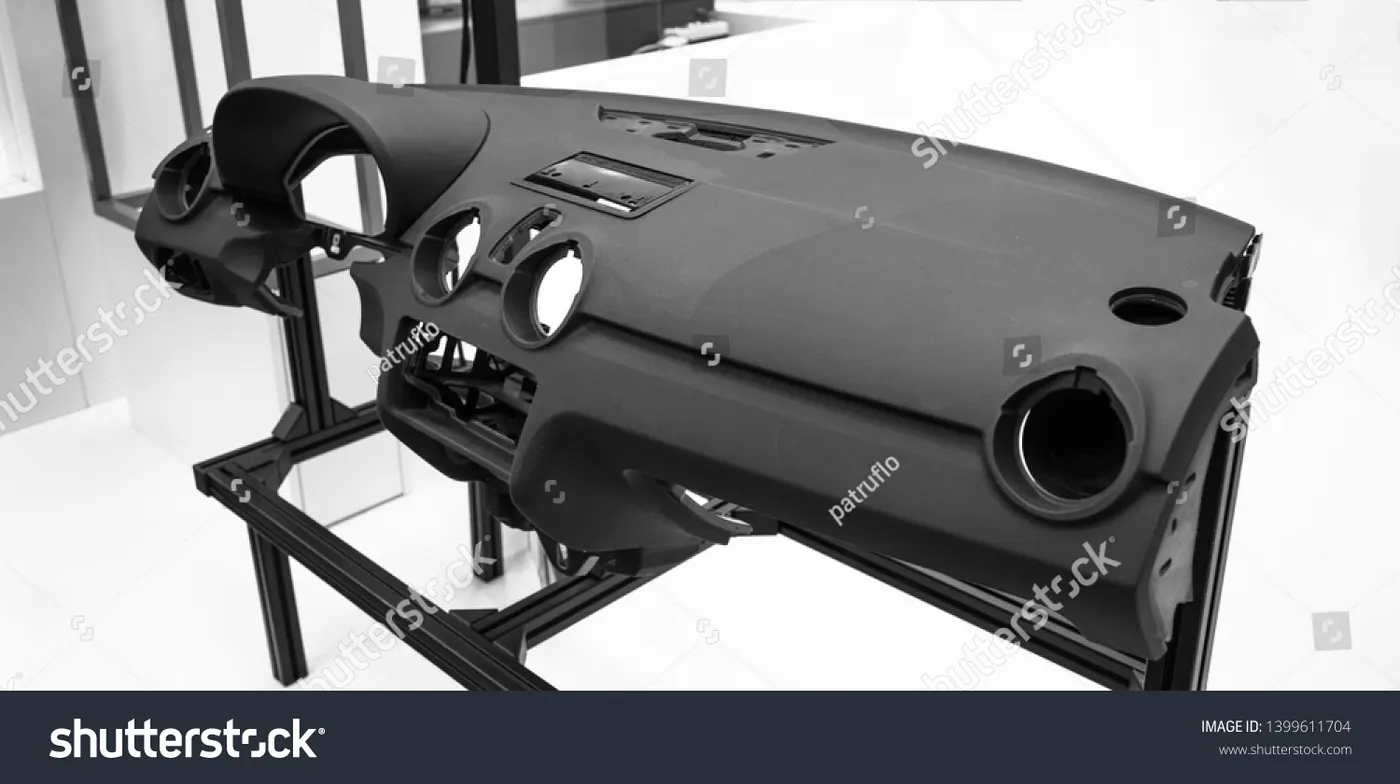
Instrumental Panel
The instrument panel is the portion of the dashboard which sits behind the steering wheel. It houses various gauges and lights which update the driver on the vehicle's status. As a driver, you should always pay attention to it to avoid dangerous situations.
Solution
First open the file by going to File-Open
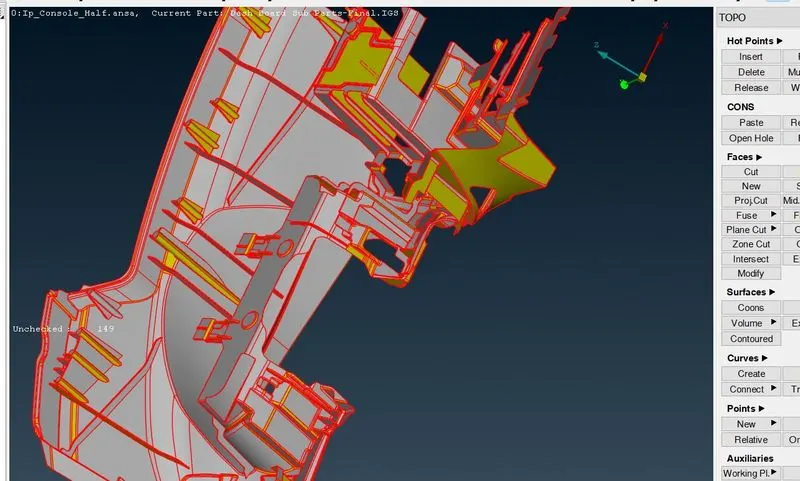
Now,After opening the file select the whole component and do Topo option (it connect the cons if they are not connected)
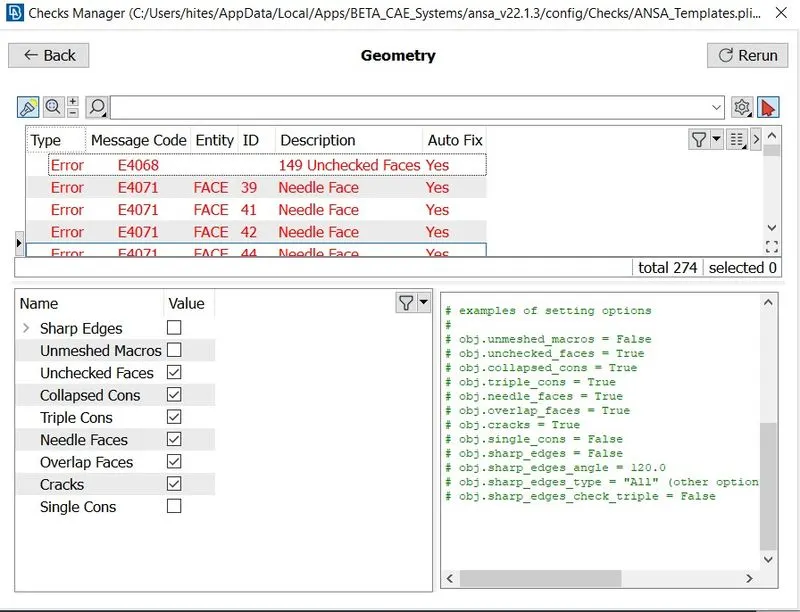
Now,check for any geometrical errors by going to Tools-checks-geometry Or search check on search box
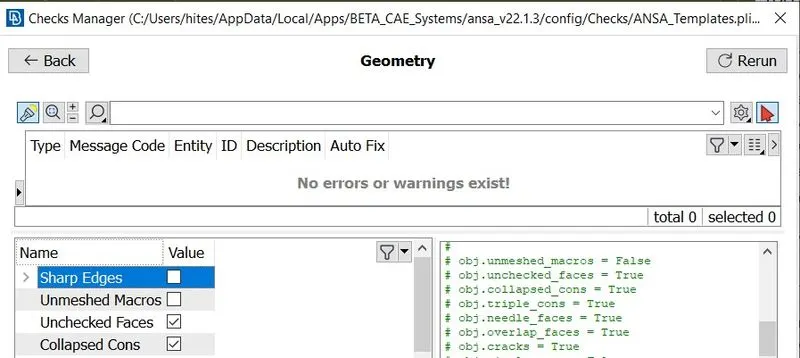
now,click on execute and if there are any errors just right click on them and click on fix.
Now,For Middle Surace and mesh ,I have Used Casting mesh
In Casting Mesh It will generate mesh directly without creating mid_surface
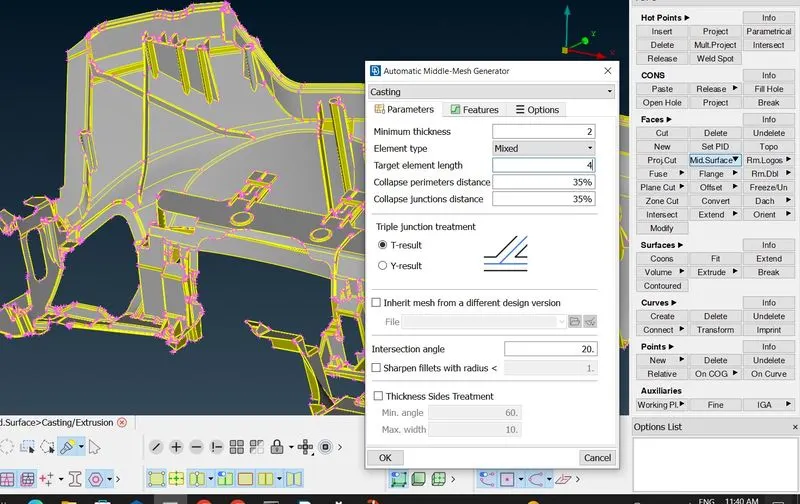
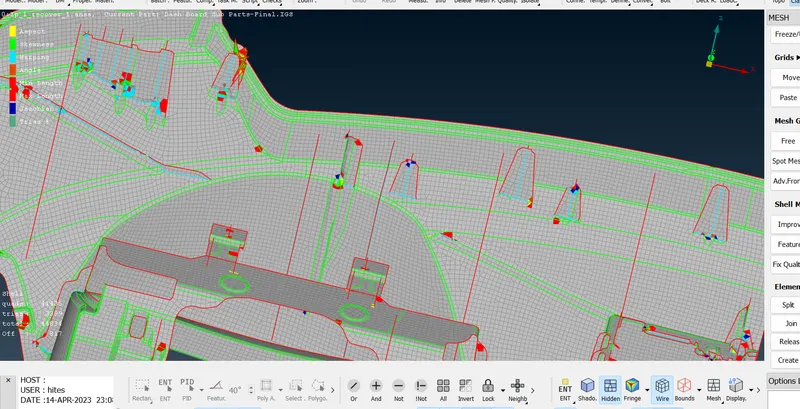
Now,Mesh is Created but It did not captured the features correctly
So,We have to correct the features using Align Manager by going to TOPO-Faces-MidSurface-Align Manager
Some Features corrected by Align Manager
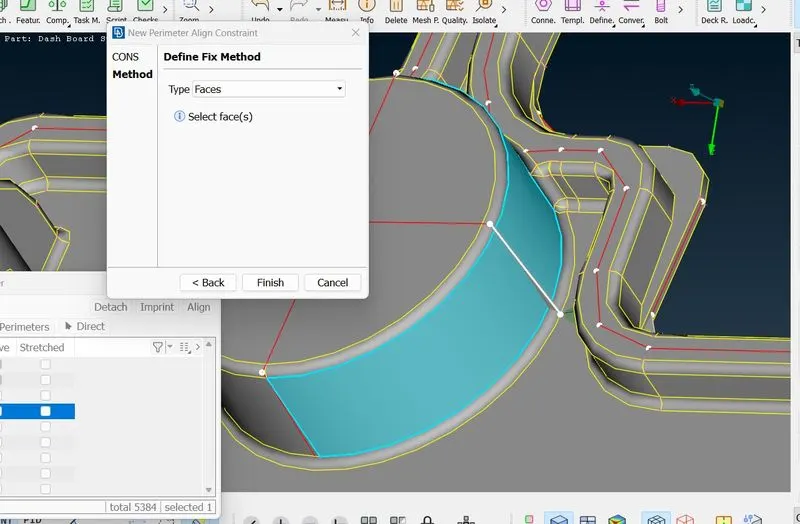
1.Align the surface by going to align manager- then select area-then surface-right click-edit-select surface first and then select surface second and its done.
Another method to Align the surface by align manager is
go to align manager- then select area-then surface-right click-empty-select surface first and then select surface second and its done.
Example:
1. 2.
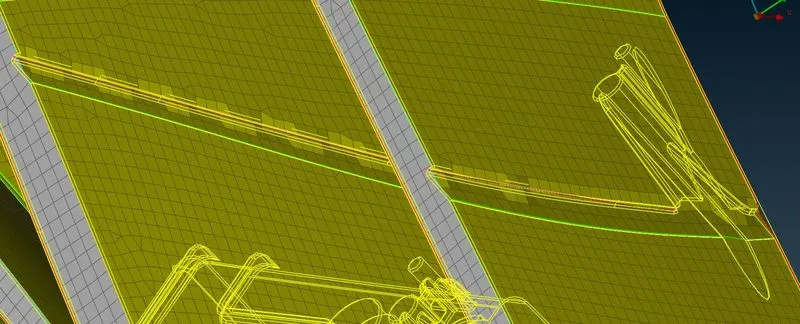
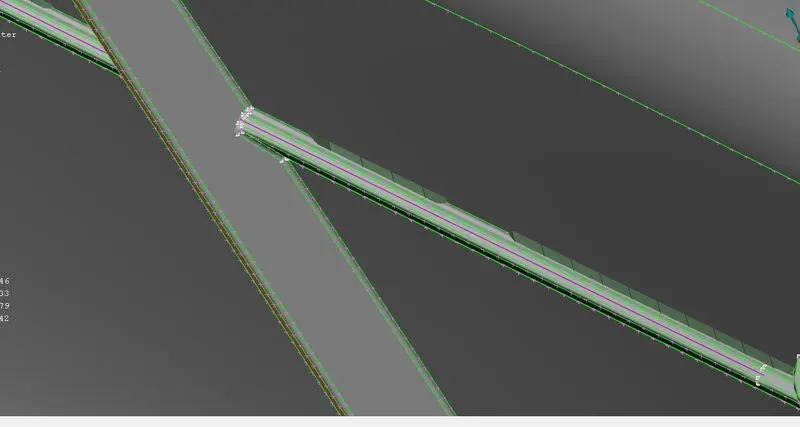
3. 4.
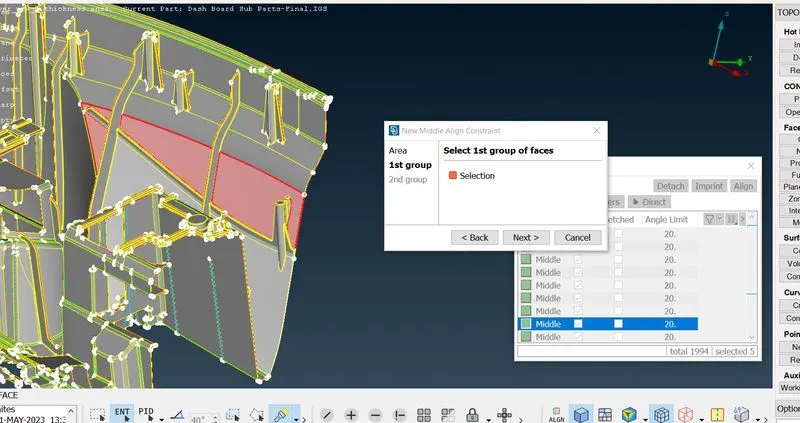
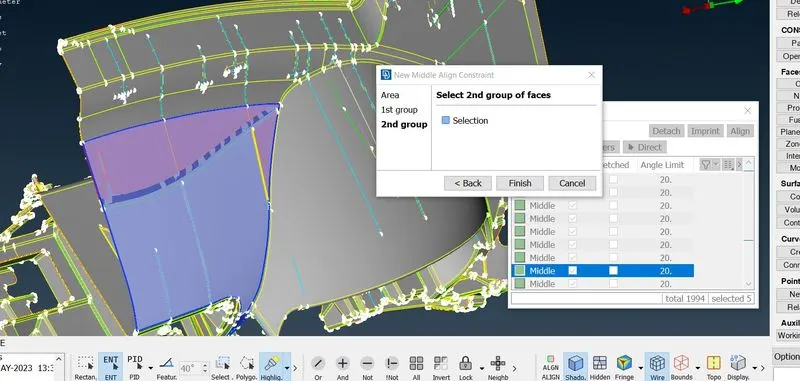
5.Done
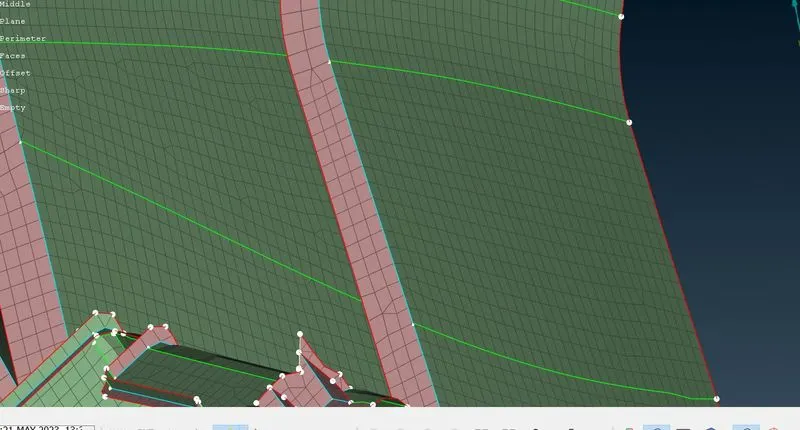
2.other Examples
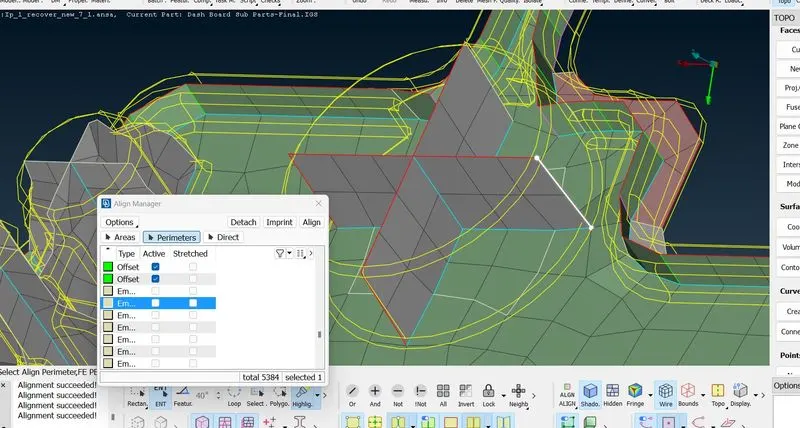
3.
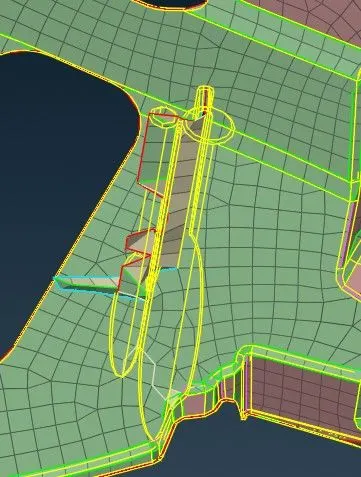
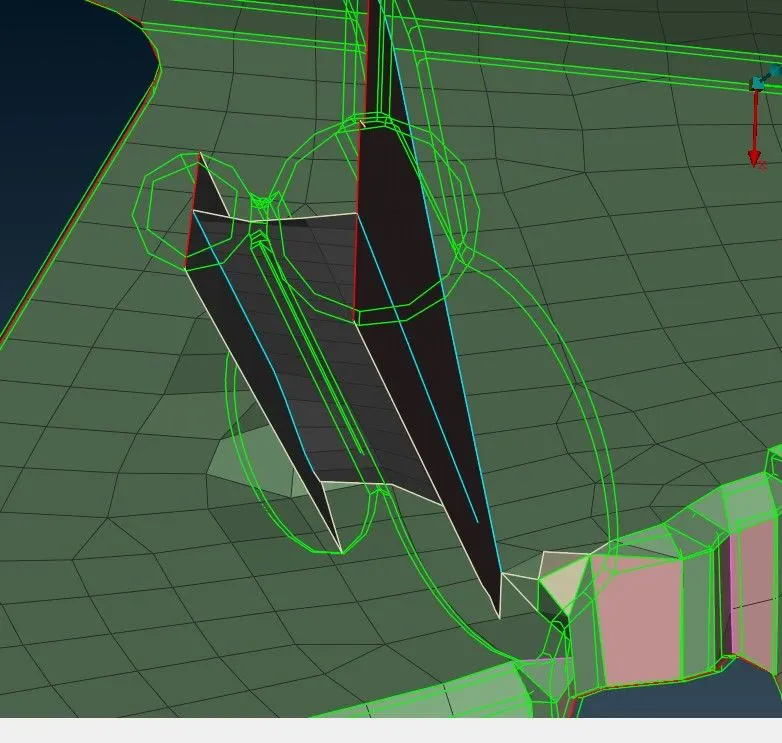
4.
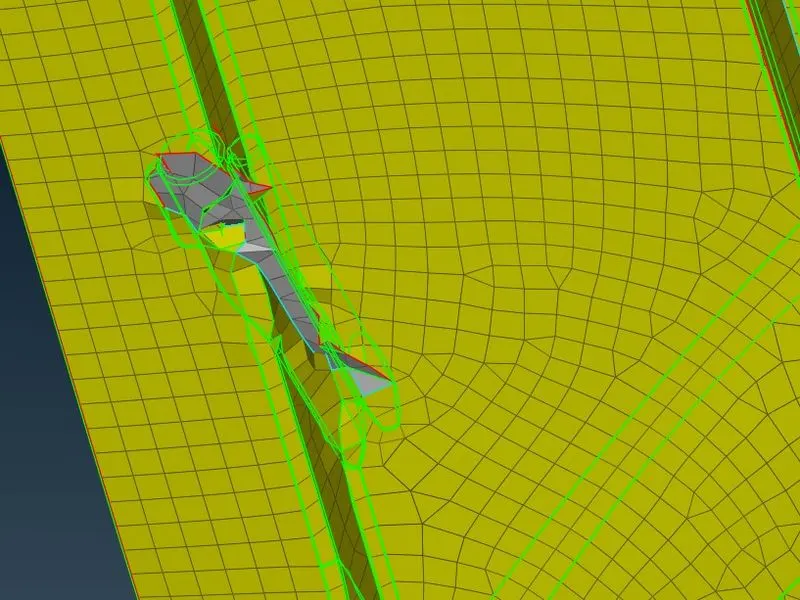
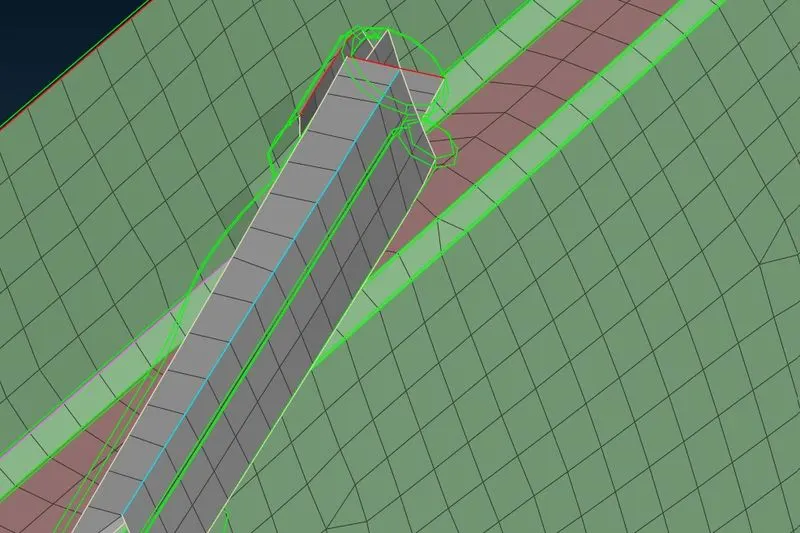
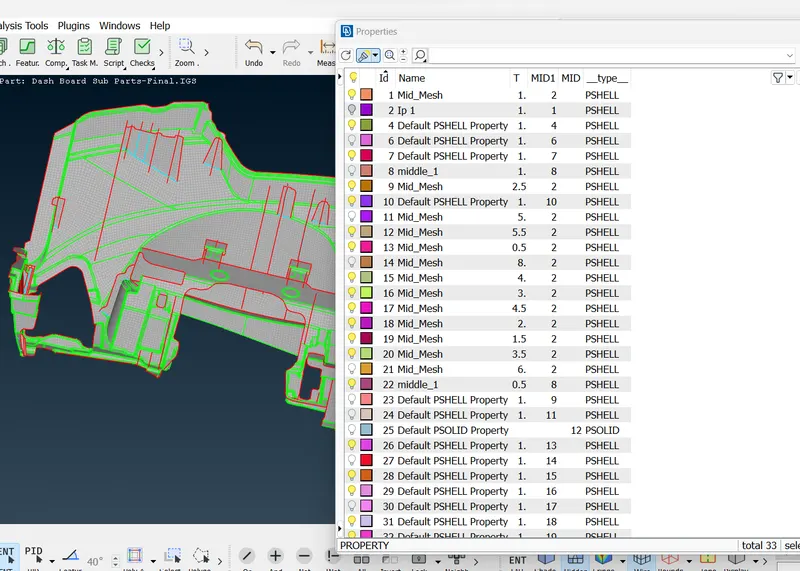
Automatic Thickness
After Making features
Remember to assign automatic thickness because if you close the model and opened other model then you cannot assign thickness.
Check For Empty surface by using Align manager
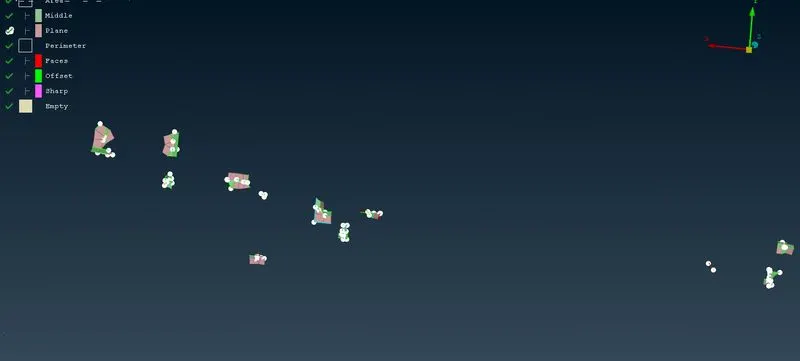
Sometime when we do casting it cannot identify some features,surfaces etc so it becomes empty and we have to check for them and assign them to their respected identity like middle,plane etc by going to align manager and we can just select the area or perimeter according to our need and then select surface,faces,cons etc
Some Examples
1.sometime it will generate extra mesh
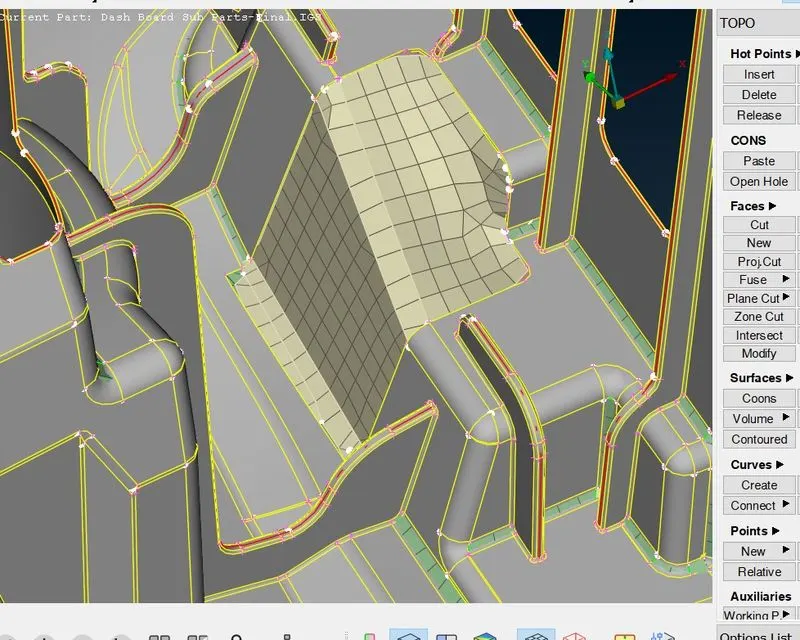
2.these are all empty ,so we have to do it manually
Quality Errors
Now to clear Off elements
first use Fix Quality and select the full model and it will solve some errors
now We have to clear Reamaing
we can Clear These Off Elements by these methods
Reconstruct in Shell Mesh
Smooth in Shell Mesh
Used Split,swap option in Elements to remove trias.
Paste Option to move trias.
Avoid Rotating Quads.
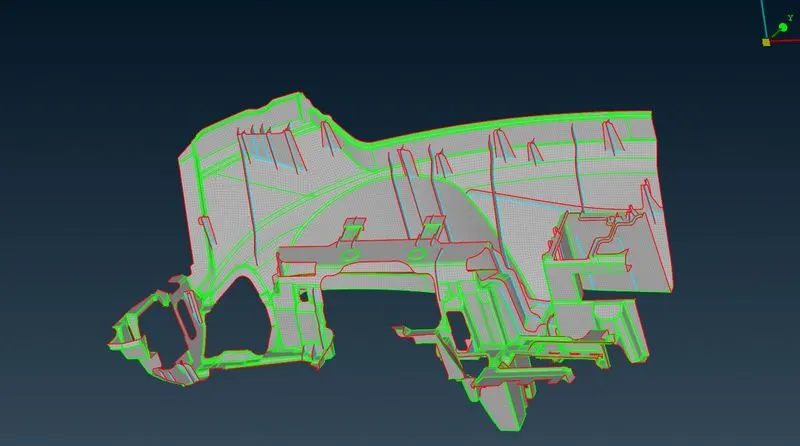
Meshing is Done
Conclusion
1.Casting Mesh is Done.
2.Assigned Thickness.