Project 2 - 2D meshing on the instrumental Panel
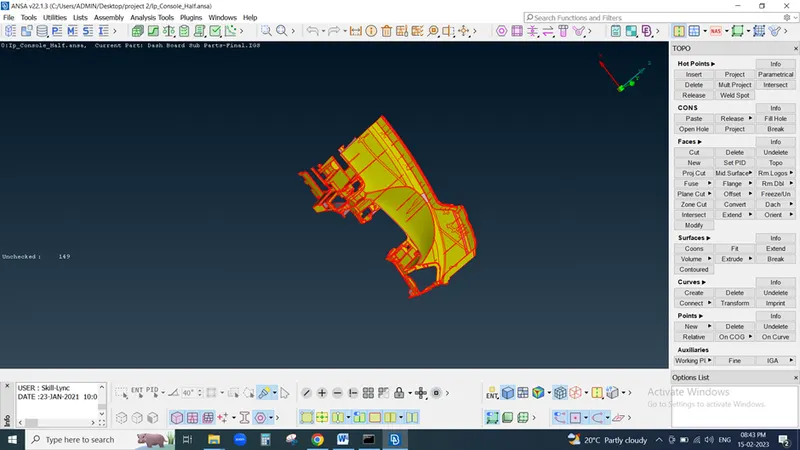
Download Project 2 Challenge & Identify model its half cross section of car dashboard
Need to check geometry of model
Geometry
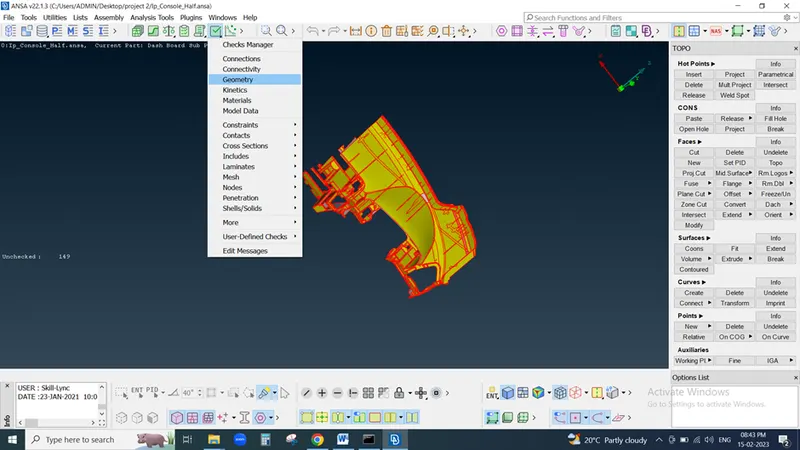
Need to execute program lots of error observed in this module then we need to resolve this error either manual or auto
But all error not resolve by using auto option so we need to also use Manual method and fix all error
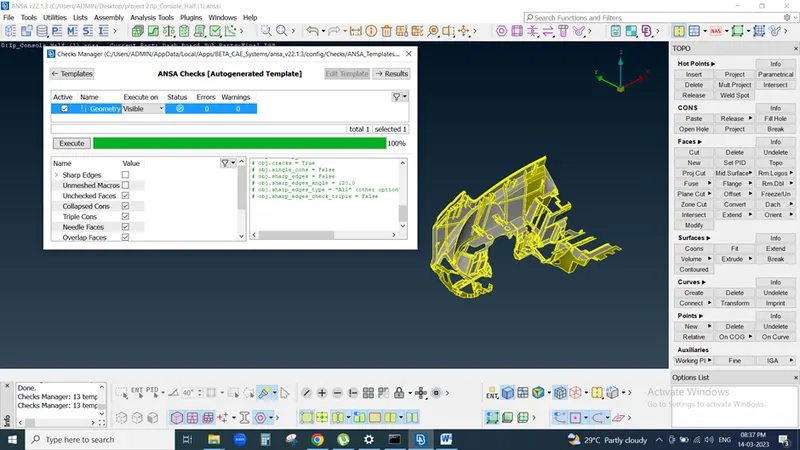
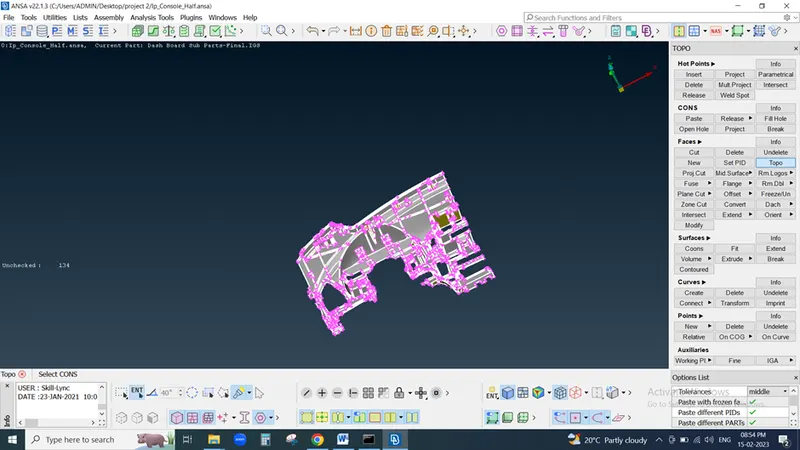
Then here if we see, we can observe thickness of module is not uniform so manual mid surfacing is difficult so we move with casting method
After that FE is generate then we need to extract FE from parent geometry so we enable micros option then FE is visible 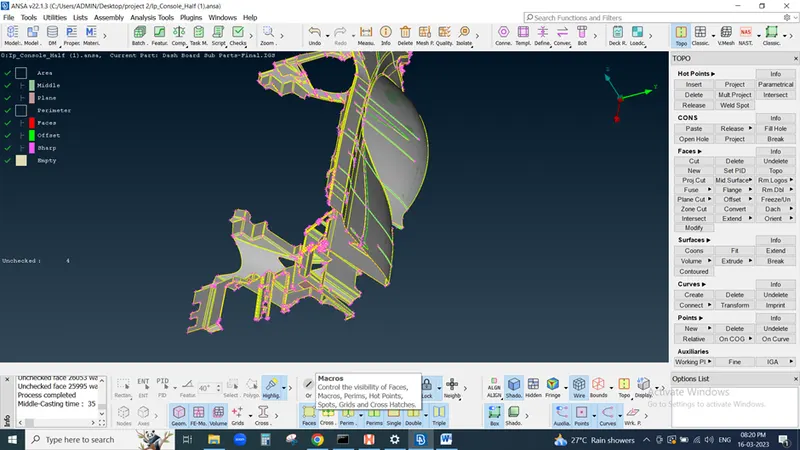
We also need to assign PID for FE so, enable SET PID select FE click on middle button of mouse and create new PID
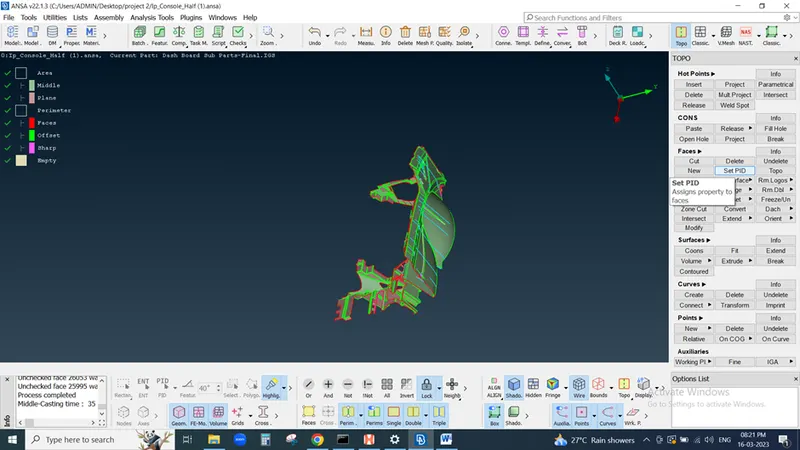
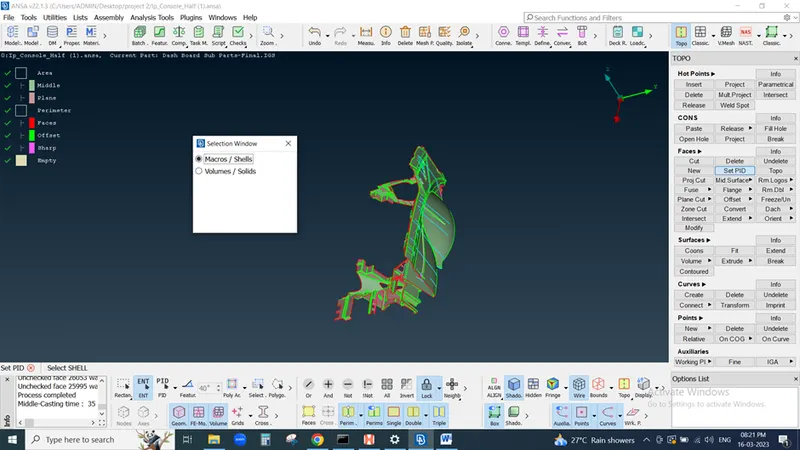
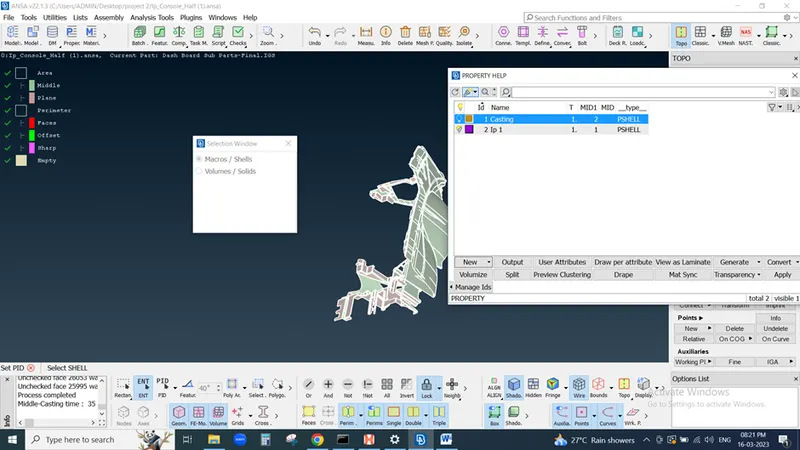
Sometimes complicated area's FE not capture properly in casting process so we need to capture FE by manual method
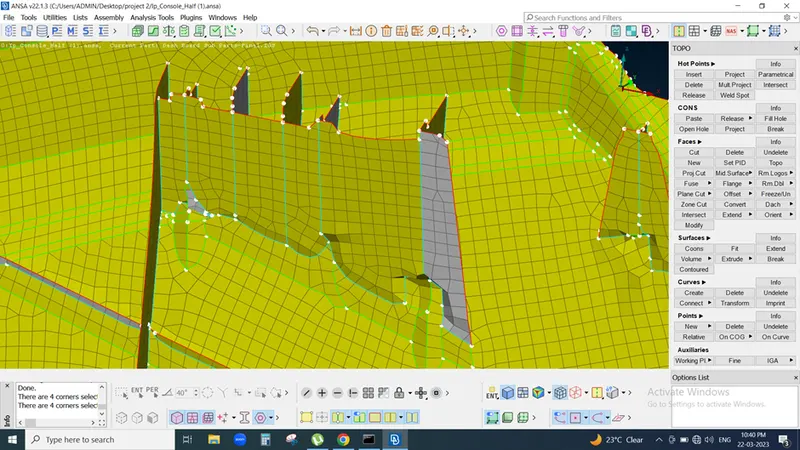
We can capture FE by using Align manager
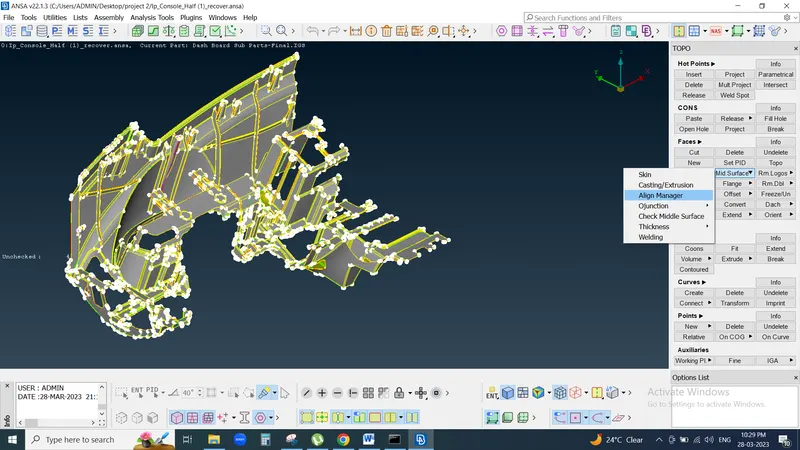
In align manager we imprint cons define area , perimeter because we need to clear base so here assign area
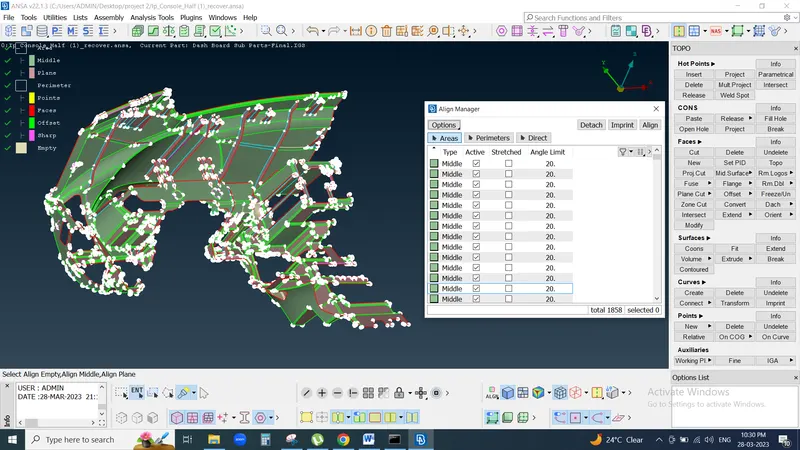
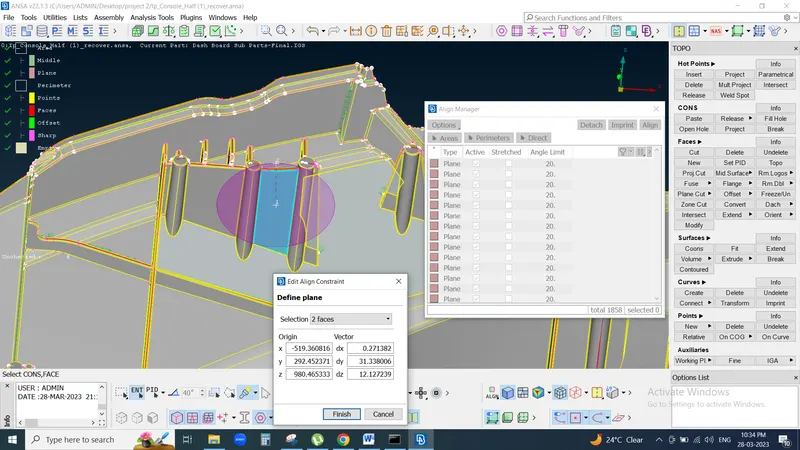
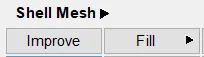
Sometimes need to delete extra elements, surface and Re-create by using Fill command
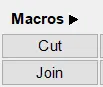
If need separate element by using cut & join command
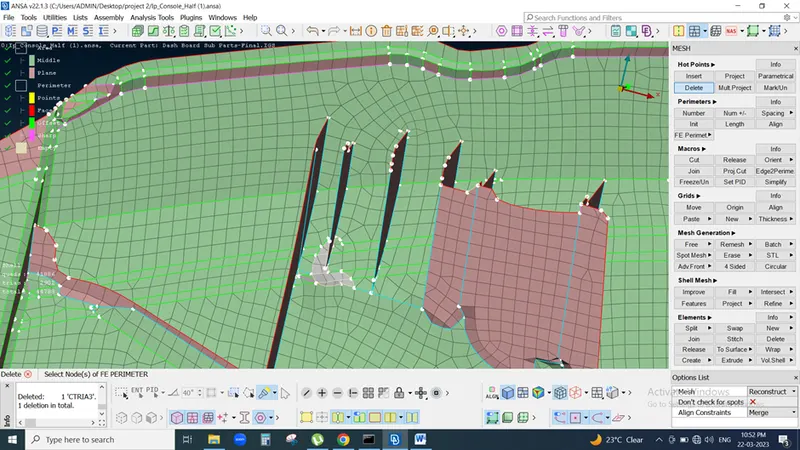
In this way we need to clean FE of model
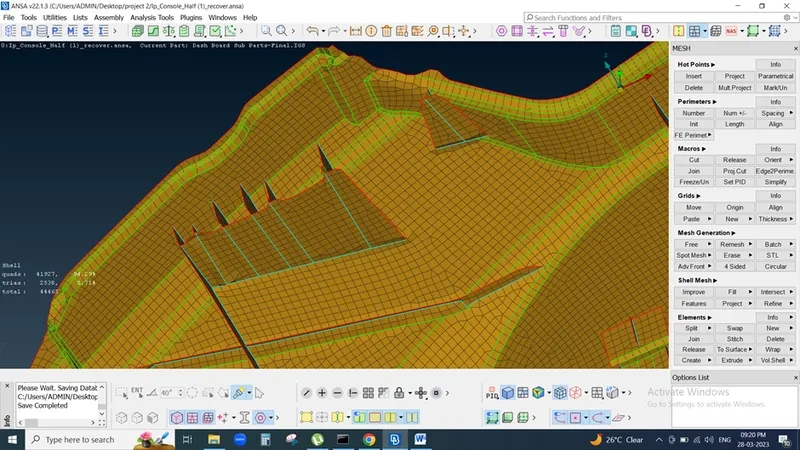
Now we need to check Quality criteria so hit on presentation Parameter (Quality Criteria), Mesh parameter and set as per requirement
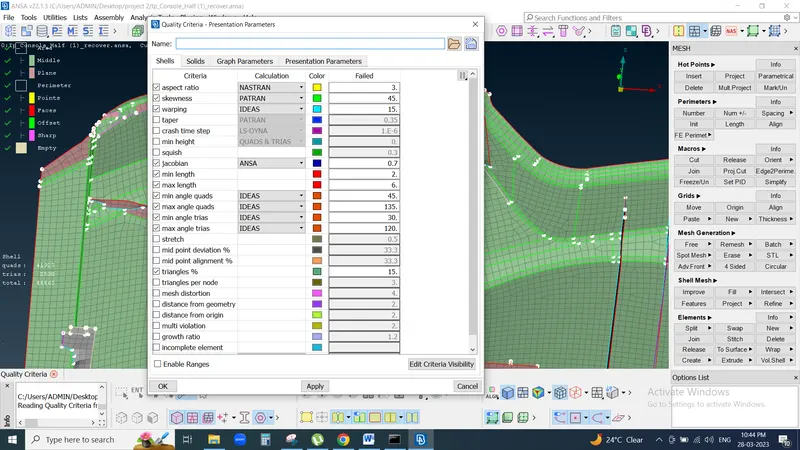
And check our FE, here 2223 elements are OFF we need to correct it so we can use Reconstruct command for macro area selection then user smooth option for better mesh flow
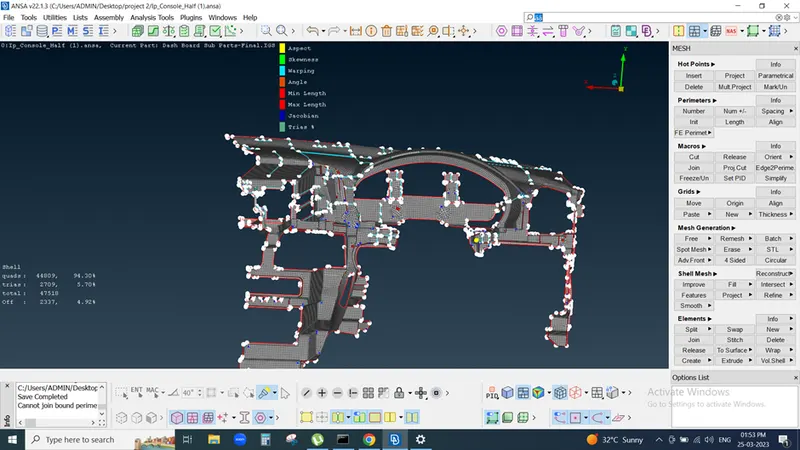
Also use
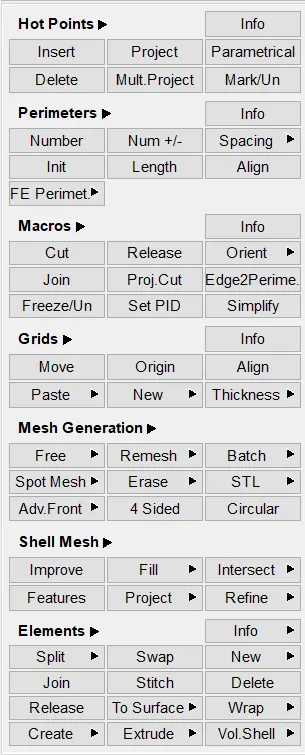
Then improve mesh flow
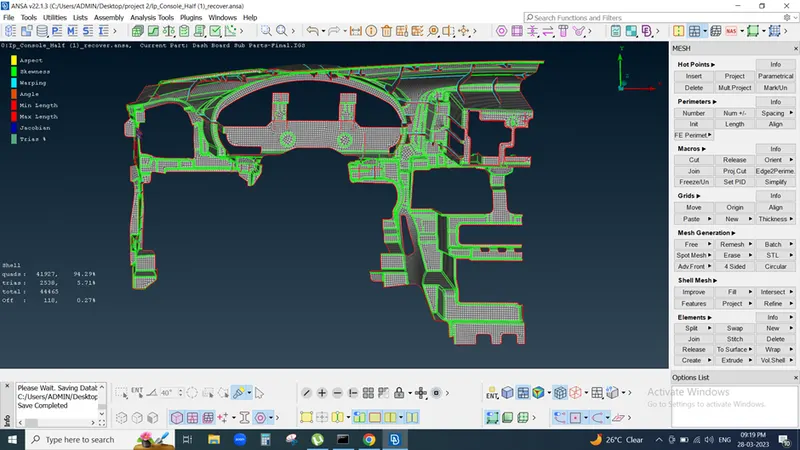
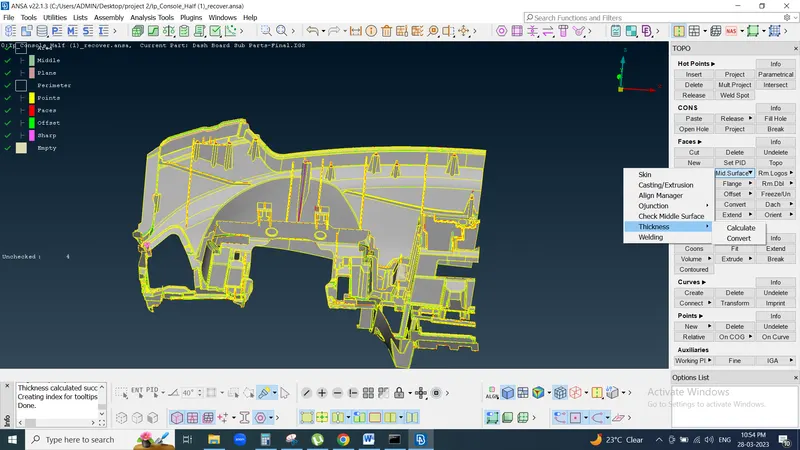
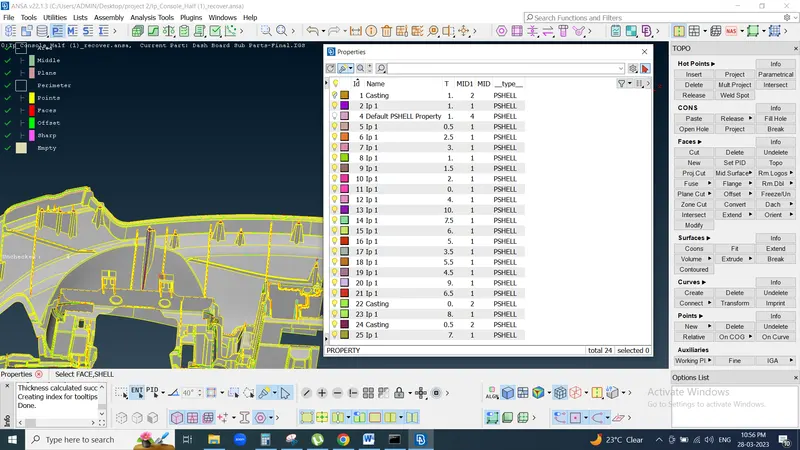
After than we need to assign thickness of each component by using Faces
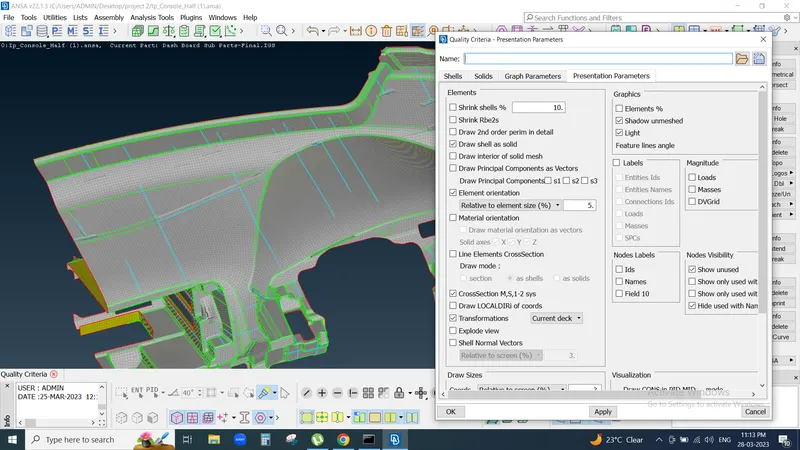
Again go to Quality criteria < presentation parameter
click on draw shell as Solid
In this way I completed this project 2