Project 2

Automotive Wiring Harness using CATIA V5
REPORT
Assignment-11
By Ravi Ahuja
Objective:
Route the Wiring harness on Given car body and Prepare flatten view drawing in CATIA V5. Application of all Packaging rules, Industry best practices studied in this course shall be demonstrated in design. Apply Protection coverings as required.
Methodology:
Started with downloading all the files and converting them to part format. Created a product file and named it backdoor context then added the backdoor file.
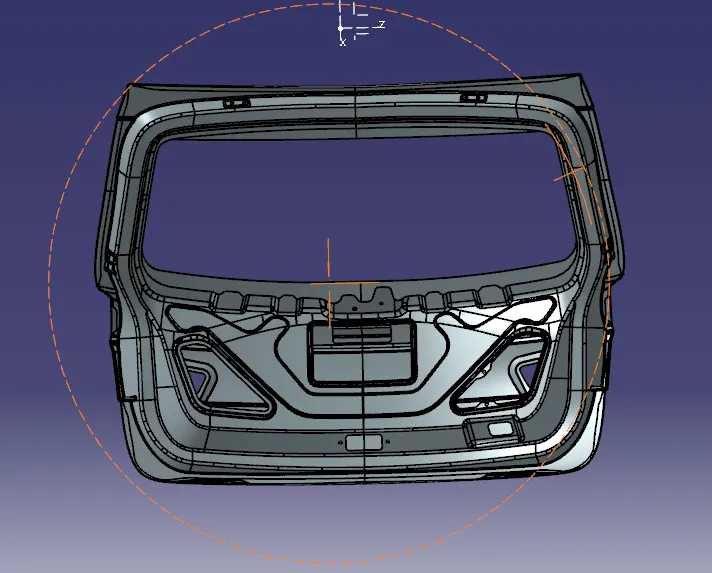
Then created a product file in the context with the name backdoor geomectrical bundle. Then imported all the connector, the p clamp and the fur tree clip in the geomectrical bundle.
Then placed them according to the illustration shown like this.
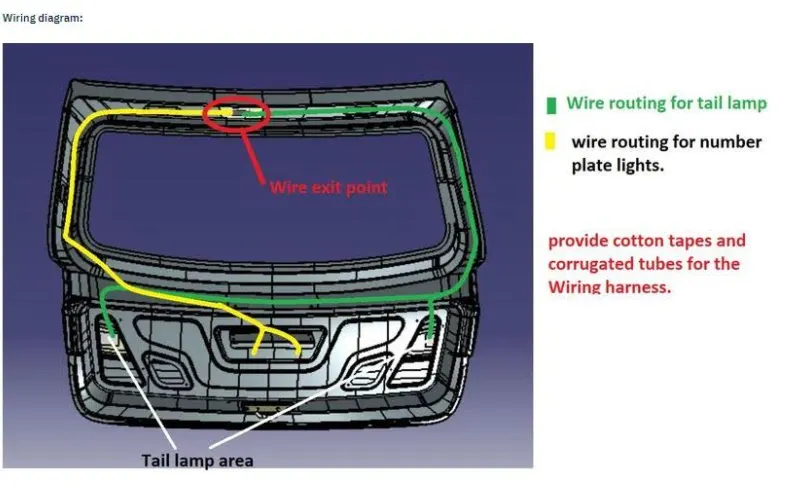
Then i switched to electrical harness assembly. Then selected the geomectricl bundle option from the toolbar. Then I placed connectors at every termintion point in the illustration. Then started routing them as shown in the figure.
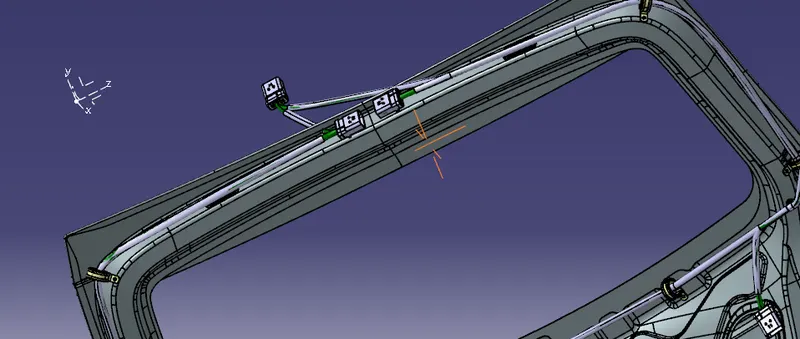
Then after finishing the routing I applied cotton taping by selecting the protective covering from geomectricla bundle.
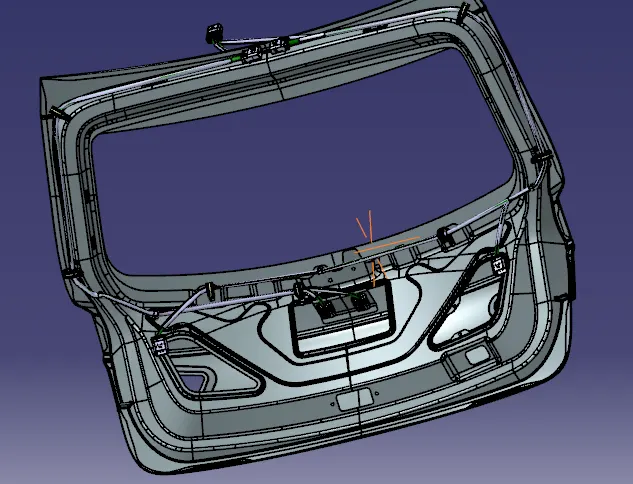
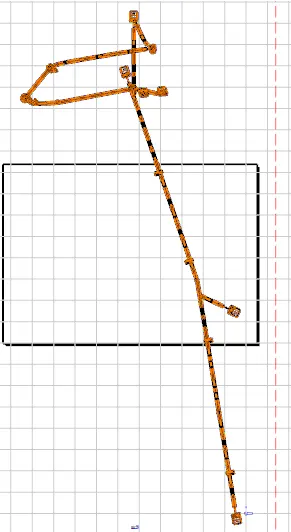
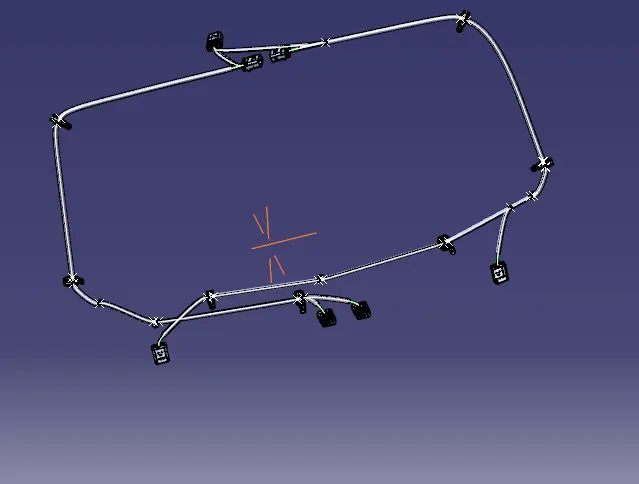
Then I opened the multi branchable in seperate window and it looked like
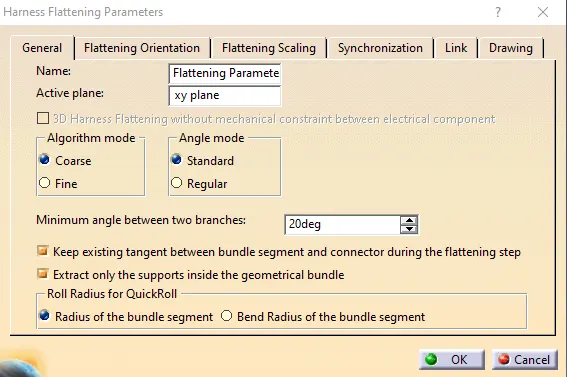
Then I created new peoduct with name as flattening and then selected the option flattening parameters then aselected the required parameters.
Then selected te extract feature and selected the product file with geomectrical bundle. Then selected flattening feature and selected the face of a connector as reference and result was.
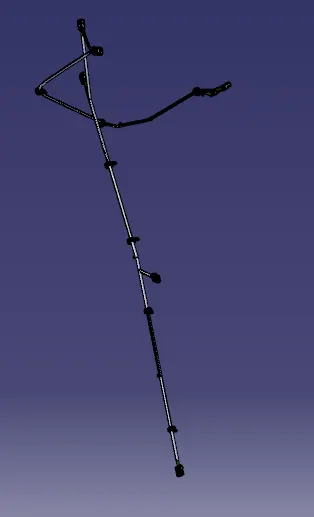
Then created a drawing document and imported the same in it.