Project 2
Project 2 (UNDER WIRING HARNESS)
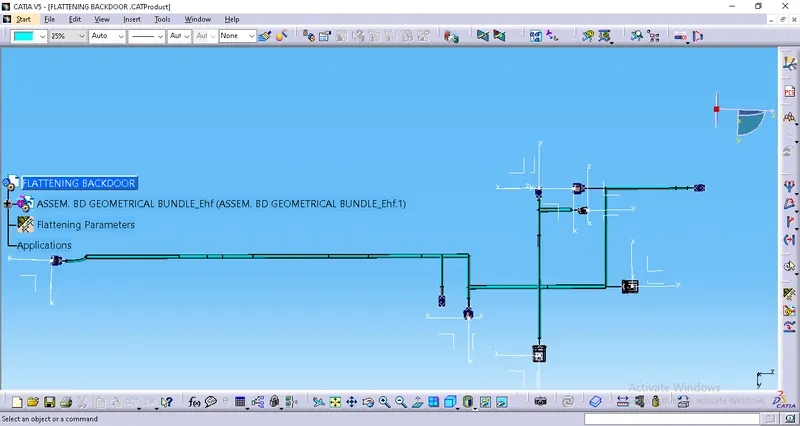
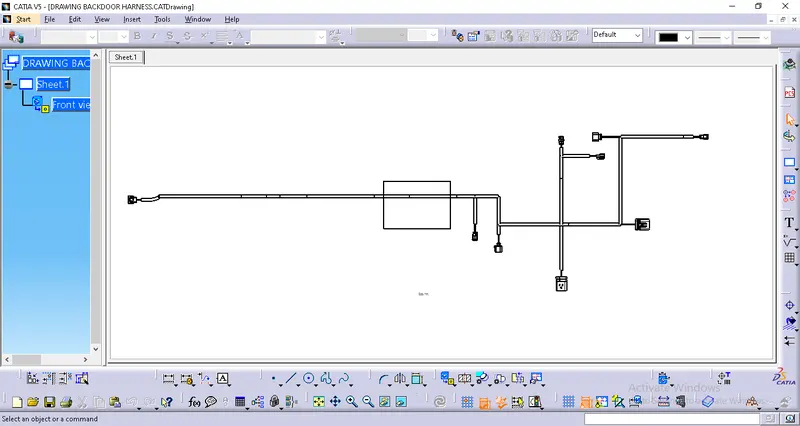
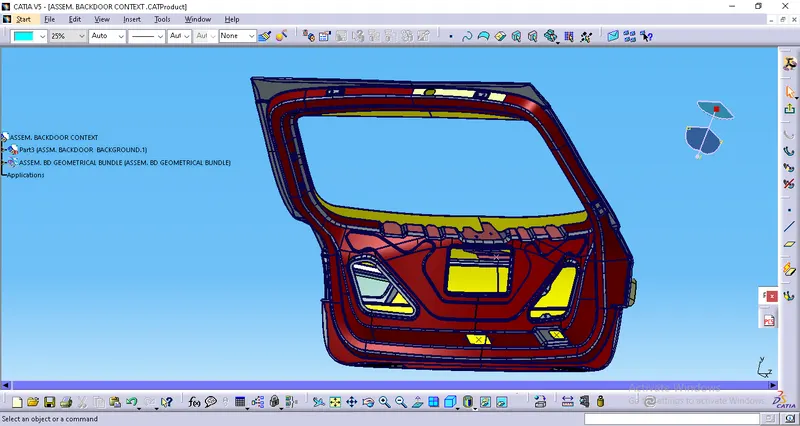
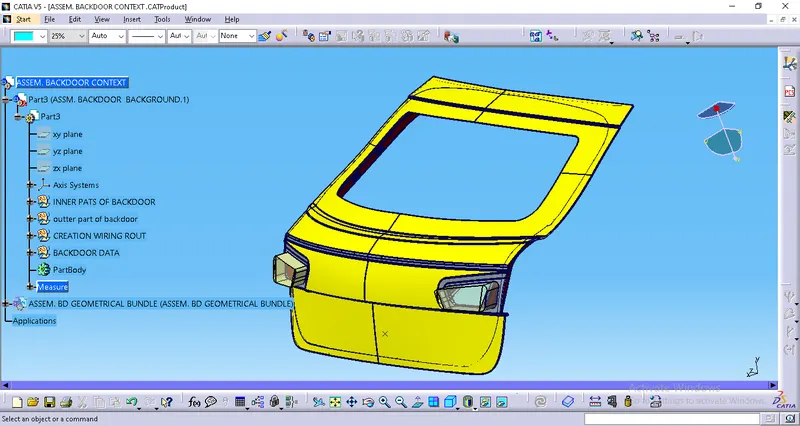
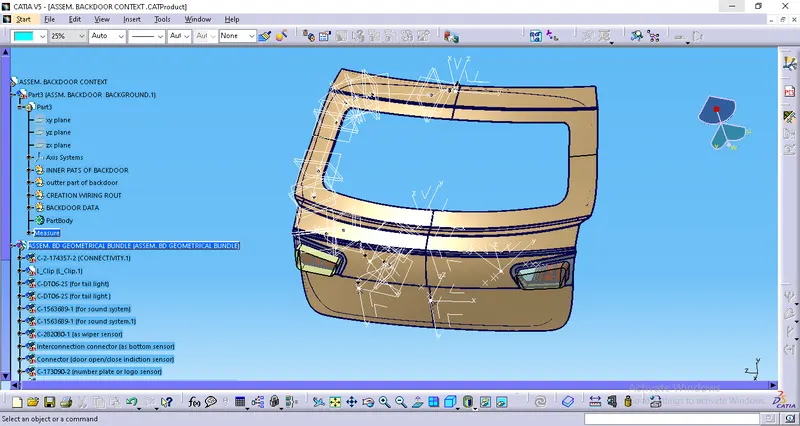
Objective: Statement of assignment: Route the Wiring harness on the given car body and prepare a flattened view drawing in CATIA V5. Application of all Packaging rules, Industry best practices studied in this course shall be demonstrated in design. Apply Protection covering.
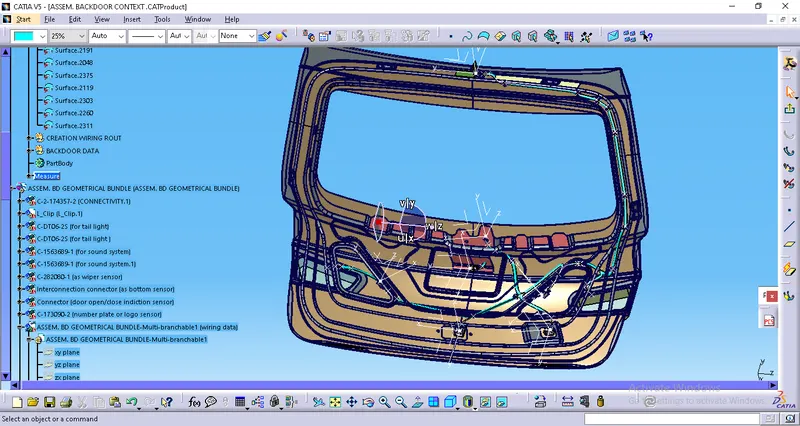
Statement of assignment:
Route the Wiring harness on the given car body and prepare a flattened view drawing in CATIA V5. Application of all Packaging rules, Industry best practices studied in this course shall be demonstrated in design. Apply Protection coverings as required.
Available connector 3D data can be used, or you can download the connectors from www.te.com
Prepare & Submit all necessary reports like clearance, Clipping/Clamping selection, Harness fixing requirements, Harness continuity, and Assumptions if any along with CATIA 3D data.
Procedure:
Give the Electrical properties to the connectors, and clip.
Connector 1: (USED AS POWER LOCK SENSOR.)
Create a point on the mating surface and a point at the back as the bundle entry point. Create an axis on the point.
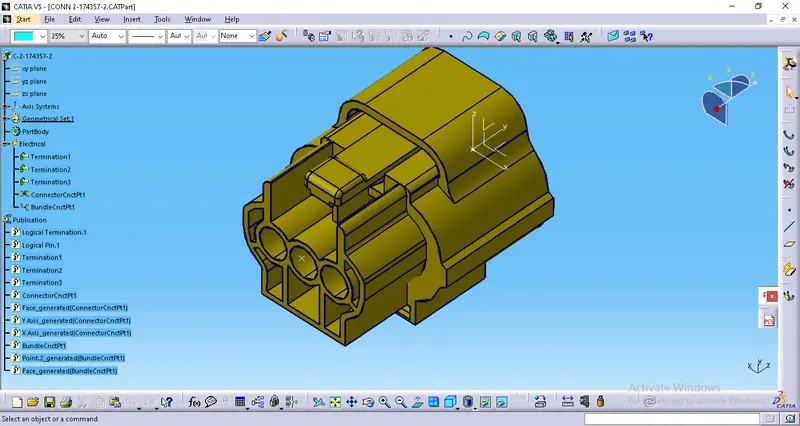
Connector 2: (USED AS TAIL LIGHT SENSOR.)
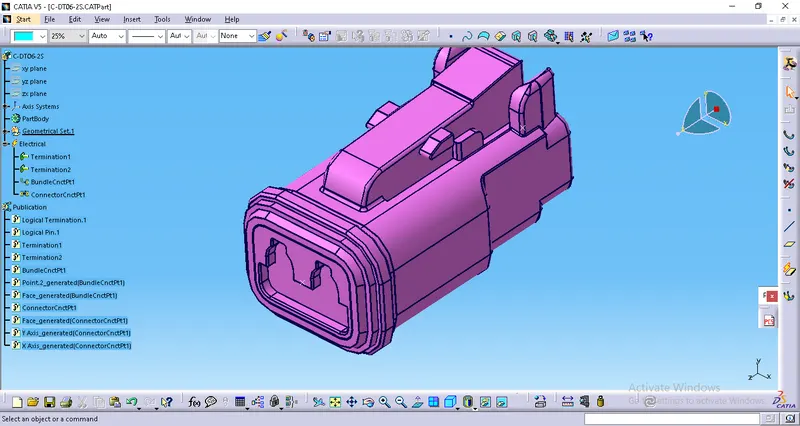
Connector 3: (USED AS INFOTAINMENT OR SOUND SYSTEM SENSOR.)
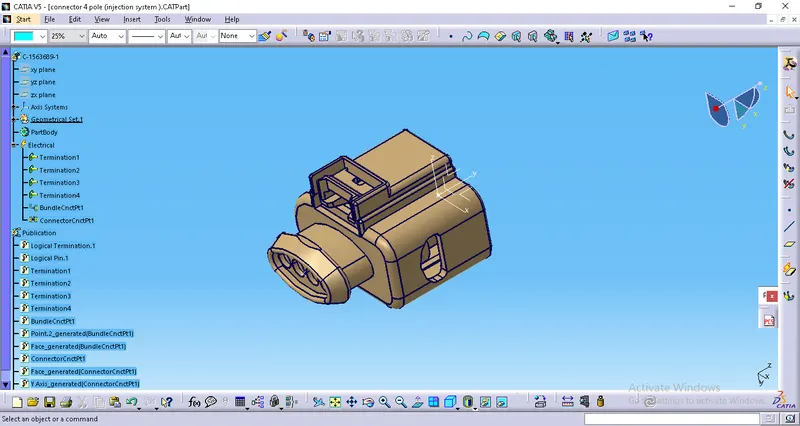
Connector 4: (USED AS WIPER MOTOR SYSTEM SENSOR.)
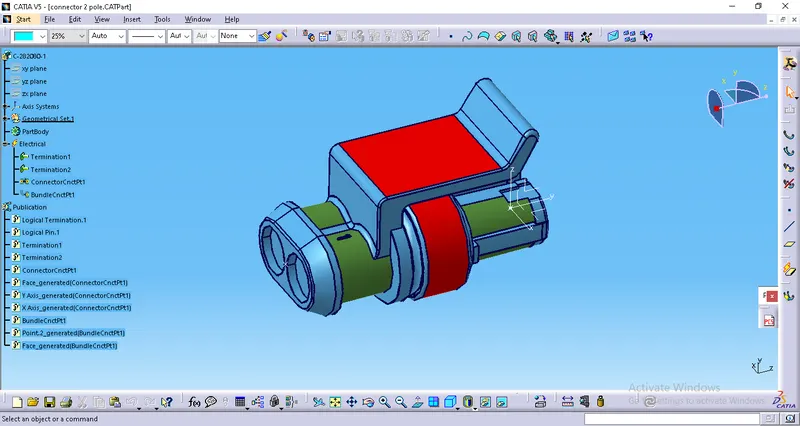
Connector 5: (USED AS power lock/latch connector., LOCKING INDICATION SENSOR.)
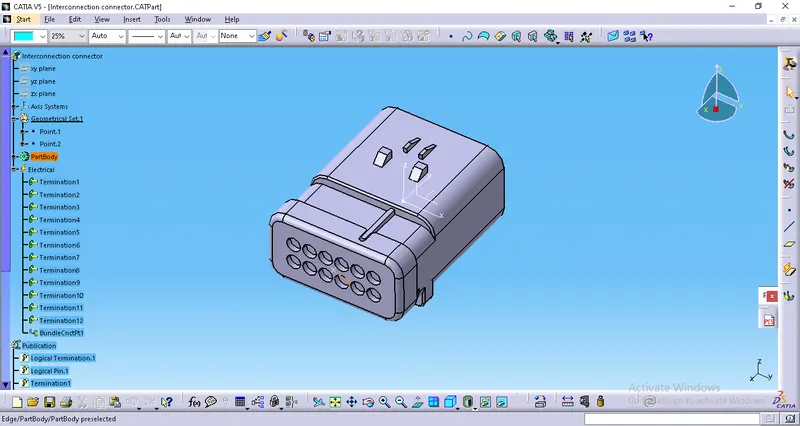
Connector 6: (USED AS NUMBER PLATE SENSOR.)
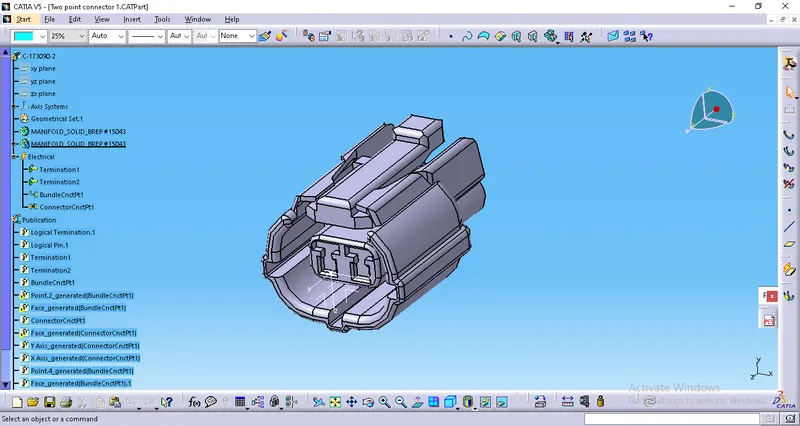
Furr Tree Clip: (the clip as a support part.)
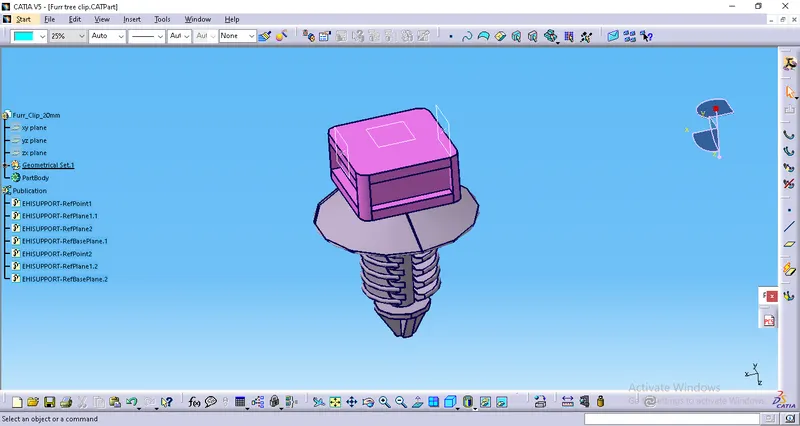
Make slot holes
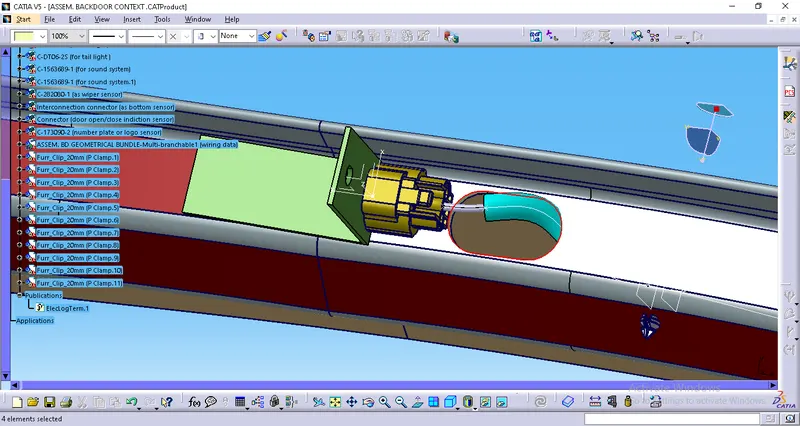
Start to align the clips:
Insert the clips and align them. Use the 'Manipulation' and 'Smart Move' options to align the chip.
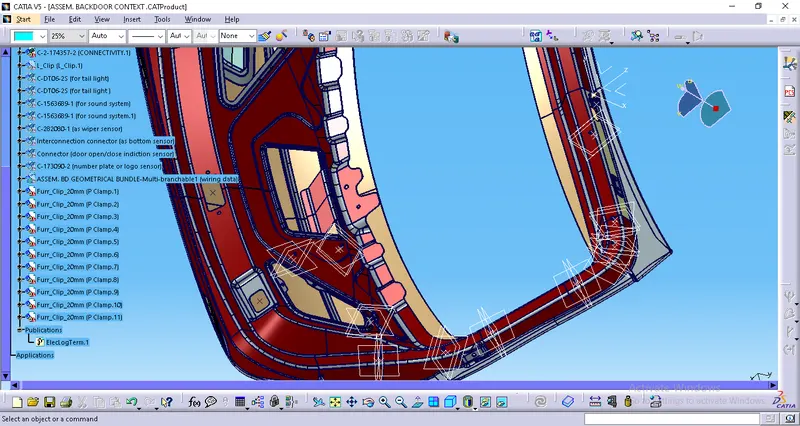
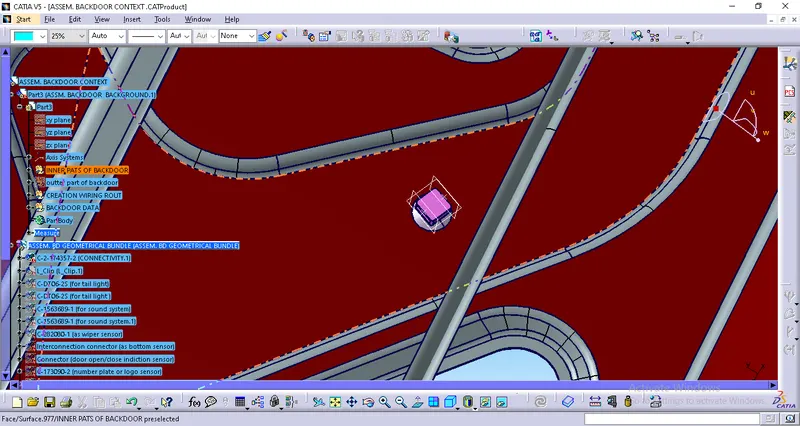
Insert the connectors and align them:
1 interconnection connector.
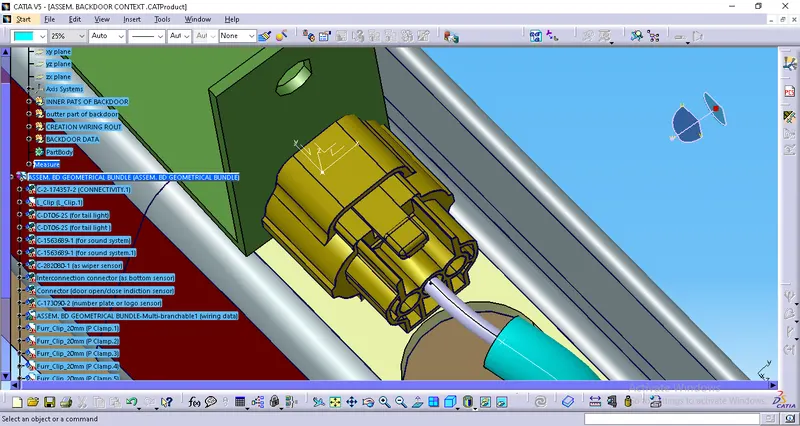
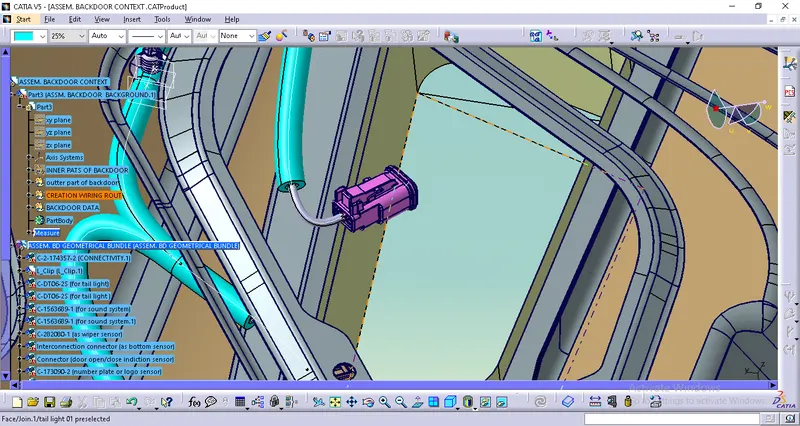
2 tail light connectors.
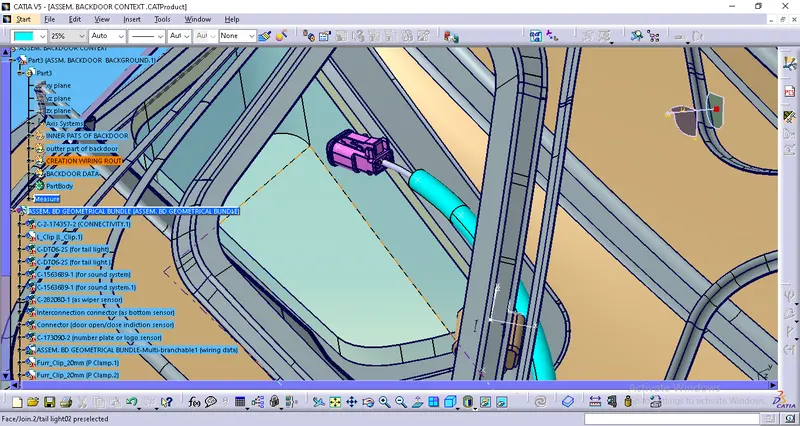
ANOTHER SIDE
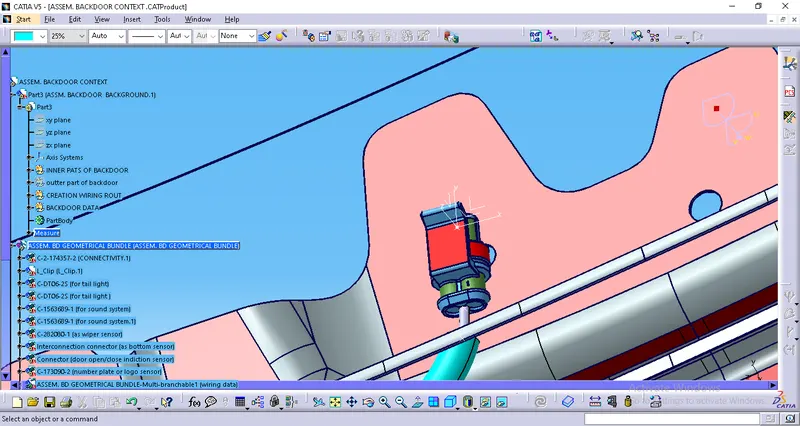
03.window wiper connector.
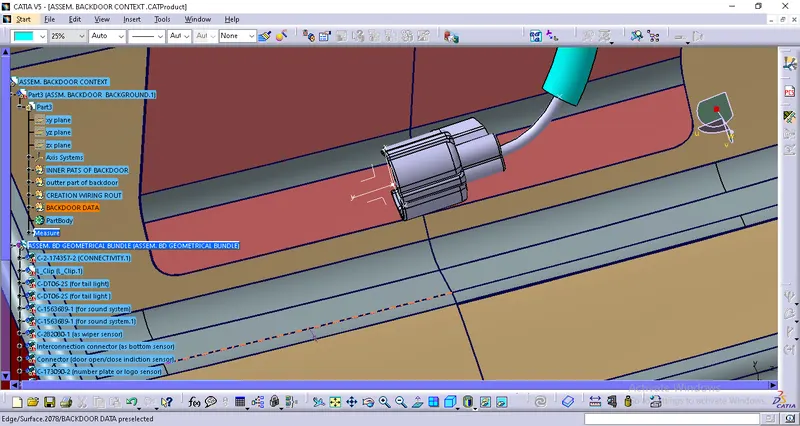
04. Number plate light connector.
05.Power lock/latch connector,lock indication sensor :
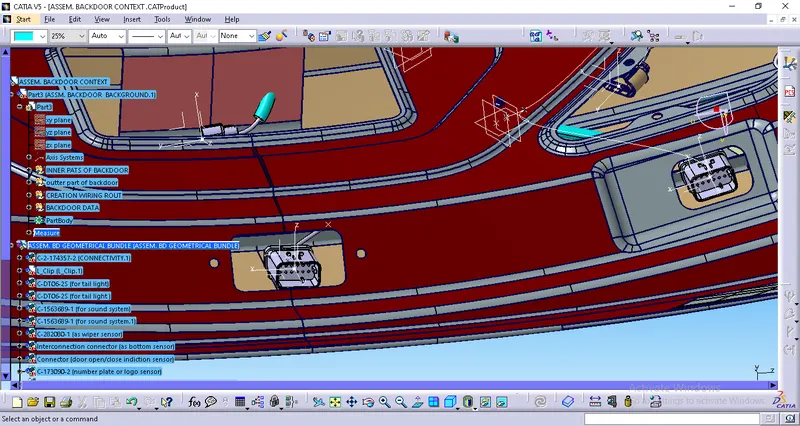
06.INFOTAINMENT OR SOUND SYSTEM SENSOR.
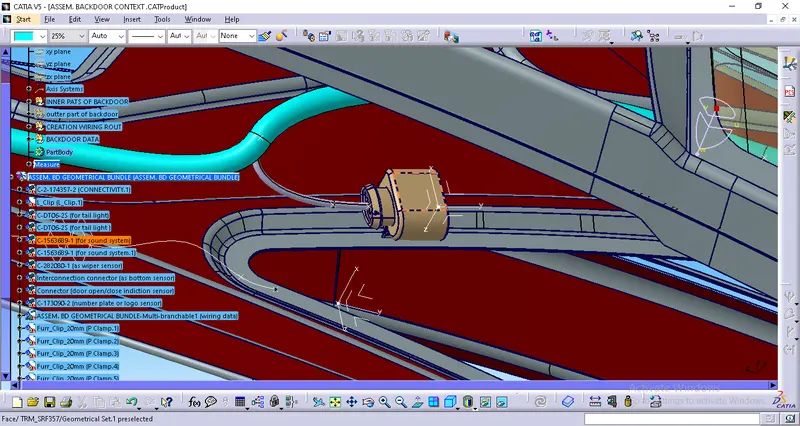
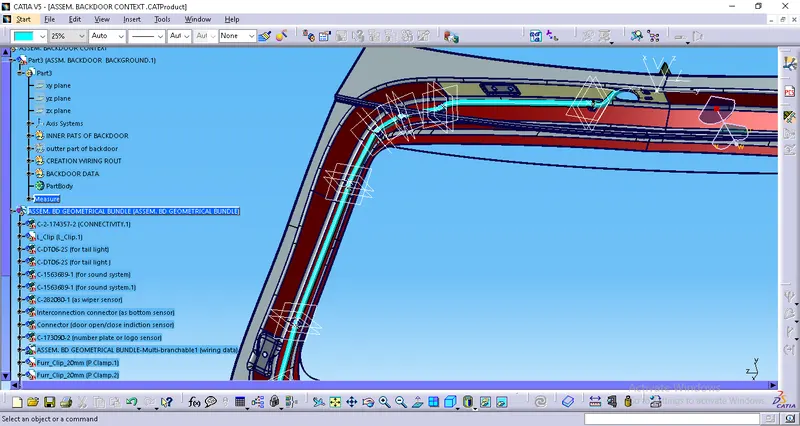
Start routing the bundle segments:
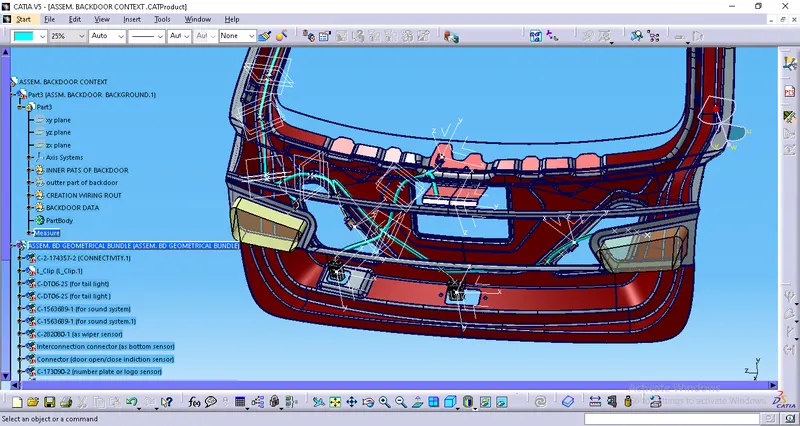
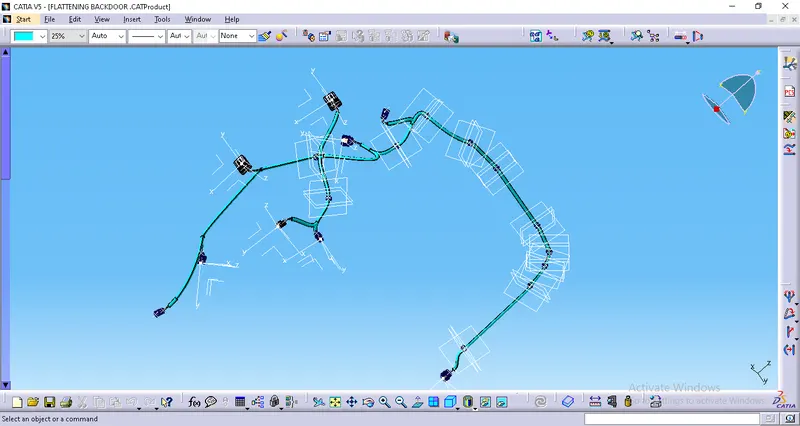
Flattening the Harness Assembly:
Create a new product and go into the "Electrical Harness Flattening" Workbench.
Click on the "Harness Flattening Parameters" option to adjust the parameters.