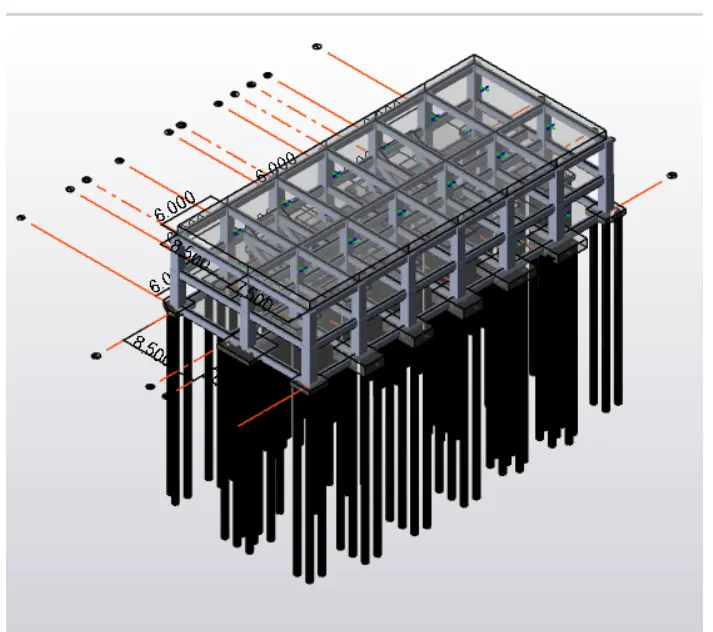
Project 2
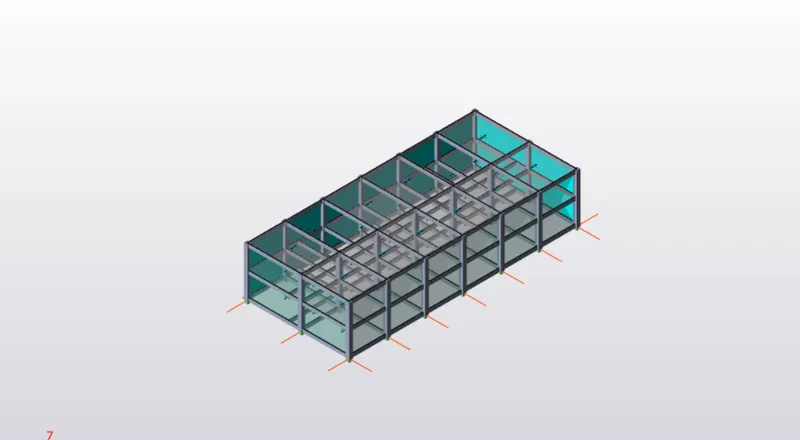
From the above information and given data, Form the structure and apply loads , fannaly design and annalyze the saructure.
open the tekla software and open new file
and check the codes and materials
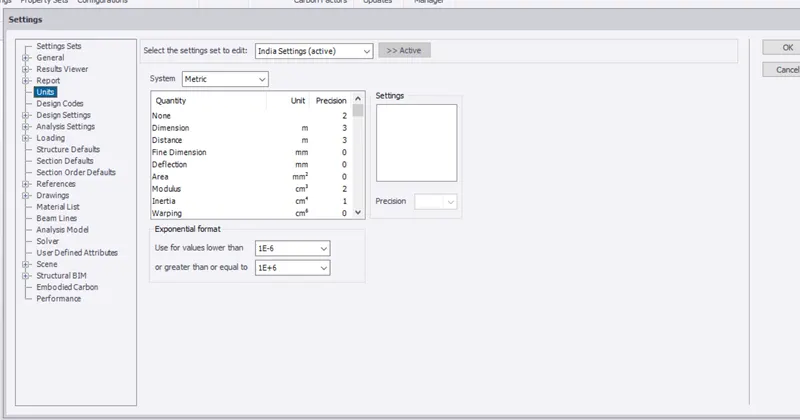
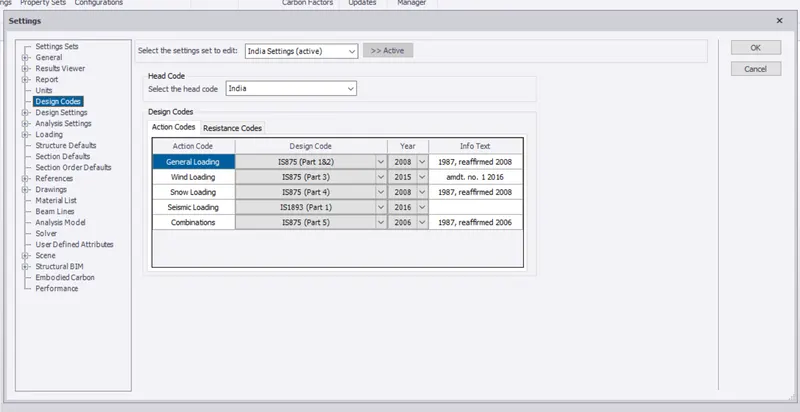
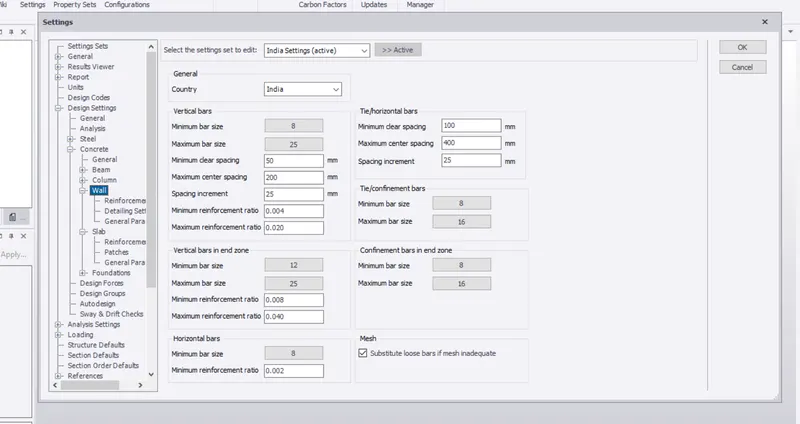
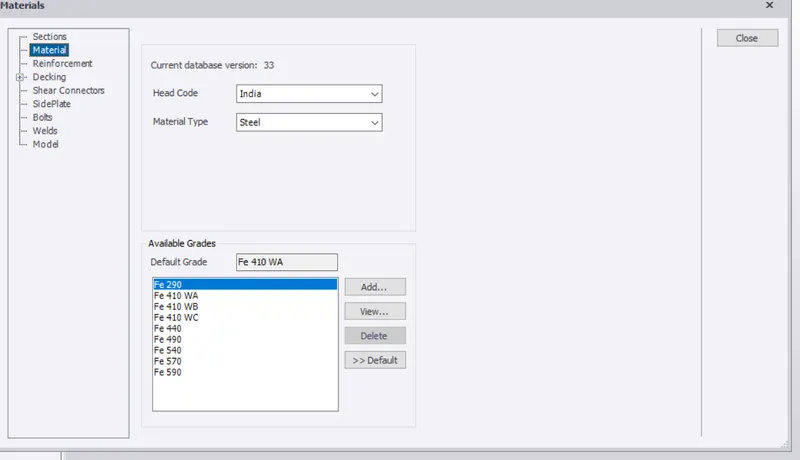
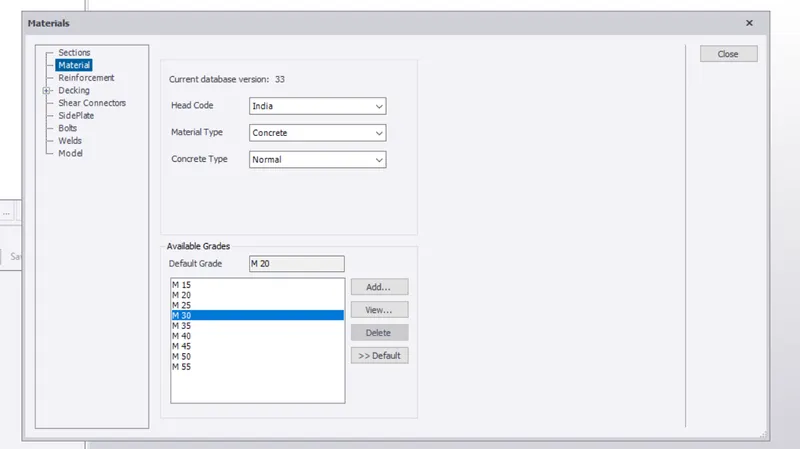
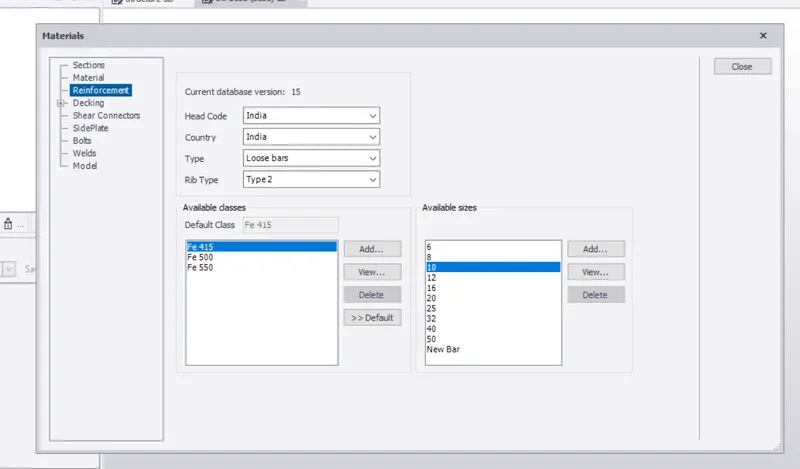
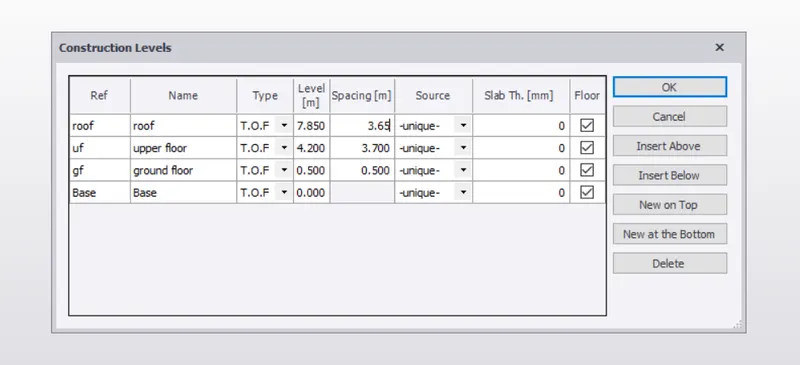
now go model and form the construction levels from the given data
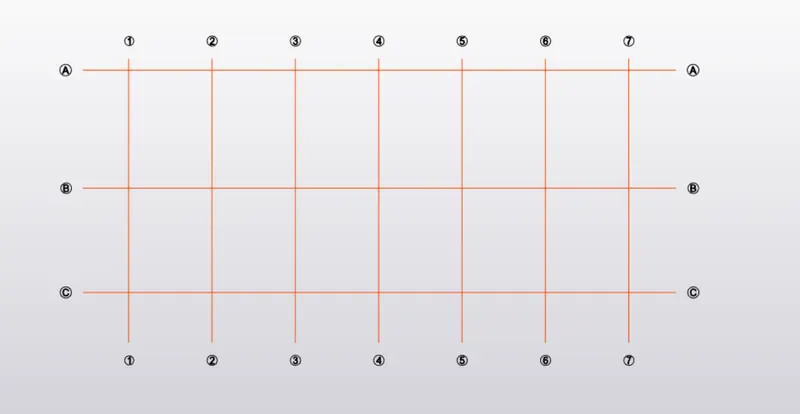
form the grids according to plans views skech
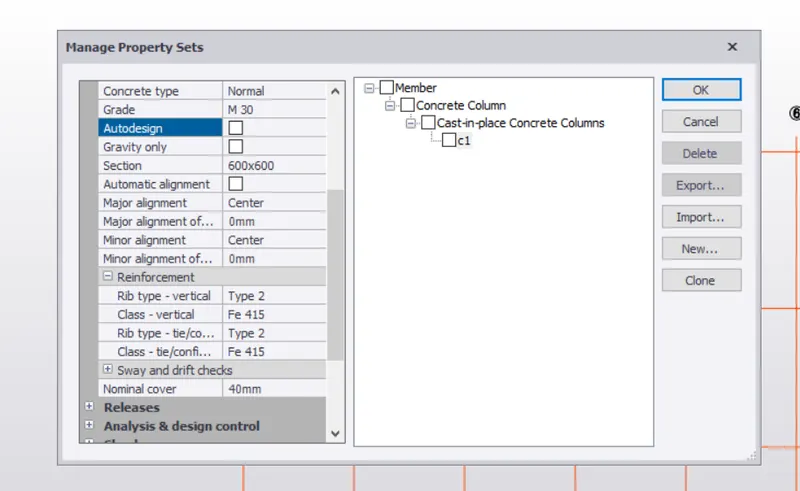
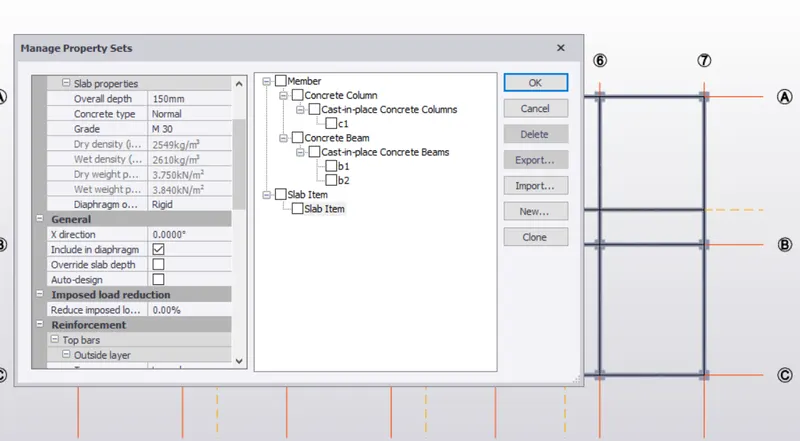
go home page and select manage property sets and add the members and exit the parameters of the structure and name it.
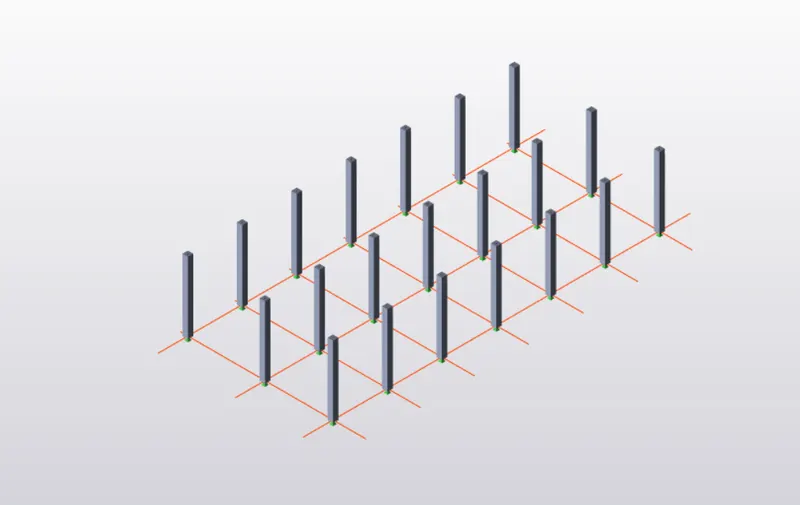
go to model and select the column and select the column edited previously and points them at required area.
in the same way column and beam too
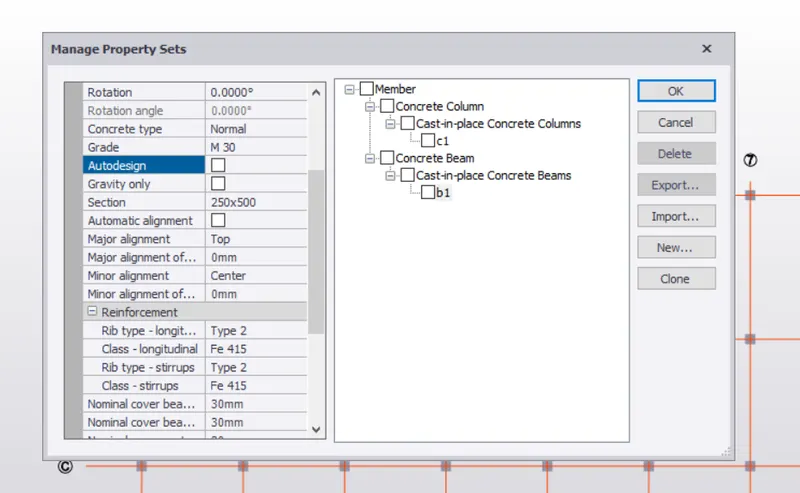
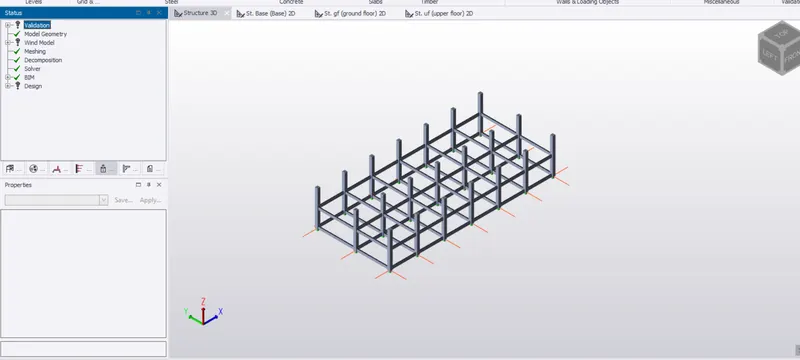
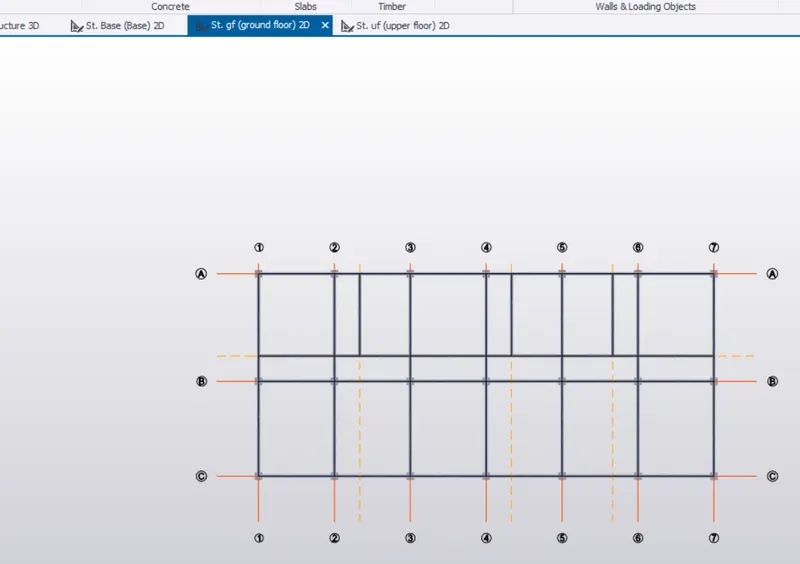
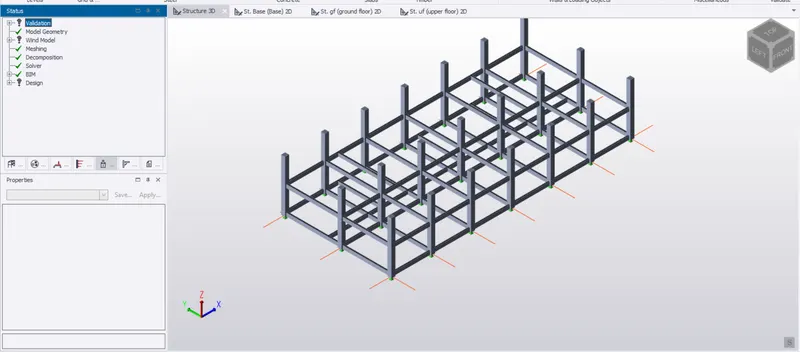
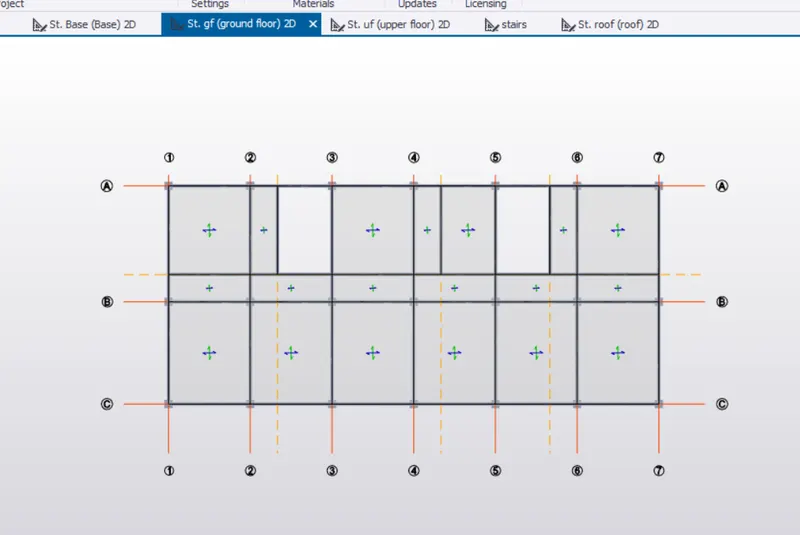
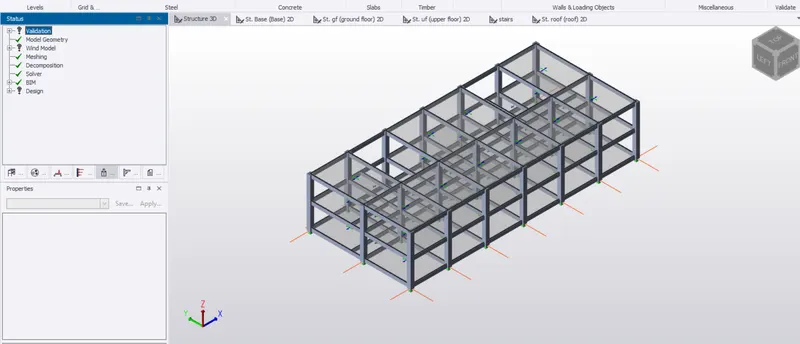
go to model and select the frames and select grids to form the frames
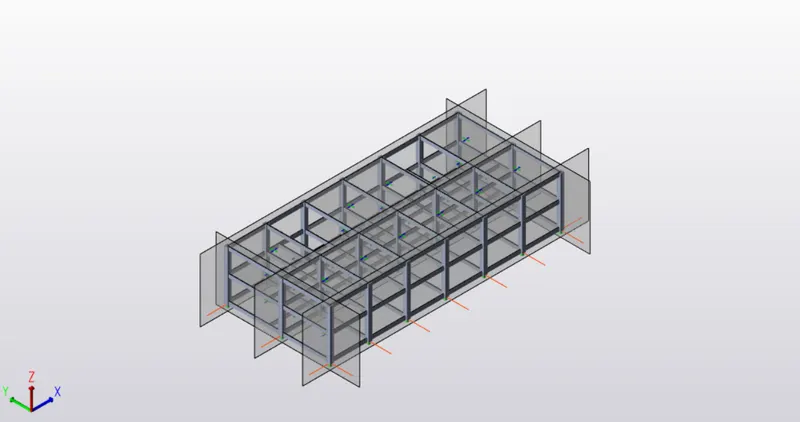
add the loads and apply on structure
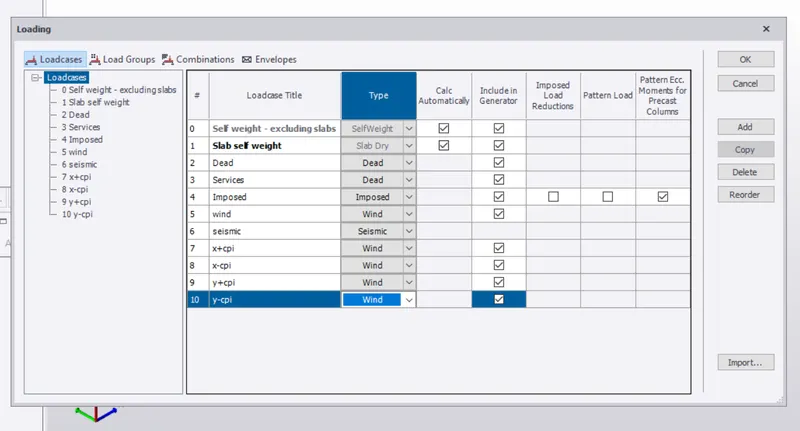
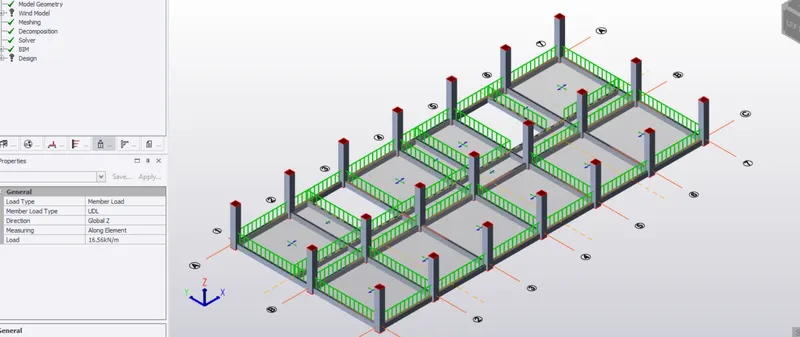
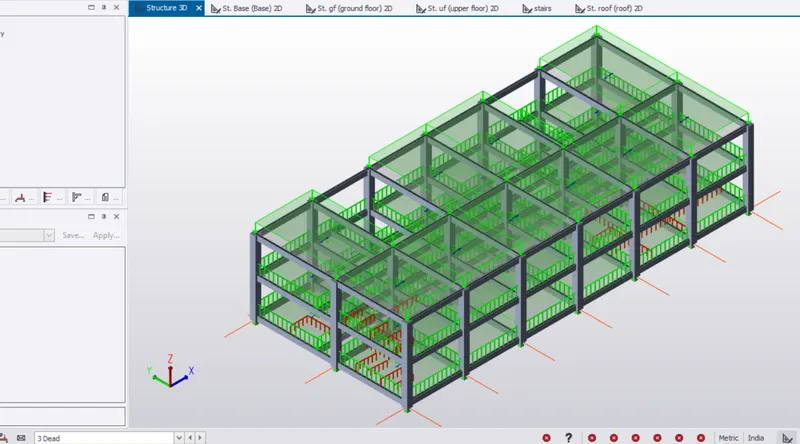
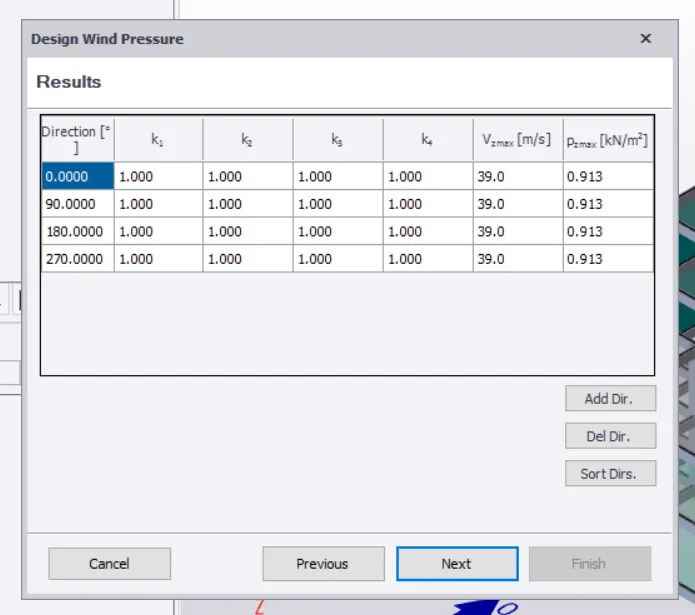
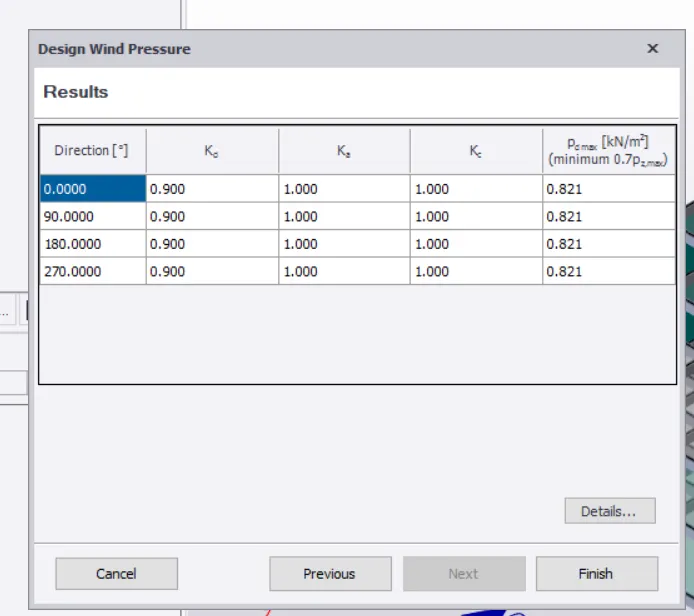
wind load
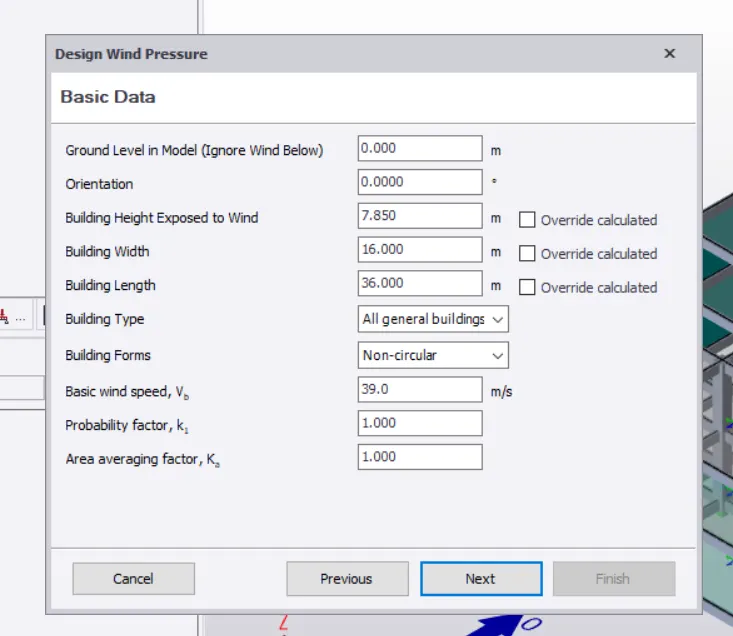
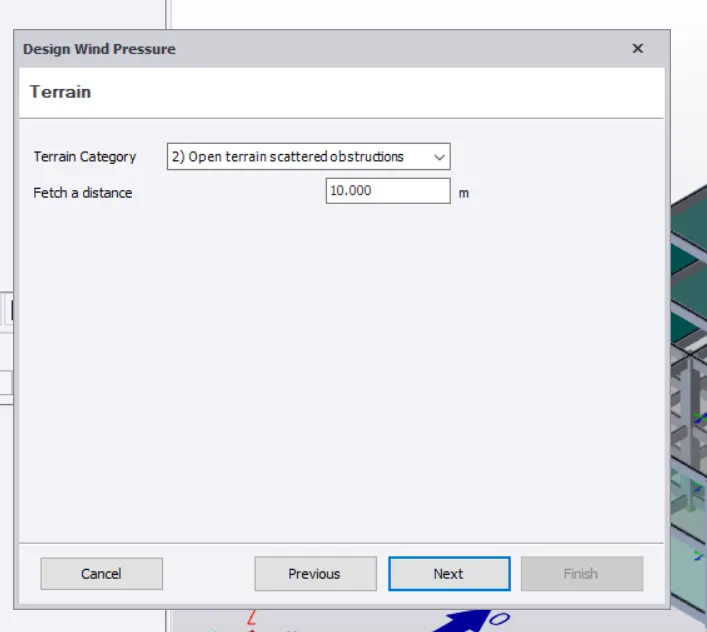
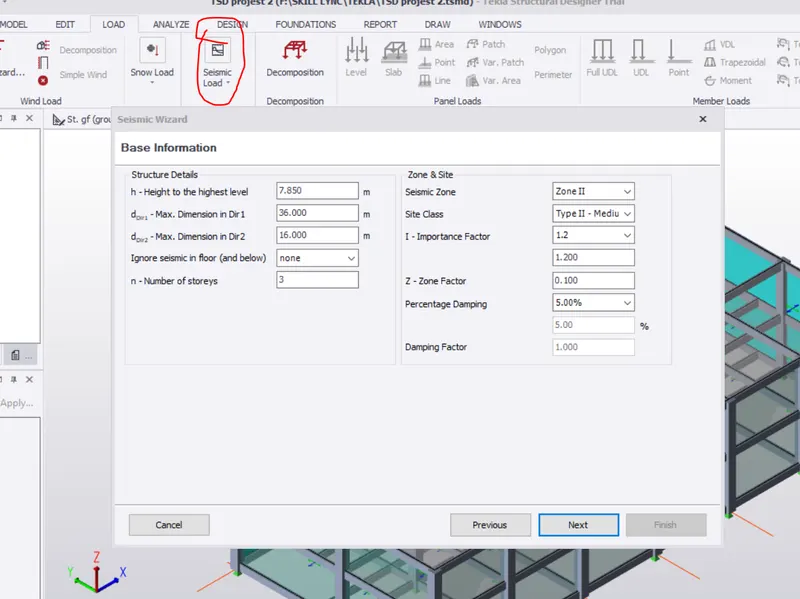
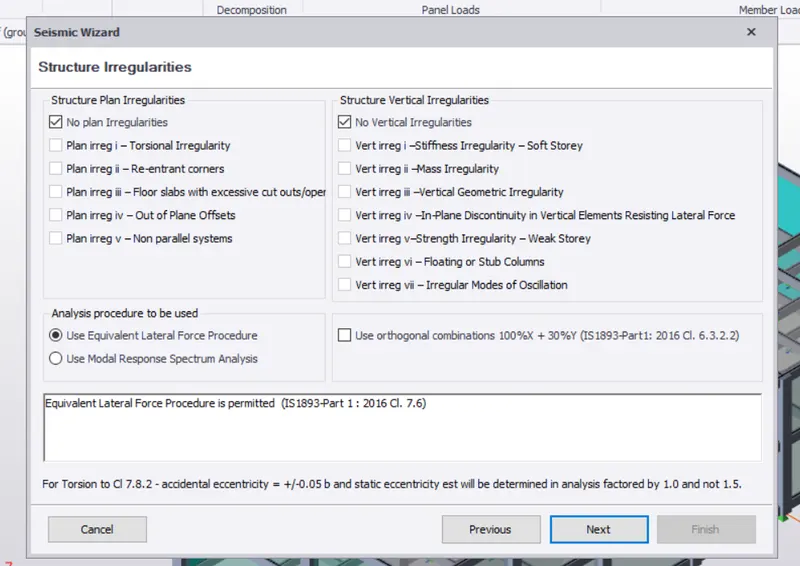
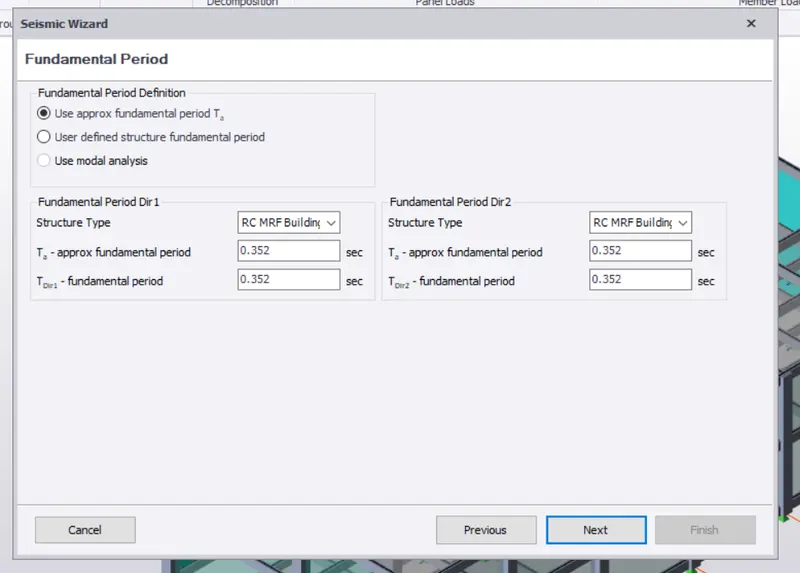
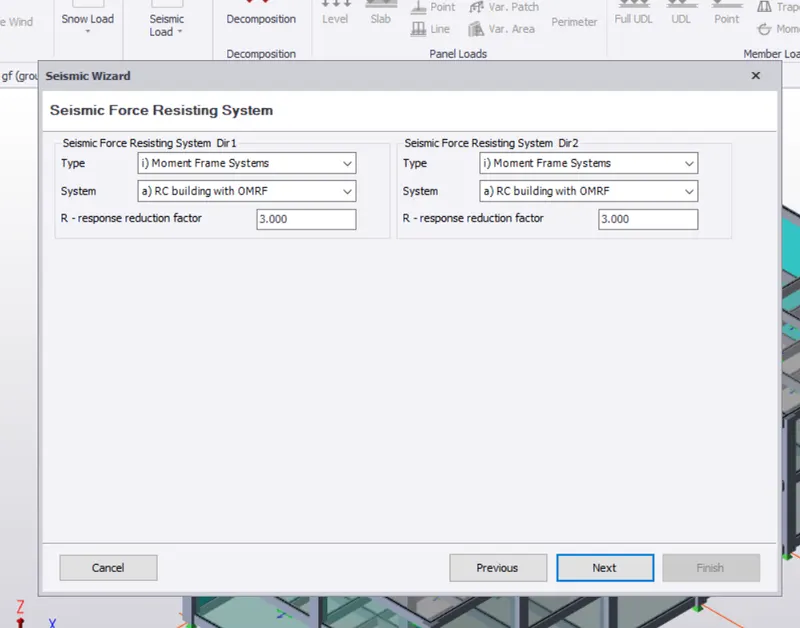
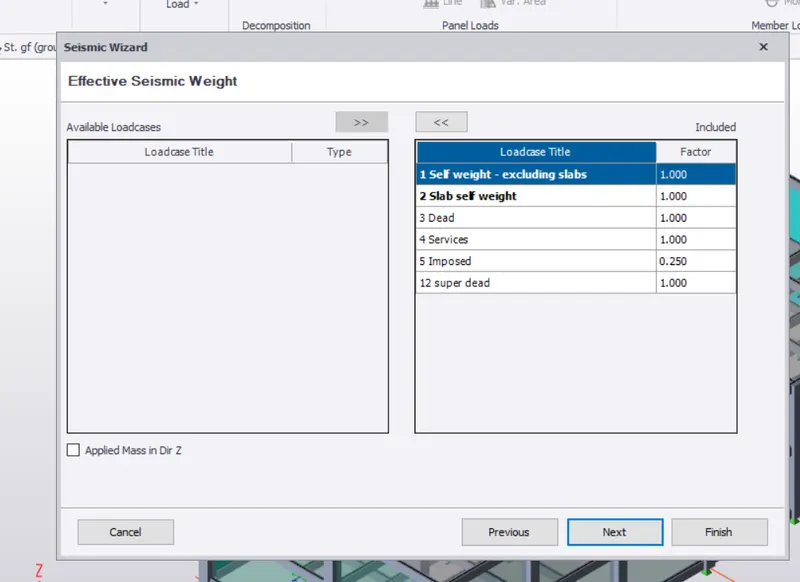
seismic load
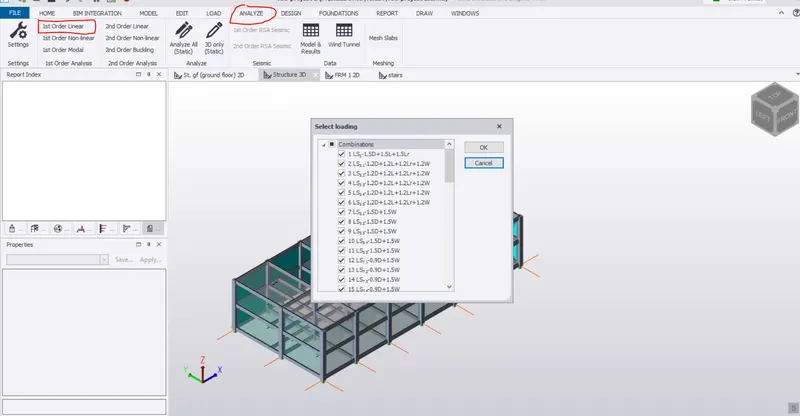
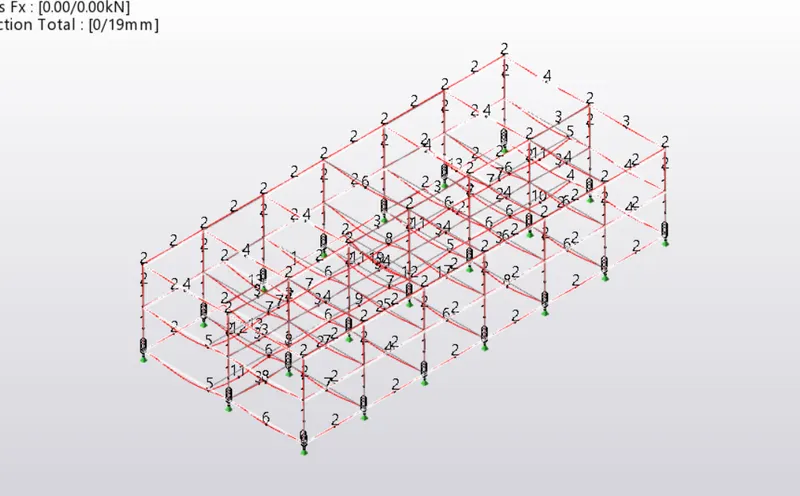
check the members
selech member, right click, select the interactivate design, static.
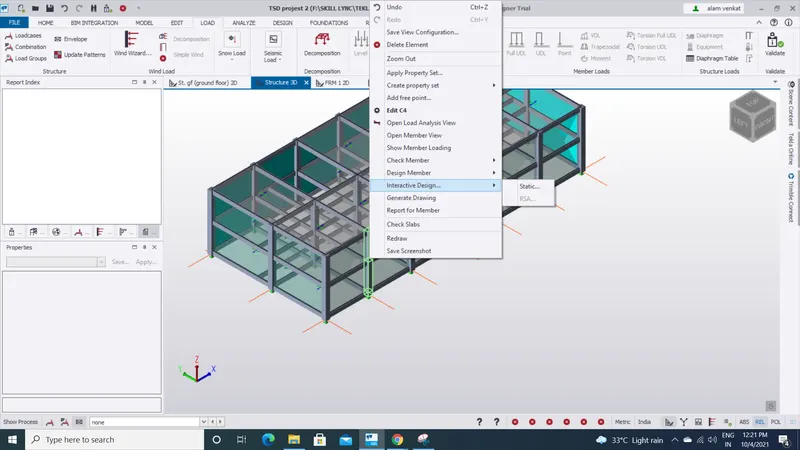
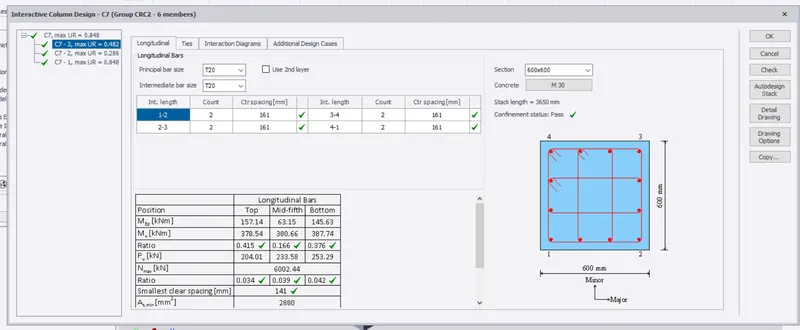
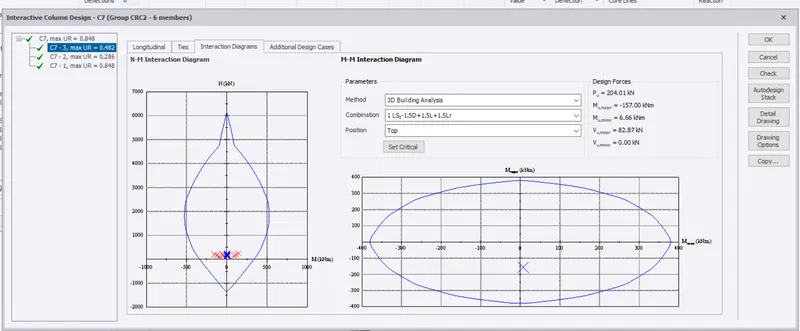
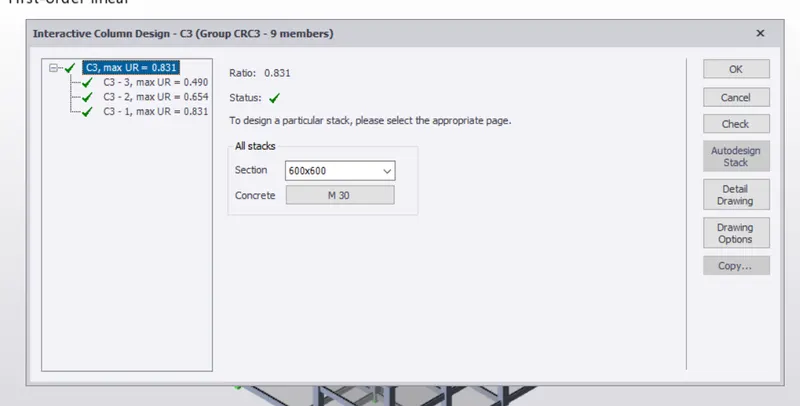
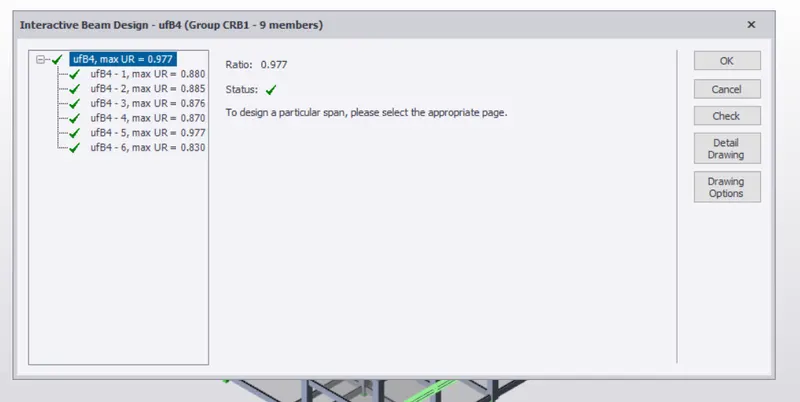
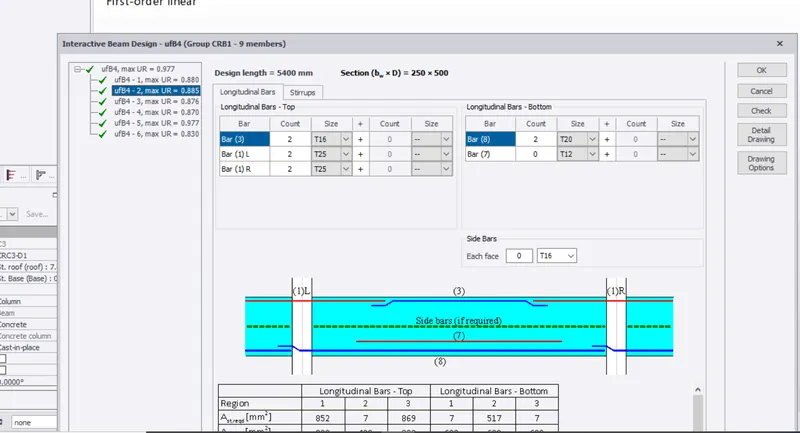
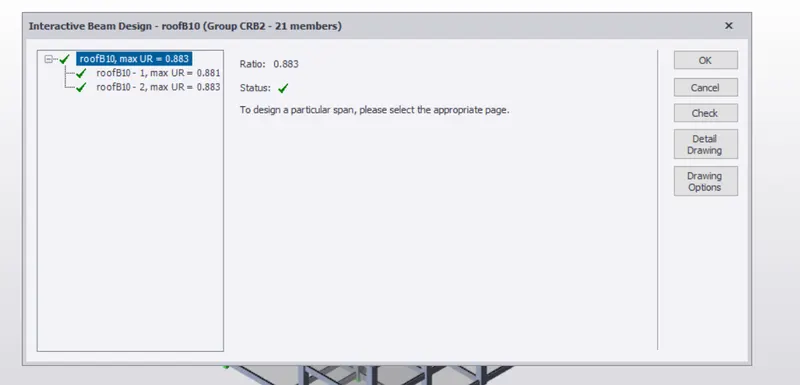
check shear and deflection
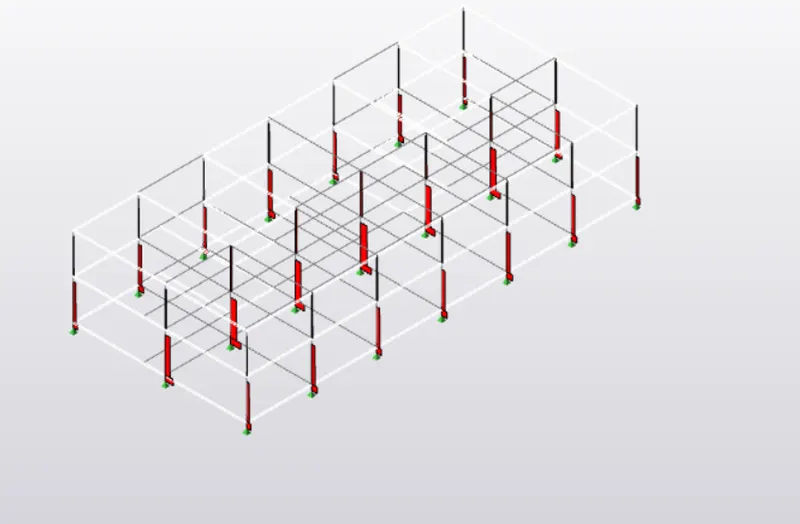
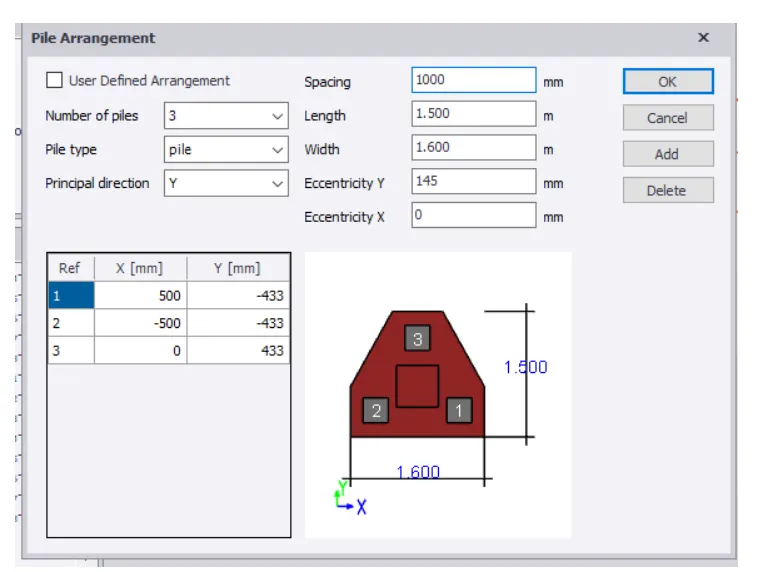
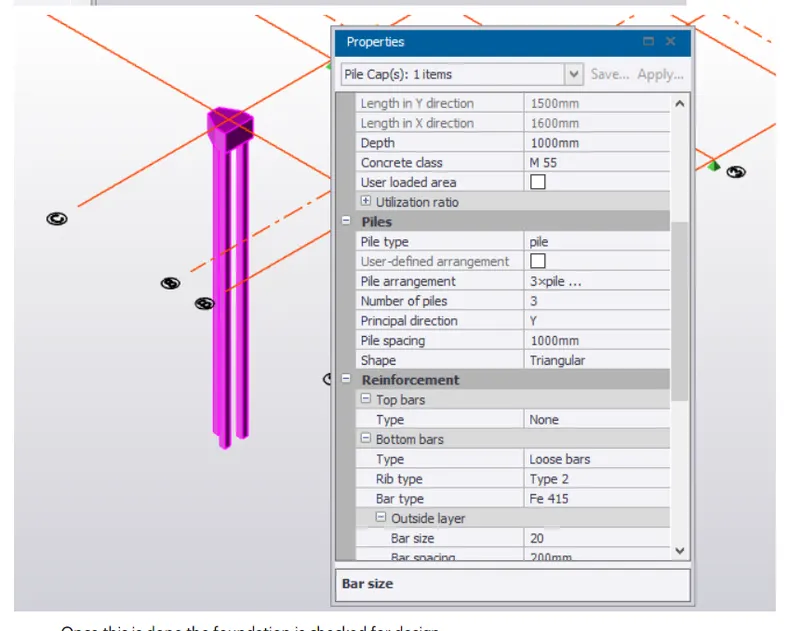
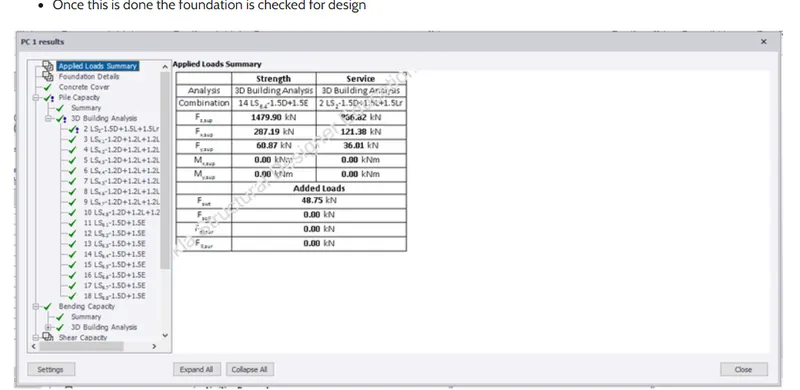
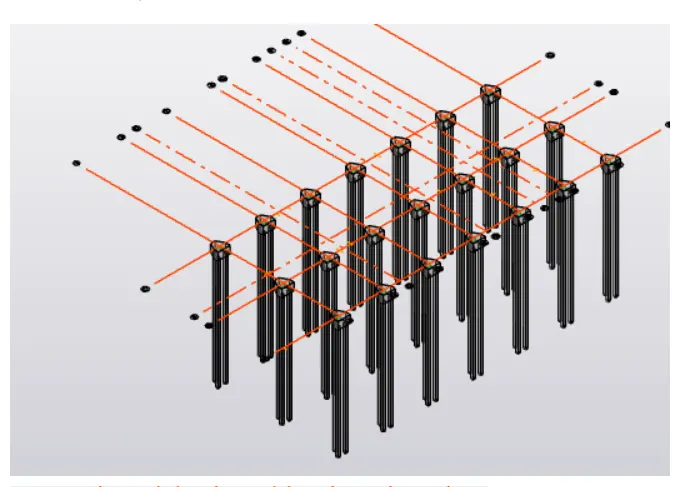
design the foundation
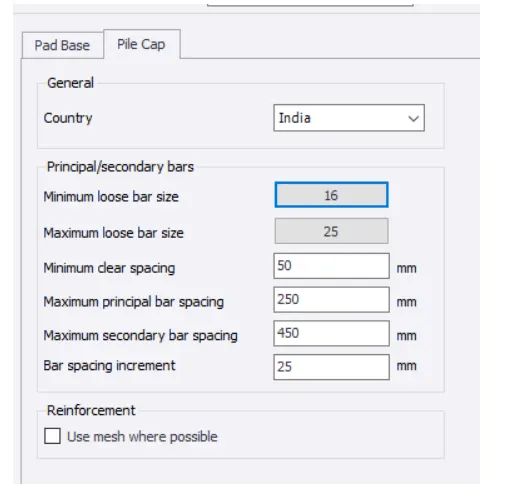
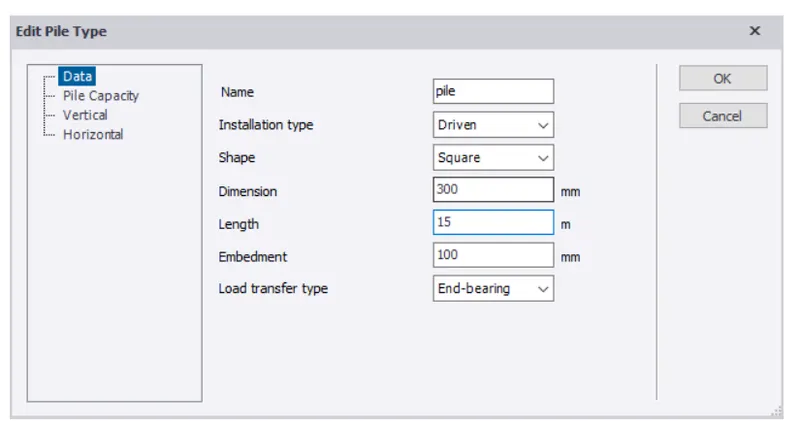
fanally