Project 1 - Wiper control system and Vehicle speed calculation for ABS using Wheel Speed sensor
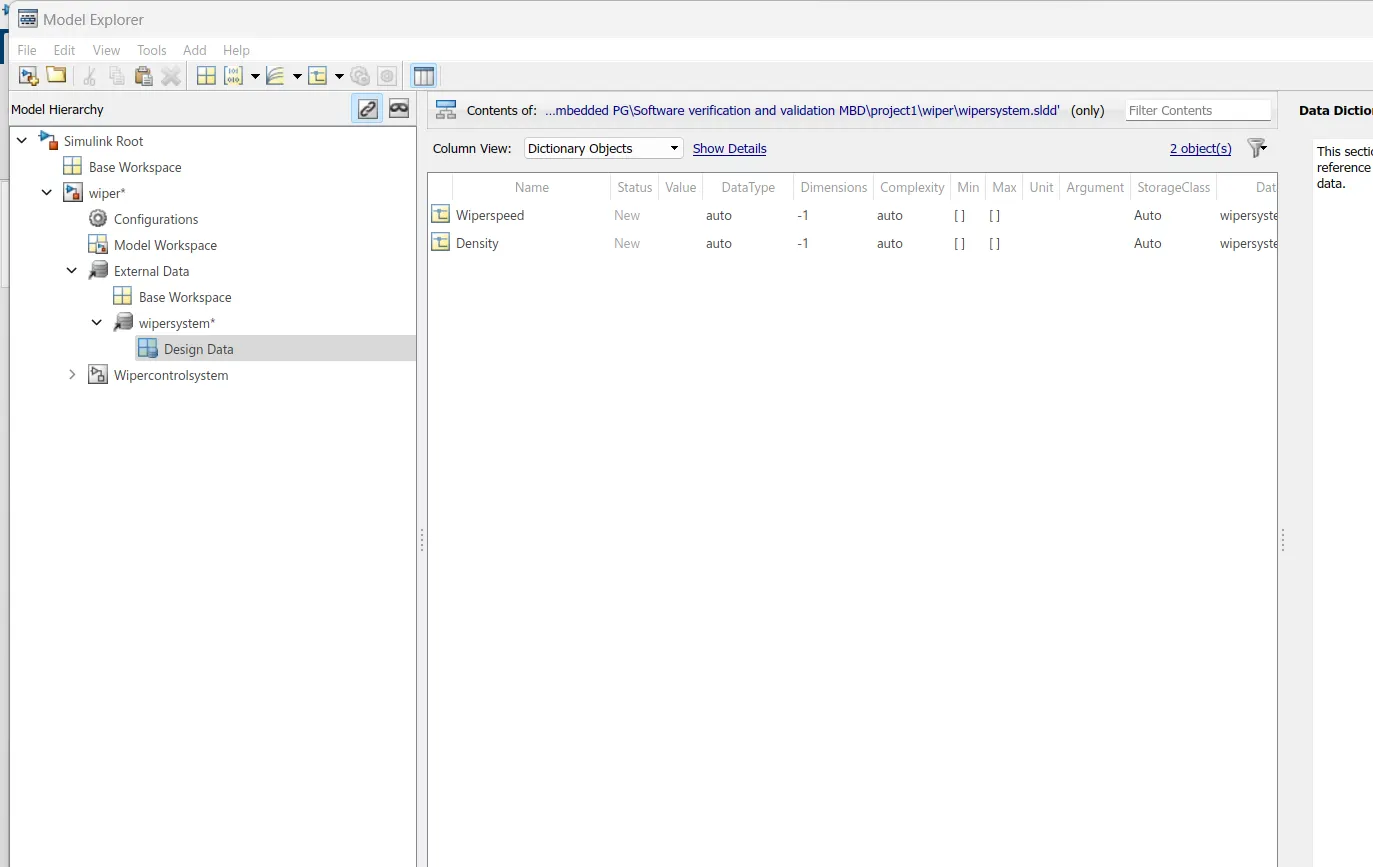
Develop the Simulink model based on the given descriptions for the below challenges and also create SLDD file and link the same to the model. Perform the complete V and V workflow for the obtained models.
- Wiper control system
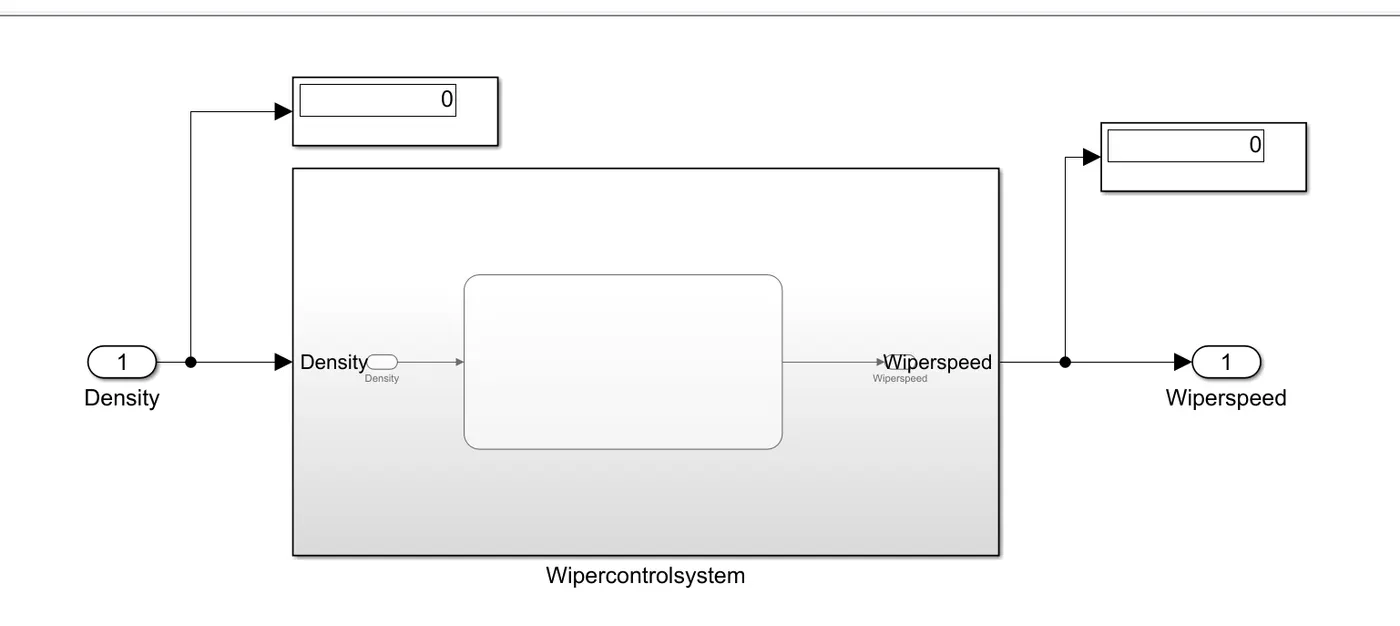
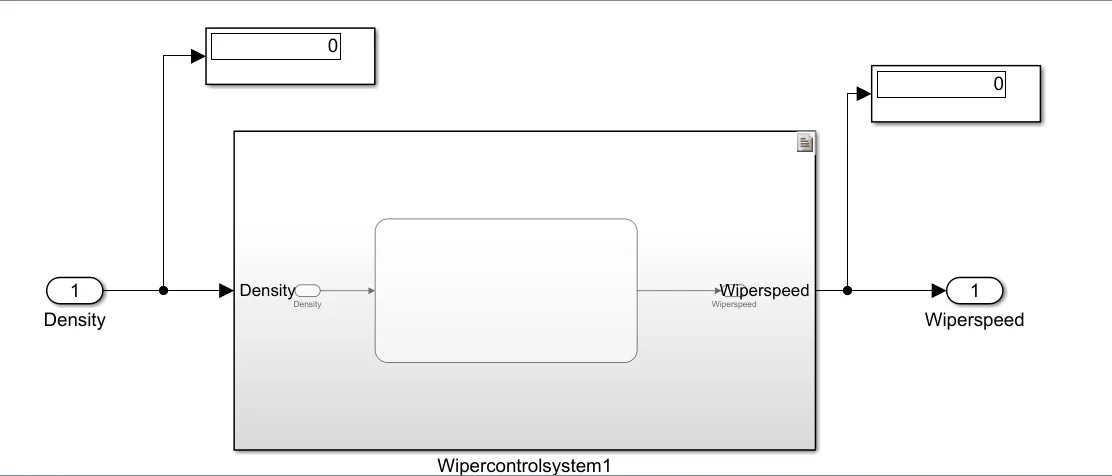
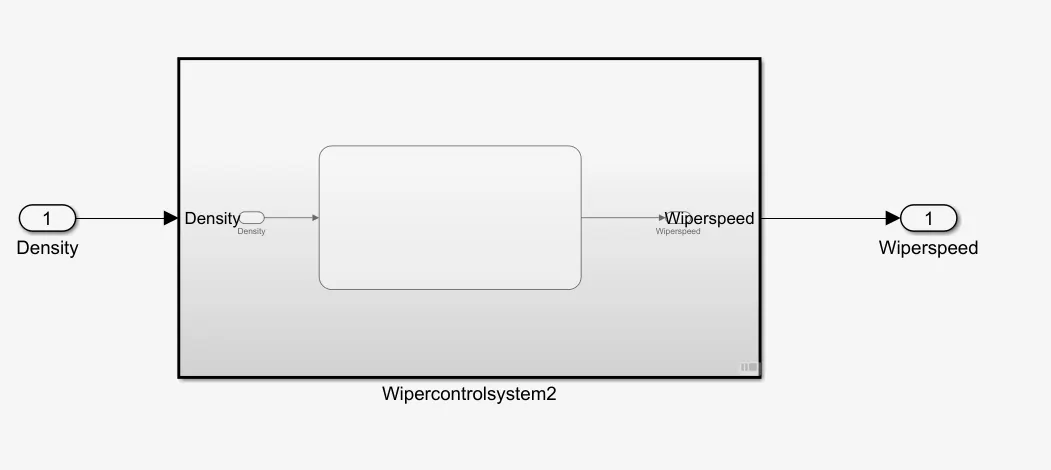
Develop Simulink/state flow model for wiper control system based on the given conditions.
Description of Challenge:
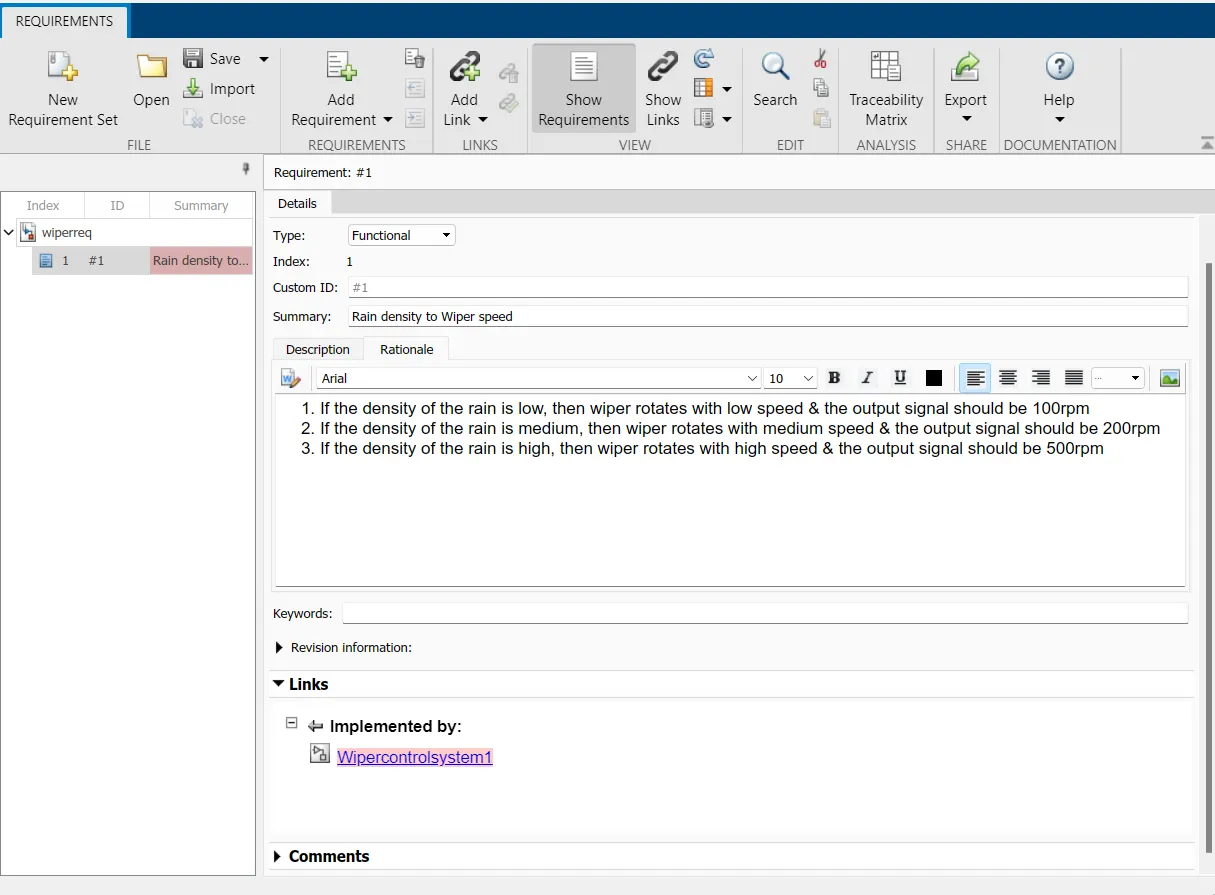
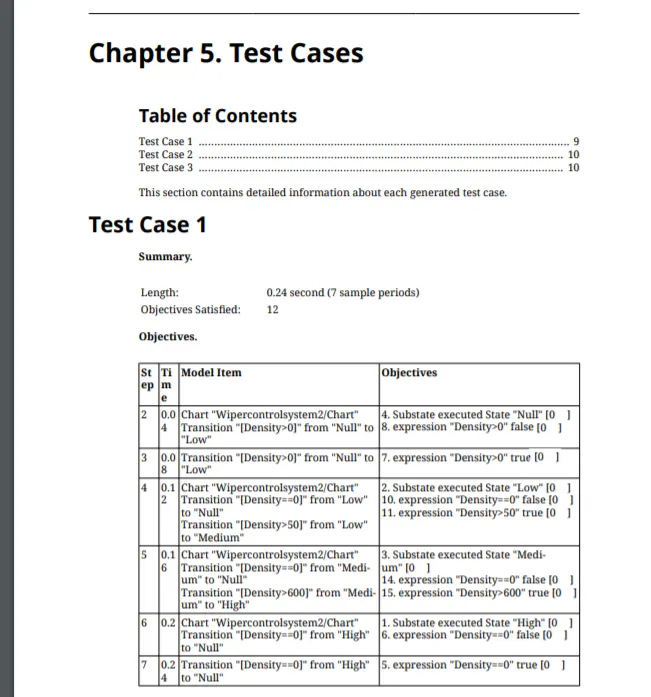
- If the density of the rain is low, then wiper rotates with low speed & the output signal should be 100rpm
- If the density of the rain is medium, then wiper rotates with medium speed & the output signal should be 200rpm
- If the density of the rain is high, then wiper rotates with high speed & the output signal should be 500rpm
Note: Rain density input comes from the external sensor, for the simulation purpose constant block with knob can be taken.
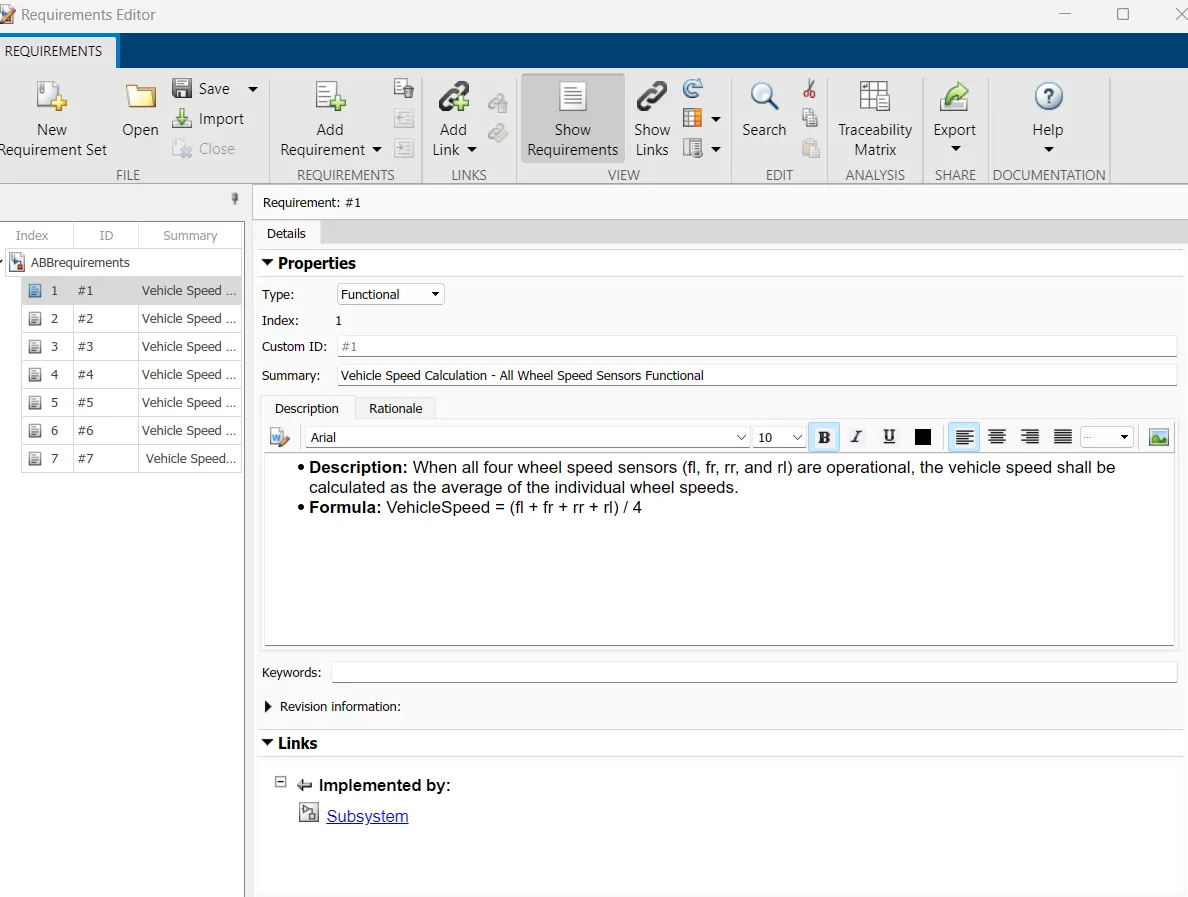
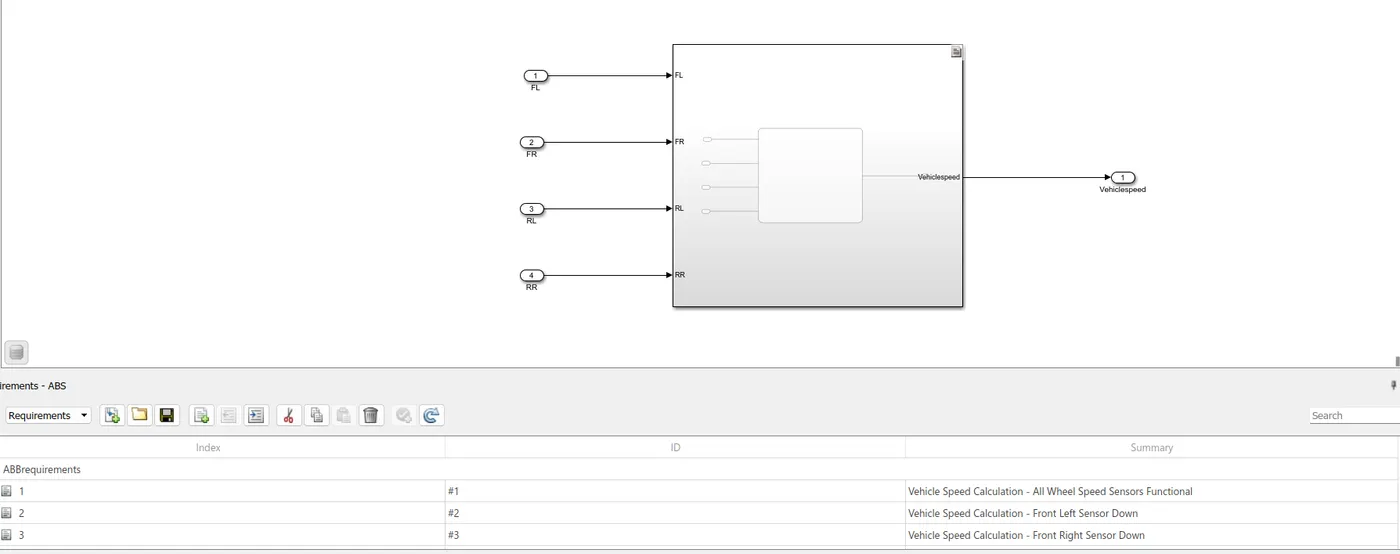
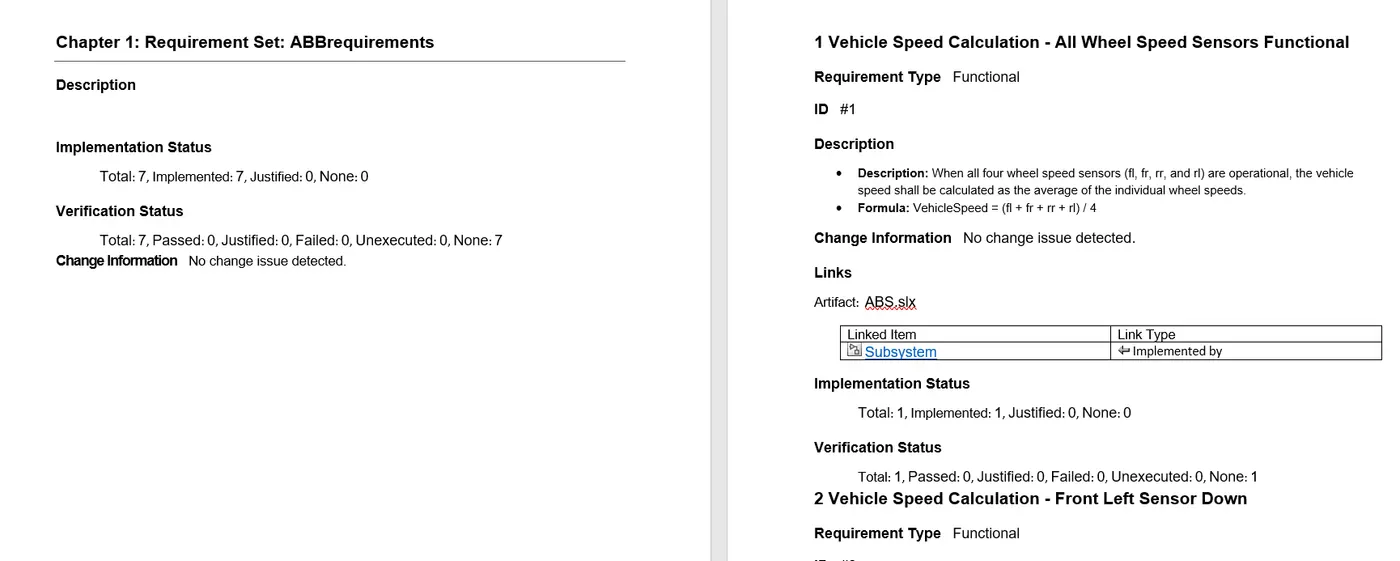
Requirements linking
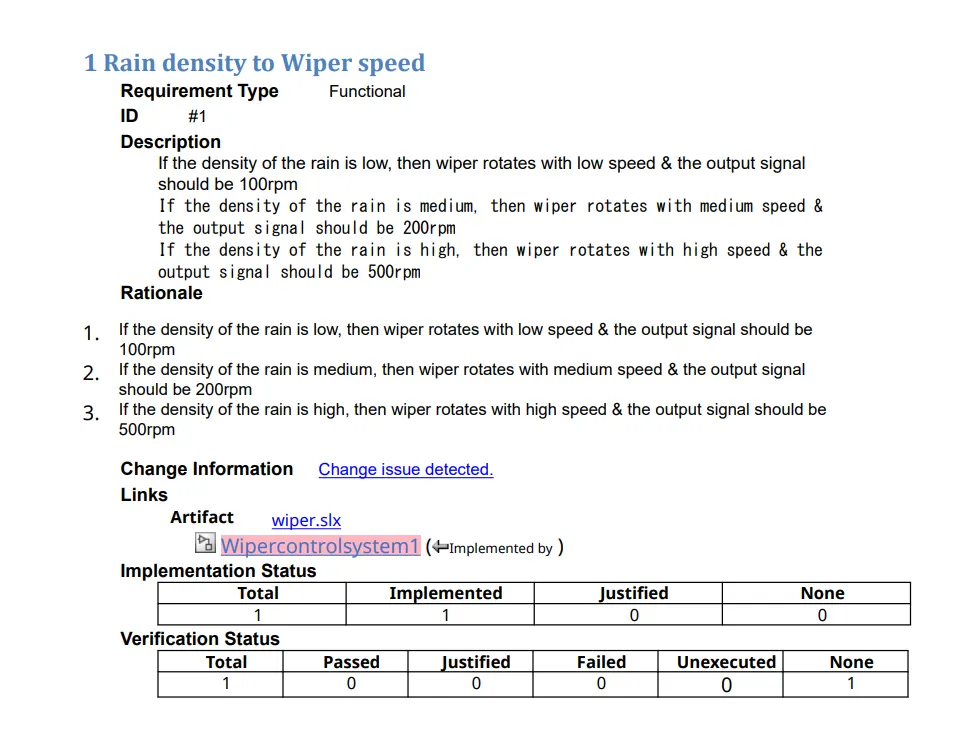
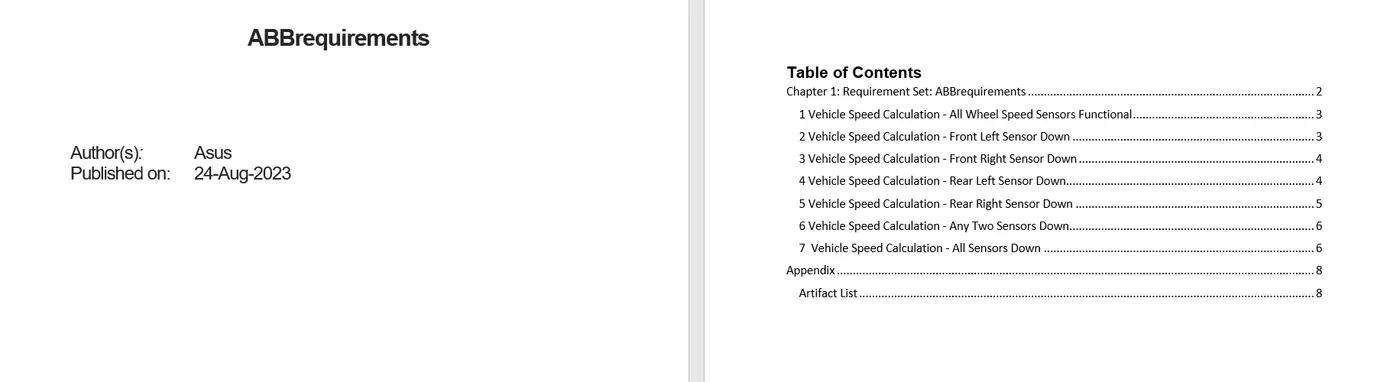
Requirements Report
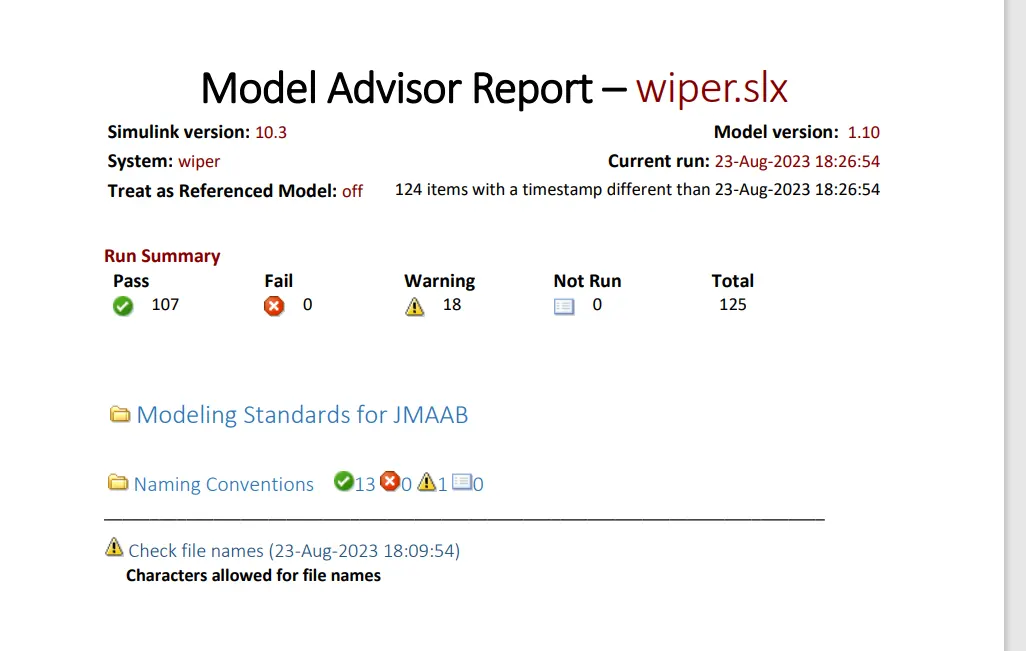
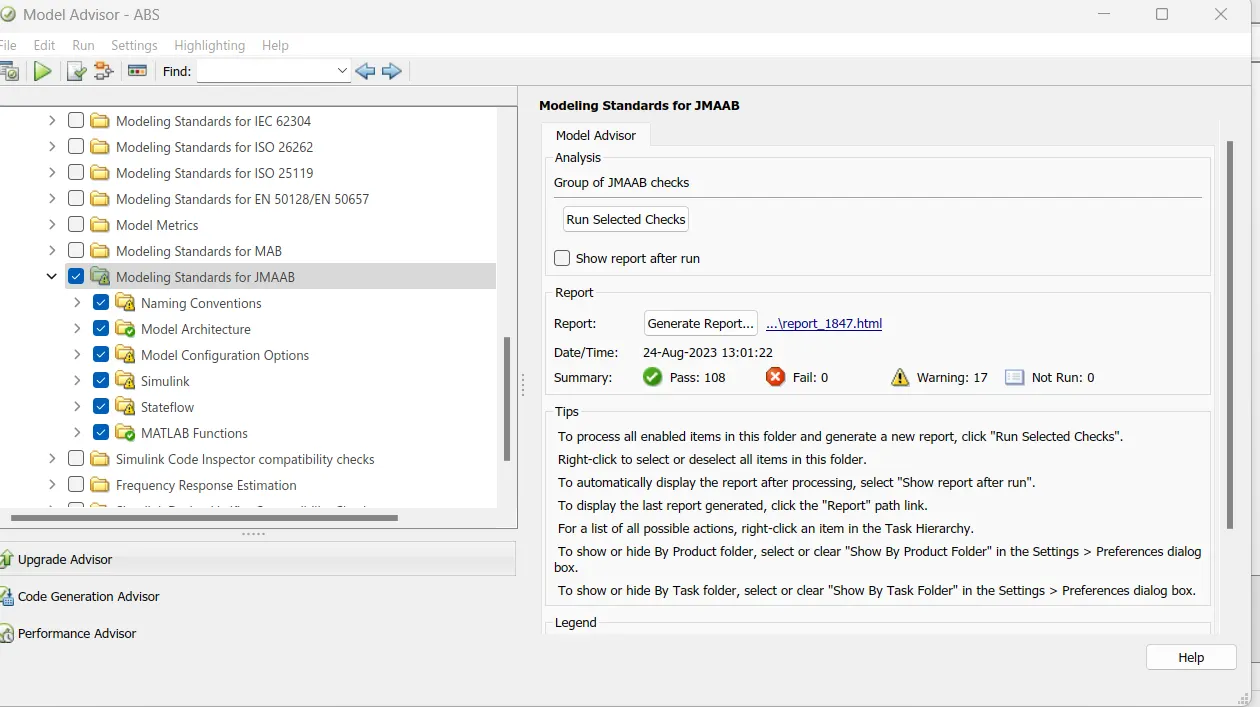
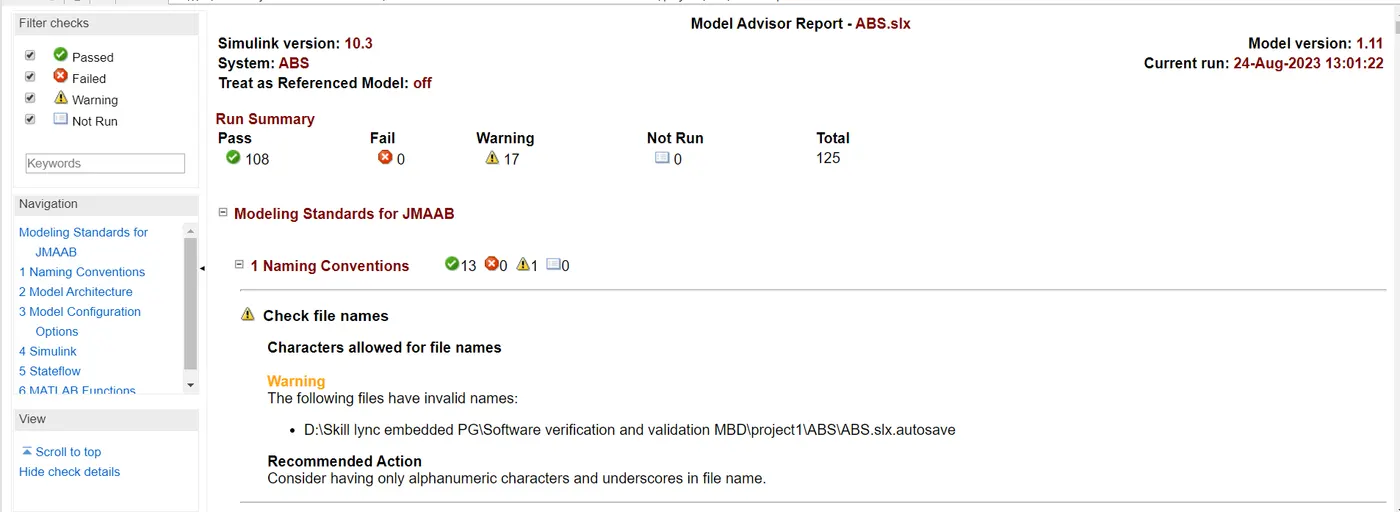
JMAAB check:
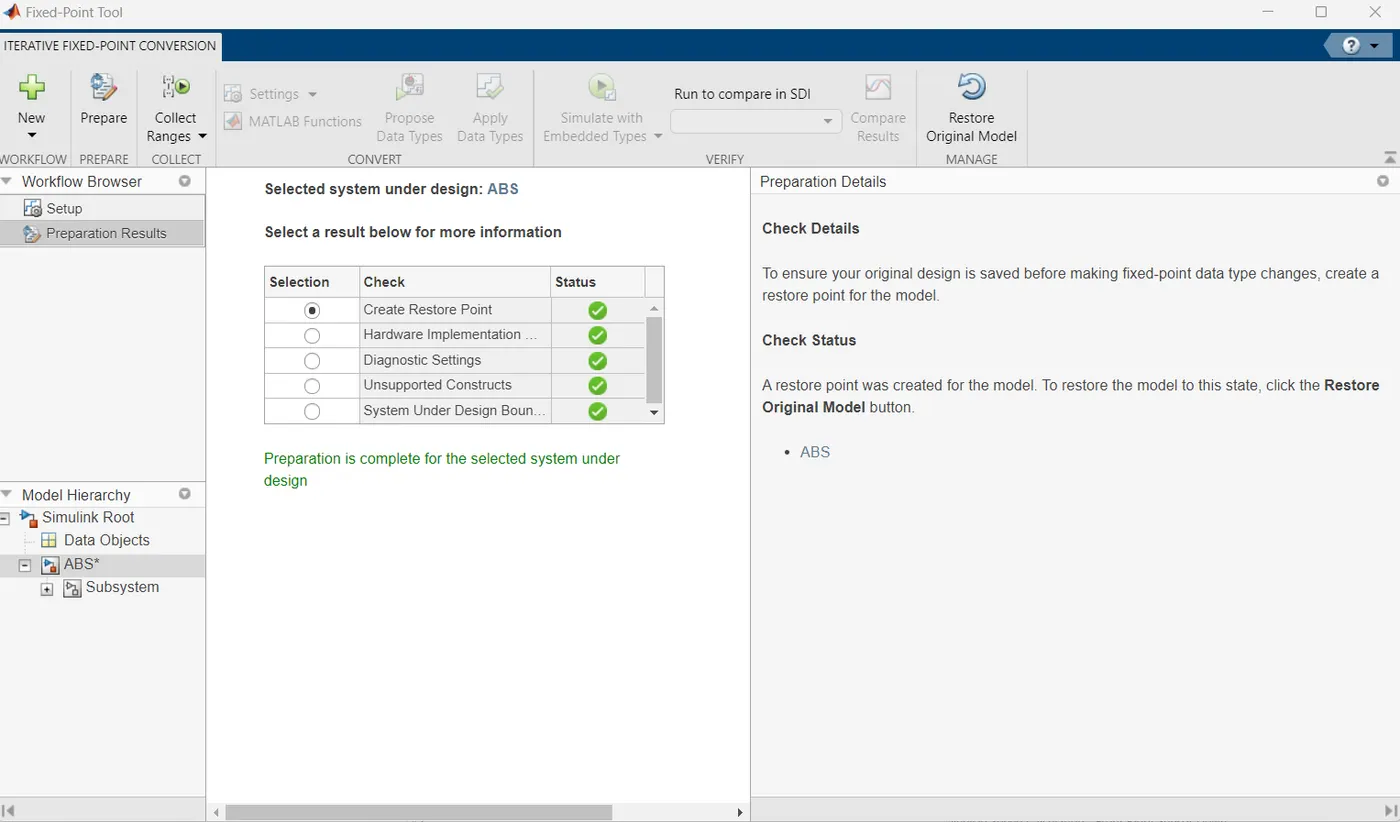
Fixed Point Tool:
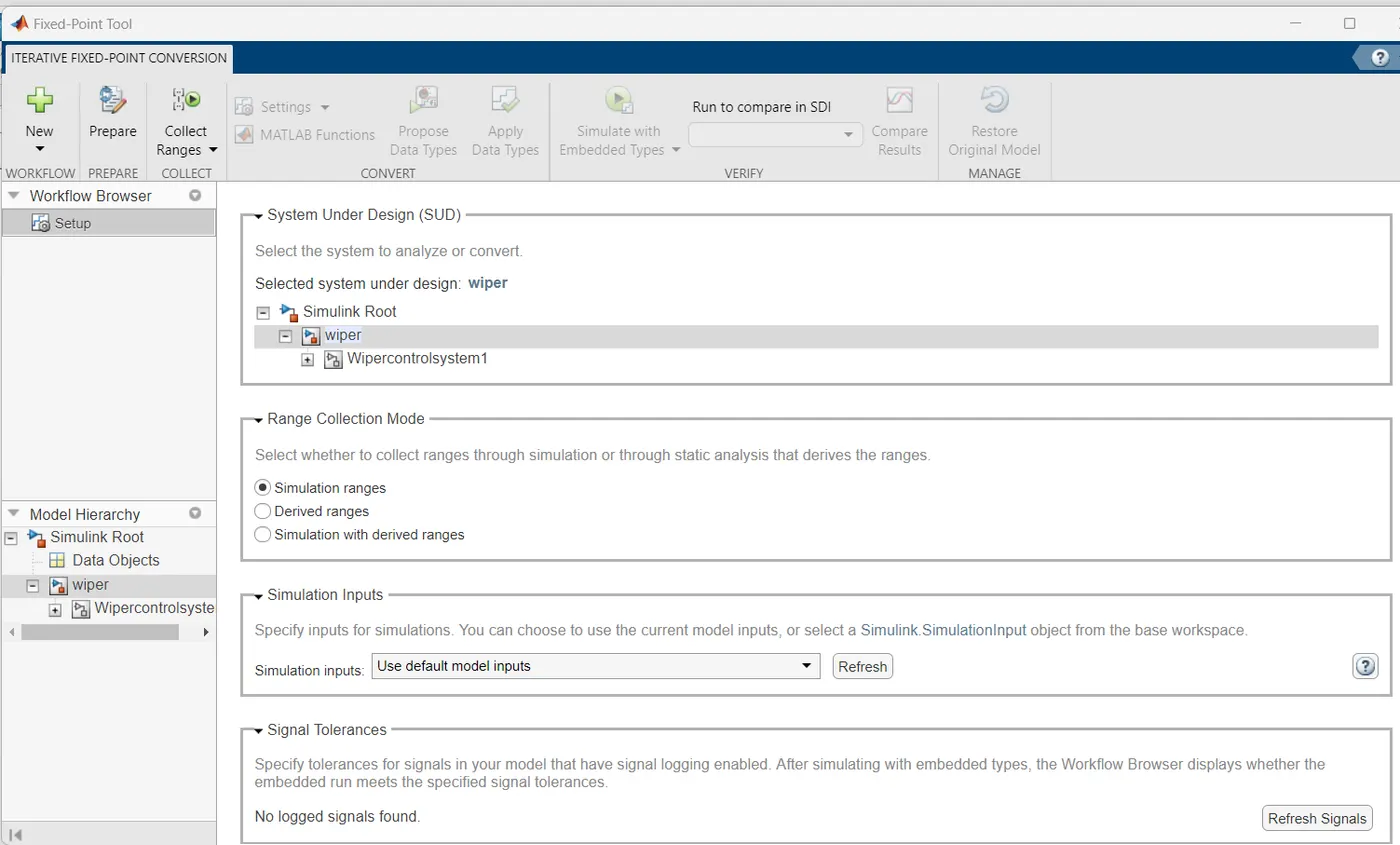
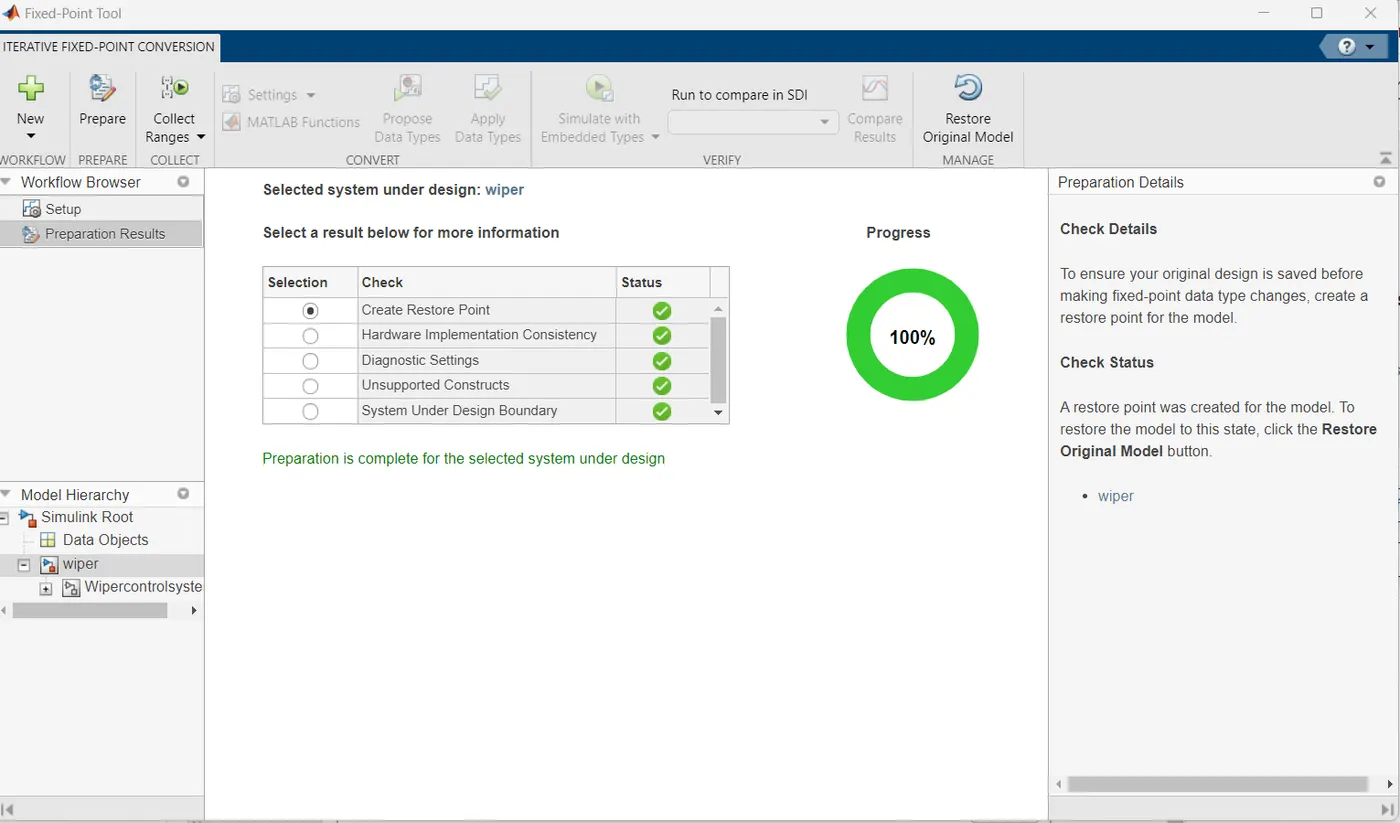
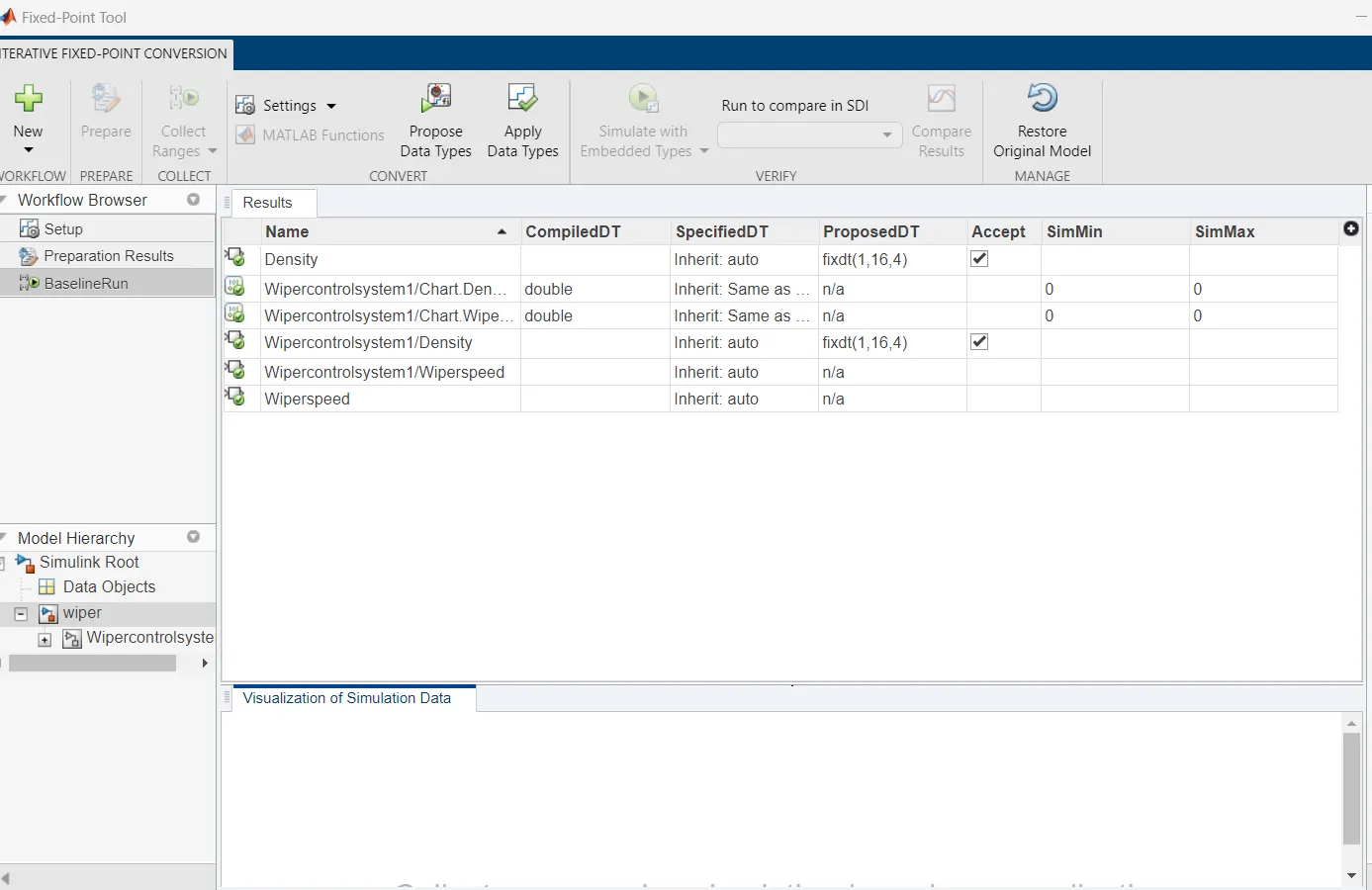
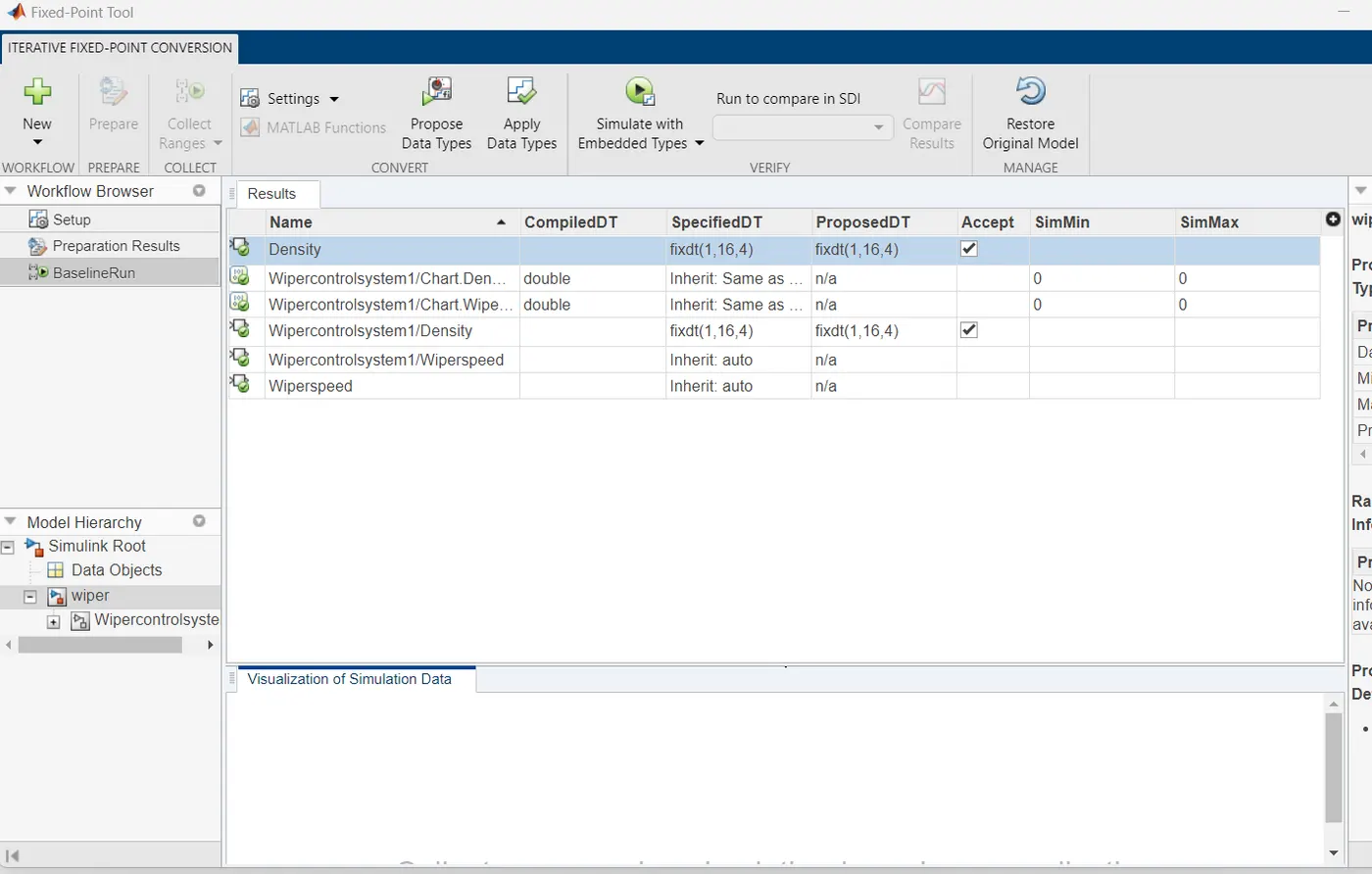
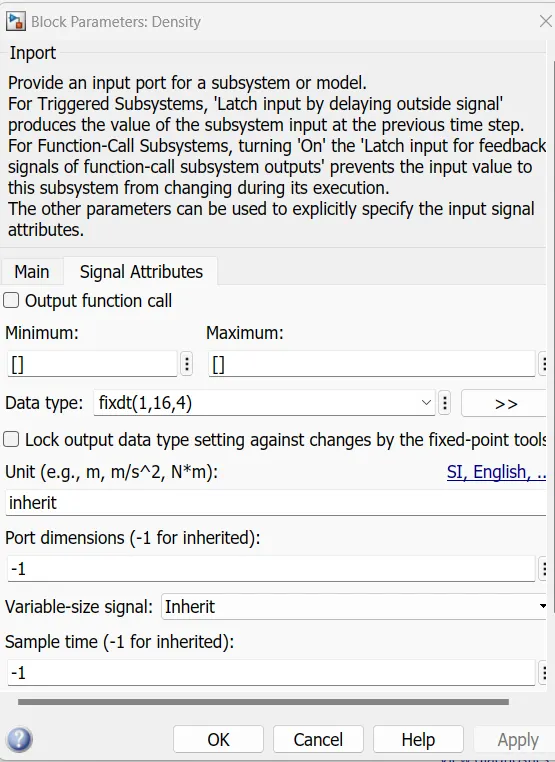
Data type is changed
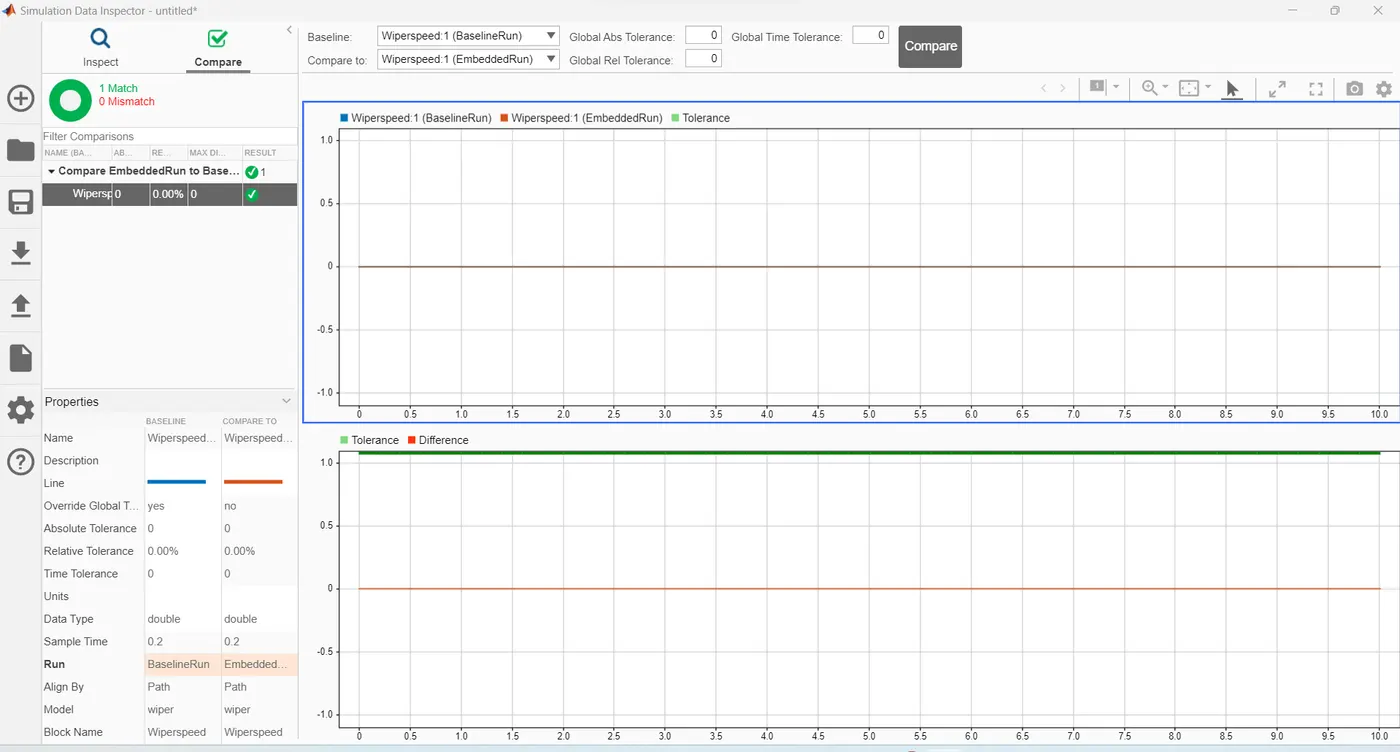
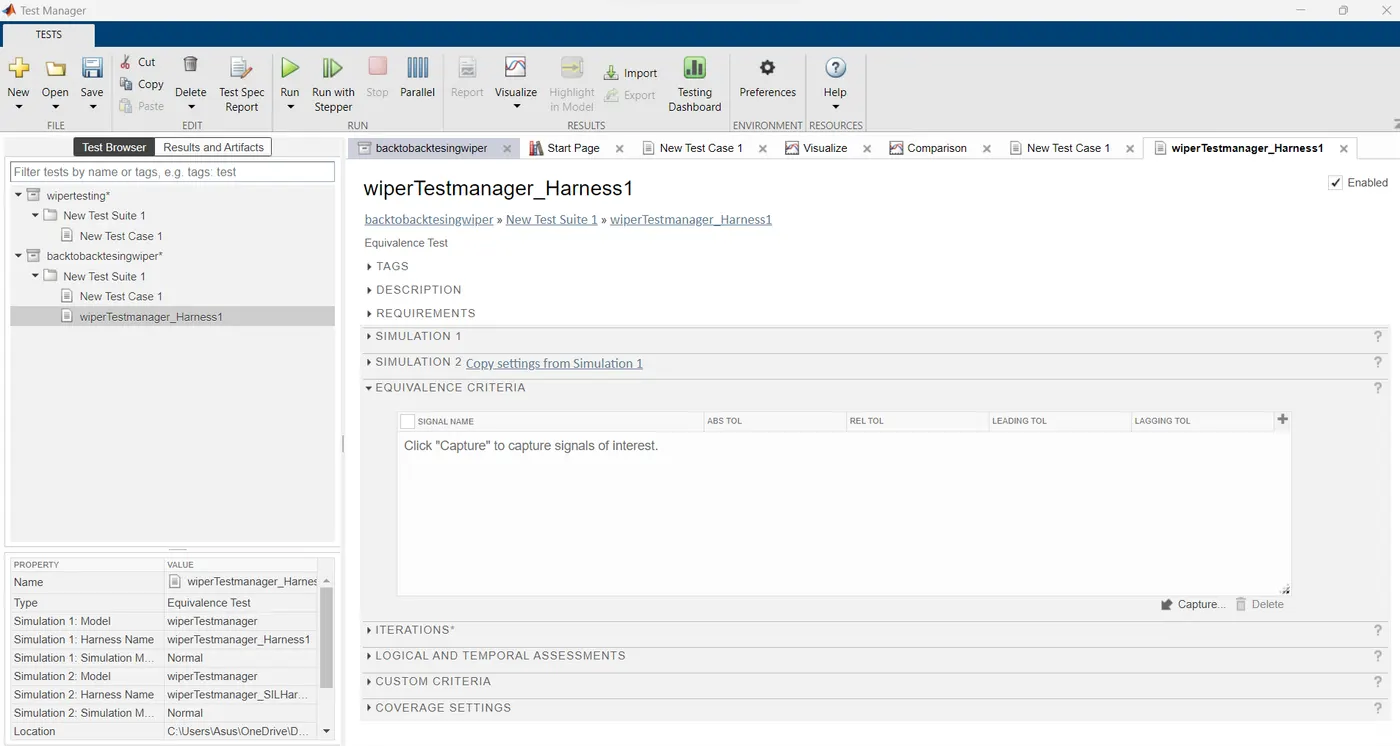
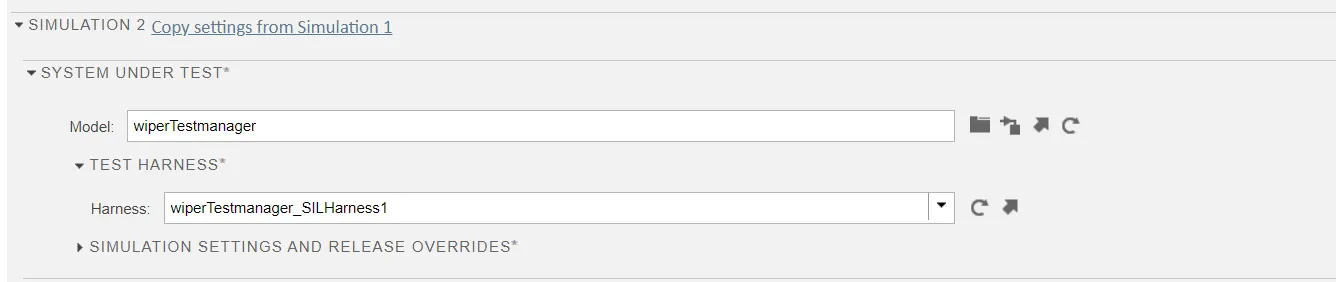
MIL SIL testing
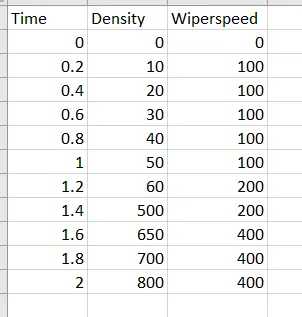
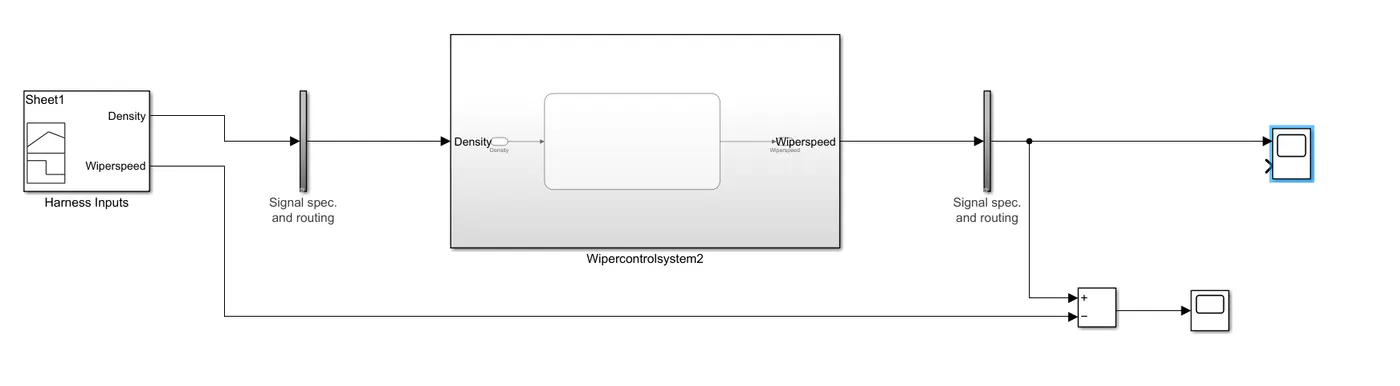
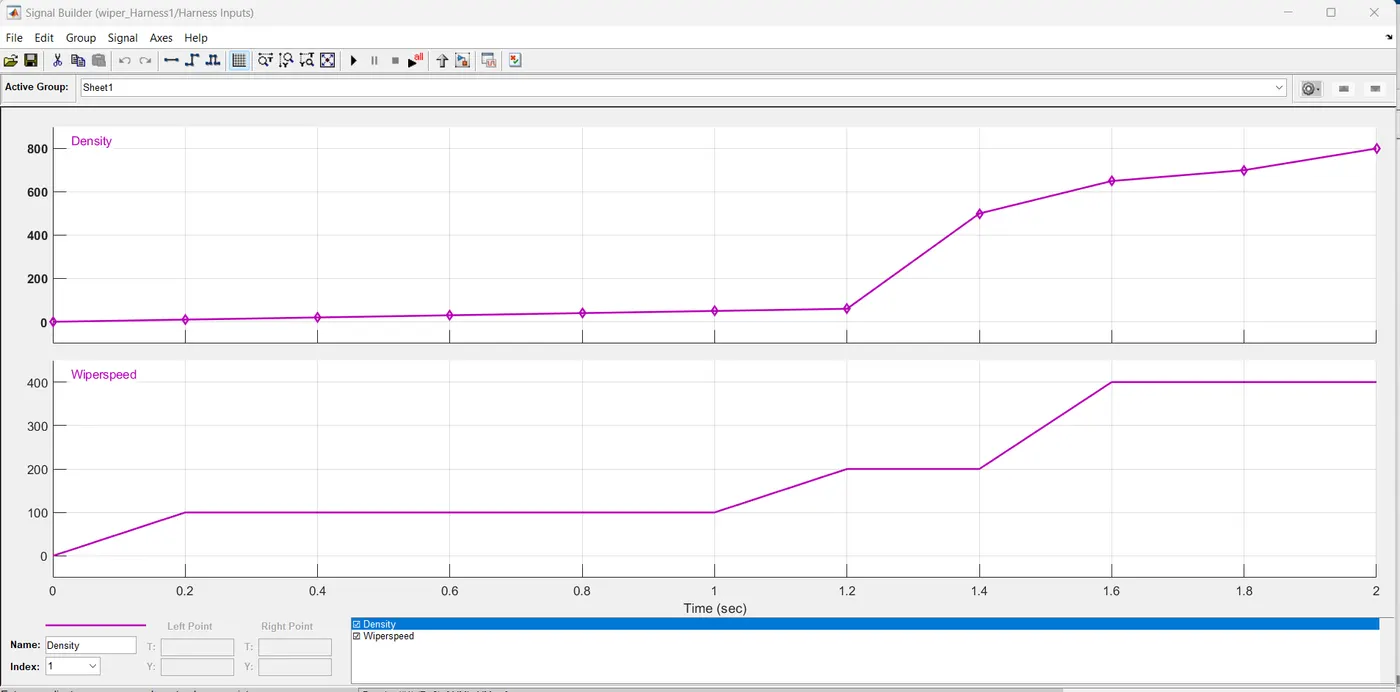
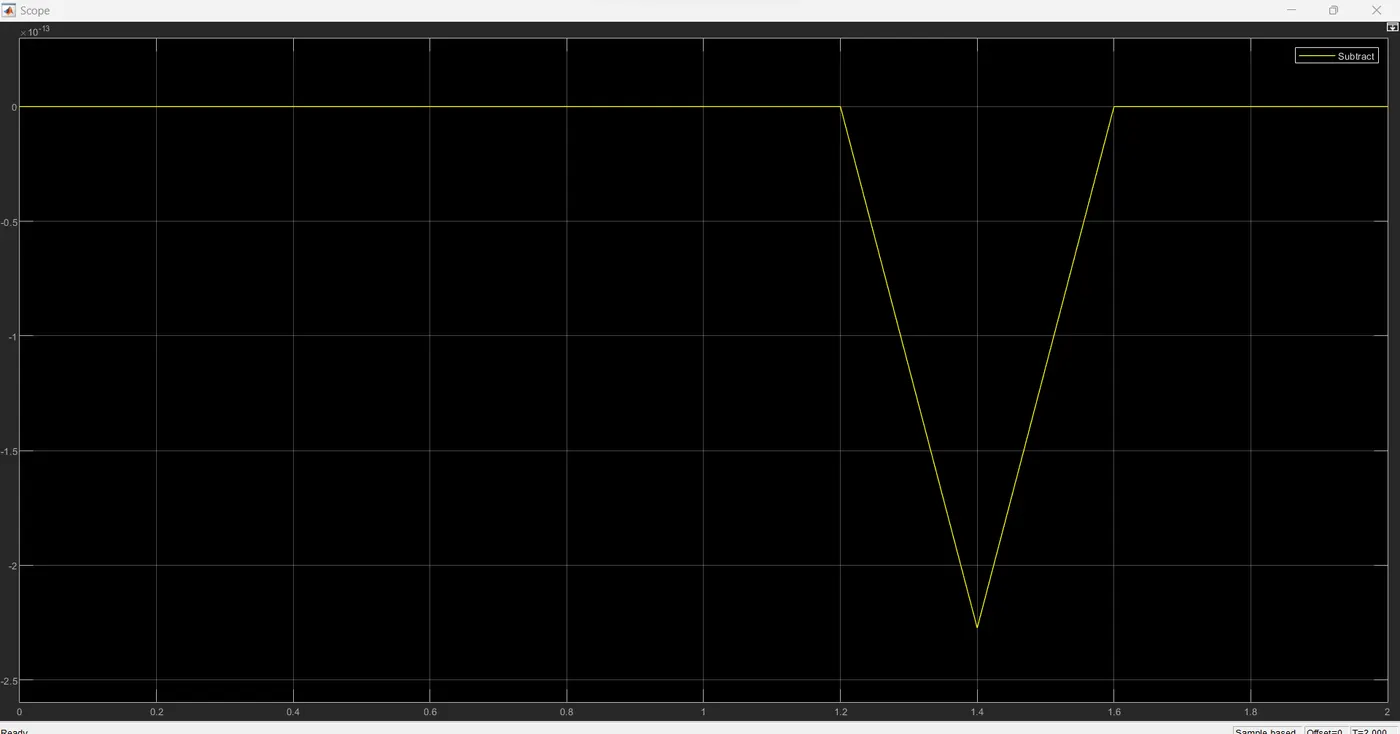
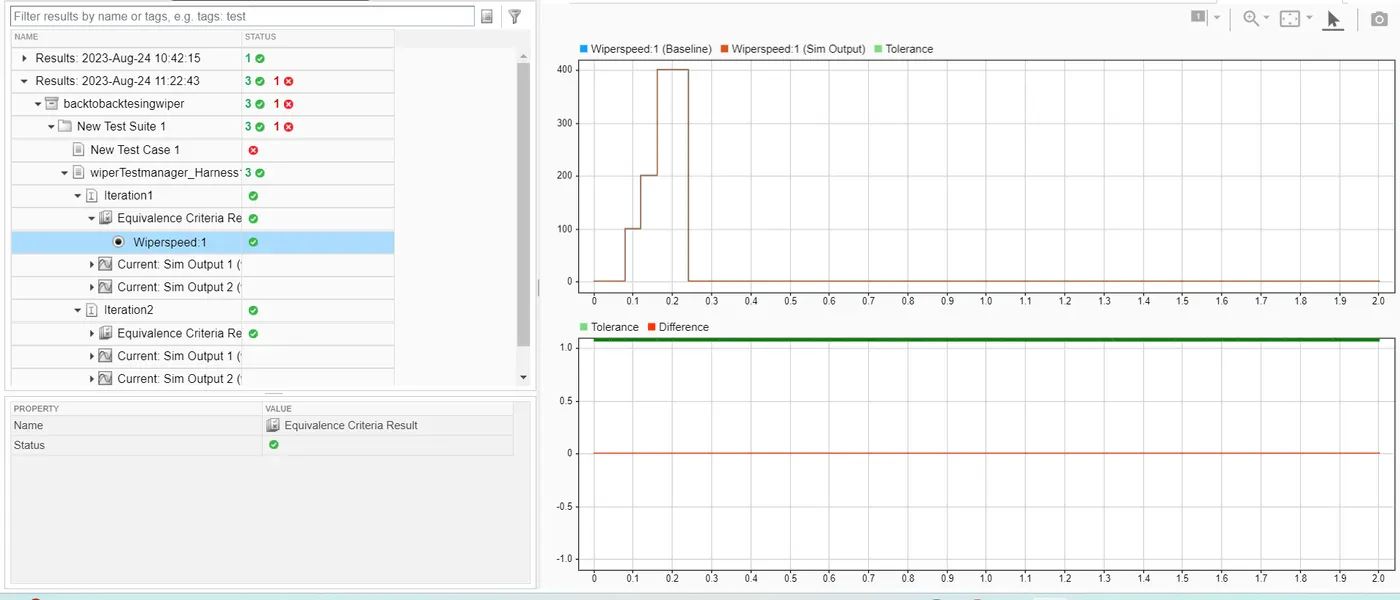
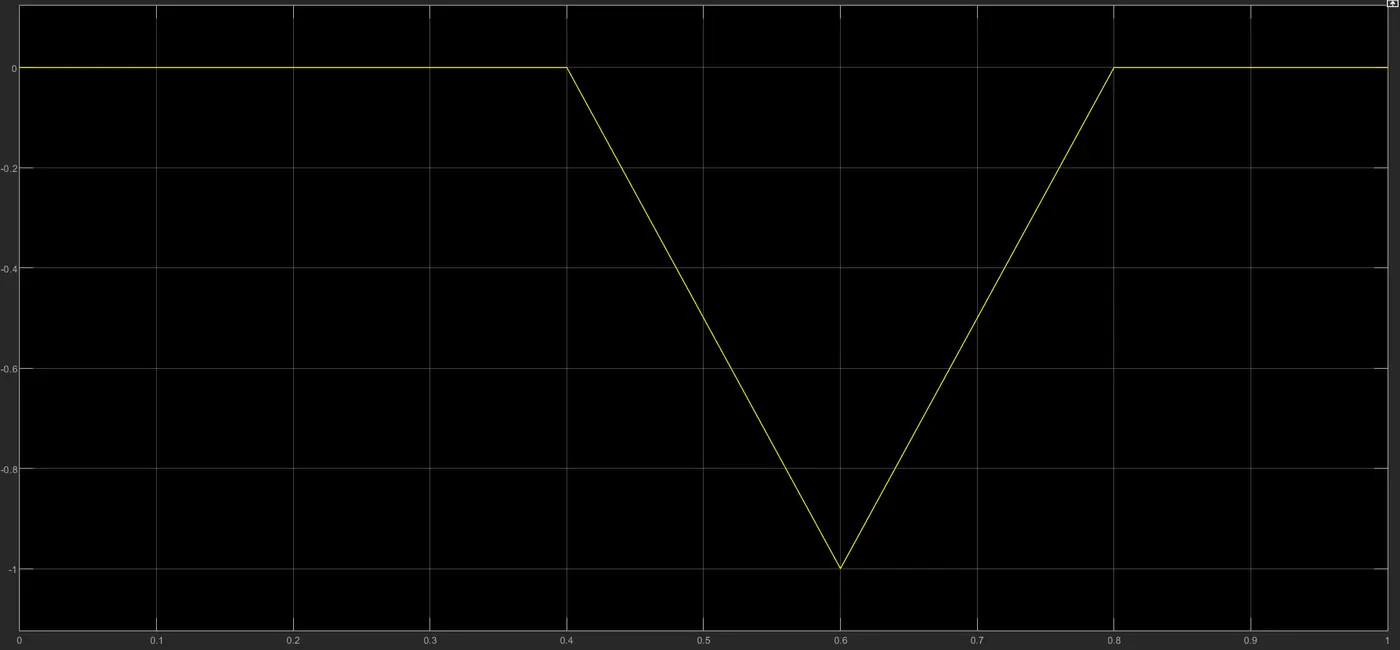
Minor error at 1.4 time step. Very small. Not sure why
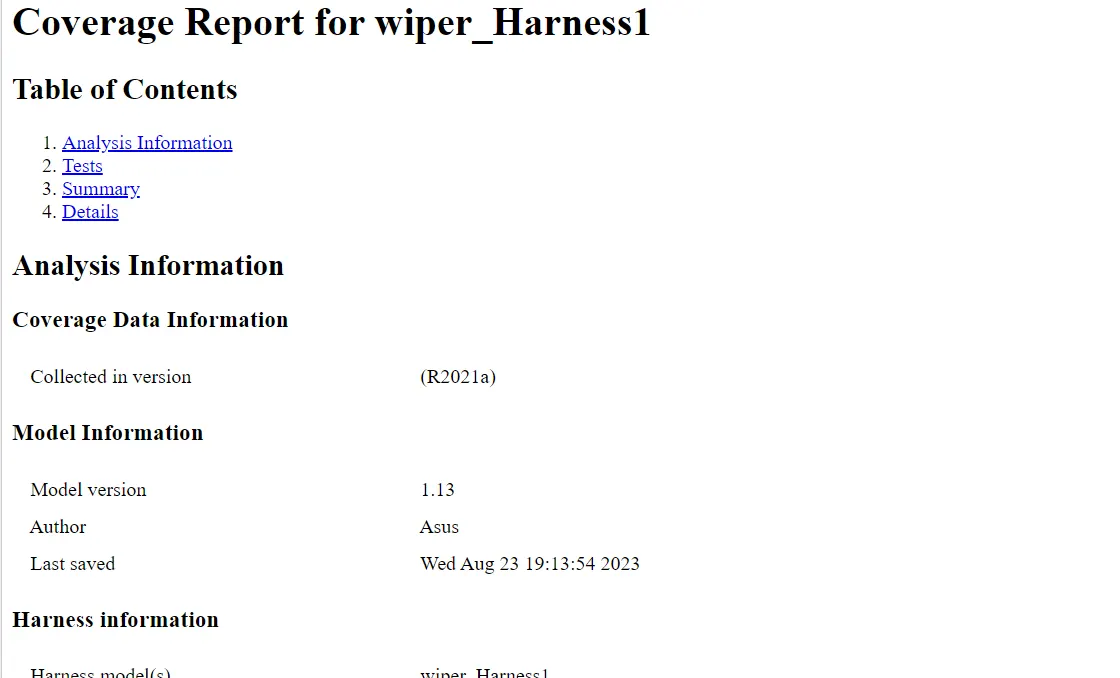
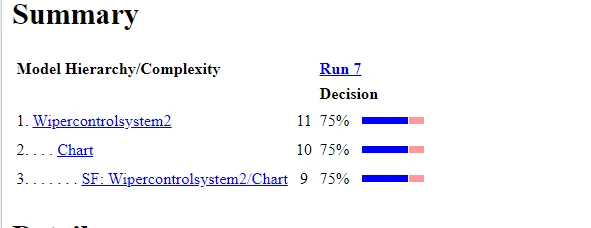
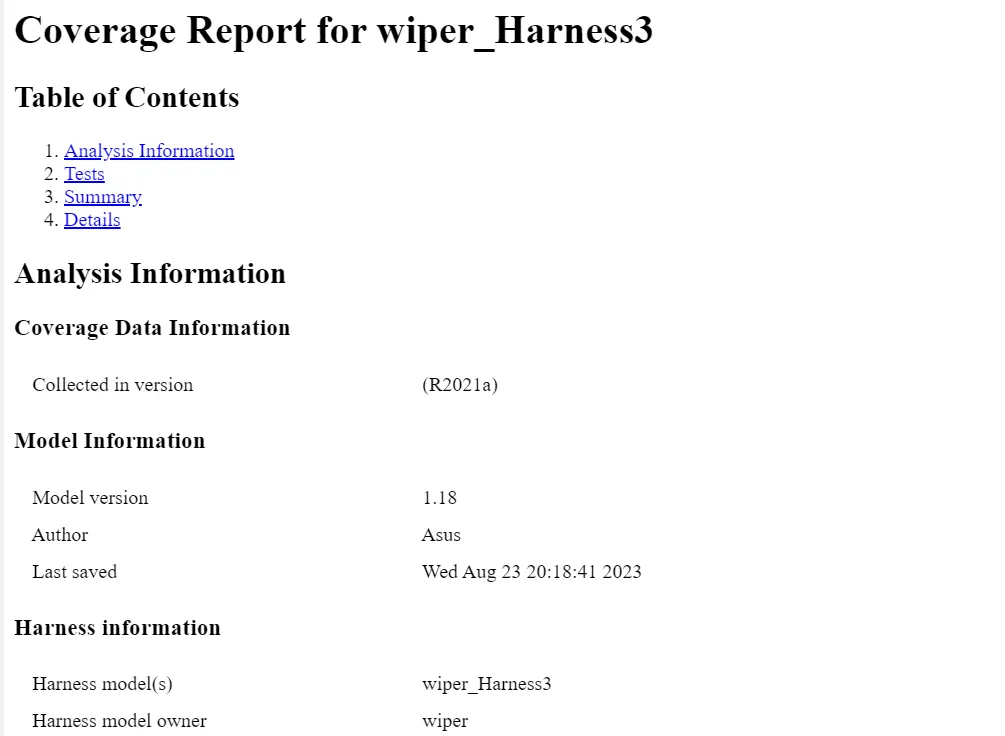
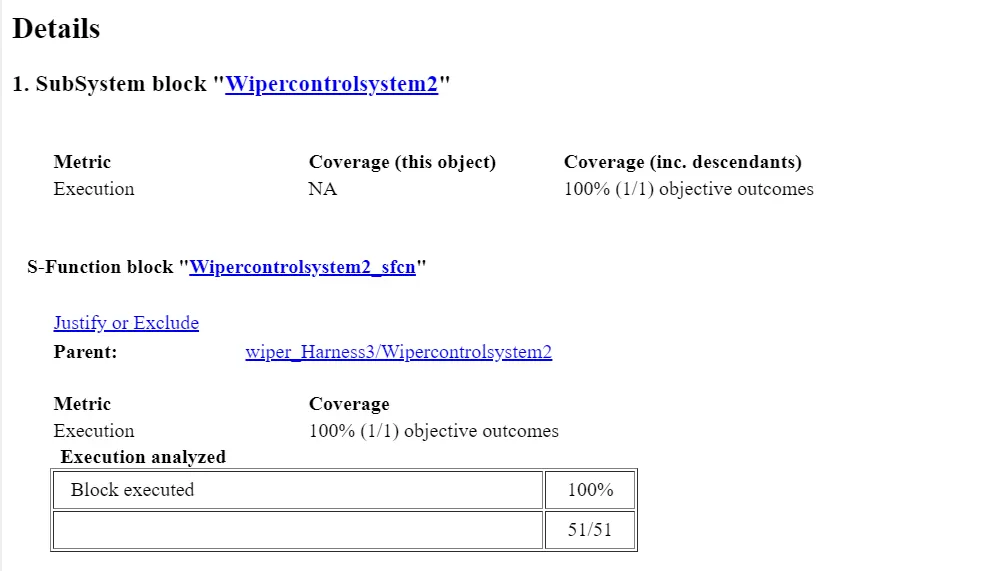
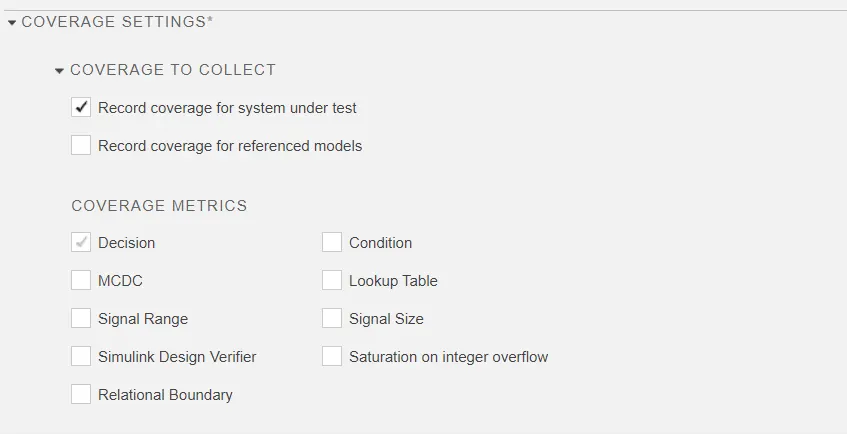
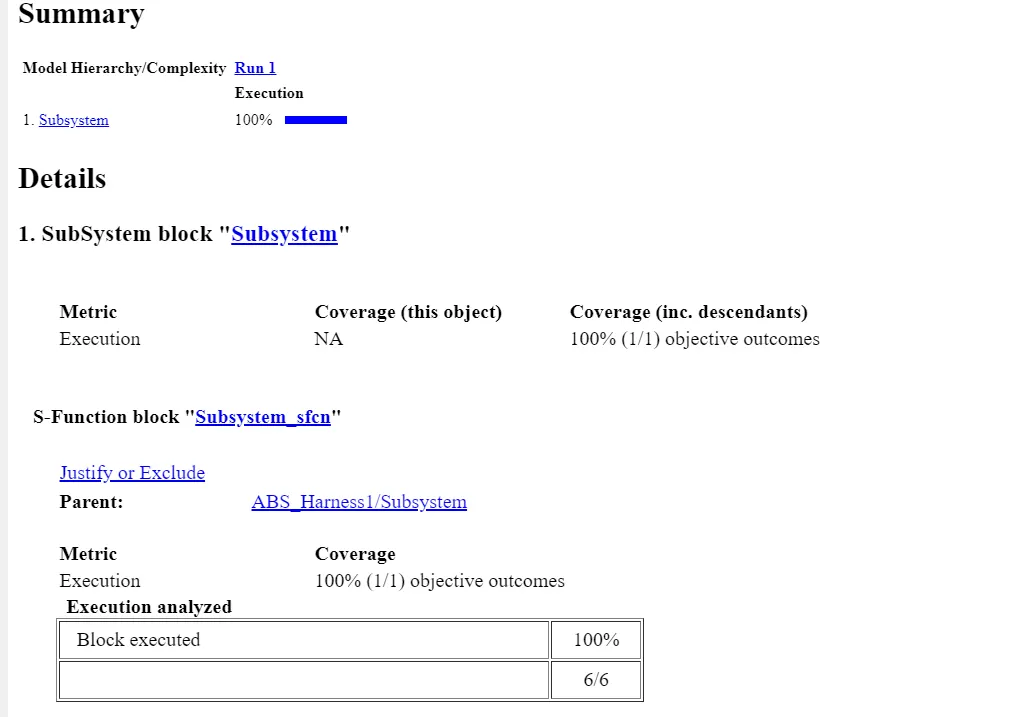
Coverage:
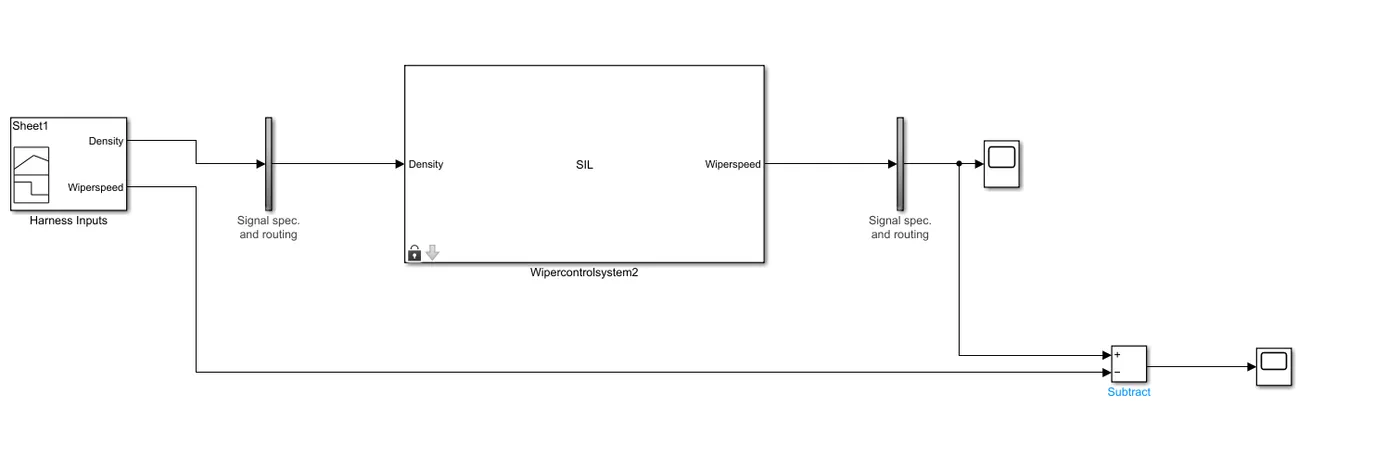
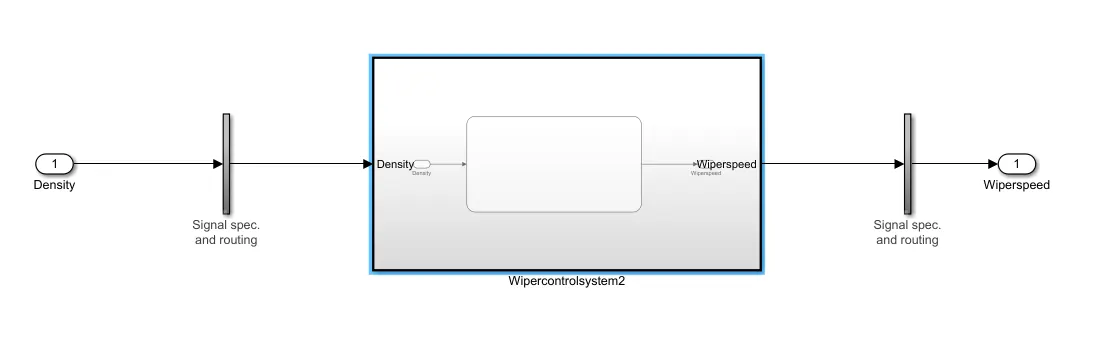
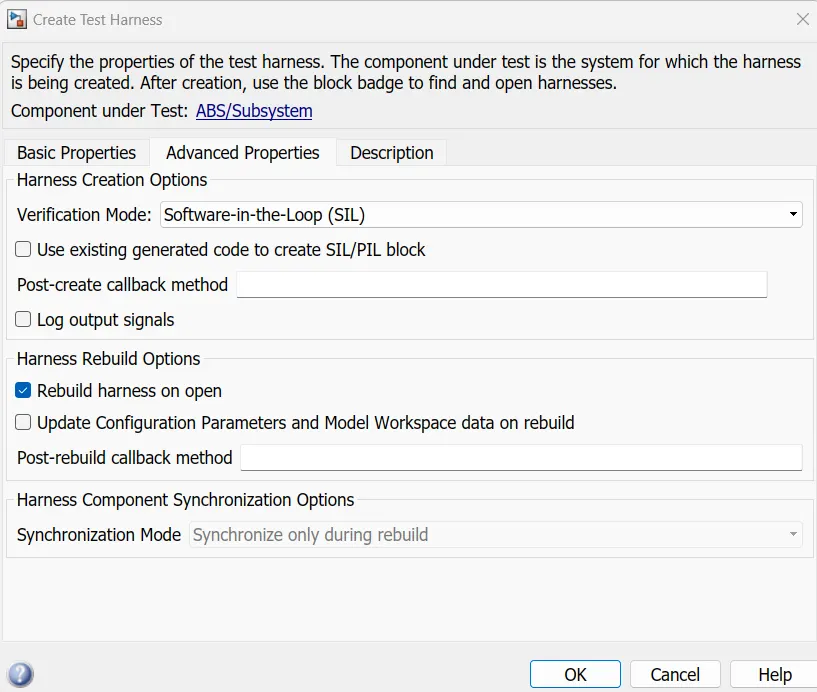
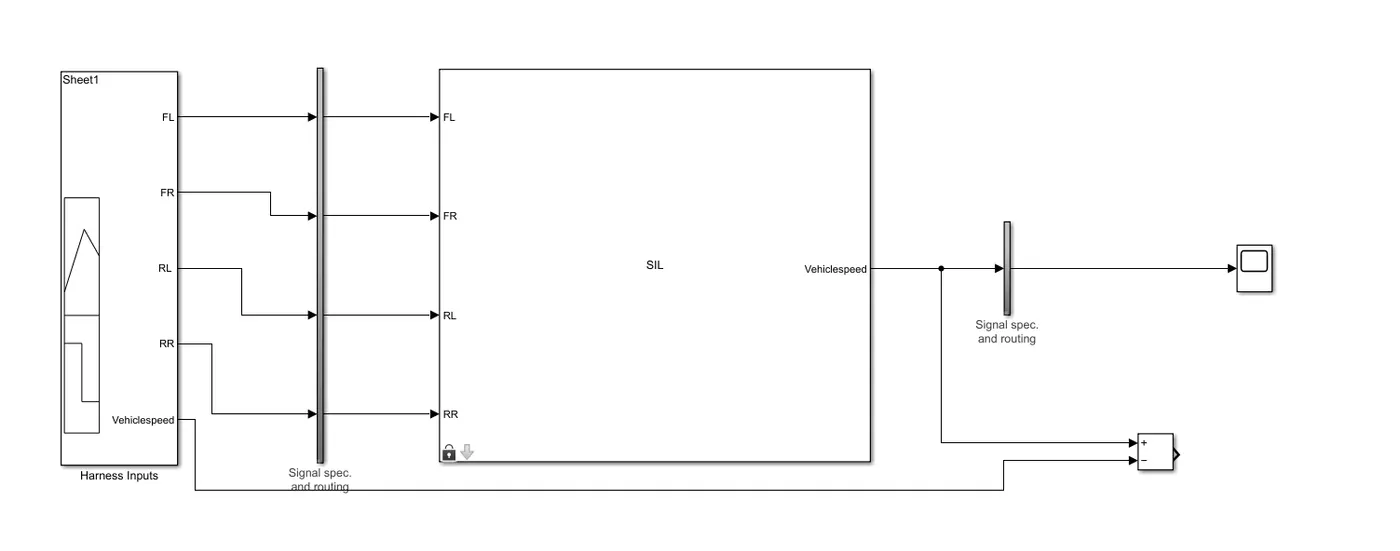
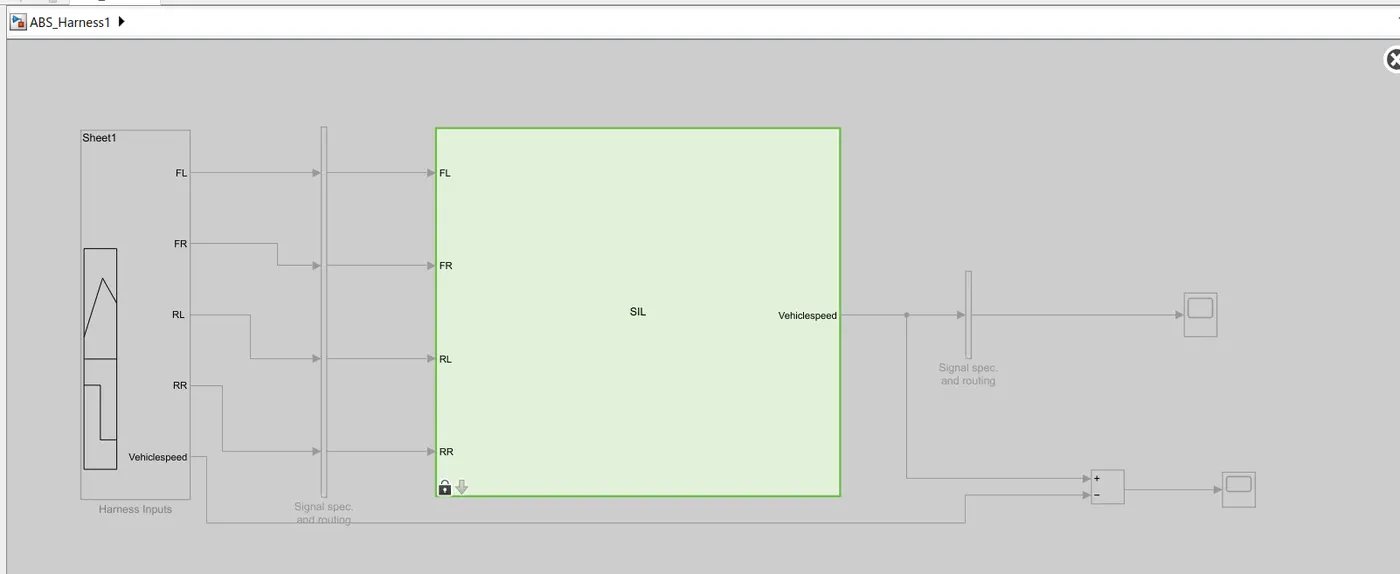
SIL Harness.
Build the model , and generate .mex file. to Build the model. now select the coding option as embedded coder.
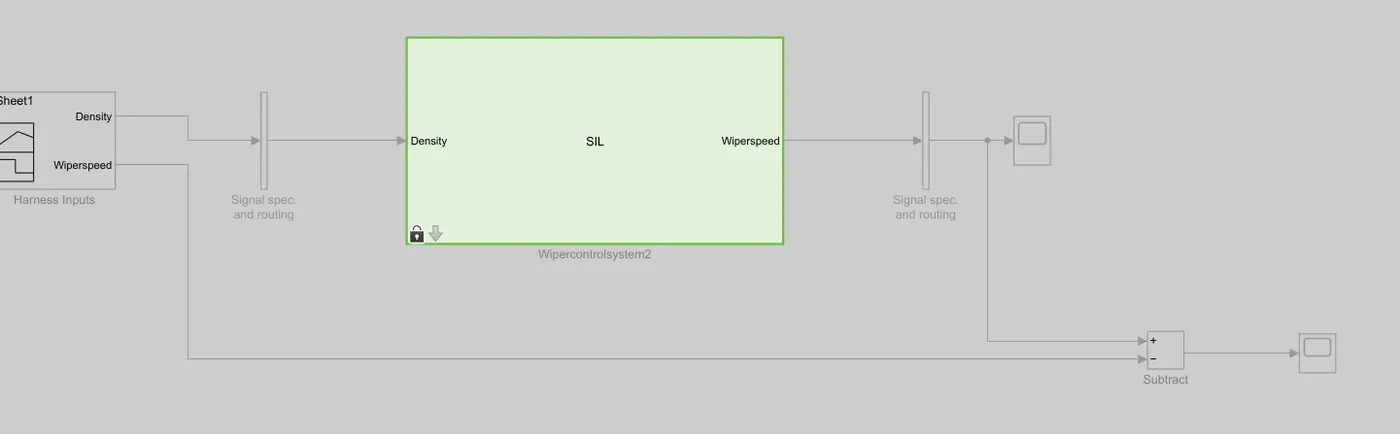
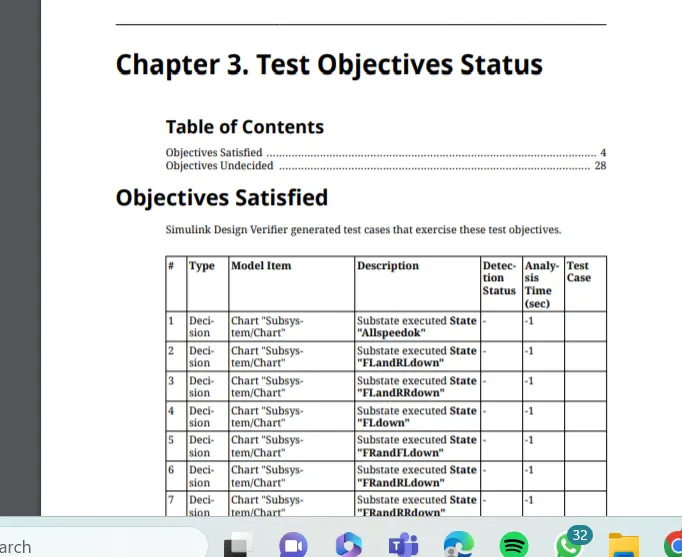
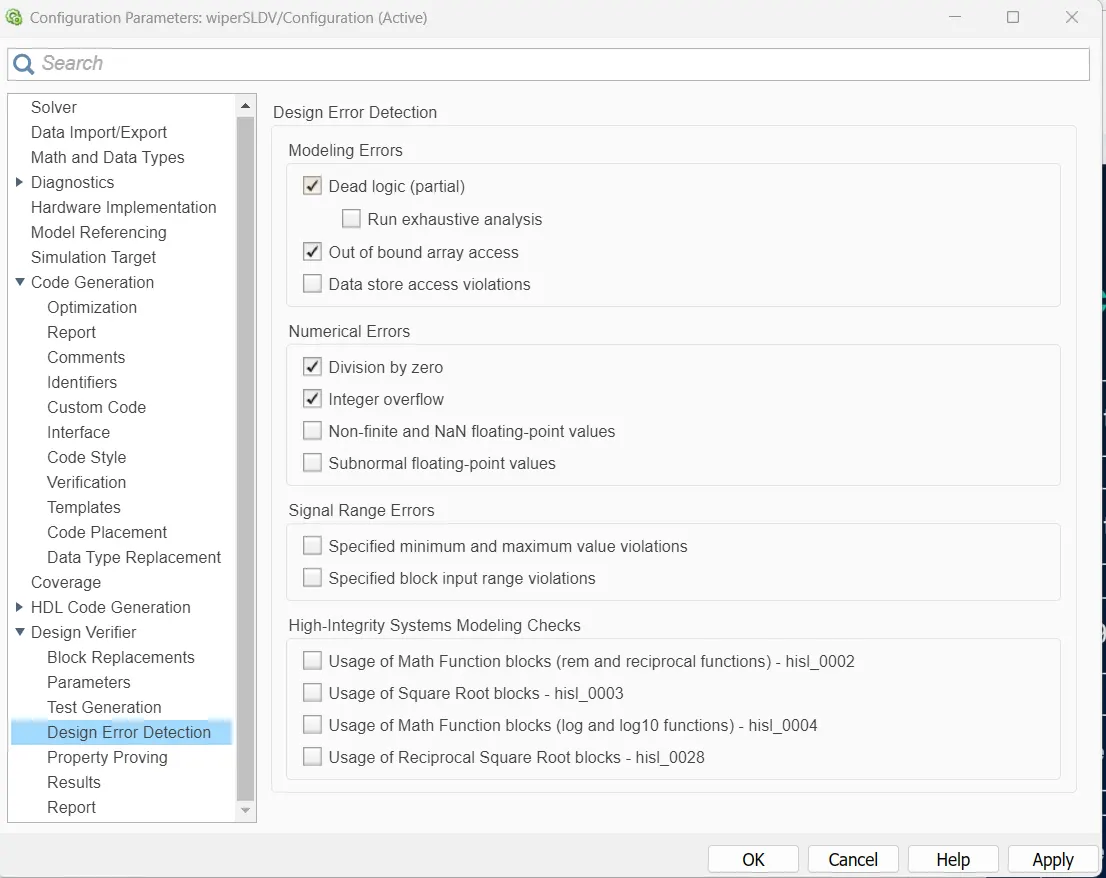
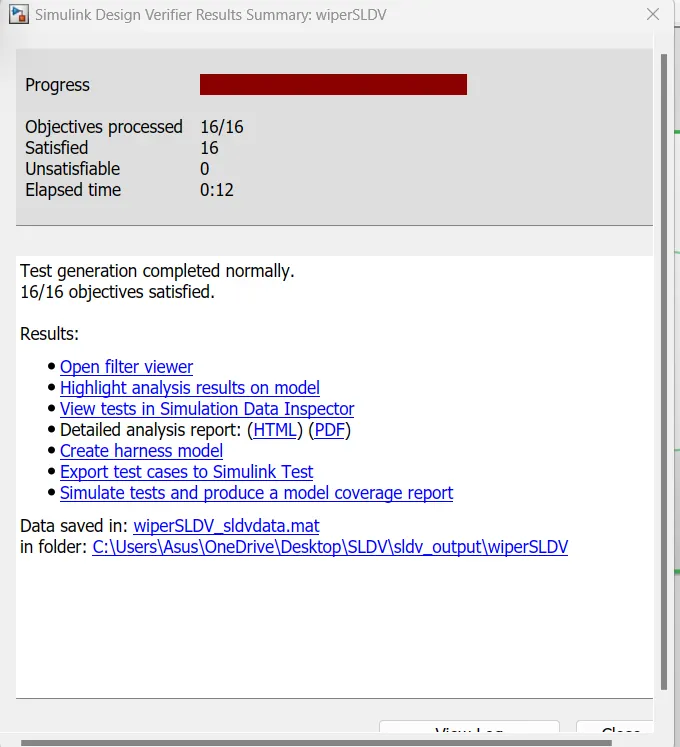
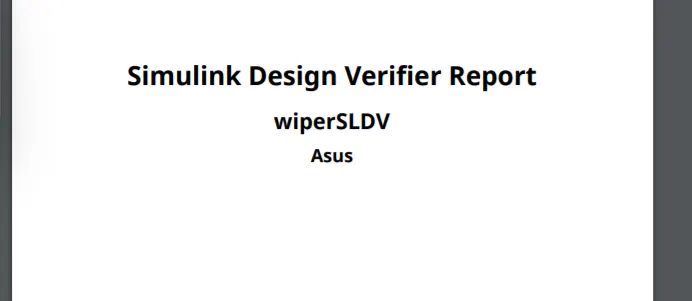
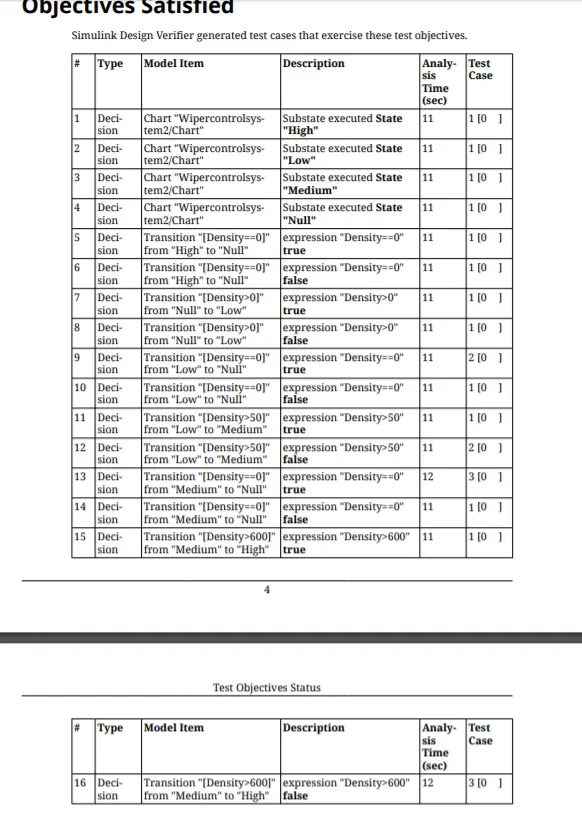
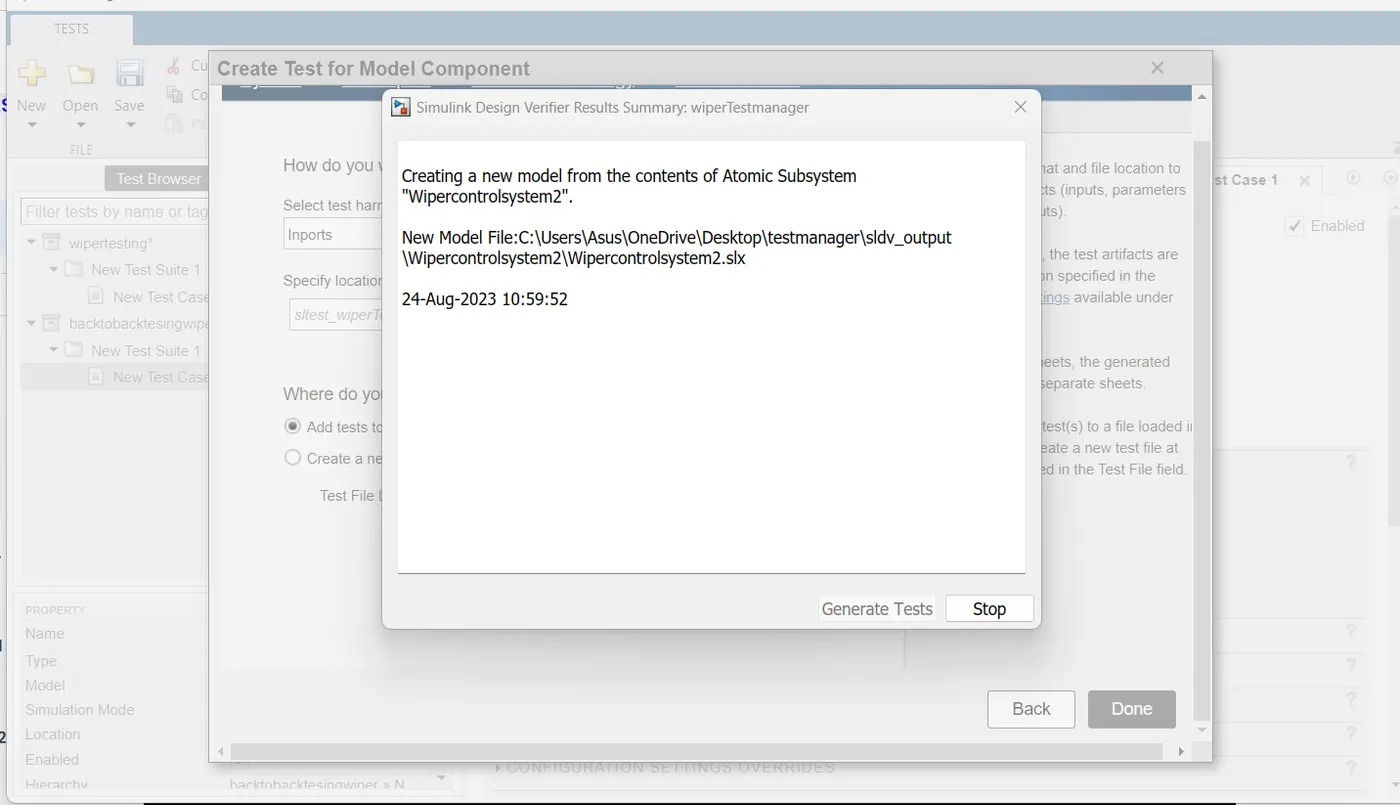
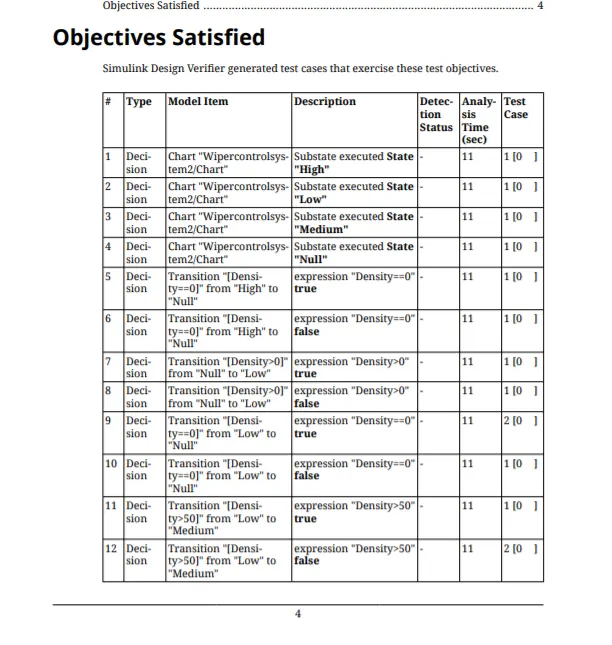
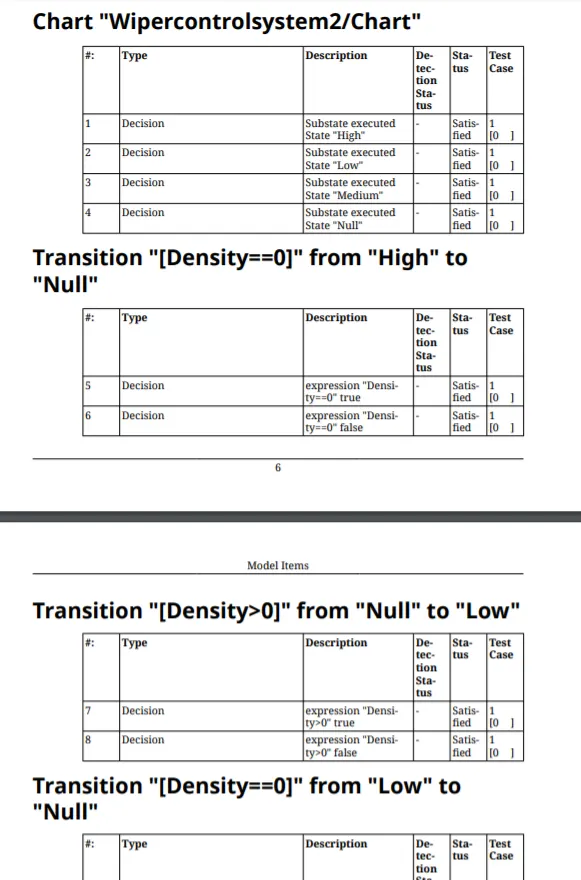
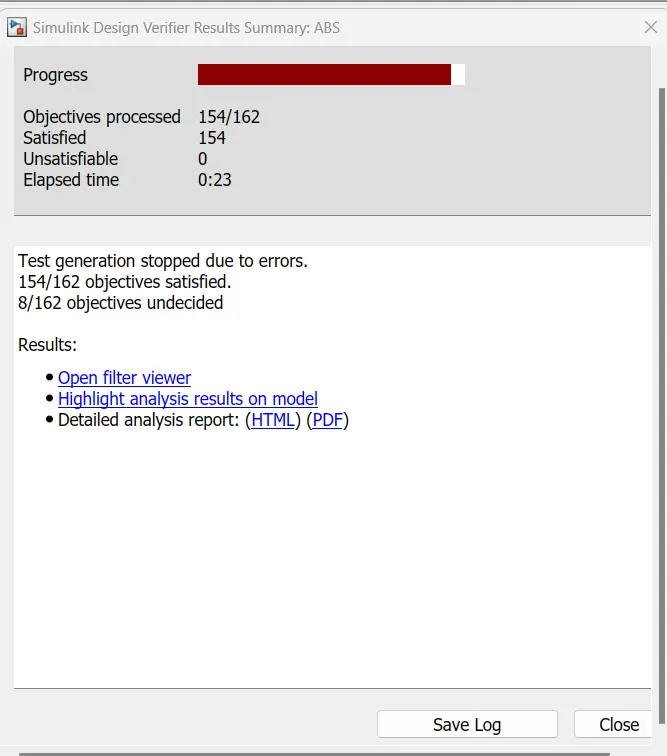
SLDV Report And Analysis:
Polyspace Bug report:-
Polyspace Bug Finder is a static code analysis tool that can help you identify potential bugs in your MATLAB code. To generate a Polyspace Bug Finder report, you can follow these steps:
-
Open MATLAB and navigate to the directory where your code is located.
-
Open the Polyspace Bug Finder interface by typing "polyspace" in the MATLAB command window.
-
In the Polyspace Bug Finder interface, select "Create New Project" and give your project a name.
-
Select "MATLAB" as the programming language for your project.
-
In the "Project Settings" window, select the files you want to analyze and specify any additional analysis options.
-
Click "Run Analysis" to start the analysis process.
-
Once the analysis is complete, Polyspace Bug Finder will generate a report that lists any potential bugs it has identified in your code.
-
To view the report, select "View Report" in the Polyspace Bug Finder interface.
-
The report will display a list of potential bugs, along with detailed information about each bug and recommendations for how to fix it.
-
You can save the report in various formats, such as PDF, HTML, or XML, by selecting "Export Report" in the Polyspace Bug Finder interface.
-
Review the report and fix any potential bugs identified by Polyspace Bug Finder to improve the quality and reliability of your MATLAB code.
Polyspace Code Prover is a static analysis tool that can help you verify the absence of run-time errors in your MATLAB code. To generate a Polyspace Code Prover output, you can follow these steps:
-
Open MATLAB and navigate to the directory where your code is located.
-
Open the Polyspace Code Prover interface by typing "psrun" in the MATLAB command window.
-
In the Polyspace Code Prover interface, select "Create New Project" and give your project a name.
-
Select "MATLAB" as the programming language for your project.
-
In the "Project Settings" window, select the files you want to analyze and specify any additional analysis options.
-
Click "Run Analysis" to start the analysis process.
-
Once the analysis is complete, Polyspace Code Prover will generate an output that indicates whether your code is free of run-time errors.
-
To view the output, select "View Results" in the Polyspace Code Prover interface.
-
The output will indicate whether your code is free of run-time errors or if any errors were detected.
-
You can save the output in various formats, such as PDF, HTML, or XML, by selecting "Export Results" in the Polyspace Code Prover interface.
-
Review the output and address any errors identified by Polyspace Code Prover to ensure the correctness and reliability of your MATLAB code.
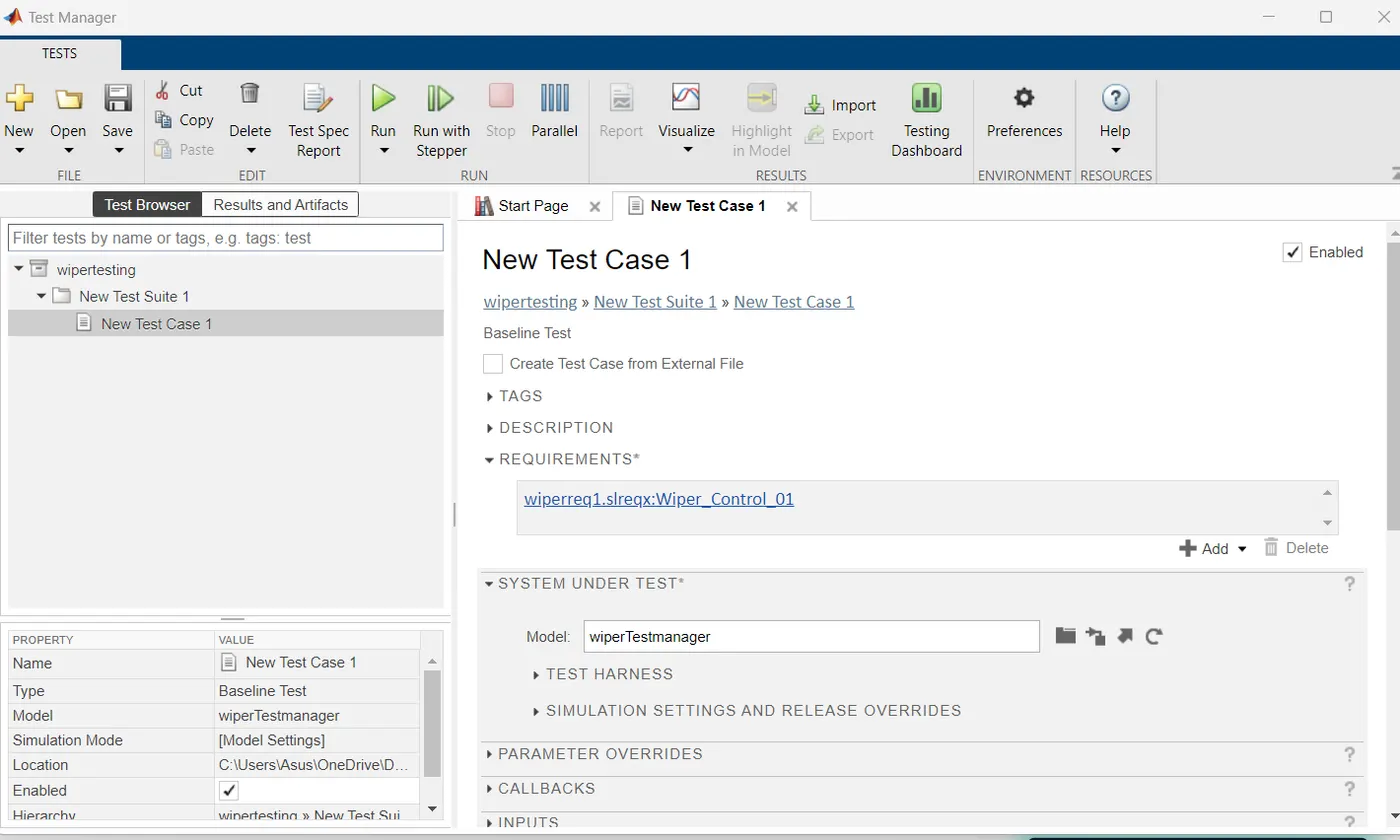
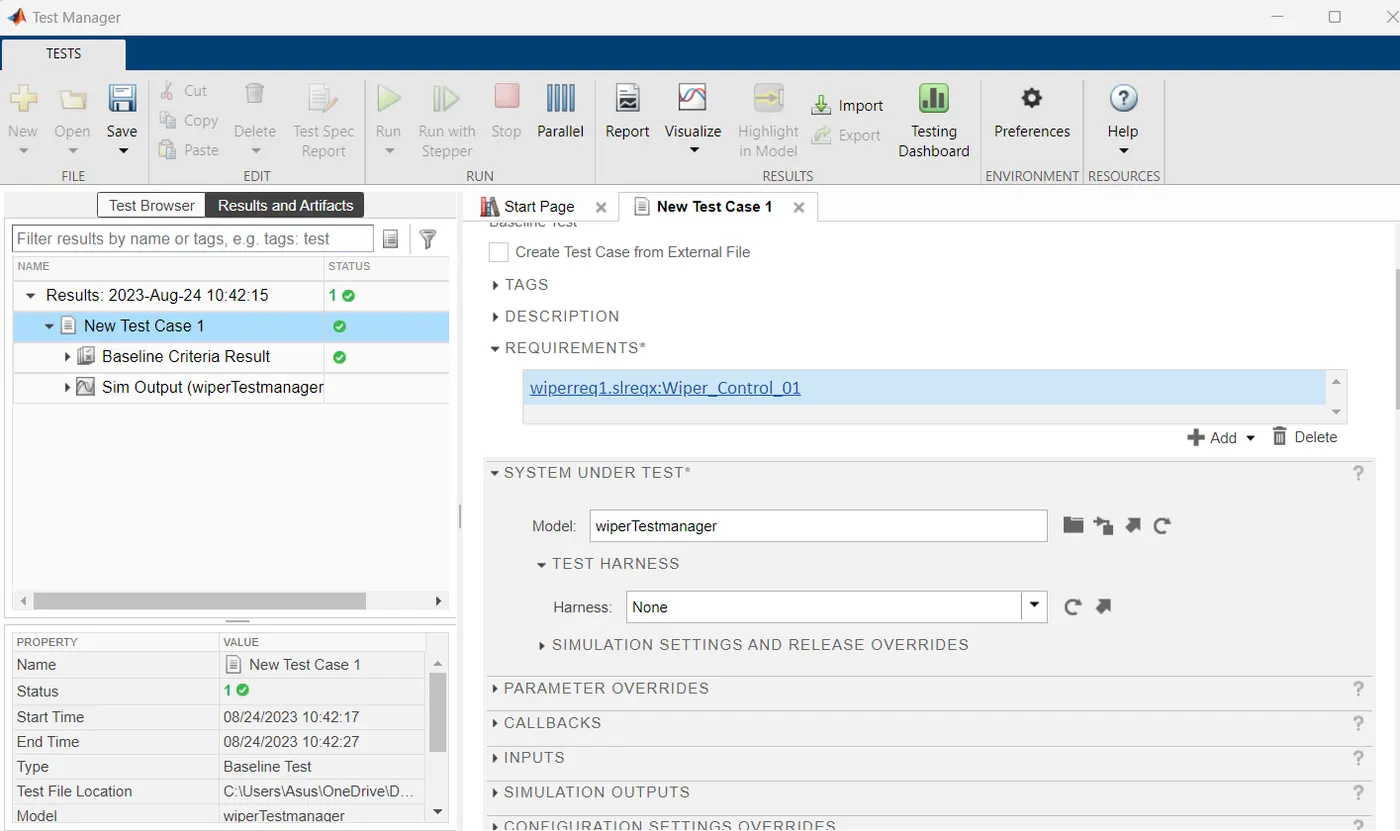
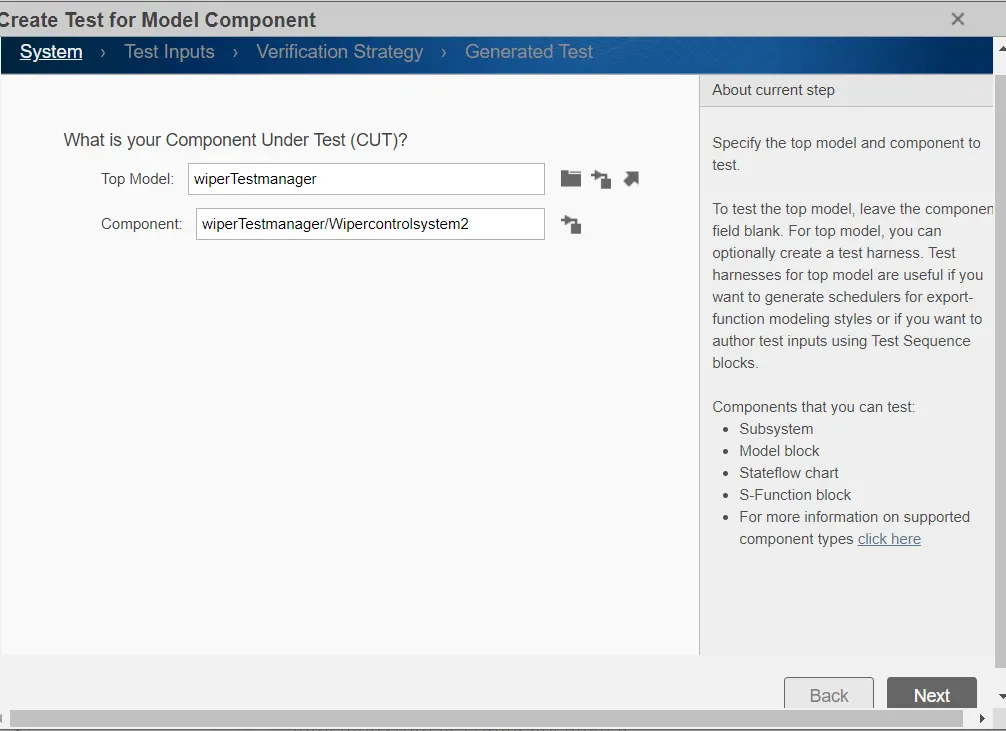
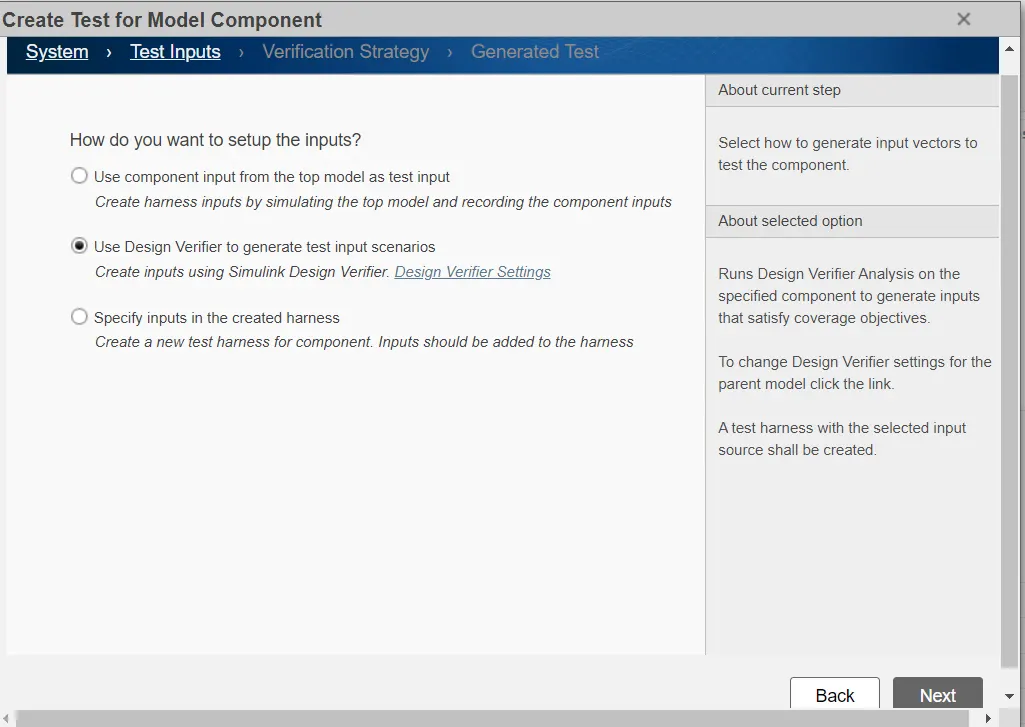
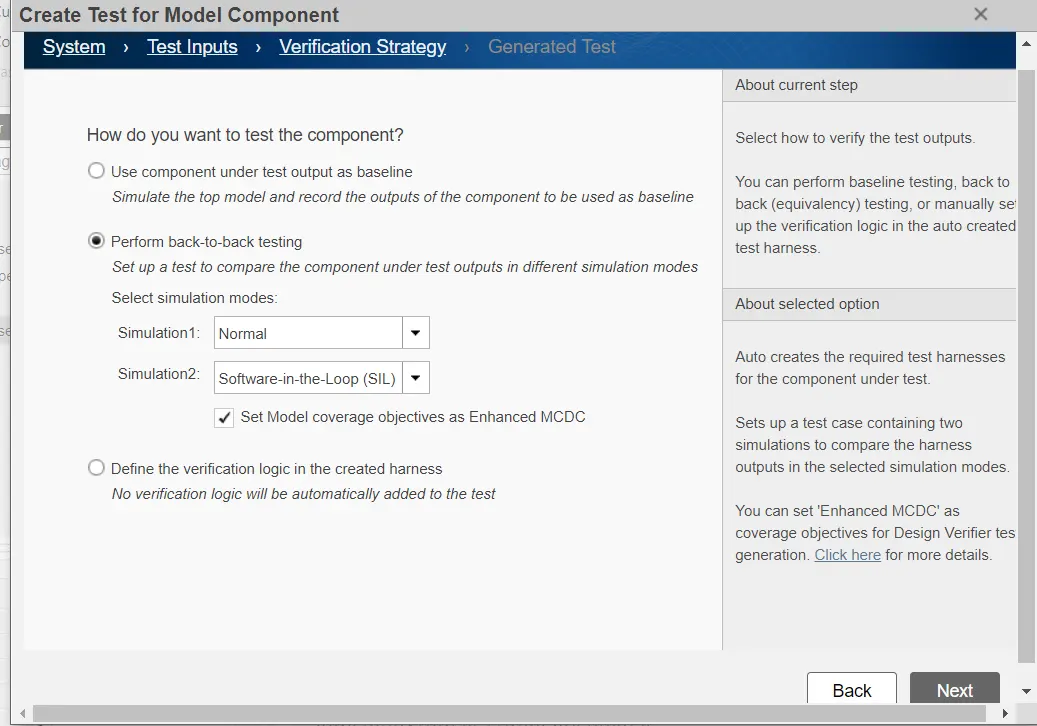
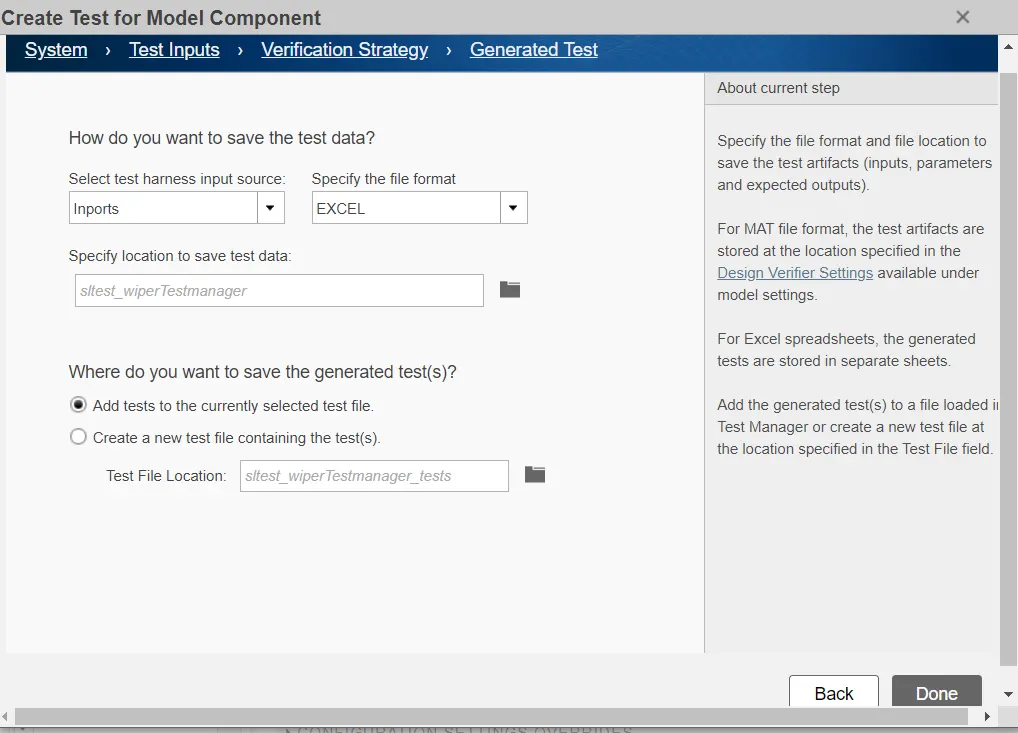
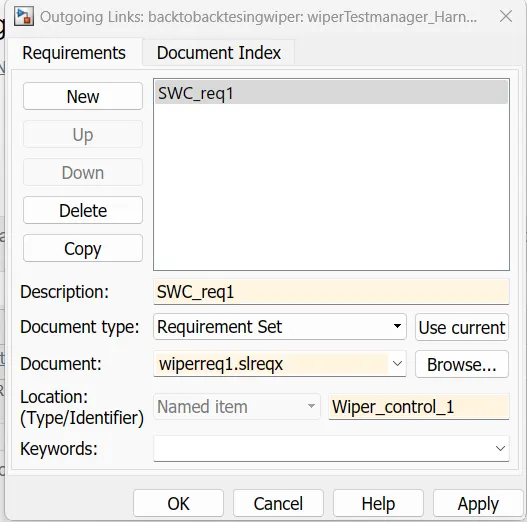
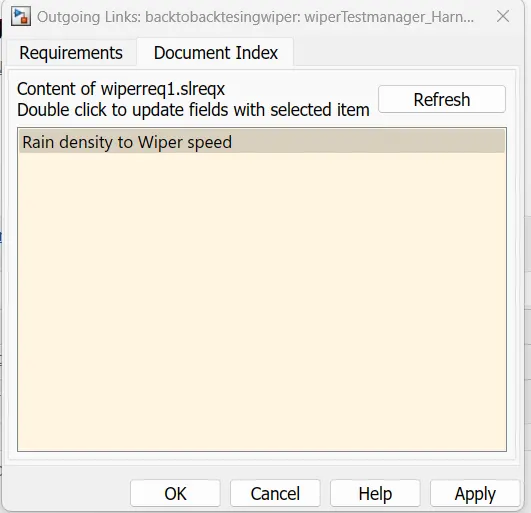
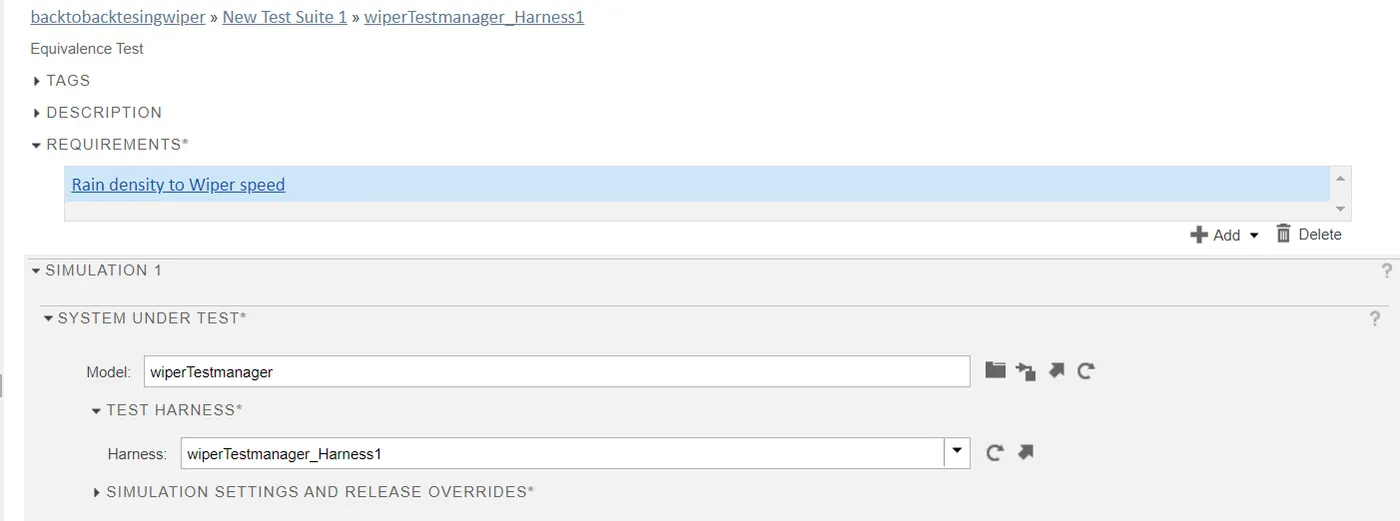
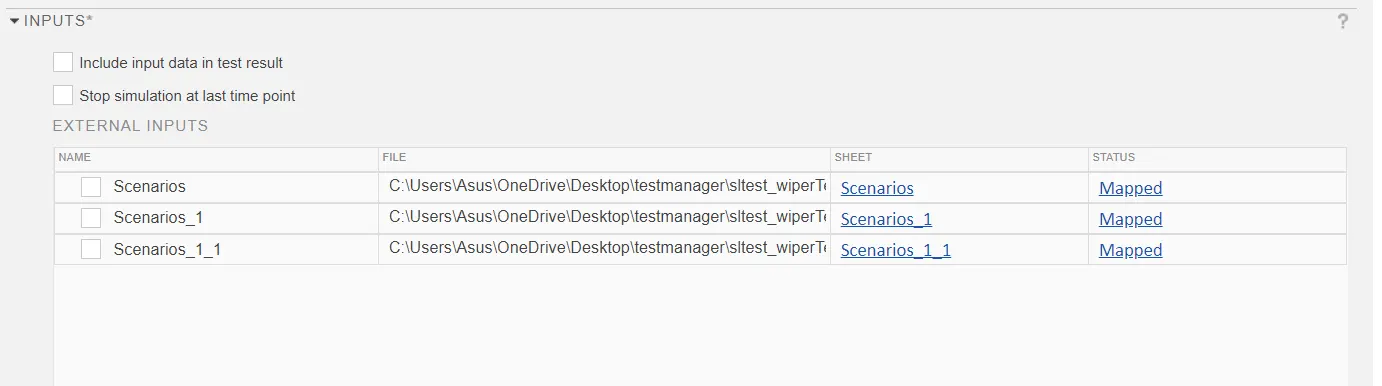
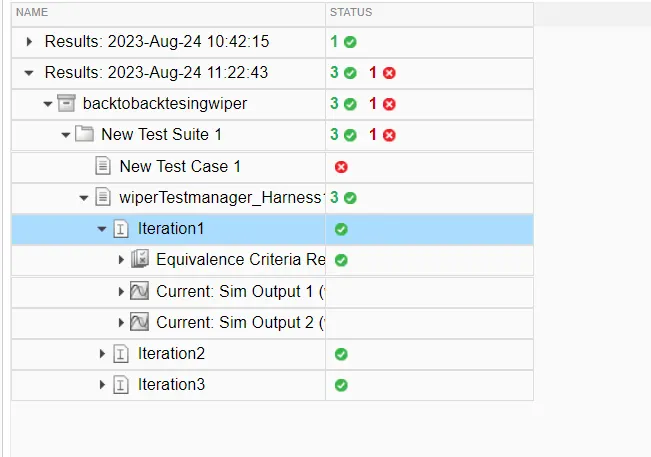
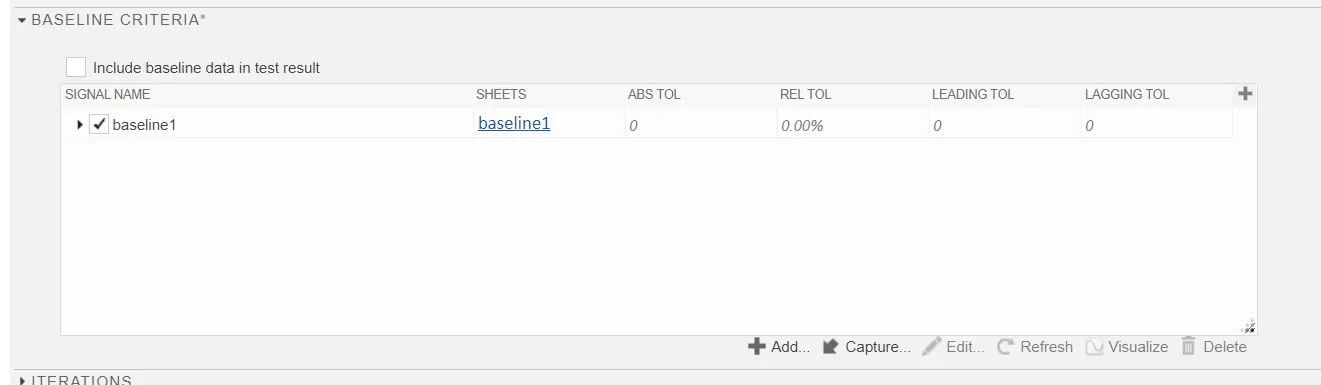
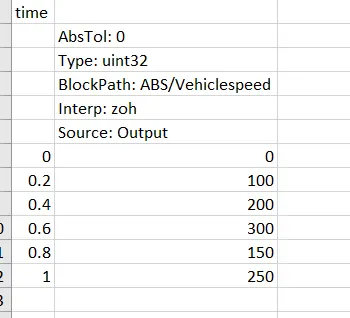
Baseline and BacktoBack Test:-
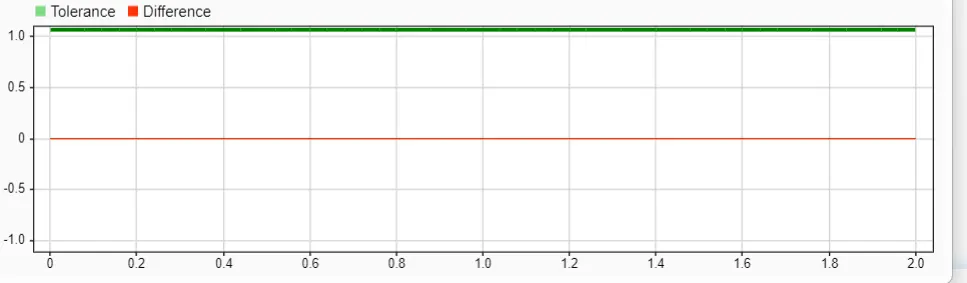
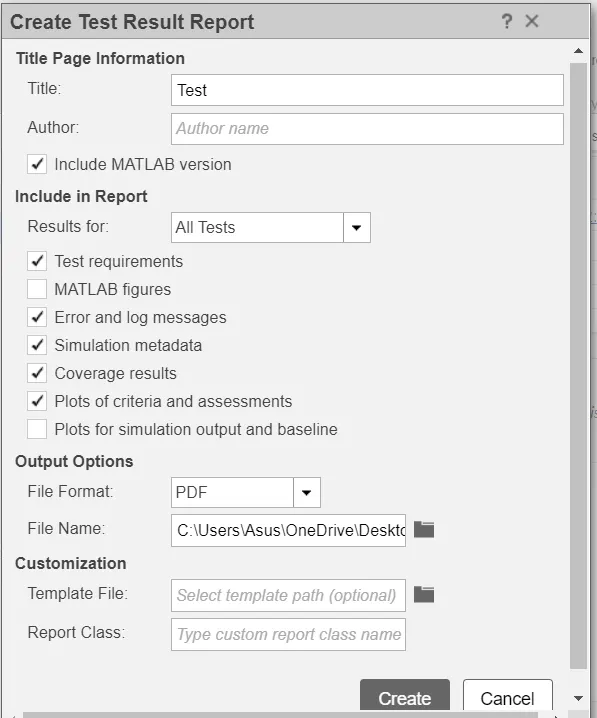
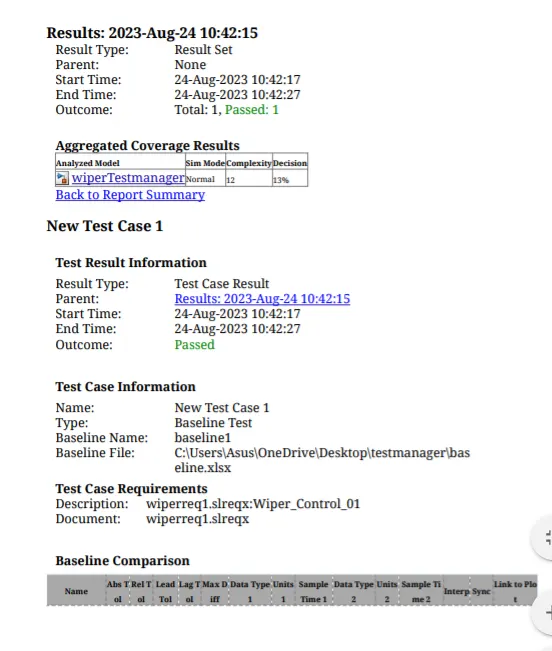
Back to Back Testing
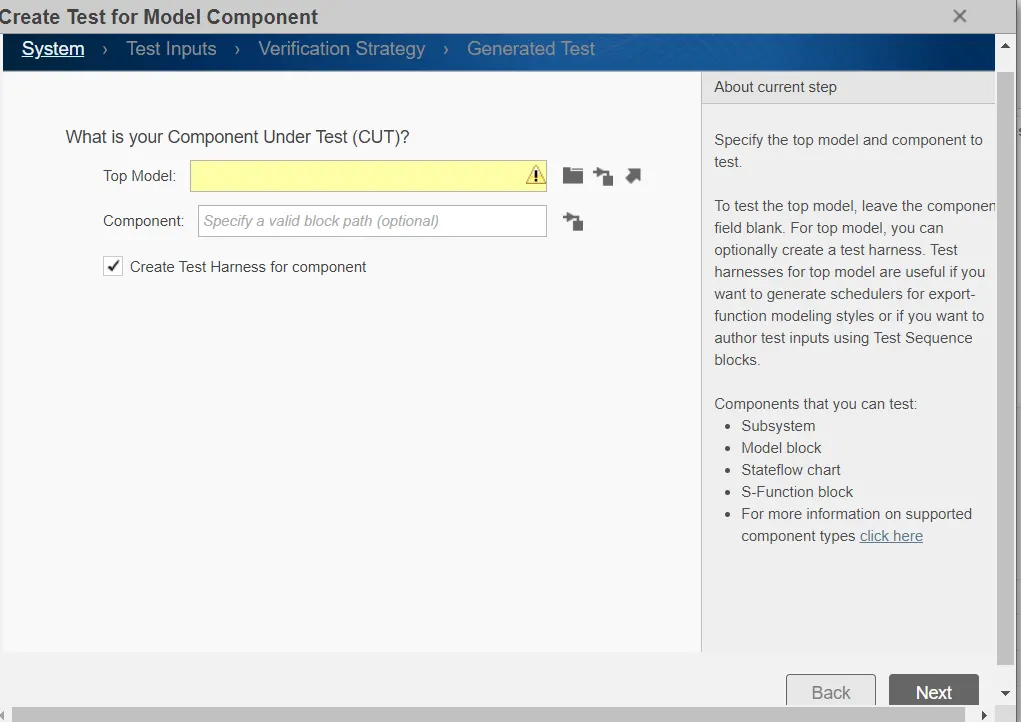
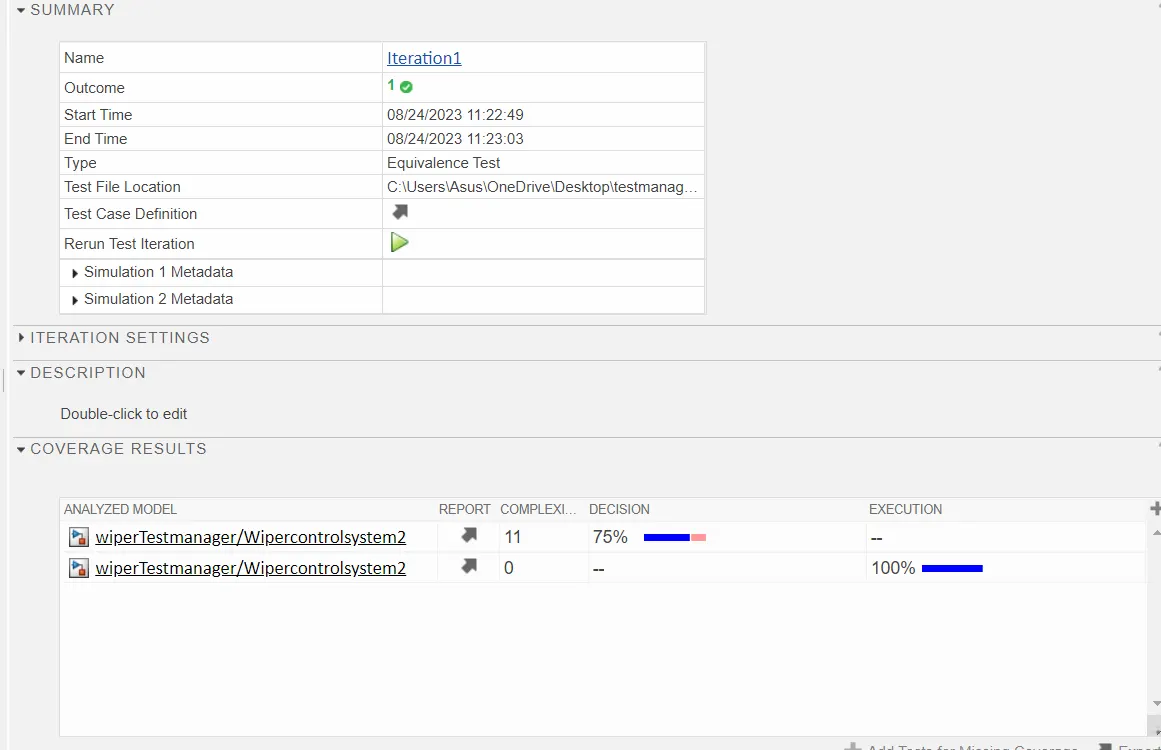
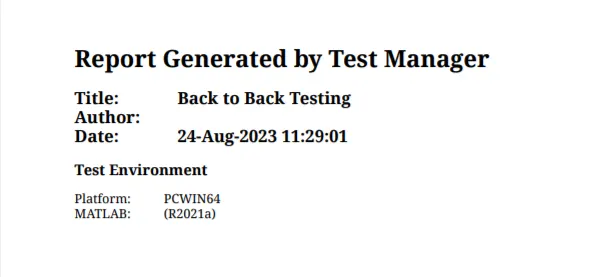
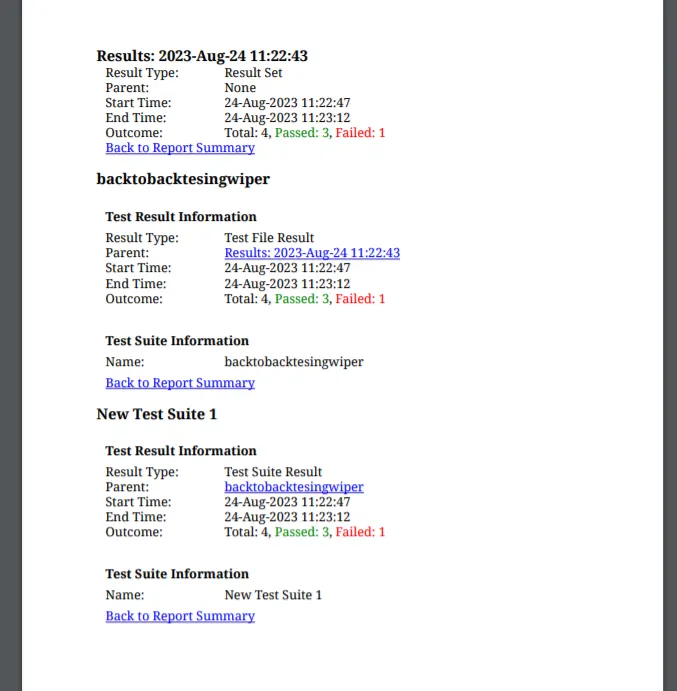
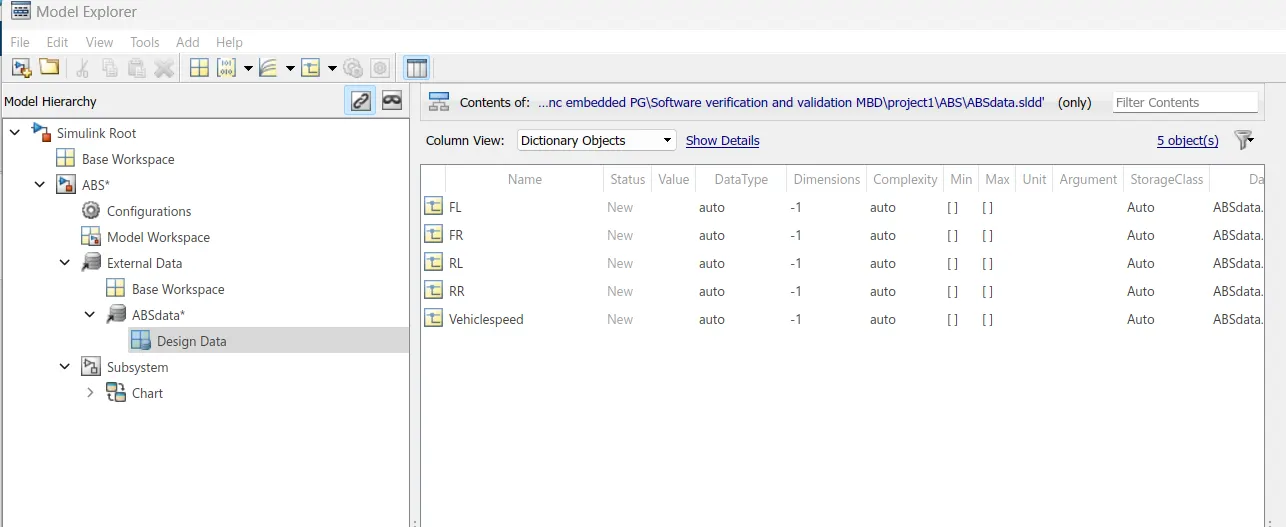
2.Vehicle speed calculation for ABS using Wheel Speed sensor
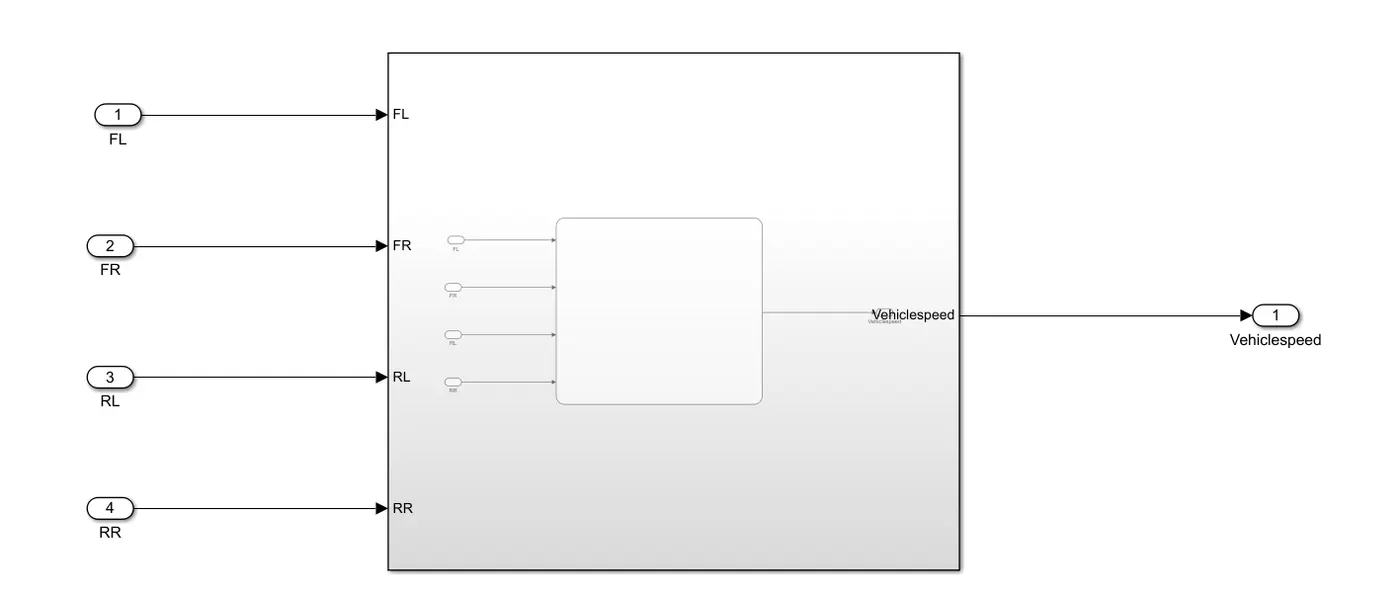
2. Develop Simulink/state flow model for the vehicle speed calculation unit inside the ABS system for the below conditions.
Description of Challenge:
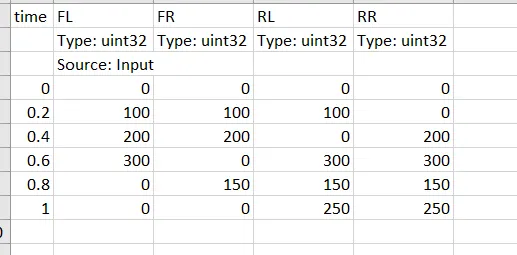
fl, fr, rl and rr are the wheel speeds of front left, front right, rear left and rear right respectively.
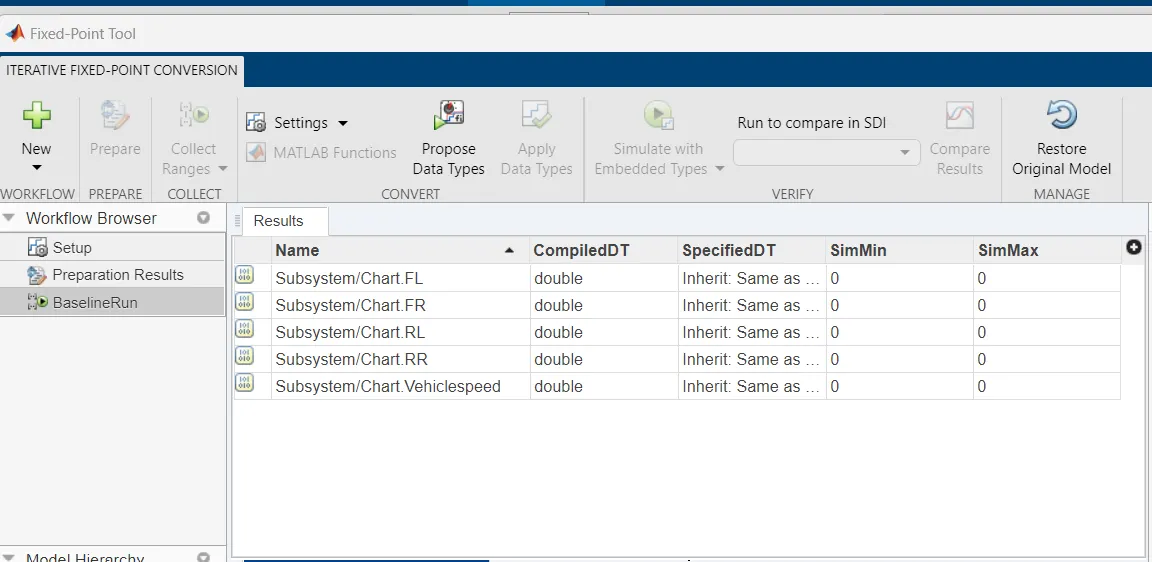
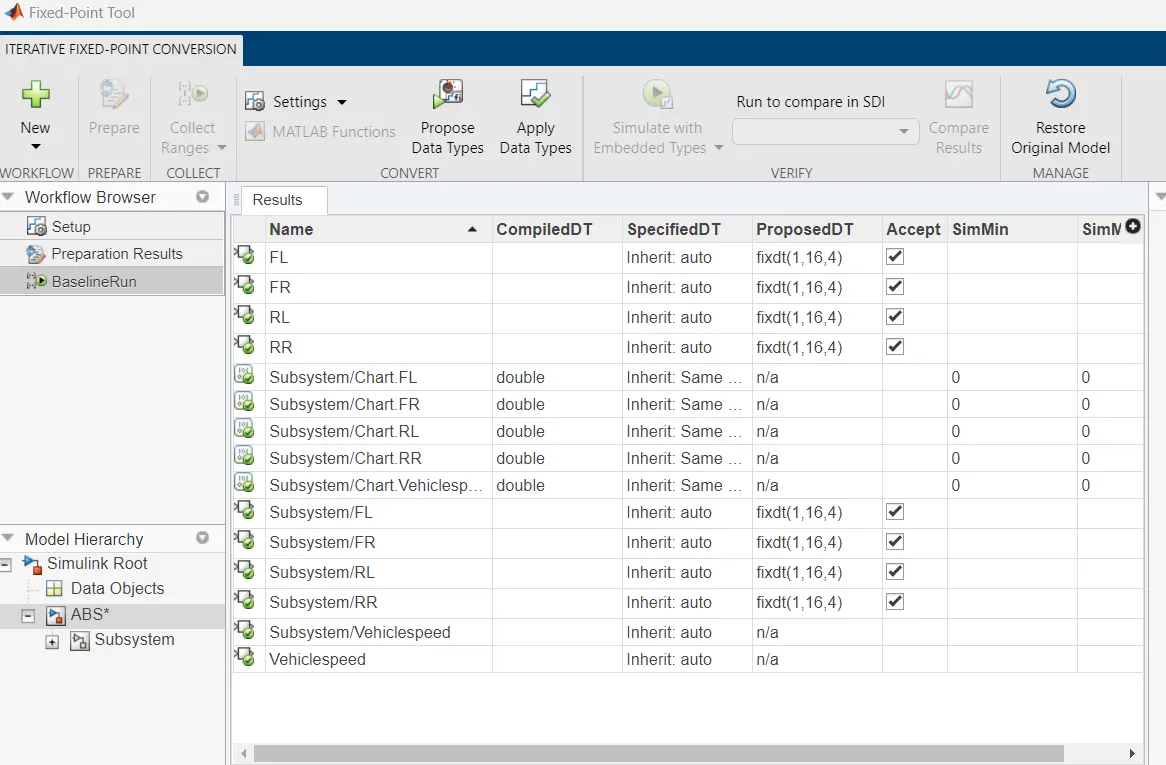
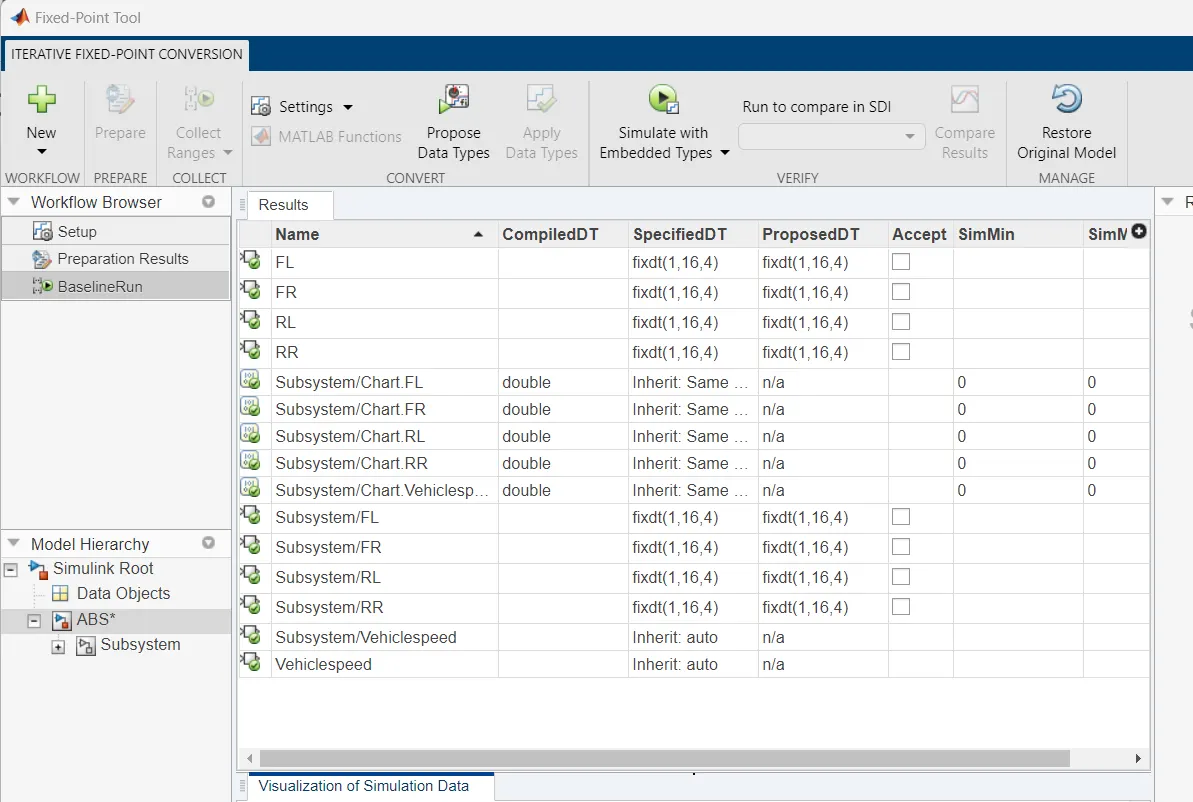
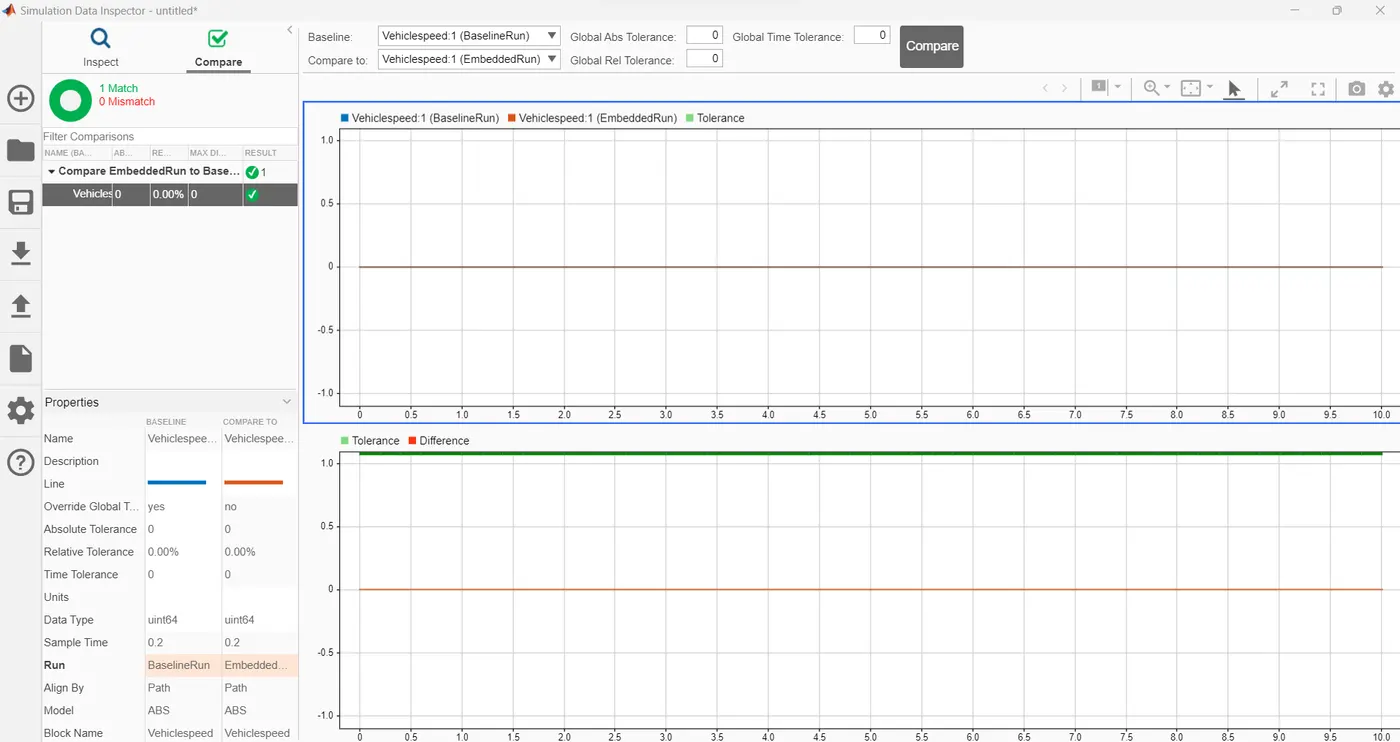
MIL SIL
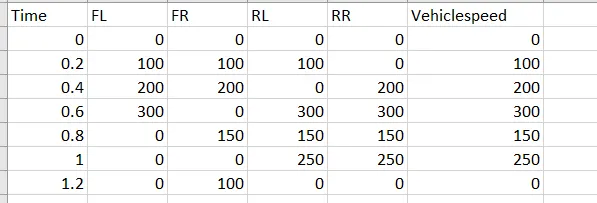
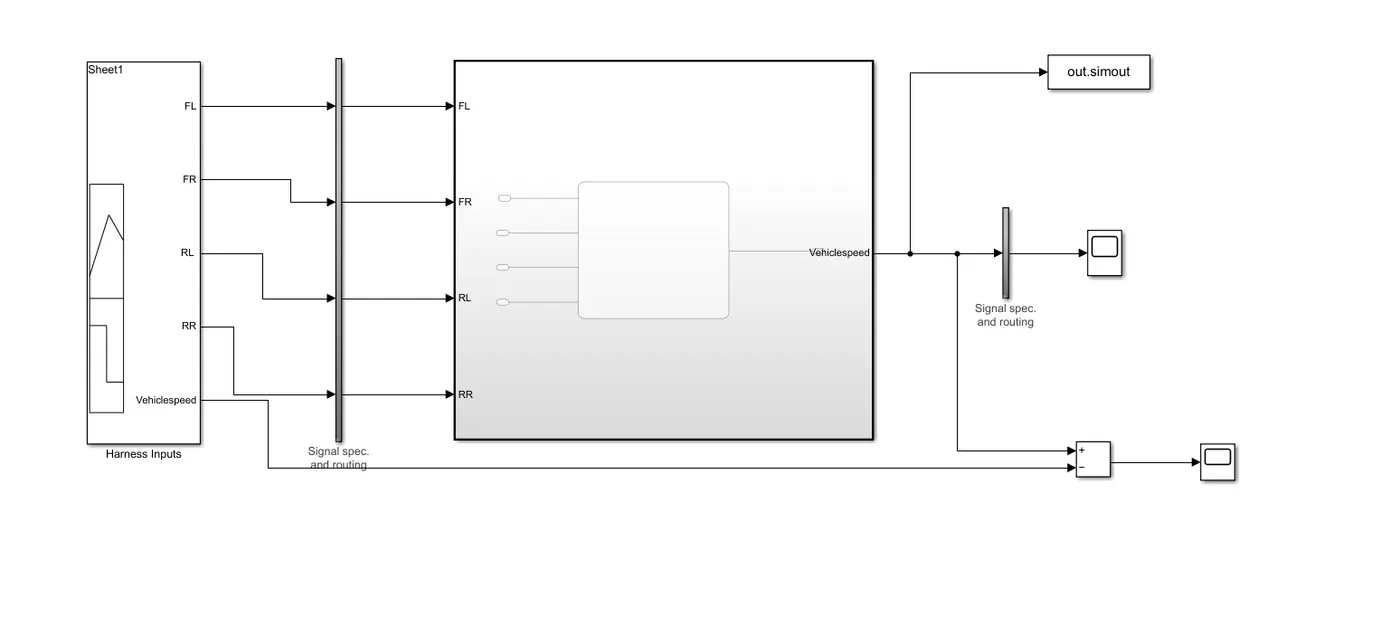
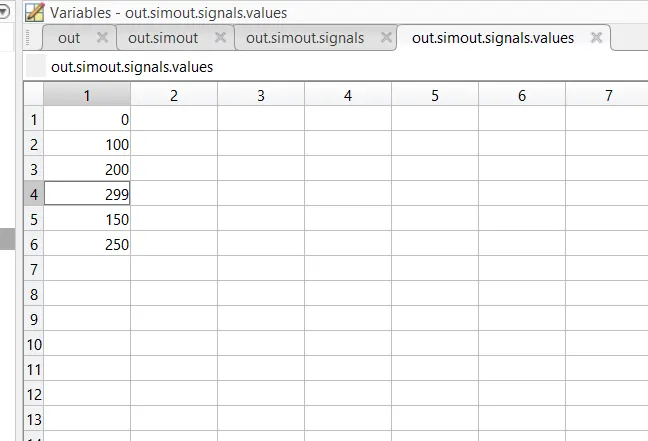
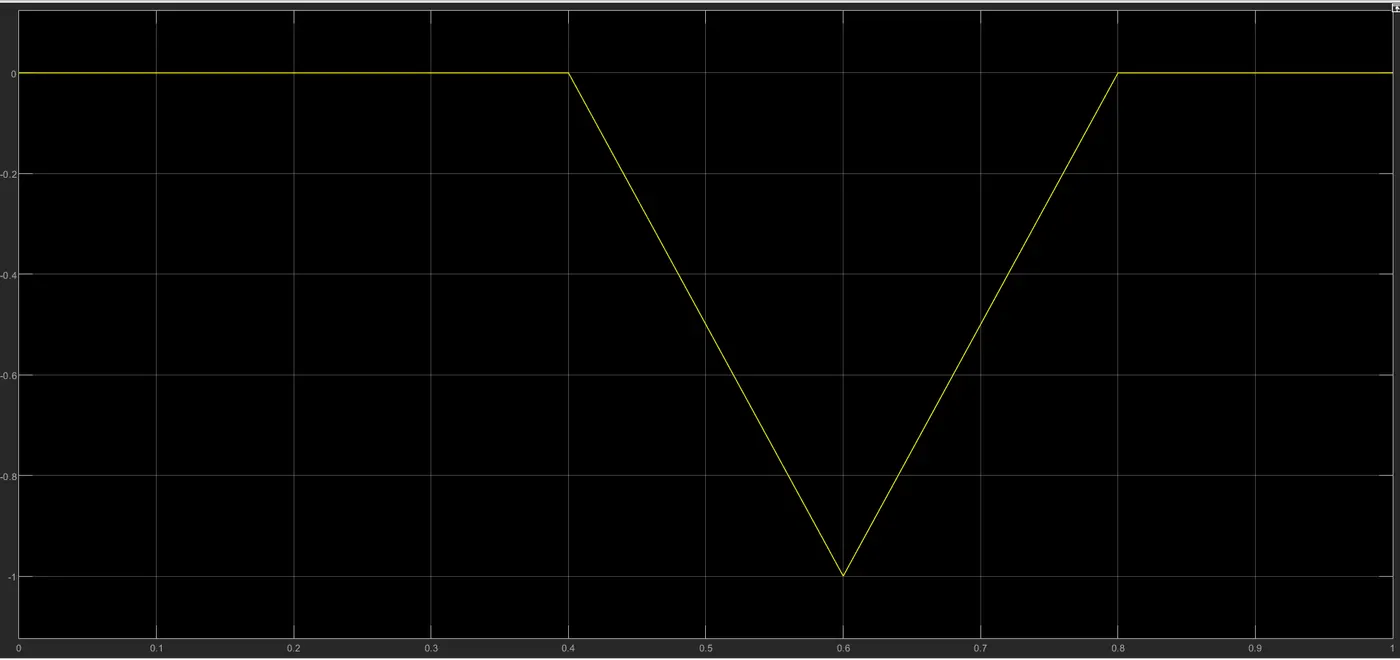
SIL
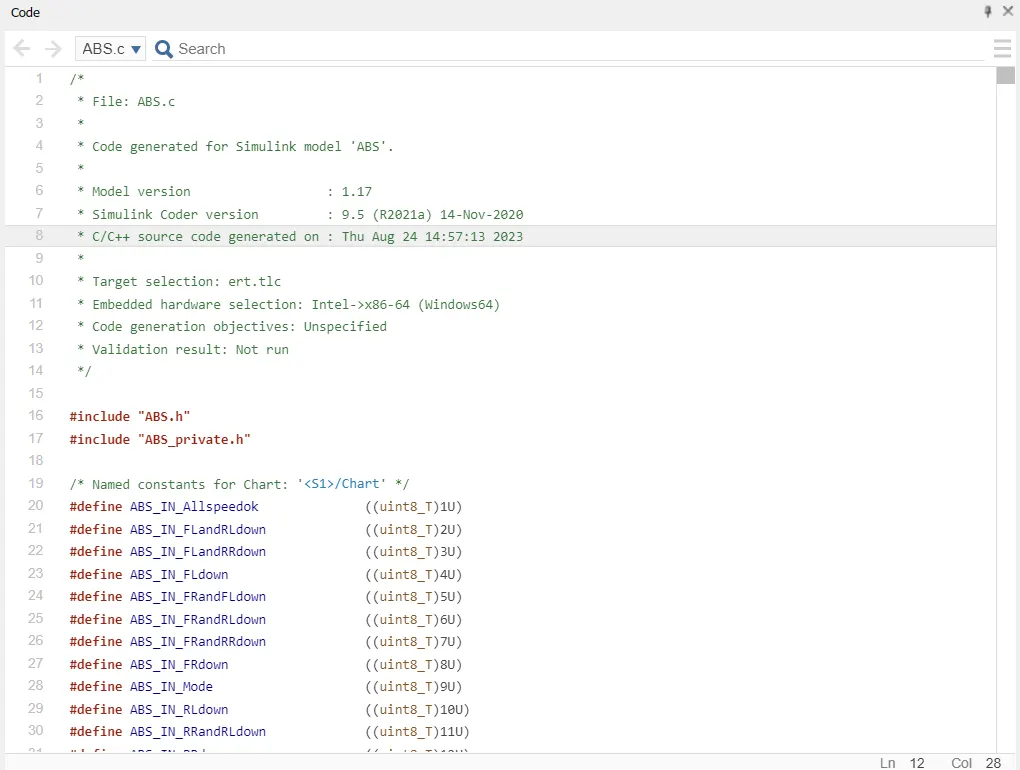
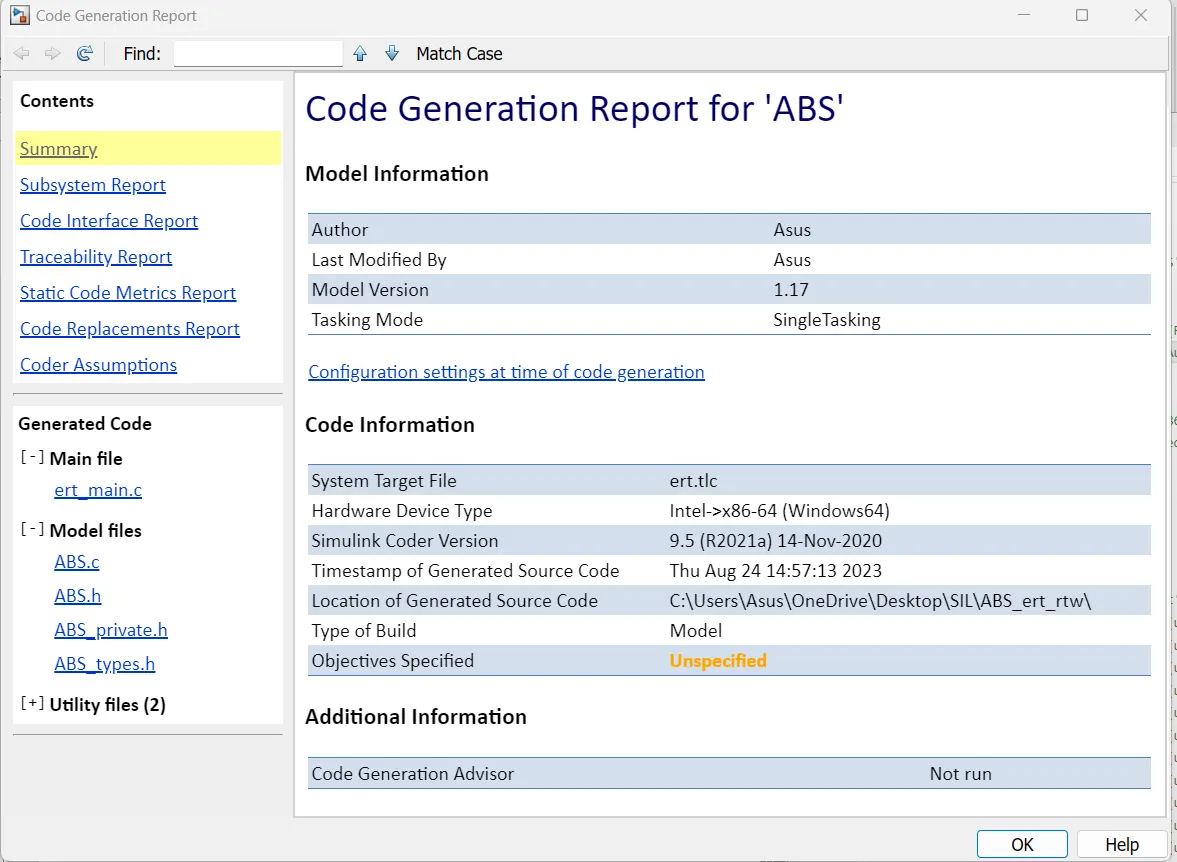
Build code
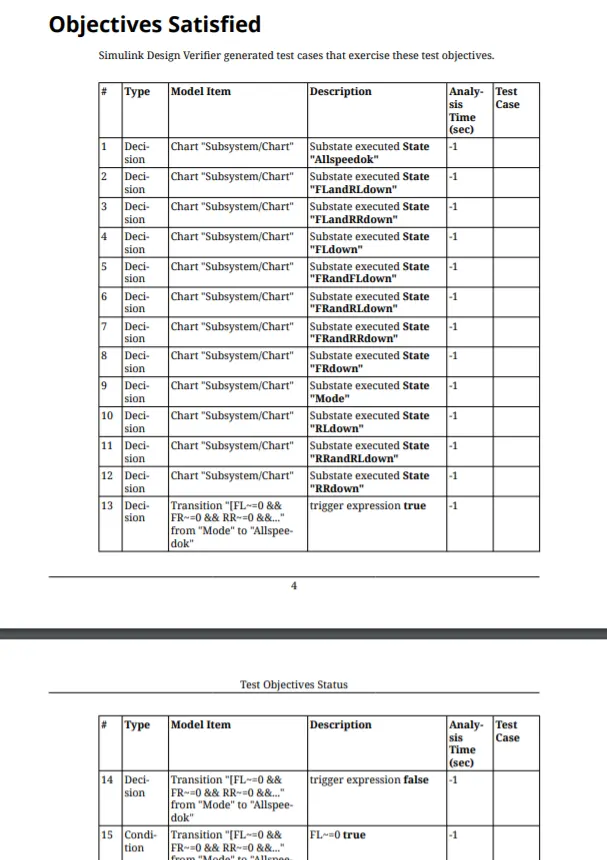
SLDV
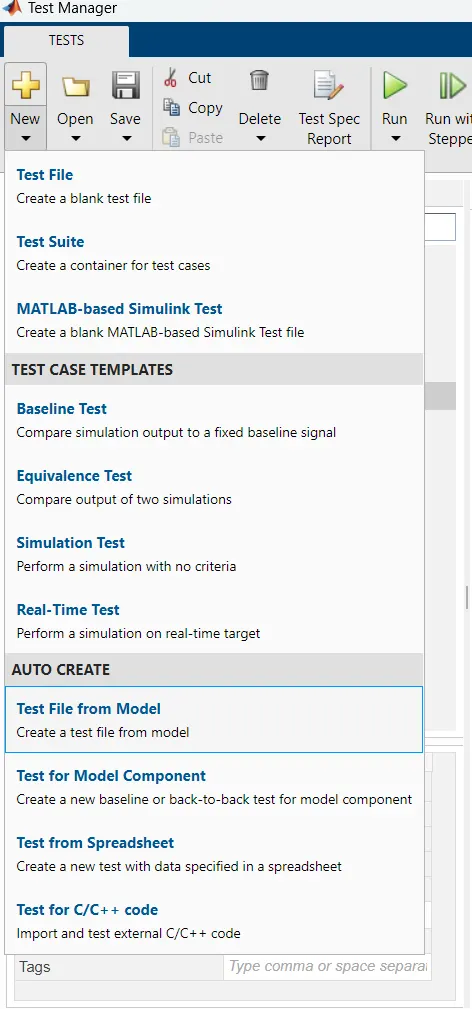
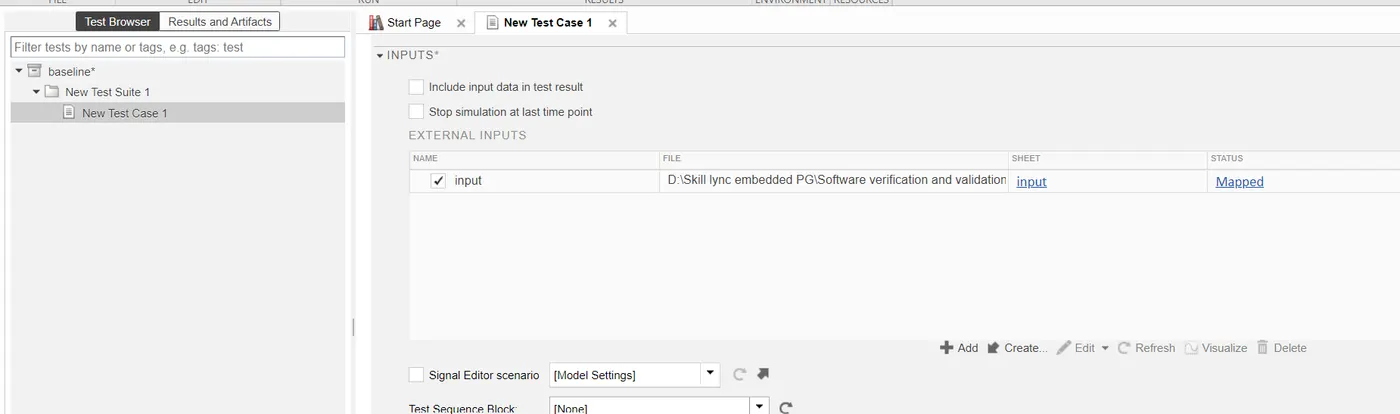
Test Manager
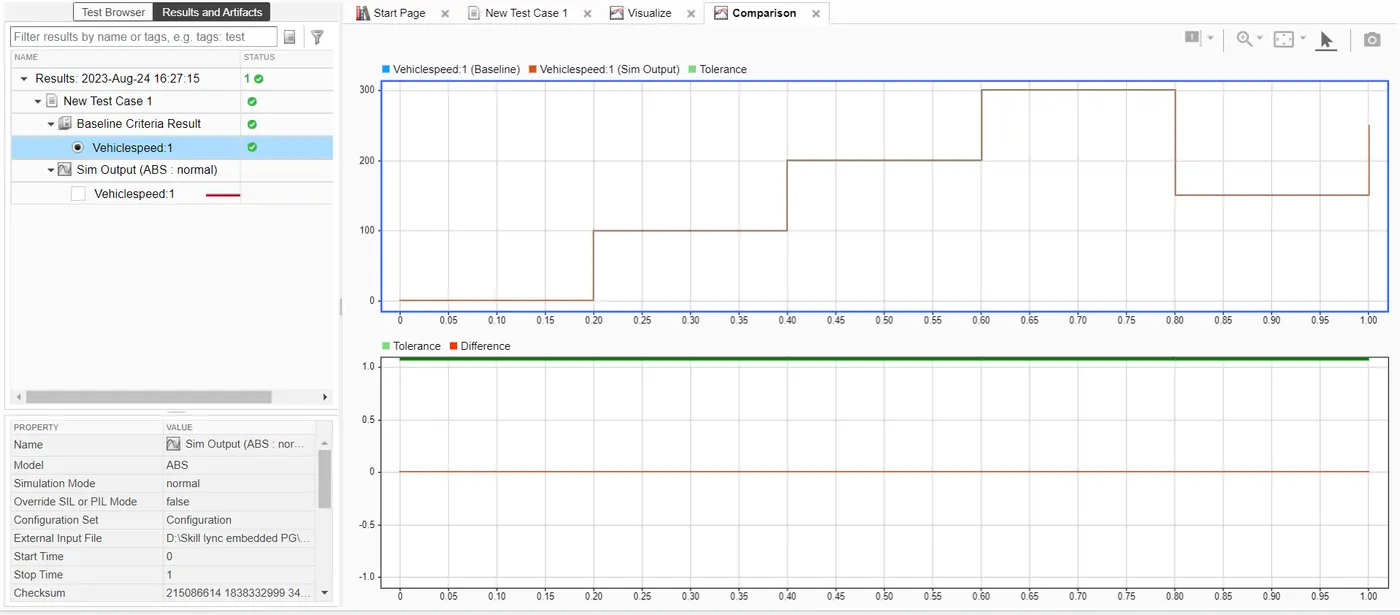
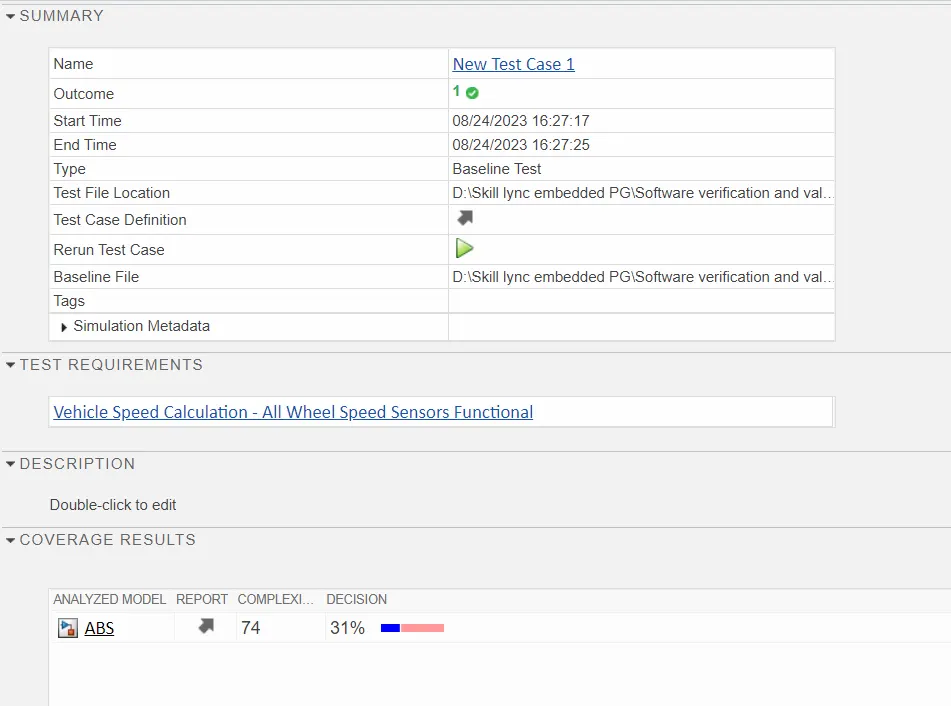
Back to Back testing