Project 1 - V&V SW Analysis - I
INTRODUCTION:
A Test plan to test features of a new mobile phone (Blackbox test) that needs to be implemented based on the following requirements. (The product is still under development stage and is yet to be UA (User Acceptance ) tested .Every other thing to be included in the test plan can be hypothetical.
BLACK BOX TESTING :
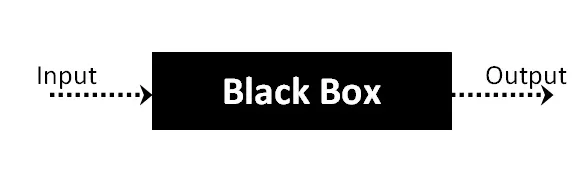
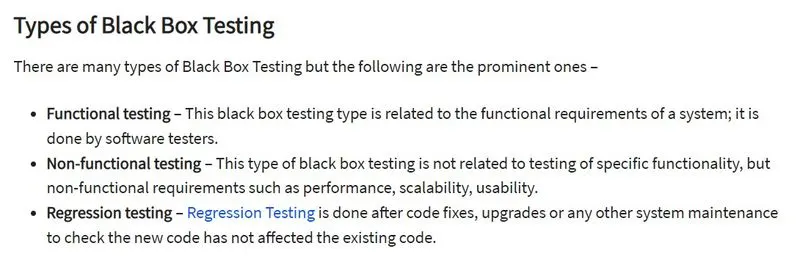
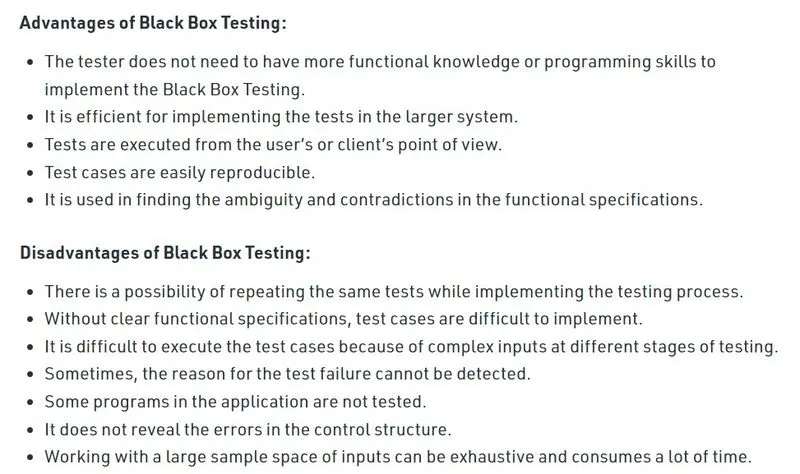
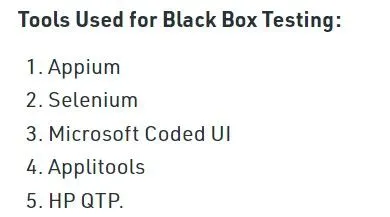
Black Box Testing is a software testing method in which the functionalities of software applications are tested without having knowledge of internal code structure, implementation details and internal paths. Black Box Testing mainly focuses on input and output of software applications and it is entirely based on software requirements and specifications. It is also known as Behavioral Testing.
Purpose: The purpose of this test plan is to outline the testing approach for verifying the features of the new mobile phone.
Scope:
This test plan will cover black-box testing of the following requirements:
i. Long pressing the power button switches on with a company logo at the center of the screen.
ii. Pressing the power button switches on the phone with all app icons in a grid.
iii. The first icon at the bottom bar of the screen is the "call the phone" icon.
iv. The second icon at the bottom bar of the screen is the "Dictionary" icon.
v. Clicking the "call the phone" icon displays all contacts in chronological order.
vi. Clicking the "Dictionary" icon displays a search bar to search for meanings of words.
vii. Long pressing the power button displays a "Goodbye" message and switches off the phone.
viii. The font is always "calibri (Body)" with a size of 12.
ix. The UI is touch responsive.
x. The mobile phone has no hard buttons.
Test Environment: The test environment for this testing plan is hypothetical and will be determined during the actual testing phase.
Test Cases:
a. Long press power button to switch on with company logo at center of screen.
b. Press power button to switch on phone with app icons in a grid.
c. Verify that the first icon at the bottom bar of the screen is the "call the phone" icon.
d. Verify that the second icon at the bottom bar of the screen is the "Dictionary" icon.
e. Click on "call the phone" icon and verify that all contacts appear in chronological order.
f. Click on "Dictionary" icon and verify that a search bar appears in the center of the screen.
g. Long press power button to switch off with "Goodbye" message displayed.
h. Verify that the font is always "calibri (Body)" with a size of 12.
i. Verify touch responsiveness of the UI.
j. Verify that the mobile phone has no hard buttons.
Test Data: Test data will be determined during the actual testing phase.
Testing Deliverables:
Test plan document
Test cases
Test data
Test results
Test Schedule: The test schedule will be determined during the actual testing phase.
TEST PLAN PROTOTYPE FOR GIVEN REQUIREMENTS:
1. if(owner long presses the power button)
{
switch on with company logo at the centre of screen;
}
2. else if(customer presses the power button)
{
switch on and open icons of all apps in grid;
}
3. else if(owner power on the phone)
{
shows call the phone icon as first icon at the bottom bar of screen;
}
4. else if(owner power on the phone)
{
shows Dictionary icon as second icon at the bottom bar of screen;
}
5. else if(owner click on call the phone icon)
{
contacts appears in chronolgical order;
}
6. else if(owner click on Dictionary icon)
{
search bar appears at middle of the screen ;
}
7. else if(owner long press power on button)
{
displays Good-Bye and gets switched off;
}
8. else if(owners phone font)
{
always in calibri with size of 12;
}
9. else if(customer requirement UI touch responsive)
{
Responds when UI is touched;
}
10. else (customer requirement no hard buttons)
{
touch screen sensitive;
}
