Project 1-Meshing of Rear Wheel Holder challenge
OBJECTIVE: The aim is to develop the midsurface and then mesh the given component as per the given criteria.
PROCEDURE:
- First the given cad model is imported into the HYPERMESH module and check if we can do any geometry clean up, it is not advisable to do geometry cleanup on the main component.
- Directly get the midsurface for the given component and then using the midsurface option by using the offset midsurface extraction option in the geometry module.

- After getting the midsurface geomery cleanup should be done using the quickedit option in the geometry module.
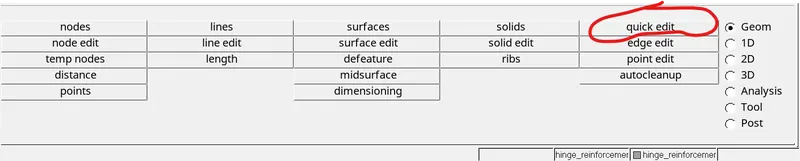
- By using the toggle lines, add/remove points, delete surface and then recreate the midsurface using the given component, replace points and release points option are used to do the geometry cleanup.

- A small feature which are failing the minimum length criteria can be avoided.
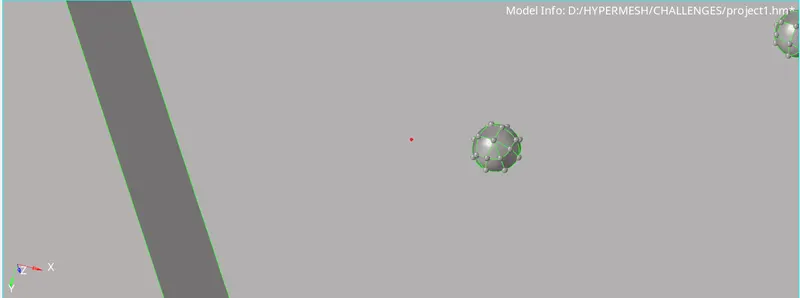
- After doing the geometry cleanup we need to mesh the midsurface using the automesh option in 2D module.

- Then based on the given quality criteria we need to check elements which are failing and then we need to do the repair by using the Quality index option, Rebuild option, smooth option,etc., in the 2D module
- Reduce the number of elements failed by using these options and also remove the triangles near the free edges and construction lines.
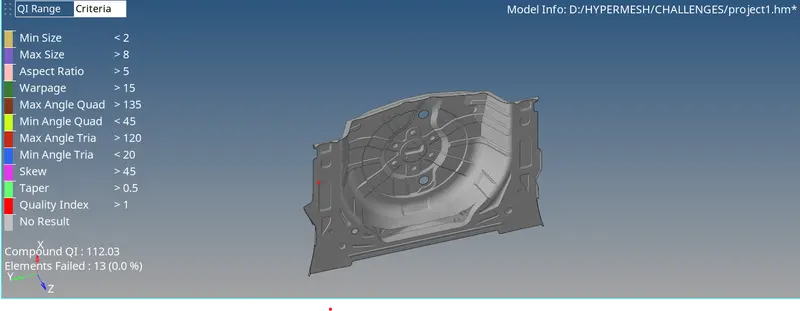
LEARNING OUTCOMES: I have learned how to extract midsurface using the offset option and mesh the component, i have learnt how to do the good mesh flow using the quality index option.
CONCLUSIONS: The midsurface extraction and meshing has been done by reducing the elements as less as possible.