Project 1-Meshing of Rear Wheel Holder challenge
OBJECTIVE: To extract the mid surface of given component and mesh the component under given quality criteria and assign thickness.
GIVEN MODEL:
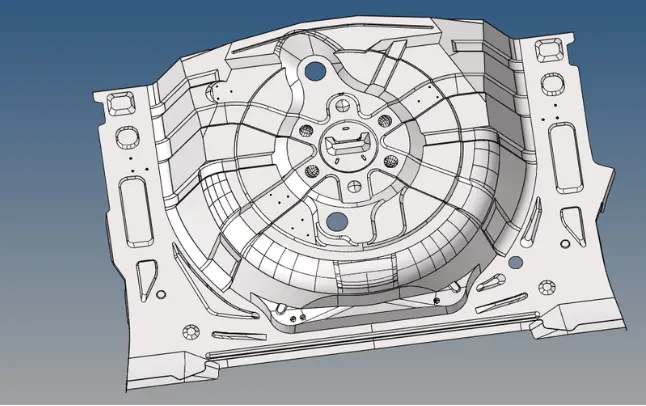
PROCEDURE:
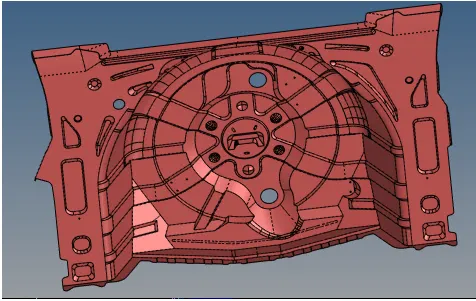
Import CAD Model:
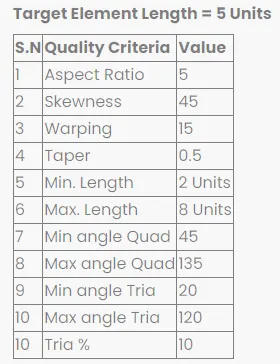
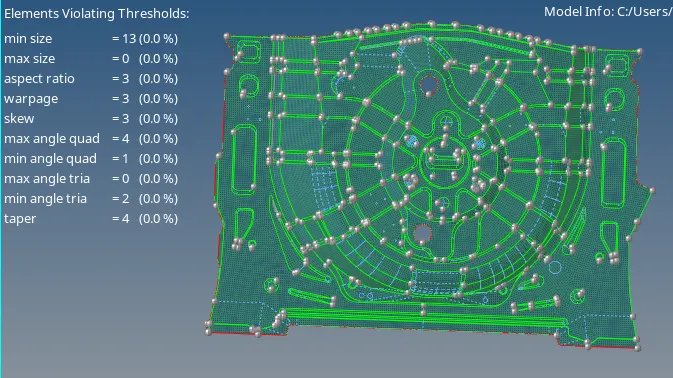
Quality Criteria for Rear Wheel Holder Component:
Midsurfacing extraction:
Mid-surface can be extracted by any of the 4 methods below.
- Offset + plane + sweep.
- Offset + plane.
- Offset
- Skin Offset.
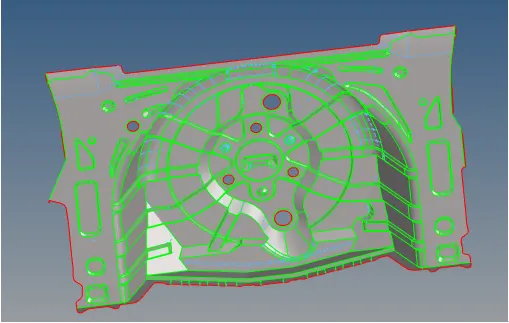
- To extract the mid-surface, go to geom ->> mid-surface ->> select any extraction option ->> select the surface ->> extract. In this project offset + plane + sweep is used.
- After extracting the mid-surface, it is checked for any geometrical errors like needle faces, missing surfaces and triple cons. If any of the errors present then it should be rectified immediately.
- Now the properties like thickness, Material etc. need to be assigned to the mid-surface. To assign the properties, select model in database and right click and choose create and then property.
- Now all the properties are entered in the property tab and the properties are assigned to the respective mid-surfaces.
- To assign the properties to mid-surface, right click on the mid-surface and then select assign and select the respective properties which needs to be assigned.
Meshing:
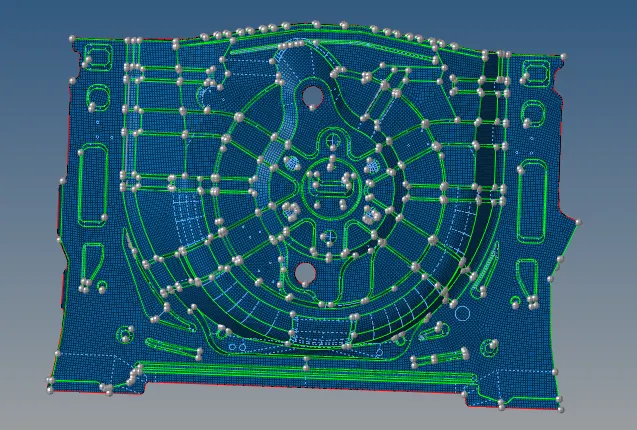
- We mesh the mid surface by element size as 5 and mixed elements.
- First we should start from complex surface to get good mesh flow.
- While meshing we should maintain the tria percentage as low as possible.
- We can maintain trias in the direction of the mesh flow.
- We should avoid opposite trias.
- Use REBUILD option for getting better mesh.
- Split the surface before start meshing it gives good mesh and fine flow.
Quality index:
Assign various thickness for each parts:
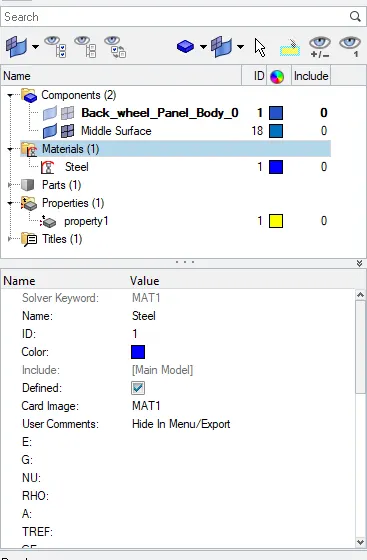
- First we need to create PROPERTY and MATERIAL before assign thickness.
- Right click on tab area and select create then Property.now new property is created.
- After creating property rename it and give material, thickness, card imeage,etc...
FINAL MODEL:
RESULT & CONCLUSION:
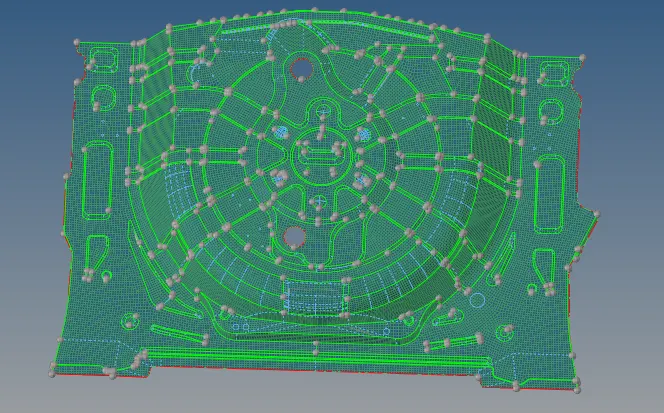
2D Shell mesh is done for given model under given criteria and thickness assigned succesfully using Hypermesh. Learned the mesh and feature capture for complex component.