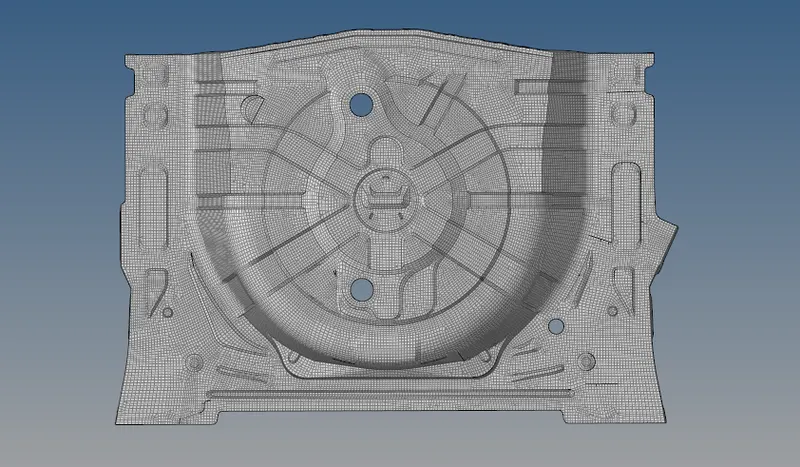
AIM: Extracting the mid surface of the rear wheel holder and meshing the surface with
     given quality criteria.

PROCEDURE:

   1. Imported the model 0f rear wheel holder in IGES file to hyper works.
   2. Model was checked throughly for any deformations or missing sufaces.
   3. Since the model contain number of topology errors ,Topology was done.
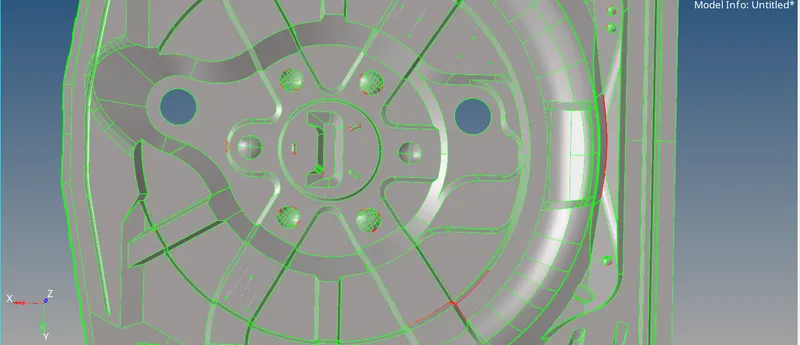
4.Topology is done by using toggle option and creating feature lines by using split
  option.
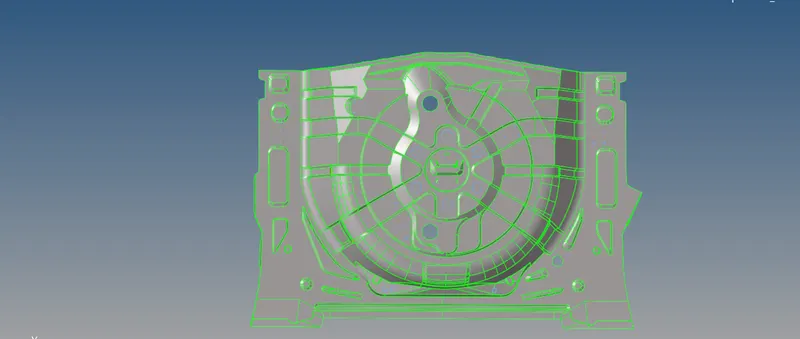
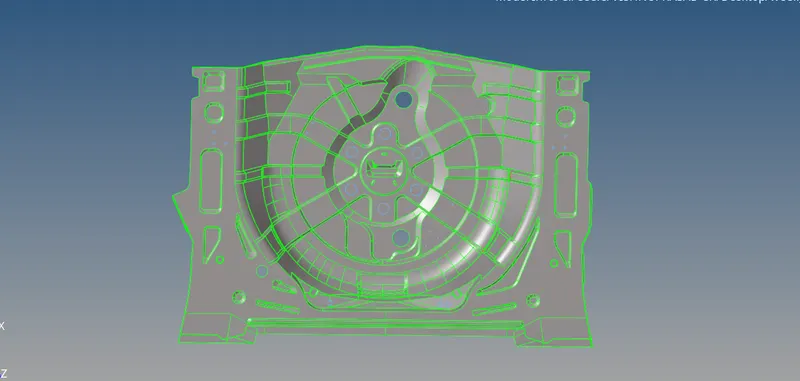
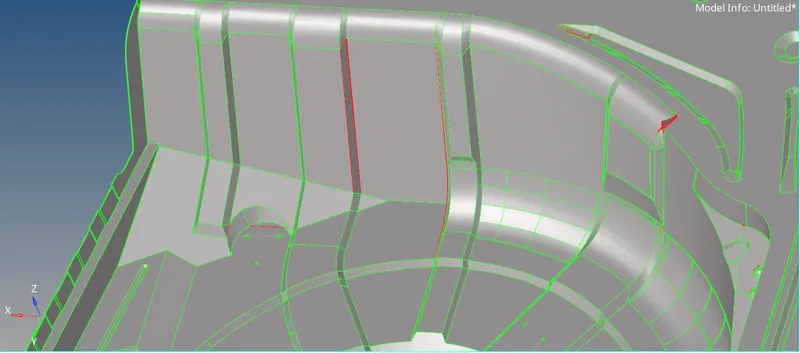
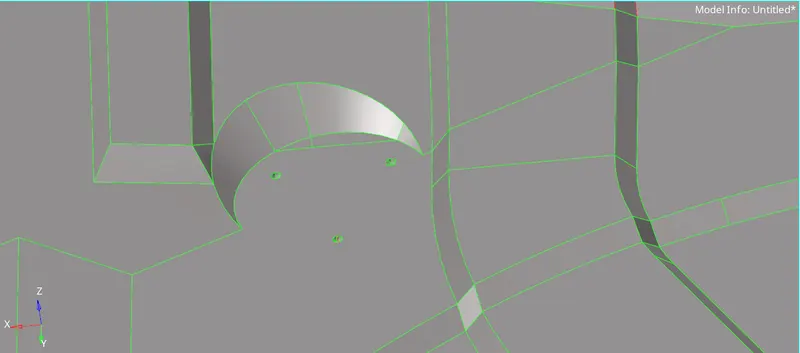
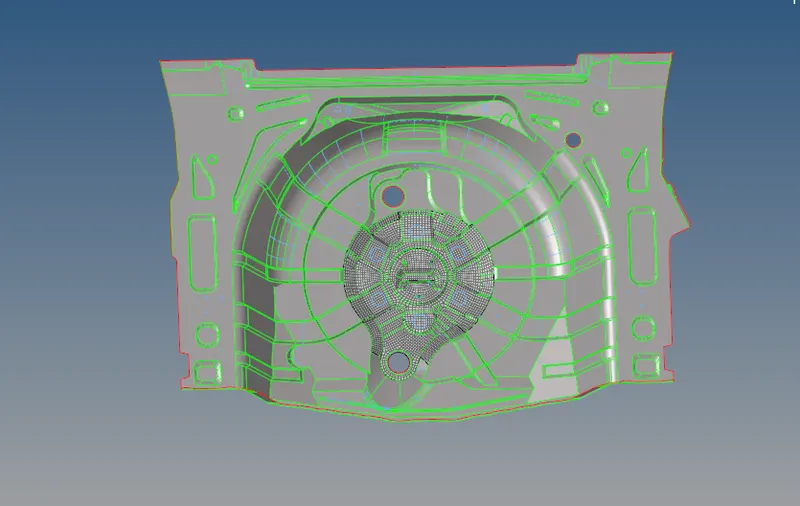
5.After removing all the single cons and doublee cons,Mid surface of the component is taken by using offst method from mid surface option in geometry.
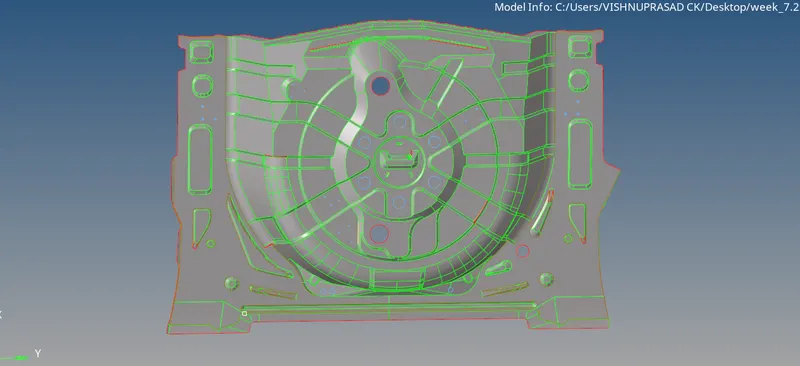
6.Mid surface was checked for any missing surfaces or deformations.


7. Mid surface had missing sufaces,which was created by using spline tool from 2D and
   Ruled option from surface in geometry.
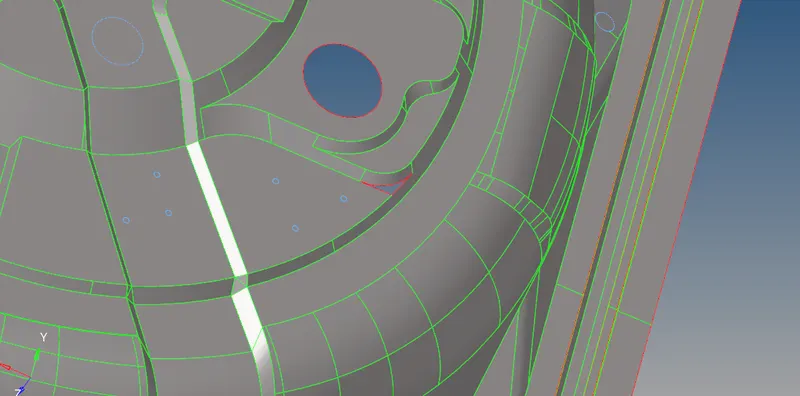
8.Mid surface also contained number of single cons and triple cons and had some deformations  from the parent geometry.

9. All the error where rectified using toggle tool from Suface edit,split suface from surface edit etc
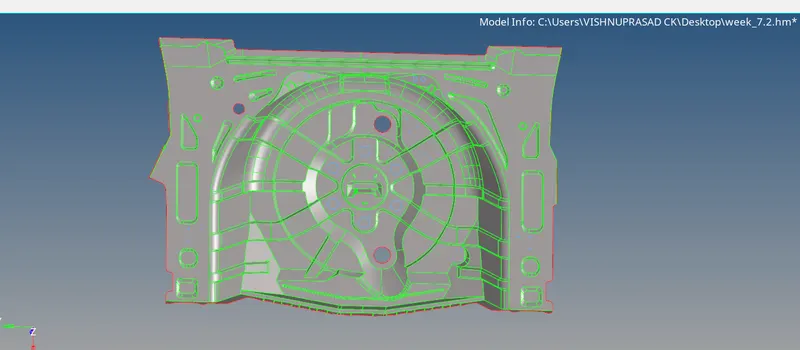
10. Geometric clearance of mid surface was done by supressing the unwanted feature lines
    and creating the feature lines for better meshing
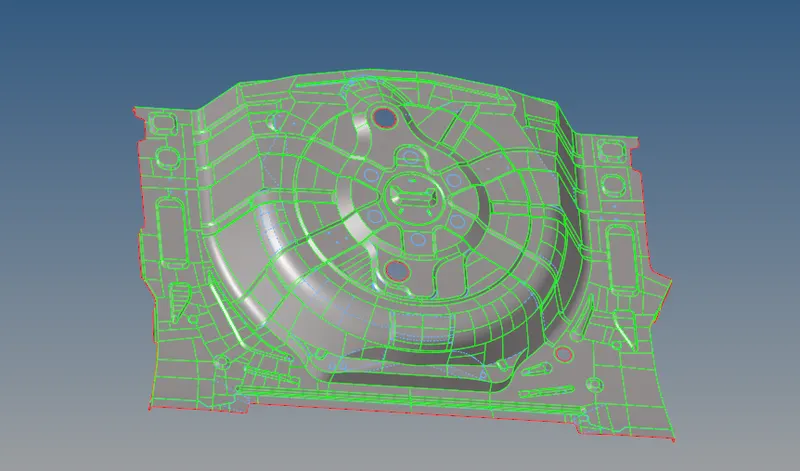
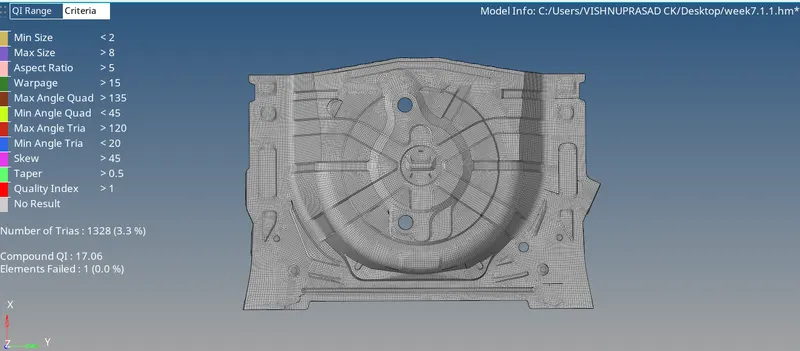
11. Quality criteria for the meshing was given in criteria file setting in preference option
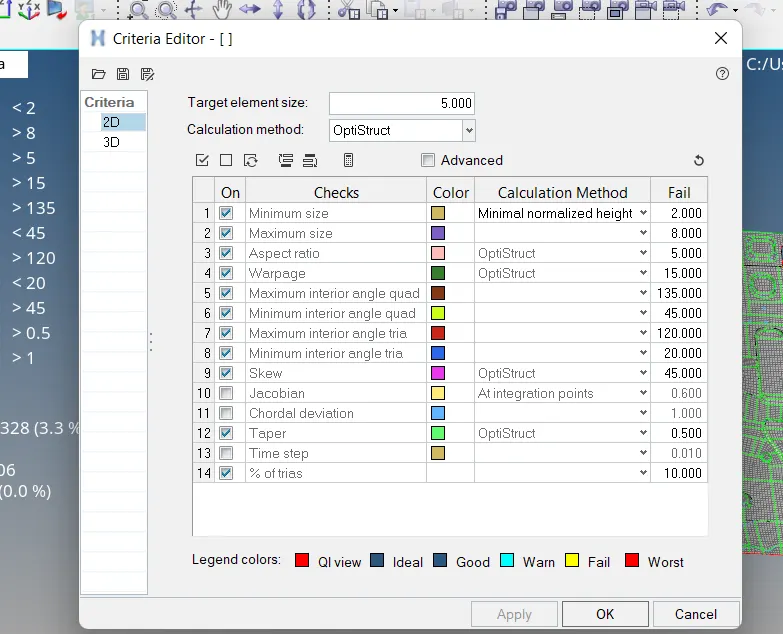
12. Meshing of the mid surface was done by using auto mesh option in 2D of quad and tria.
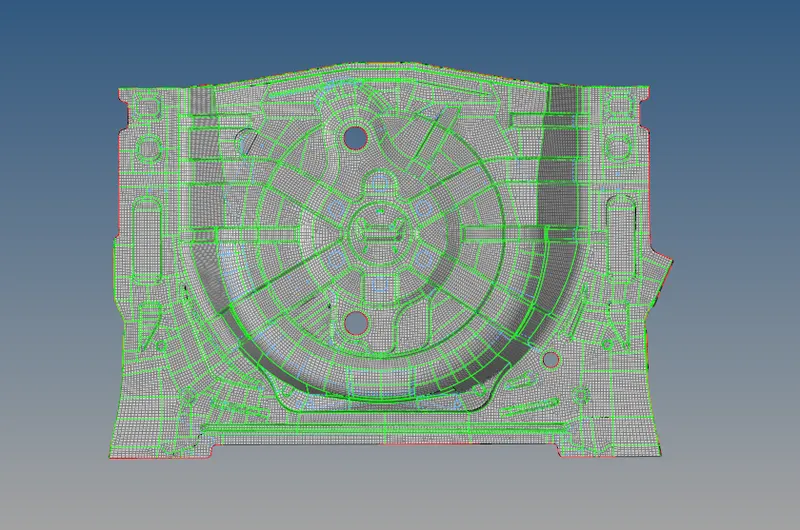
13.Some of the elements failed in quality was corrected by using place node option, swap edges option, splitting to tria option of quad option from Quality index option.
RESULT:
       Final mesh model was obtained without any error in elements.