Project 1 - Meshing of Floor Panel
Objective:For the given model, Take the mid surface after checking the geometrical errors and mesh the mid surface with the given element Quality criteria. (Refer the table Below for the Quality criteria)
Target Element Length = 5 Units
| S.N | Quality Criteria | Value |
| 1 | Aspect Ratio | 5 |
| 2 | Skewness | 45 |
| 3 | Warping | 15 |
| 4 | Taper | 0.5 |
| 5 | Min. Length | 2 Units |
| 6 | Max. Length | 8 Units |
| 7 | Min angle Quad | 45 |
| 8 | Max angle Quad | 135 |
| 9 | Min angle Tria | 20 |
| 10 | Max angle Tria | 120 |
| 10 | Tria % | 10 |
Solution:
First open the file by going to File-Open
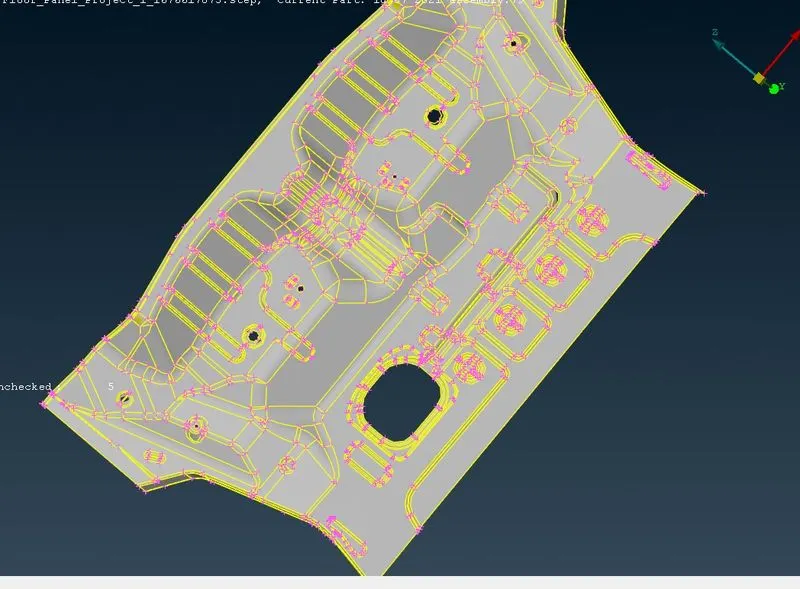
Now,After opening the file select the whole component and do Topo option (it connect the cons if they are not connected)
Now,check for any geometrical errors by going to Tools-checks-geometry Or search check on search box
now,click on execute and if there are any errors just right click on them and click on fix.
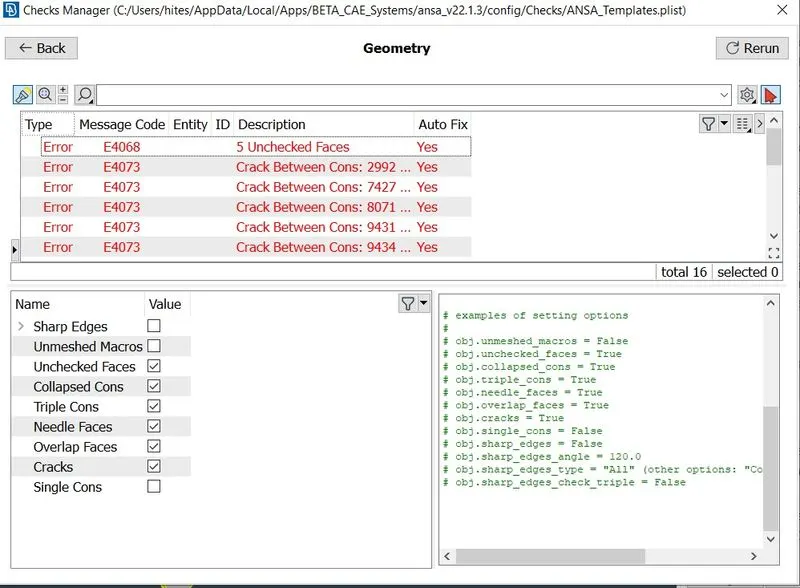
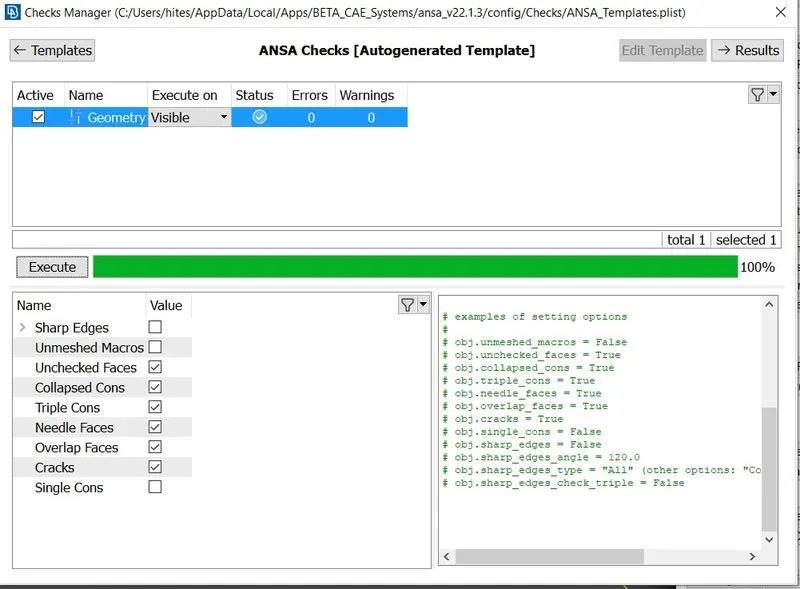
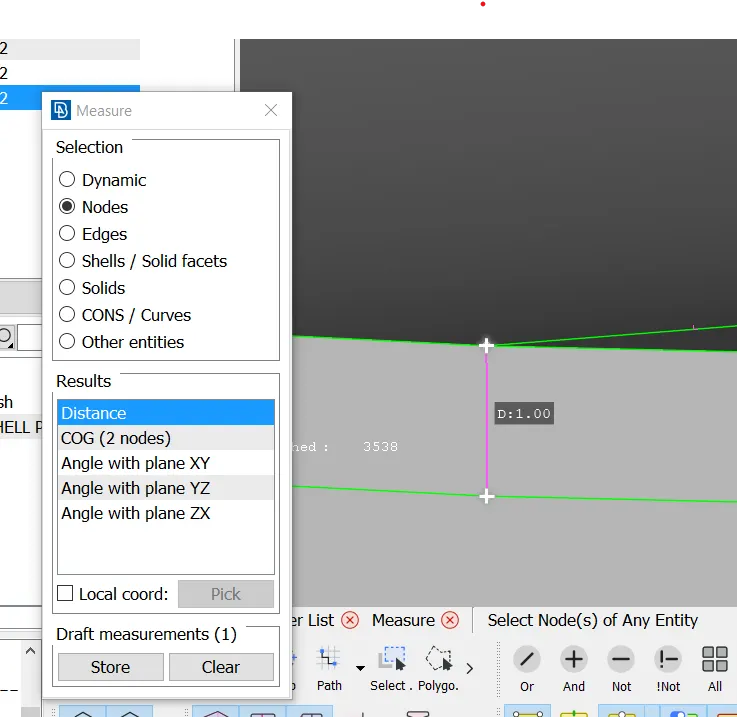
Now,check the thickness by going to Utilities-measure-Nodes
Thickness:1 mm
Now,For Middle Surace and mesh ,I have Used Casting mesh
In Casting Mesh It will generate mesh directly without creating mid_surface
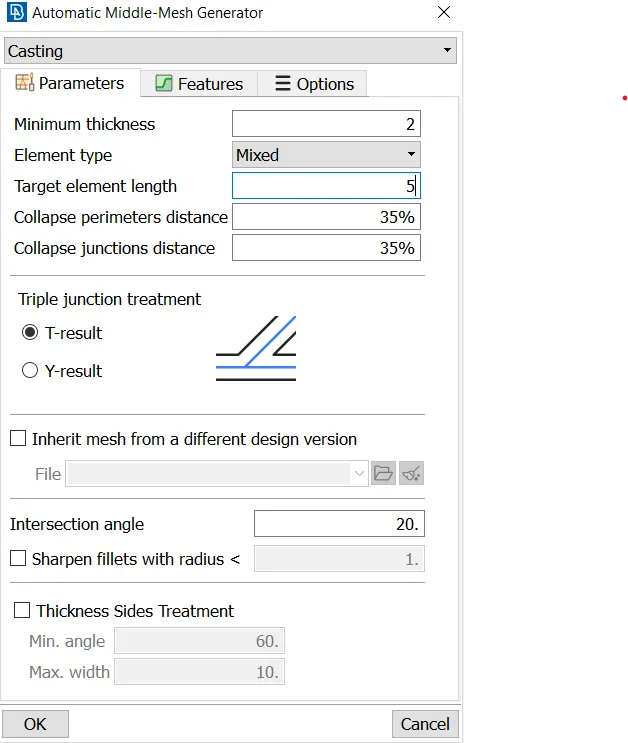
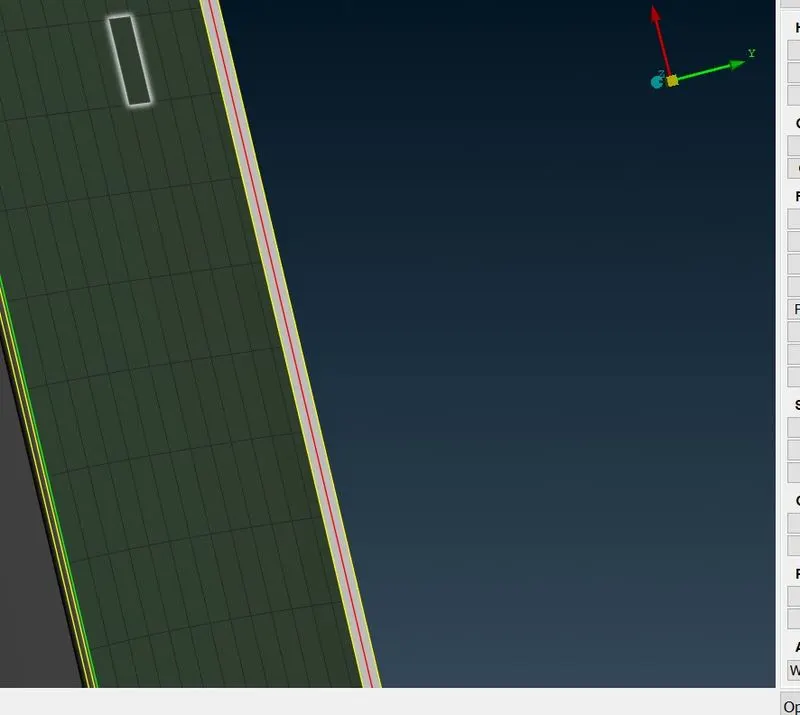
mesh is Generated.
Set PID
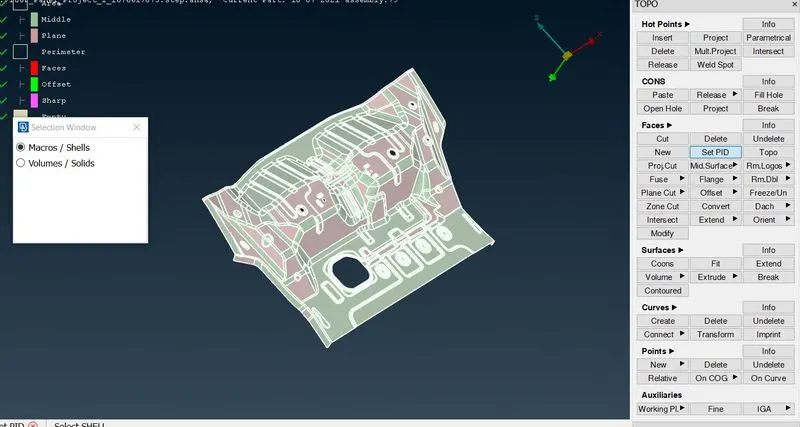
Assign_thickness=1mm
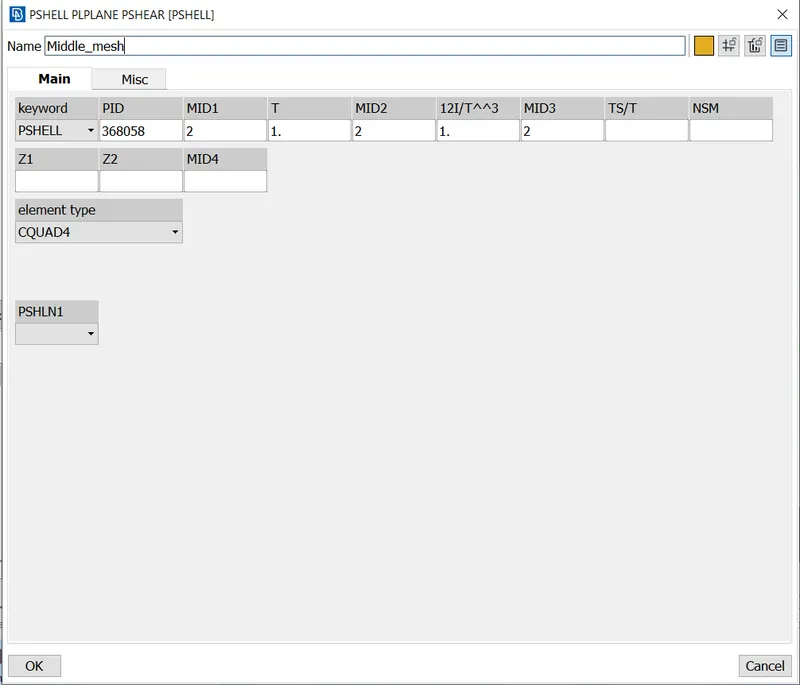
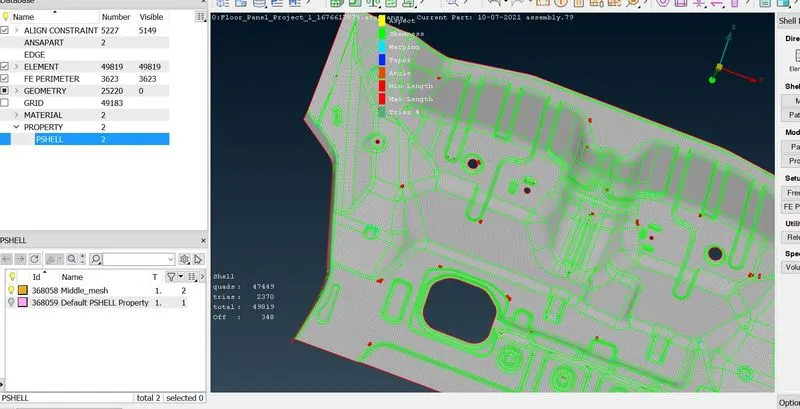
There are 340 off elements now We have to clear it.
we can Clear These Off Elements by these methods
Reconstruct in Shell Mesh
Smooth in Shell Mesh
Used Split,swap option in Elements to remove trias.
Paste Option to move trias.
Avoid Rotating Quads.
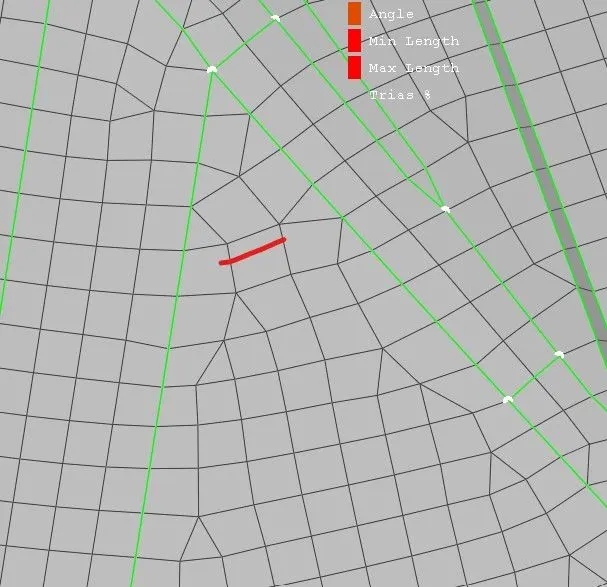
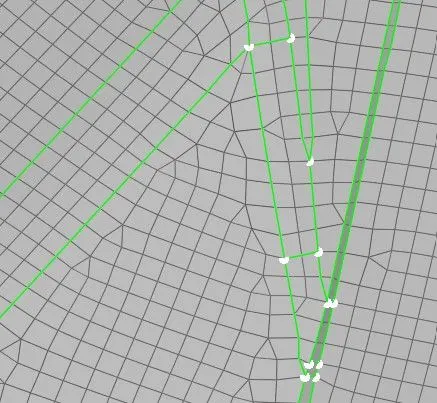
Rotating_Quad solved
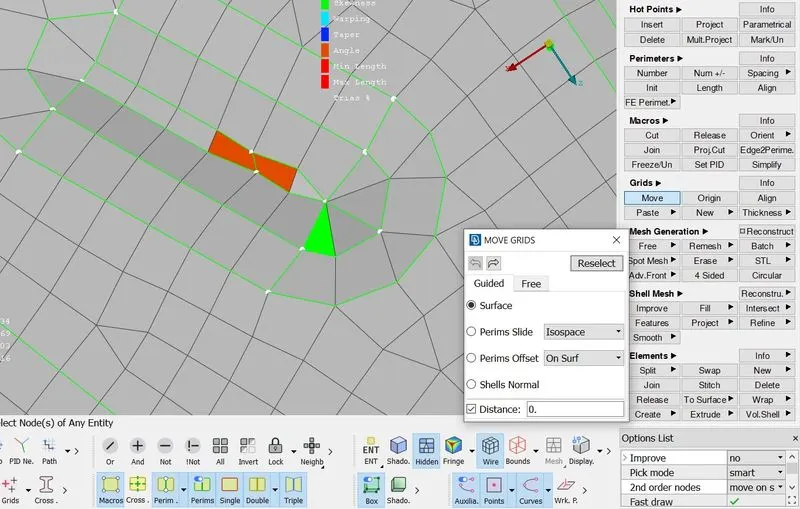
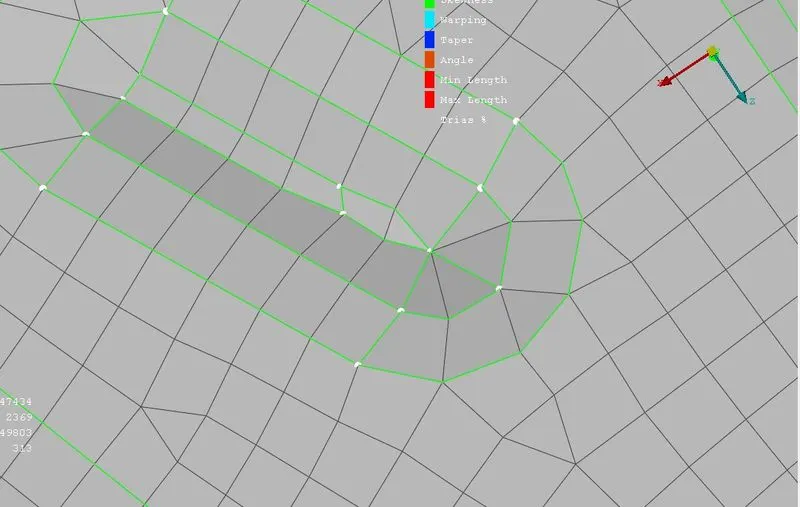
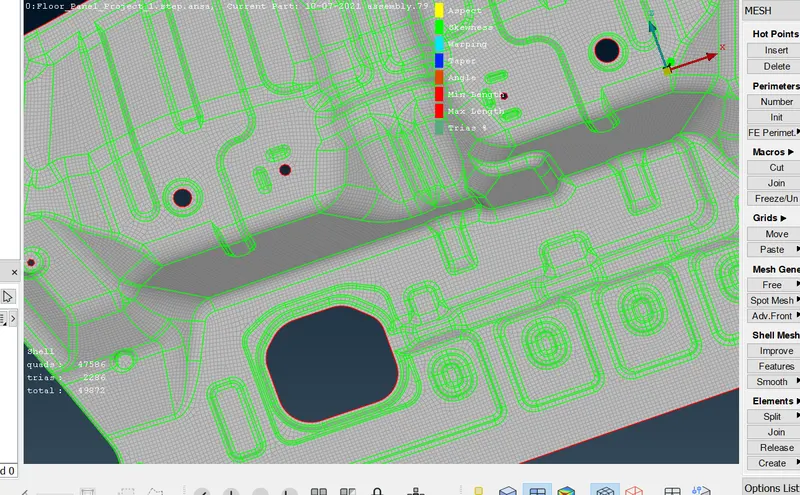
Mesh Done with Zero Off elements.
Conclusion
Assigned Thickness
Mesh is Done.