Project 1_Comparative study of different storey buildings for Seismic forces
Aim & Introduction
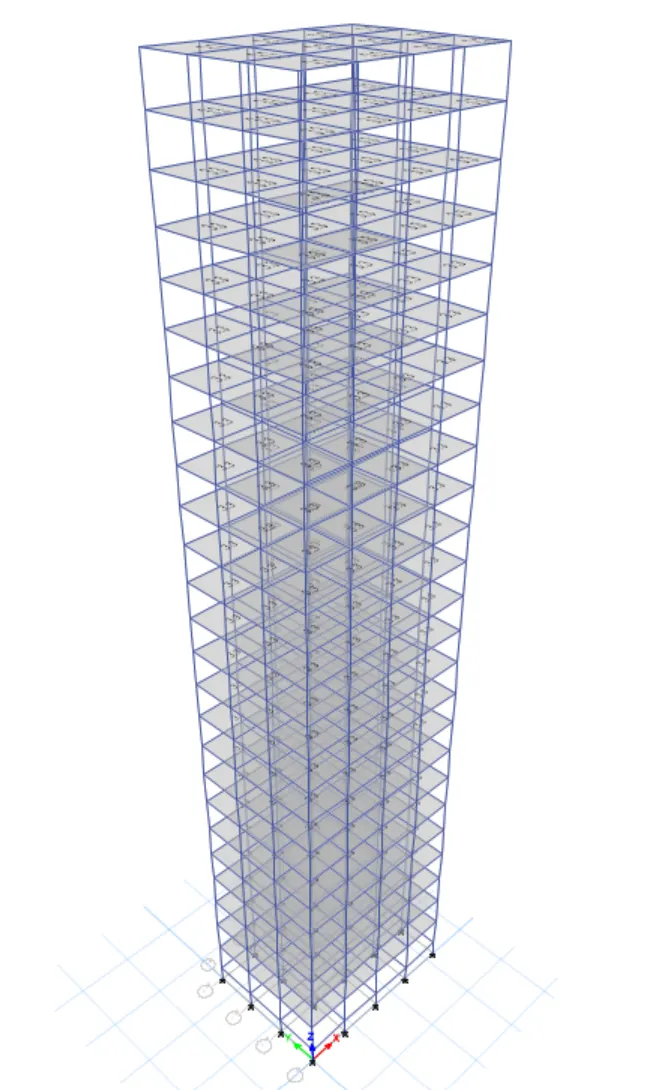
To create the 25 storey building and then we have to analyse the building by using the ETABS
Know how to extract different seismic responses for the structure
How to easily alter certain properties in an ETABS model
Know the factors influencing the dynamic characteristics
Know the factors influencing time period of building
Know the factors influencing Mode shape of building
10 ETABS models (preferably in e.2k format exported ) & All relevant screenshots of the procedure
Comparison of Analysis results for each of the criteria
Identifying the reason for the influences and reporting them ( preferably in tabulation )
Procedure
Factors influencing the Natural period of building
Structural Element Sizes
Beams 300 * 400 mm
Coloumns 400*400 mm
Slab 150 mm thick
Material properties
Grade of concrete M30
Grade of steel reinforcement Bars FE 415
Loading
Dead load on beams from infill wall 10 kN/m
Live load on floor 3 kN/m^2
Buildings are assumed to be pinned at base
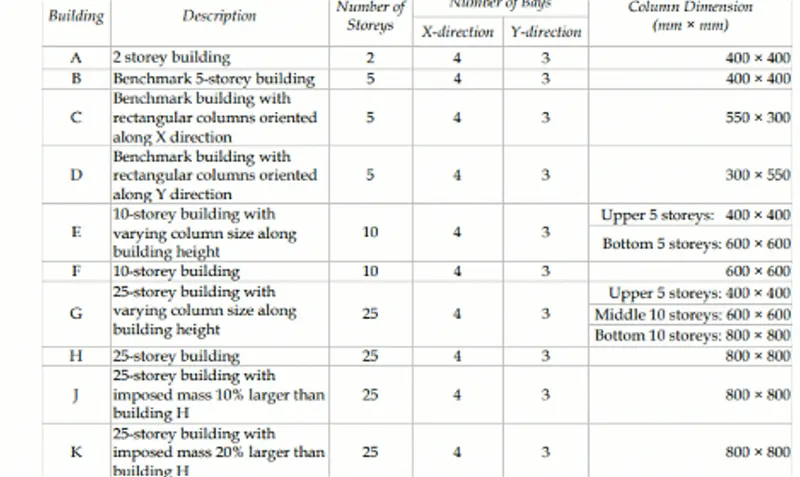
Effect of stiffness on T : Compare to the fundamental natural periods of buildings E & F as well as G & H. why is there marginal/significant difference in the fundamental natural periods
Effect of mass on T : Compare to fundamental natural periods of buildings H,J & K have the building become more flexible/stiff due to change in mass
Effect of building height on T : How does the fundamental natural periods of buildings A,B,F & H change with change in building height
Effect of Coloumn Orientation on T : How does the fundamental natural periods of buildings B,C & D change in coloumn orientation
Open the ETABS model in the menu and then click the modal information
Display units - Steel section Database - Steel Design Code - Concrete Design Code
And then select the grid option and then the storey option in ETABS
select custom Database - Display grid data - Enter the values in the grid box
Set the X- coordinate and then the Y- Coordinate in the Grid system Data
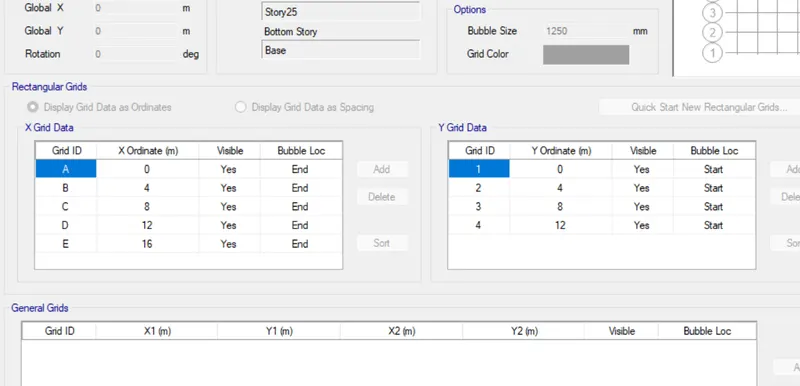
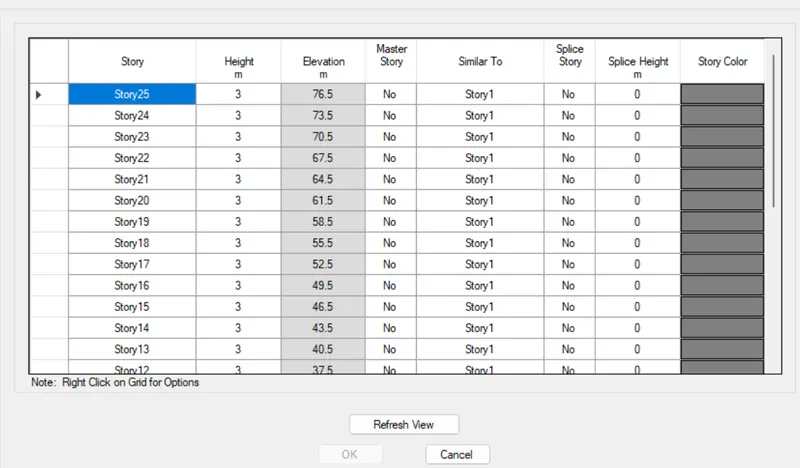
Assume the beam ,coloumn,slab sizes and thickness in the property box
For cretating beam size Define - Material property - Assume the selected size of beam, coloumn, slab in the property box
For creating the slab sections go to the frame sections and enter the slab size
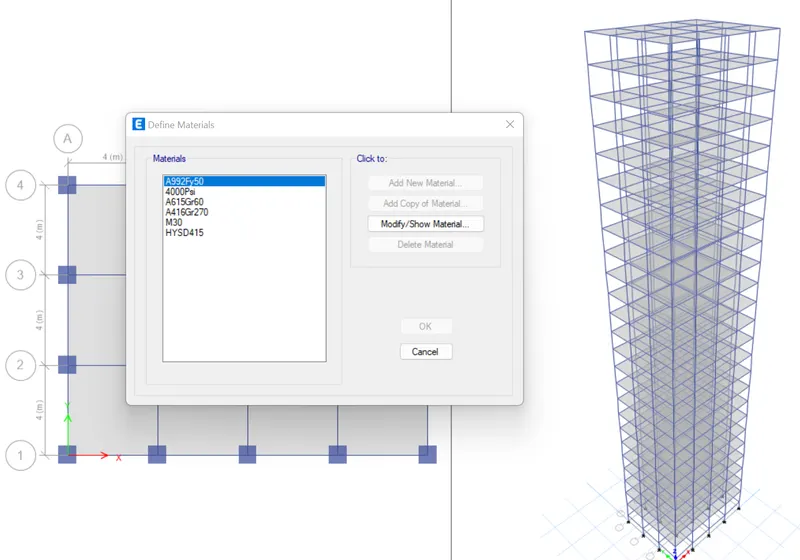
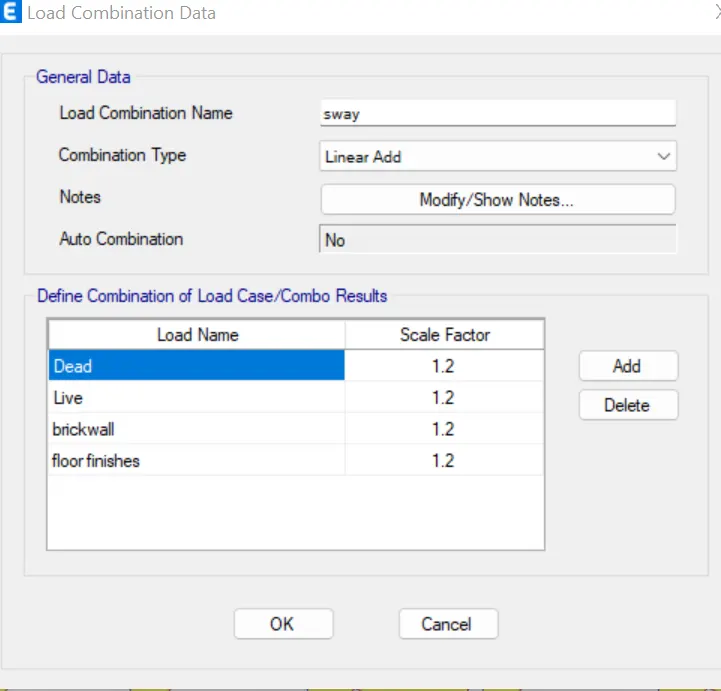
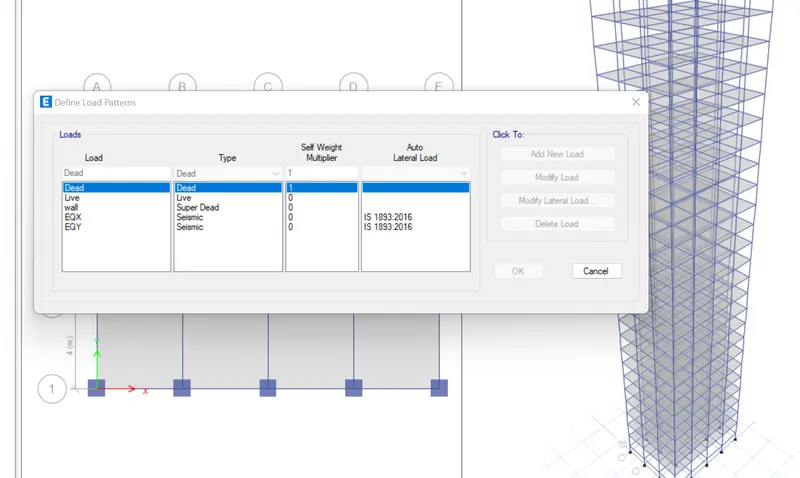
After the creation of slab coloumn beam property we have to create the coloumn in the grid by using the tools in the property box
Click coloumn in the box and then select the coloumns in the grid view
By using the replicate option we have create the coloumn quickly in the grid view
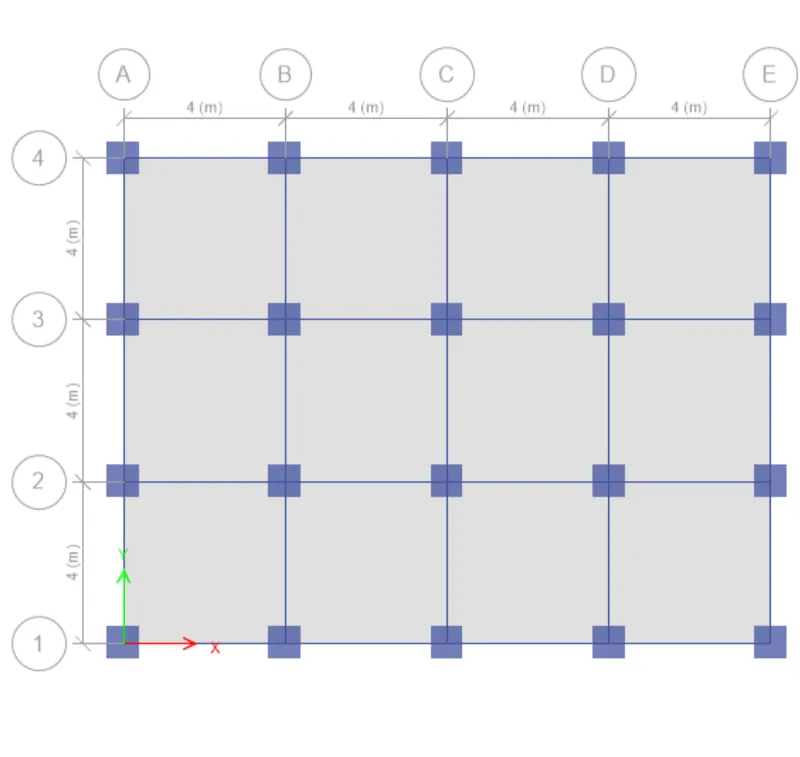
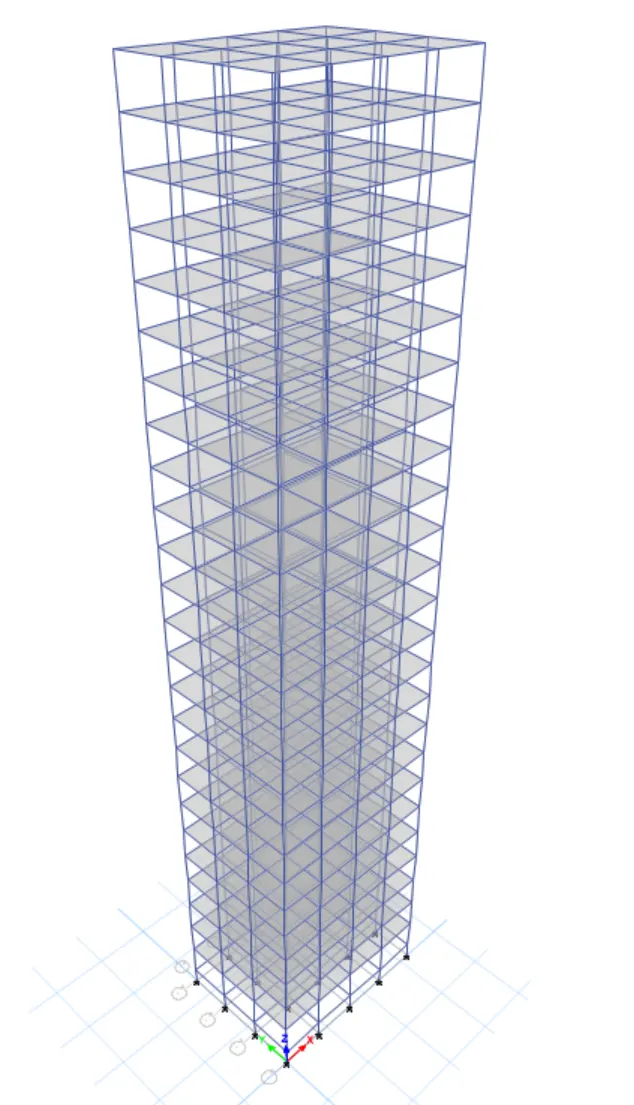
After the creation of coloumn we have to create the beam
Click coloumn in the box and then select the beams in the grid view
By using the replicate option we have create the beams quickly in the grid view
After the creation of coloumn and beam in the drawing we have to create the slab in the grid view
While creating the coloumn and beam make sure it for all stories if it is not in all stories click the option as all stories at the bottom of toolbar
Click slab in the box and then select the slabs in the grid view
By using the replicate option we have create the slab quickly in the grid view
The use of replicate option is not necessary for the creation of the slab
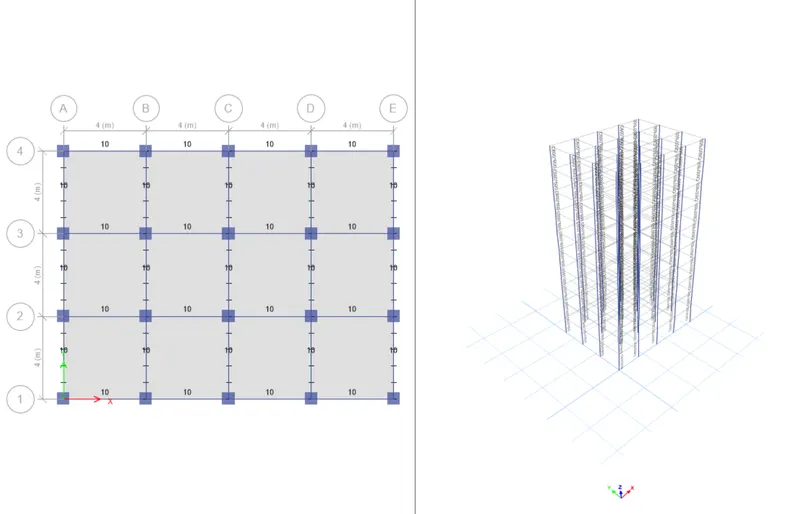
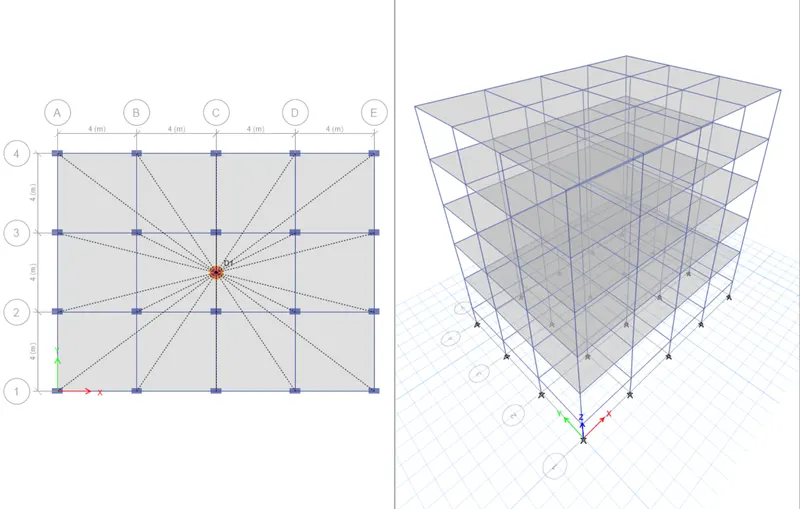
And then save the model and then create the 5 storey building in the ETABS
The same process is for the 5 storey building
Edit - Edit the grids and stories in the property box
And the enter the number of stories in the box and then click OK
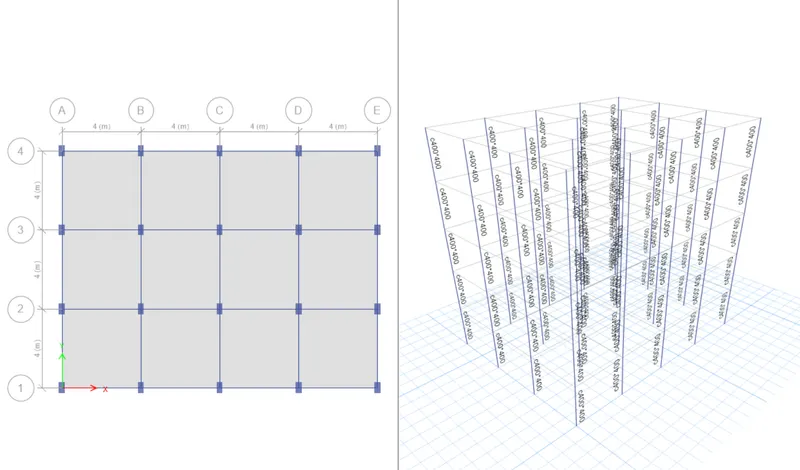
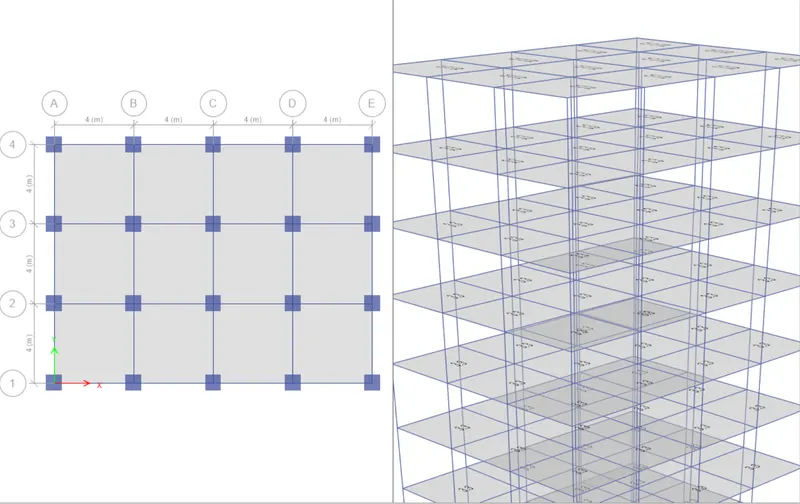
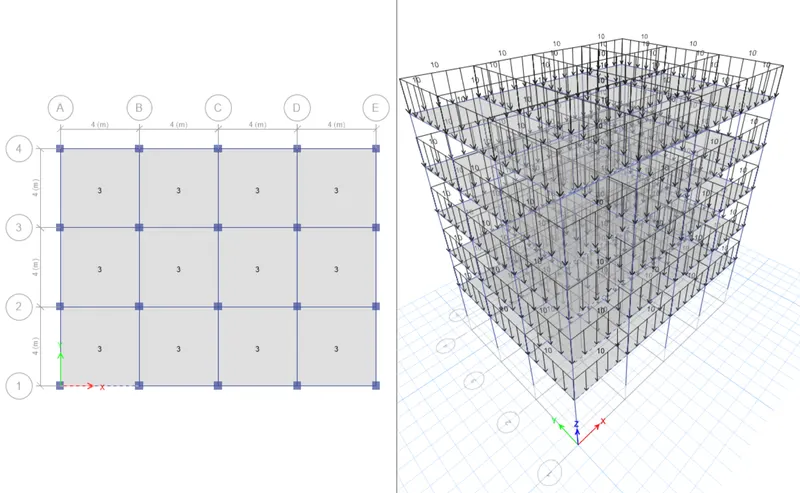
By changing the coloumn size
Define -Material properties- Assign the coloumn detailing and then change the coloumn size
For changing the coloumn axix Assign-Frame-Local axes and then change the angle
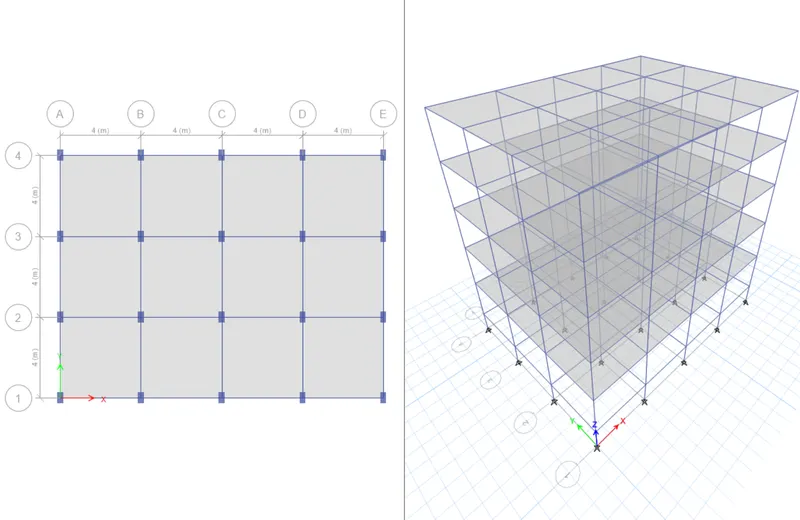
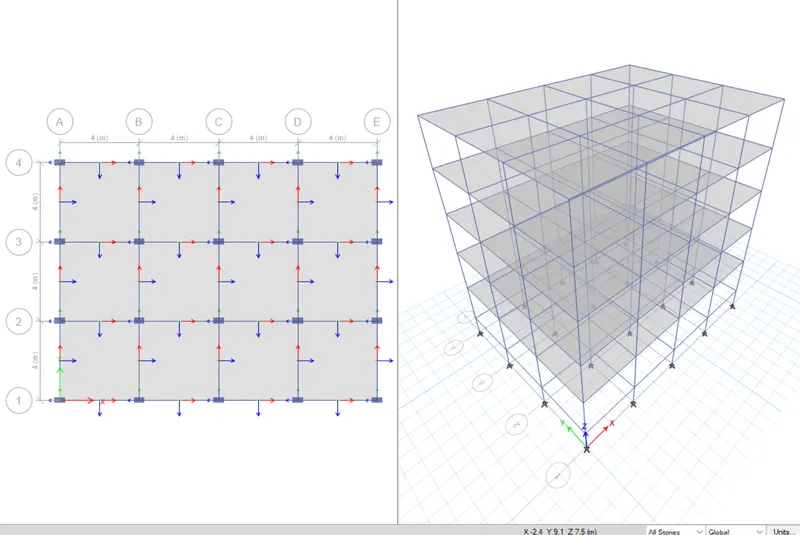
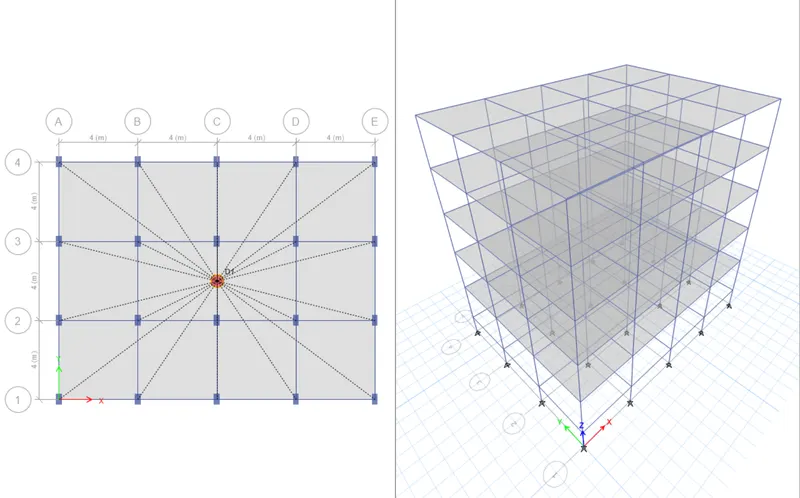
We have to create the 10 storey building with two different coloumn sizes
Assume the beam ,coloumn,slab sizes and thickness in the property box
For cretating beam size Define - Material property - Assume the selected size of beam, coloumn, slab in the property box
For creating the slab sections go to the frame sections and enter the slab size
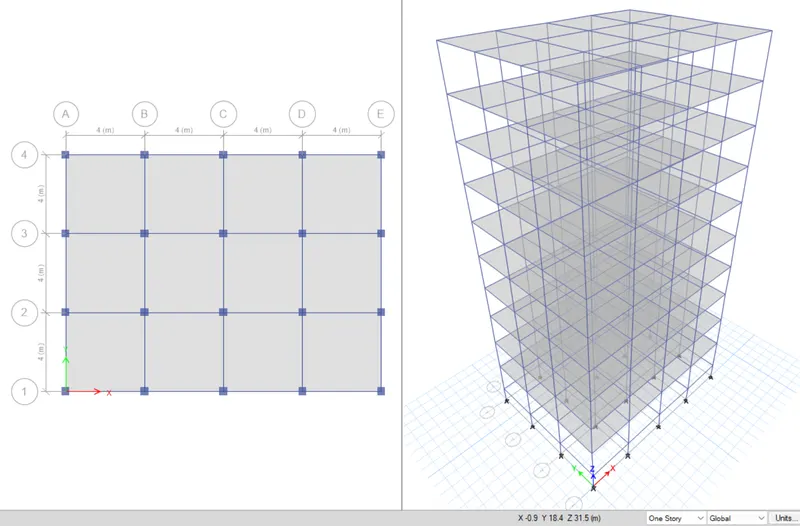
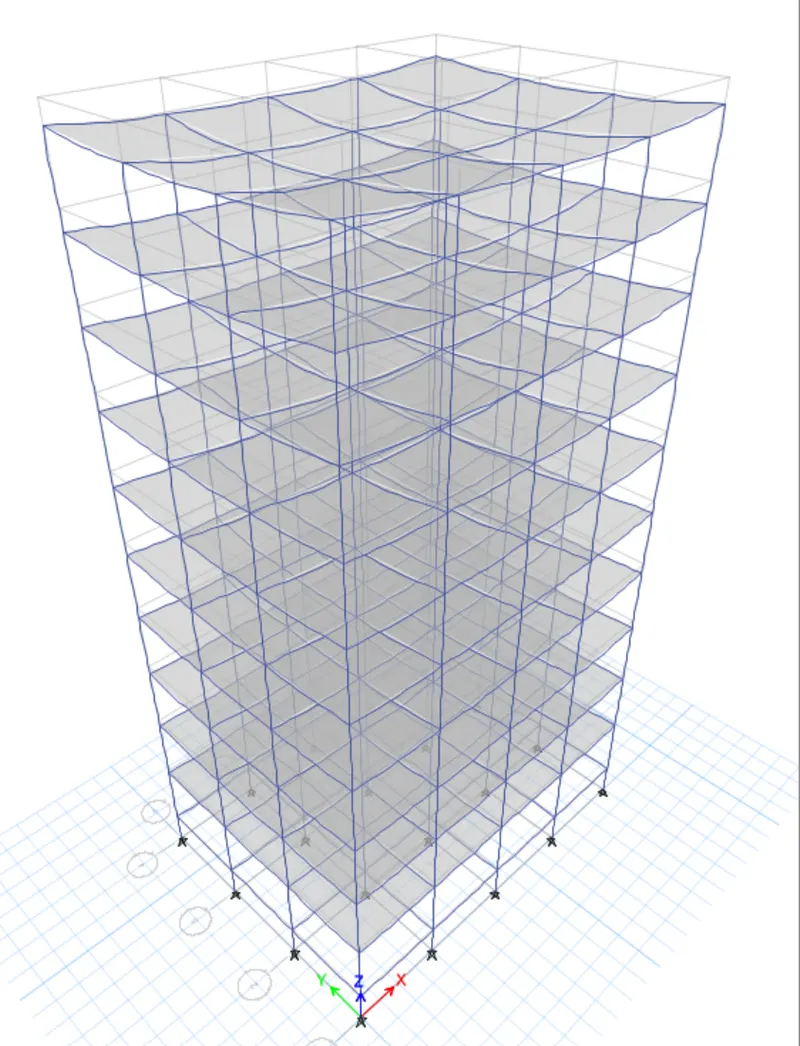
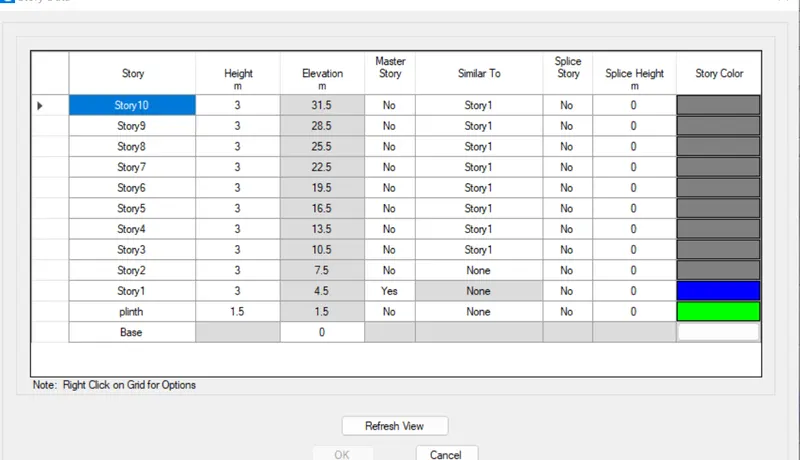
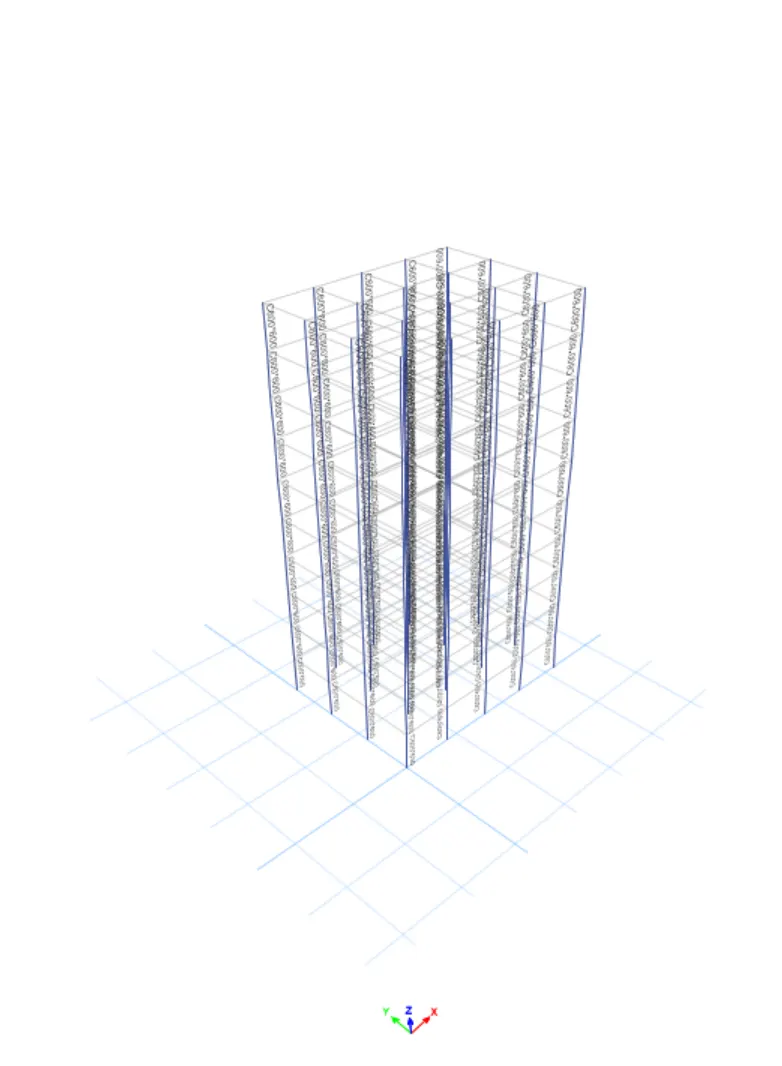
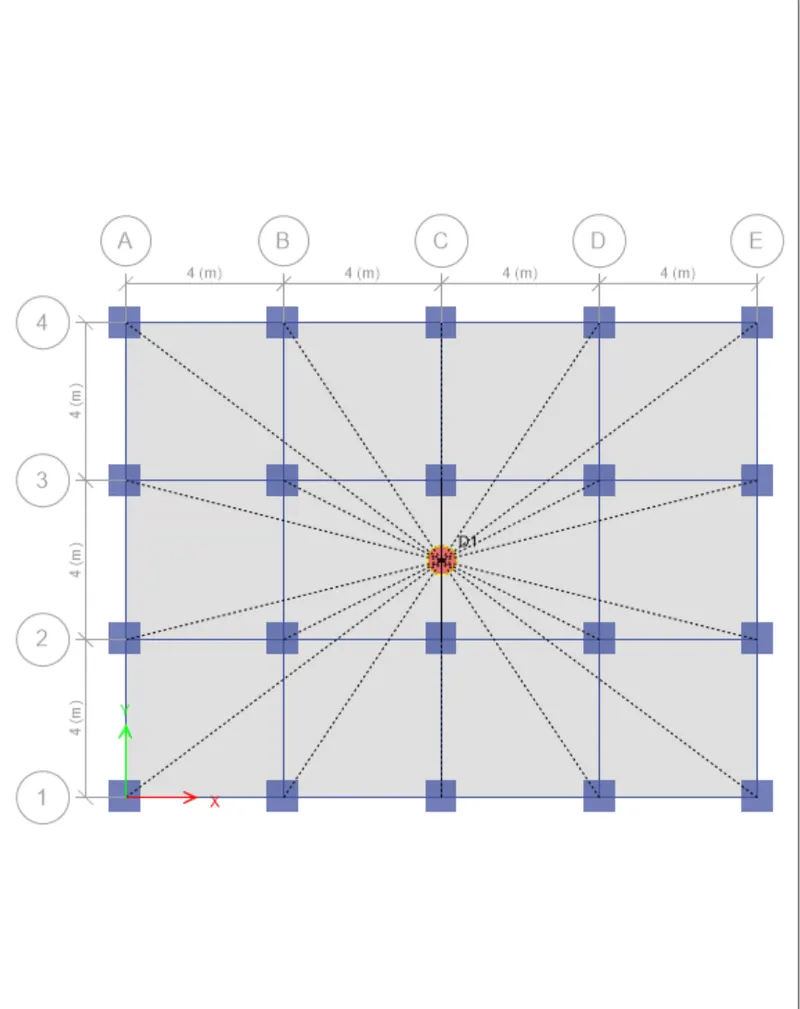
In this we have to create the 25 storey building we already created 10 storey building wehave to edit the grids
Edit grid & storey - Add 16 number of storey and then 25 storey created
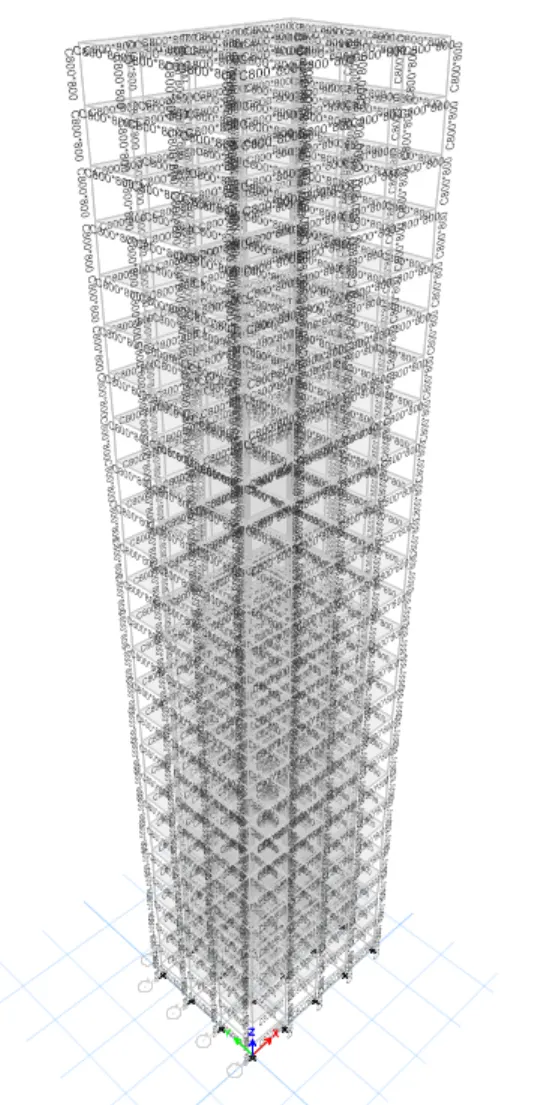
We have to create the 3 different coloumn sizes in the moda
C600*600
C800*800
C400*400
We have to select M30 as the grade
Fe415 as the reinforcement
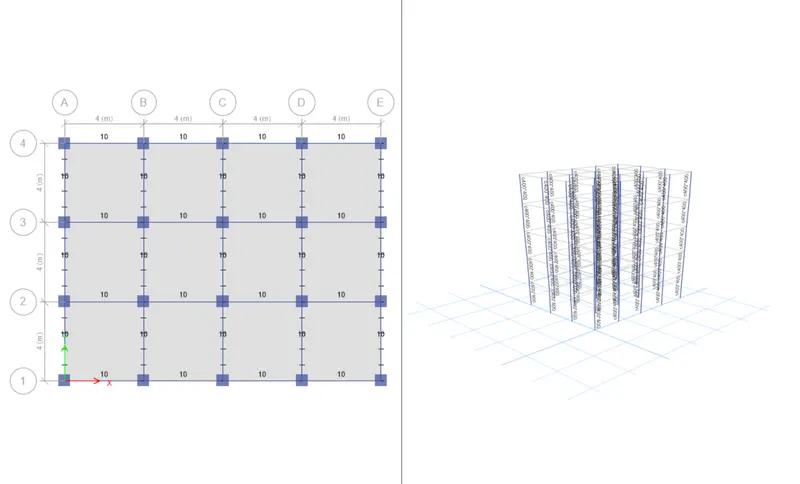
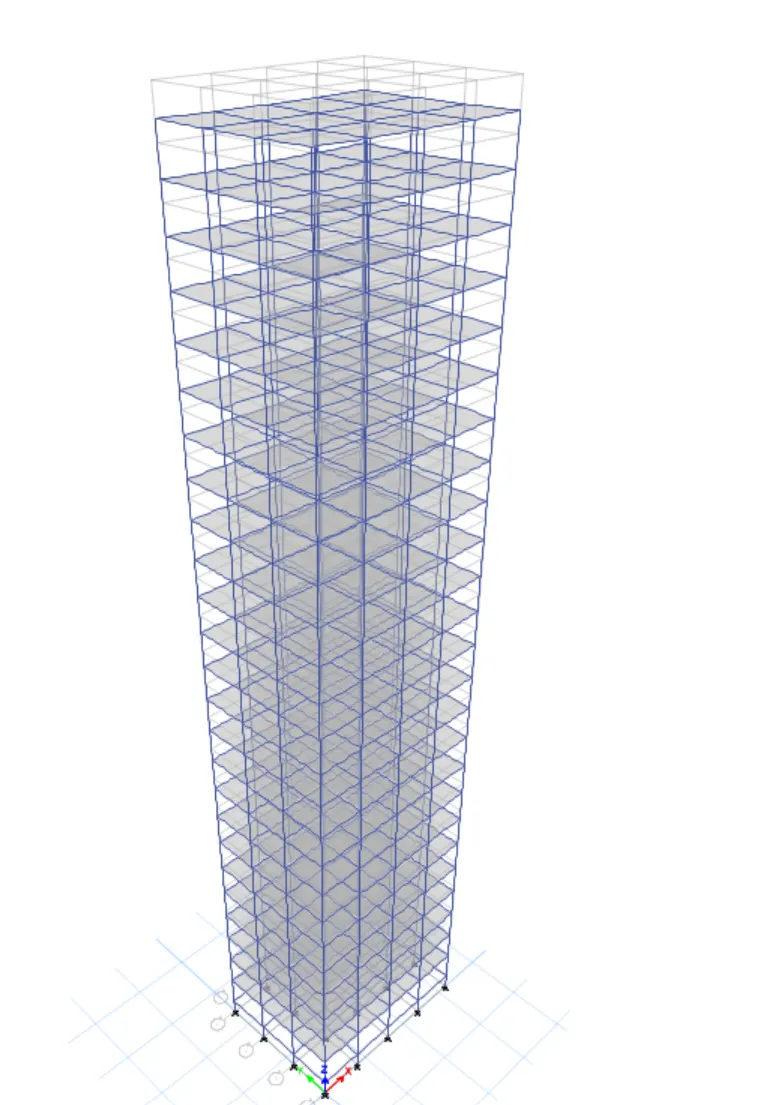
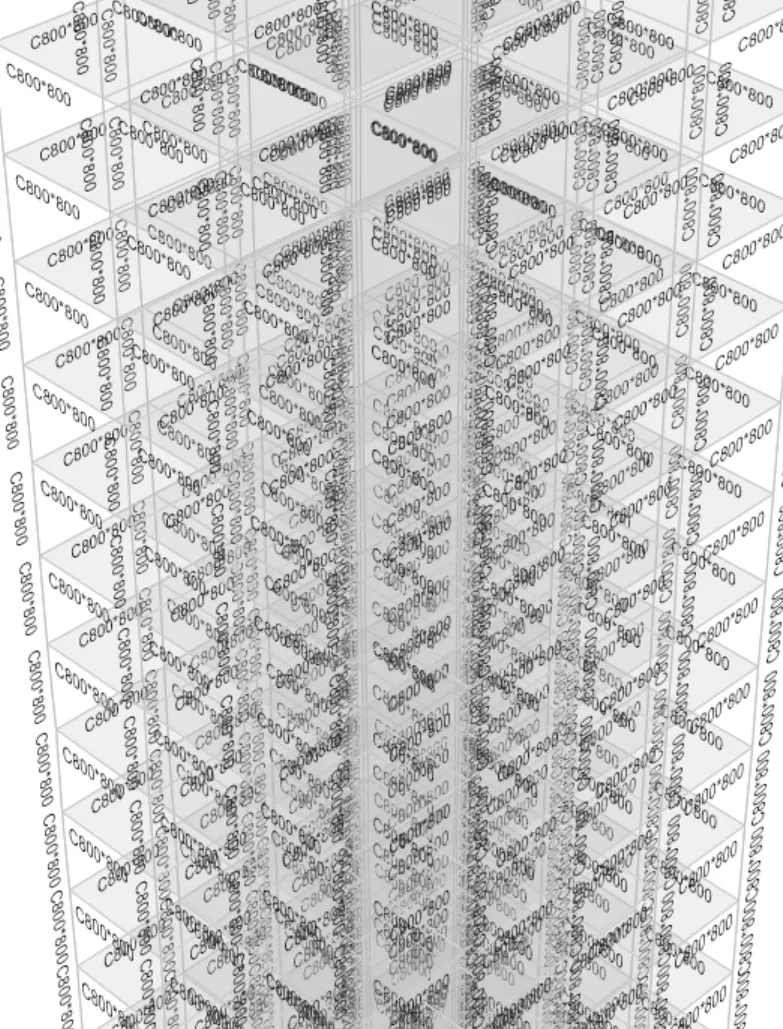
Creating the coloumn size as 800 *800 mm
ter the creation of slab coloumn beam property we have to create the coloumn in the grid by using the tools in the property box
Click coloumn in the box and then select the coloumns in the grid view
By using the replicate option we have create the coloumn quickly in the grid view
| Criteria | Modal | Analysis result | |
| Effect of stiffness on Time period |
Building E (10 storey with varying coloumn size ) Building F (10 storey with Uniform coloumn size ) |
1.73s 1.71s |
|
| Effect of stiffness on Time period |
Building G (25 storey with varying coloumn size ) Building H (25 storey with Uniform coloumn size ) |
4.09s 4.13s |
|
| Effect of mass on Time period |
Building H(25 storey with 3 kN/m^2 impose load) Building J(25 storey with 3.3 kN/m^2 impose load) Building K(25 storey with 3.6 kN/m^2 impose load) |
4.38s 4.41s 4.42s |
|
| Effect of Building height on Time period |
Building A(2 storey) Building B(2 storey) Building F(2 storey) Building H(2 storey) |
0.5s 1.05s 1.71s 4.38s |
|
| Effect of Coloumn orientation on Time period |
Building B(All floor Coloumn size 400*400) Building C(All floor Coloumn size 550*300)Oriented in X-Direction Building D(All floor Coloumn size 300*550)Oriented in Y-Direction |
1.05s 1.132s 1.103s |
| Criteria | Modal | Case | Analysis Results | Conclusion |
| Effect of Flextural stiffness of structural elements on Mode shapes | Building B |
Flextural stiffness of Beams close to nil(Zero inertia) Full Flextural stiffness of Beams(Regular) |
2.61s 1.05s |
|
| Effect of Axial stiffness of Vertical members on Mode shapes | Building H |
Axial cross section for Coloumns is close to nil(Zero axis area) Full Axial cross section for Coloumns(Regular) |
5.63s 4.38s |
|
| Effect of degree of fixity at Coloumn base on Mode shapes | Building B |
Coloumn support period(Regular) Coloumn support(Fixed) |
1.05s 0.958s |