Project 1 : CFD Meshing for Tesla Cyber Truck
AIM- For given Tesla model clean geometry , Assign PID's , Create mesh using elment type and size acaording to personal judgement, Create domain and volumetric mesh if possible.
Algorithm or Tools
1. TOPO Mode---> Used for cleaning up geometry.
- Delete- Used to delete unwanted or overlapping surfaces.
- Cut- Used to create cons between two hot points.
- Project Cut- used for projecting cons or hotpoints at 90 degree.
- Relative- Used to create 3-d points respectively to surface or nodes.
- New- Used to create new surfaces using differnt methods shown.
- Topo- Used to refine the geometry.
- Create- To create curves for creating surfaces on 3-d points .
2. Meshing- To create the 2-D meshes.
- Meshing parameters- Used to give limits like minimum, maximum lengths for mesh & also selecting elements type ,Here we are using Tria.
- Mesh quality- Used to determine quality of mesh and check if the aspects are under the given data assigned.
- Move- used to move nodes for manualy reducing mesh errors.
- Split- Used to split the tria mesh into smaller ones to reduce the max. length errors.
- Join- Used to join tria elements for avoiding min. lengths error.
- Freeze/Unfreeze- Used to freeze or unfreeze PId's so changing mesh length won't change for the frozen PID's.
- CFD Mesh- Used to create mesh that are more refined towards curvature.
STEPS &MODEL
1. Geometry cleanup
Orignal geometry
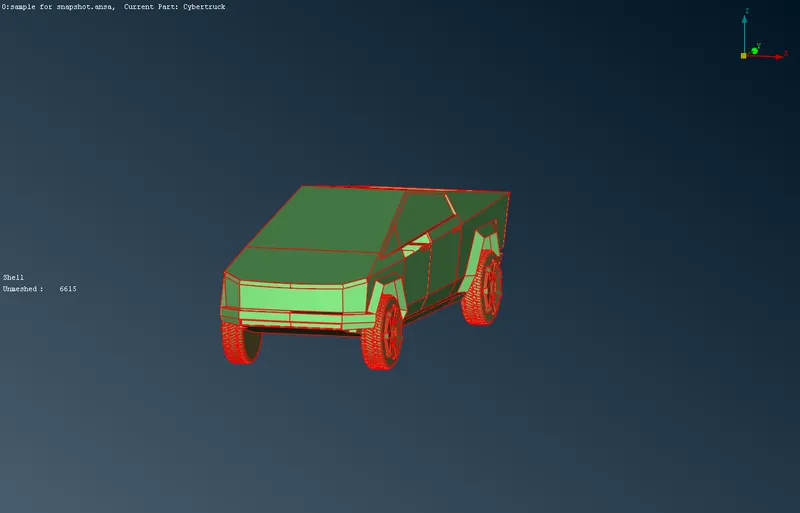
First step is that we use TOPO so cons can be refined if possible .
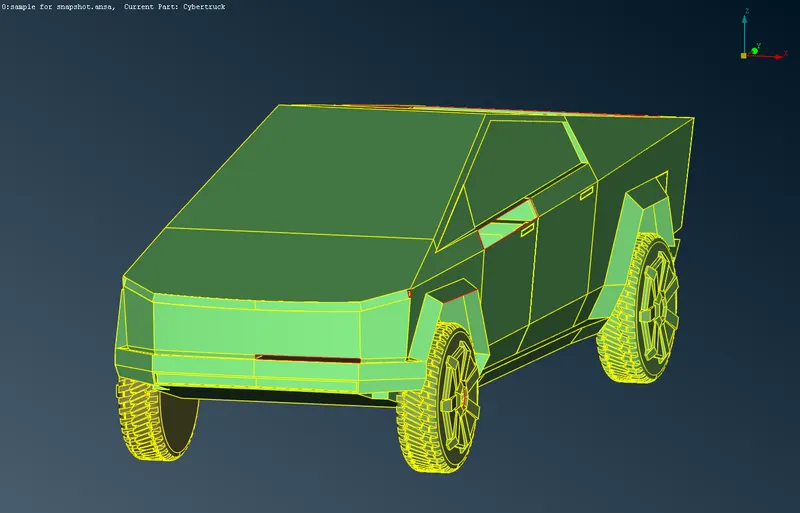
But after TOPO usage most of errors were resolved and by doing geometry check we find just few intersections and cracks were remaining.
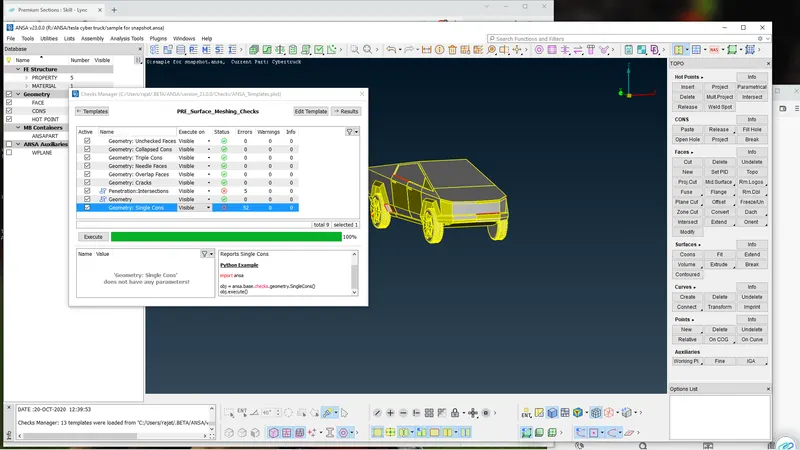
We Then start cleaning up geometry with filling cracks or holes using NEW tool and create new surfaces 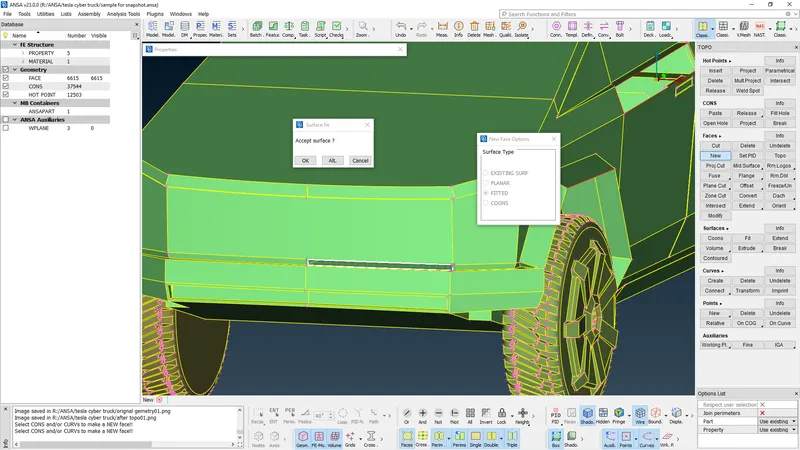
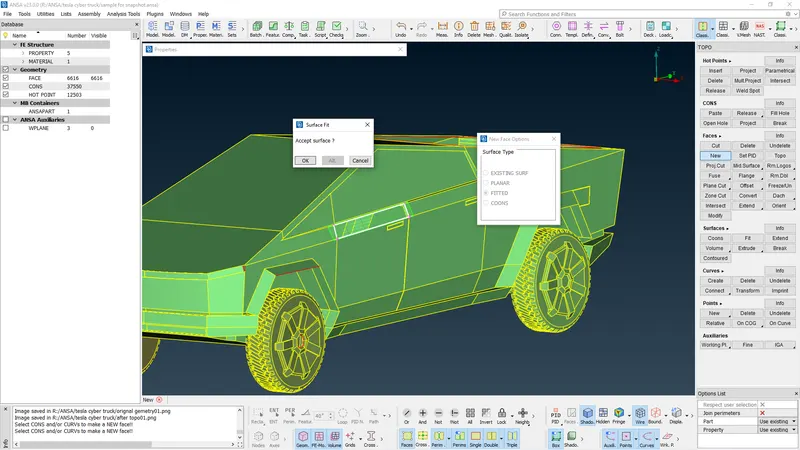
After filling all holes and cracks we just have few intersecting errors we can resolve them by cleaning intersecting surfaces and creating new surfaces 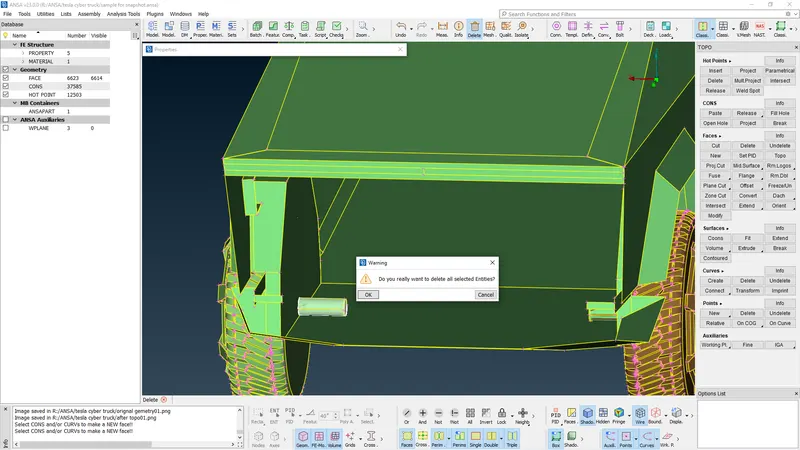
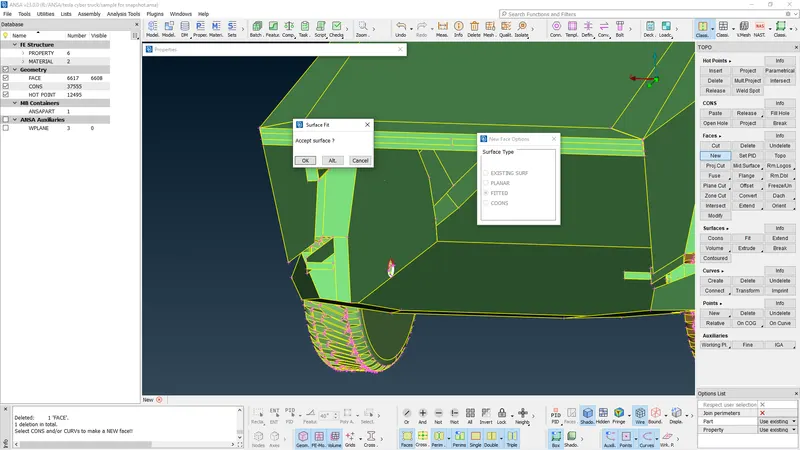
After clearing all intersections for 1 tyre do same for all tires and then do geometry check for any error remaining possible.
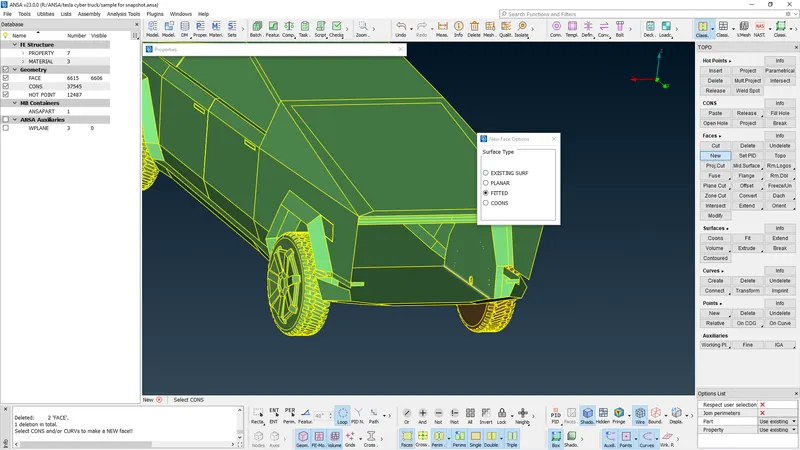
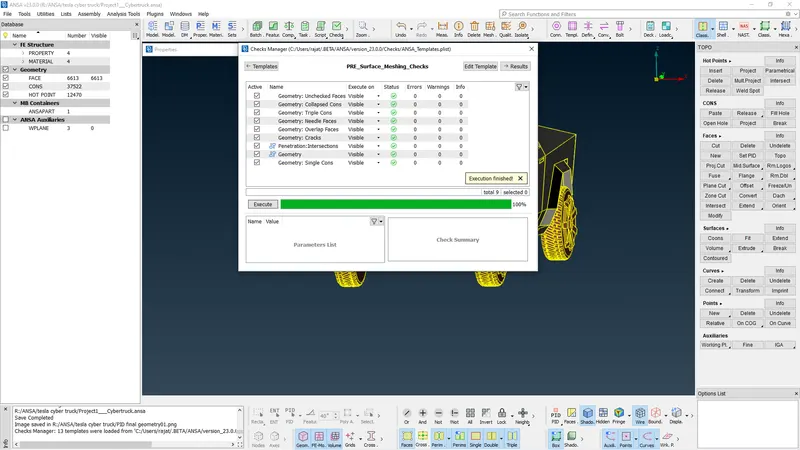
AFter we get zero errors in surface cleanup is completed.
2. Assigning PID's
We need to create PID's according to our understanding and i have created 4 PID's
(a) Truck Body
(b) Windows
(c) Tires
(d) Lights
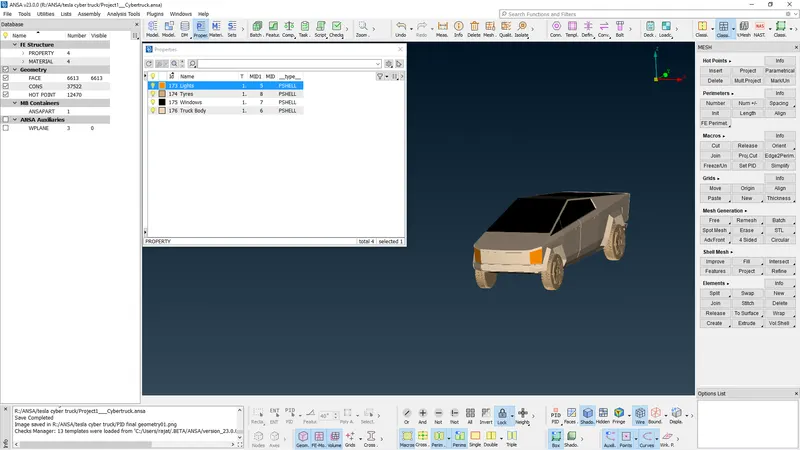
Body after PID's assigning and geometry cleanup
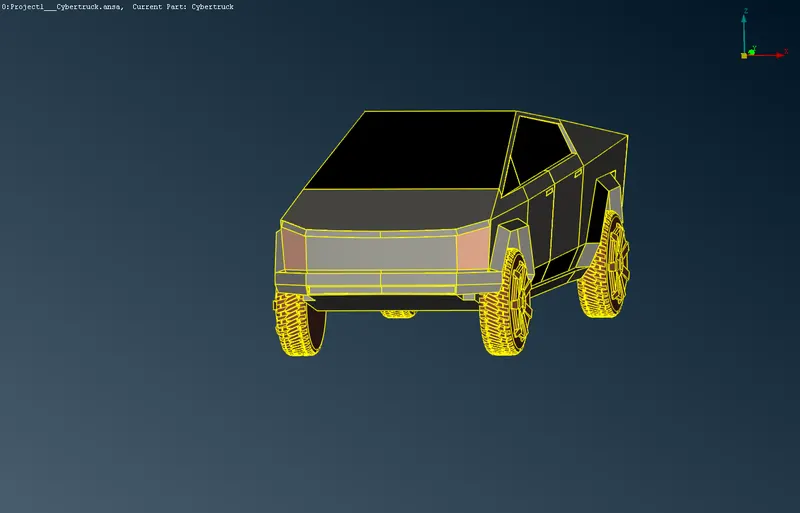
3. Creating mesh & assigning respectice quality and elements parameter
Here I have assigned Data as follows
(a) Mesh element type- TRIA & CFD mesh
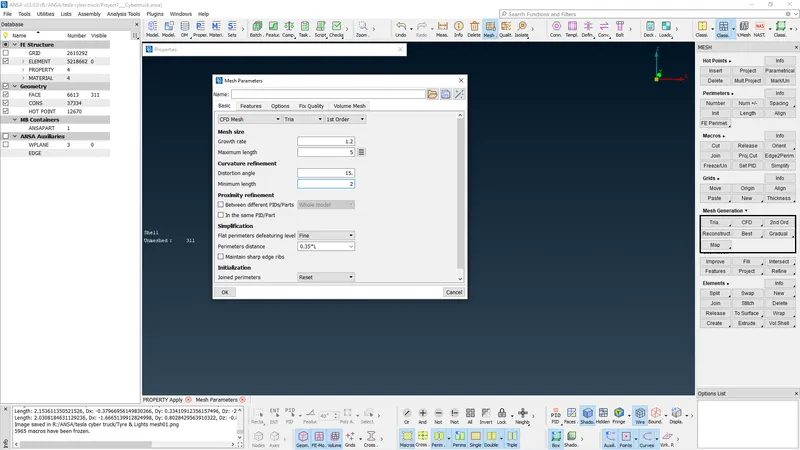
(b) Mesh size for Window and Body = 5mm
All quality critera & parameter for window and body
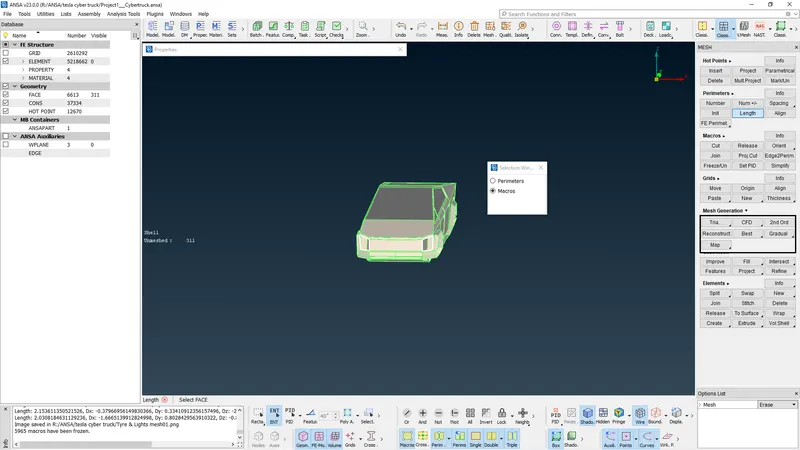
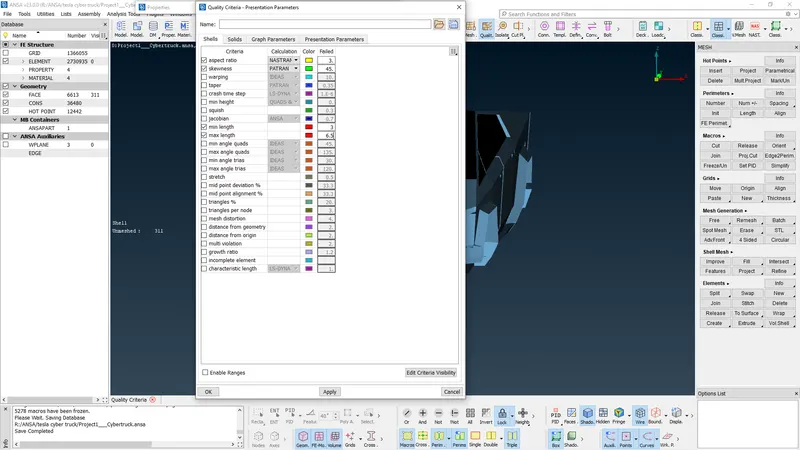
We assign alla data and Use CFD MESH
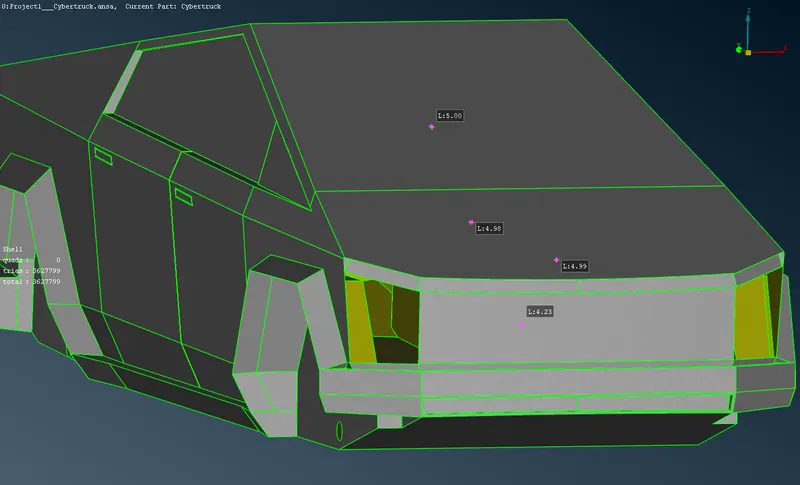
After using mesh we use measure command to determine if size is correct.
We also use hidden tool to find off elements and improve it manually or by using improve option.
(c) Mesh size for Tires & light = 3mm
All quality critera & parameter for tires and light and just like above we do CFD mesh
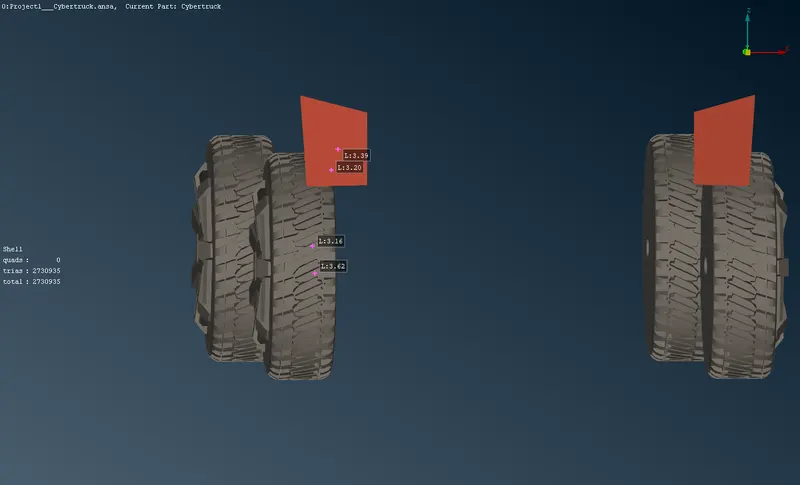
We find many off elements as mentioned abve we resolve those using improve tool
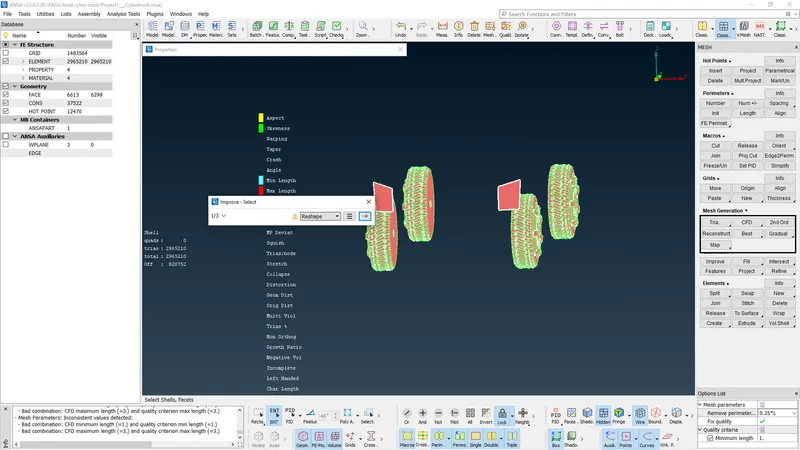
After improving off elements to minimum as possible we clisk all and meshing is complete for all parts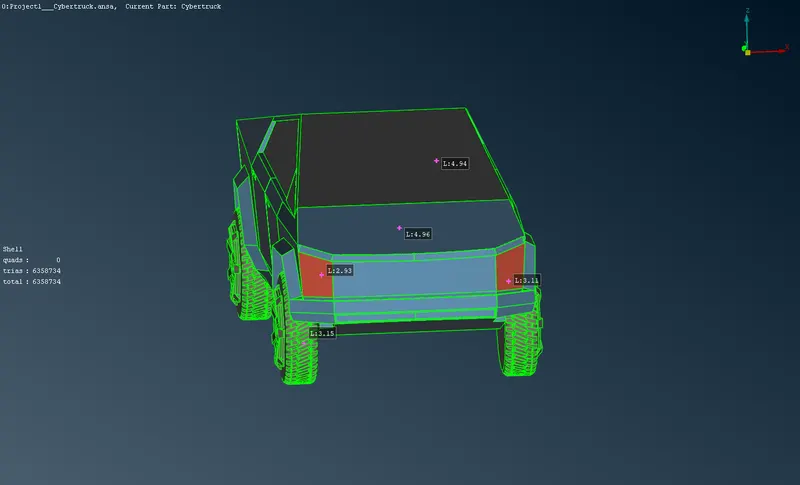
4. Creating domain and volumetric mesh
First we use relative to create 3d points and then using same tool using previous created point as refrence create 3d points .
Points are created with same process lke in BMW car at front Its 4x , Back its 6x , Top its 3y & at sides its z . Where x = length of car, y= height of car & z= width of car.
We measure the x,y& z for car using measure tool
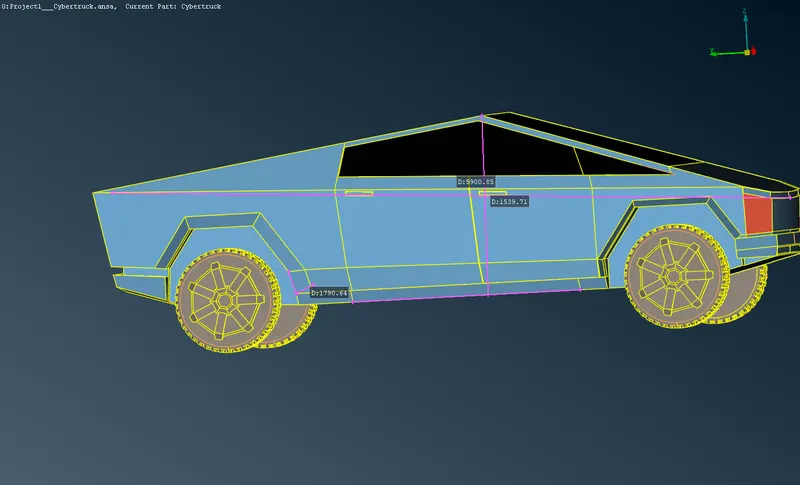
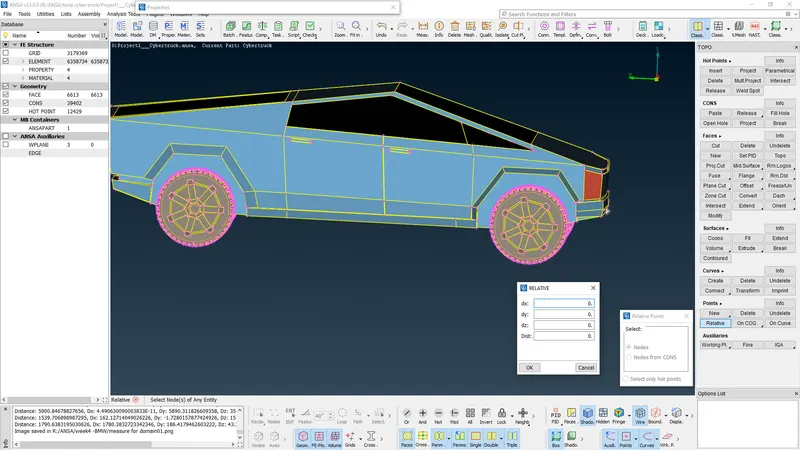
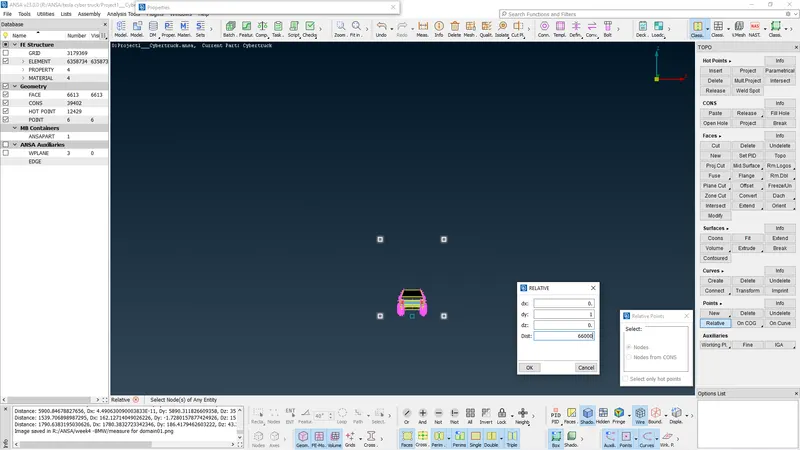
After creating the points we use create tool to create curves for all 3-D points and create surface
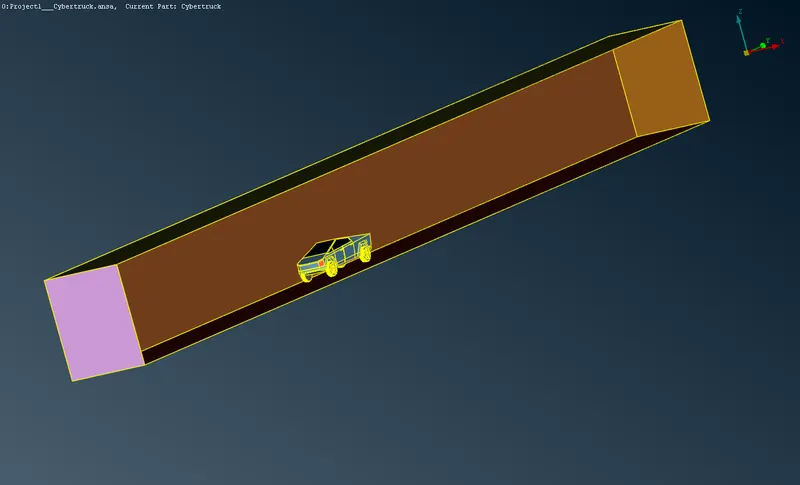
Assign PID's to domains and then we mesh the front domain at 30mm & back domain ata 100 mm
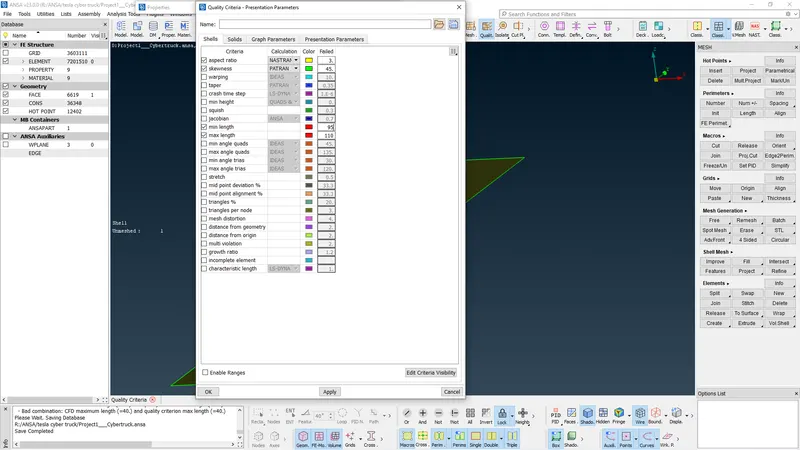
After we repreat process for bottom domain for 30mm
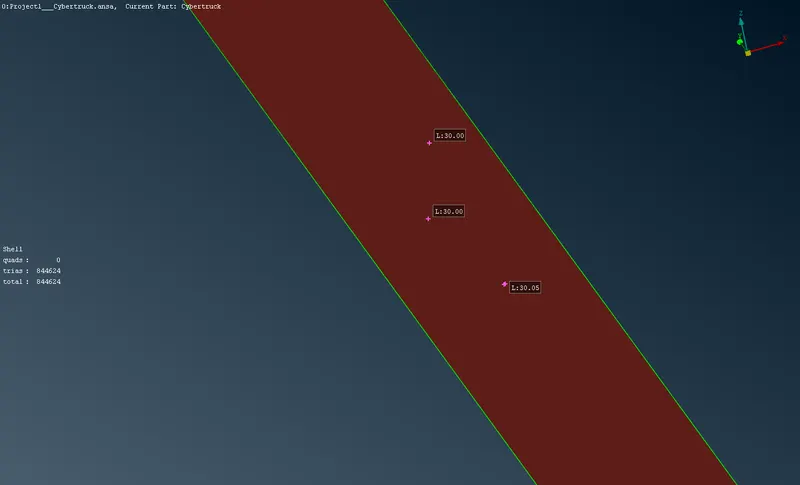
For other remaining parts we use CFD mesh and then use shaping tool for giving start and end data for 30 mm and 100mm with assigned scaling factor that way our mesh will gradually join the bottom and top domain with other domains and no mis match of elemnts will take place at corners.
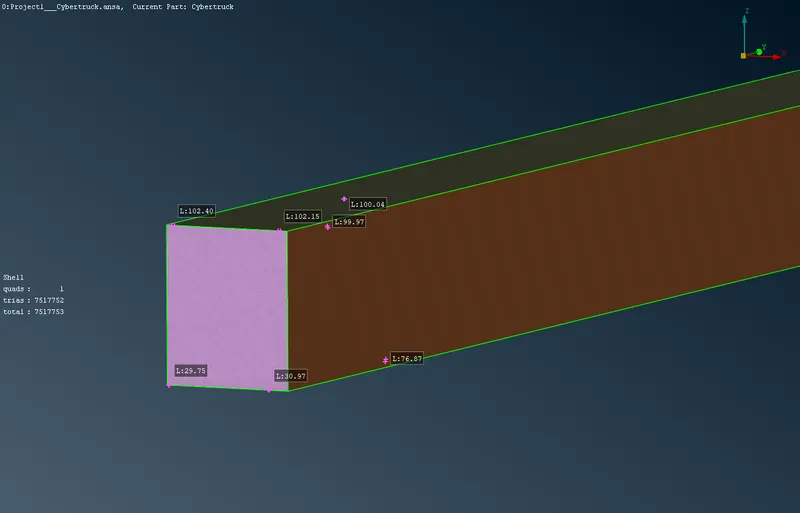
After this we use volumetric mesh
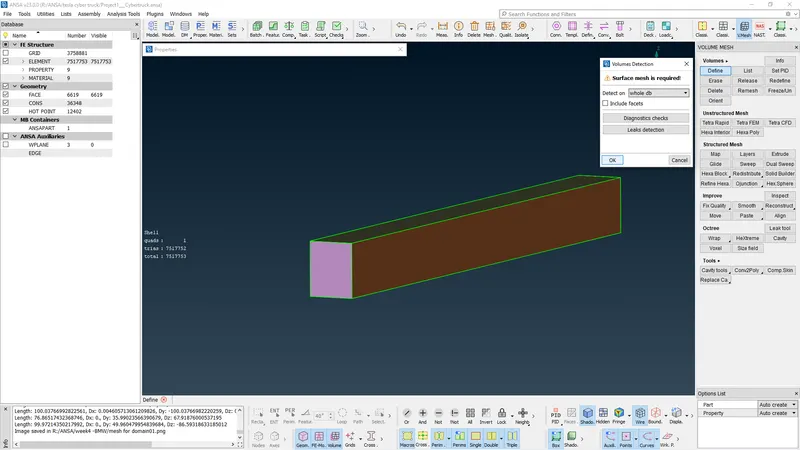
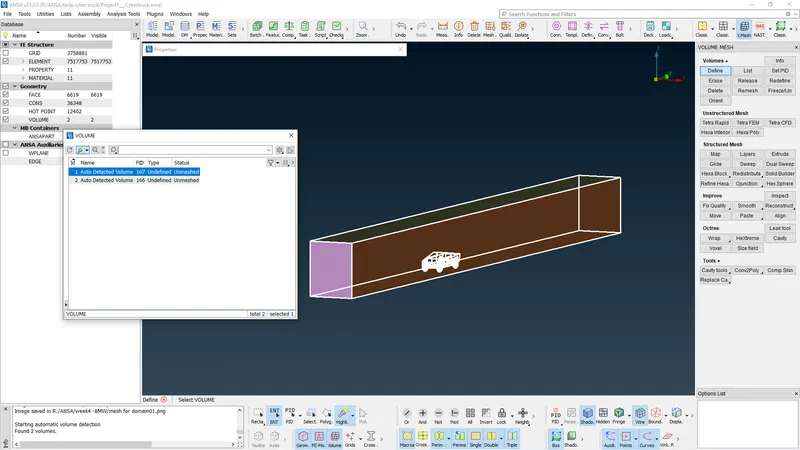
As the volume is even larger than volumetric process failed .
Conclusions
- Geometry cleanup was more easy comparable to BMW model.
- Better understanding of tools now as in this project all details which is to assigned to model was in our hands.
- Volumtric process cant be completed for this larger domain need much advance processors.
Link to model
https://drive.google.com/file/d/1g8PHG5mBKb74F70CZjCy8zTAv1OJpryu/view?usp=sharing