Project 1
project 111AIM:- For the given component, check for the geometrical errors and mesh with the given
element Quality criteria. After meshing the component the thickness has to be assigned.
S.No | Quality Criteria | Value |
1 | Target/Average length | 4 |
2 | Minimum Length | 2 |
3 | Maximum Length | 6 |
4 | Aspect | 3 |
5 | Warpage | 15 |
6 | Skewness | 45 |
7 | Jacobian | 0.7 |
8 | Minimum Quad Angle | 45 |
9 | Maximum Quad Angle | 135 |
10 | Minimum Tria Angle | 30 |
11 | Maximum Tria Angle | 120 |
10 | Tria Percentage | 15 |
PROCEDURE:- As we all know that our first step is to upload the cad model
into the ansa, so initially it's look like this in fig.1
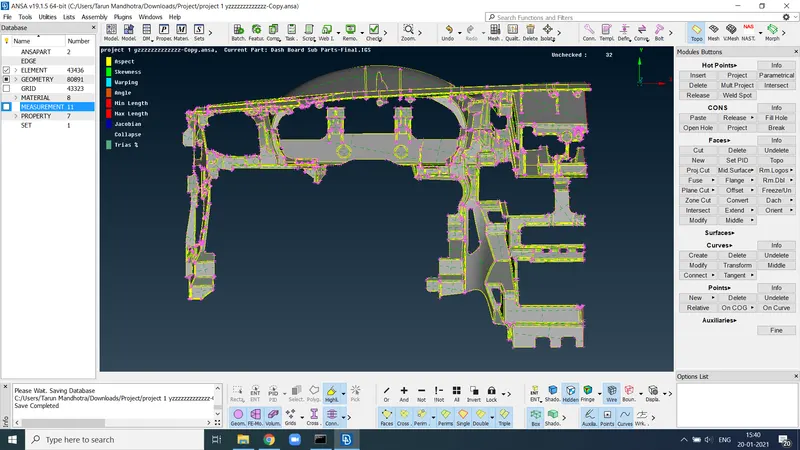
fig.1
then we have to give the topo and do a geometry checkup and then go for the mid surface
of the component here we have a plastic component,so we have to take a mid by different
method for the complex part we have go like middle curve and face middle
and for the simple part we have to go by manual offset command .
this is the case for simple part in fig.2 we take mid by offset command
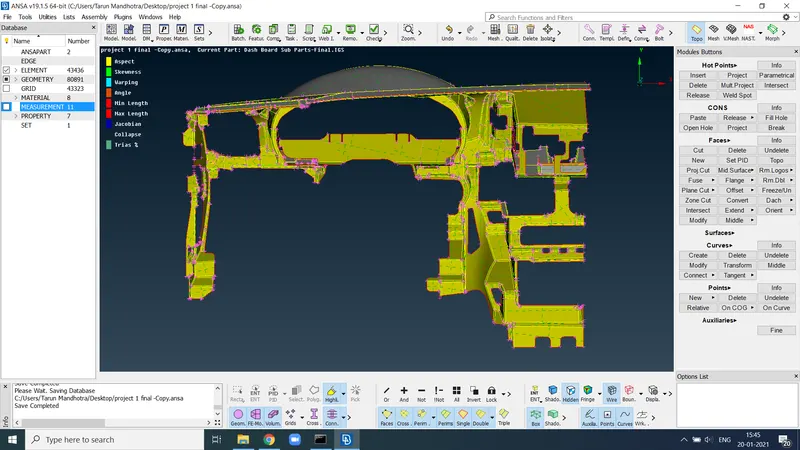
fig .2
this is the complex part you see on the screen in the fig.3
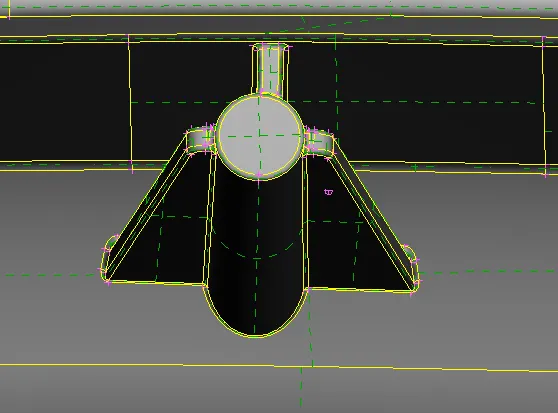
fig.3
after take the mid for complex it look like this fig.4
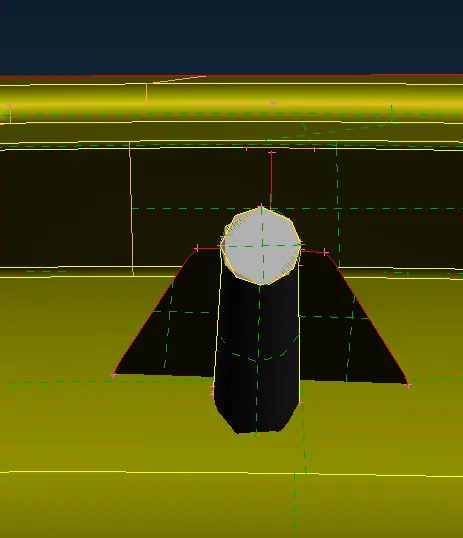
fig.4
same like this complex part , you have some other parts to take mid surface we go for
the messing then we have to clear all the off element and the tria present in the model
by various methods that we already discuss in previous challenges.After all, we will
get the final model and it look like this as shown in the fig. 5.
after this assign the thickness .
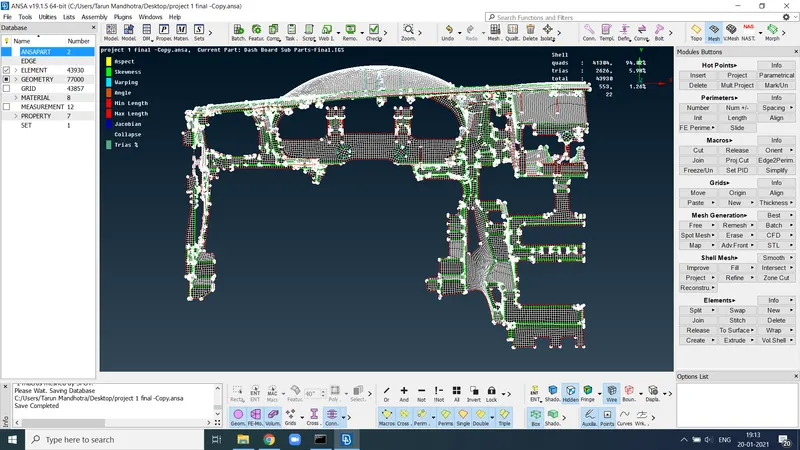
fig.5
LEARNING OUTCOME :- In this model we learned new things that how to take mid
in plastic model for complex parts.
CONCLUSION:- As per the given instruction we will achieve the result .