Project 1
PROJECT-1 OPEN-CV
# firstly we import cv2 library to optimising opencv features through this notebook
import cv2
# importing numpy library as the shortform of "np", numpy is working tool library to perform our multidimensional arrays
import numpy as np
# reading a image file by defining a function
def read_image(image_path):
image = cv2.imread(image_path)
# to load our respective image file we use cv2.imread(path)
return image
# displaying a image file by defining a function
def display_image(window_name, read_image):
cv2.imshow(window_name, read_image)
# to display our respective image file we use cv2.imshow(window_name, read_image)
cv2.waitKey(0)
image = read_image('Challenge1.png')
# to save an iamge file
def save_image(image_name, image):
cv2.imwrite(image_name, image)
# TASK-1
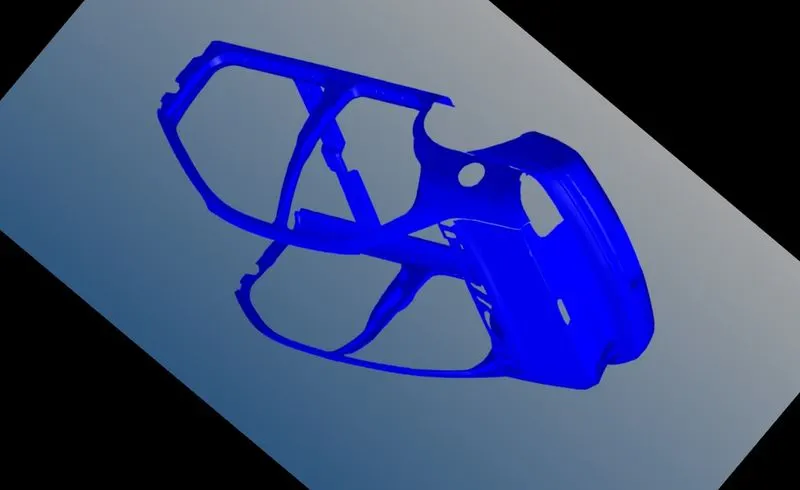
Script a function to perform image rotation by deriving the rotation matrix for a 140 degree rotation angle.
def rotate_image(image, dimensions, angle):
rotation_matrix = cv2.getRotationMatrix2D(center = dimensions, angle= angle, scale = 1)
# cv2.getRotationmatrix2D is a funtion to optimise atransforming matrix for a rotating matrix
rotated_image = cv2.warpAffine(image, rotation_matrix, (image.shape[1], image.shape[0]))
return rotated_image
image_dims = image.shape
rotate_dim = (image_dims[1]/2, image_dims[0]/2)
rotate_angle = 140
rotated_image = rotate_image(image, rotate_dim, rotate_angle)
display_image('rotated_image', rotated_image)
save_image('chn1_rotated_image.jpg', rotated_image)
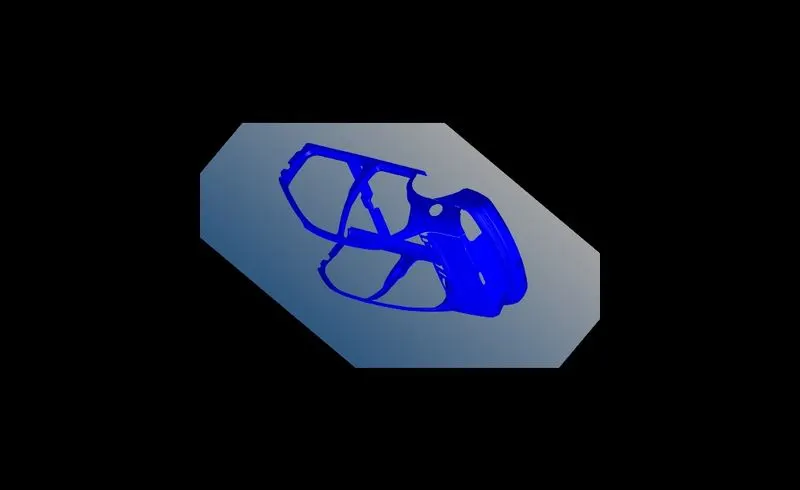
# TASK-2 on the rotated image perform a scaling operation which reduces the size of the image by 50% of the original size.
def scaling_image(image, dimensions, scale):
scaled_matrix = cv2.getRotationMatrix2D(center = dimensions, angle = 0, scale = scale)
scaled_image = cv2.warpAffine(image, scaled_matrix, (image.shape[1], image.shape[0]))
return scaled_image
image_dims = image.shape
scale_dim = (image_dims[1]/2, image_dims[0]/2)
scale_value = 0.5
scaled_image = scaling_image(rotated_image, scale_dim, scale_value)
display_image('scaled_image', scaled_image)
save_image('chn1_scaled_imag.jpg', scaled_image)
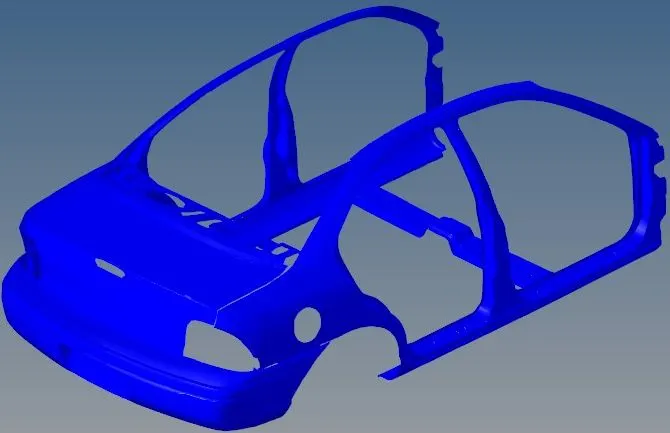
# TASK-3 Take the original image and perform cropping operation manually which focuses on the subject of the input image.
def crop_image(image, dimensions):
image_dims = image.shape
h_s, h_e, w_s, w_e = dimensions
width_dims = [w_s, w_e]
height_dims = [h_s, h_e]
np.clip(height_dims, a_min = 0, a_max = image_dims[0])
np.clip(width_dims, a_min = 0, a_max = image_dims[1])
crop_image = image[height_dims[0]:height_dims[1], width_dims[0]:width_dims[1]]
return crop_image
crop_dimensions = [105,538,180,850]
cropped_image = crop_image(image, crop_dimensions)
display_image('cropped_image', cropped_image)
save_image('c1_cropped.jpg', cropped_image)
# all result images file are also attached with the main nootbook file
# attached files are:-
# 1. rotated_image file(final result)
# 2. scaled_image file(final result)
# 3. cropped_image file(final result)
# 4 project-1 jupiter nootbook file