Project 1
* Objective:
For the given component, check for the geometrical errors and mesh with the given element Quality criteria. After meshing the component the thickness has to be assigned.
* Procedure:
- Import the given model and give topo to stitch all the features of the component and make it as a single rigid model
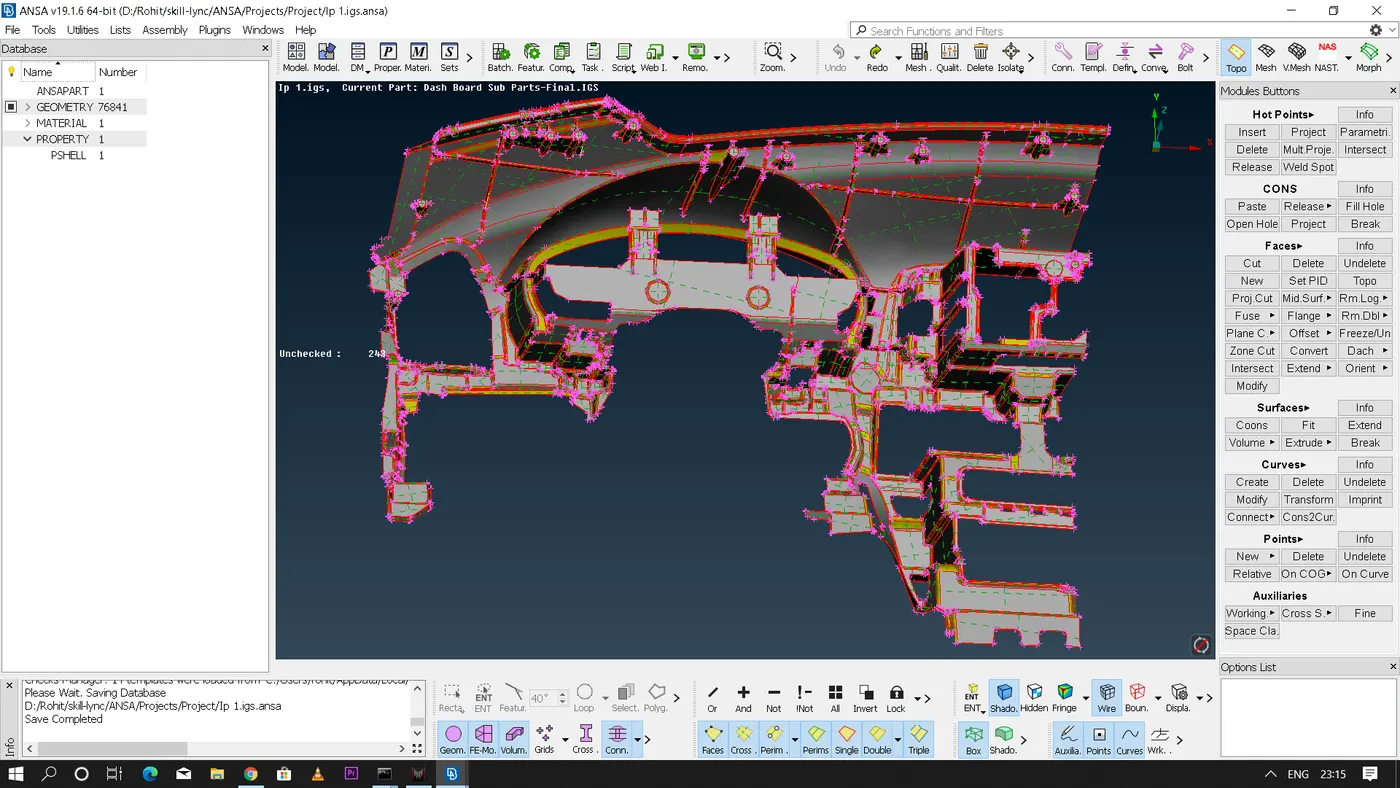
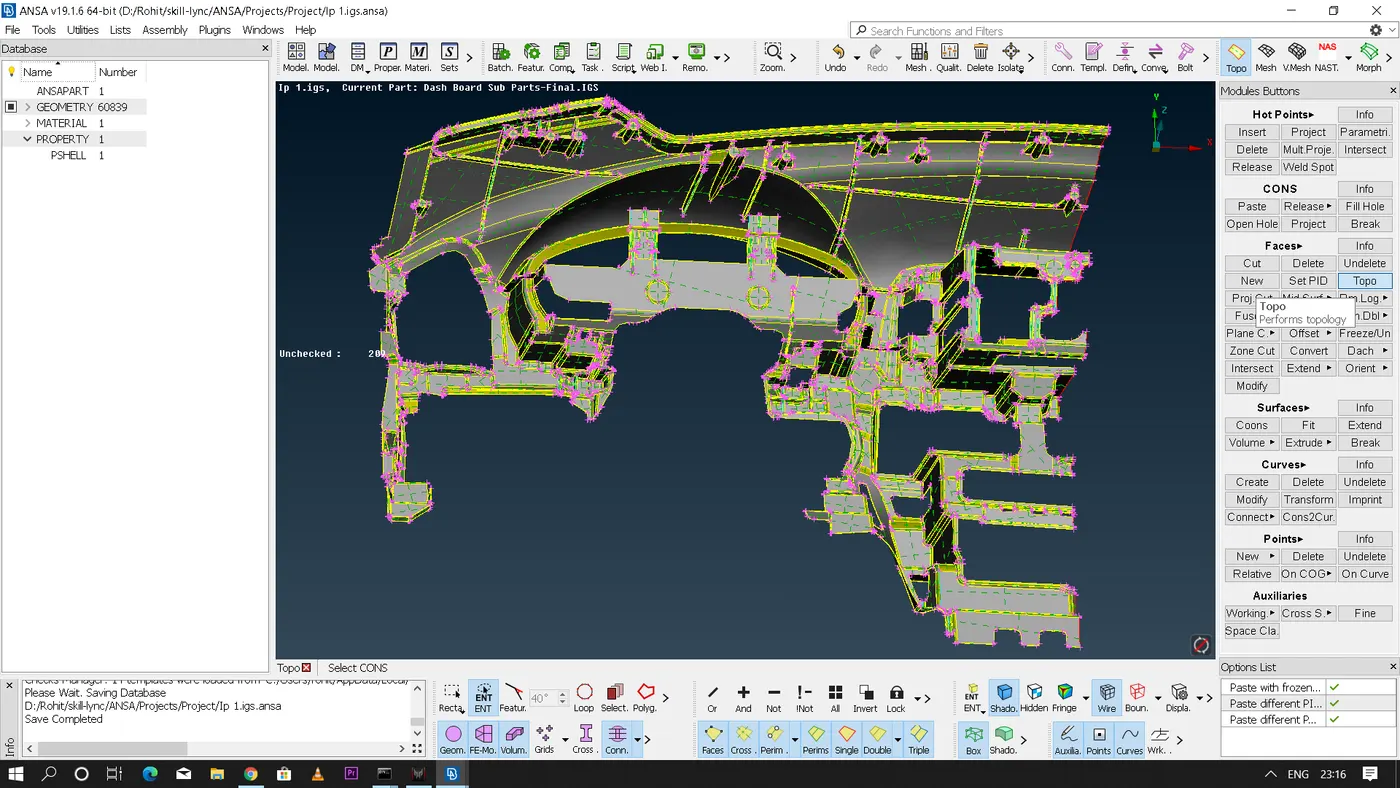
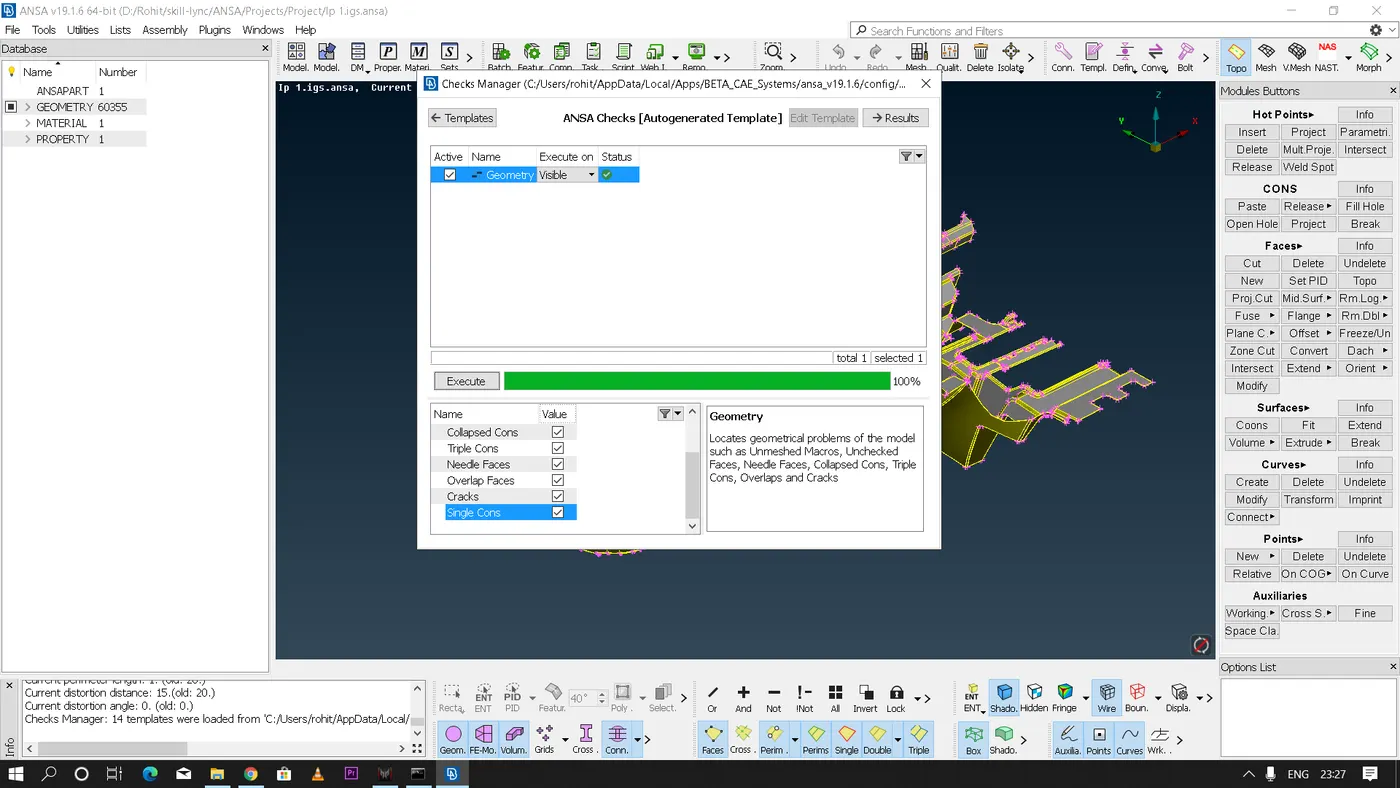
- Now geometry check has to be performed to check if there are any geometrical errors present in the given feature or not.If there are any errors present in the geometry we need to fix them first before performing any other operations.
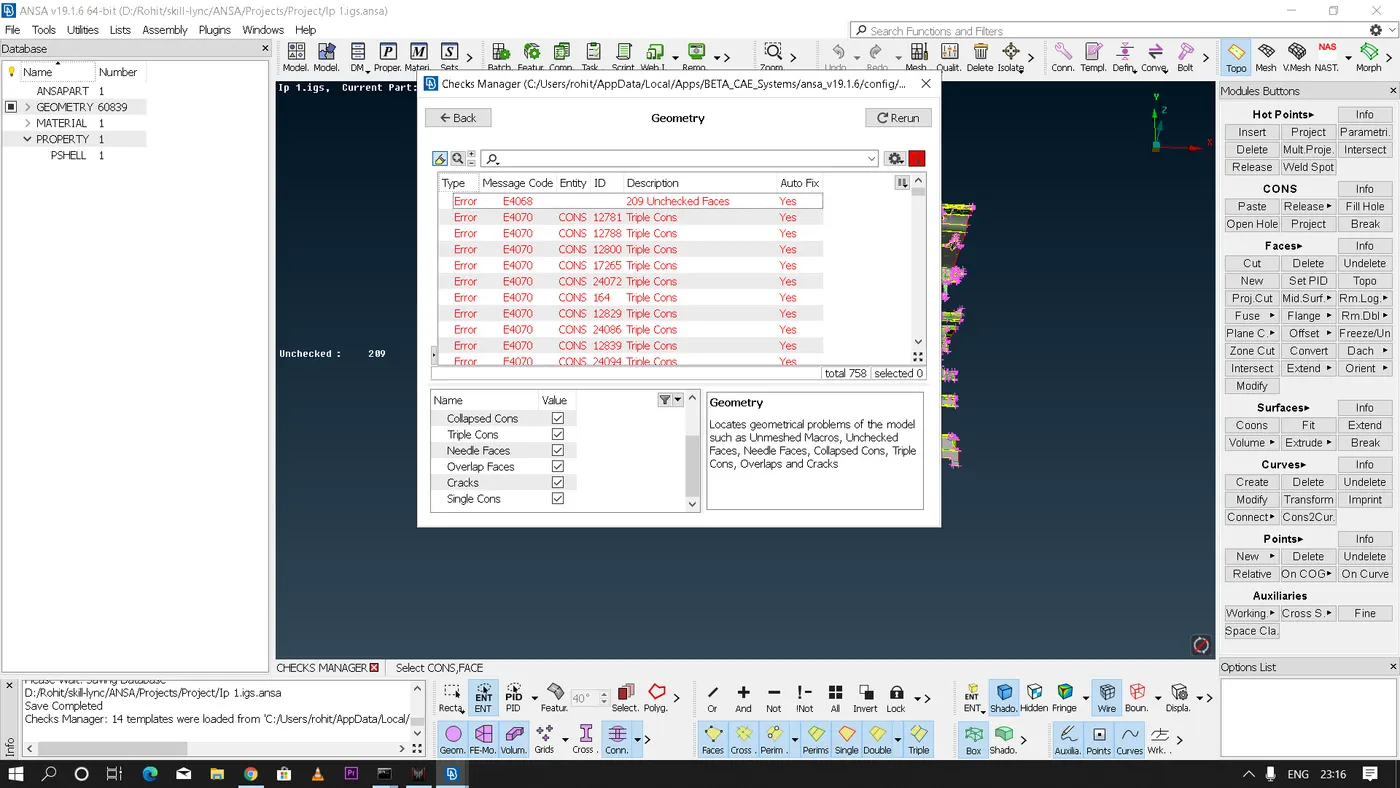
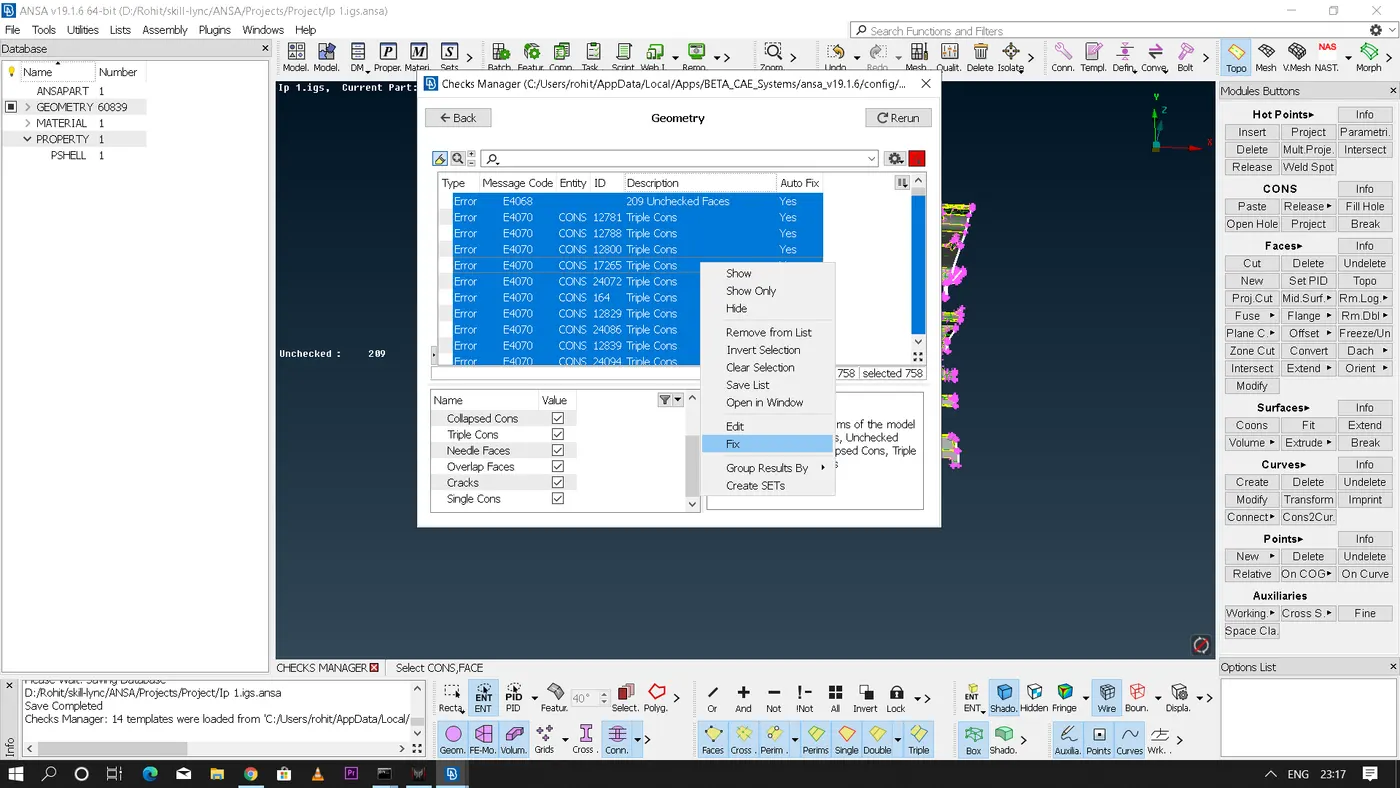
- There are few features where ANSA is unable to fix those errors automatically so for those errors manual intervention is required.We can fix those errors by using various tools on ANSA as per the requirement one such method is to delete any create a new surface.Simiarly there are few unnecessary faces that has to be deleted and also there are few open features where a new surface has to be created to make it as a closed feature.
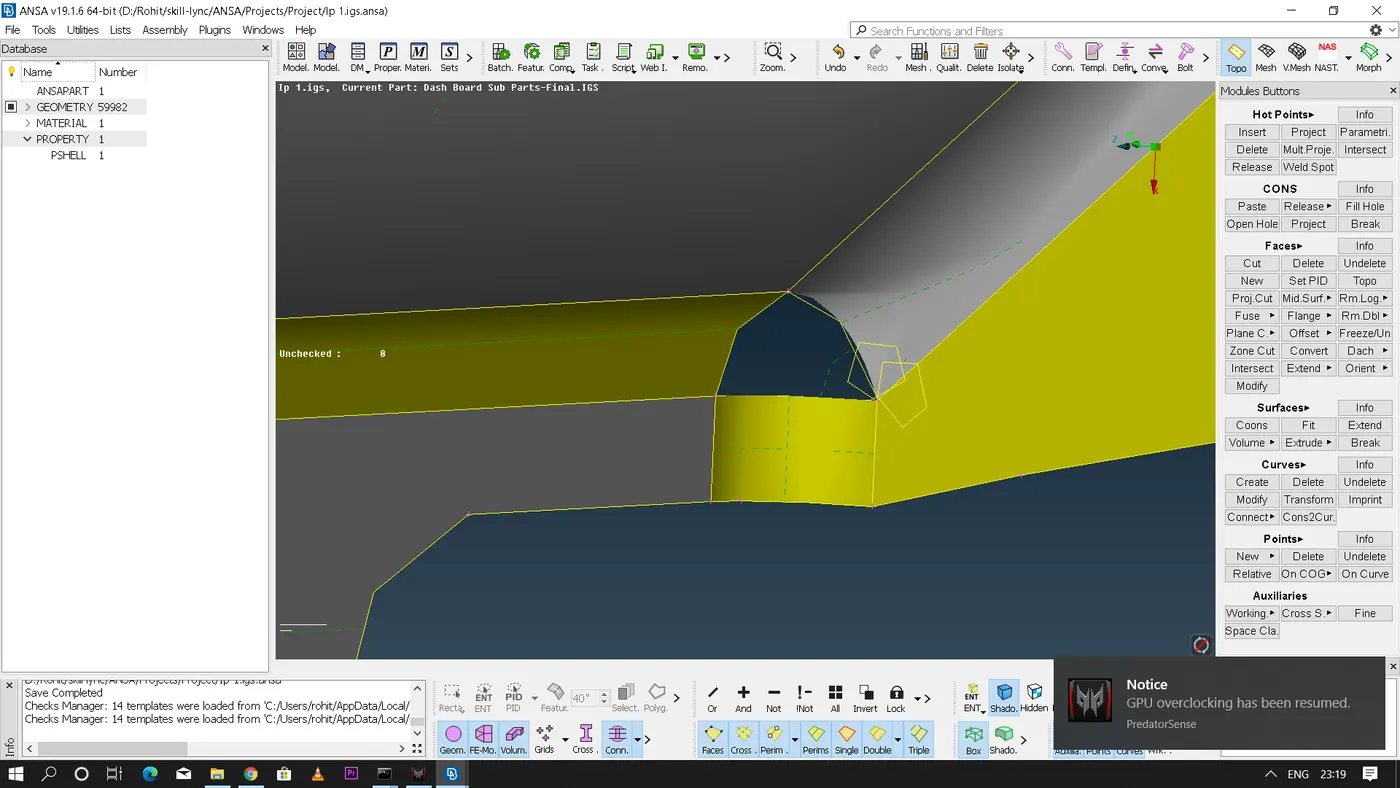
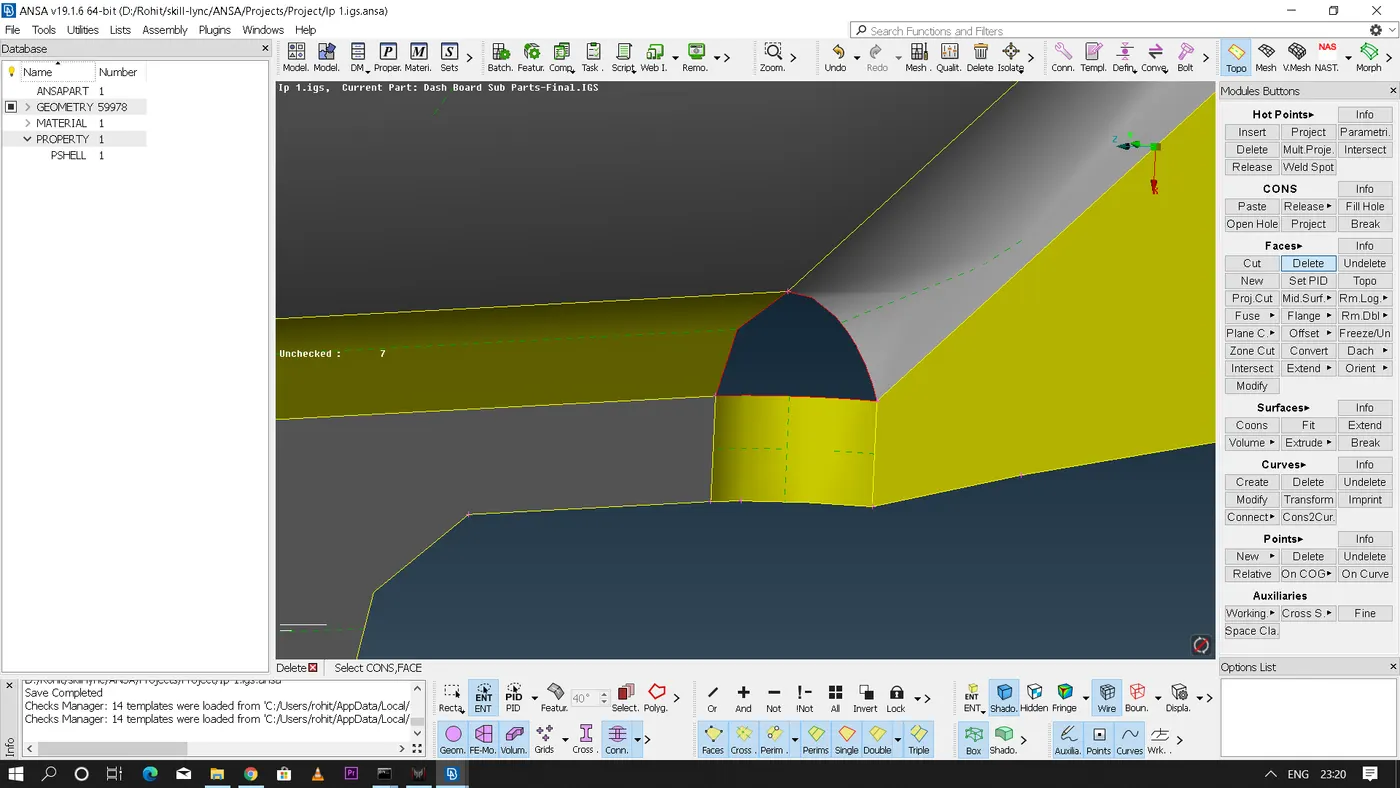
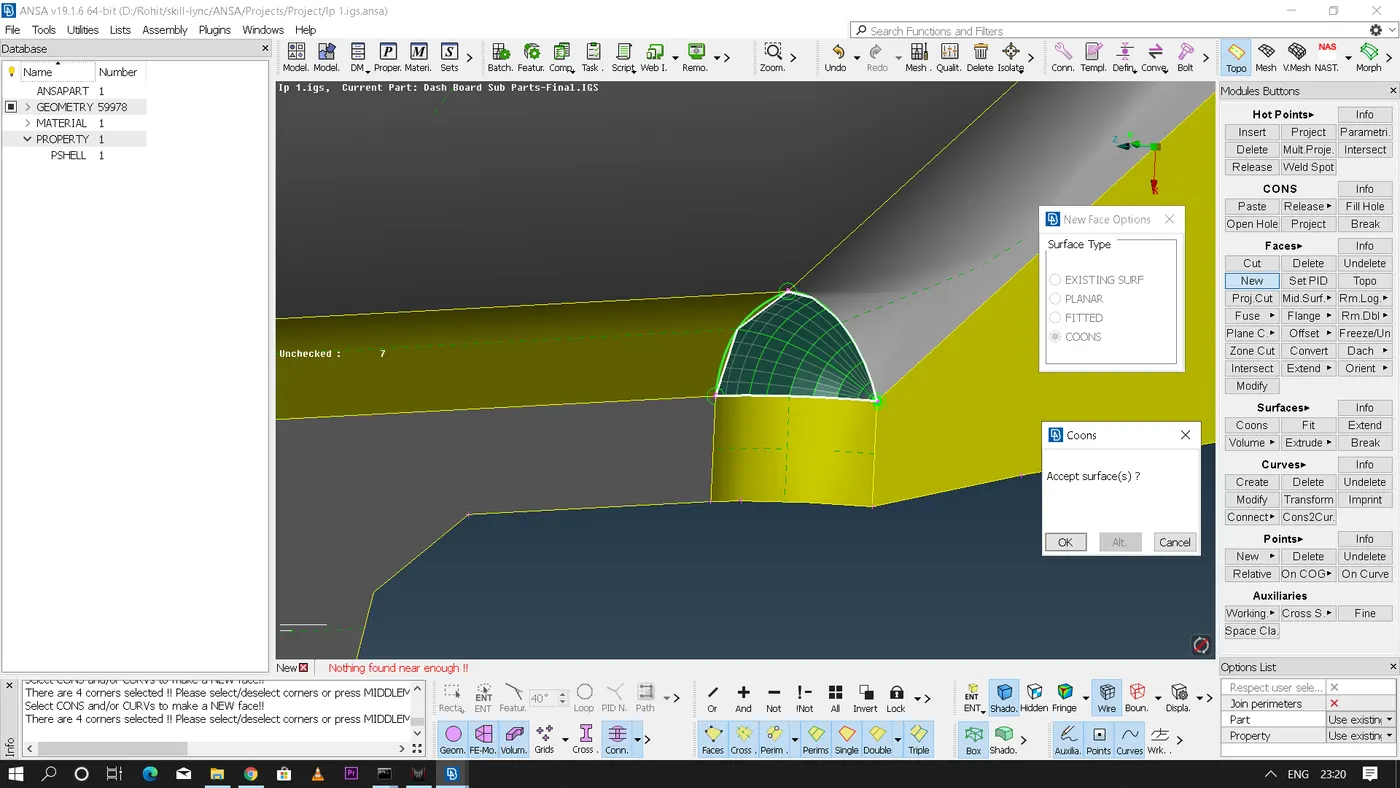
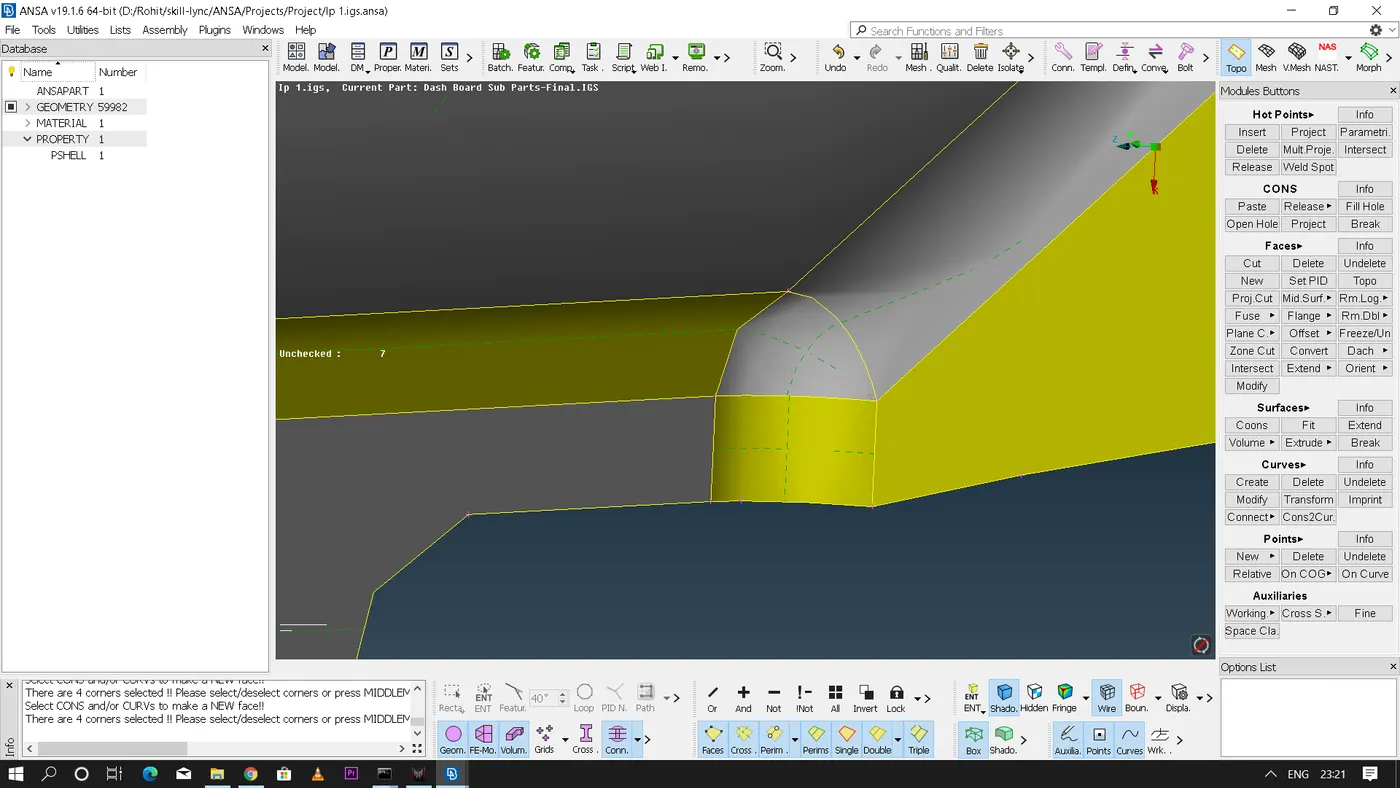
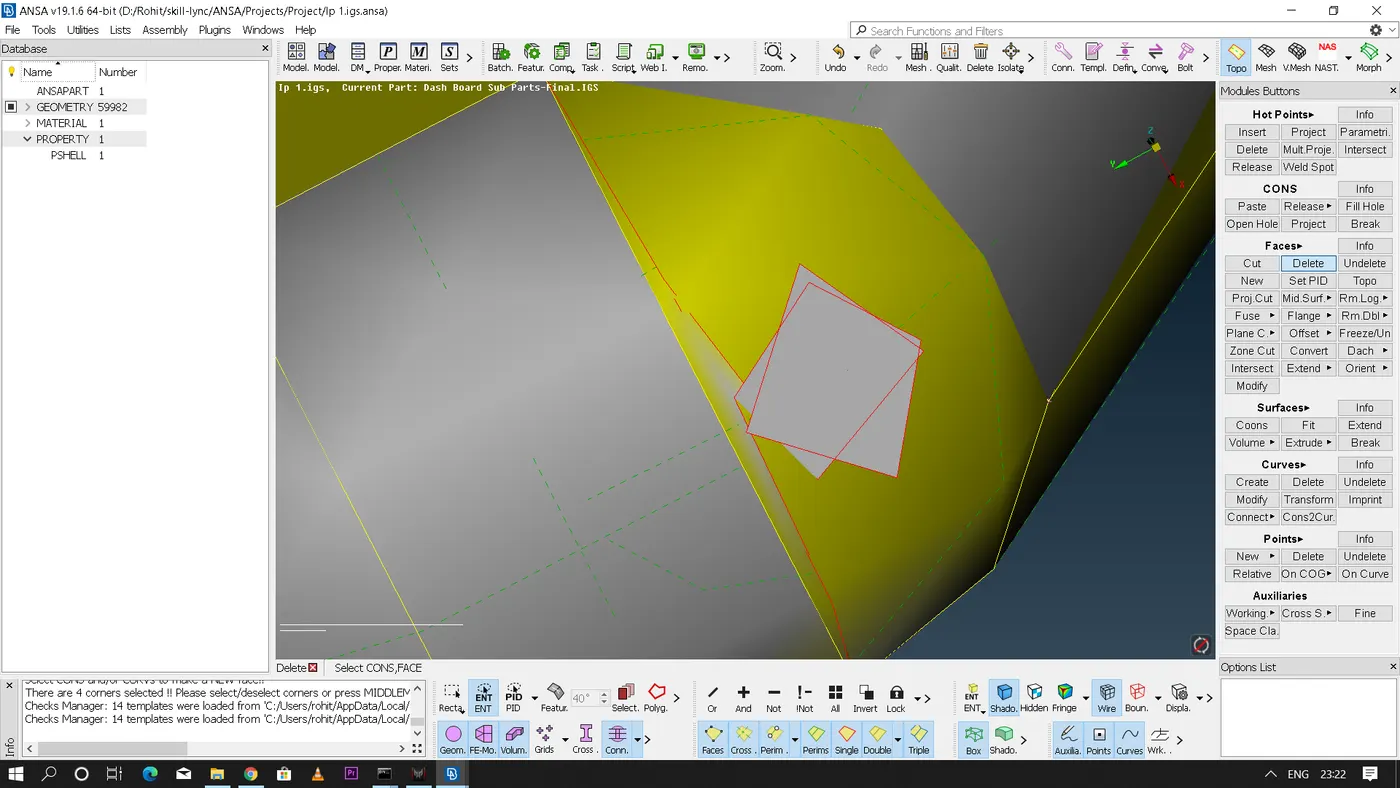
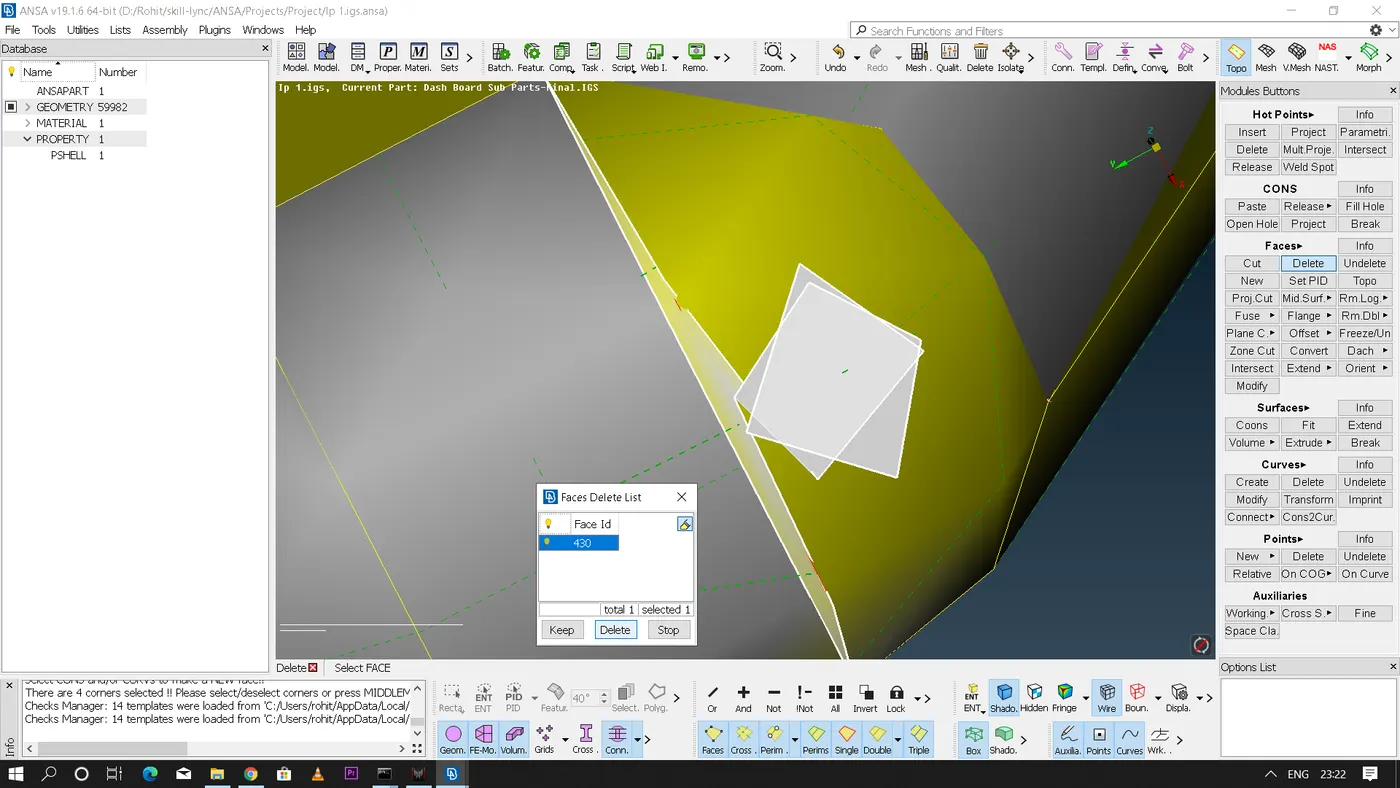
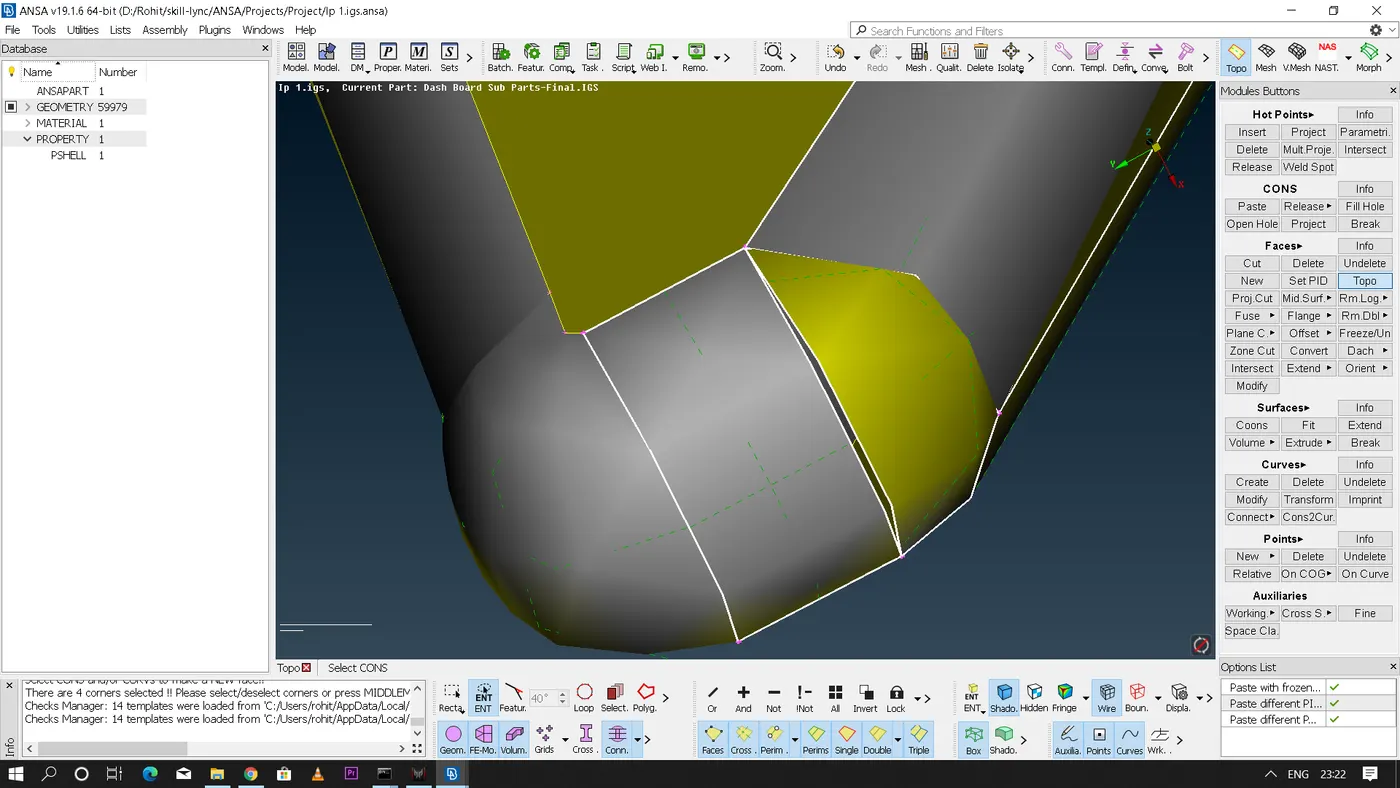
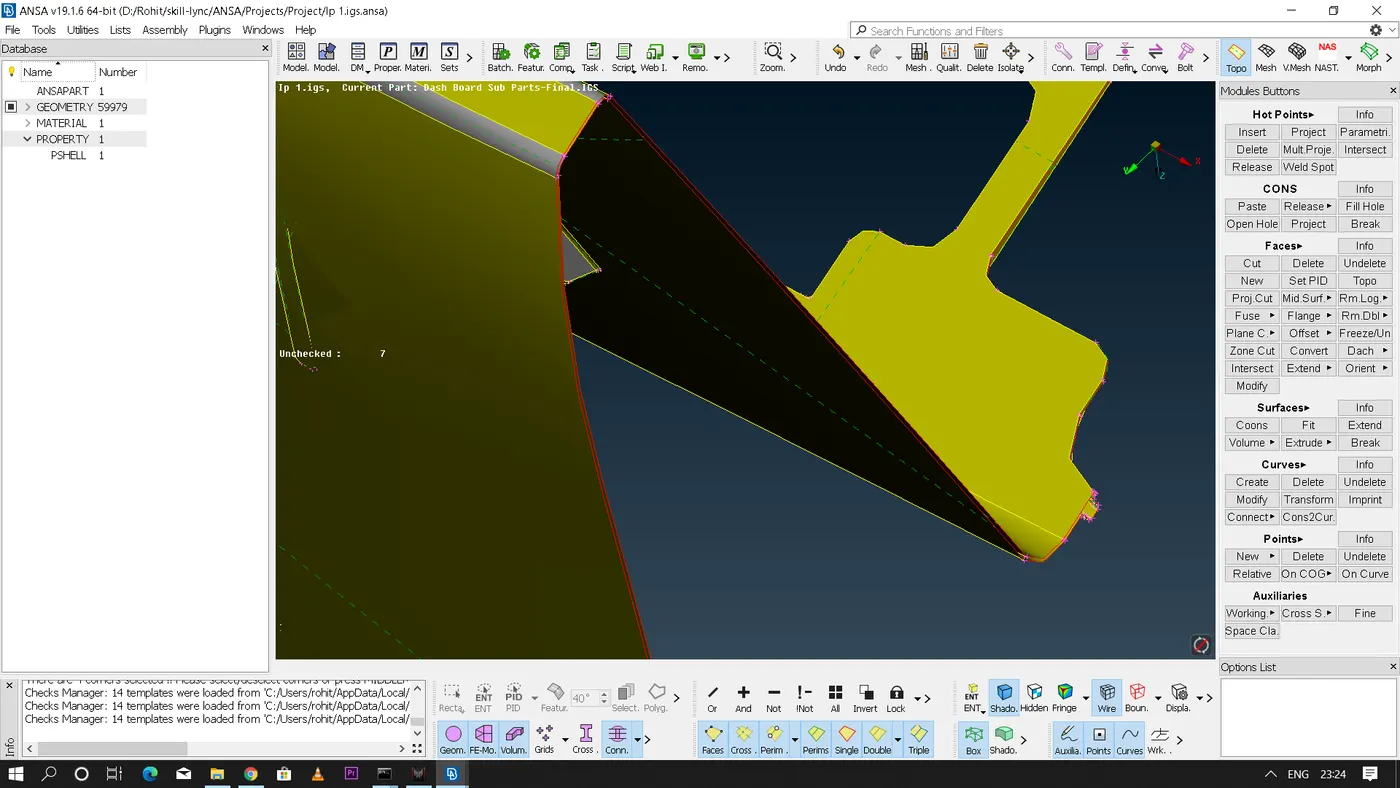
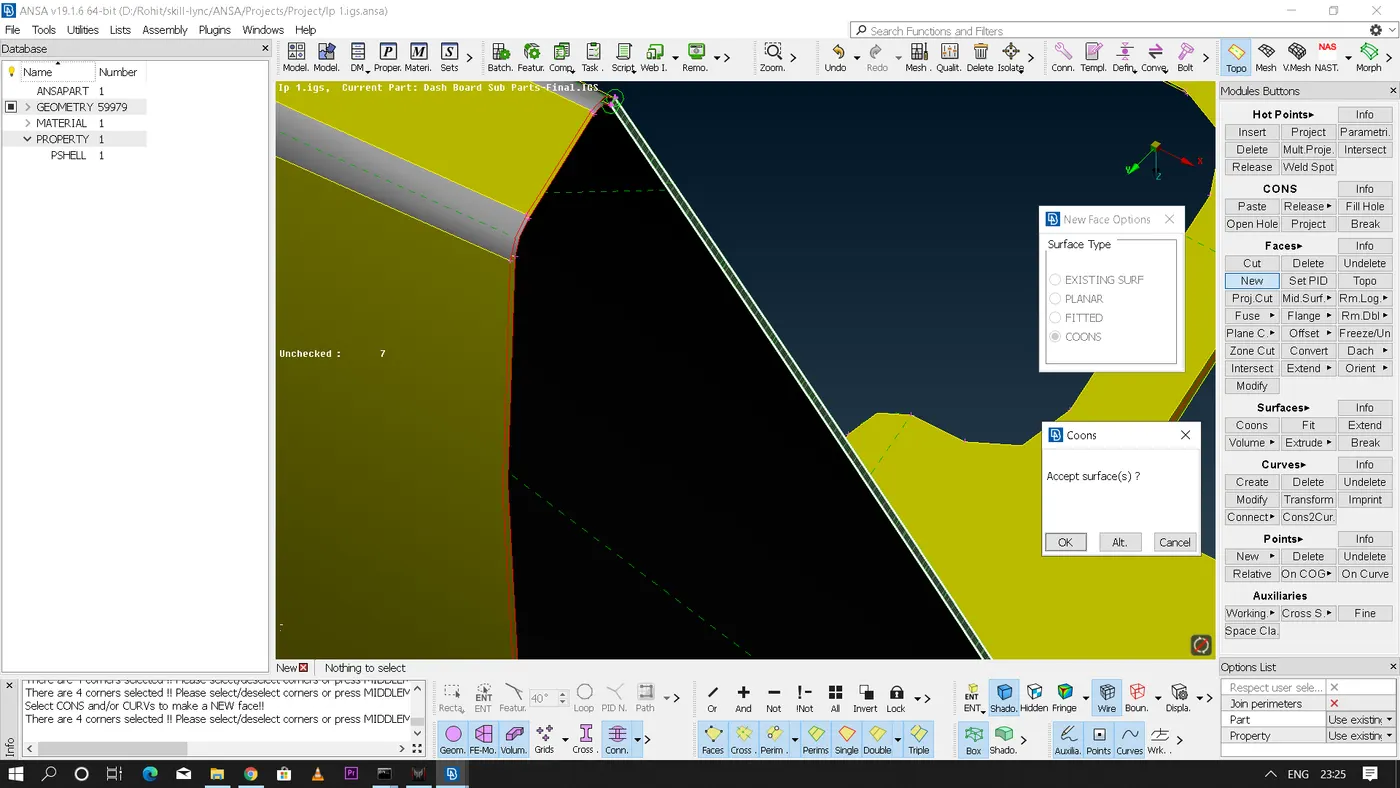
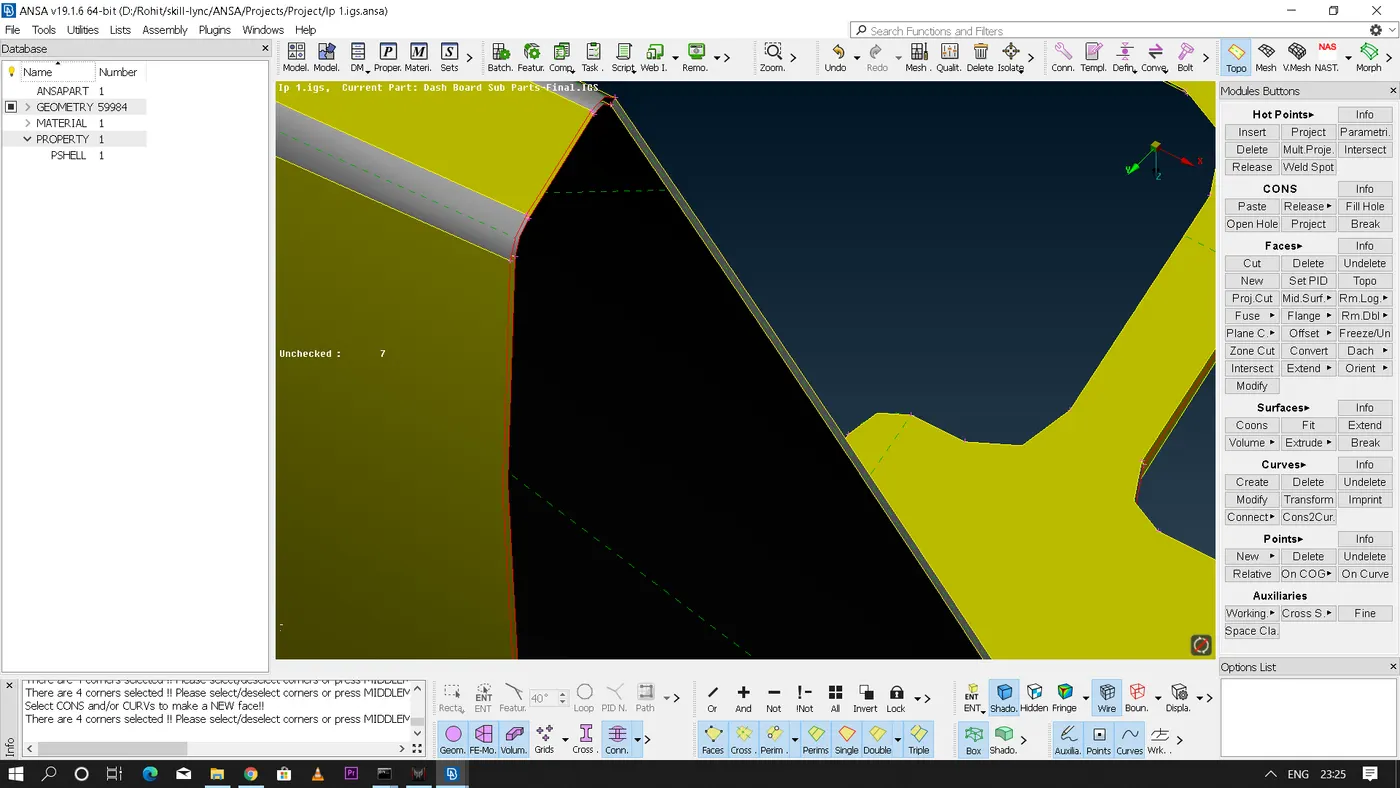
- After fixing all the errors we need to perform geometry check once again to make sure that there are no errors present in the geometry and the geometry is clean for performing the further operations.
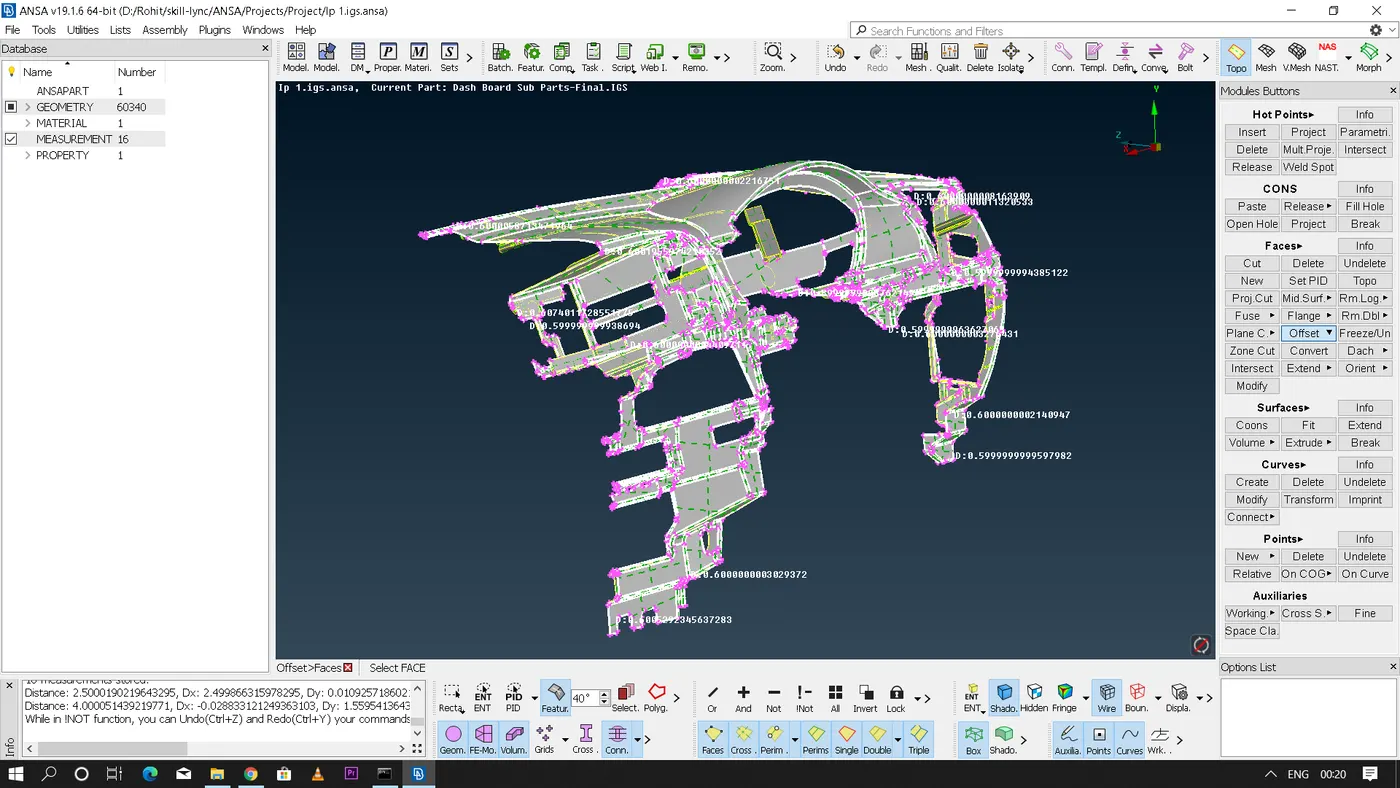
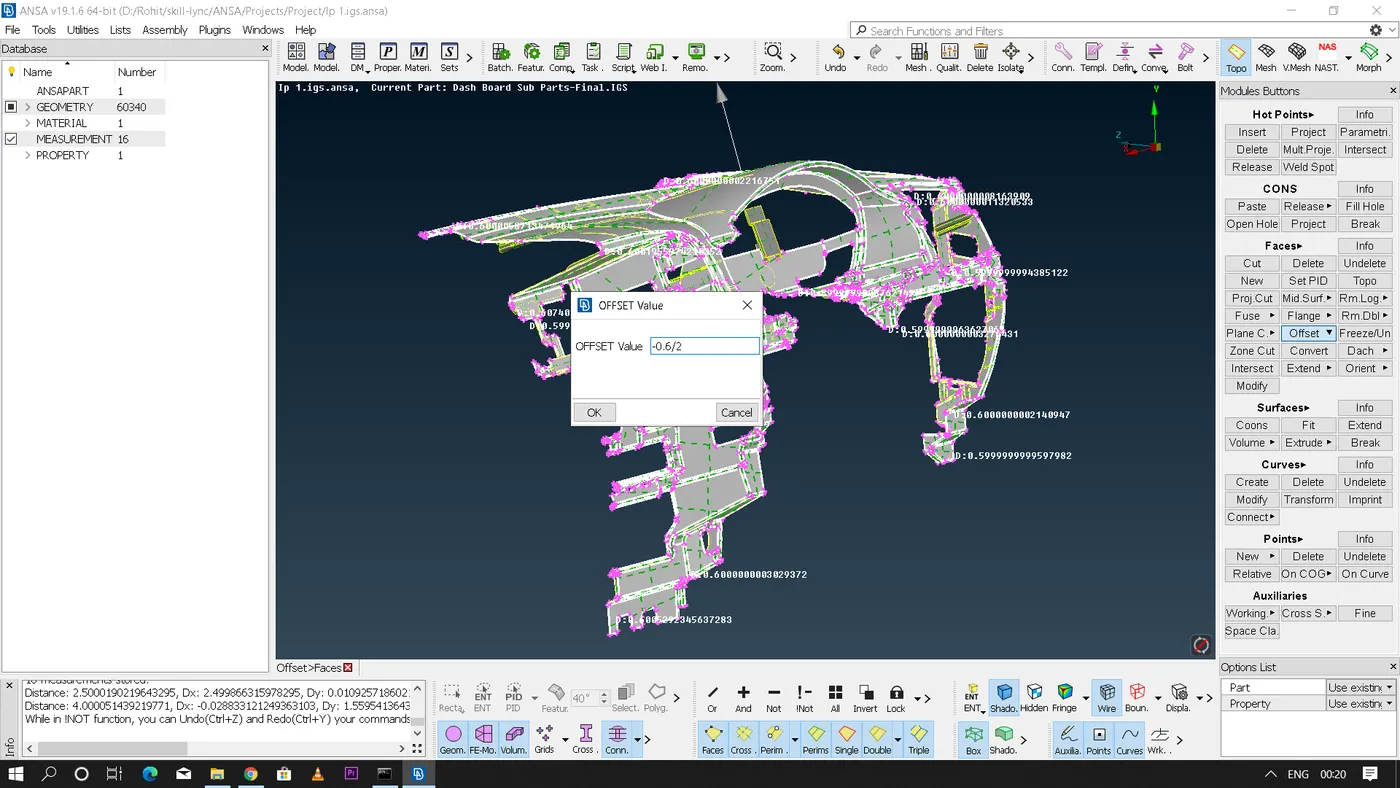
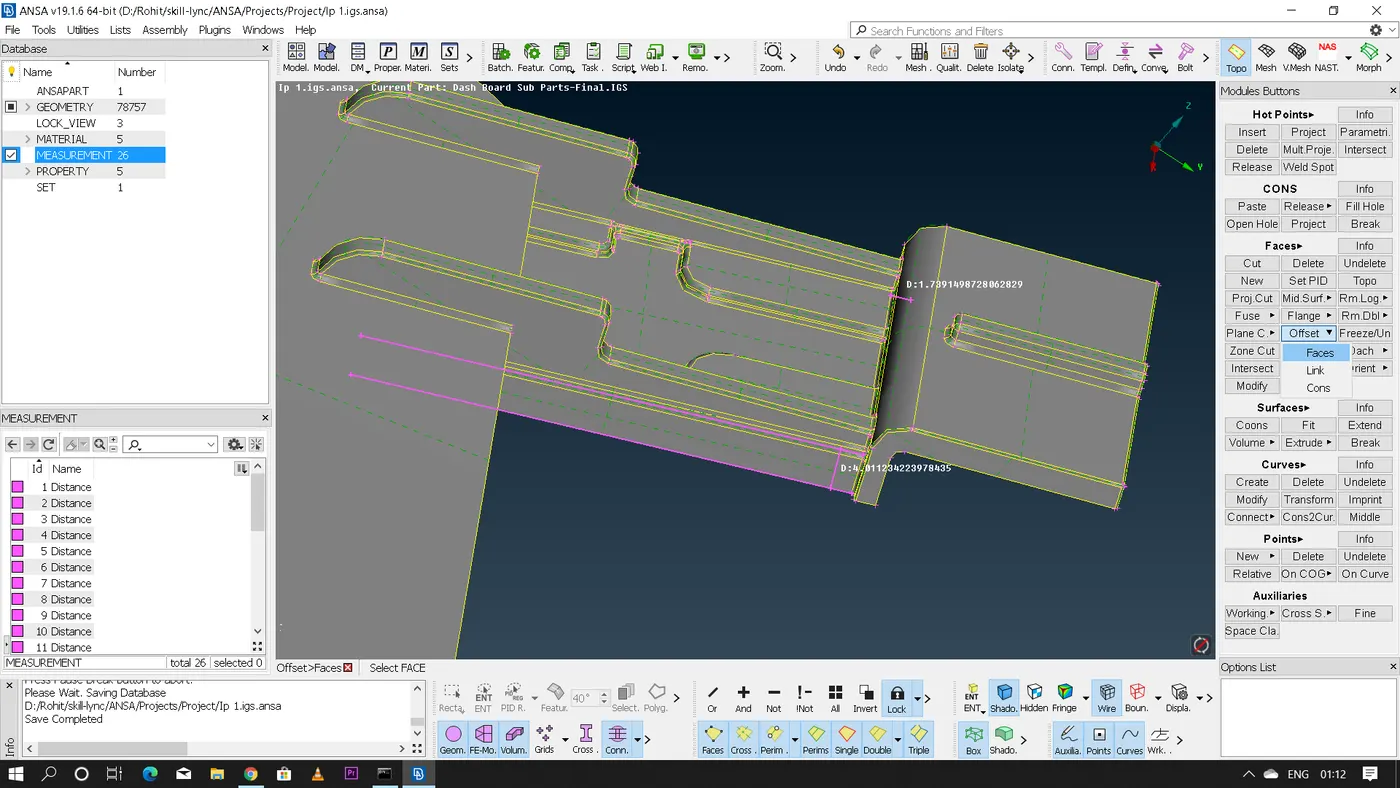
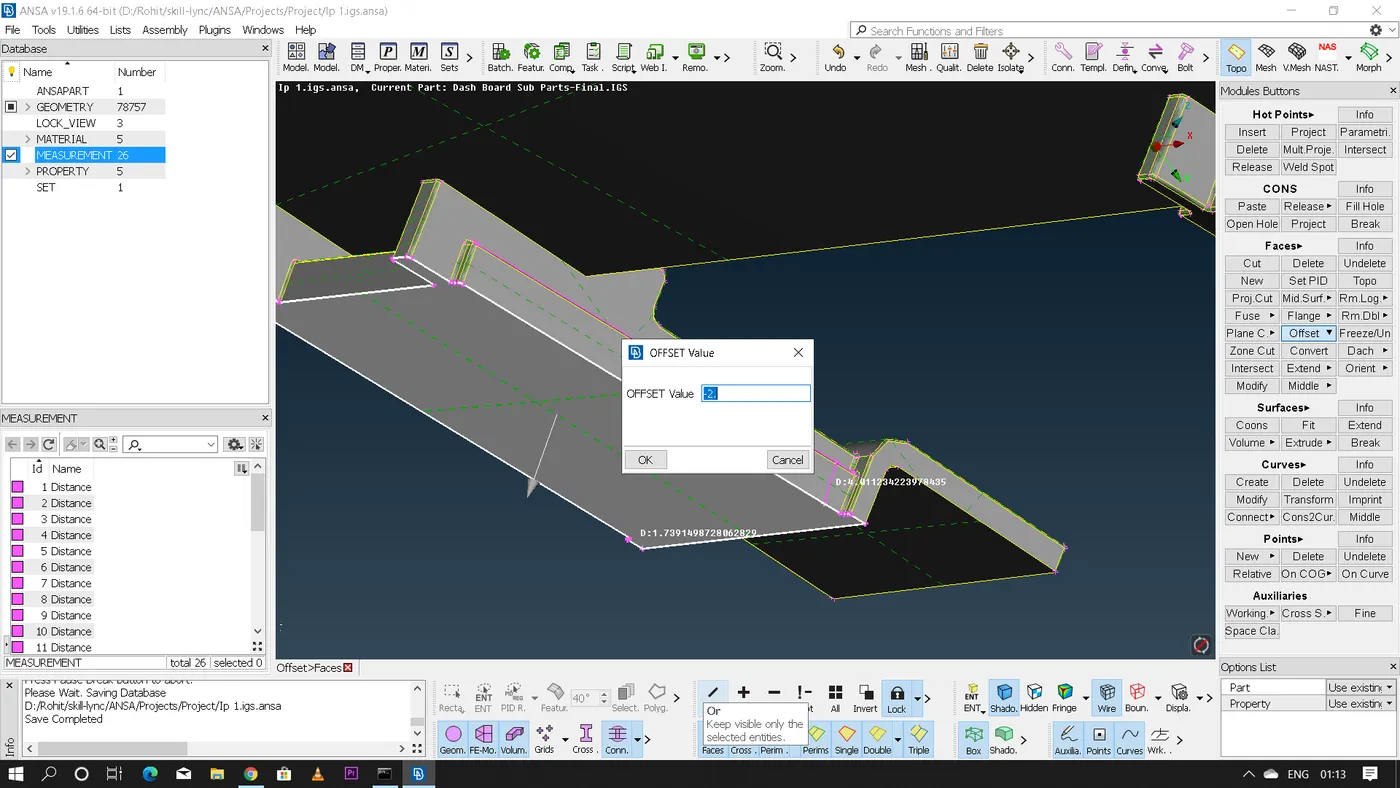
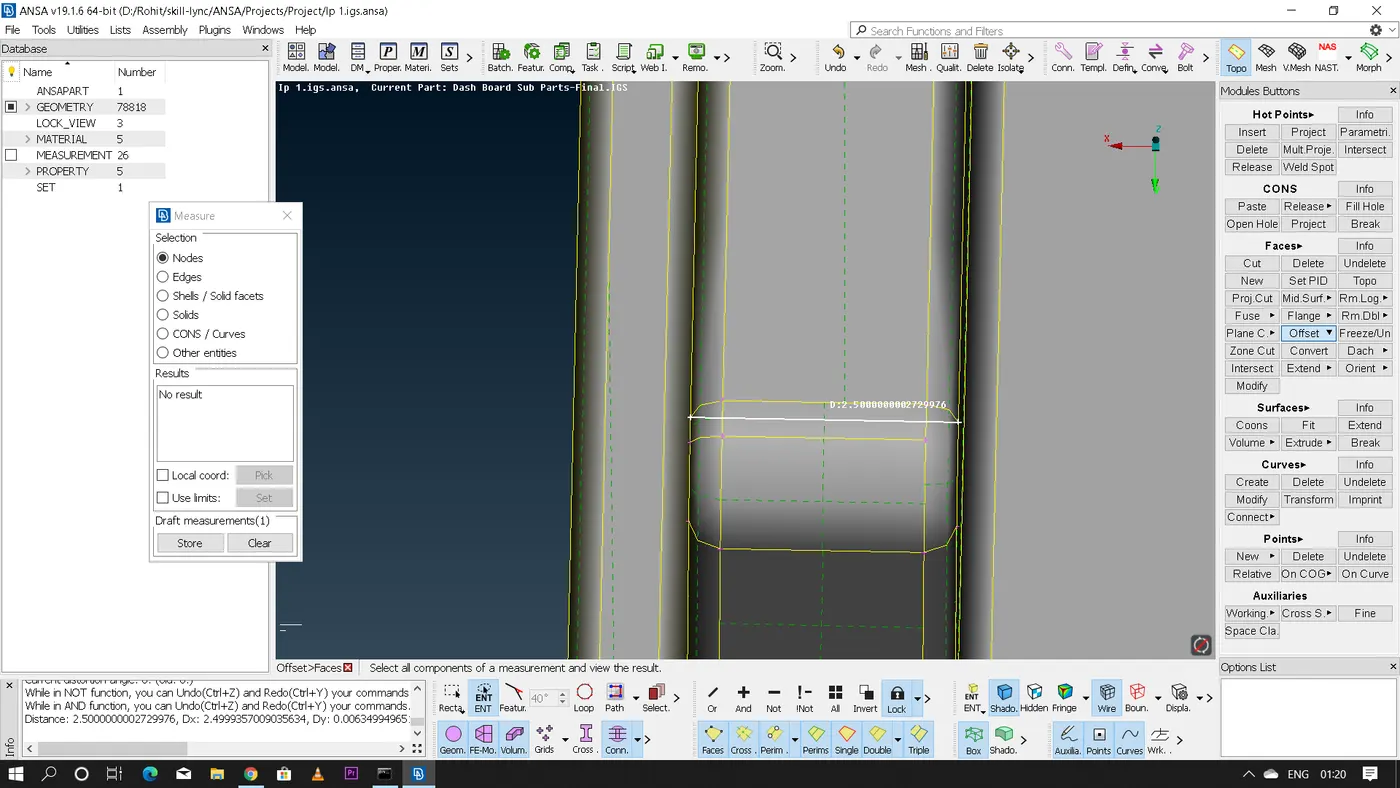
- Now we need to extract the mid-surface of the entire geometry this can be done by various methods so here for the given geometry i majorly used only 2 methods to get the midsurface since the midsurface we get using these two methods is more accurate.(a) Extracting the mid surface using "Offset" meethod.For performing this method first we need to measure the thickness of the component and if the thickness is uniform throughout the feature then we can perform this method.Now Faces - Offset - select the feature having the uniform thickness throughout - give the offset value i.e, half of the thickness and on confirmation ANSA will deploy a mid-suface of the selected component.(b) Extracting the mid-surface using "faces - middle" option for this method after selecting the faces - middle - single we need to select the two faces of the feature for which the middle face or the mid-surface has to be extracted and on confirmation ANSA will deploy the mid-surface.
- Similarly by repeating these two methods we can get the midsurface of the entire geometry.
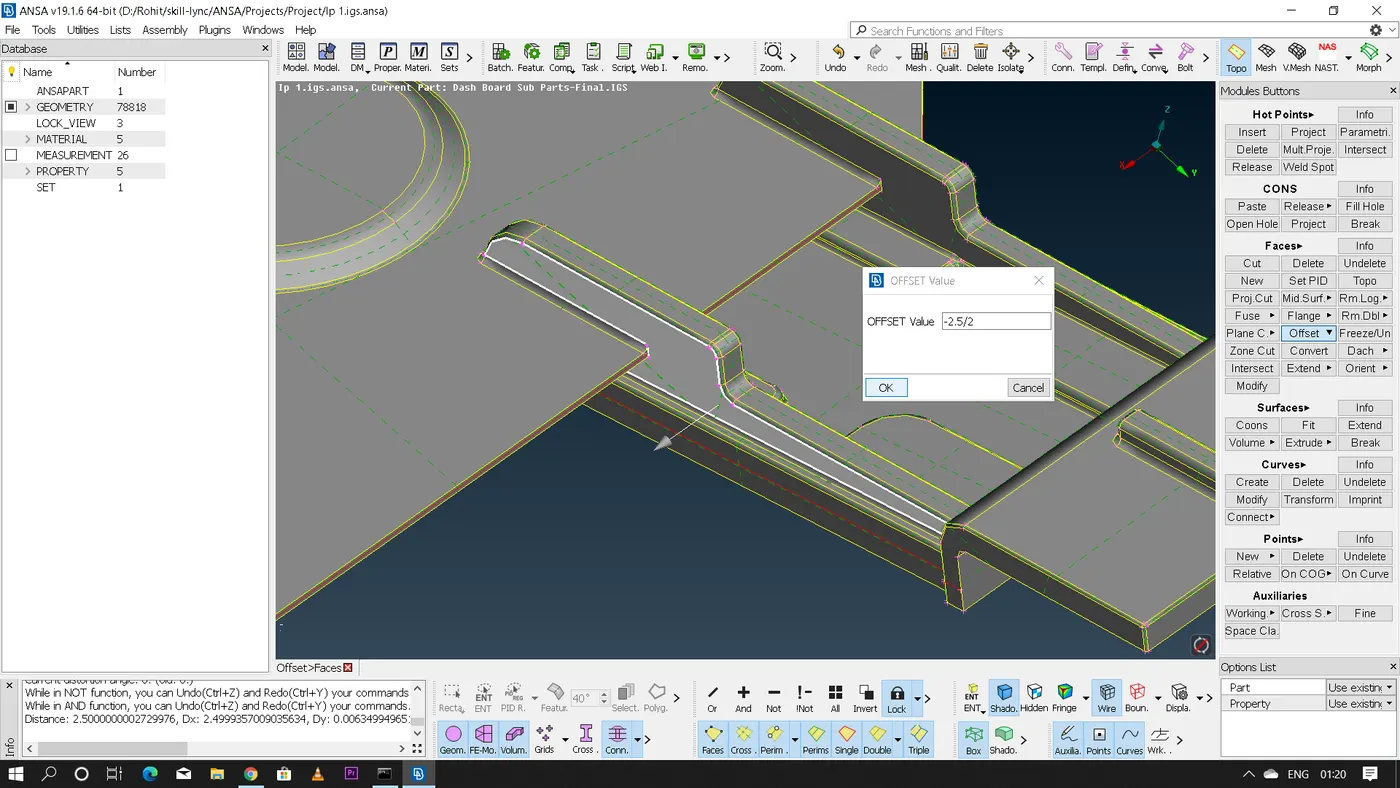
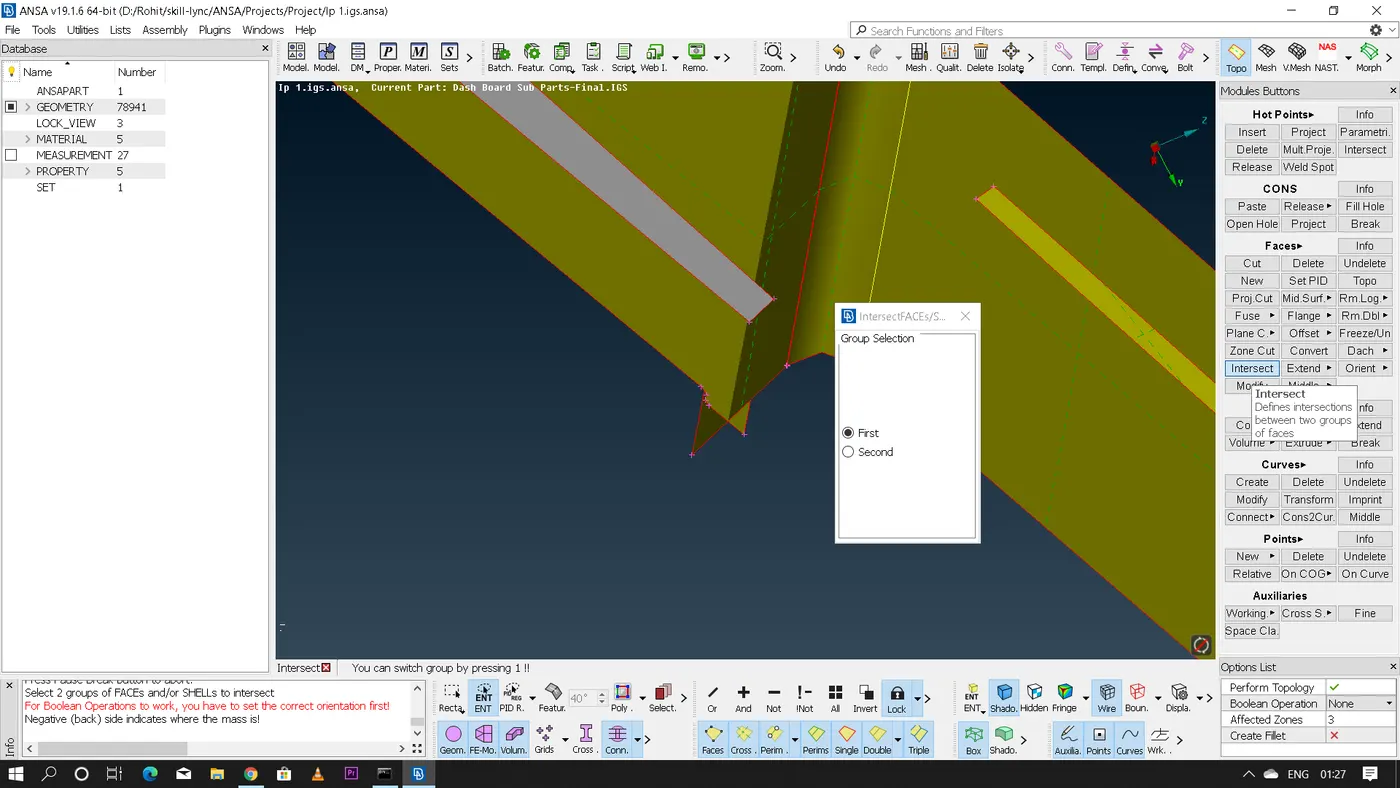
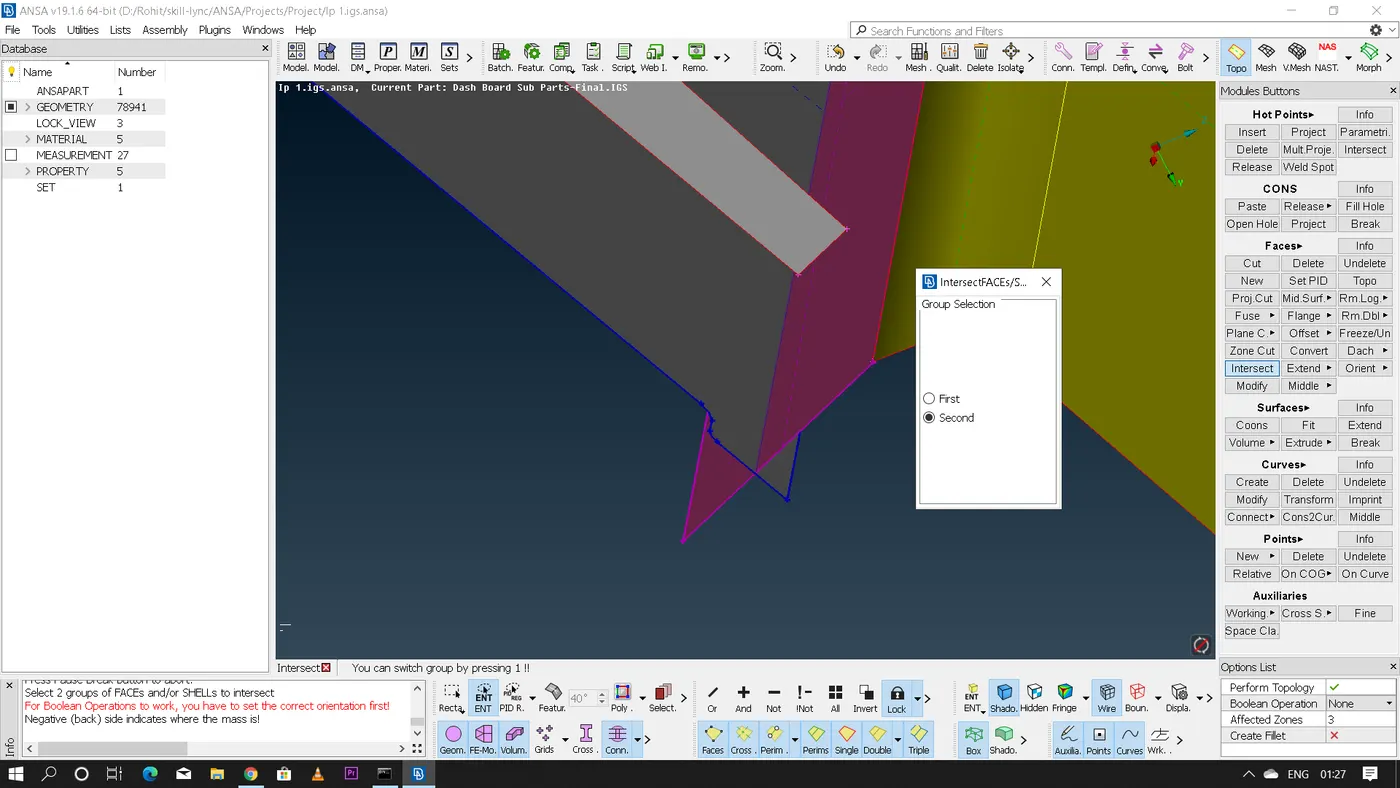
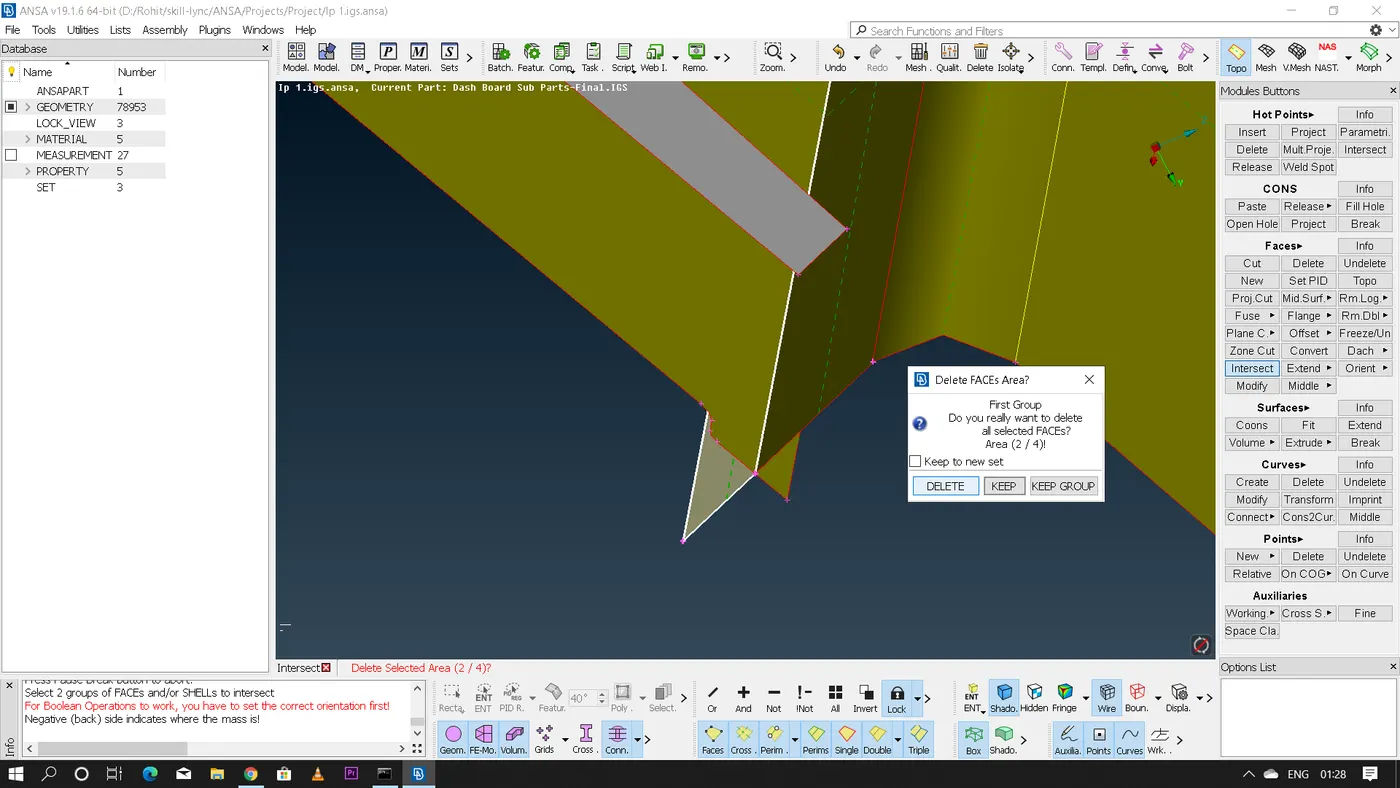
- After getting the midsurface we need to perform some 'Extend' and 'Intersection' options to stitch the faces correctly depending on the requirement.
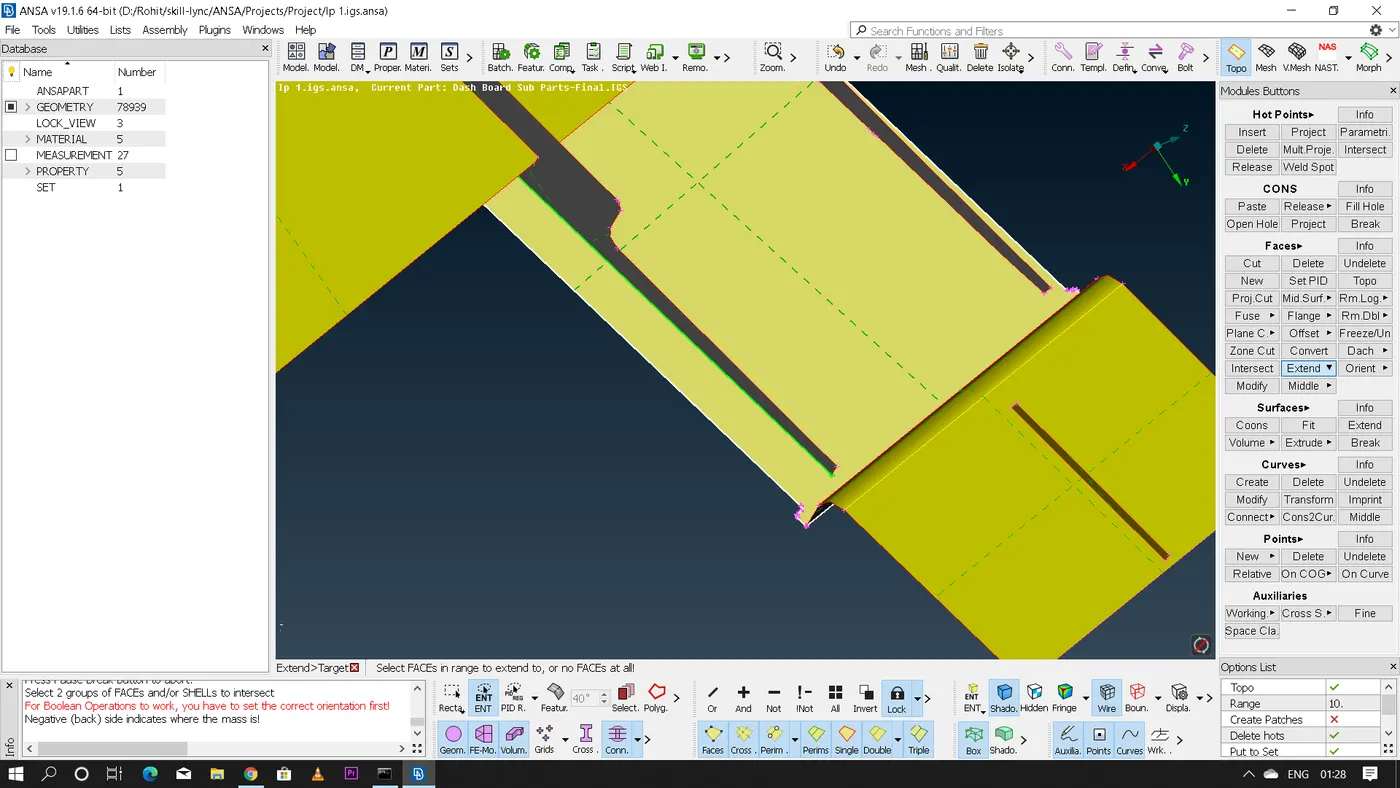
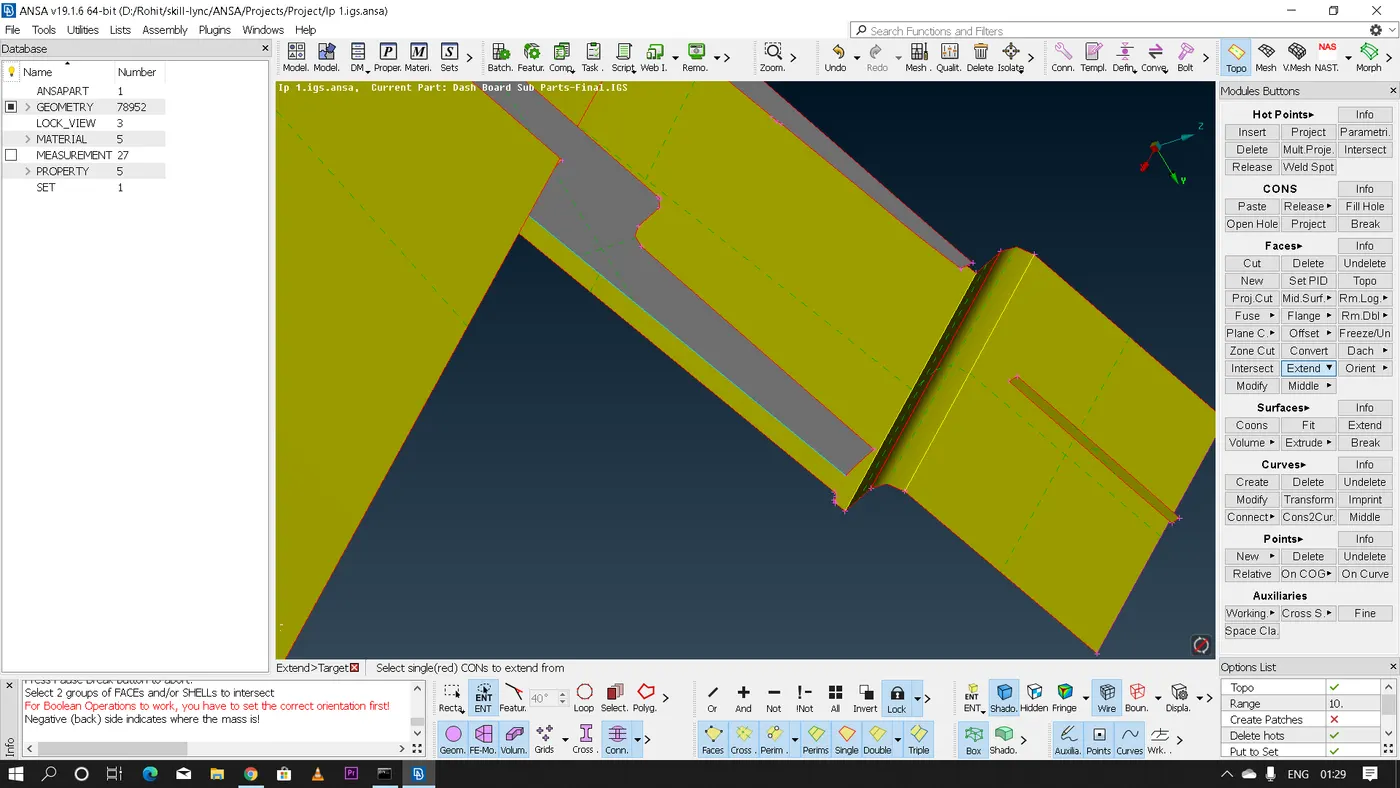
- After extracting the mid-surface of the entire geometry we need to assign seperate PID for every feature with respect to there thickness and then we need to perform meshing operation for the entire geometry.
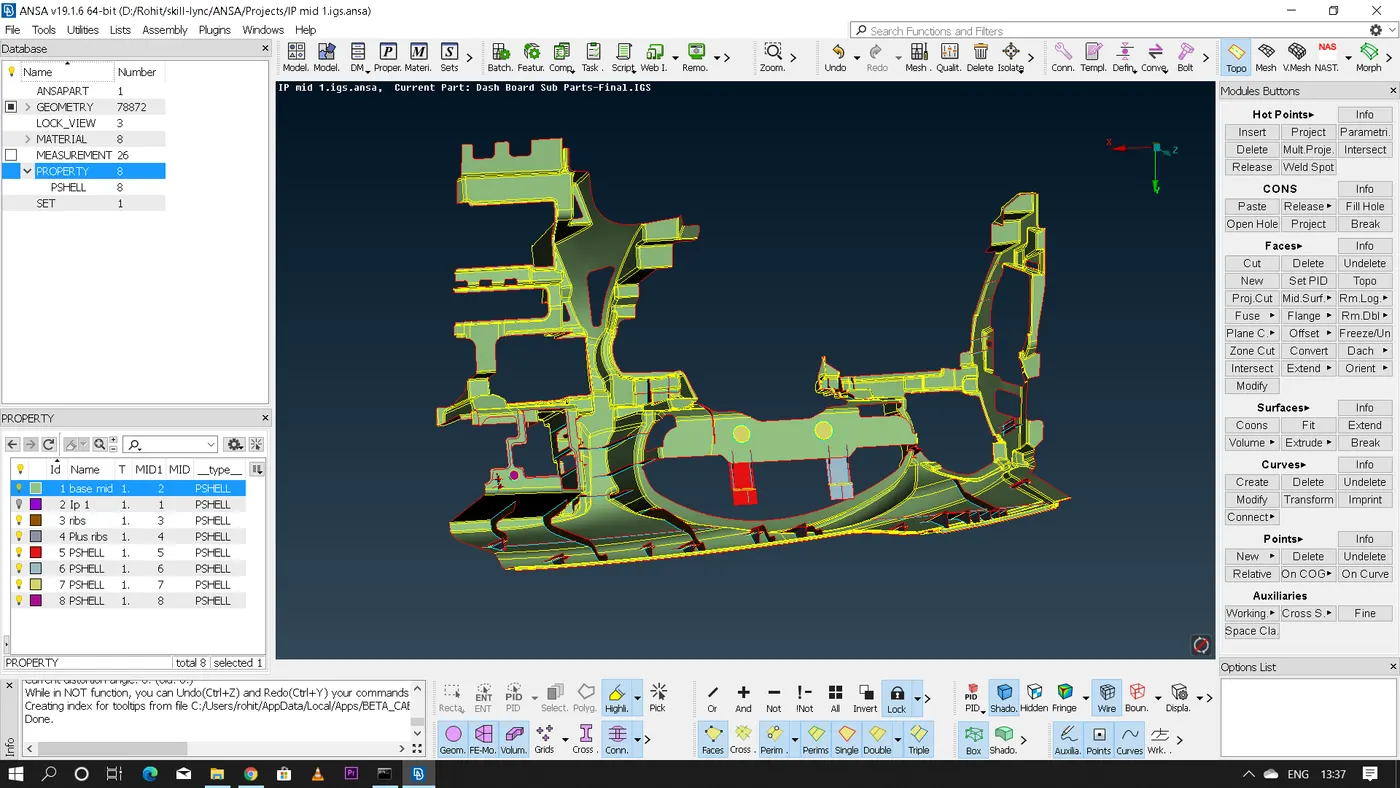
- Now for performing meshing operation we have multiple meshing algorithms in ANSA we can use any of them for performing the meshing as per our requirement
- Before deploying any mesh first we need to key in all the 'Quality' and 'Mesh Parameters' given.
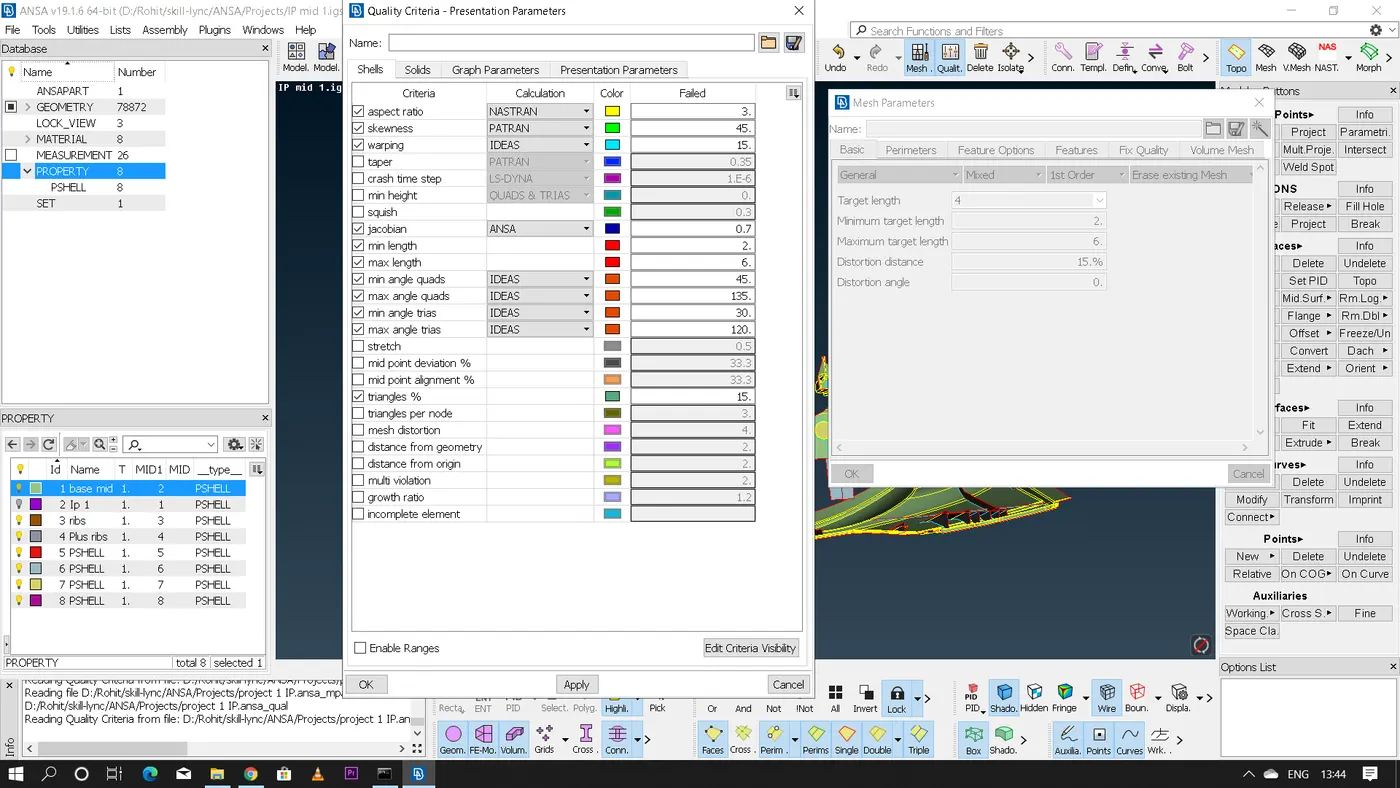
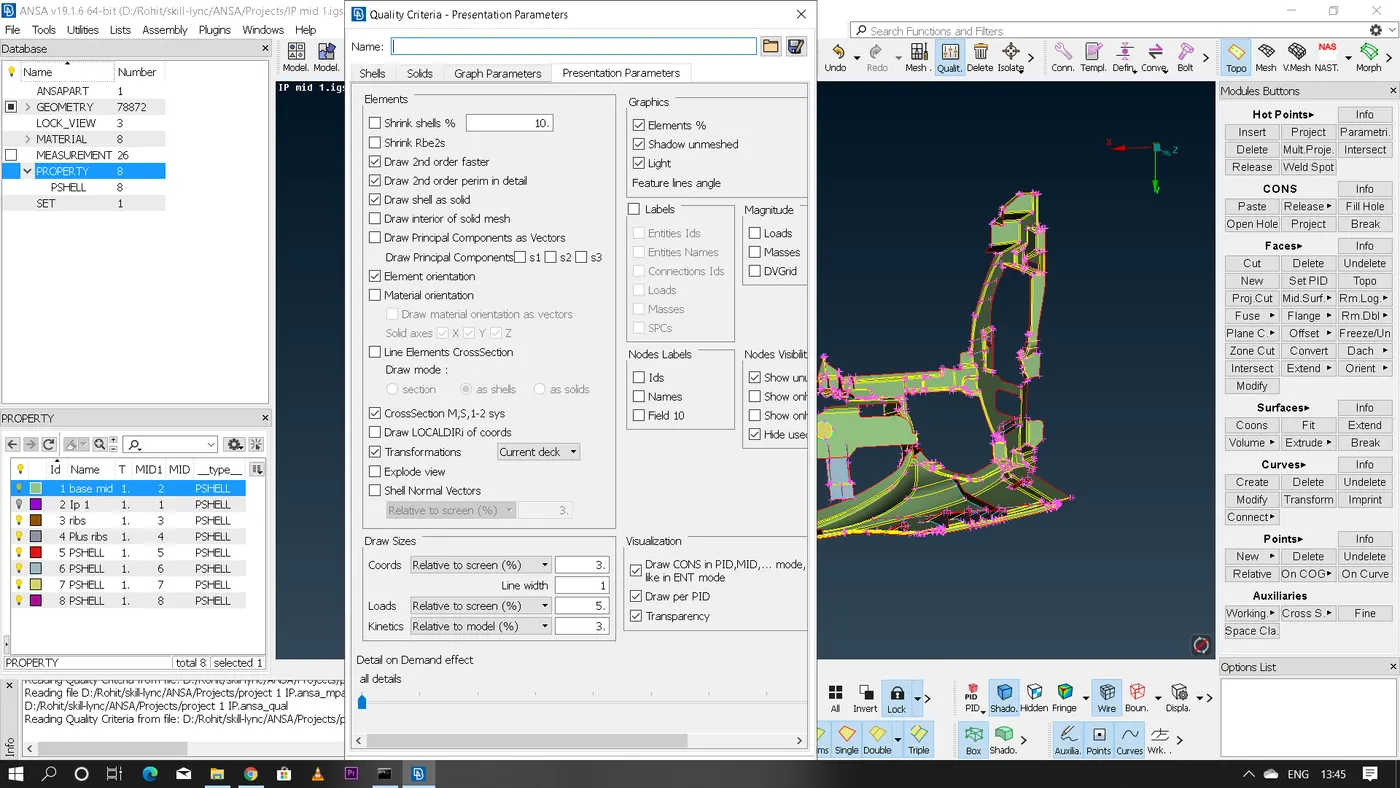
- After inputing all the quality parameters now we need to perform meshing operation here i used 'Batch mesh' algorithm since its very user friendly for such a complex geometries where ANSA will automatically defeature few surfaces where quality has not been met and gives a final meshing.
- However even after defeaturing there might be some features where ANSA is unable to meet the given Quality parameters which should be addressed manually and should be fixed by using 'Reconstruction' and 'Smooth' options.
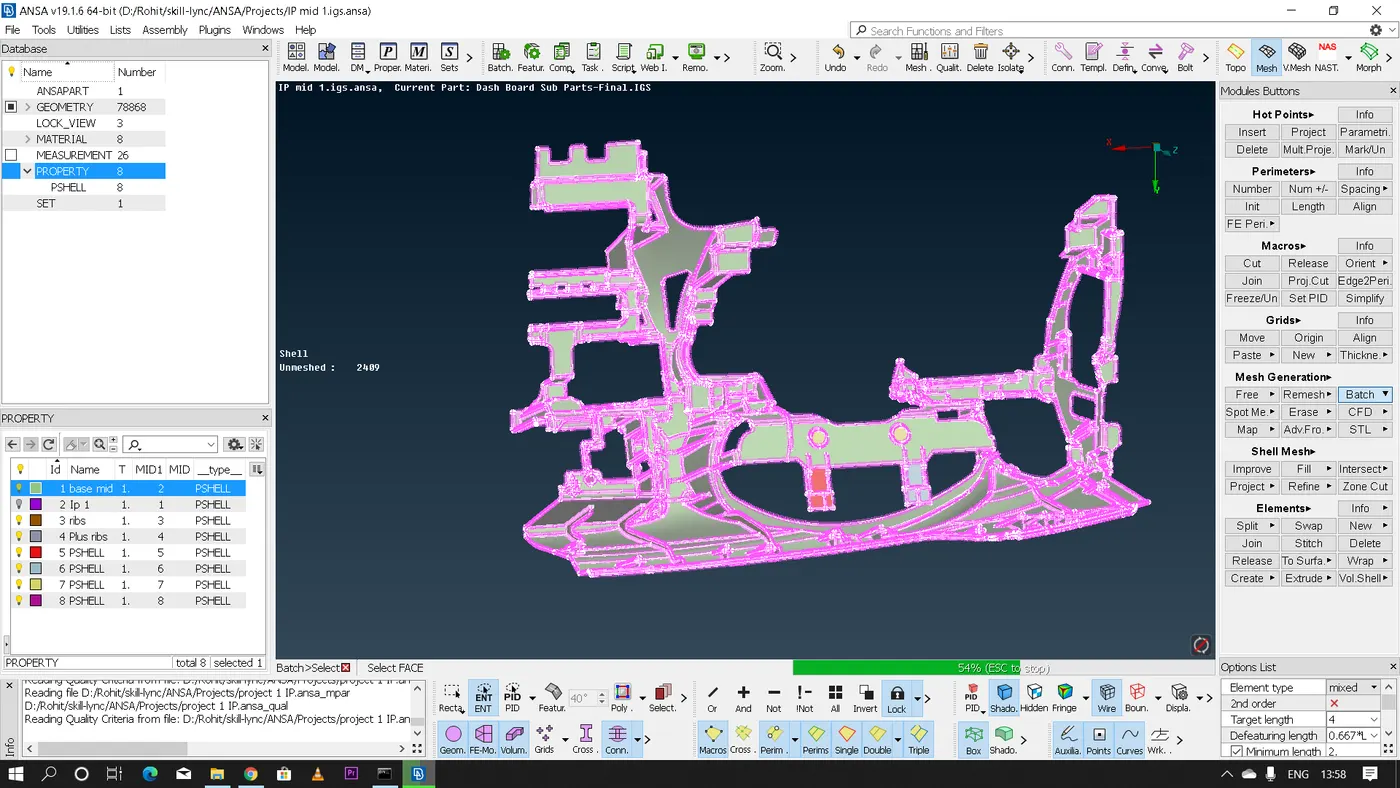
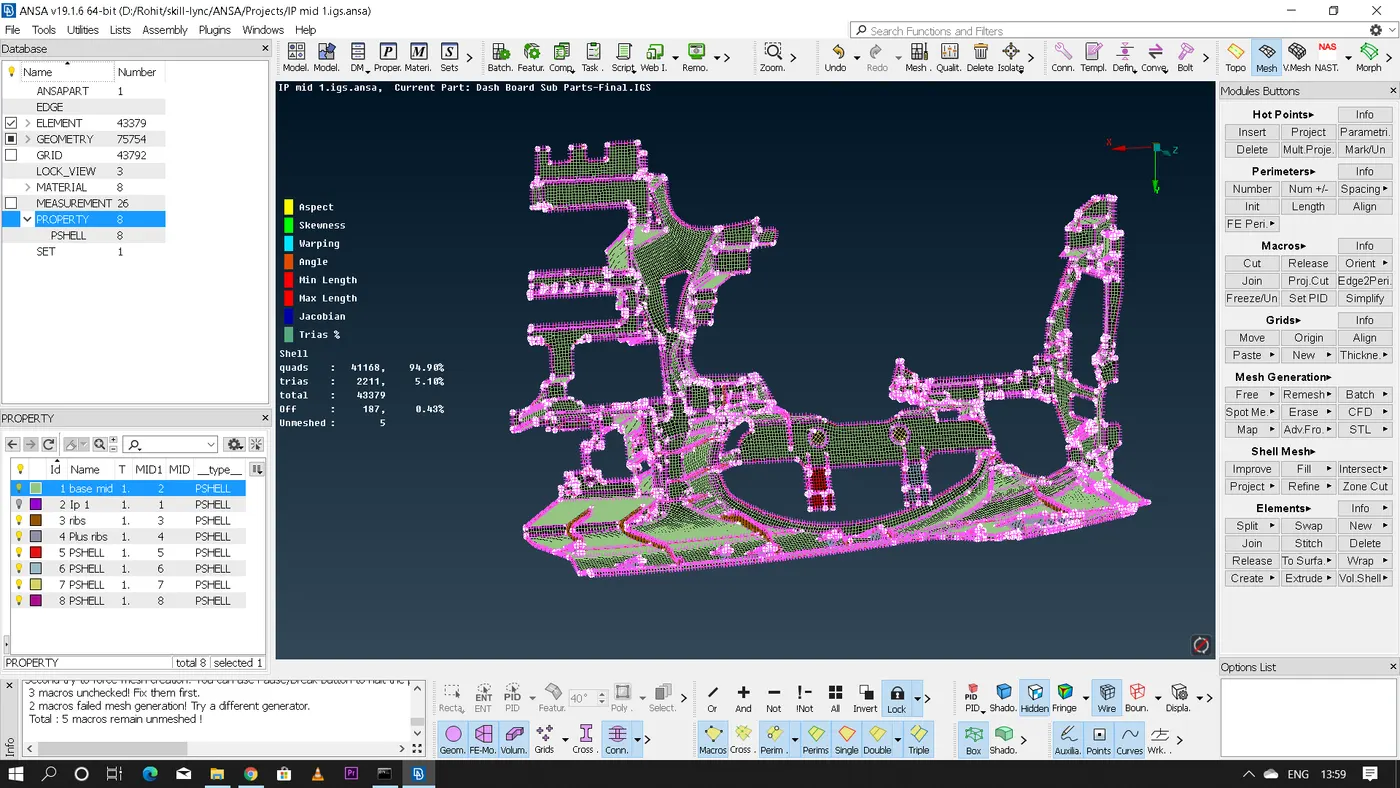
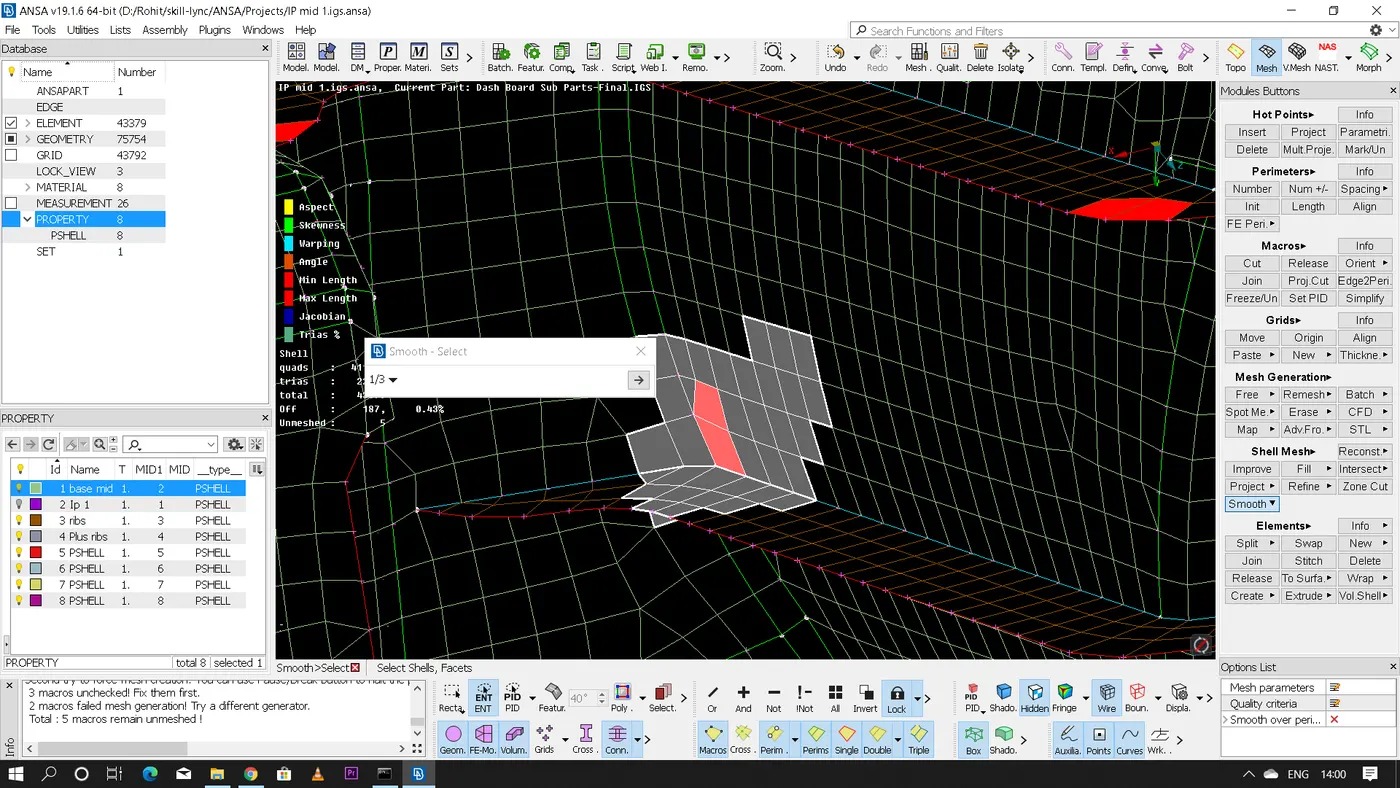
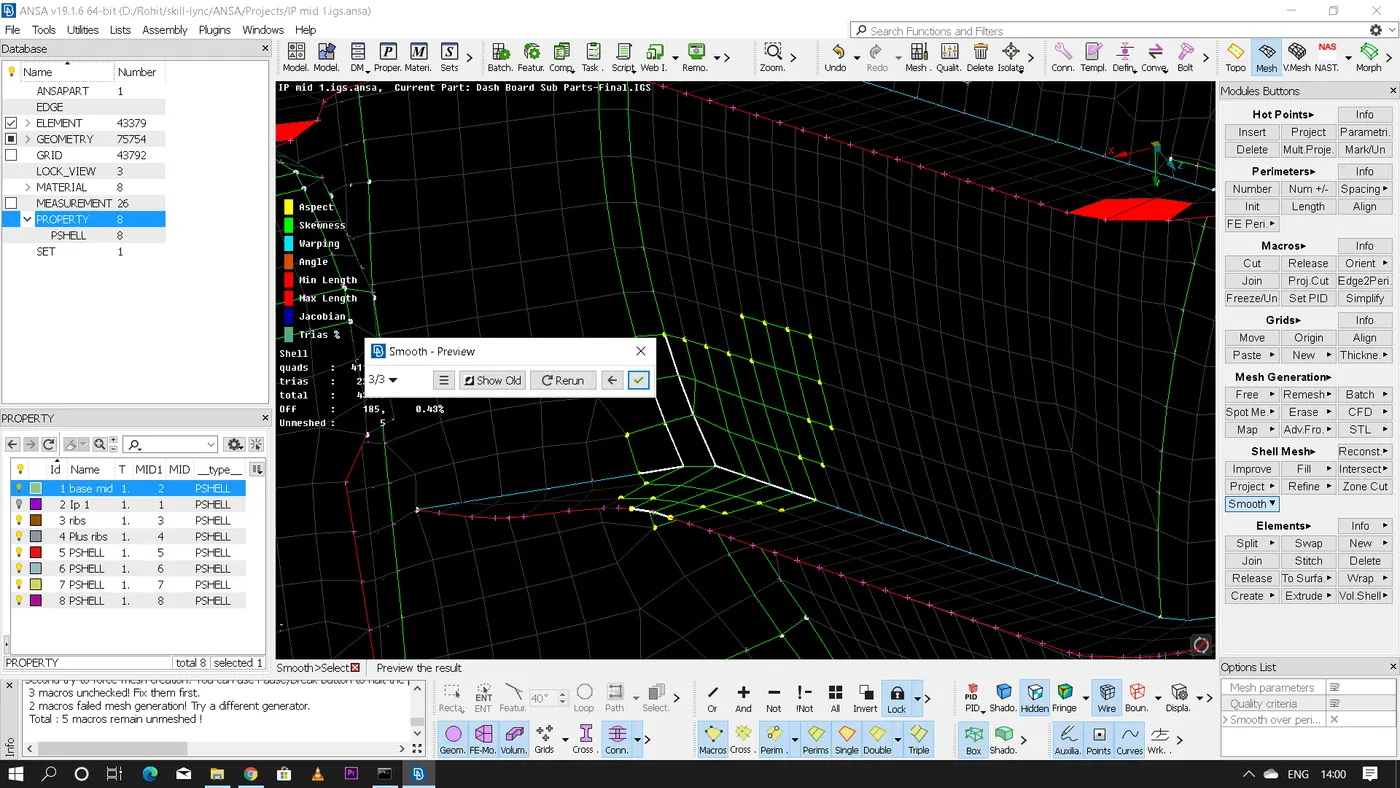
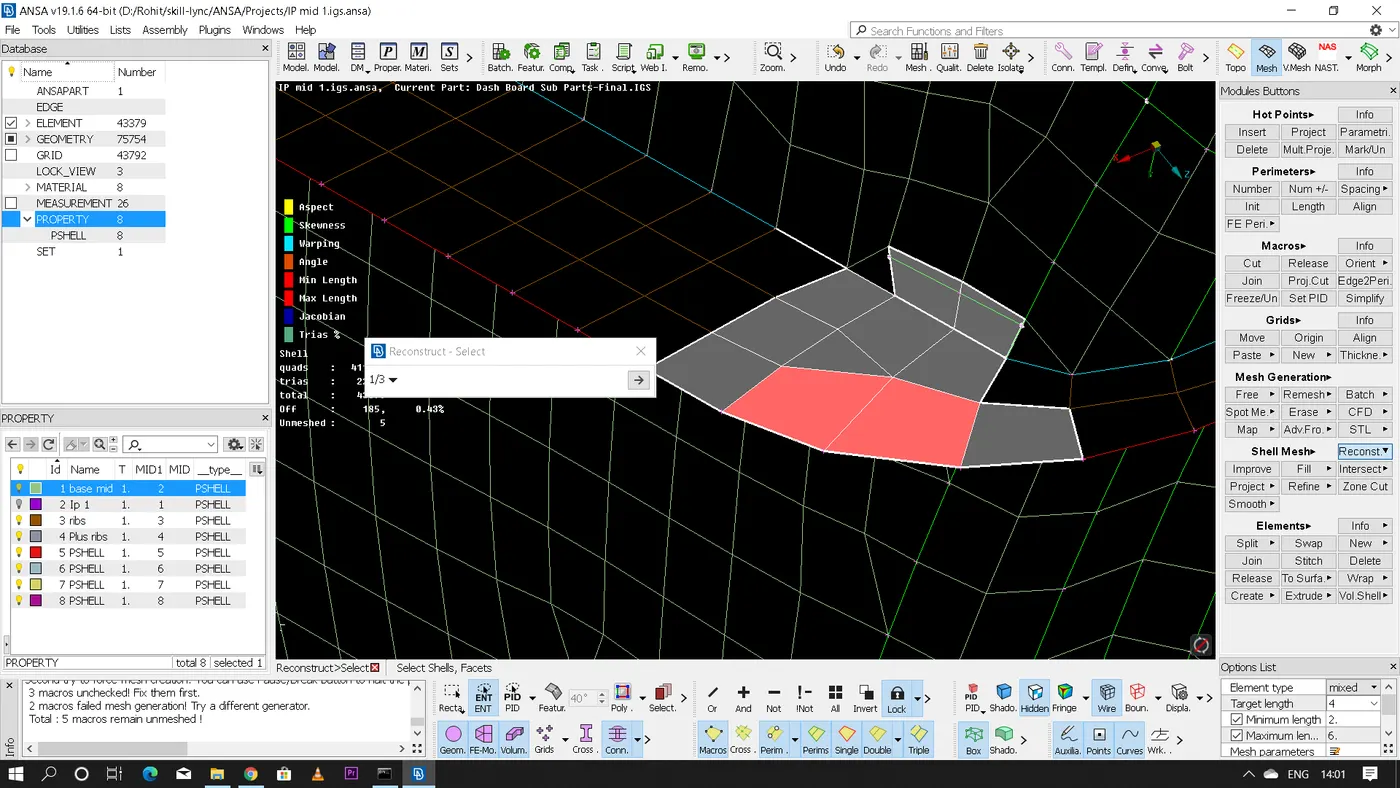
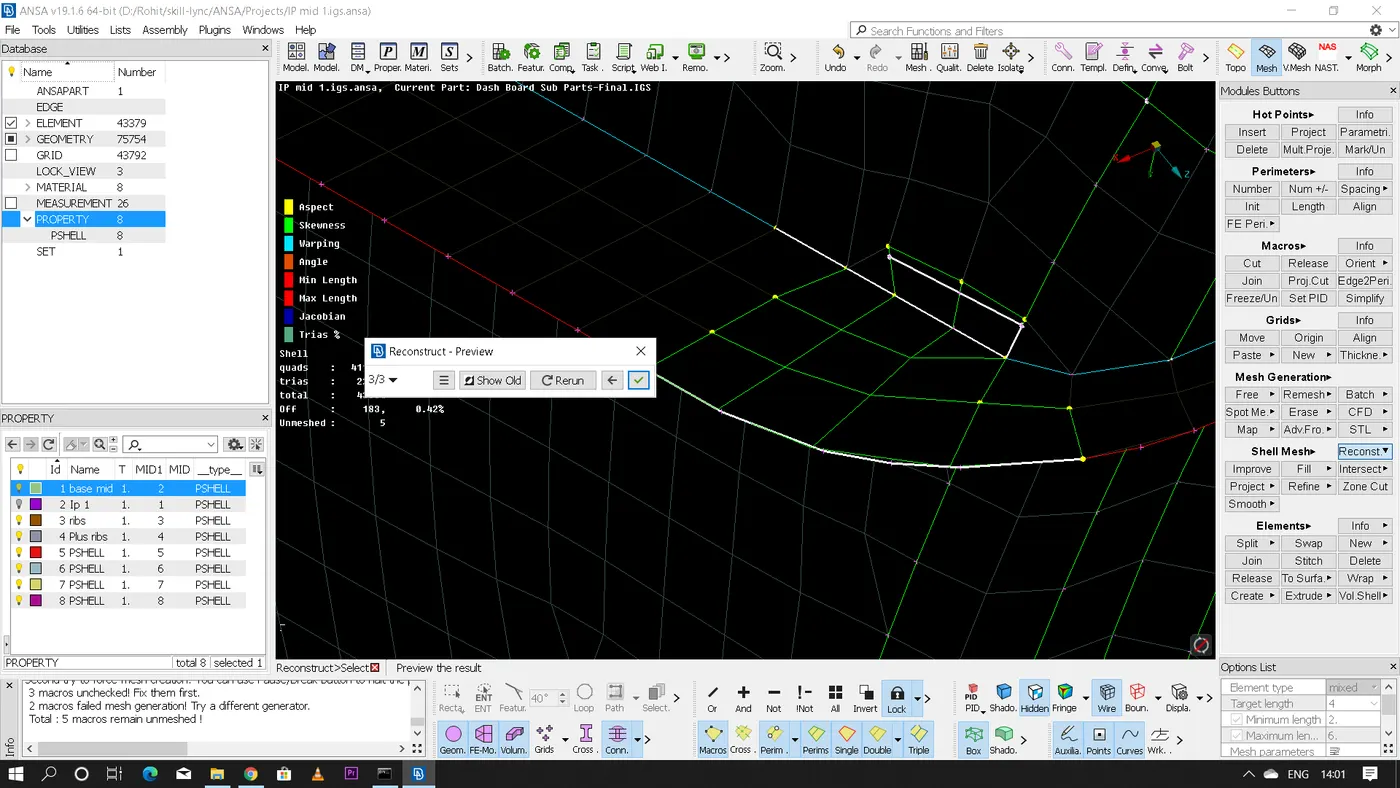
- Even after performing various defeaturing and reconstructions there are some features were meeting the given quality criteria is not possible because of the geometrical constraint hence few minor errors are present in the final meshing which is acceptable.
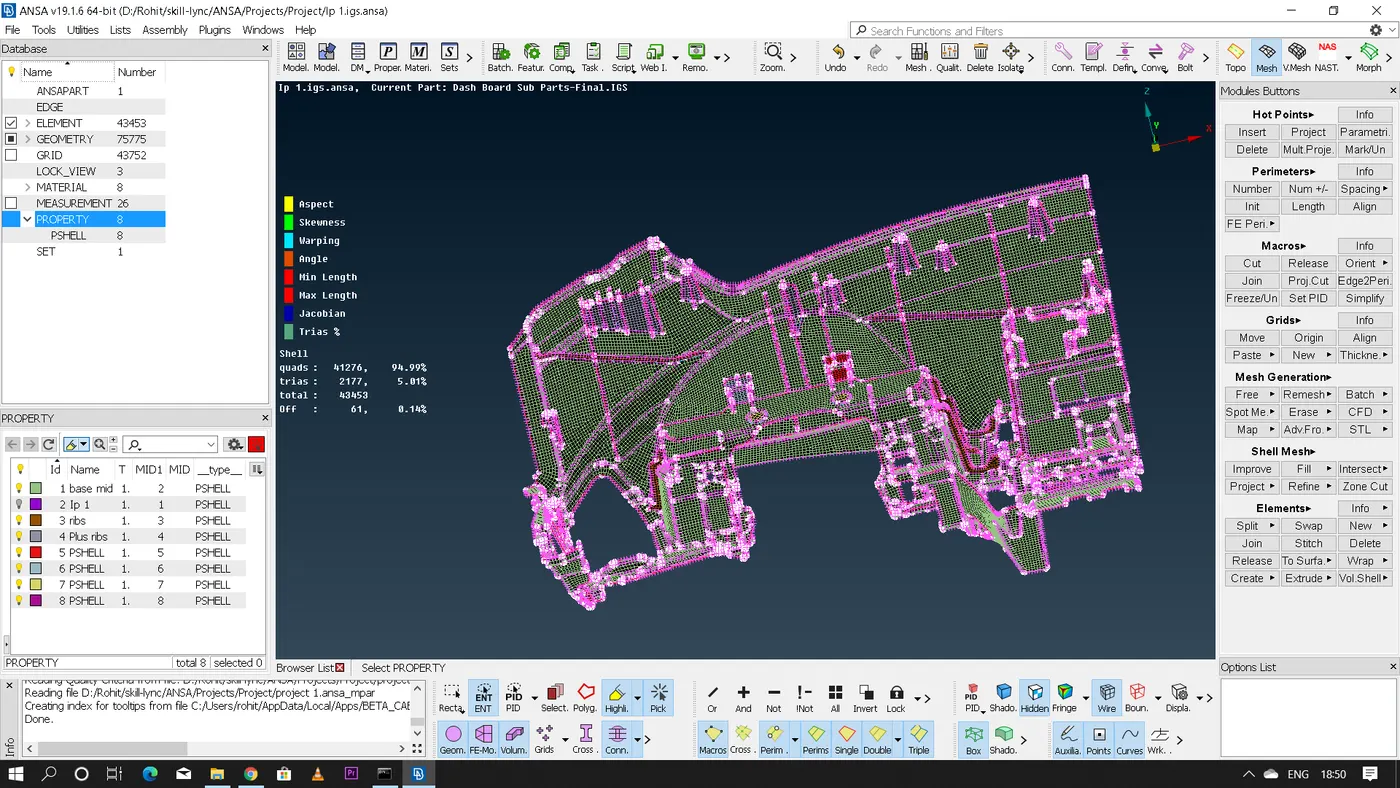
- Link for the completed model:
https://drive.google.com/file/d/1BCRzFQpi7XHU2RGiL9MyWSErwtzaP9fx/view?usp=sharing
* Conclusion:
Hence for the given model mid-surface has been successfully extracted and the meshing is done as per the given quality criteria.