Project 1
OBEJECTIVE
To route the Wiring harness on V16 Engine and prepare flatten view.Applying protection coverings as required.
Steps
-Download the cad files.
-Create product file-Assy_Wiring_Harness_Context.
-Import the engine block
-Create a Assy_Wiring_Harness_Geometrical_Bundle
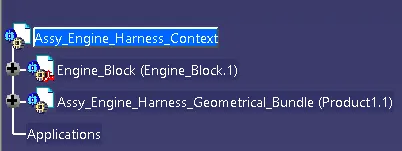
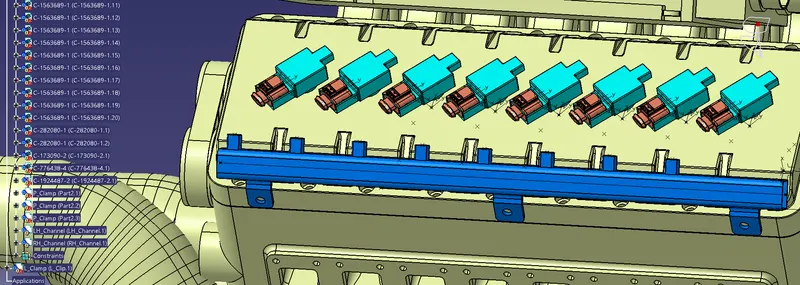
-Import the connector and electrically define it as connectors.Define bundle connection point and connector connector point.
-Arrange the position of connector by using snap and compass.
-For creating multiple copies,copy the connector from design tree and paste it in the Assy_Wiring_Harness_Geometrical_Bundle
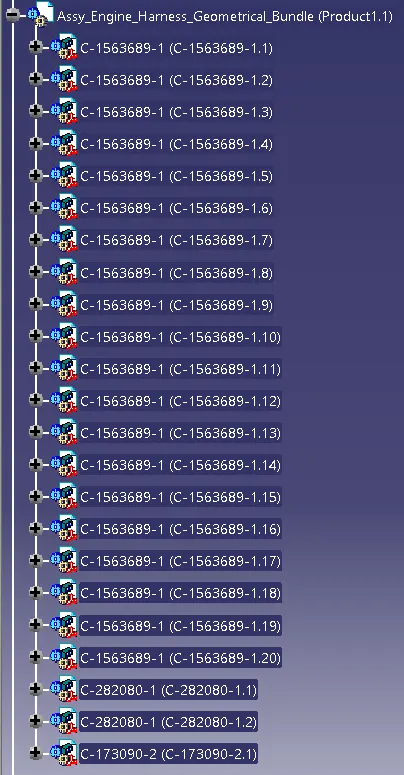
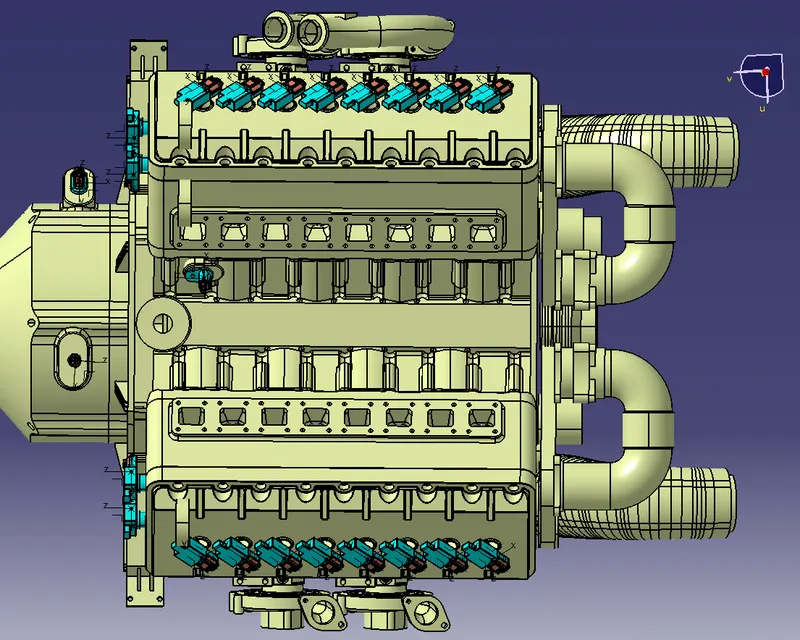
-Import the L clamps and arrange in a way that rotation is restricted.
-Electrically connect the clip and connector and place it in L clamp.
-Import the P clamp ,Create the planes for defining it as a support part.
-Arrange the P clamp according to the requirement.
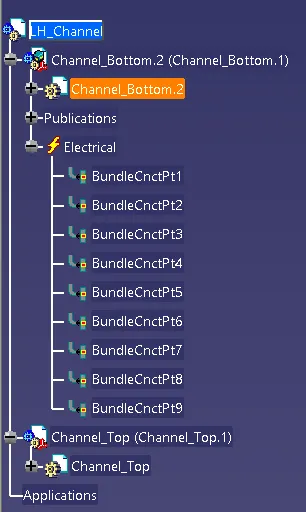
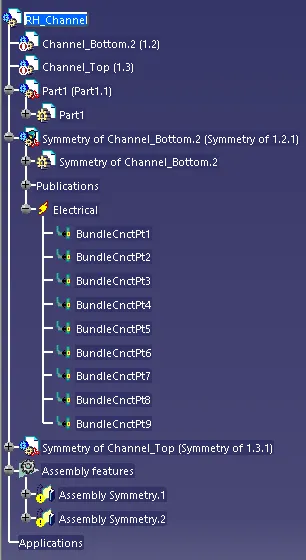
-Open a new product name it as LH_Channel and import the top and botton part of the channels
-Electrically define it as Equipment.
-Define all the bundle connection required.
-Similarly create a product name it as RH_Channel and import LH_Channel
-use the symmetry option to change direction of channel.
-Deactivate the other part of the symmetry to get right side channel.
-Electrically define it as Equipment.
-Define all the bundle connection required.
Routing of Bundle
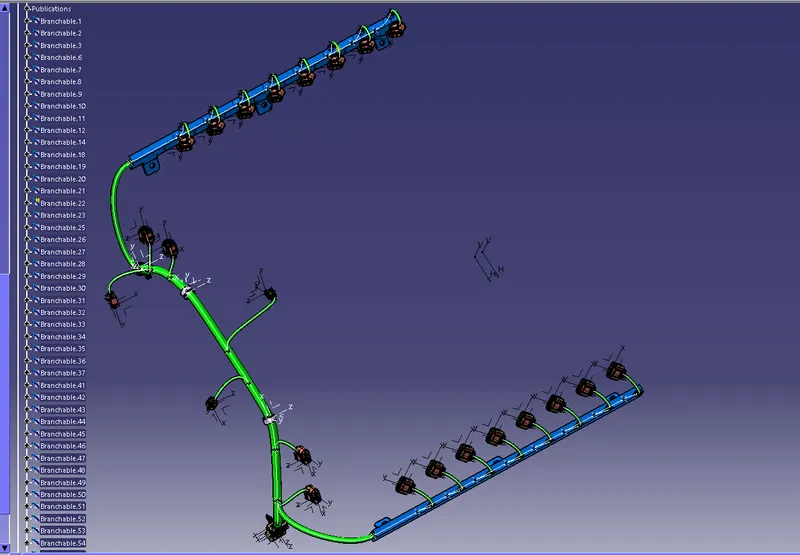
-Electrically define Assy_Wiring_Harness_Geometrical_Bundle by selecting Geometrical bundle.
-Create bundle with diameter of 15mm for main branch.
-Diameter of channel bundle 10mm
-Diameter of connector bundle 5mm
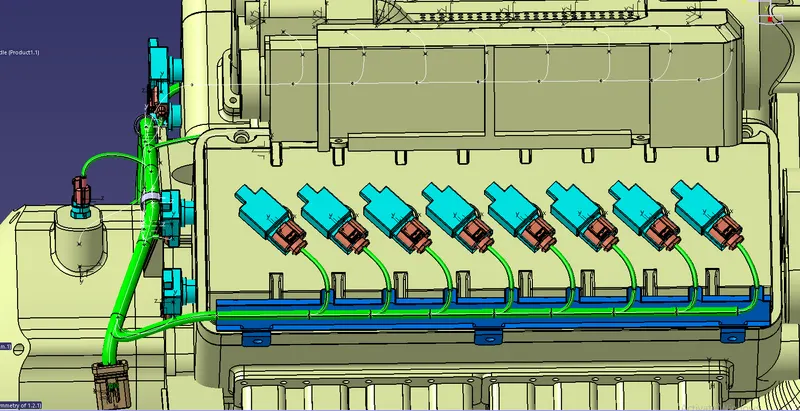
-Route engine by defining bundle.
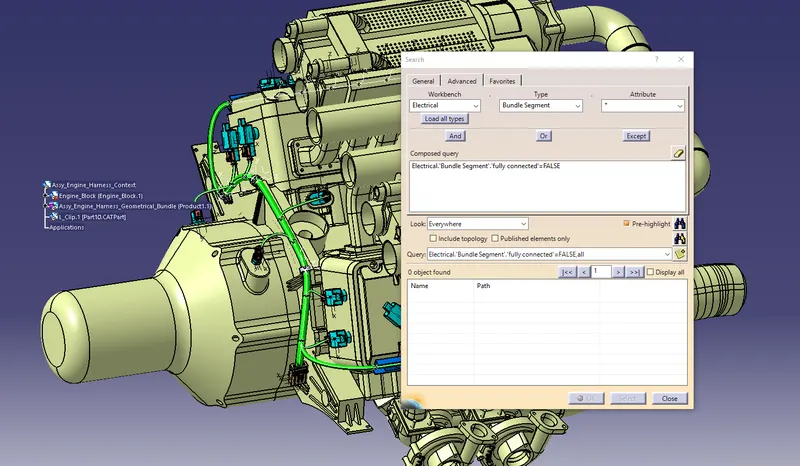
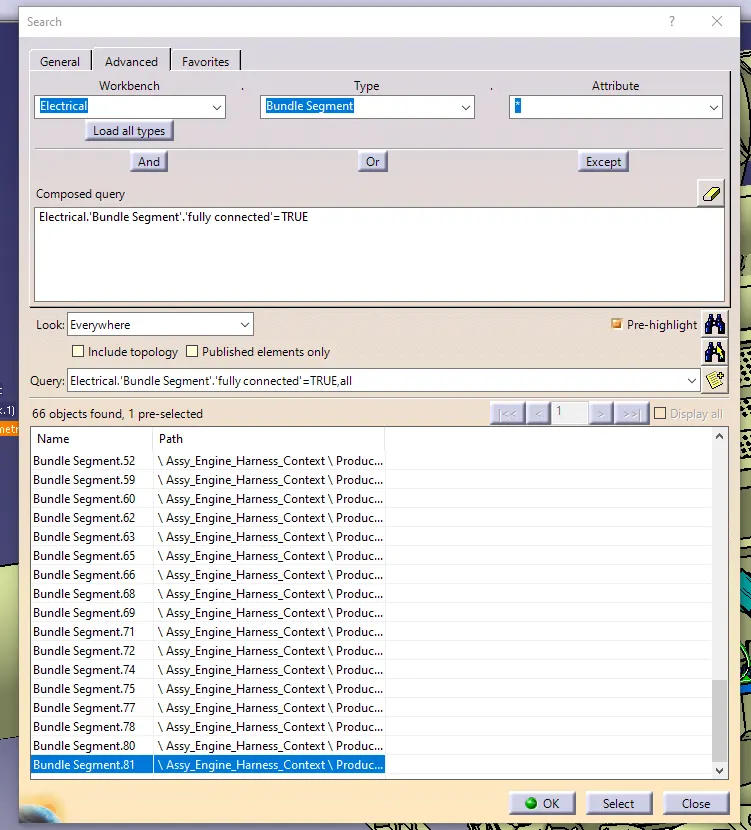
Harness Continuity
-Edit>Search>Advanced>(Workbench-Electrical,Type-Bundle segment,Attribute-Fully Connected)
Applying of protection Covering
-Create the cotton tape and cot
-Catalog them
-Add the Protection covering according to the bundle.
(15mm cot-main Bundle,10mm cotton tape-Channel Bundle,5mm cotton tape-connector bundle)
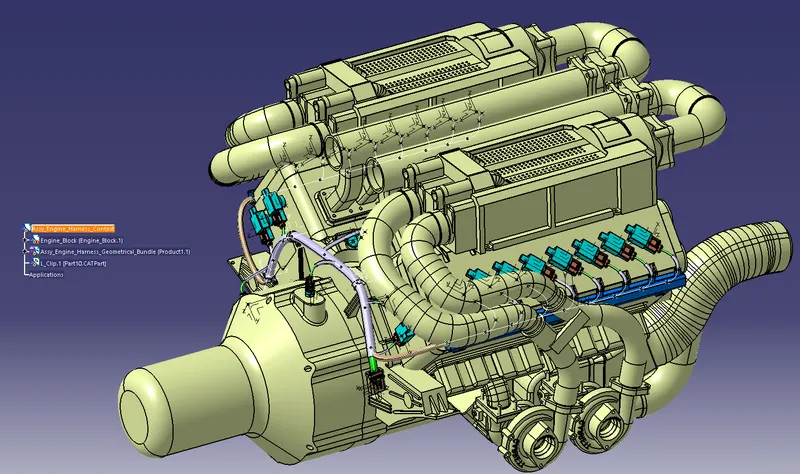
Complete routing output
Flaterning of Bundle
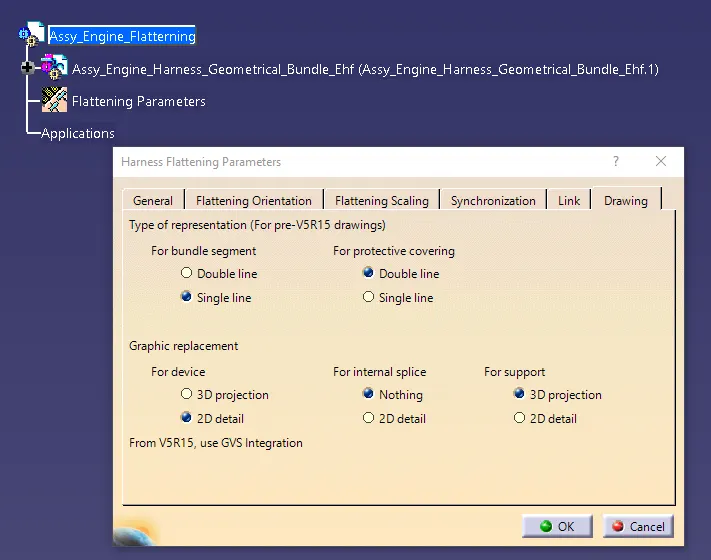
-Create a product file and name it as Assy_Engine_Flatterning
-Flatterning parameter as below
-Select Extrat from the Flatten toolbar.
-select the Assy_Wiring_Harness_Geometrical_Bundle from the Assy_Engine_Harness_Context design tree
-Select the Flatten from the Flatten toolbar.
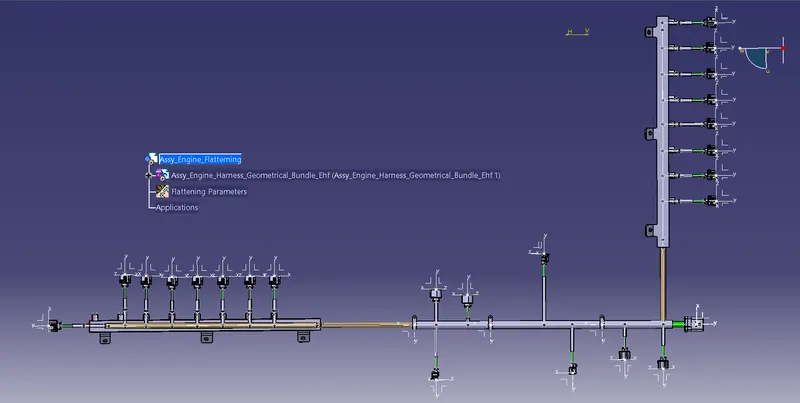
Drafting of engine harness
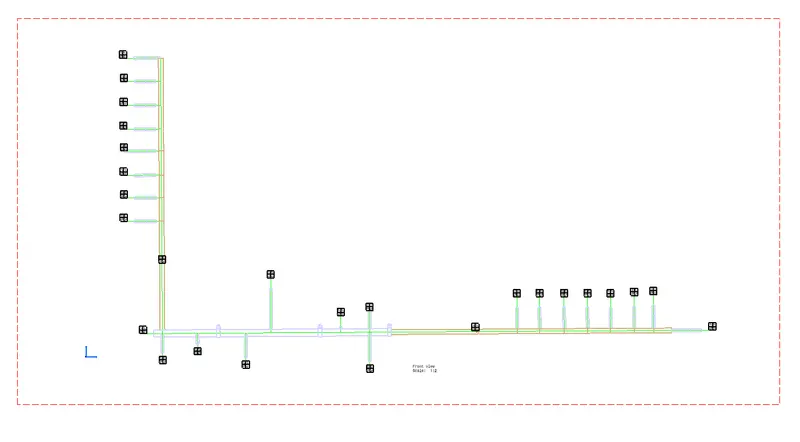
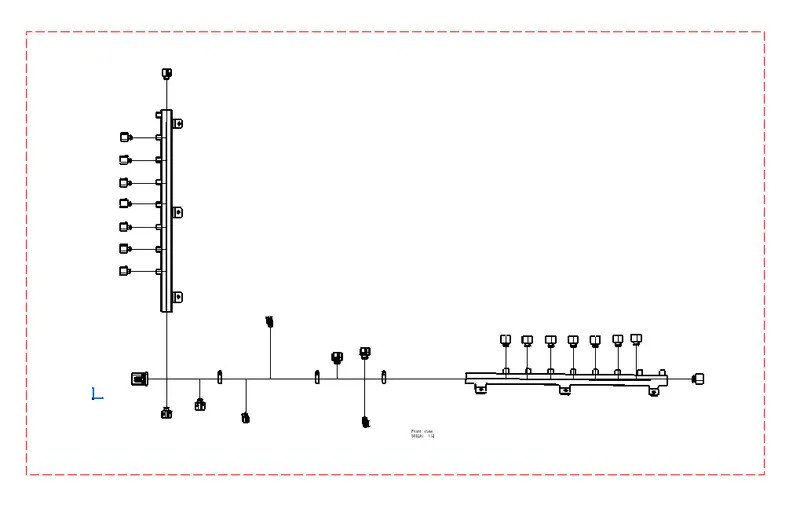
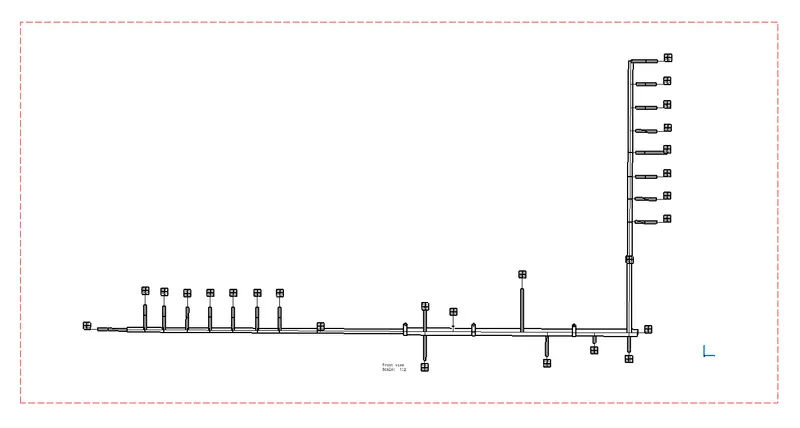
Conclusion
Wiring Harnessing of engine is done with necessary slack and flatten is done according to the requirement.Protective covering is applyied to the bundle.