Project 1 - 2D meshing on the instrumental Panel
Aim
To take mid surface of the given instrumental panel and mesh it with the given quality criteria
Theory
The instrument panel substrate or dashboard of a car is a sub component of the car. The instrument panel is usually made of plastics such Acrylonitrile-butadiene-styrene(ABS) or Poly carbonate alloys. Its contain Speedometer, Techometer, Odometer, fuel gauge and so on. the external surface has a uniform thickness
Procedure
Step 1: Import the Geometry
Open ANSA software go to file-> open->select the geometry component
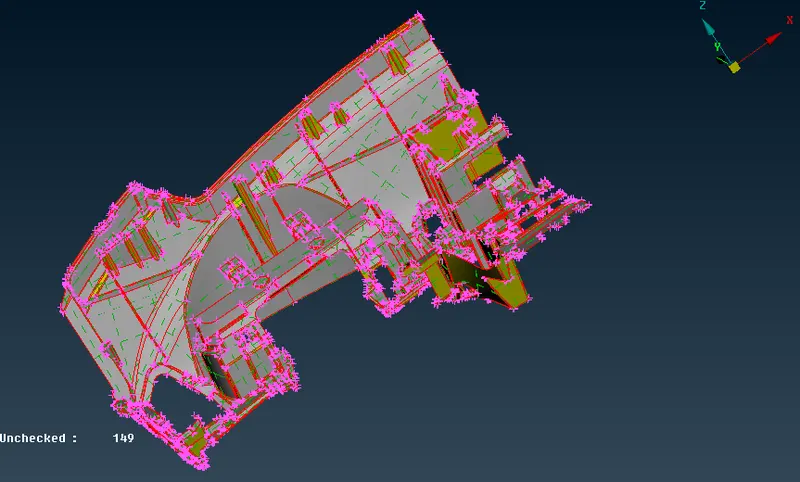
Step 2: Topo and Geometry clean up
Go to topo module-> faces-> topo apply on the component
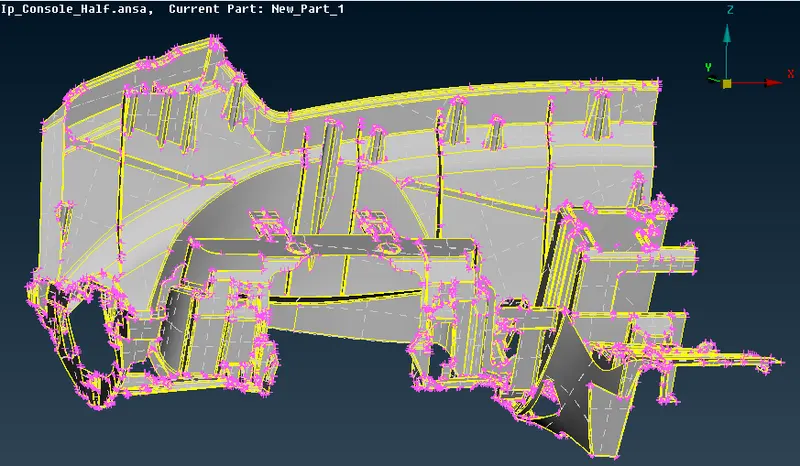
For geometry clean up go to tools->check-> geometry than execute the command the list of errror will display its can be single cons triple cons needle or convex
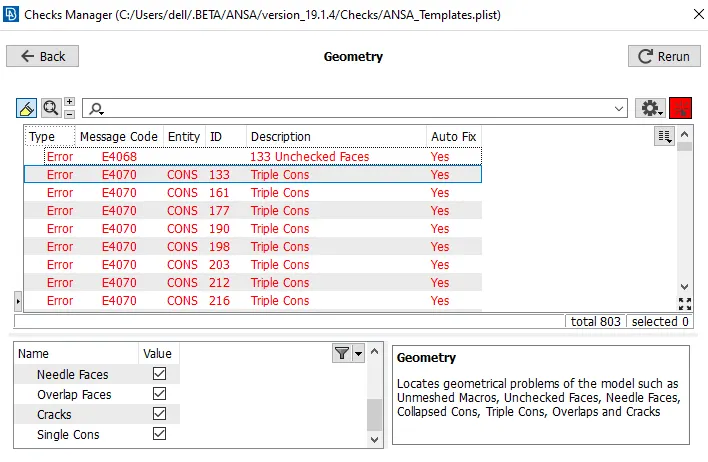
These error can be fixed either by Automatically (Right clicked on the mouse an addition list pops-up, click on fix) or manually. It can be done either completely or part wise of the parent geometry
Step 3: Measurement
Take the measurement of instrumental panel at different location of the main part, dogs houses and Ribs
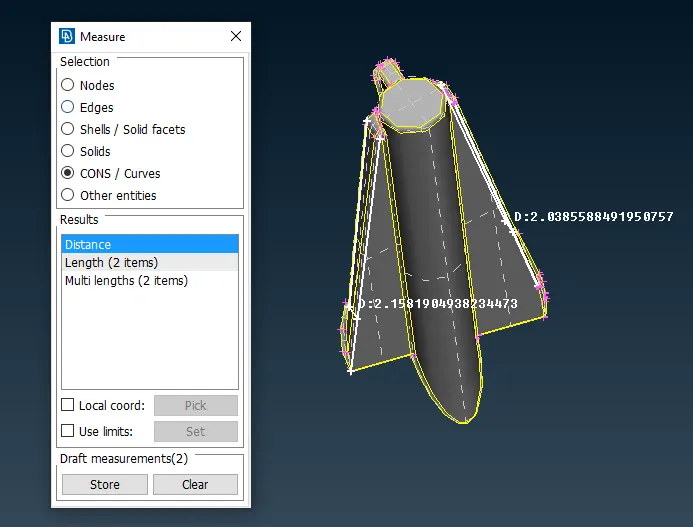
Measurement of dog house
Simialrly other parts of the component is measure
Step 4: to take mid surface
Manual mid surface
for Main part: since main part has similar thickness so offset method is used
go to Topo module -> faces-> offset -> click on feature area select the surface and assign the offset value
for Dog houses: Middle method and Curve metod
go to Topo module -> faces ->MIddle -> single -> select both side of the ribs also curve are created.
for Ribs: offset method
go to Topo module -> faces-> offset -> select face and give offset value.
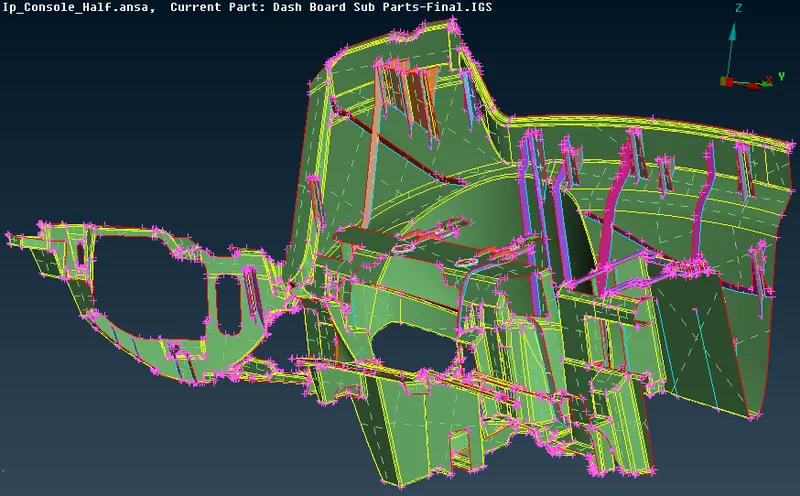
Step 5: Assigning quality criteria and Mesh parameter
As per the given quality parameter
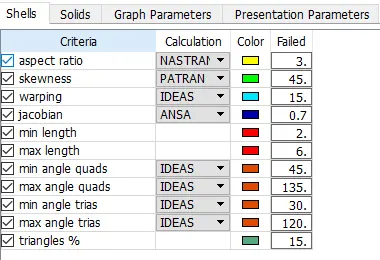
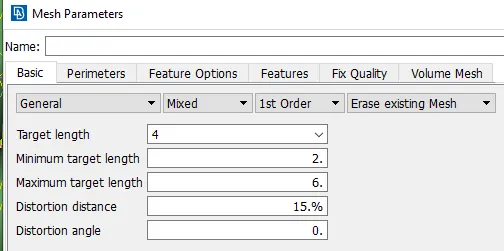
Step 6: Performing Meshing
- for main parts: Batch mesh is performed
Go to list model browser select the main part (mid surface) as shown below
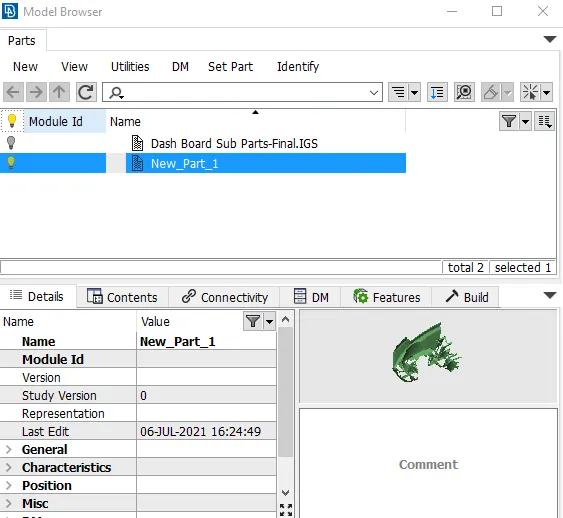
Now go to Batch mesh -> new -> meshing scenario -> double click on contents
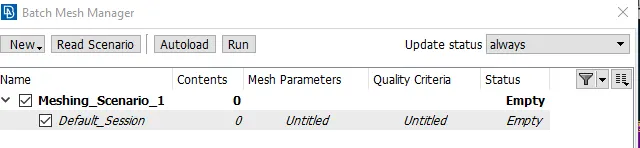
the below tab will pop-up
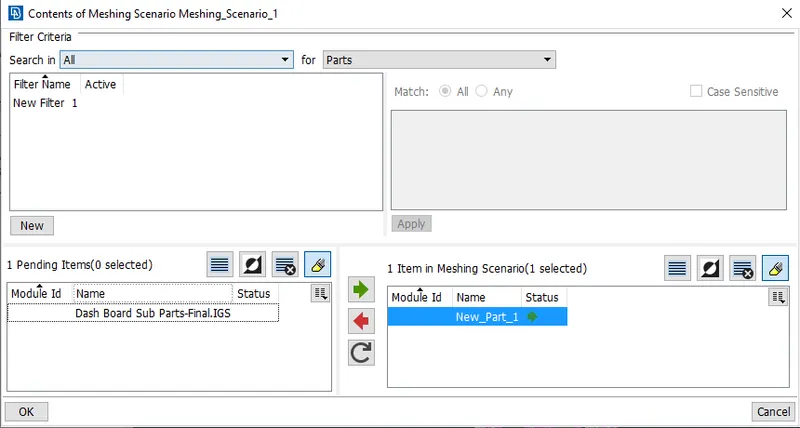
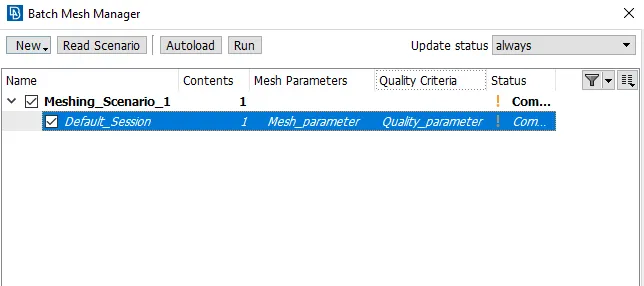
- For Dog houses and ribs: Manual mesh is done
Go to mesh module -> mesh generation -> spot mesh or best mesh is applied than after reconstruction is done
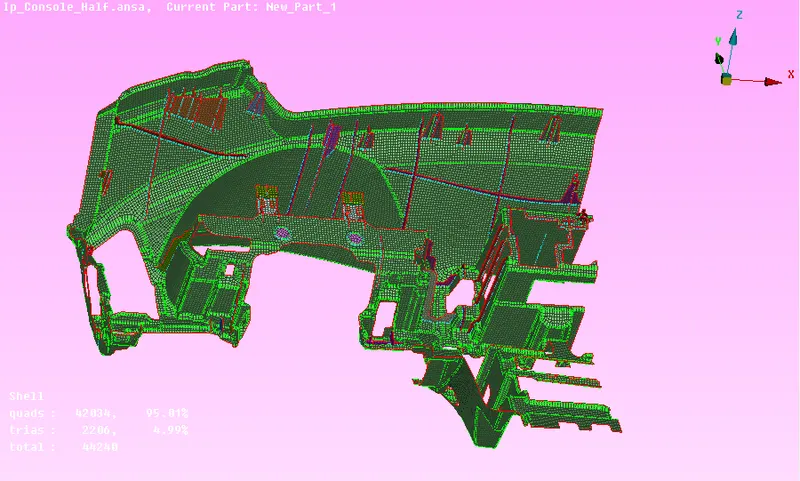
Fig: without thickness
Step 7: Assigning thickness
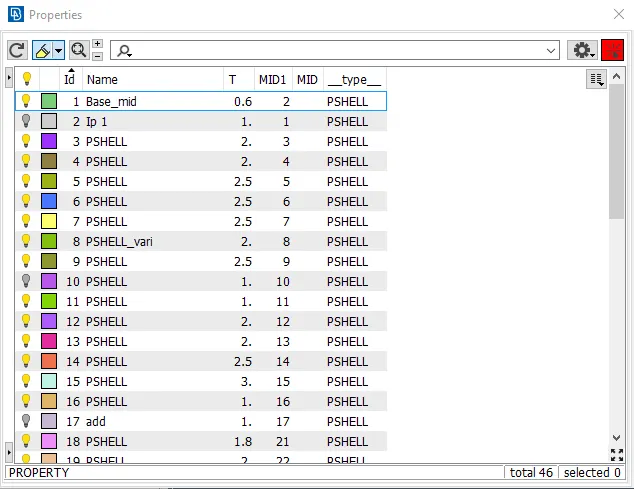
Measure the thickness of parent geometry(imported geometry) and assign on child (mid surface)
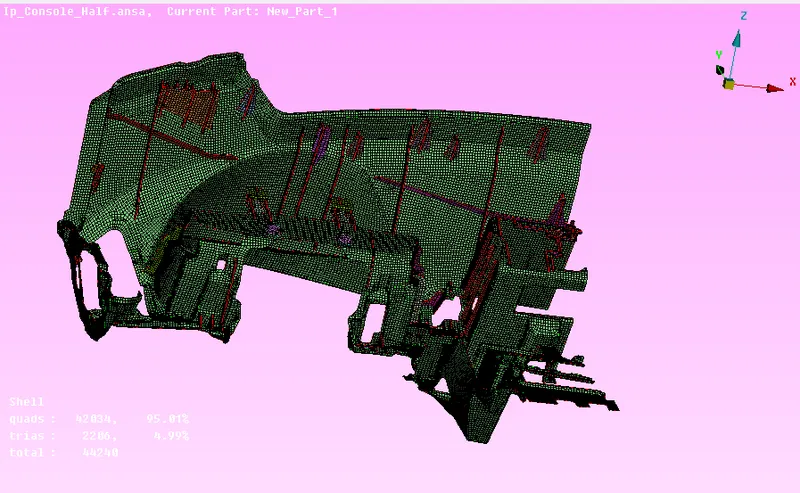
Fig: with thickness
Learning outcome
- To perform Geometric clean up
- Assigning PIDs for different parts
- Mid surfacing for different complex geometry
- Batch meshing
- Creating better mesh flow
- Reducing the element error
Conclusion
for the given dashboard of a car mid surface is extracted and meshing is performed as per the quality criteria. Also mesh improvement is done.