Project 1 - 2D meshing on the instrumental Panel
AIM:
To extract the midsurface and perform meshing on the given instrumental panel with required quality criteria.
PROCEDURE:
1.First import the given model to ANSA .
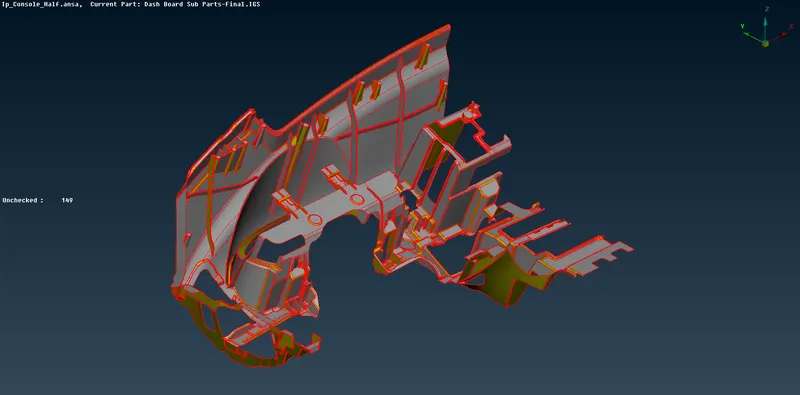
2.As we can see the faces are not connected and so we have to perform topo on the whole component .Now check for any irregularities on the surface and proceed for geometry cleanup.
3.Go to Tool bar>>Checks>>Geometry and click execute.A large number of errors will be found which can be fixed by ANSA itself.
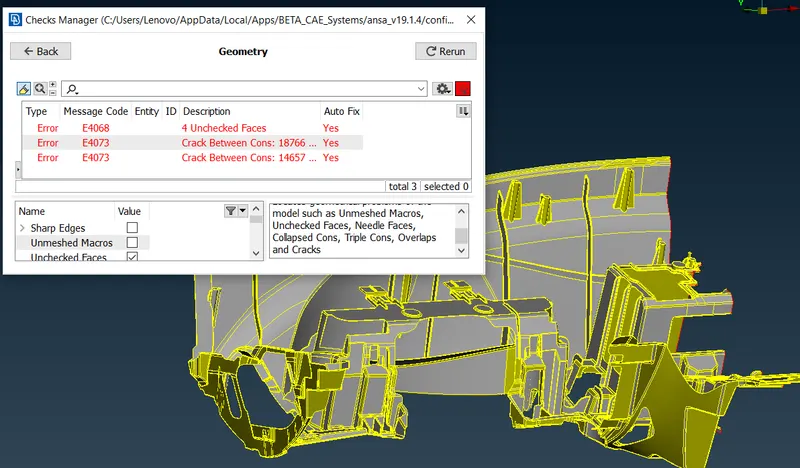
4.The errors shown in the picture above has to be manually fixed by deleting and creating new surfaces.Now the surface is free of any geometrical errors.
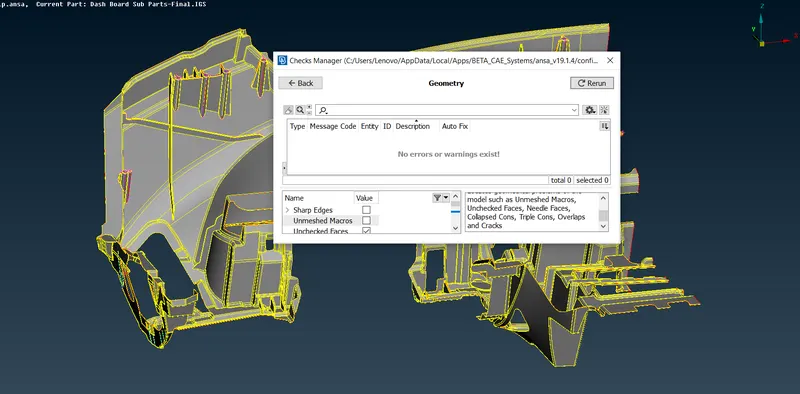
5.Now go to Mesh module>>Perimeters>>Length and set the values as 1 for both perimeters and macros.This is done for proper mid surface extraction without errors.
6.Now start the mid surface extraction by from larger surfaces.Go to Topo module>>Faces >>Offset and select the faces using feature area selection and give the offset value and click OK.
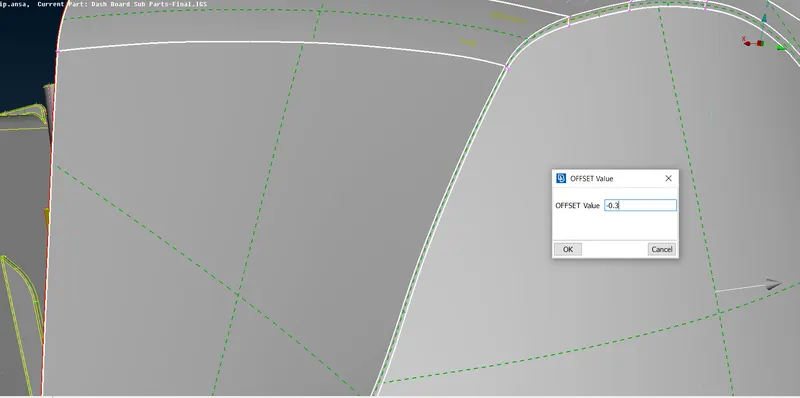
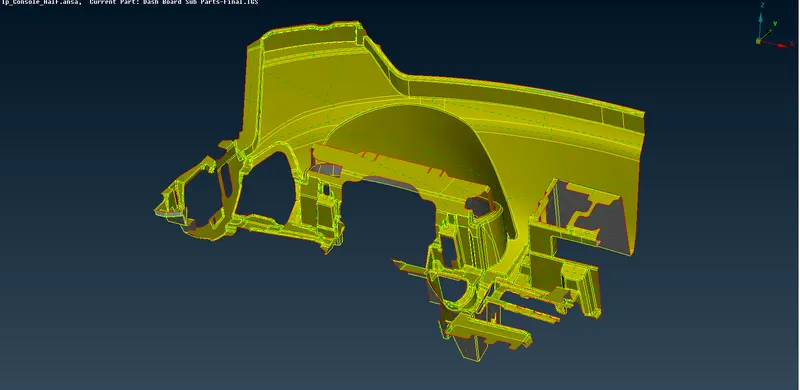
MID EXTRACTED FOR OUTER SURFACE
7.Now check for any geometrical errors and fix them.Now to extract mid for dog houses we create curves and generate surfaces.
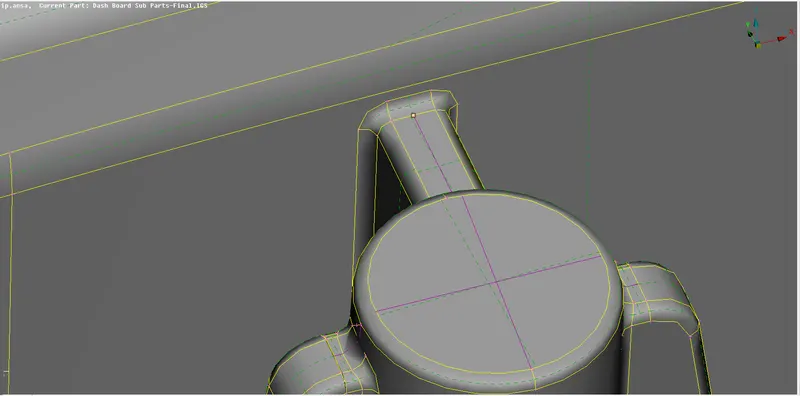
8.First create curves on the midpoints of the surfaces as shown in the pic above.
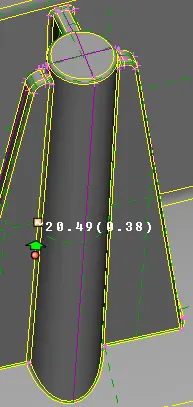
9.After the curves are created create new surafces using Topo Module>>Faces>>New>>Planar and click ok.Now the surfaces are created.
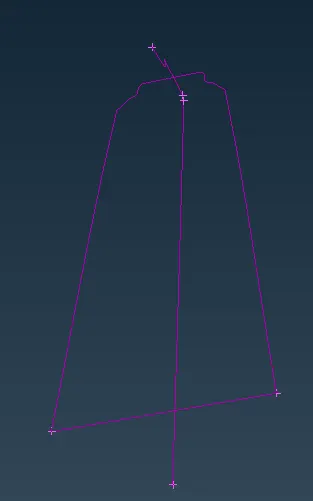
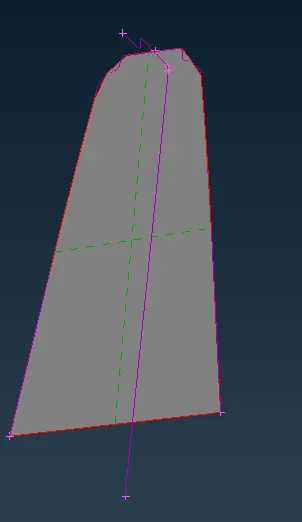
10.Then create the remaining surfaces and extend the bases and sides to the outer midsurface .
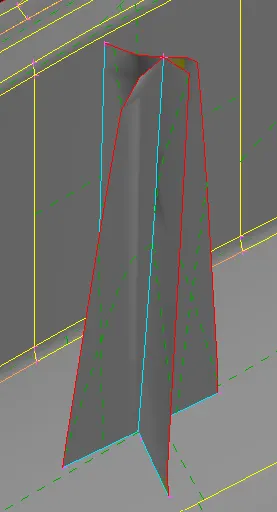
MID SURFACE EXTRACTED
11.Now to extract for ribs use Topo module>>Faces>>Middle option and select the two opposite faces of the ribs and click OK.Now extend the new surface created to the base of the outer mid surface.
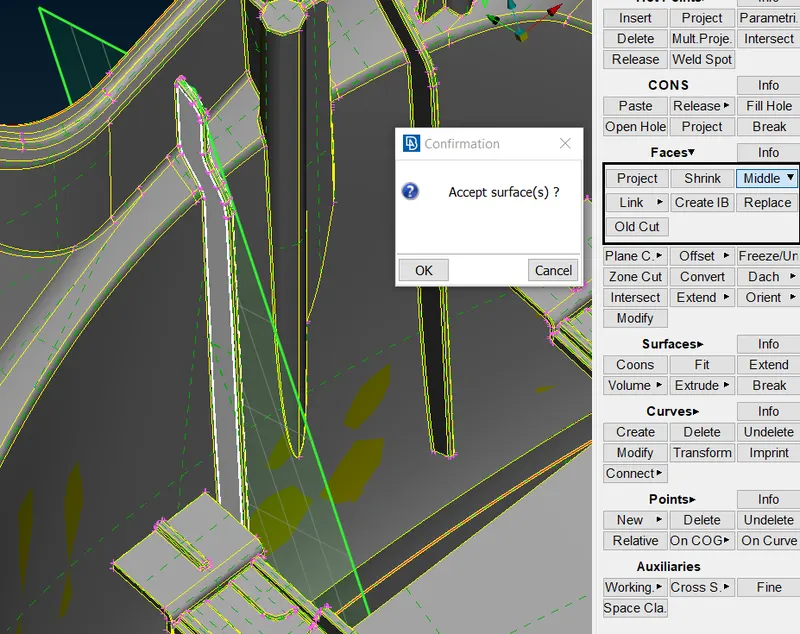
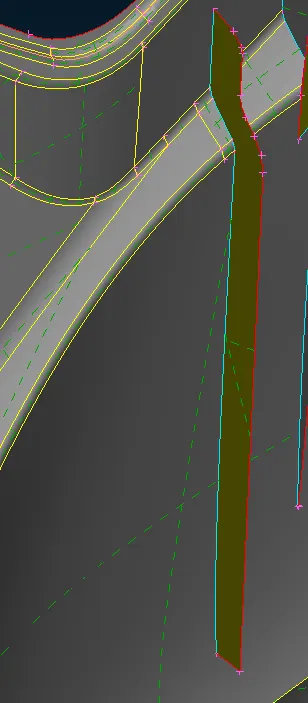
MID EXTRACTED
12.Now repeat the above mentioned process for all dog houses and ribs.For those small and curved ribs go to Topo Module>>Curves>>Middle and select the cons to generate the curve.
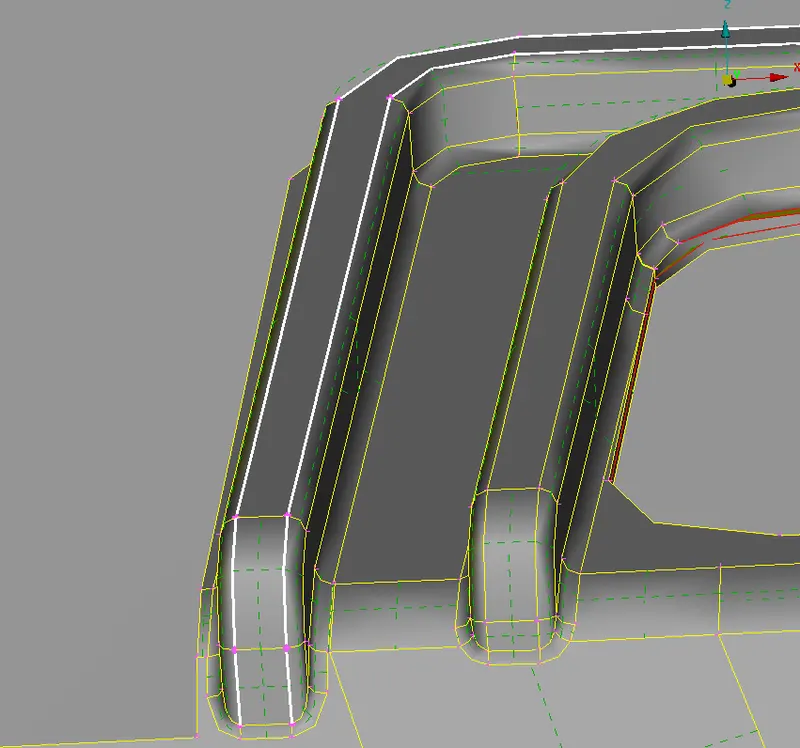
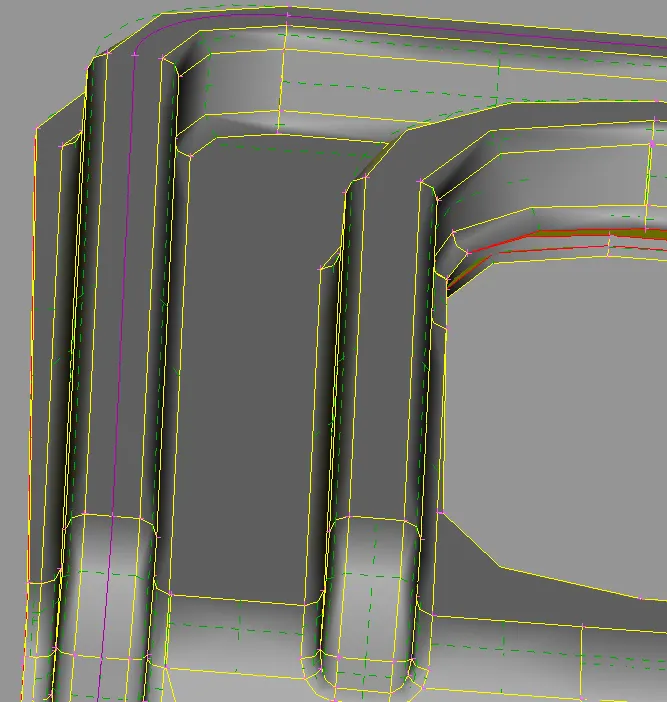
13.Now project the curves to the mid surface of the base and form a new surface which acts as the mid surface for the ribs.
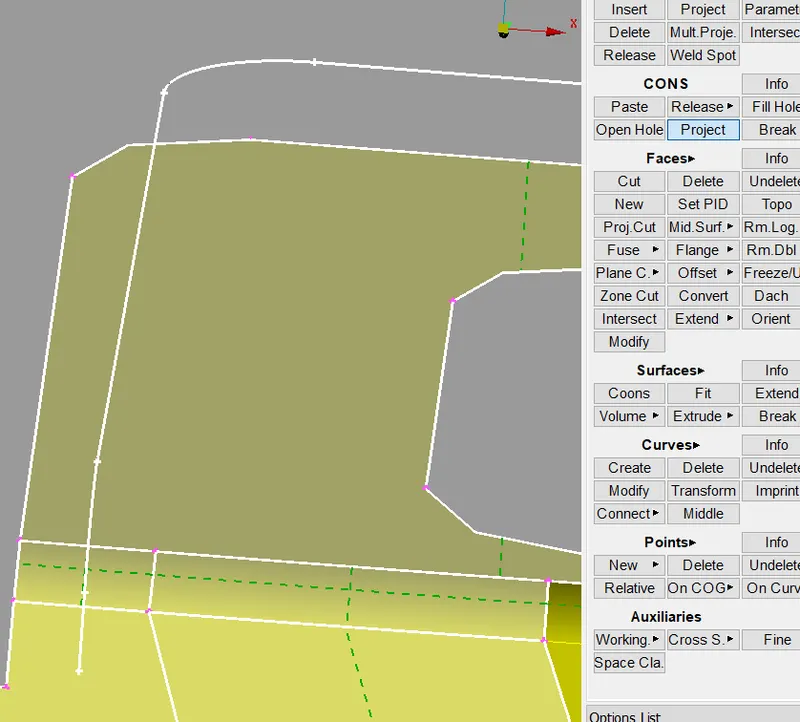
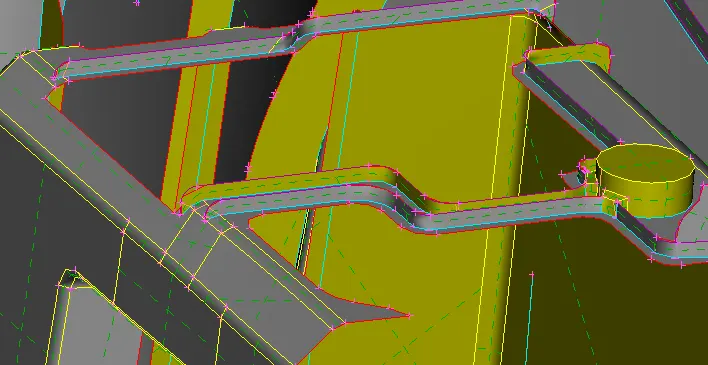
14.Now after extracting the mid surfaces for all parts perform a geometry check to ensure correctness of the component.
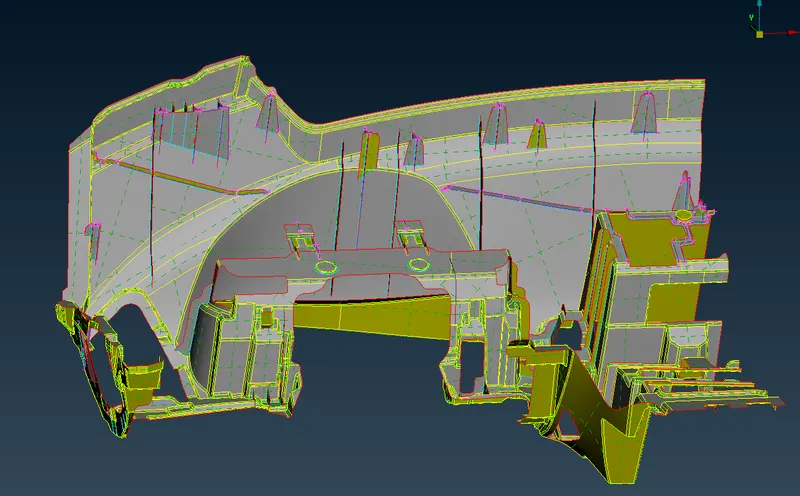
FINAL MID SURFACE
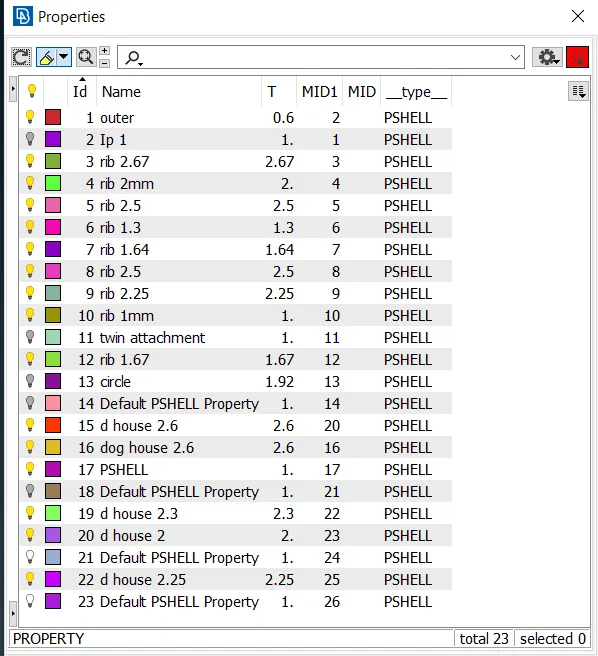
15.Create seperate PID's for all ribs and parts which has different thickness.
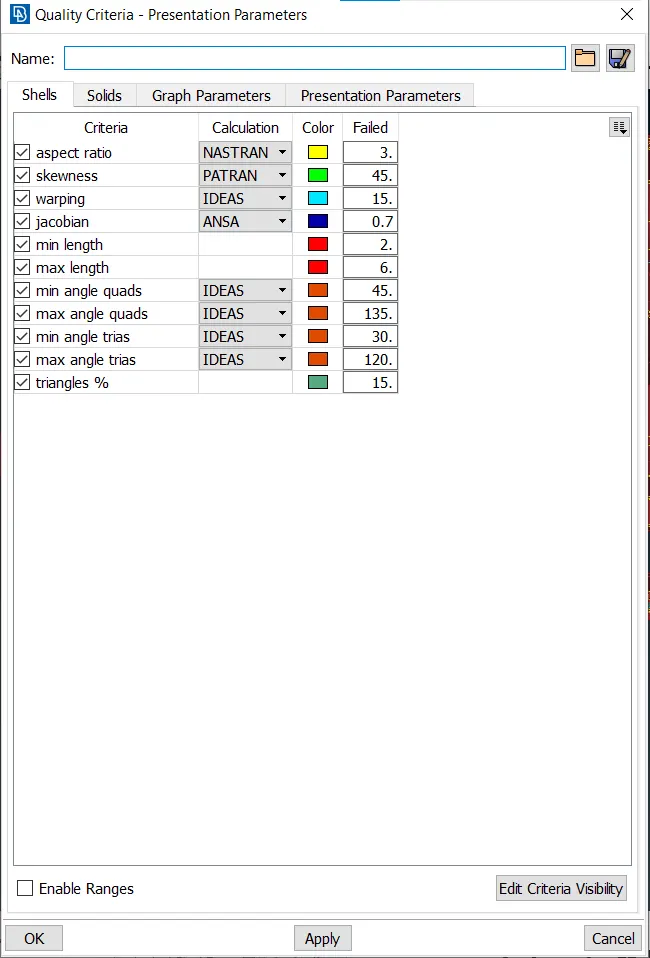
16.Now to start meshing enter the quality parameters and meshing parameters.
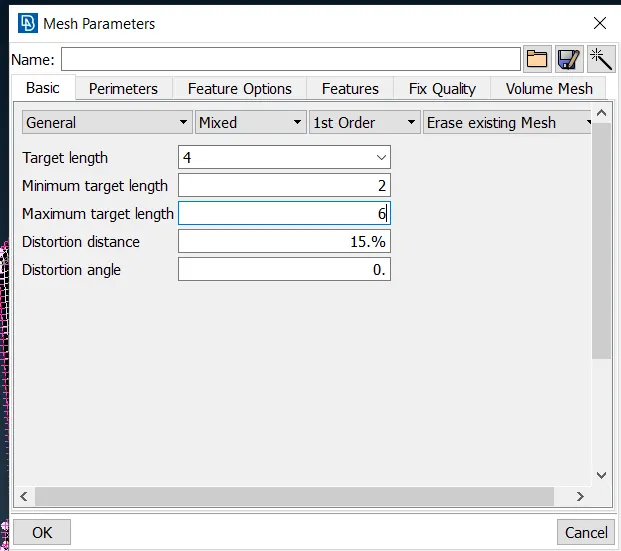
17.Start meshing from one area to other using Mesh Module>>Mesh generation>>Spot Mesh.Use options like reconstruct,smooth and split to improve the mesh flow .
18.Elements near triple cons will fail which cant be corrected , so leave as it is and proceed.
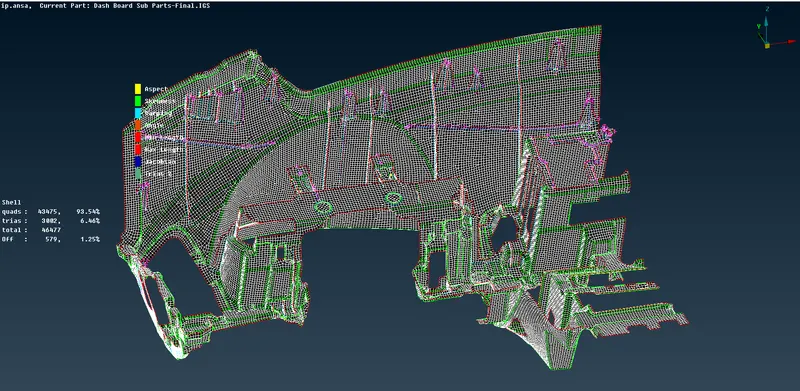
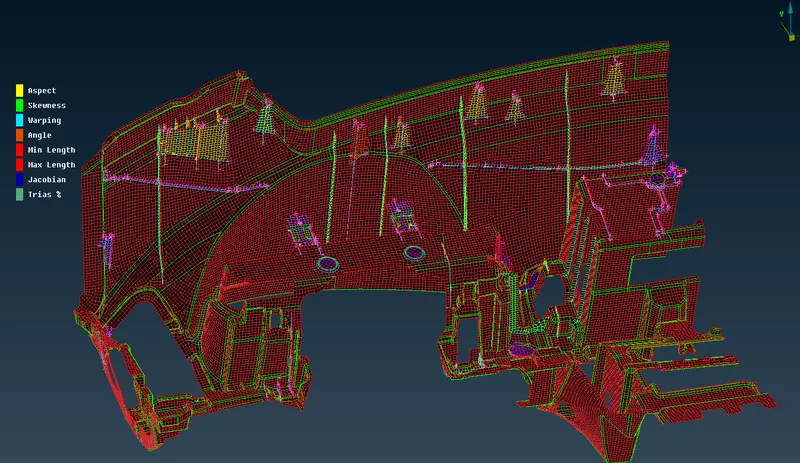
FINAL RESULTS
RESULT:
Thus the given instrumental panel was cleaned of geometrical errors ,mid surface was extracted and meshing was done according to quality criteria.
LEARNING OUTCOMES:
1.Extracting mid surfaces properly for larger components.
2.Generating proper mesh flow on complex surfaces.