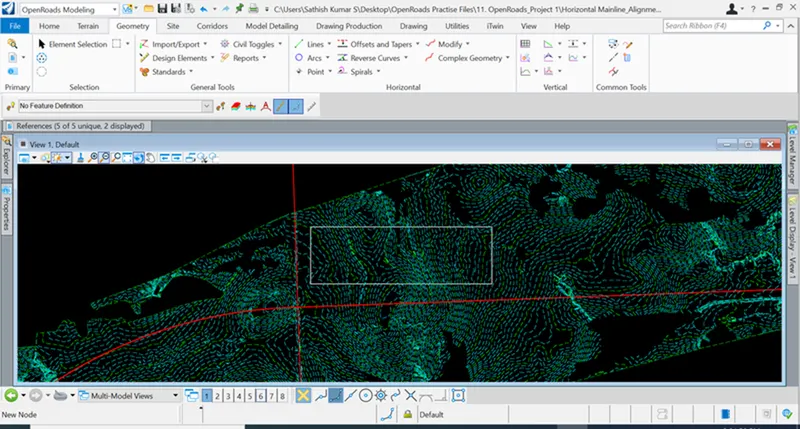
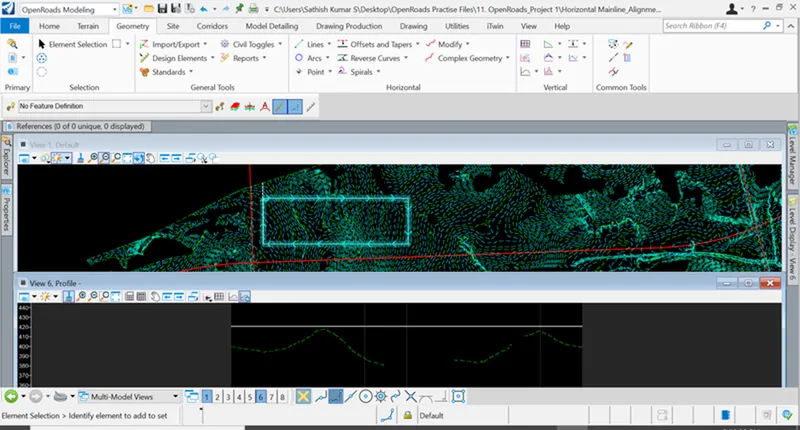
Project 1
Geometry - Horizontal - Complex
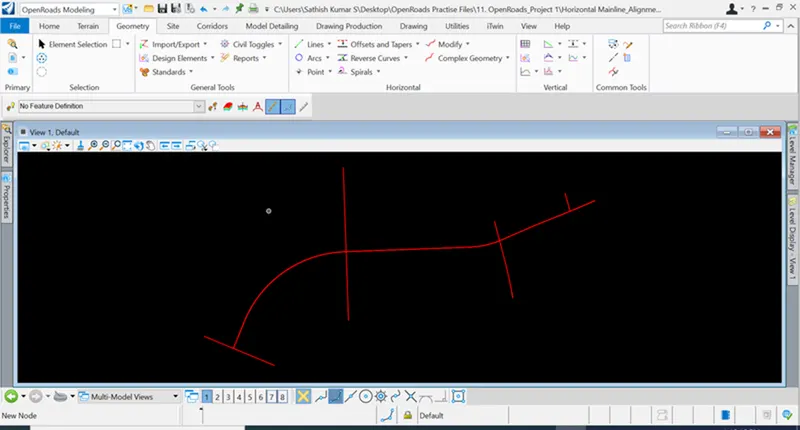
2.OpenRoads Modeling - Geometry > Vertical > Open model
OpenRoads Modeling > Geometry > Vertical > Profile
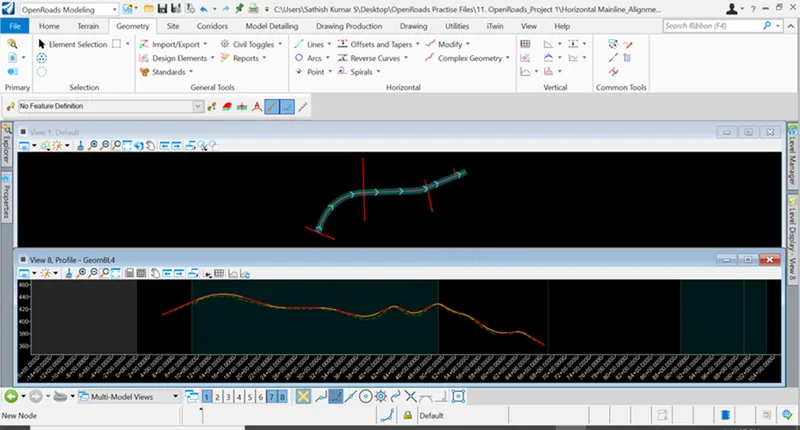
3. Geometry > Vertical > Open profile model
Geometry > Vertical > Profile
OpenRoads Modeling > Geometry > Vertical > Profile intersection point
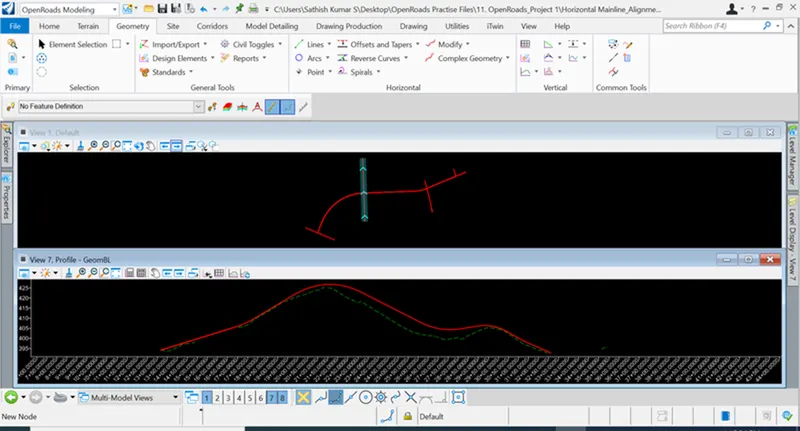
4. Geometry > Horizontal > Arcs between points
Geometry > Vertical > Open profile model
Geometry > Vertical > Profile
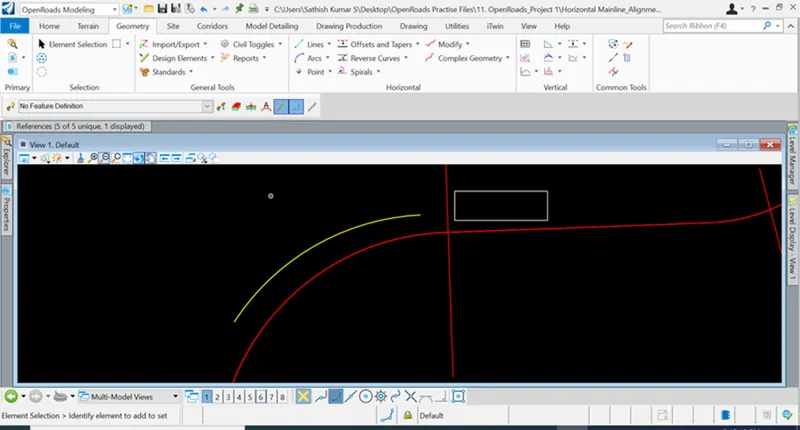
5. Drawing > Place Block
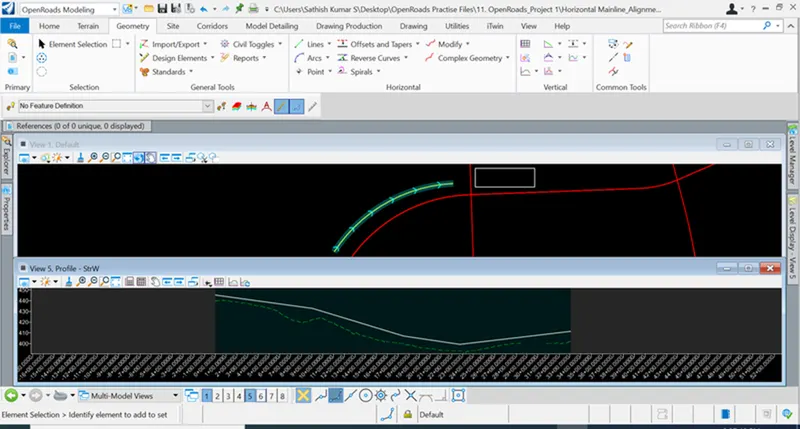
Click on the block > Add Surface to Profile
Geometry > Vertical > Profile Line between Points