Photo Realistic Rendering
Title of the Project : American of Chopper Models
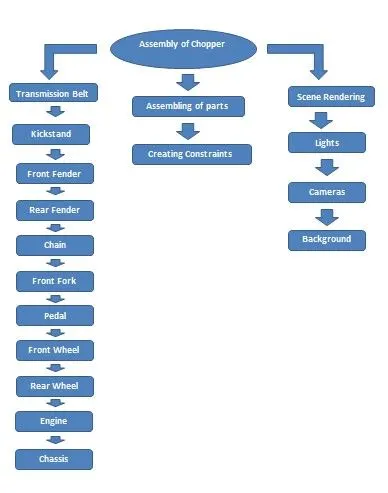
Objective :
- To desigh individual parts of the american of chopper models with filly defined sketches and appropriate appearances.
- To assembly all the individual parts of the americam of chopper model by assigning suitable constraints.
- To create a photo realistic renderring of the american of chopper models us photoview 360
Introduction :
A Chopper is a type of custom motorcycle which emerged in california in the a chopper employs radically modified steering angles and lengthened forks for a stretched-out appearance. they can be built from an original motorcycle which is modified american of chopper or built from scratch .some of the characteristic features of choppers are long front ends with extended forks often coupled with an increased rake angle ,hardtail frames without rear supension very tall ape hanger or very short drag handlebars ,lengthened or stretched frames and larger than stock frot wheels the sissy bar a set of tubes that connect the rear fender with the frame and which are often extended several feet high is a signature feature on many American of chopper
Design methodology :
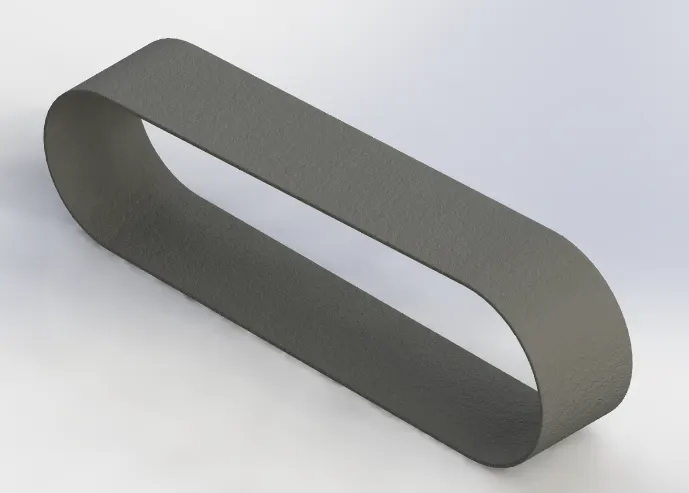
Description :
Transmission Belt
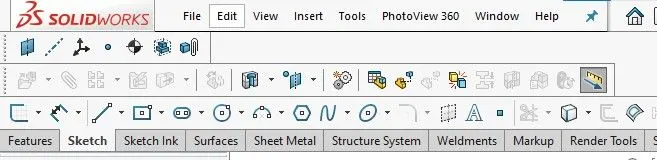
Features & Tools :
Sketch: To Create required Sketches.
Line: To drawing line and construction lines.
Arc: To draw a arc.
Example:
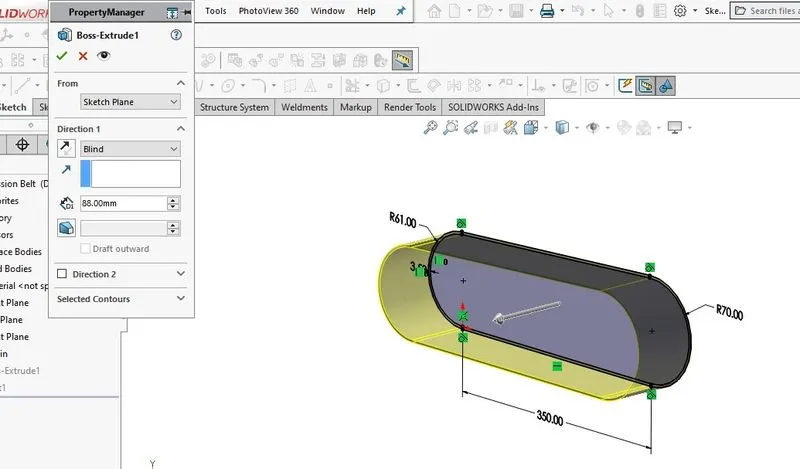
Boss - Extrude : To Obtain 3d solid from 2d Sketch.
Example:
Fillet :To Convert sharp internal or external edgers into smooth or round edges.
Example:
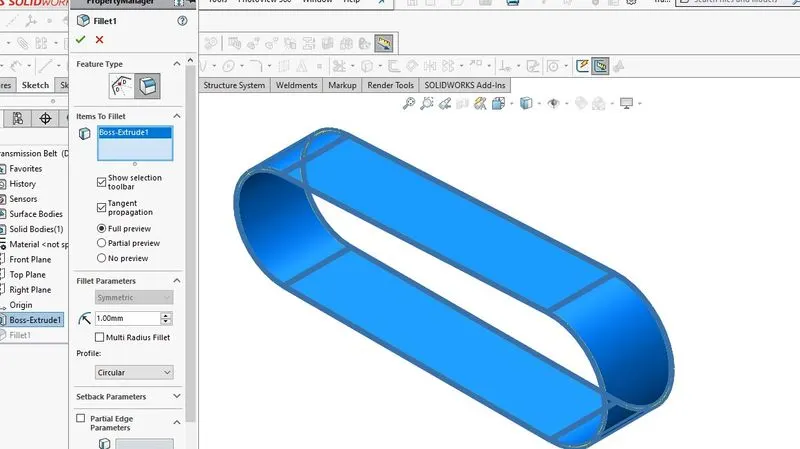
Smart dimensions :To add or edit dimensions of sketches.
Kickstand :
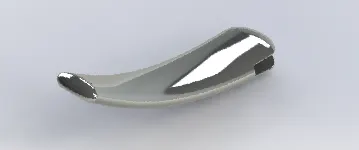
Features & Tools :
Sketch: To Create required Sketches.
Line: To drawing line and construction lines.
Spline: To draw curves through interpolation of points.
Example:
Split: To separate or split solid bodies.
Example:
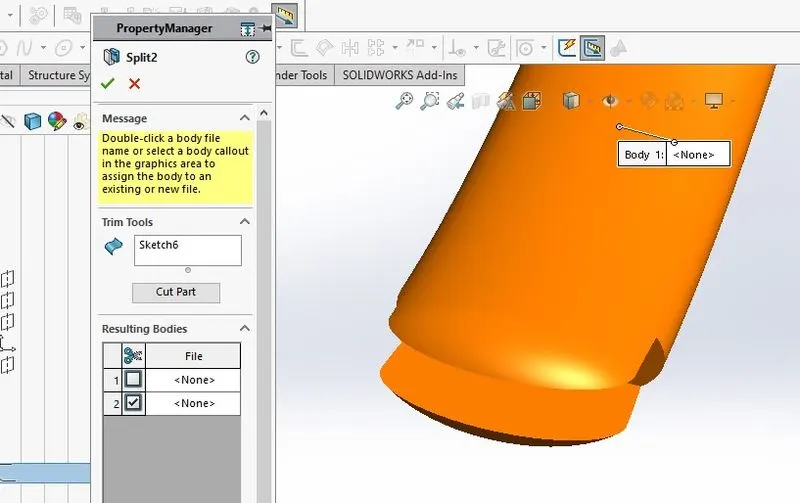
Boss - Extrude : To Obtain 3d solid from 2d Sketch.
Example:
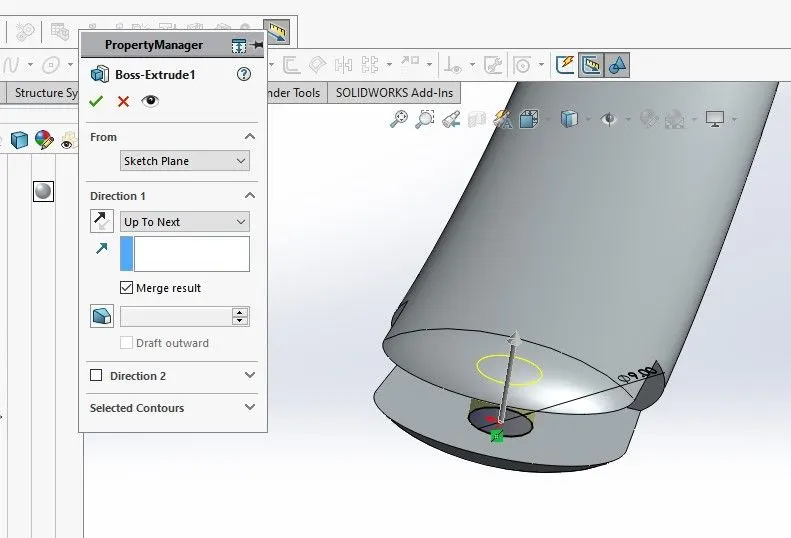
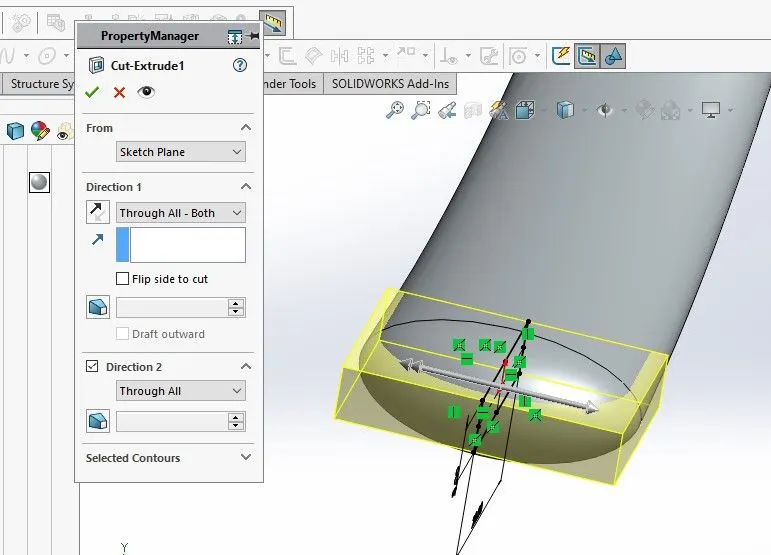
Cut- Extrude: To subtract a solid portion from a solid using 2d sketch.
Example:
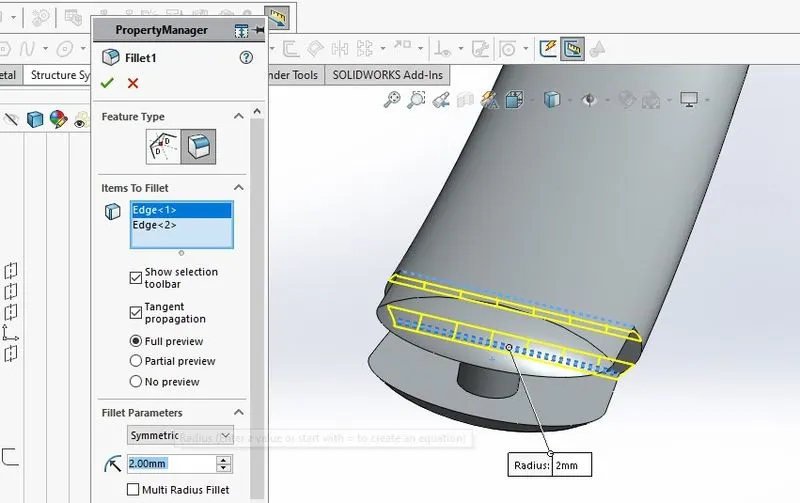
Fillet :To Convert sharp internal or external edgers into smooth or round edges.
Example:
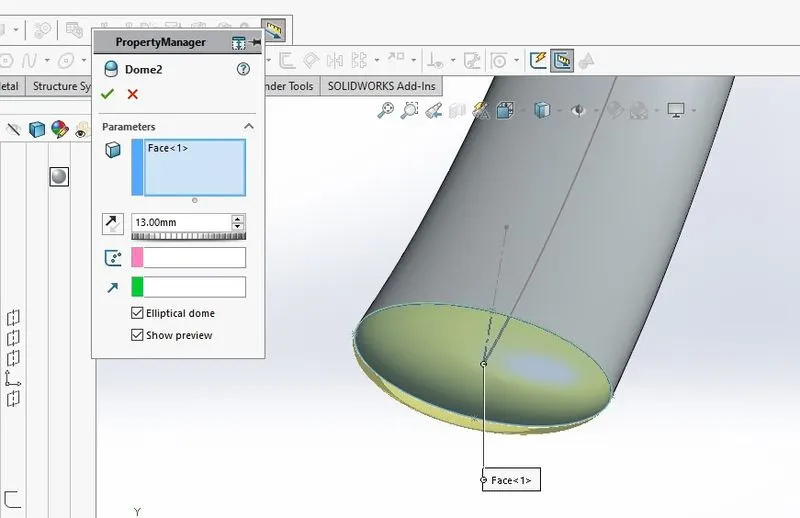
Dome : To create dome surfaces on flat surfaces.
Example:
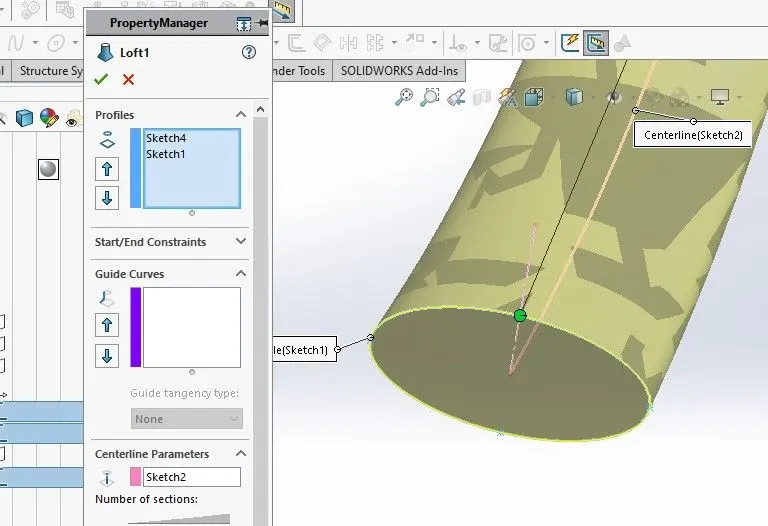
Surface - Lofe: To create surface along the profiles.
Smart dimensions :To add or edit dimensions of sketches.
Front Fender :
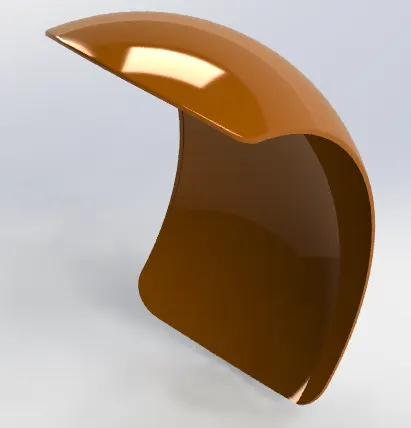
Features & Tools :
Sketch: To Create required Sketches.
Line: To drawing line and construction lines.
Spline: To draw curves through interpolation of points.
Example:
Split: To separate or split solid bodies.
Example: 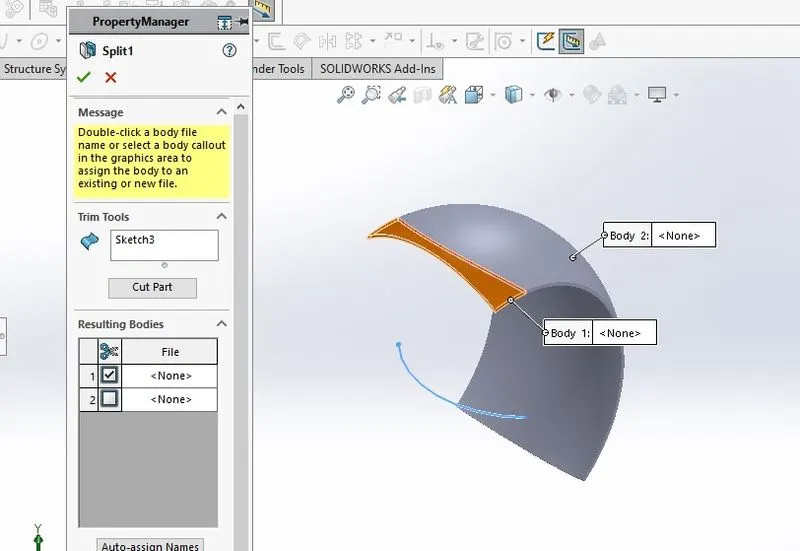
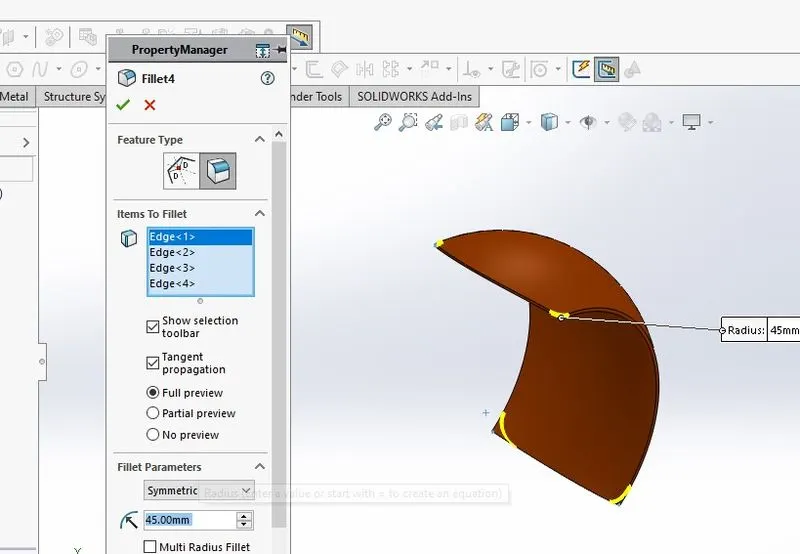
Fillet :To Convert sharp internal or external edgers into smooth or round edges.
Example:
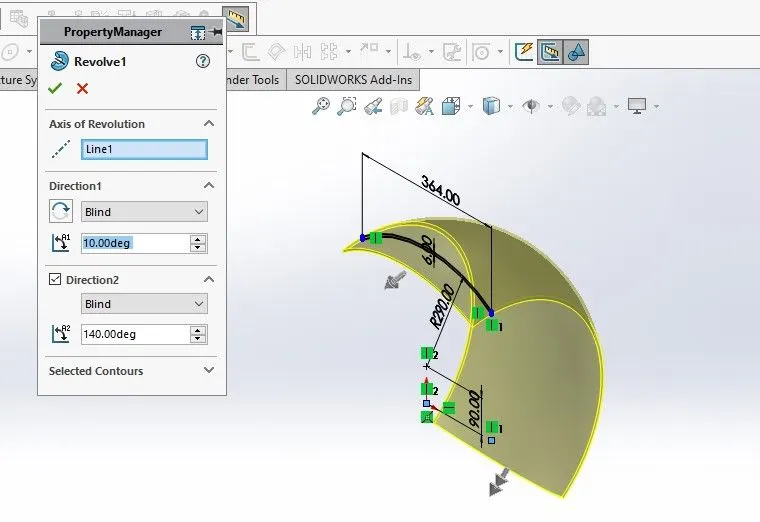
Boss - Revolve : To revove 2d sketch along the reference to obtain solid body.
Example:
Shell: To Convert solid bodies into shells.
Example:
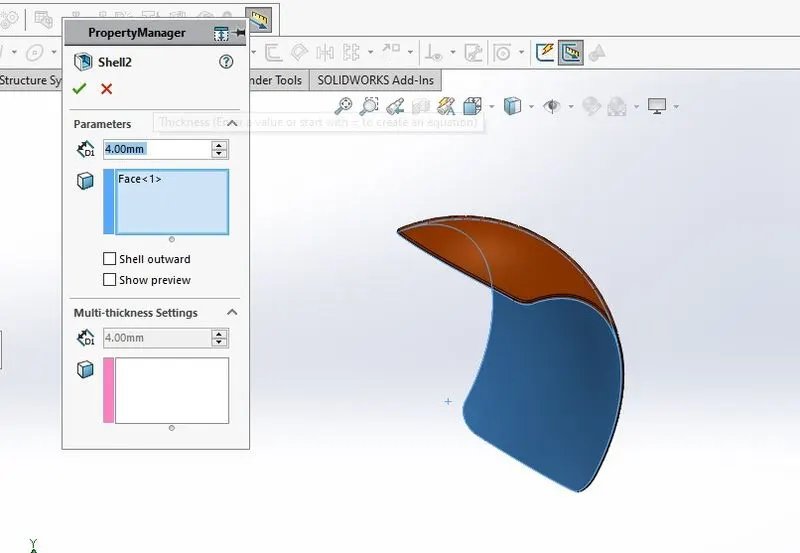
Smart dimensions :To add or edit dimensions of sketches.
Rear Fender :
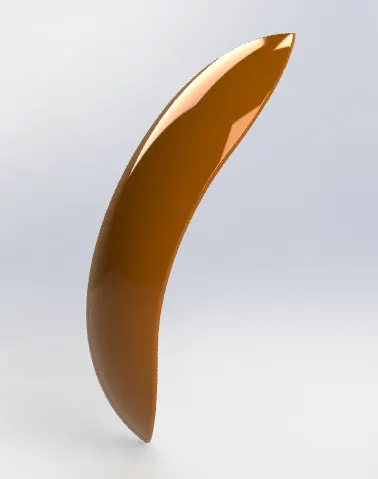
Features & Tools :
Sketch: To Create required Sketches.
Line: To drawing line and construction lines.
Spline: To draw curves through interpolation of points.
Example:
Split: To separate or split solid bodies.
Example:
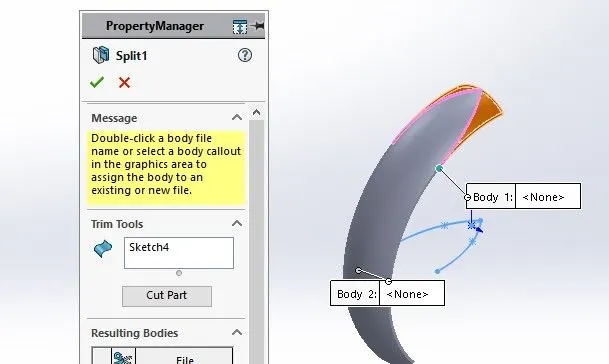
Fillet :To Convert sharp internal or external edgers into smooth or round edges.
Example:
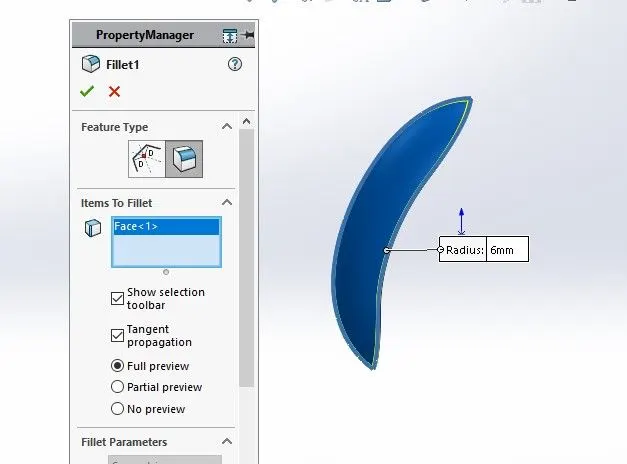
Boss - Revolve : To revove 2d sketch along the reference to obtain solid body.
Example:
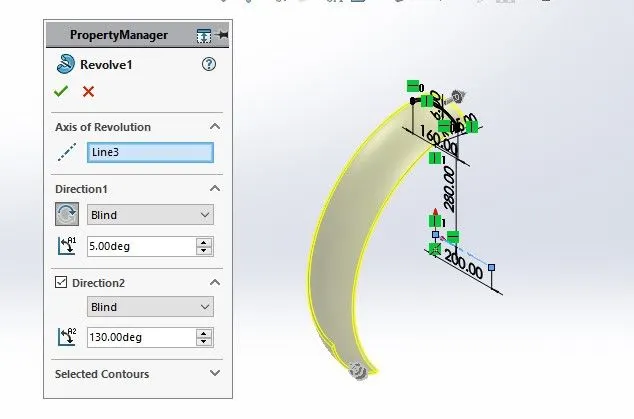
Smart dimensions :To add or edit dimensions of sketches.
Chain :
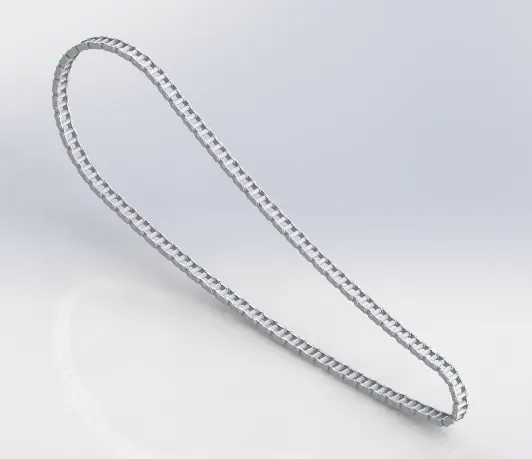
Features & Tools :
Sketch: To Create required Sketches.
Line: To drawing line and construction lines.
Circle: To draw a circle.
Arc: To draw a arc.
Spline: To draw curves through interpolation of points.
Example:
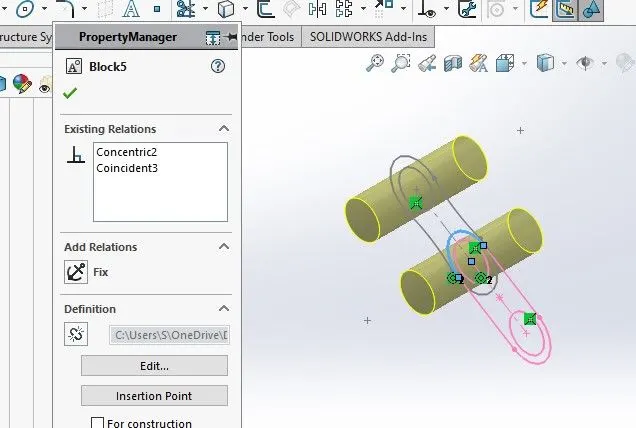
Block: To Create separate and save sketch from the existing sketch.
Example:
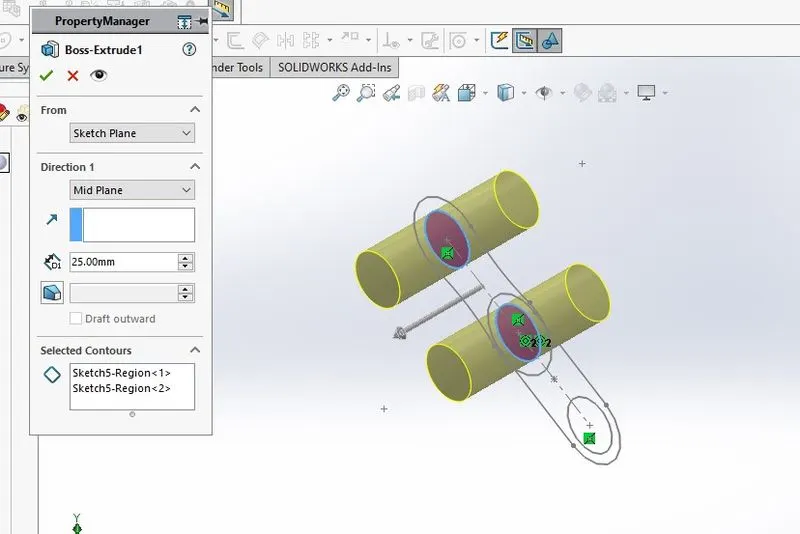
Boss - Extrude : To Obtain 3d solid from 2d Sketch.
Example:
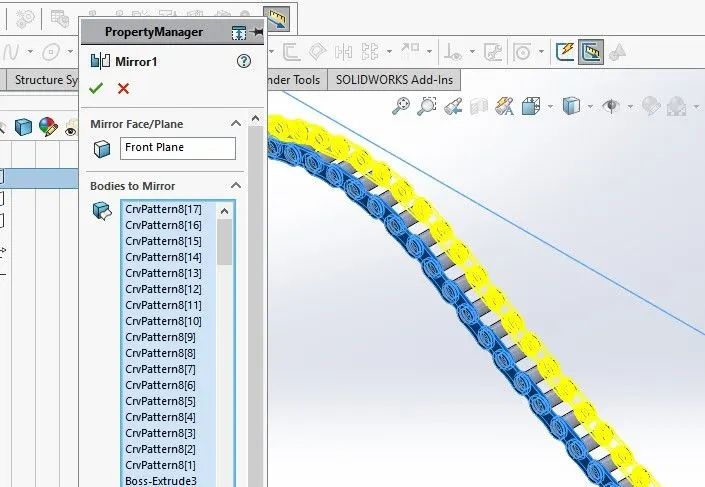
Mirror : To mirror features or skethches along the selected reference.
Example:
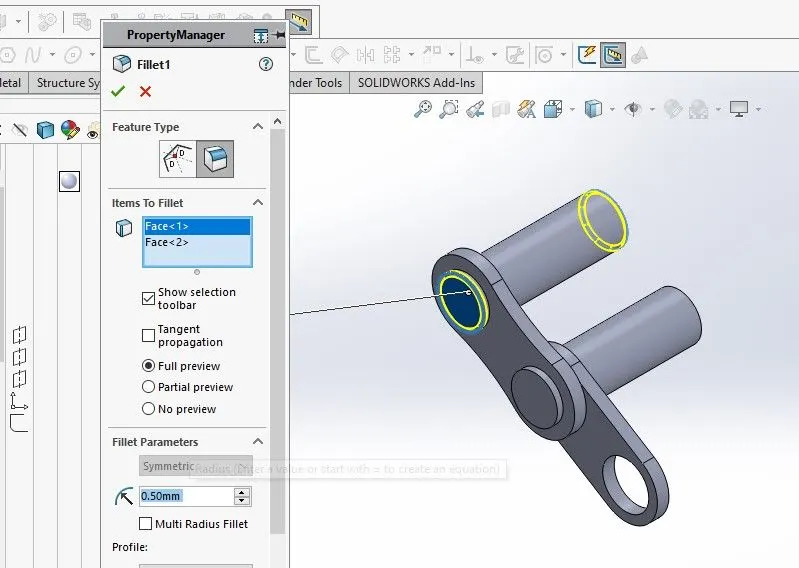
Fillet :To Convert sharp internal or external edgers into smooth or round edges.
Example:
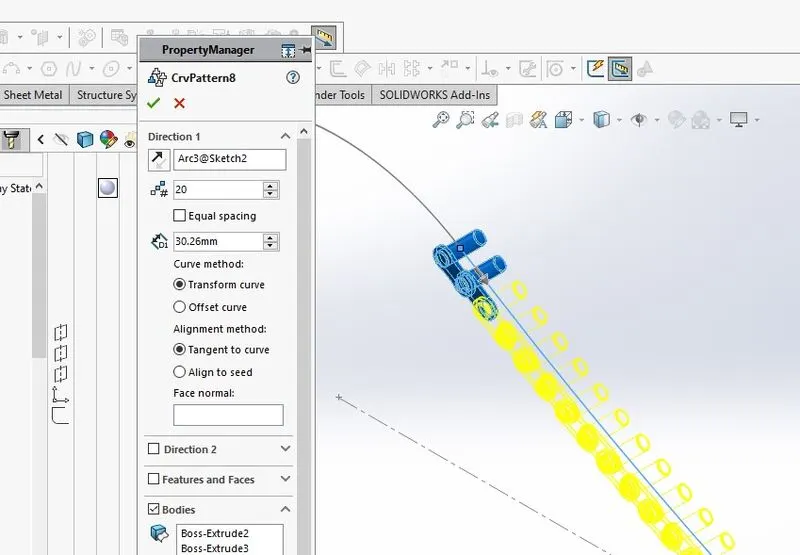
Curve Pattern : To create a pattern of features or body along a curved reference.
Example:
Smart dimensions :To add or edit dimensions of sketches.
Oil Tank :
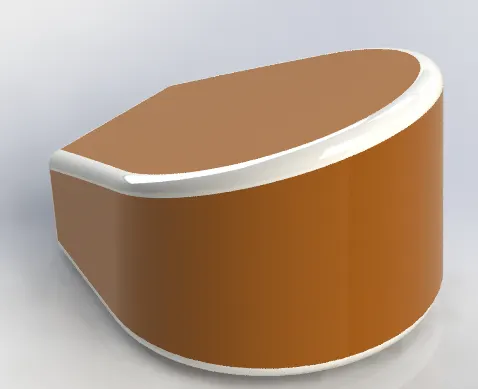
Features & Tools :
Sketch: To Create required Sketches.
Line: To drawing line and construction lines.
Spline: To draw curves through interpolation of points.
Example:
Fillet :To Convert sharp internal or external edgers into smooth or round edges.
Example:
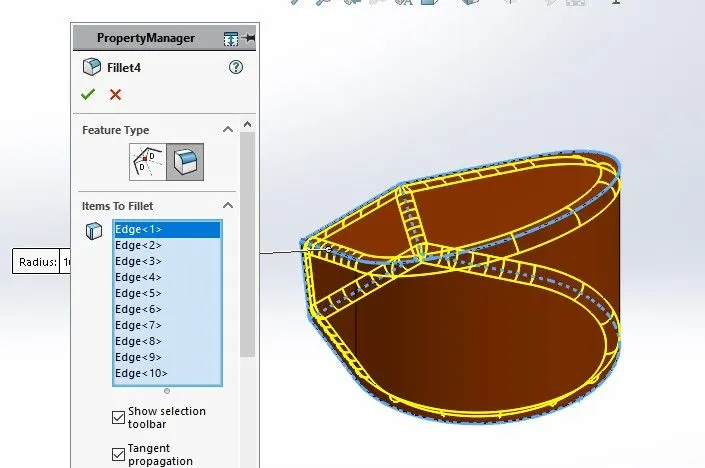
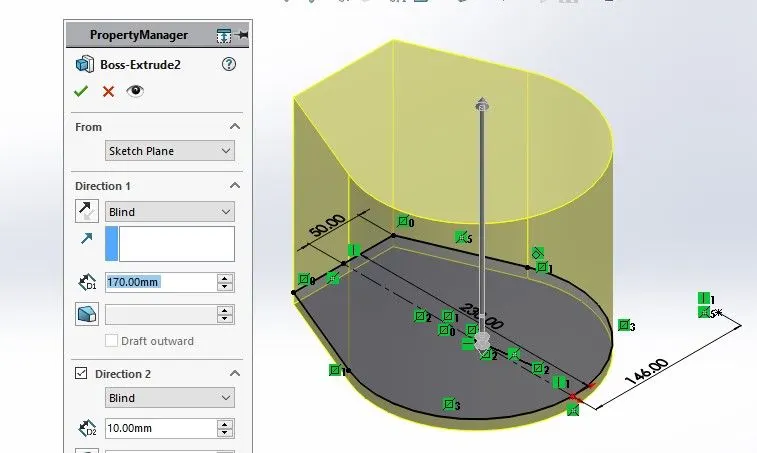
Boss - Extrude : To Obtain 3d solid from 2d Sketch.
Example:
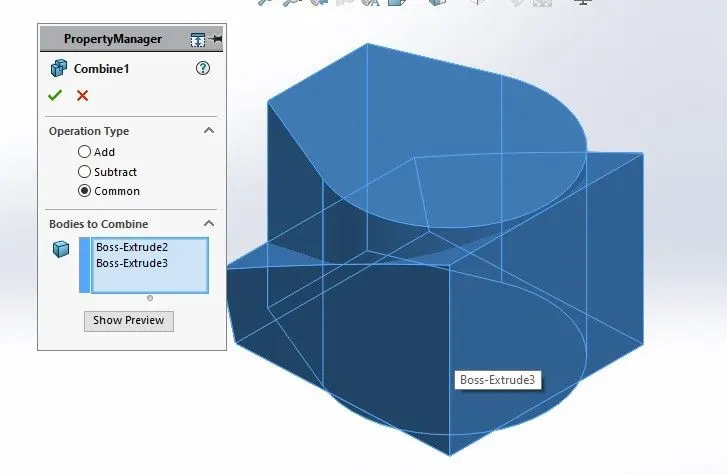
Combine: To combine or merge solid bodies.
Example:
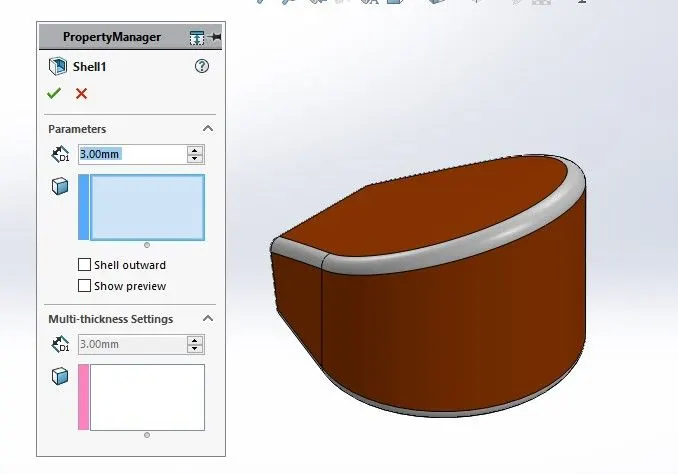
Shell: To Convert solid bodies into shells.
Example:
Smart dimensions :To add or edit dimensions of sketches.
Front Fork :
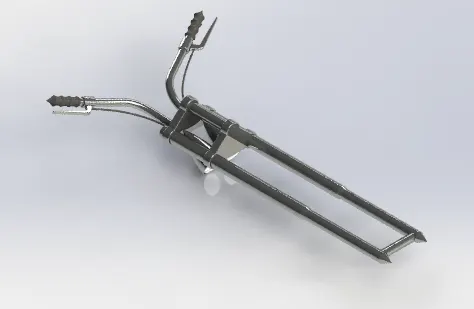
Features & Tools :
Sketch: To Create required Sketches.
Line: To drawing line and construction lines.
Circle: To draw a circle.
Arc: To draw a arc.
Spline: To draw curves through interpolation of points.
Convert Entites: To convert edges or curves into line.
Intersection curve : To get an intersection curve obtained from projention of two curves.
Example:
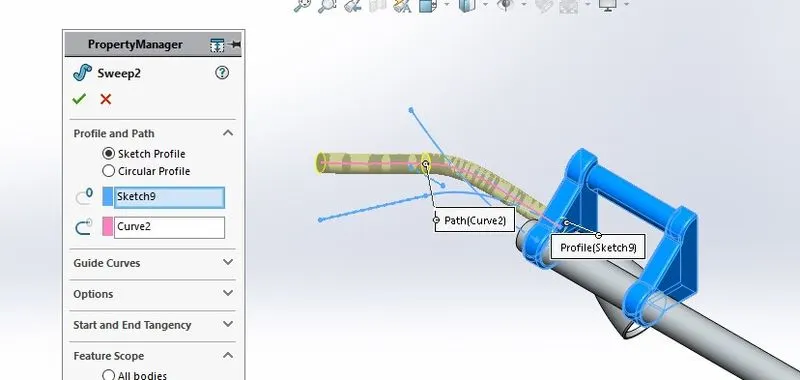
Boss- sweep: To obtain a solid body along the profile path.
Example:
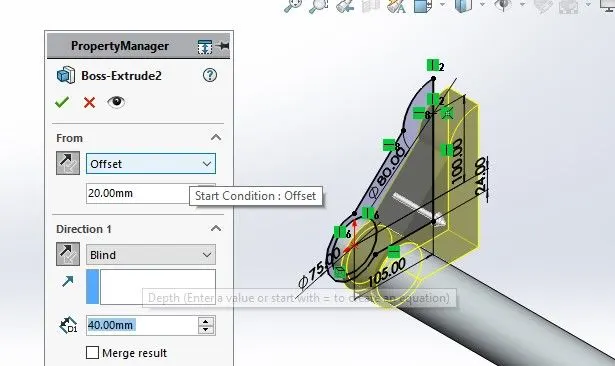
Boss - Extrude : To Obtain 3d solid from 2d Sketch.
Example:
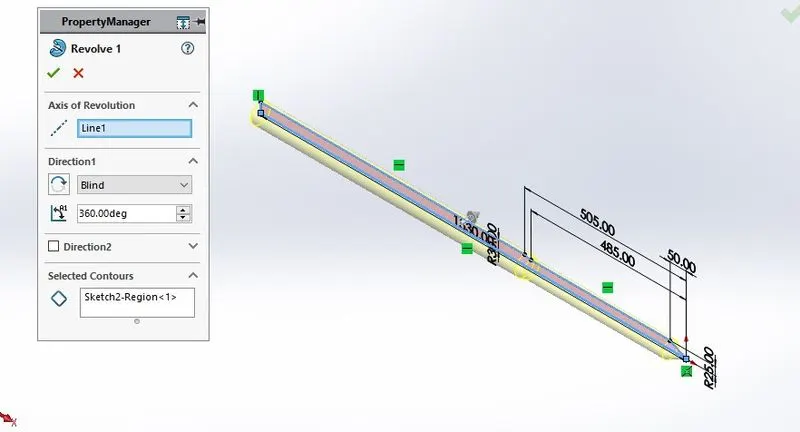
Boss - Revolve : To revove 2d sketch along the reference to obtain solid body.
Example:
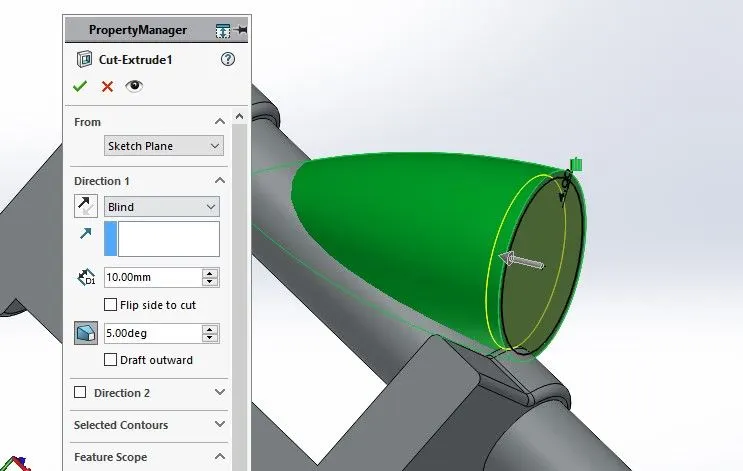
Cut- Extrude: To subtract a solid portion from a solid using 2d sketch.
Example:
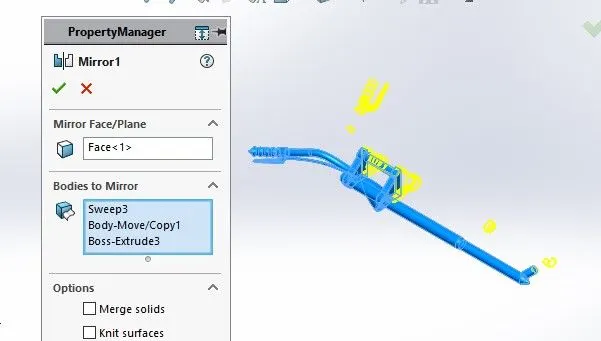
Mirror : To mirror features or sketches along the selected reference.
Example:
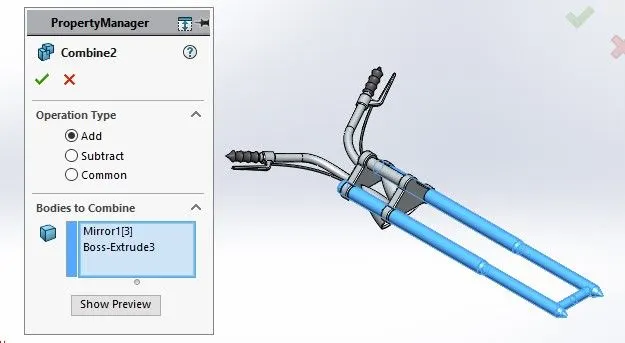
Combine : To combine or merge solid bodies.
Example:
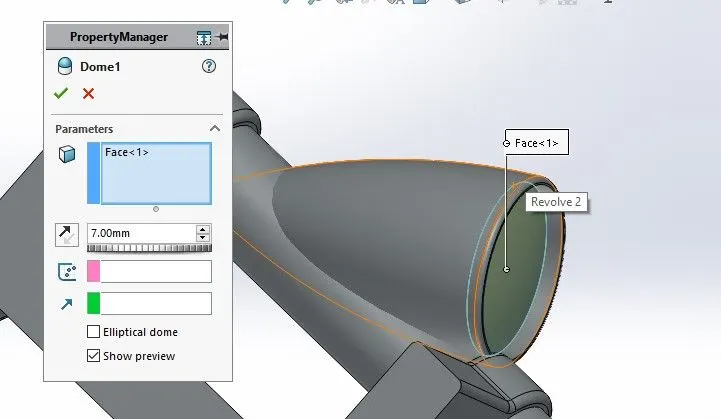
Dome : To create dome surfaces on flat surfaces.
Example:
Fillet :To Convert sharp internal or external edgers into smooth or round edges.
Example:
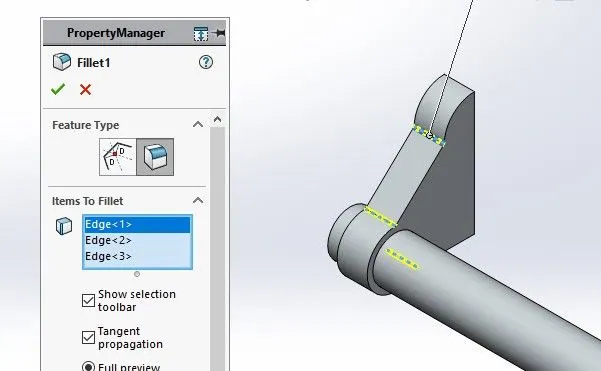
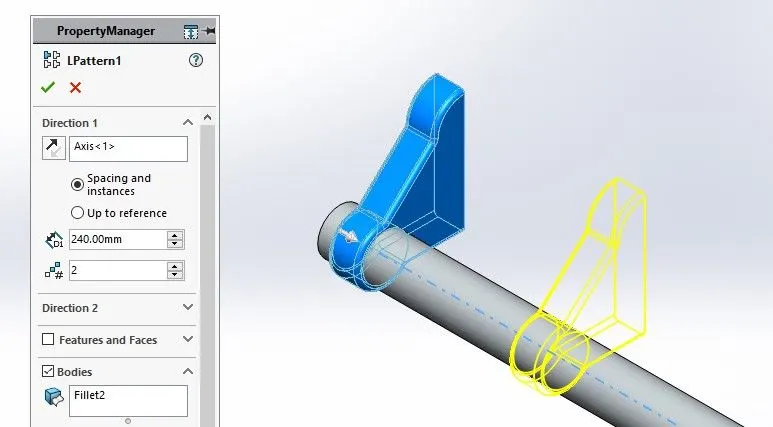
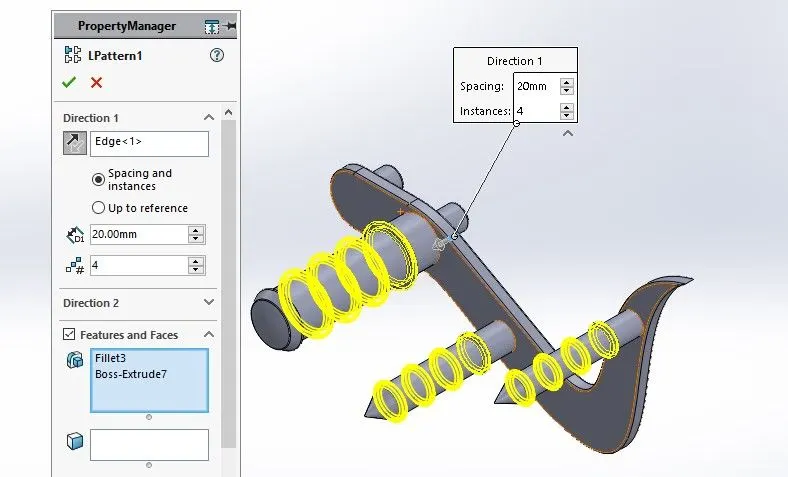
Linear Pattern: To create a pattern of feature or body along a linear reference.
Example:
Smart dimensions :To add or edit dimensions of sketches.
Pedal :
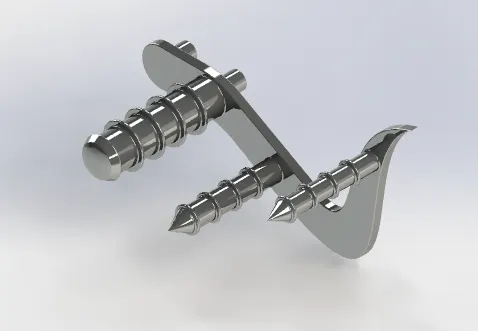
Features & Tools :
Sketch: To Create required Sketches.
Line: To drawing line and construction lines.
Circle: To draw a circle.
Arc: To draw a arc.
Spline: To draw curves through interpolation of points.
Example:
Boss - Extrude : To Obtain 3d solid from 2d Sketch.
Example:
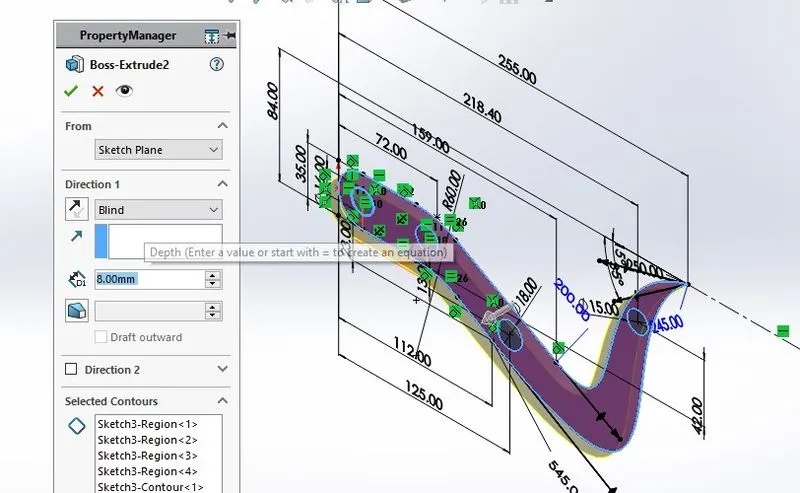
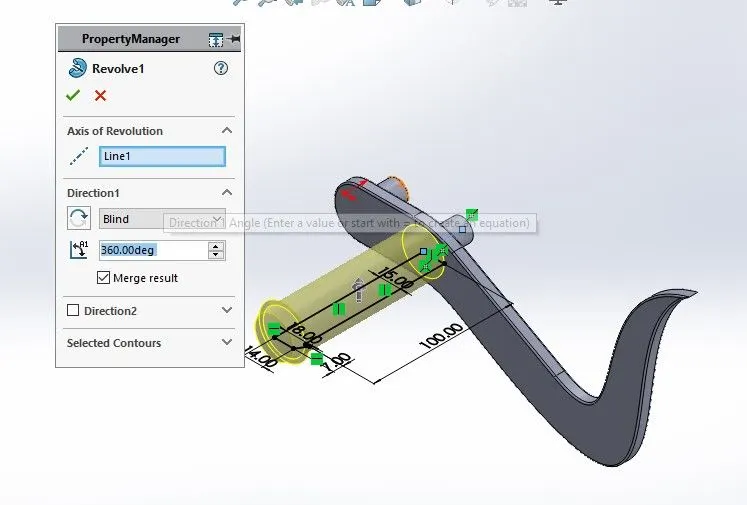
Boss - Revolve : To revove 2d sketch along the reference to obtain solid body.
Example:
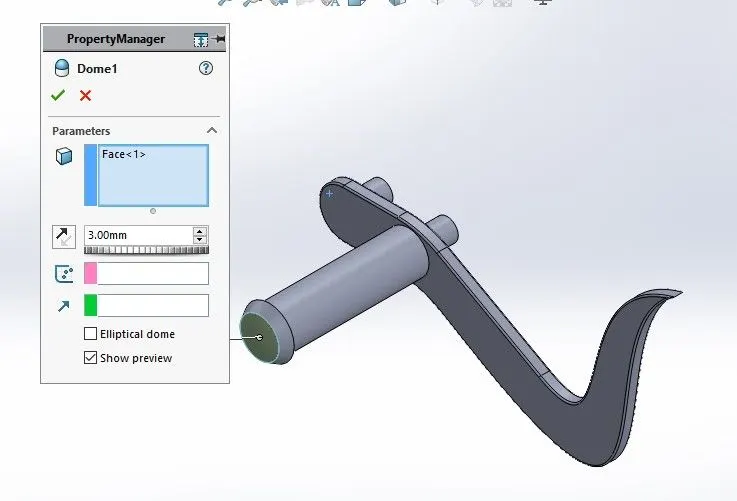
Dome : To create dome surfaces on flat surfaces.
Example:
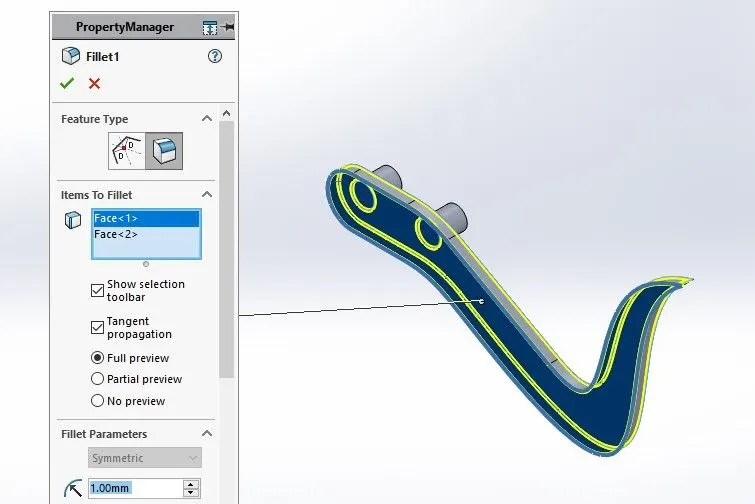
Fillet :To Convert sharp internal or external edgers into smooth or round edges.
Example:
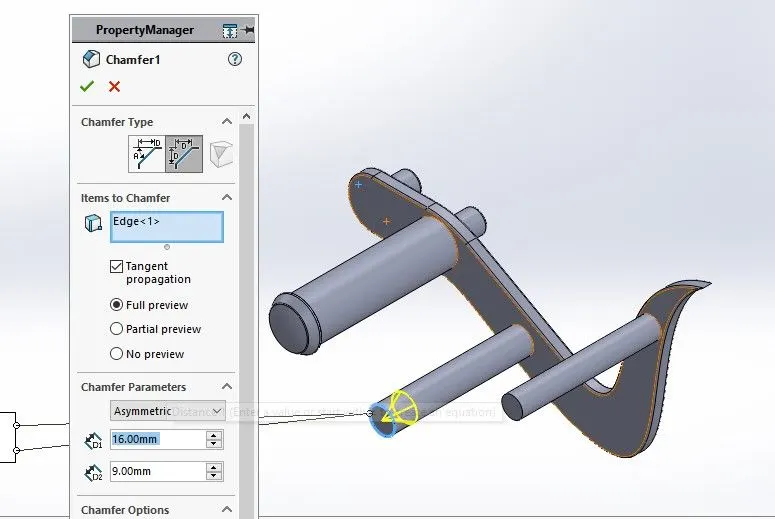
Chamfer: To convert sharp edges into bevel edges.
Example:
Linear Pattern: To create a pattern of feature or body along a linear reference.
Example:
Smart dimensions :To add or edit dimensions of sketches.
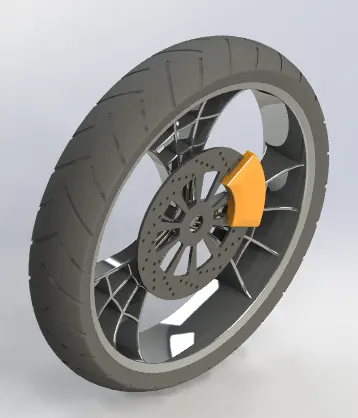
Front Wheel :
Features & Tools :
Sketch: To Create required Sketches.
Line: To drawing line and construction lines.
Circle: To draw a circle.
Arc: To draw a arc.
Spline: To draw curves through interpolation of points.
Convert Entites: To convert edges or curves into line.
Offset Entites : To offset edges or lines to duplicate the edges .
Example:
Boss - Extrude : To Obtain 3d solid from 2d Sketch.
Example:
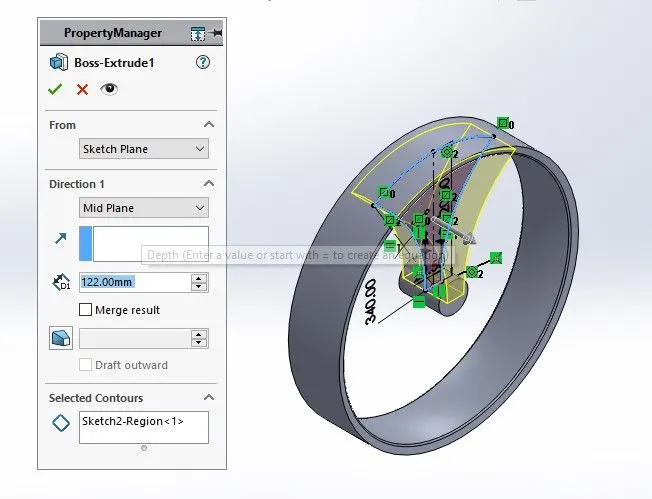
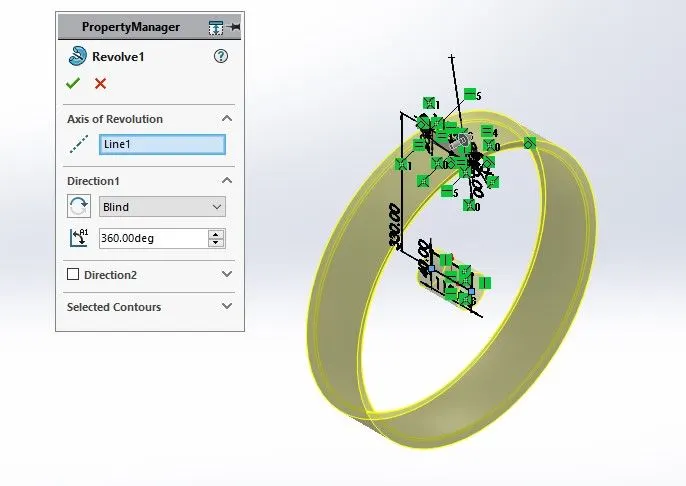
Boss - Revolve : To revove 2d sketch along the reference to obtain solid body.
Example:
Cut- Extrude: To subtract a solid portion from a solid using 2d sketch.
Example:
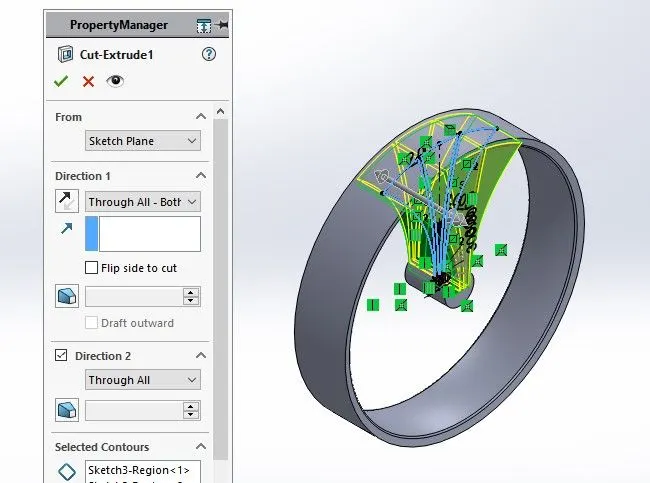
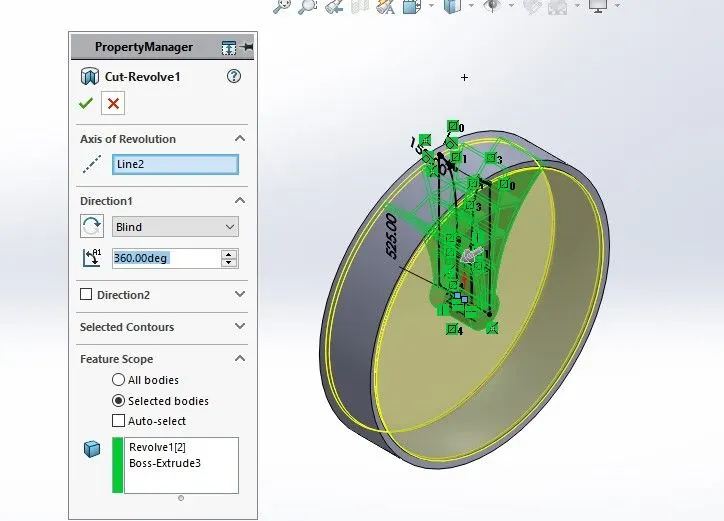
Cut - Revolve: To subtract a solid portion from a solid using 2d sketch revolve.
Example:
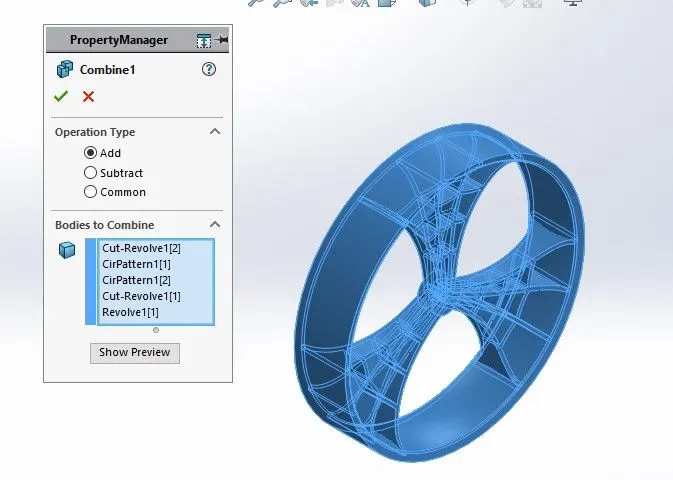
Combine : To combine or merge solid bodies.
Example:
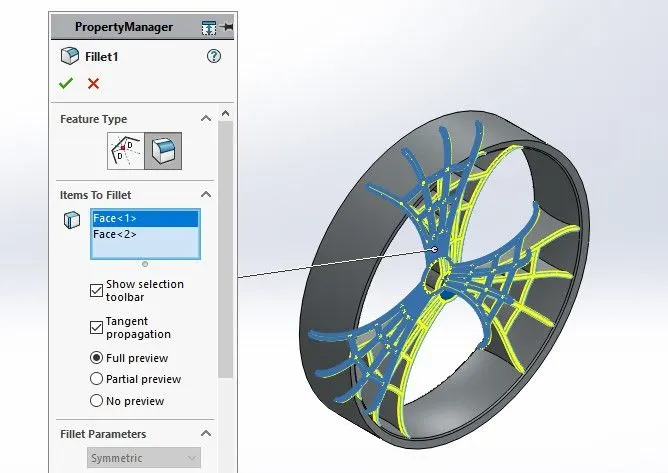
Fillet :To Convert sharp internal or external edgers into smooth or round edges.
Example:
Chamfer: To convert sharp edges into bevel edges.
Example:
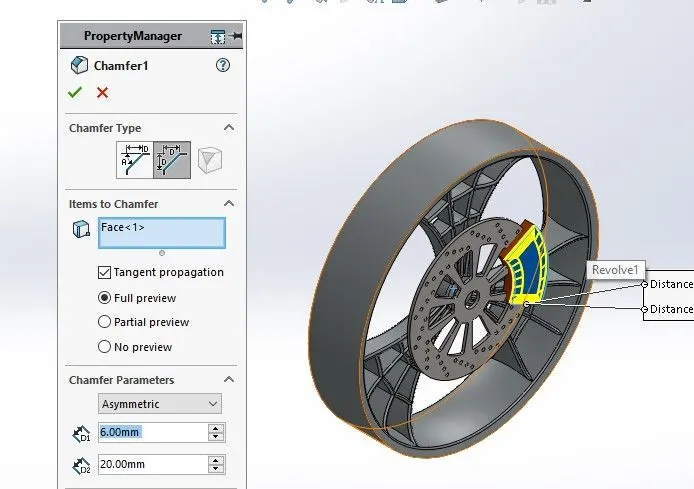
Circular Pattern : To create a pattern of feature or body along a circular reference.
Example:
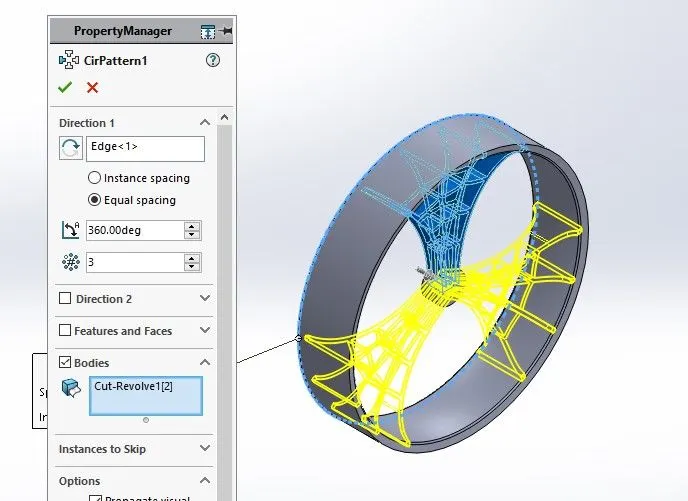
Smart dimensions :To add or edit dimensions of sketches.
Rear Wheel:
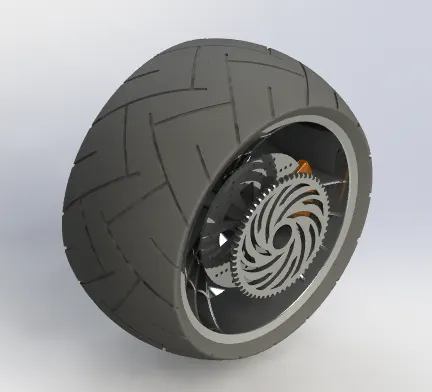
Features & Tools :
Sketch: To Create required Sketches.
Line: To drawing line and construction lines.
Spline: To draw curves through interpolation of points.
Convert Entites: To convert edges or curves into line.
Offset Entites : To offset edges or lines to duplicate the edges .
Example:
Boss - Extrude : To Obtain 3d solid from 2d Sketch.
Example:
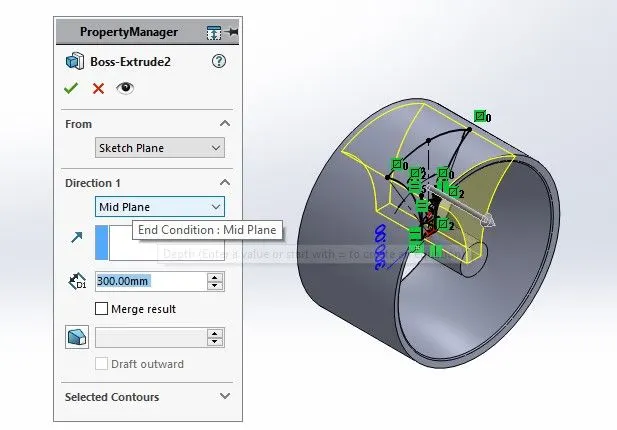
Boss - Revolve : To revove 2d sketch along the reference to obtain solid body.
Example:
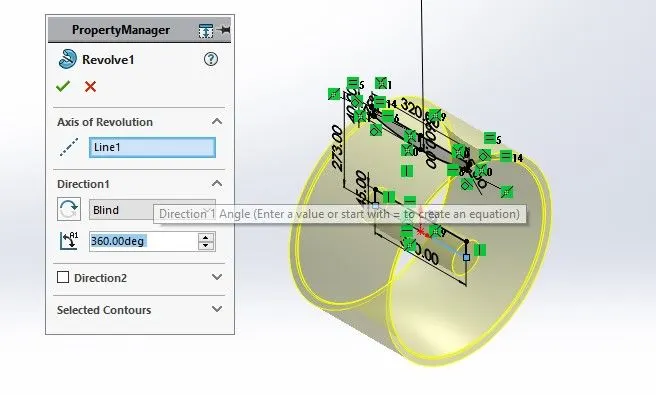
Cut- Extrude: To subtract a solid portion from a solid using 2d sketch.
Example: 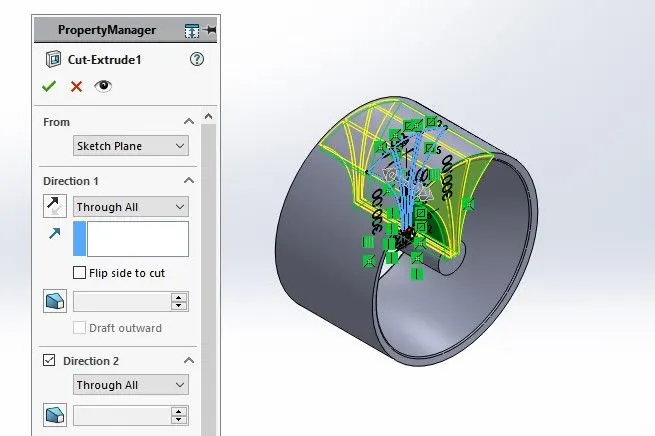
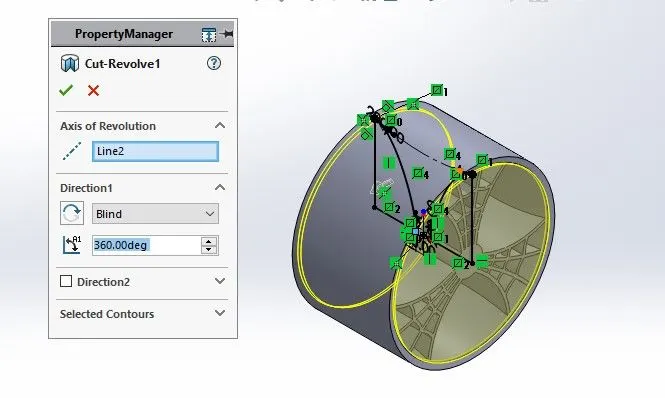
Cut - Revolve: To subtract a solid portion from a solid using 2d sketch revolve.
Example:
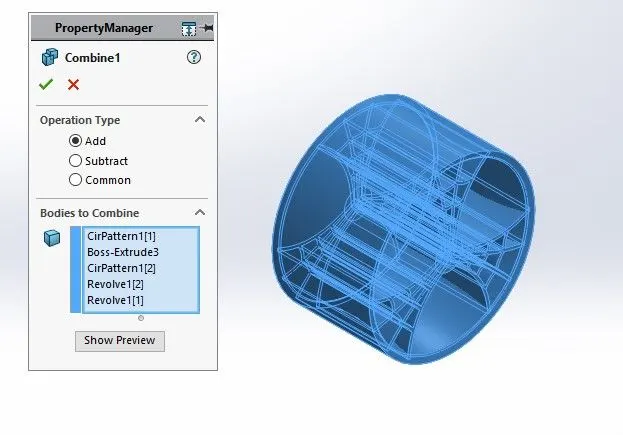
Combine : To combine or merge solid bodies.
Example:
Fillet :To Convert sharp internal or external edgers into smooth or round edges.
Example:
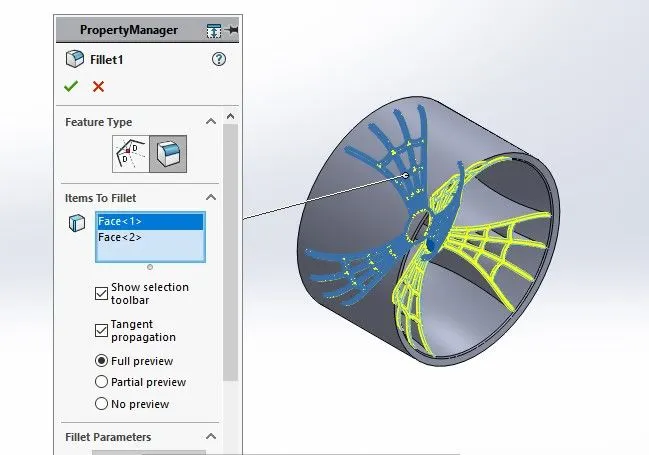
Chamfer: To convert sharp edges into bevel edges.
Example: 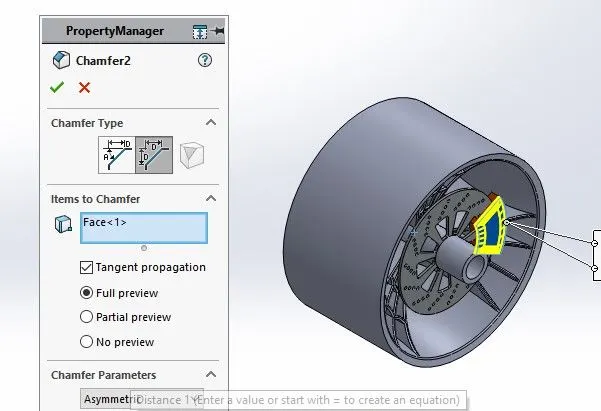
Circular Pattern : To create a pattern of feature or body along a circular reference.
Example:
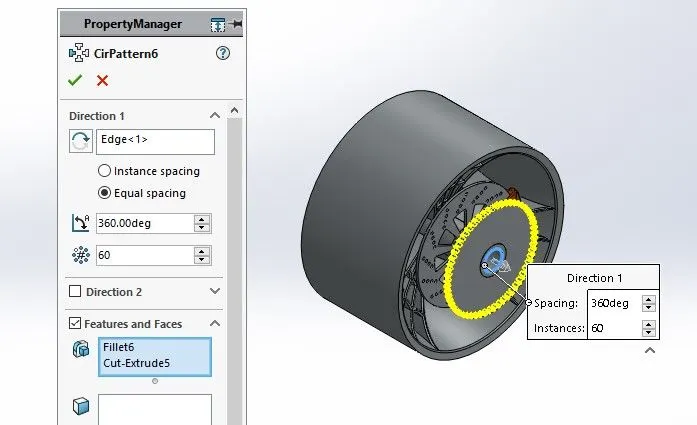
Smart dimensions :To add or edit dimensions of sketches.
Engine:
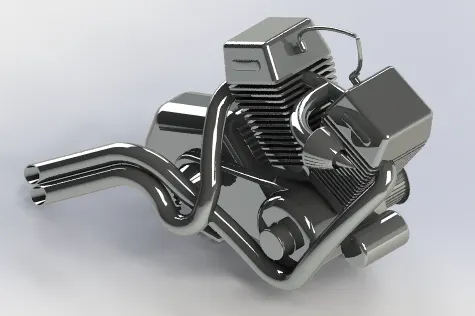
Features & Tools :
Sketch Pictures: To insert pictures for reference
Example:

Sketch: To Create required Sketches.
Line: To drawing line and construction lines.
Circle: To draw a circle.
Arc: To draw a arc
Spline: To draw curves through interpolation of points.
Convert Entites: To convert edges or curves into line.
Intersection curve : To get an intersection curve obtained from projention of two curves.
Example:
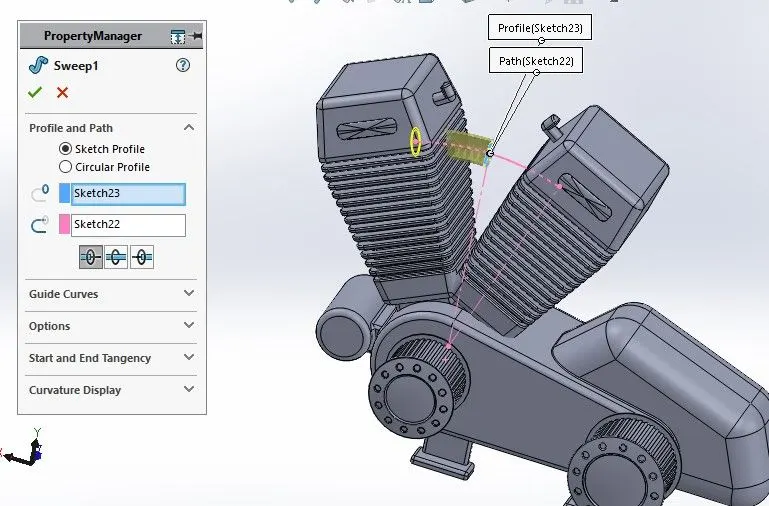
Boss - Sweep : To obtain an solid body along the profie path.
Example:
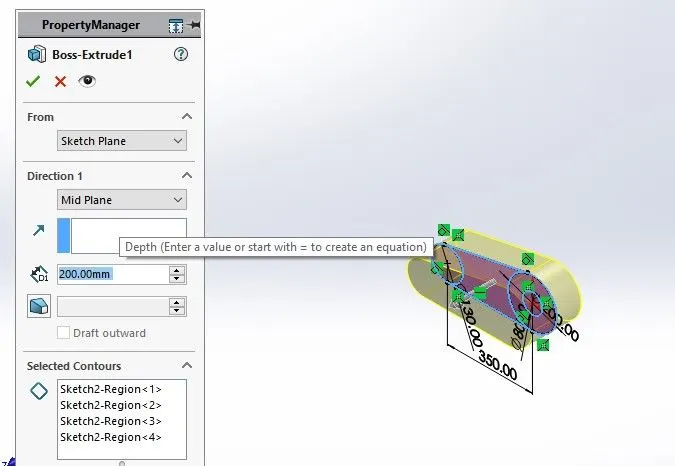
Boss - Extrude : To Obtain 3d solid from 2d Sketch.
Example:
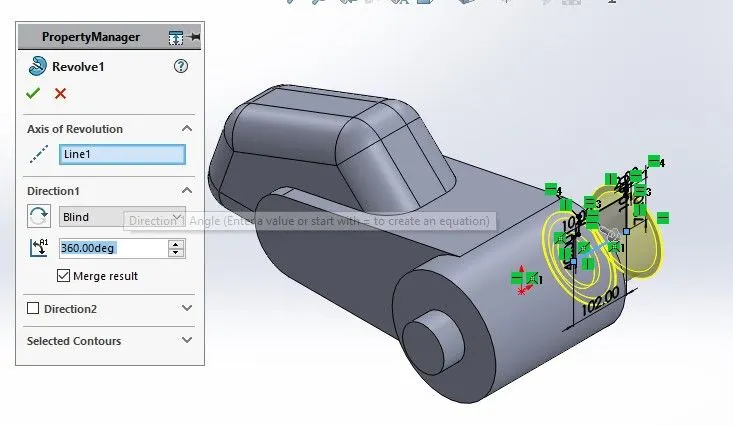
Boss - Revolve : To revove 2d sketch along the reference to obtain solid body.
Example:
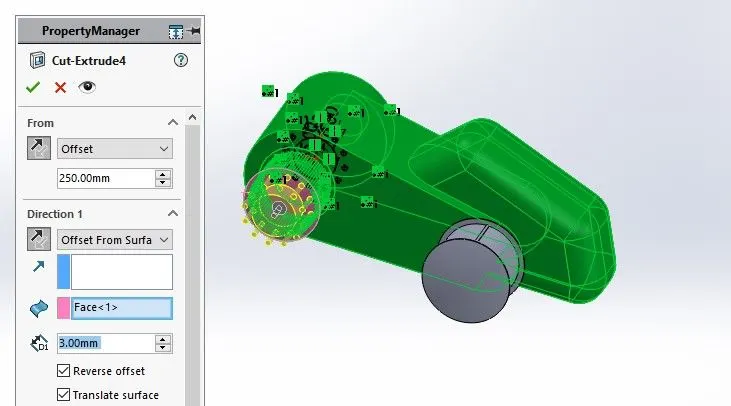
Cut- Extrude: To subtract a solid portion from a solid using 2d sketch.
Example:
Mirror : To mirror features or sketches along the selected reference.
Example:
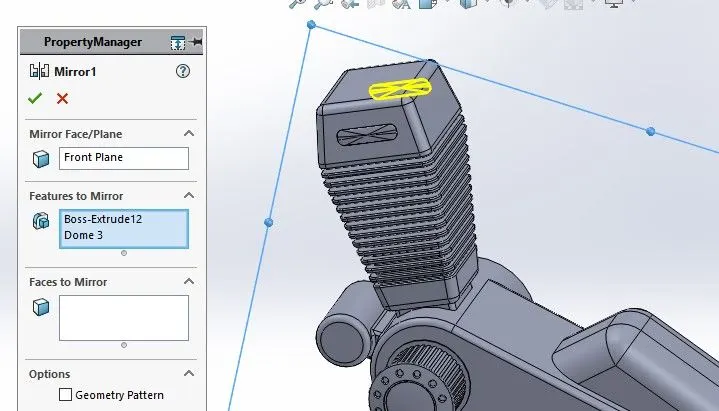
Split: To separate or split solid bodies.
Example:
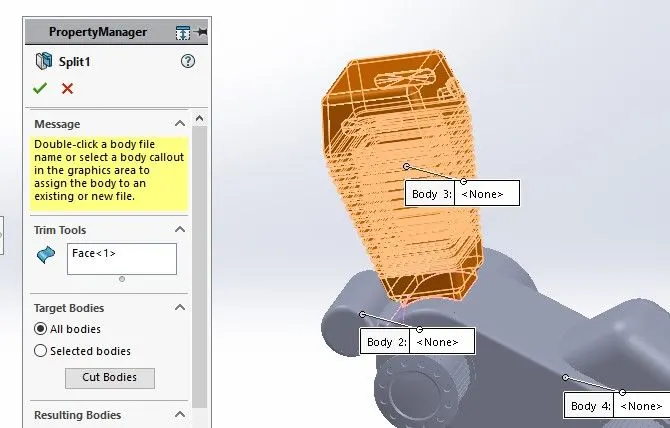
Combine : To combine or merge solid bodies.
Example:
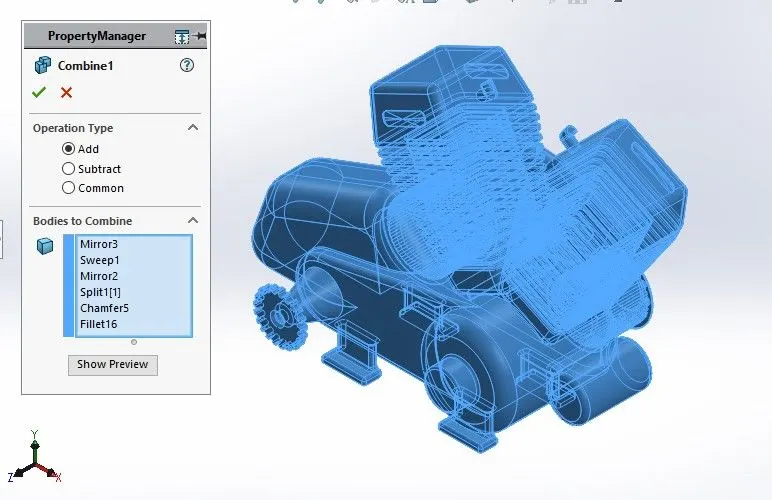
Dome : To create dome surfaces on flat surfaces.
Example:
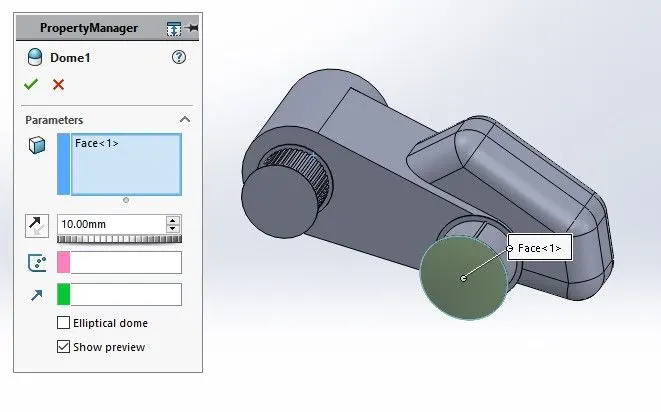
Fillet :To Convert sharp internal or external edgers into smooth or round edges.
Example:
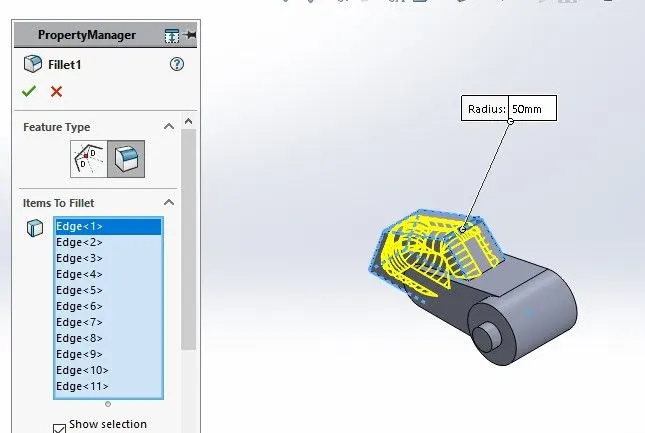
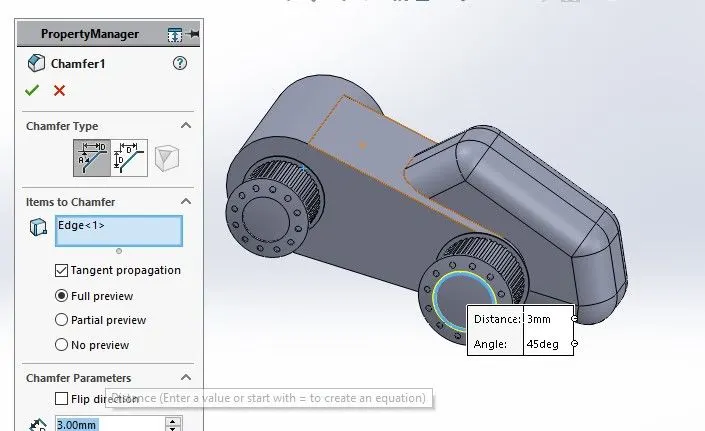
Chamfer: To convert sharp edges into bevel edges.
Example:
Circular Pattern : To create a pattern of feature or body along a circular reference.
Example: 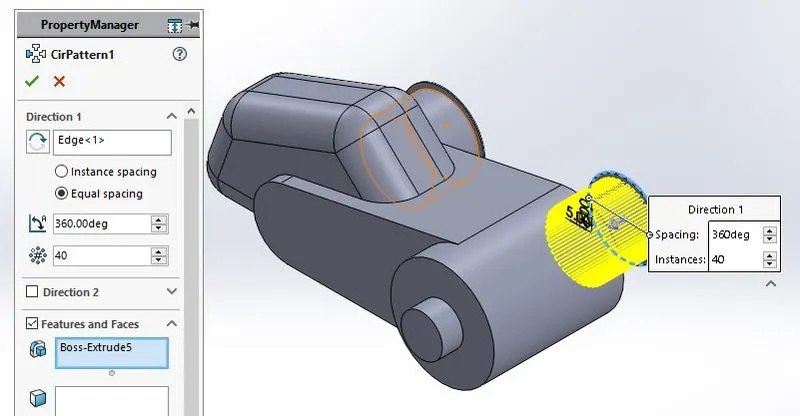
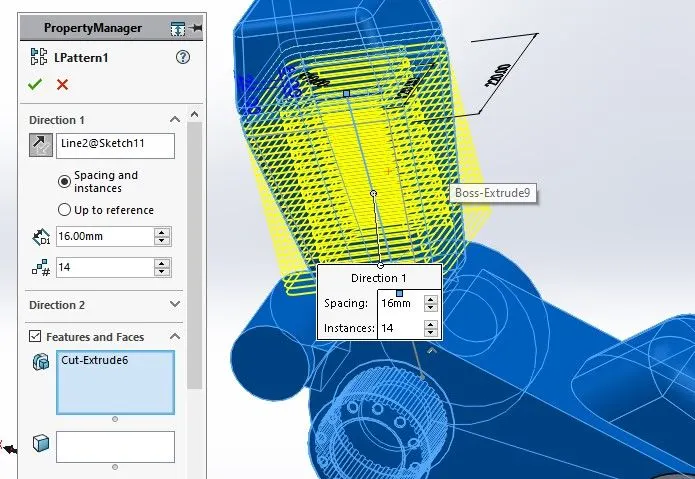
Linear Pattern : To create a pattern of feature or body along a linear reference.
Example:
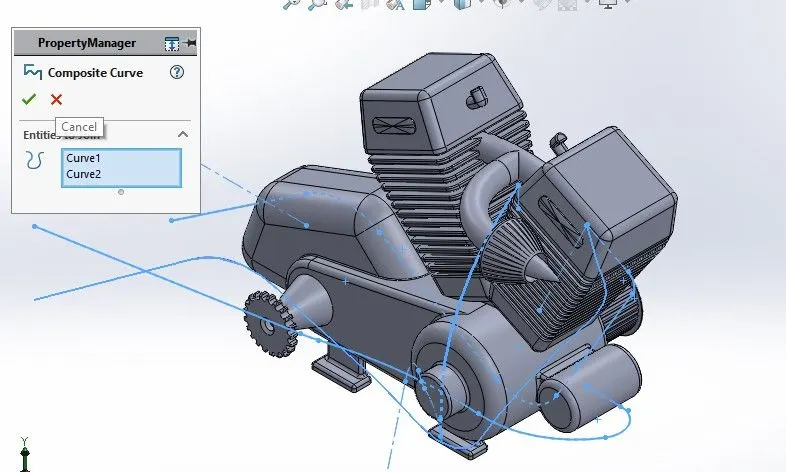
Composite Curve : To obtain combined composite curve from two or more curves.
Example:
Smart dimensions :To add or edit dimensions of sketches.
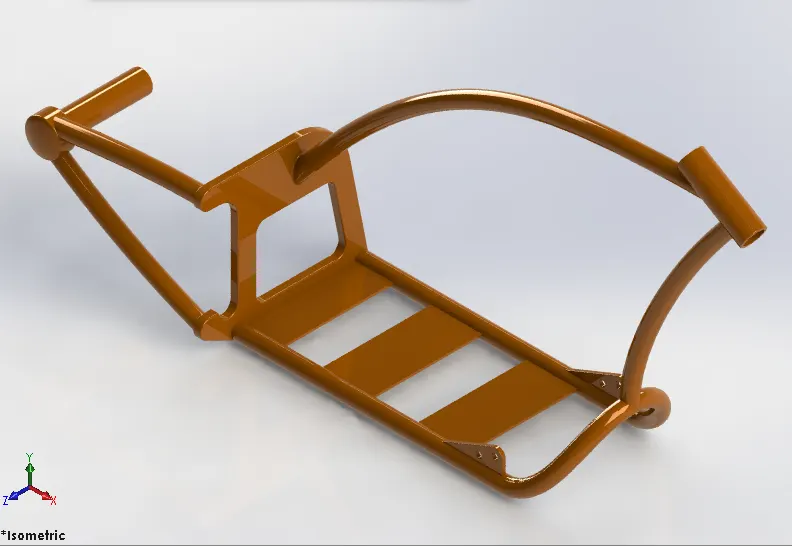
Chassis :
Features & Tools :
Sketch Pictures: To insert pictures for reference
Example:
Sketch: To Create required Sketches.
Line: To drawing line and construction lines.
Circle: To draw a circle.
Spline: To draw curves through interpolation of points.
Intersection curve : To get an intersection curve obtained from projention of two curves.
Example:
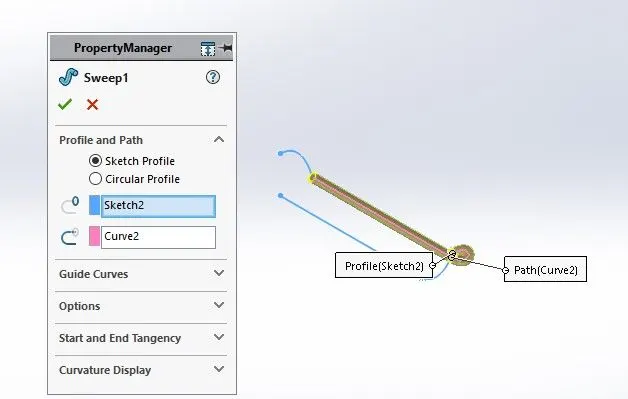
Boss - Sweep : To obtain an solid body along the profie path.
Example:
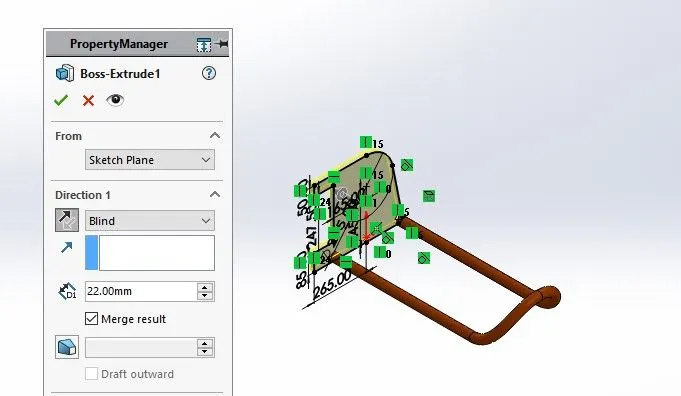
Boss - Extrude : To Obtain 3d solid from 2d Sketch.
Example:
Cut- Extrude: To subtract a solid portion from a solid using 2d sketch.
Example:
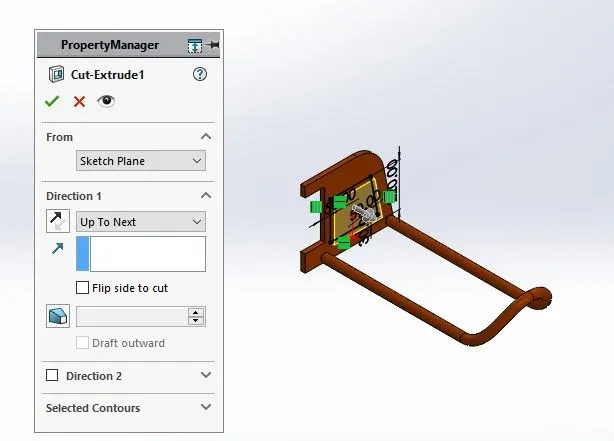
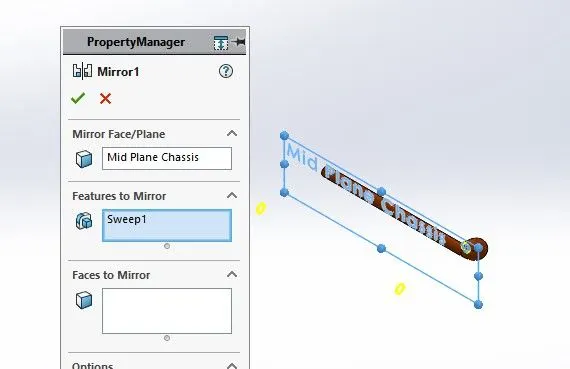
Mirror : To mirror features or sketches along the selected reference.
Example:
Split: To separate or split solid bodies.
Example: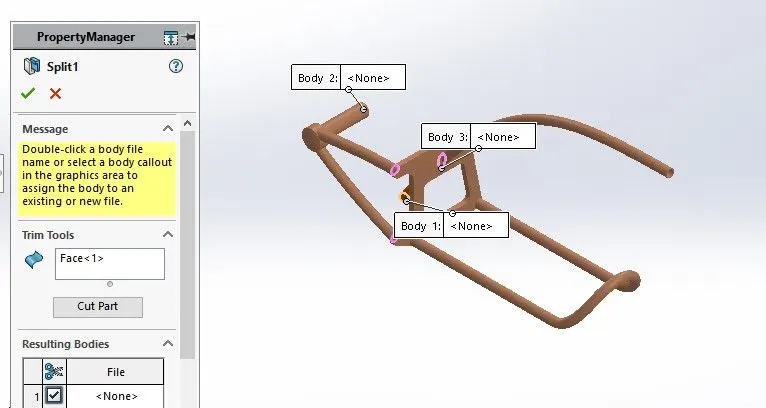
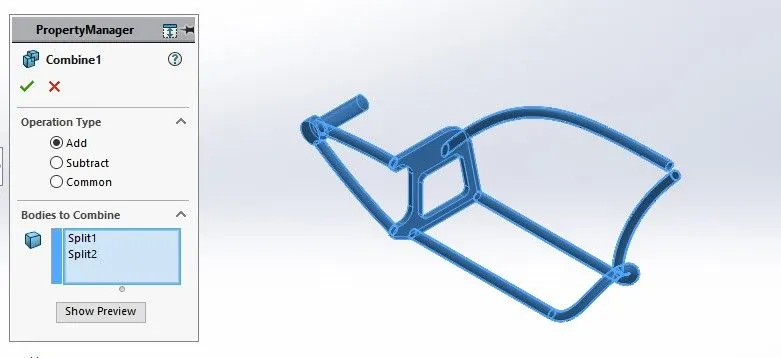
Combine : To combine or merge solid bodies.
Example:
Dome : To create dome surfaces on flat surfaces.
Example: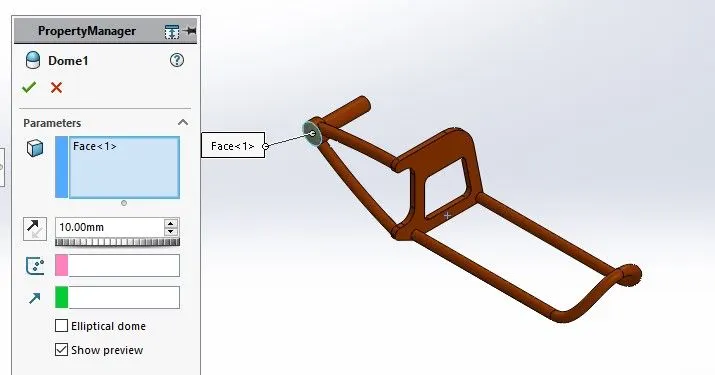
Fillet :To Convert sharp internal or external edgers into smooth or round edges.
Example:
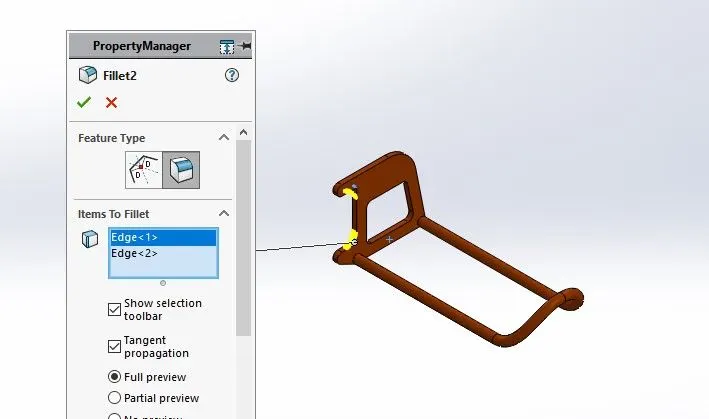
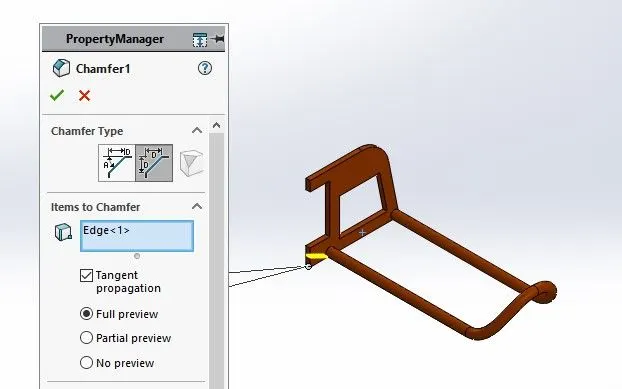
Chamfer: To convert sharp edges into bevel edges.
Smart dimensions :To add or edit dimensions of sketches.
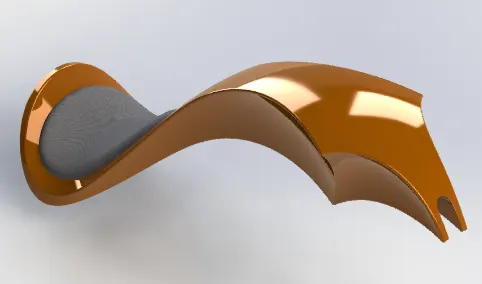
Gas Tank :
Features & Tools :
Sketch Pictures: To insert pictures for reference
Example:
Sketch: To Create required Sketches.
Line: To drawing line and construction lines.
Spline: To draw curves through interpolation of points.
Example:
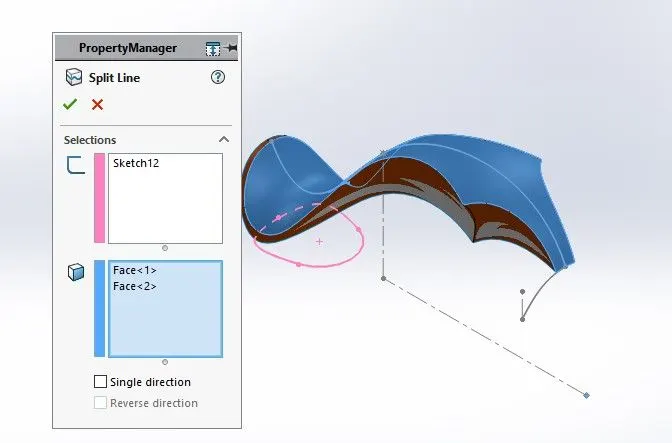
Split: To separate or split solid bodies.
Example:
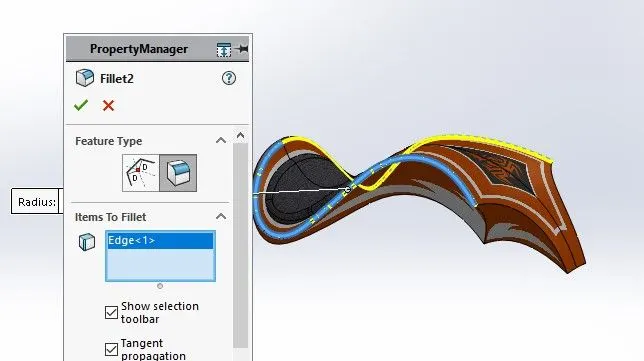
Fillet :To Convert sharp internal or external edgers into smooth or round edges.
Example:
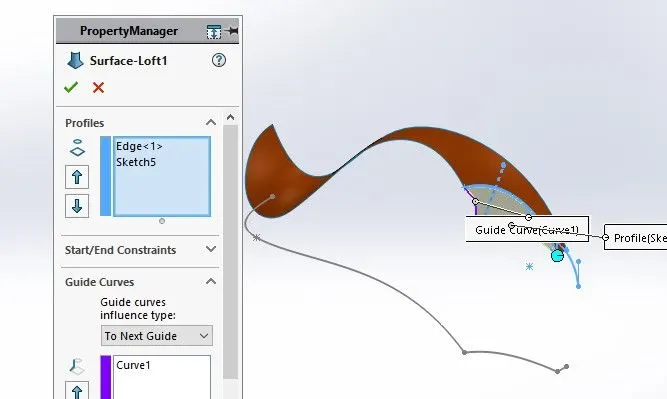
Surface - Lofe: To create surface along the profiles.
Example:
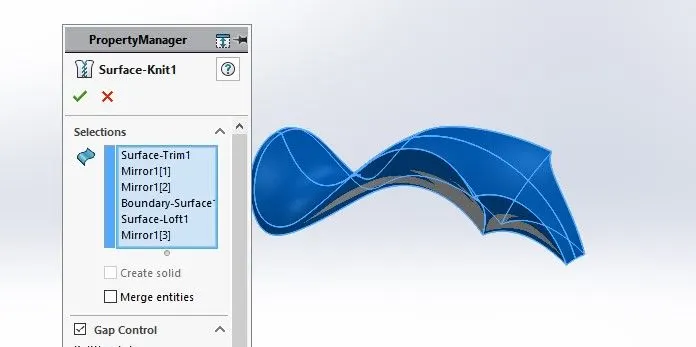
Surface - knit: To combine adjacent non intersecting features.
Example:
Surface - Sweep: To sweep along the sketch to obtain surface.
Example:
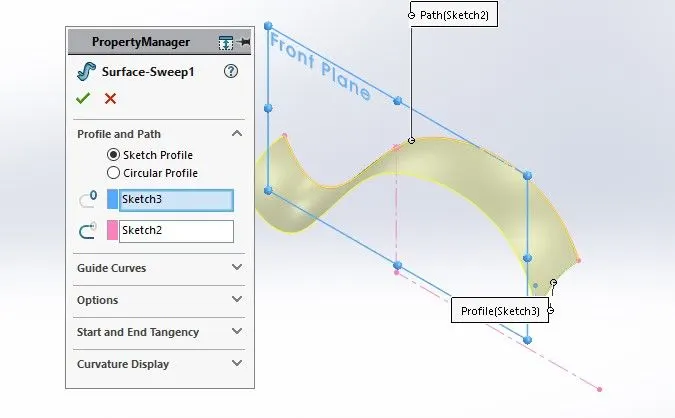
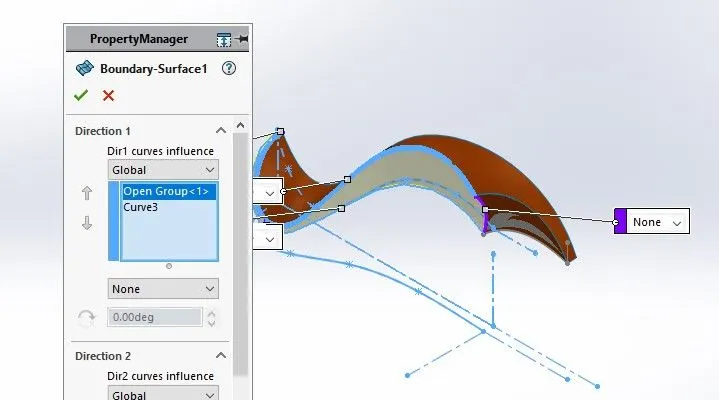
Boundary - Surface: To create surface from closed profile.
Example:
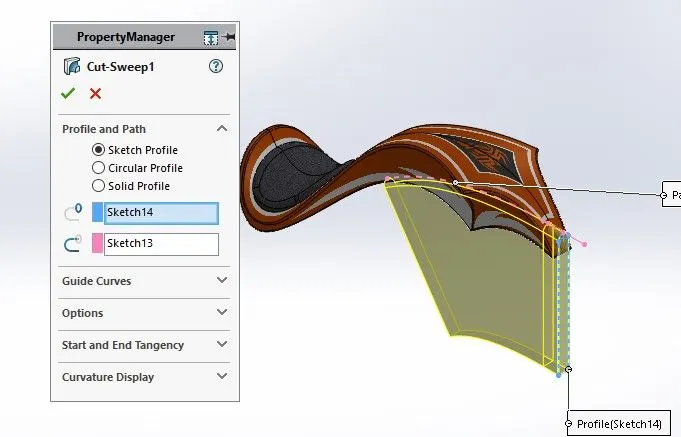
Cut -Sweep: To cut the surface along the profile through sweep along the reference.
Example:
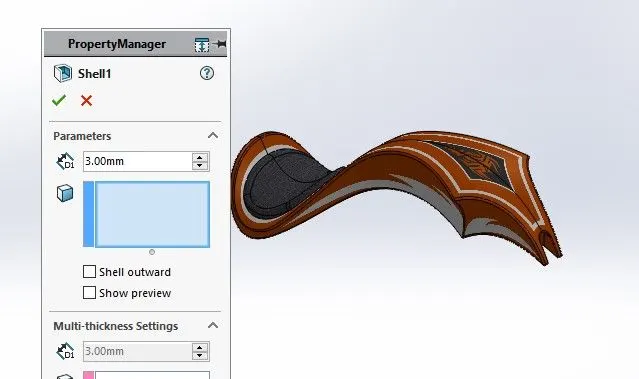
Sheel : To convert solid bodies into shells.
Example:
Mirror : To mirror features or sketches along the selected reference.
Example:
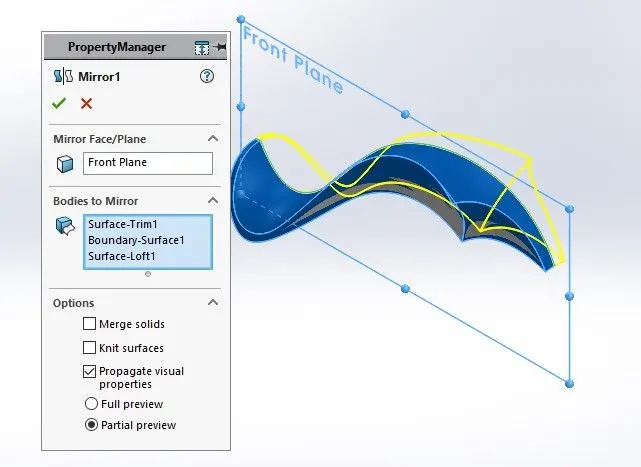
Smart dimensions :To add or edit dimensions of sketches.
Assembly Model :
Isometric View :
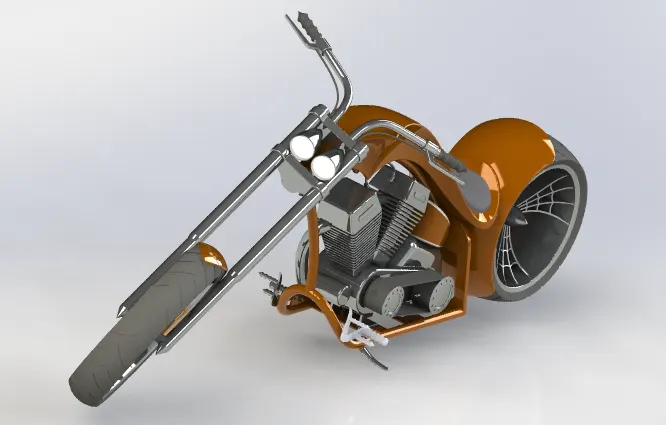
Front View:
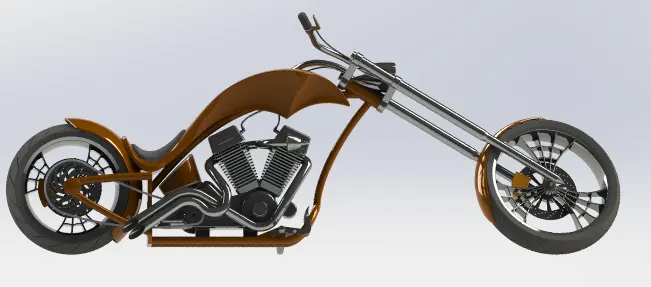
Side View :
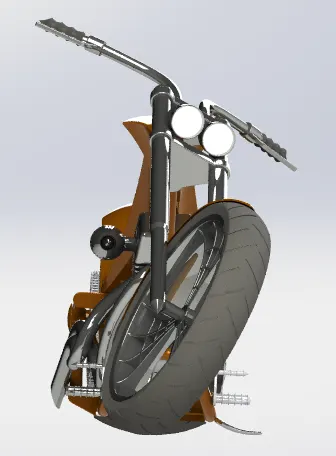
Top View :
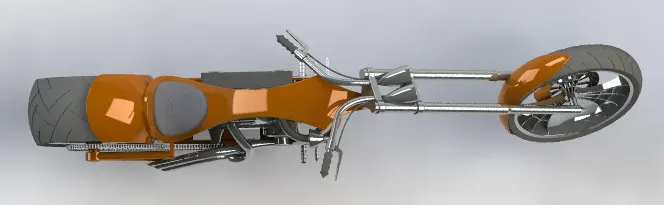
Tools & Features used :
Mates: To create constraints between surfaces
Rendering :
Front View:
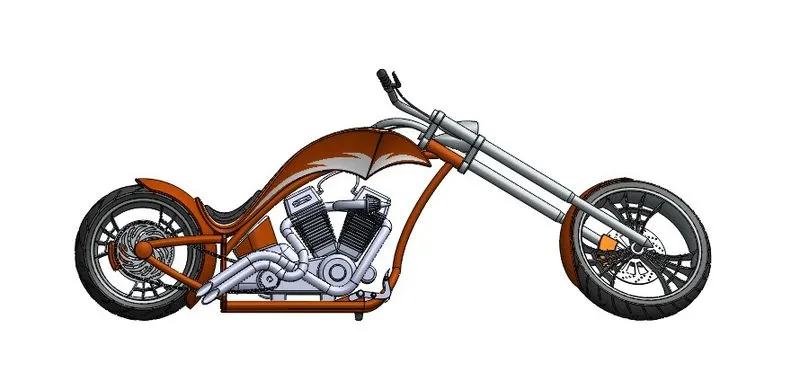
Side View :
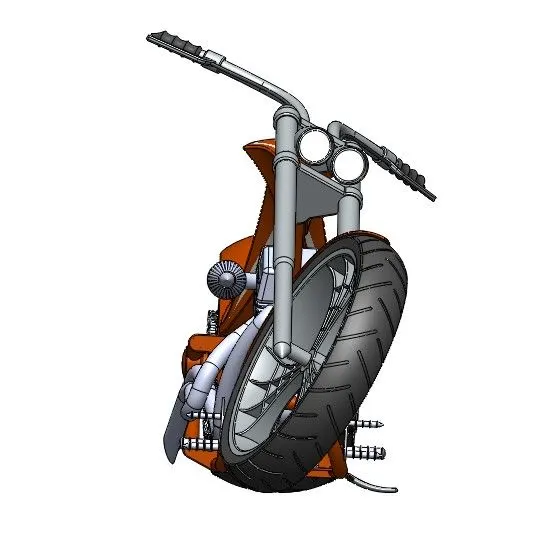
Top View :
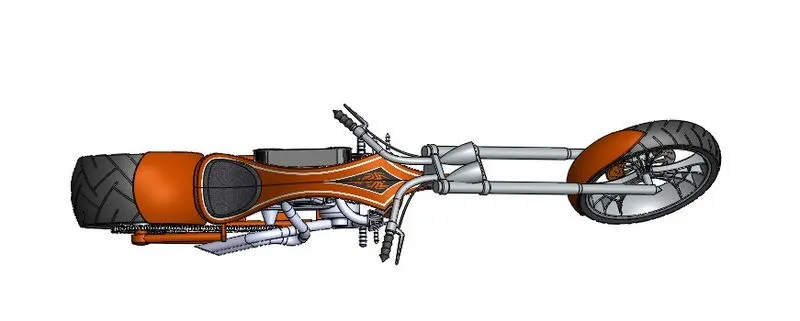
Isometric View :
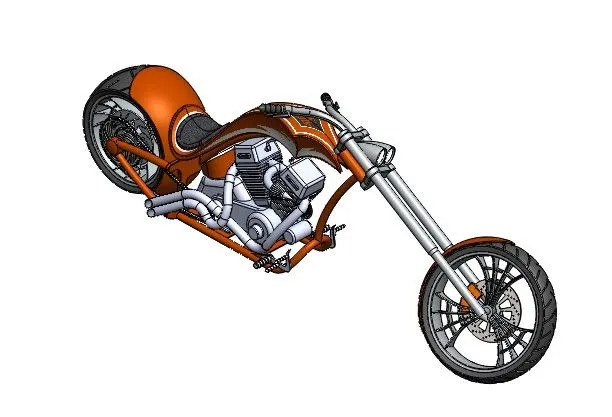
Camera Setup View :
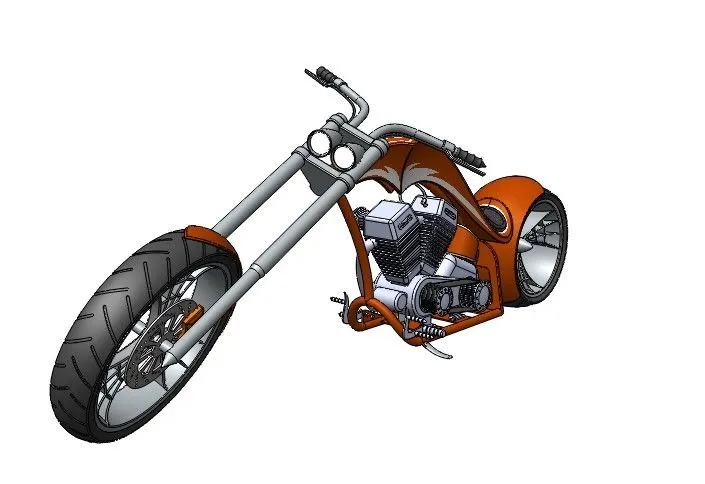
Rendering With Environment :
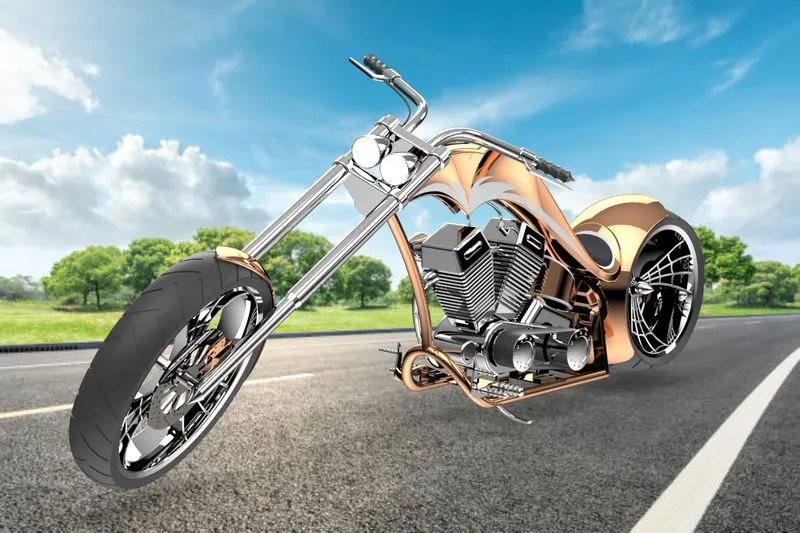
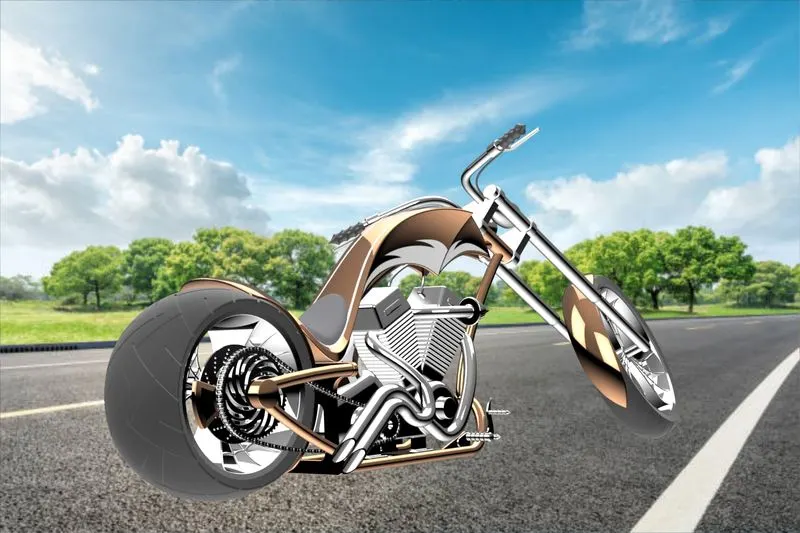
Tools & Features used :
Decals: Graphics or designs used on chopper bodies.
lights and camera: To adjust lighting and camera angles
Render Preview: To preview the final render before rendering
Render: To render in required quality and sizes
Conclusion :
It was a wonderful learning experience for me while working on this project. has developed my thinking skills related to the topics .this project gave me real insight into the American of Chopper world
i enjoyed each and every bit work i had put into this project.