Part Modelling, Assembly and Photo Realistic Rendering of the American Chopper.
AIM:- To do Assembly and Rendering the American Chopper Model.
OBJECTIVE:-
- To create all the parts of the American Chopper.
- To assemble them together.
- To do render the model using Photoview 360 and Solidwork Visualize.
INTRODUCTION:-
American chopper is a motorcycle that was famous in America from the 80s and 90s. These bikes are motorcycles in which the theme of the motorcycle takes priority over everything else, influencing the frame dimensions, paint scheme, and overall 'feel' of the motorcycle. The function of a motorcycle usually takes a backseat to the presentation of the theme, and these motorcycles attract attention solely on the premise of the theme itself.
DESIGN:-
In these first, we have to design the different parts of the motorcycle model with proper dimension and after that, we have to assemble them for the proper look of the American Chopper.
Parts that have been designed are:-
1.) Transmission Belt.Draw a 2d sketch
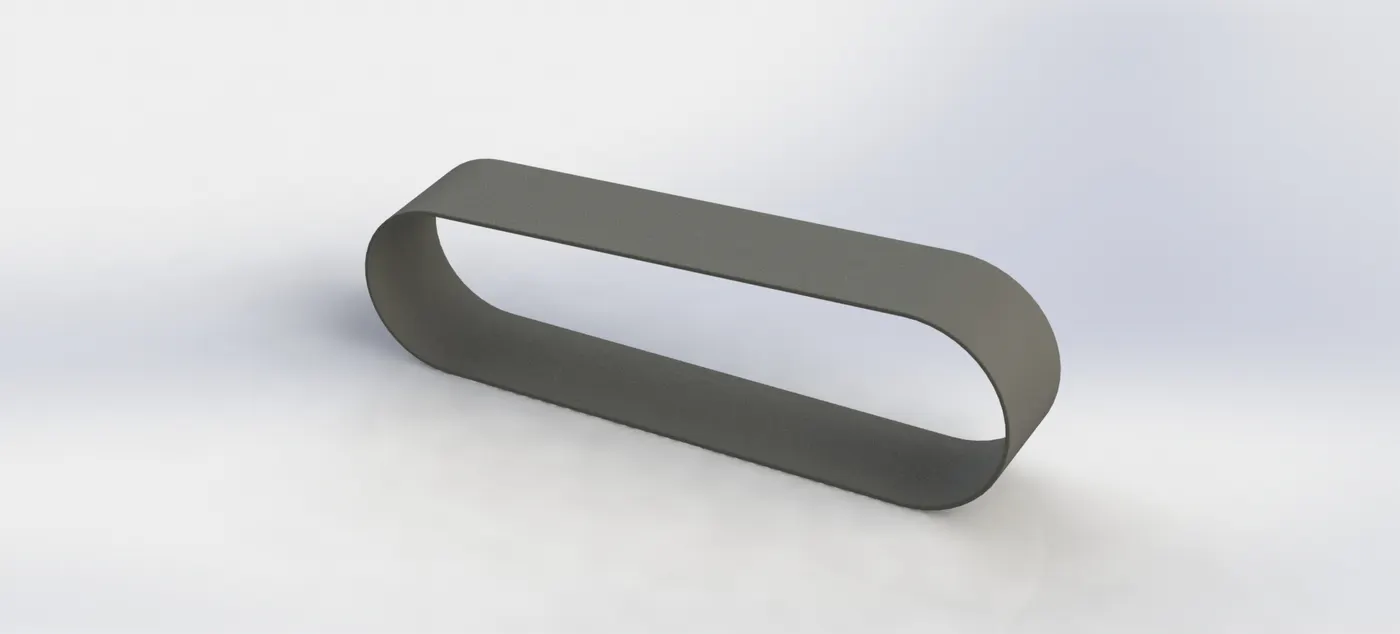
- Draw two circles
- Draw two straight lines
- Trim lines
- Thin Extrude
- Add Fillets
2.) Kickstand:-
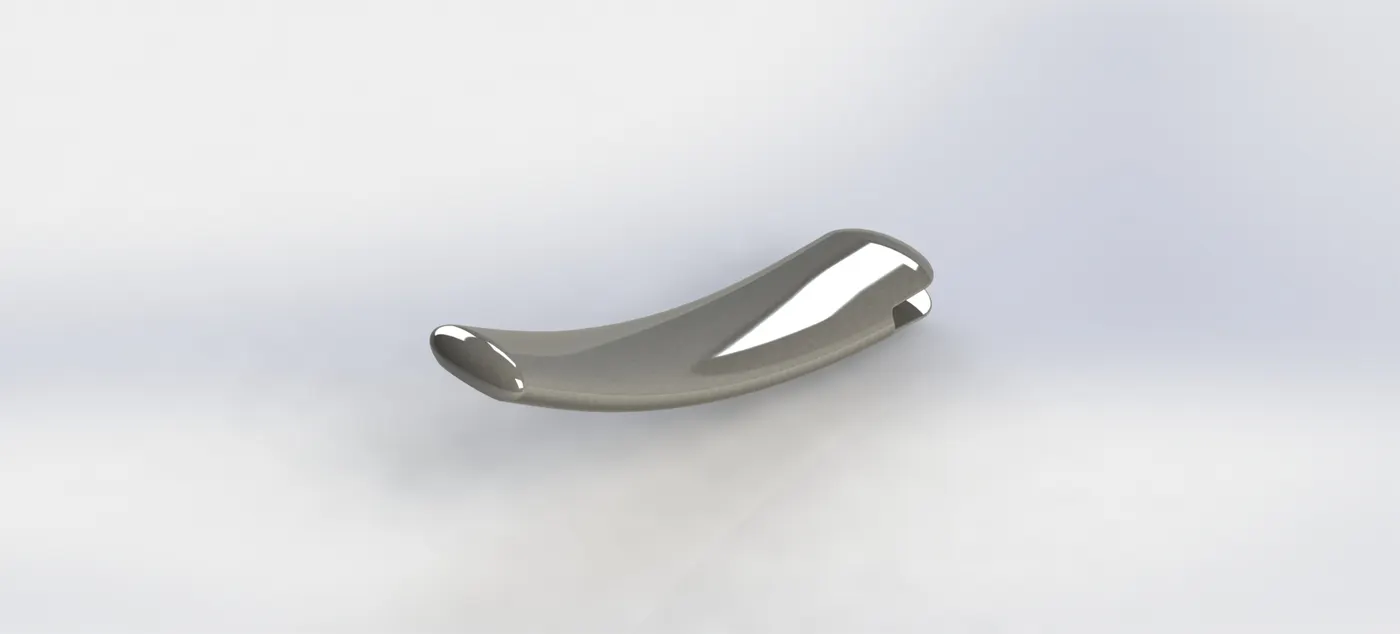
- Draw a 2d sketch
- Extrude
- Extruded Cut
- Loft
- Dome
- Fillet
3.) Front Fender:-

- Draw a 2d sketch
- Revolved Surface
- Surface Trim
- Thicken
- Extruded Cut
- Fillet
4.) Rear Fender:-
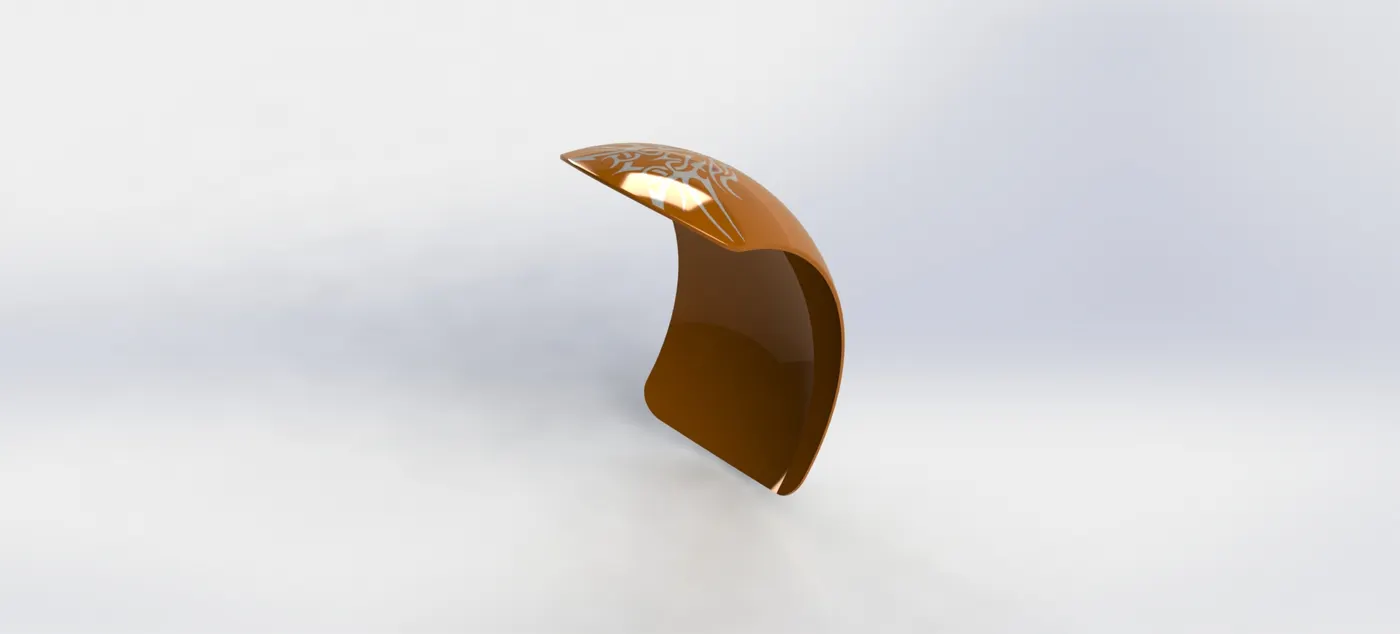
- Draw a 2d sketch
- Revolved Surface
- Surface Trim
- Thicken
- Extruded Cut
- Fillet
- Shell
- Insert a Split line
5.) Oil Tank:-
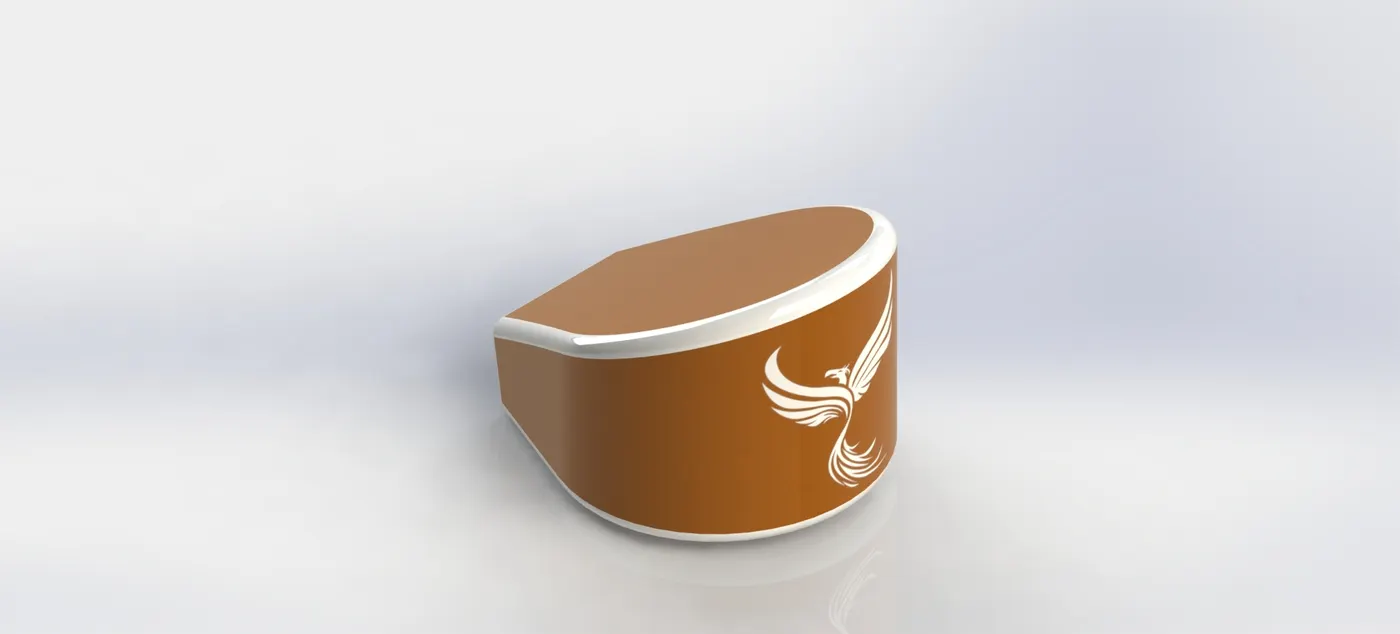
- Draw a 2d sketch
- Surface Extrude
- Fillet
- Surface Trim
- Surface Knit
- Shell
- Extrude
6.) Chain:-
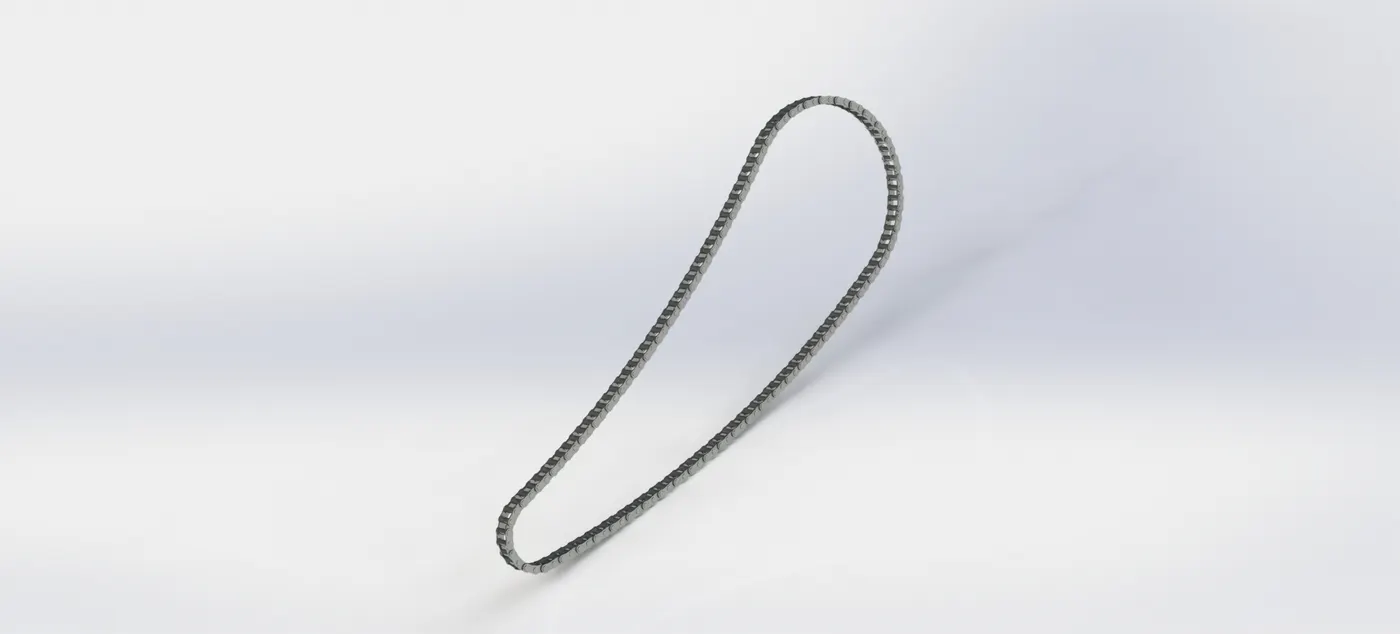
- Draw a 2d sketch
- Extrude
- Mirror
- Fillet
- Curve Drive Pattern
7.) Pedal:-
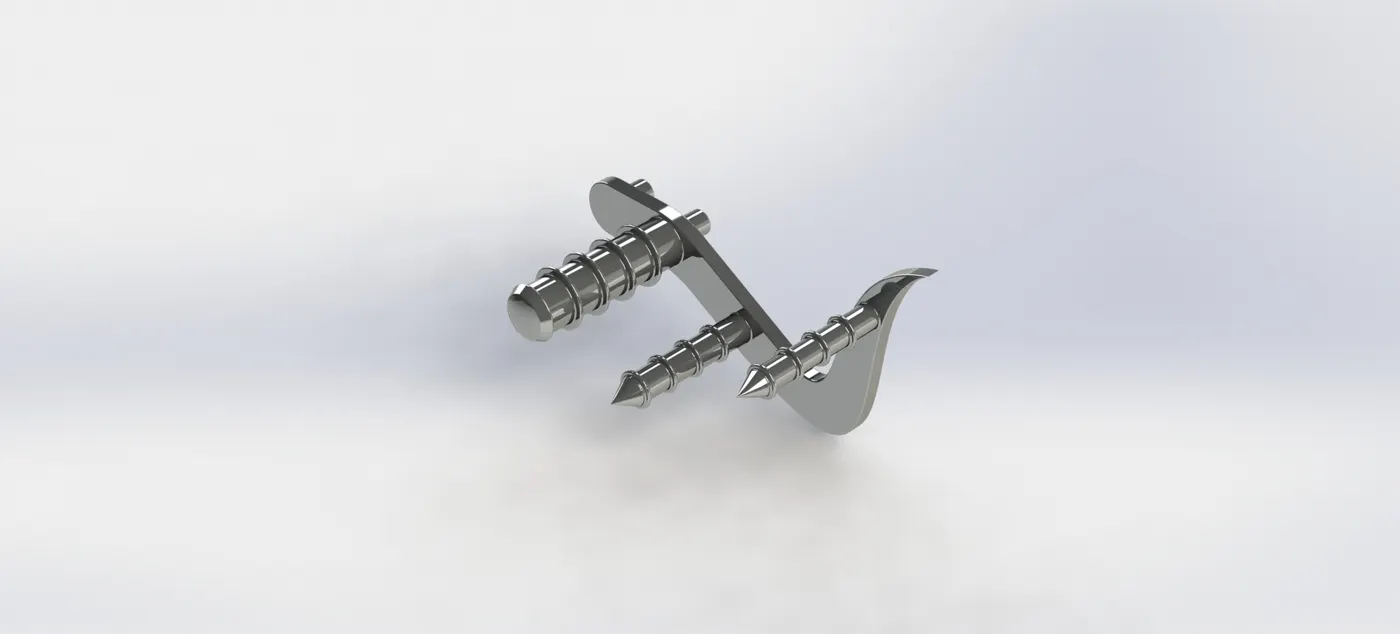
- Draw a 2d sketch
- Extrude
- Revolve
- Dome
- Linear Pattern
- Fillet
- Chamfer
8.) Front Wheel:-
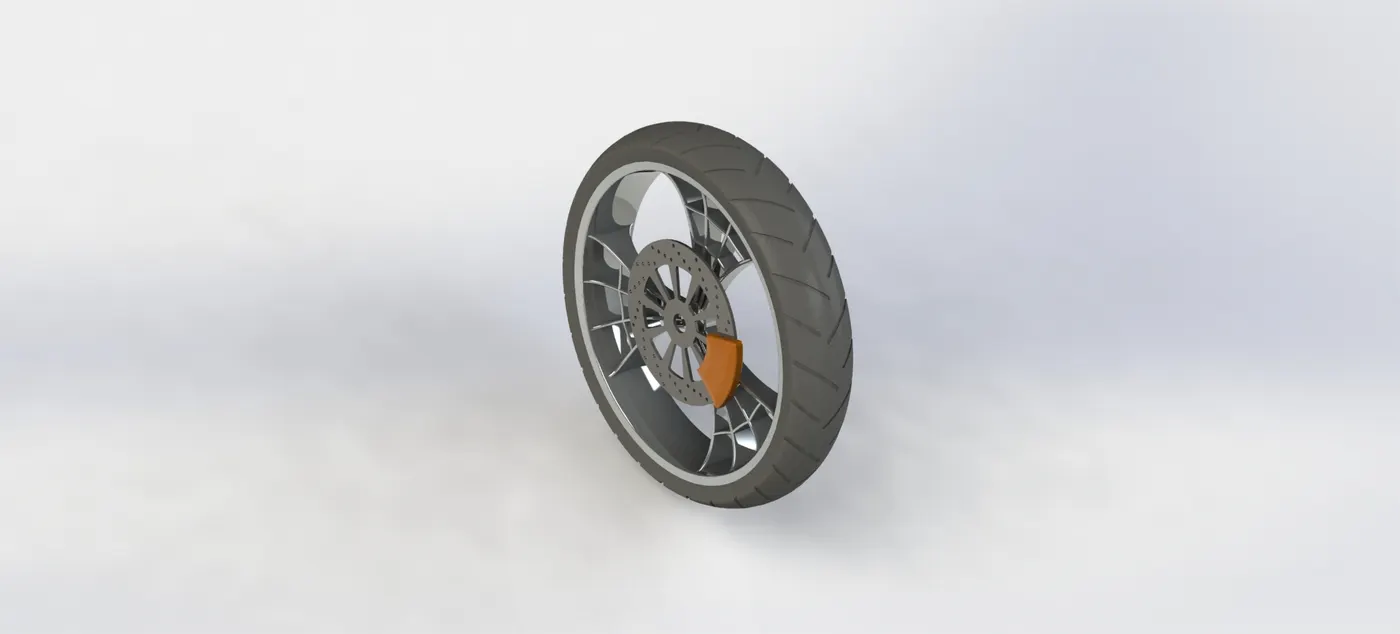
- Draw a 2d sketch
- Extrude
- Extruded Cut
- Thin Extrude
- Revolve
- Revolved Cut
- Fillet
- Chamfer
- Linear Pattern
- Mirror
- Circular Pattern
9.) Rear Wheel:-
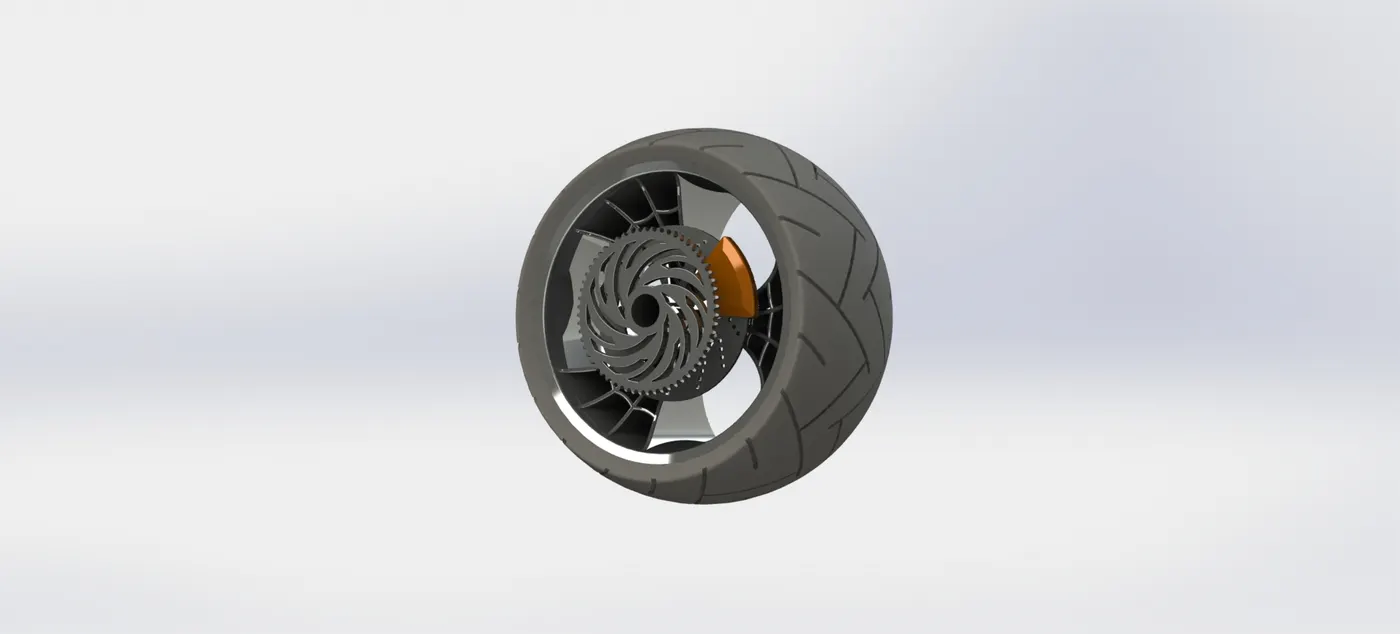
- Draw a 2d sketch
- Extrude
- Extruded Cut
- Thin Extrude
- Revolve
- Revolved Cut
- Fillet
- Chamfer
- Linear Pattern
- Mirror
- Circular Pattern
10.) Front Fork:-
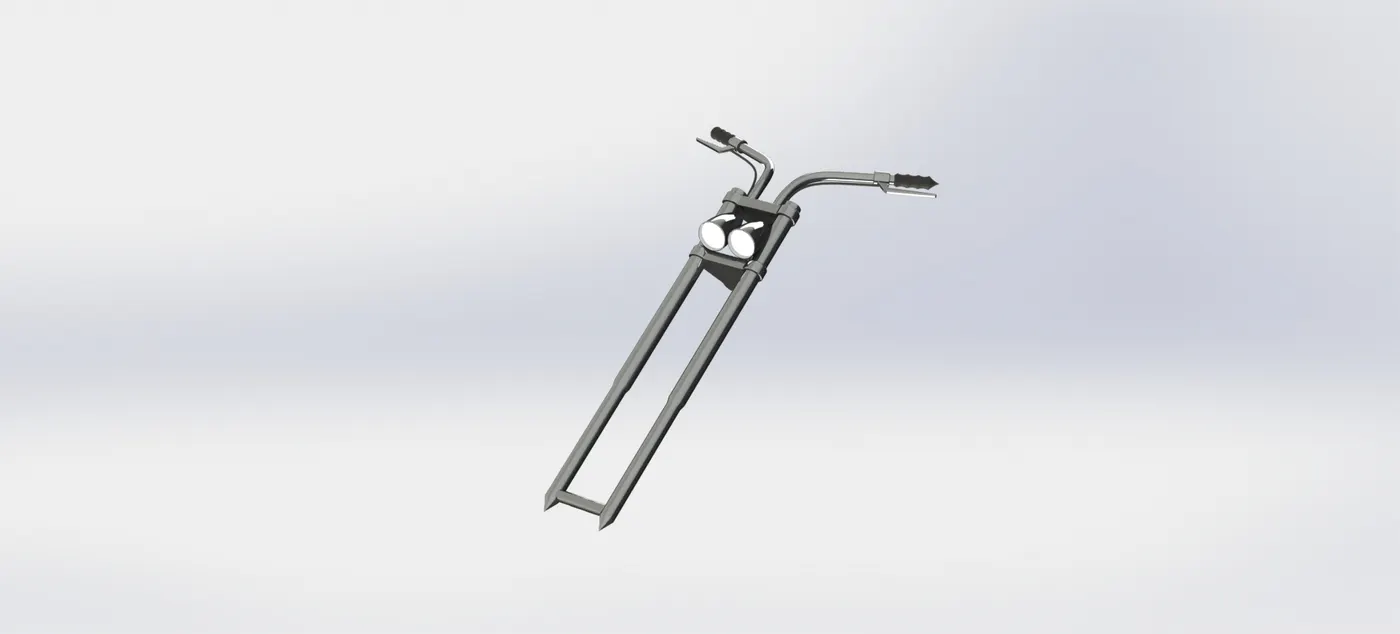
- Draw a 2d sketch
- Extrude
- Revolve
- Fillet
- Sweep
- Shell
- Mirror
- Dome
- Linear Pattern
- Projected Curve
11.) Chassis:-
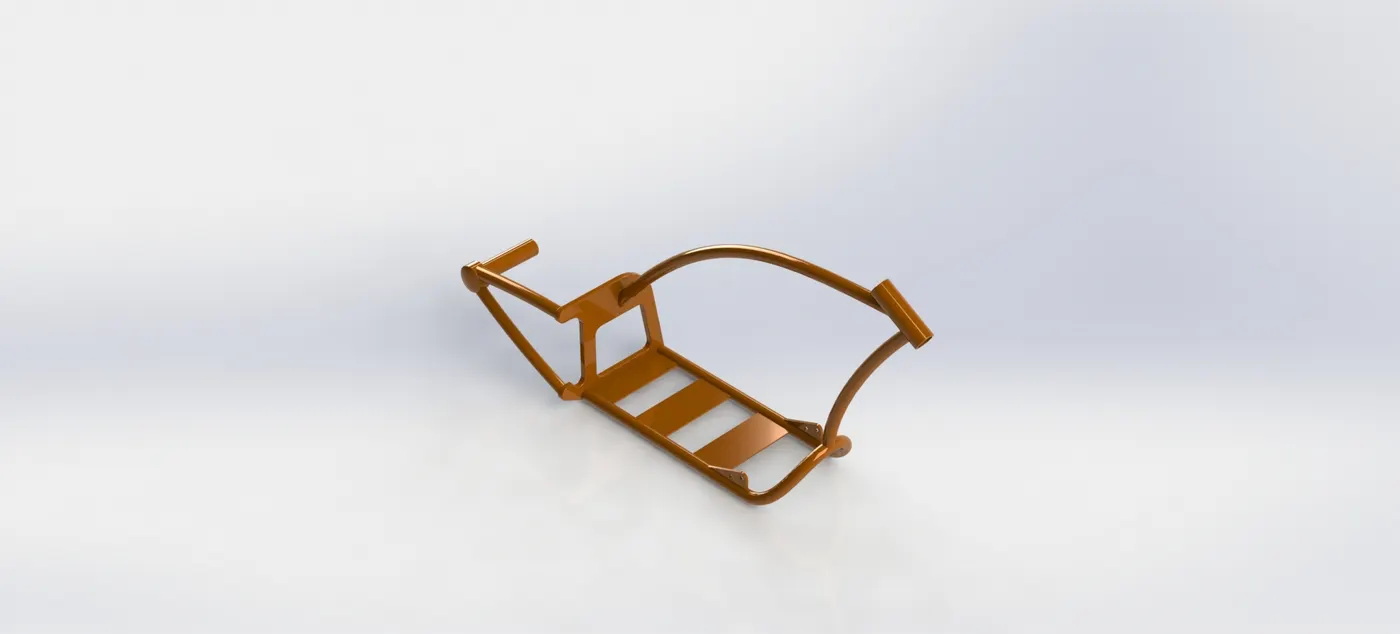
- Draw a 2d sketch
- Extrude
- Extruded Cut
- Thin Extrude
- Revolve
- Revolved Cut
- Mirror
- Sweep
- Dome
- Fillet
- Chamfer
- Projected Curve
12.) Engine:-
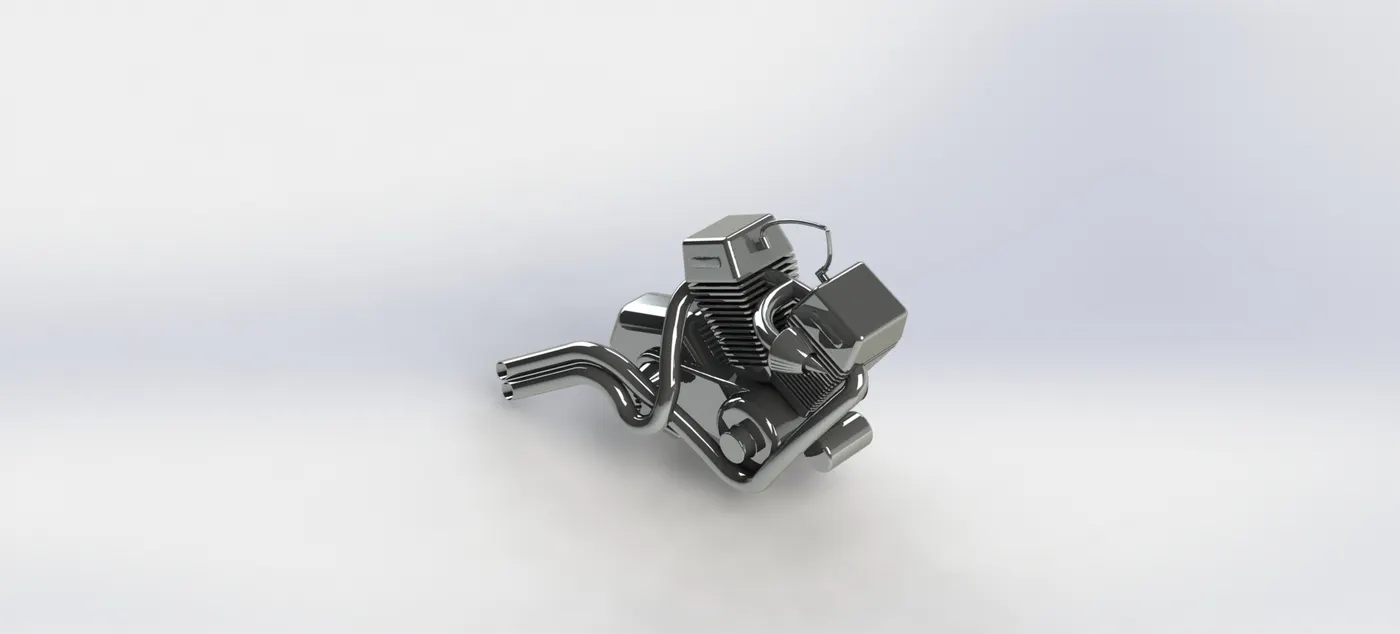
- Draw a 2d sketchExtrude
- Extruded Cut
- Thin Extrude
- Chamfer
- Projected Curve
- Linear Pattern
- Circular Pattern
- Fillet
- Mirror
- Dome
- Sweep
13.) Gas Tank:-
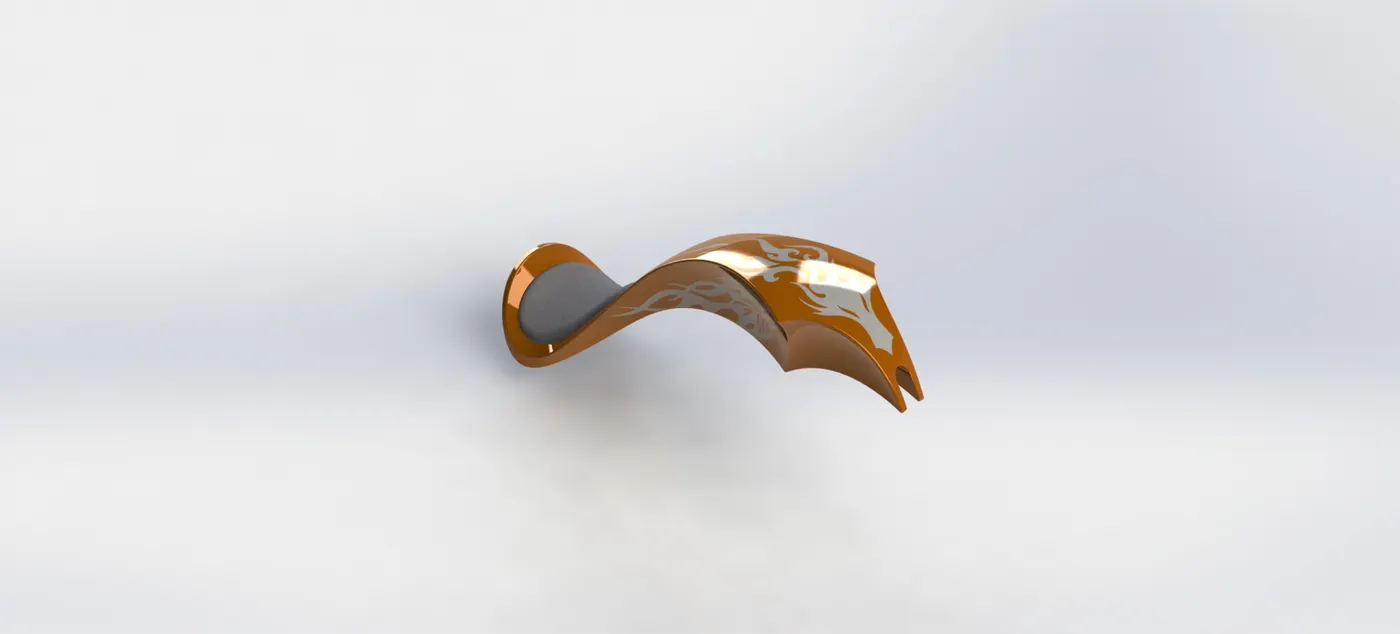
- Draw a 2d sketch
- Surface sweep
- Split Line
- Surface Loft
- Mirror Face
- Surface Offset
- Surface Knit
- Fillet
- Thicken
- Cut Sweep
- 3D Sketch
- Shell
- Mirror
- Extruded Cut
14.) Assembly:-
- Concentric Mate
- Coincident Mate
- Distance Mate
- Angle Mate
- Parallel Mate
- Mirror Part
RENDER:-
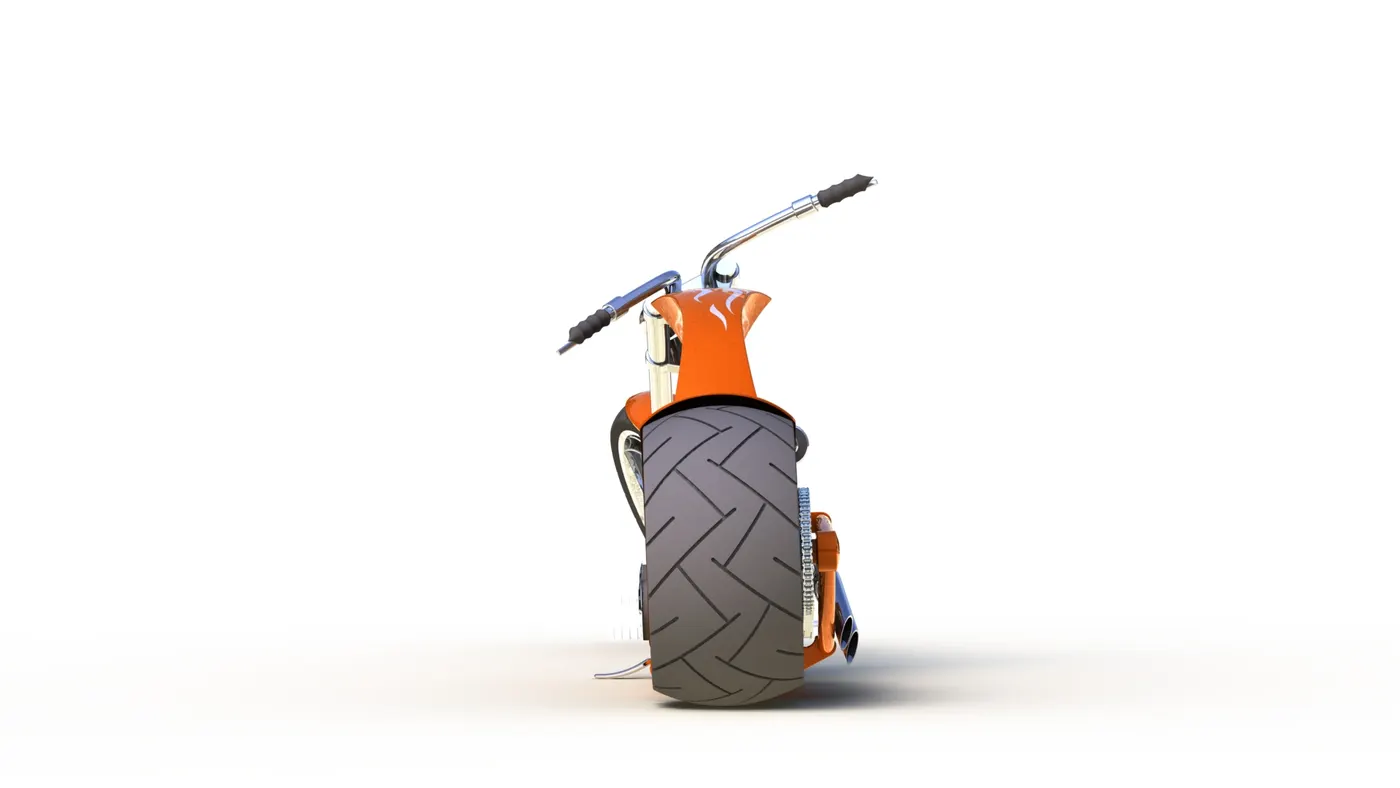
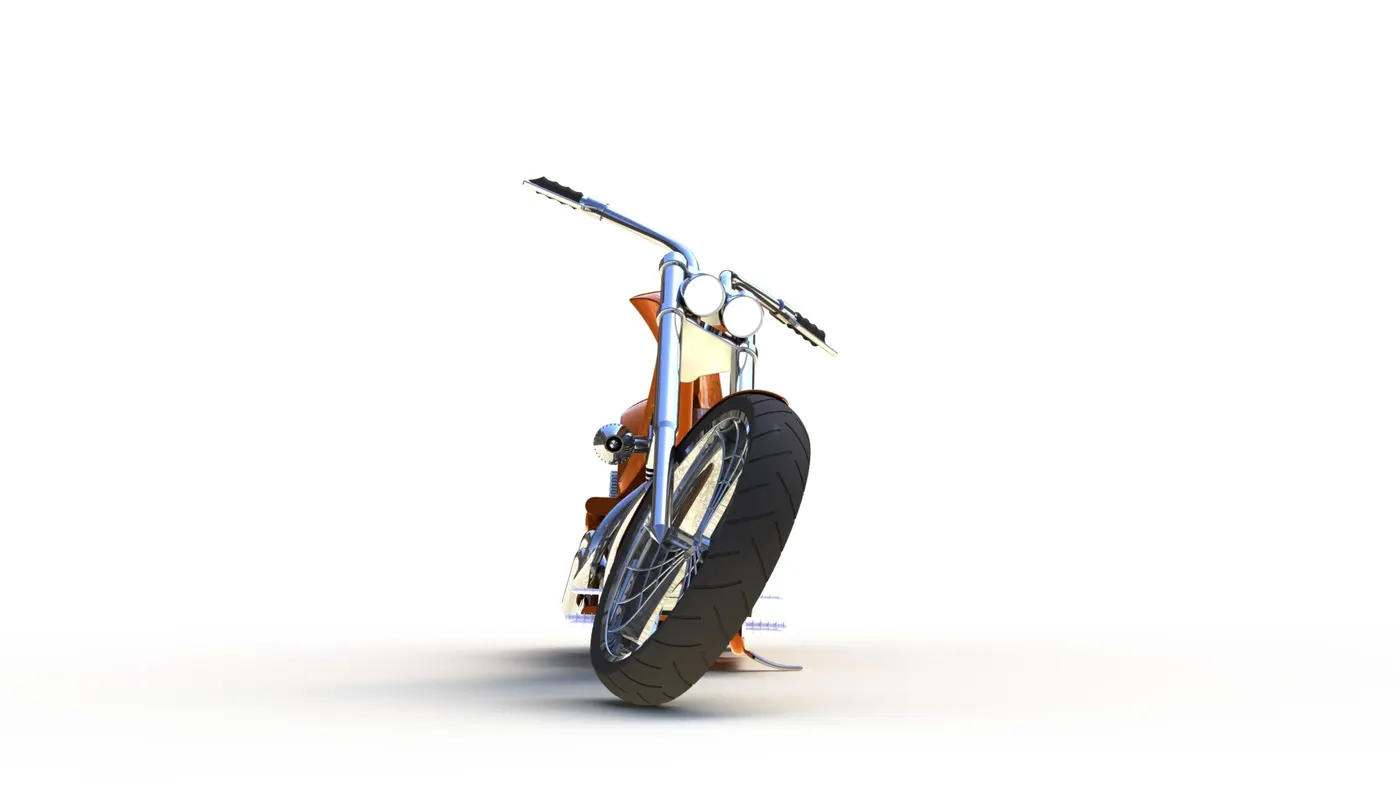
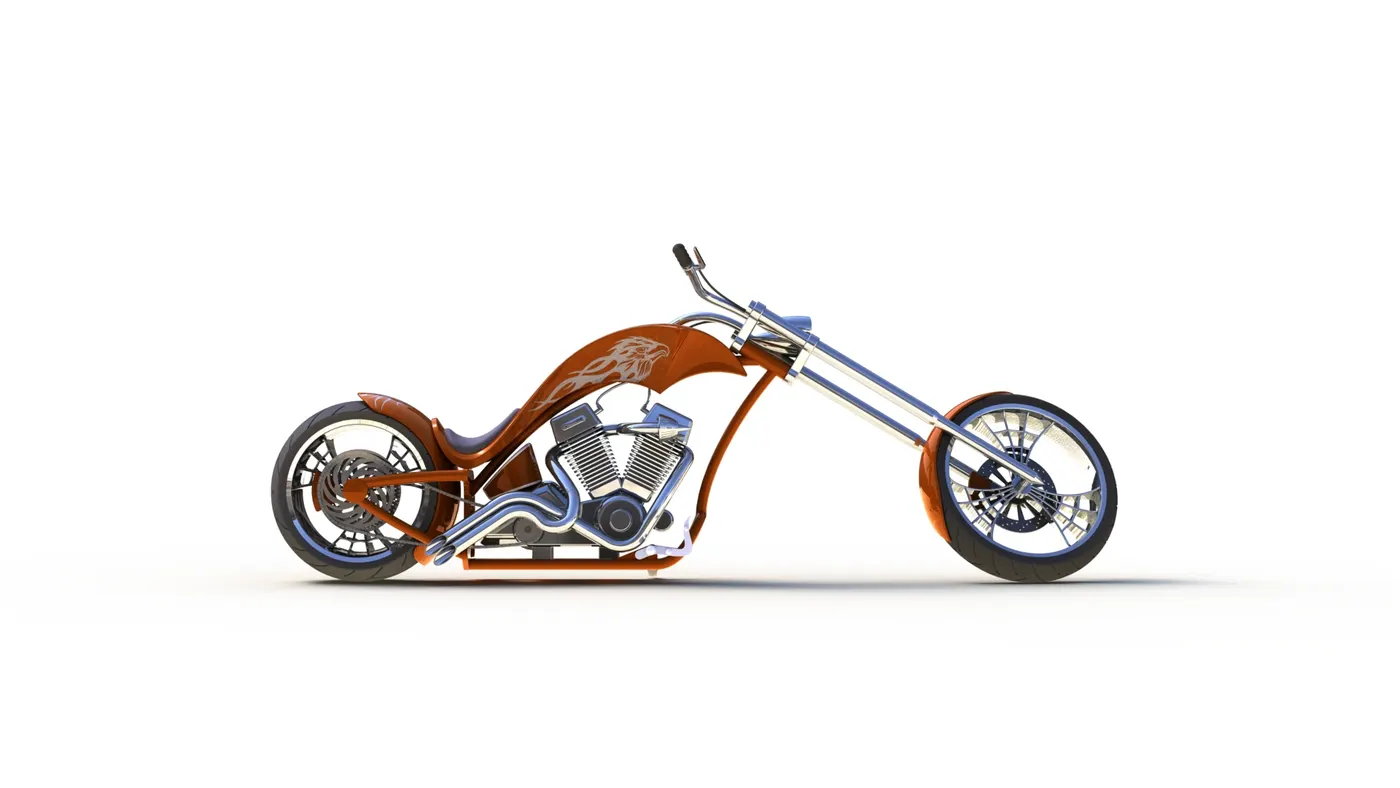
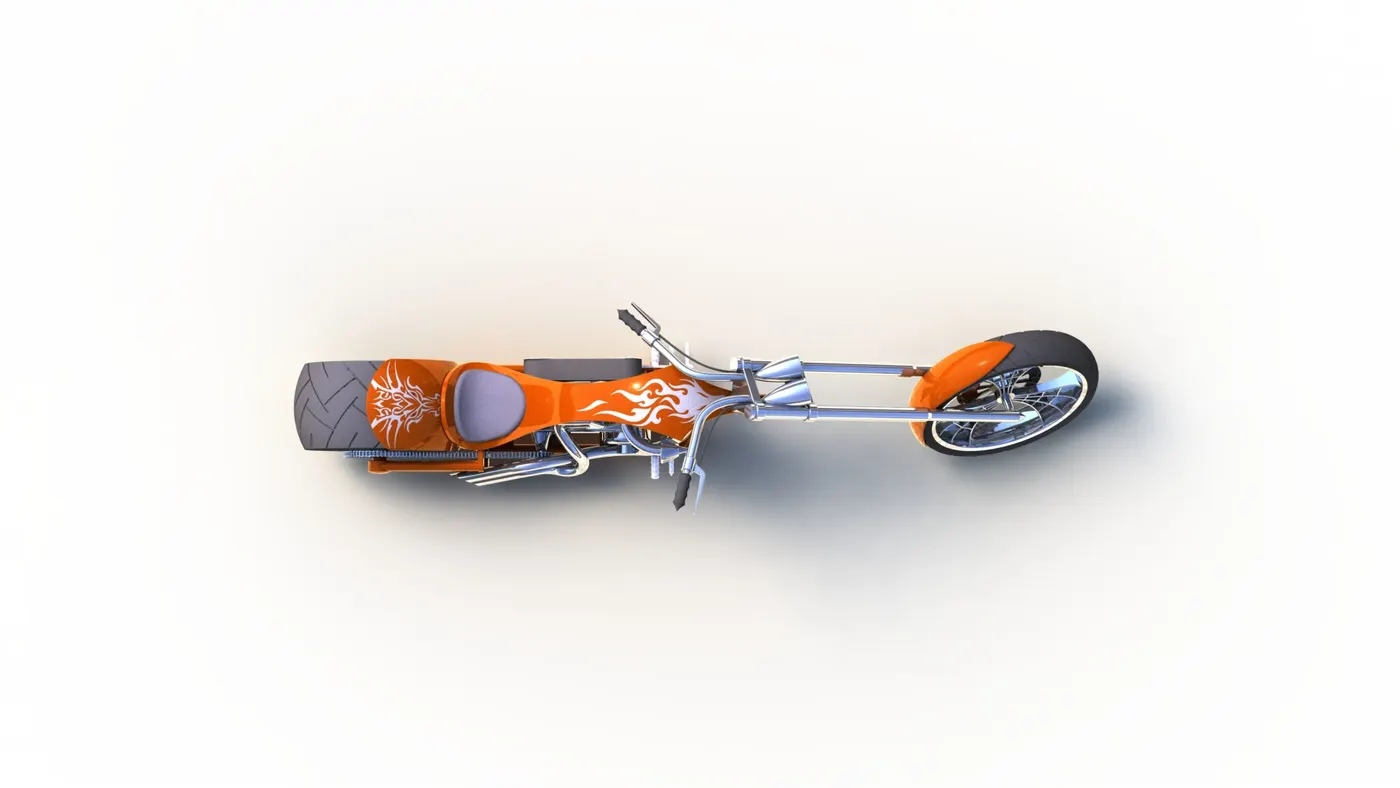
- Rendering is done by using Photoview 360 and Solidworks Visualize.
- In this process model in convert to photorealistic view with the help of this feature
Render using Photoview 360:-
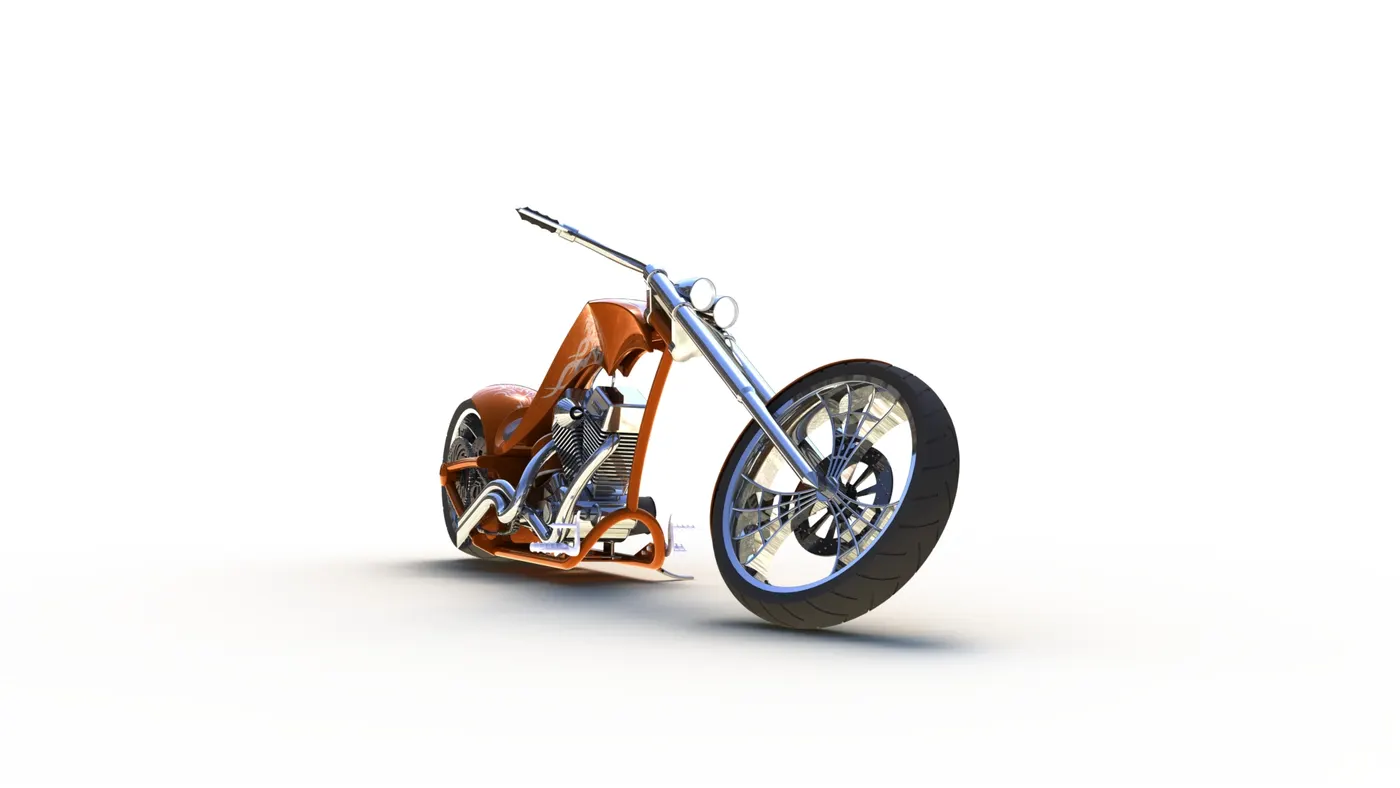
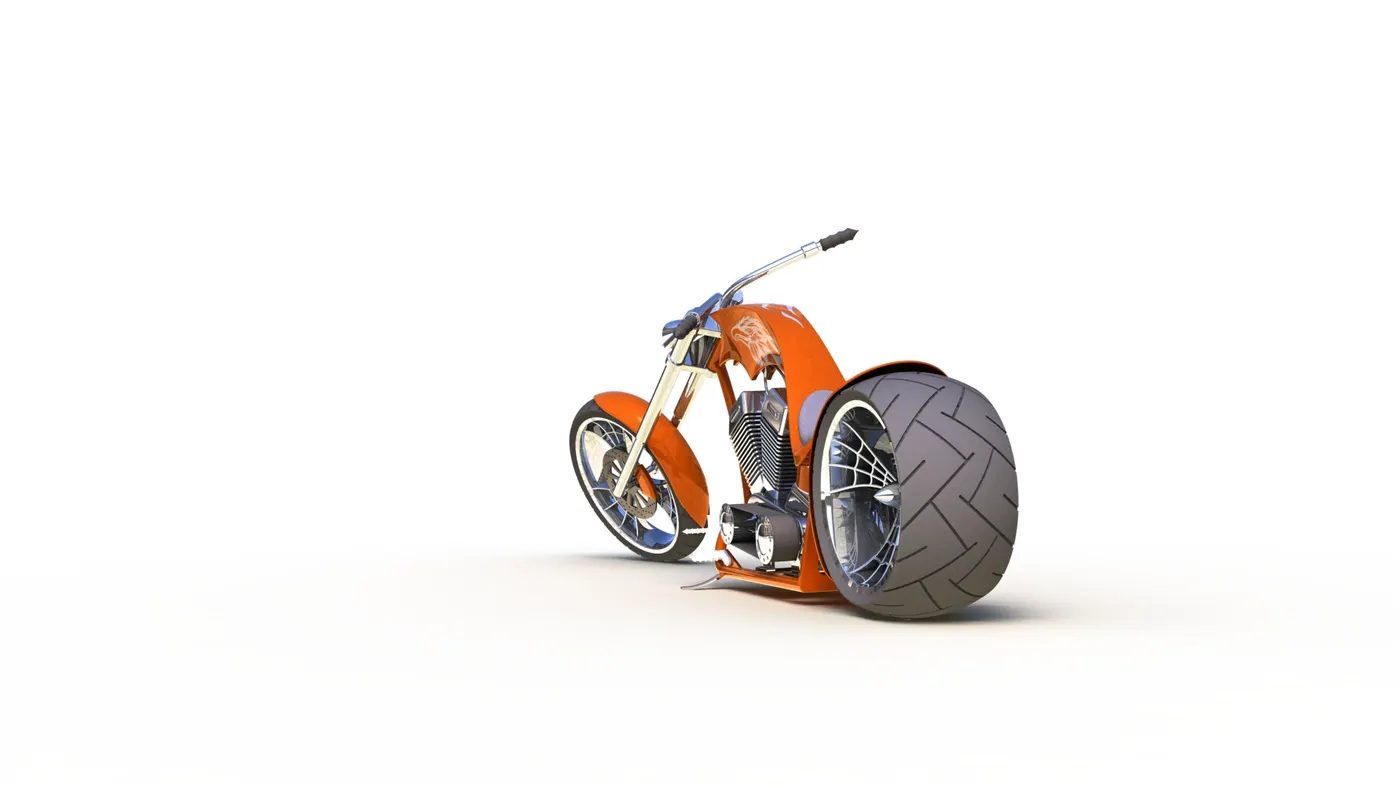
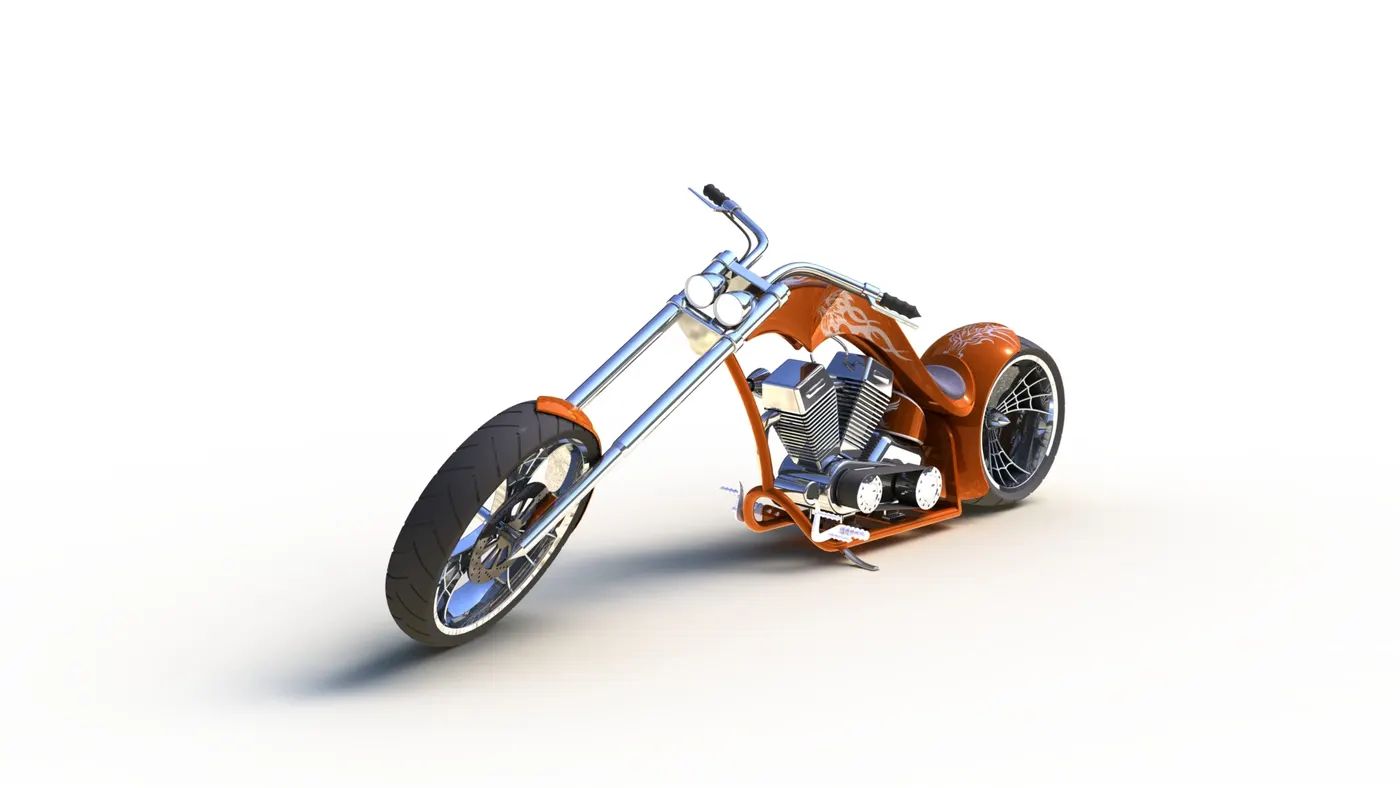
Rendering using Solidworks Visualize:-
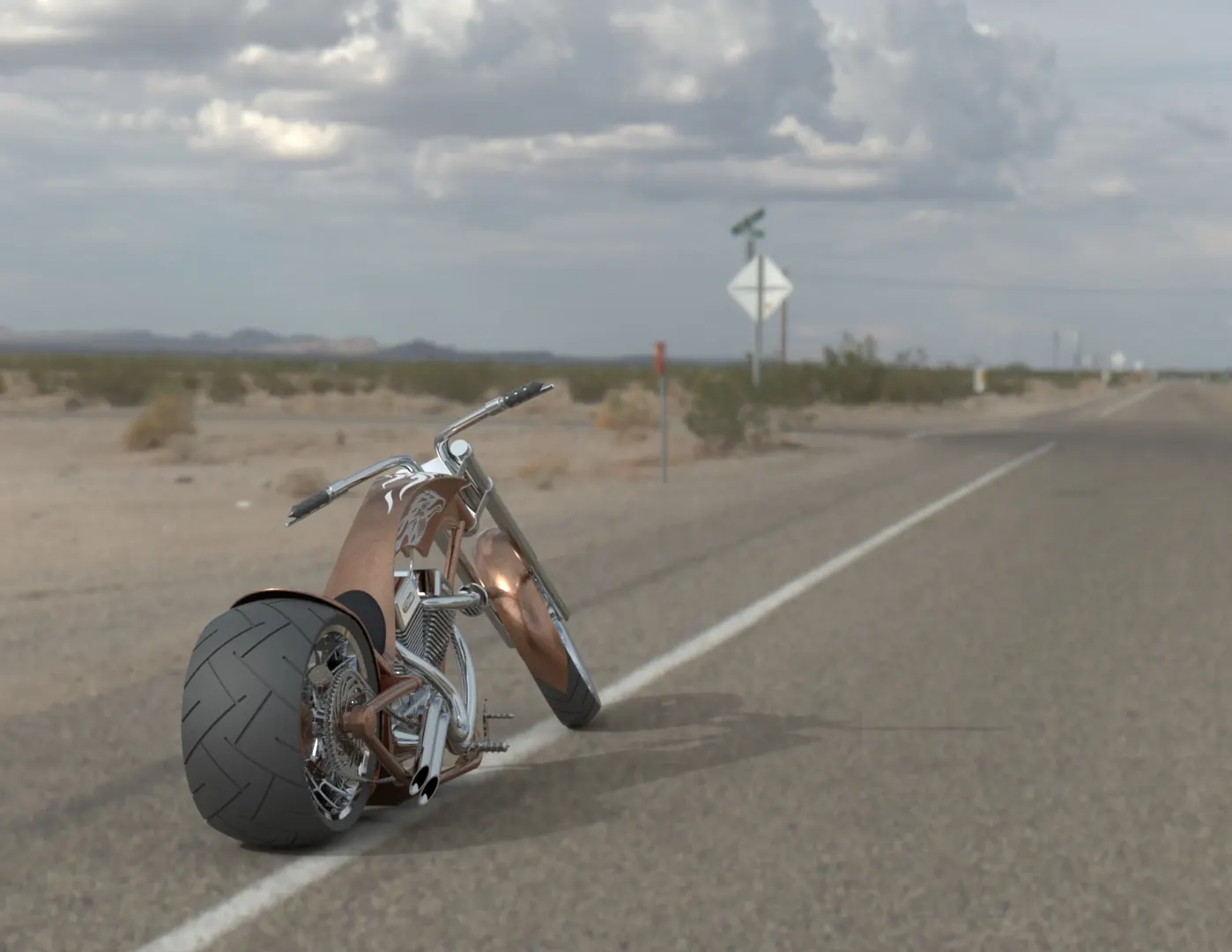
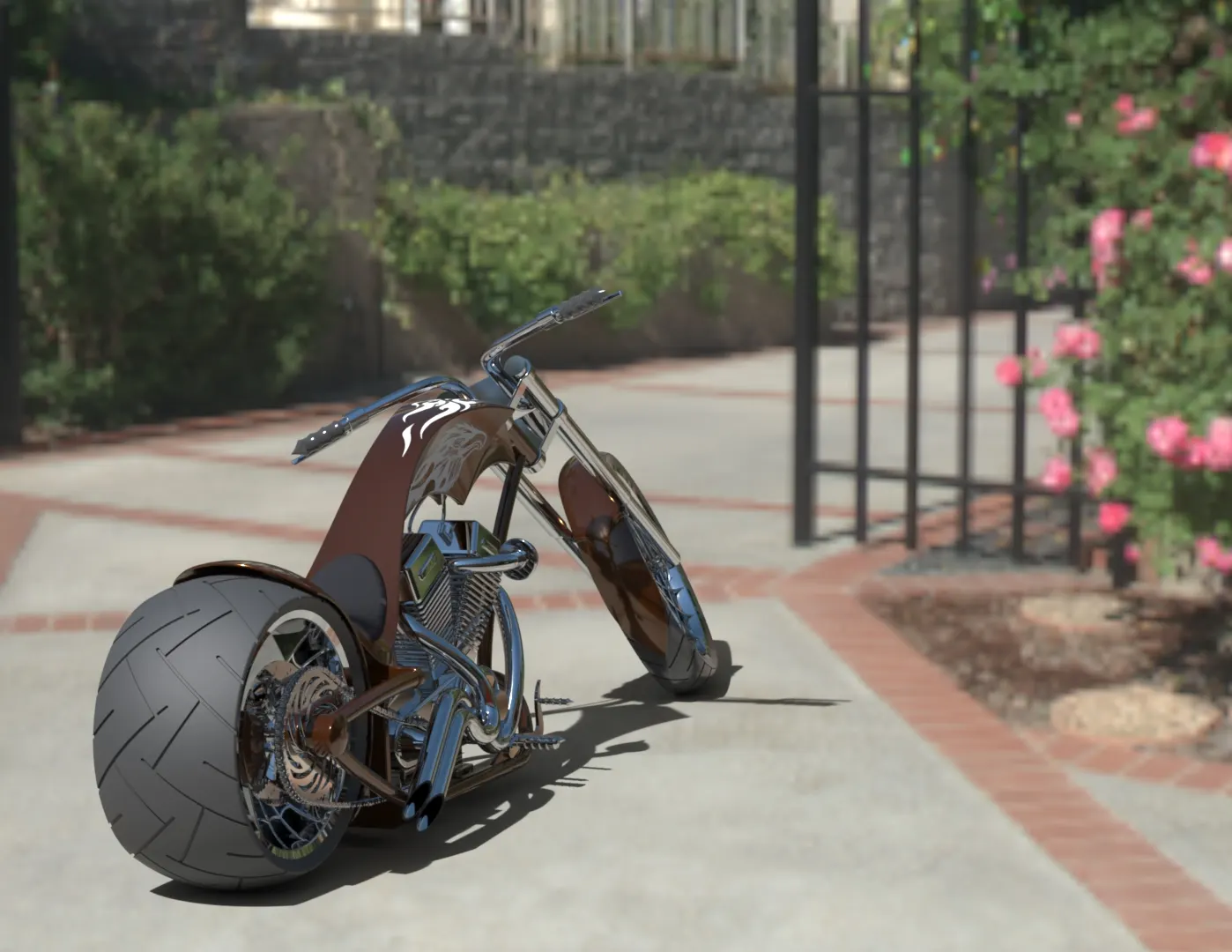
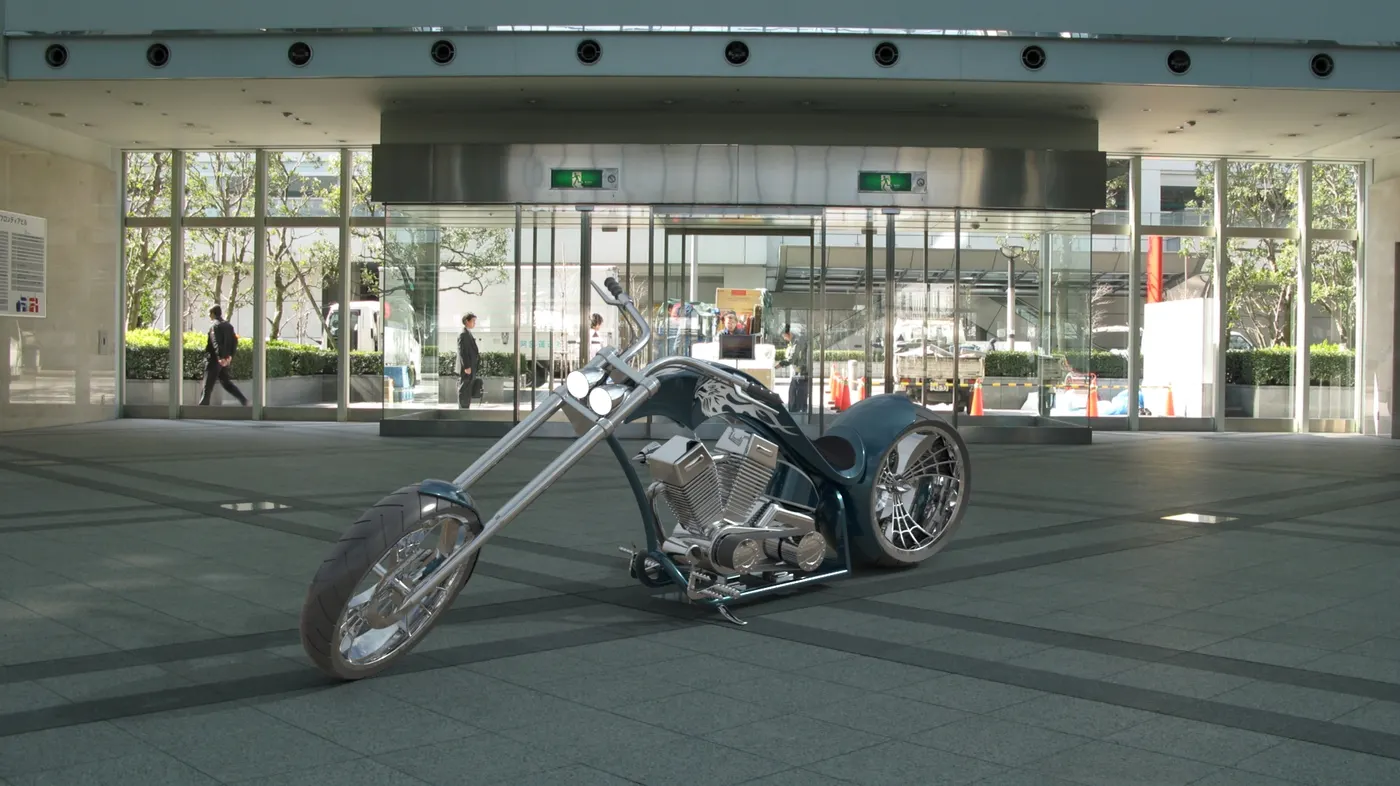
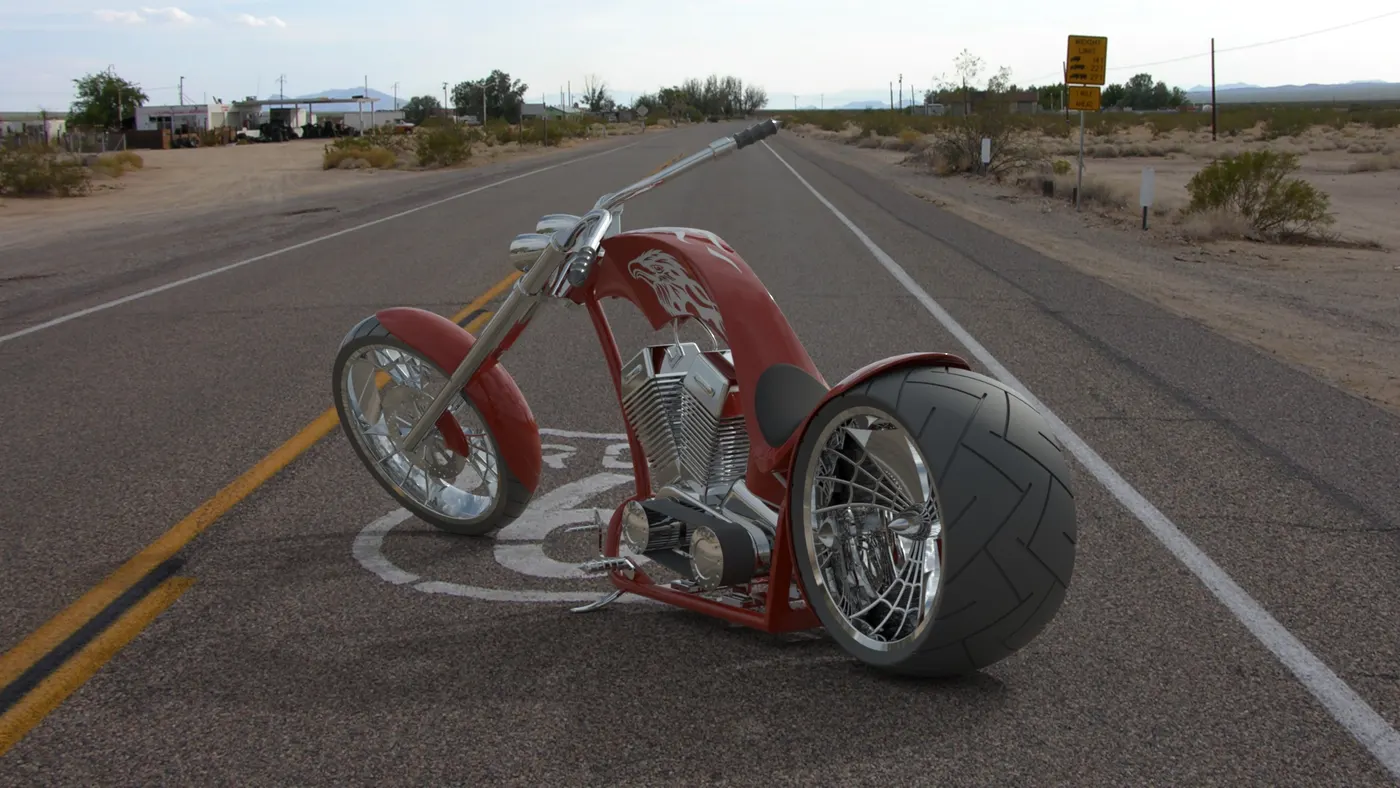
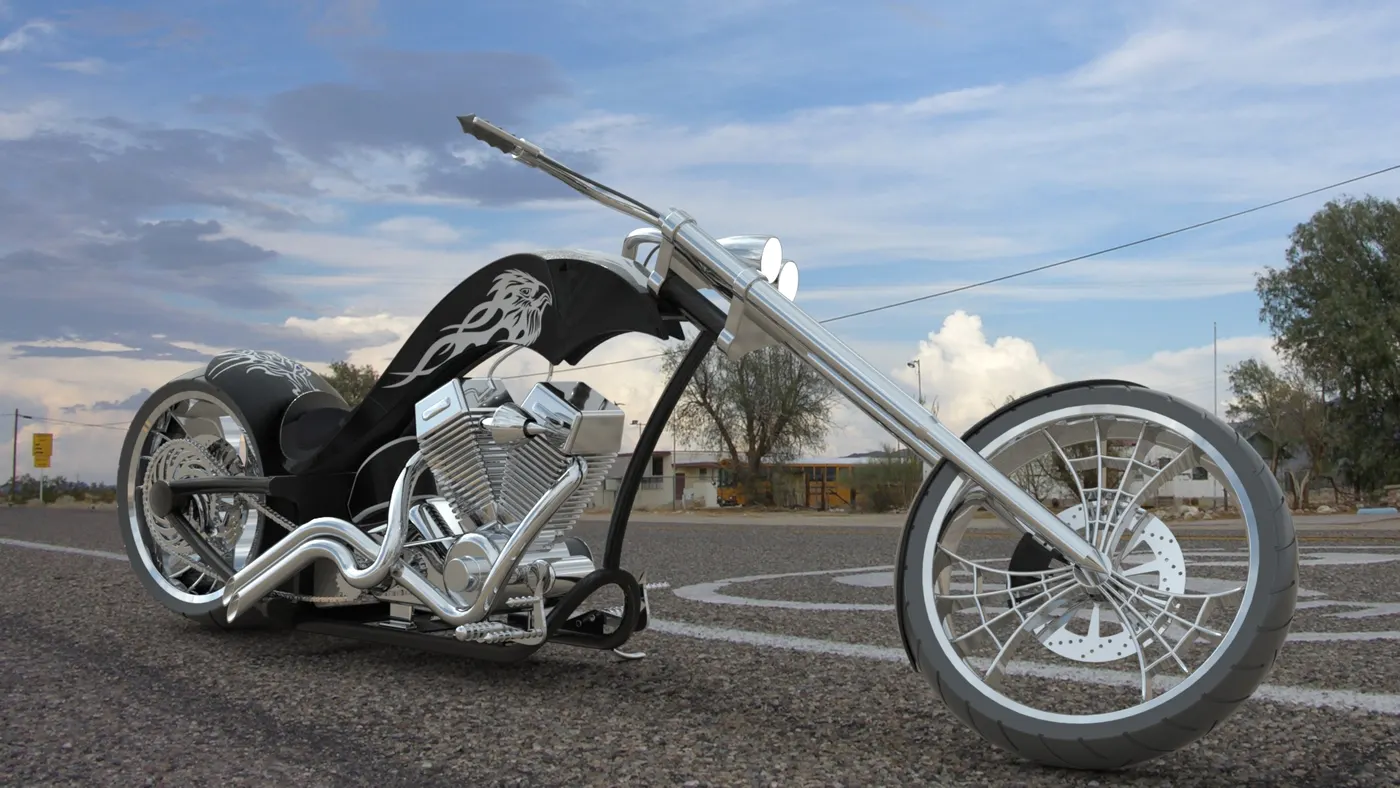
CONCLUSION:- Rendering of American Chopper using Photoview 360 and Solidwork Visualize.
GOOGLE LINK:- https://drive.google.com/file/d/1JLdLF9RAsFI9CdPkhxF2Mzkd_53j4hJj/view?usp=sharing