Photo Realistic Rendering
1.ASSEMBLY OF CHOPPER-SUSAN
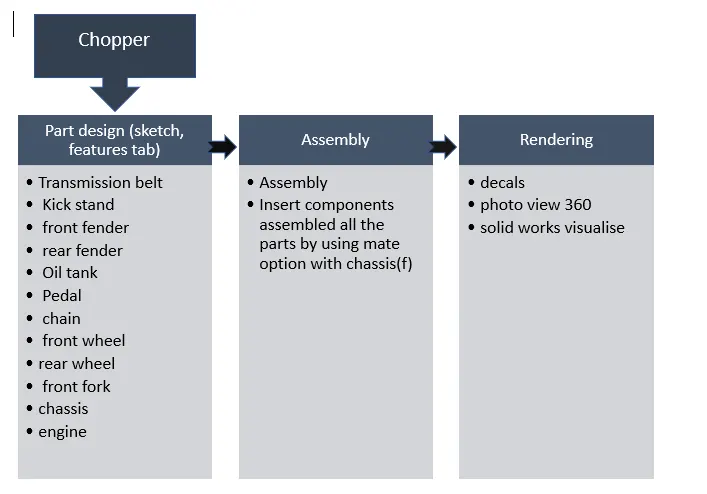
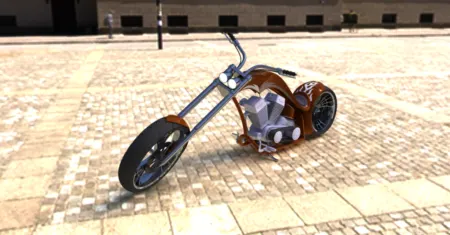
2.OBJECTIVE: The main objective is to create individual parts of the chopper and assemble it and to create photo realistic model by using photoview360, solid works visualize.
3.INTRODUCTION: solid works is one of the modelling software .it was mainly used to model 3D and 2D sketch. In this project we learnt detailed design of American chopper
4.DESIGN METHOD:
5.DESCRIPTION
- Boss extrude used to add material to the part.
- Cut-extrude feature removes material from the part
- fillet creates a rounded internal or external face on the part.
- loft used to add material between two profiles.
- Shell used to create thickness of the profile and creates a hallow shape.
- Dome provides a smooth curve on the face of the profile.
- Linear/circular pattern used to create different number of patterns required to create the linear/circular pattern
- chamfer to make symmetrical sloping edge.
- swept surface generated from section curve positioned along the path.
- Composite curve helps to join and make complete smooth curve when two profile curves are broken
- Revolve create a sketch with a line, plane or axis for revolve
- Surface knit creates one single solid surface body from multiple surface body
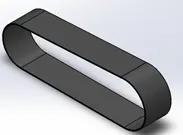
Transmission belt: It’s a rubber material used to connect two rotating shafts
Features: Boss extrude, fillet.
Appearances: matte rubber
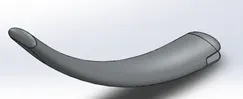
Kick stand: it’s a metal rod used to support
Features: loft, Dome, cut-extrude, boss-extrude, fillet, Split
Appearances: chromium plate
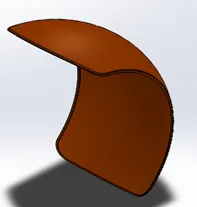
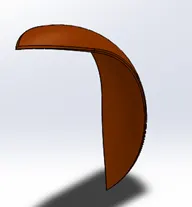
Front fender and rear fender: learnt how to use split option
Tools: split, fillet, shell, revolve.
Appearances: siena
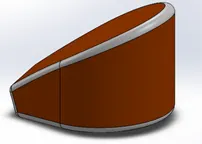
Oil tank: we learnt how to use shell in feature
Tools: shell, fillet, boss extrude
Appearances: siena
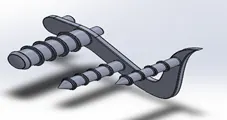
Pedal: learnt how to use linear pattern
Tools: boss-extrude, fillet, chamfer, linear pattern.
Appearances: chromium plate
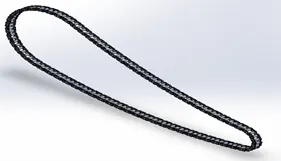
Chain: we learnt how to use curve driven pattern
Tools: curve driven pattern, fillet, boss extrude, mirror
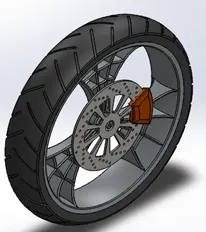
Front wheel: rim, caliper, rotor, tire and also understanding design process behind spider webbed wheels
Tools: boss-extrude, fillet, chamfer, circular pattern.
Appearances: rim-chromium plate, tire-matte rubber, caliper-siena, rotor-carbon steel
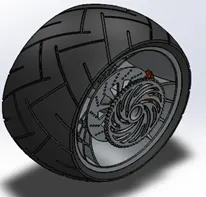
Rear wheel: rim, caliper, rotor, tire, sprocket and also understanding revolve cut feature
Tools: boss-extrude, fillet, chamfer, circular pattern
Appearances: rim-chromium plate, tire-matte rubber, caliper-siena, rotor-carbon steel
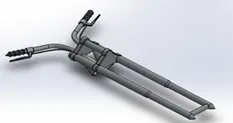
Front fork: it connects the front wheel, front brake and got knowledge on projected curves
Tools: boss-extrude, fillet, linear pattern, cut extrude, projected curve, sweep (sweep a close profile along open and closed path), revolve (revolve a sketch), mirror.
Appearances: chromium plate, glossy rubber
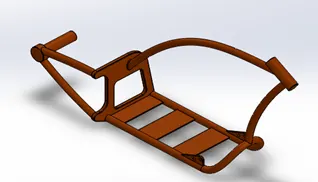
Chassis: base frame of chopper
Tools: boss-extrude, fillet, chamfer, projected curve, sweep, revolve, mirror, dome, split
Appearances: siena
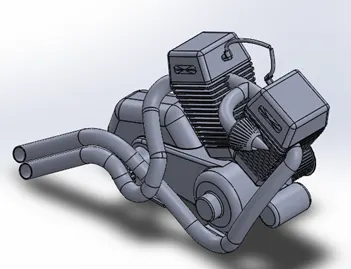
Engine: a machine that converts power into motion
- Gaining insights on Composite curves and Make pierce features in Solid works
Tools: boss-extrude, cut extrude, fillet, chamfer, projected curve, composite curve, sweep, revolve, mirror, dome, split
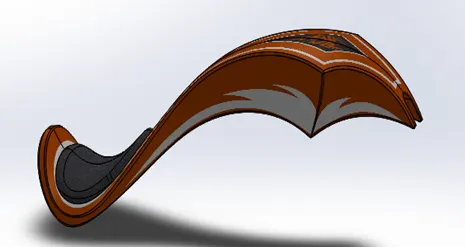
Gas Tank: understanding the usage of surface sweep and surface trim and surface loft.
Tools: projected curve, surface sweep and surface trim and surface loft, boundary surface, surface knit, split line, surface extrude, fillet, cut sweep.
Appearances: siena, grey cotton.
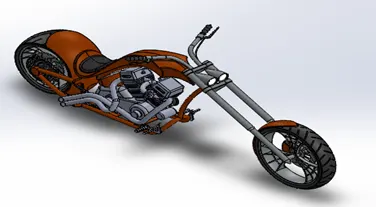
Assembly:
Assembled all the components of the chopper by using insert components and we took chassis as a base and with the help of mate we combine all parts of the chopper as a single body.
6.VIEWS
frount of chopper
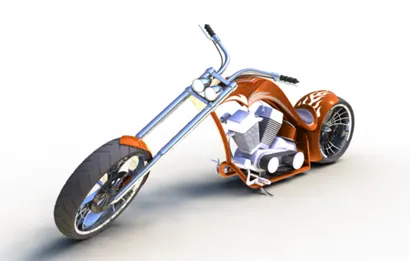
front view Top view
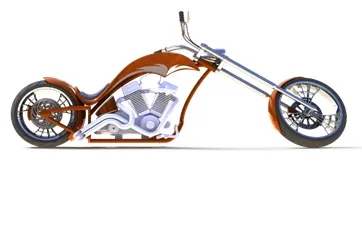
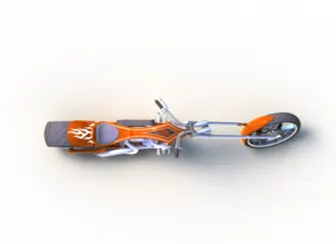
side view
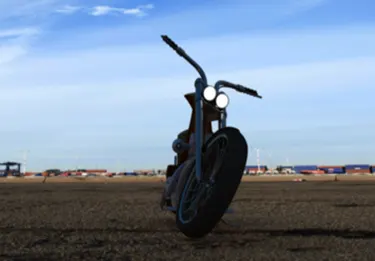
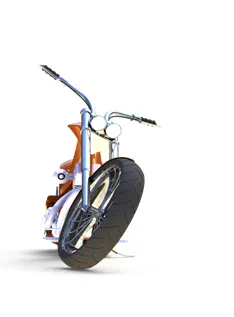
Left side view
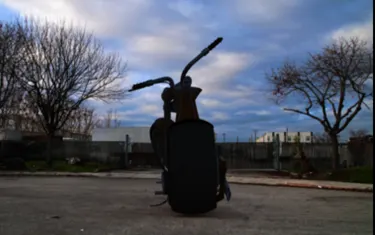
camera view
7.CONCLUSION
- Get Knowledge on converting a sketch in solid body and assembling the parts
- Learnt how to render an image by using photoview360
- Learnt how to set camera views, photo realistic background images.