Motor Blower Assembly : Week 4 Challenge
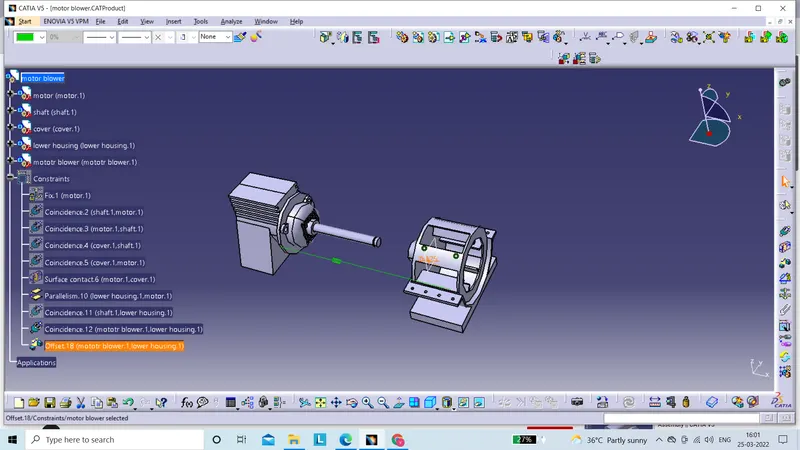
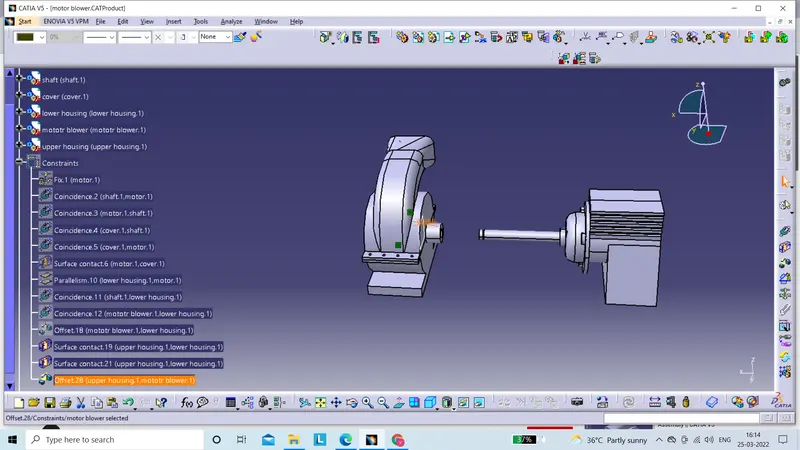
motor blower assembly
- to start with, i drew upper housing by rib, pad, pocket and multi solid commands.
- then lower housing
- blower was created by pad and pocket accordingly.
- in motor drawing i used profile and pad command.
- then make its cover with ellongated hole and circular pattern command.
- in assembly, i did not enter all parts together but in order.
- first, i fix motor and then add motor cover with coincidence and contact constraint command
- after that i add shaft in motor then i came up with lower housing , blower, upper housing accordingly by coincidence and offset command.