MESHING THE BACKDOOR GEOMETRIES OF DIFFERENT CARS USING HYPERMESH.
1.Objective:
The main objective is to mesh the backdoor component according to the quality criteria given below.
Target Element size - 5mm
| S.N | Quality Criteria | Value |
| 1 | Aspect Ratio | 5 |
| 2 | Skewness | 45 |
| 3 | Warping | 15 |
| 4 | Taper | 0.5 |
| 5 | Min. Length | 4mm |
| 6 | Max. Length | 7mm |
| 7 | Min angle Quad | 45 |
| 8 | Max angle Quad | 135 |
| 9 | Min angle Tria | 30 |
| 10 | Max angle Tria | 110 |
| 10 | Tria % | 15 |
Procedure:
- Imported the file.
- Deleted the solid materials.
- Extracted the mid surface using the auto and manual extraction method.
- Performed topology cleanup.
- Edited the surface using the options like toggle edges, split surface using nodes and lines.
- Added and removed some points using the quick edit option.
- Meshed the split surfaces one by one.
- Changed the mesh density for the even mesh flow.
- Changed the mesh style according to the split surfaces.
- Used some options like node edit, edge edit, and edit elements.
- Performed the quality of meshing using the option quality index and check elements.
- Checked the quality until it satisfies the given criteria.
- Checked for any free edges presence.
- Used the reflect option to reflect the mesh elements to the body 2.
- saved the file.
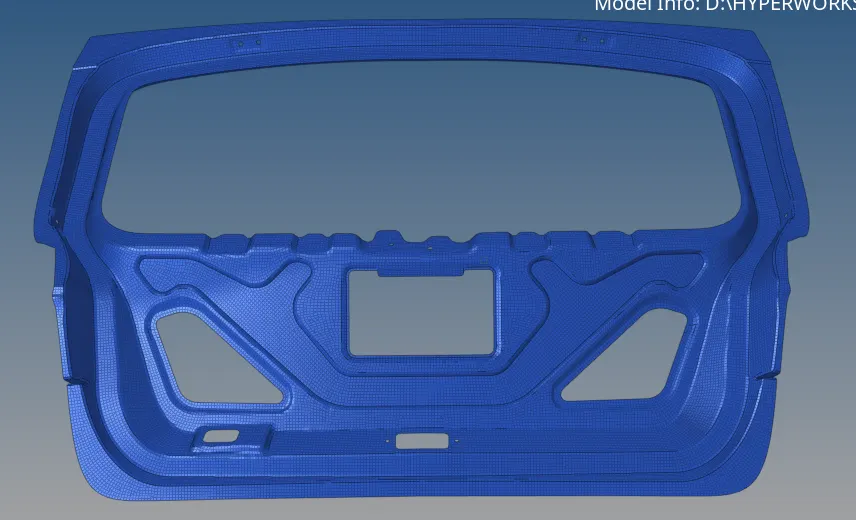
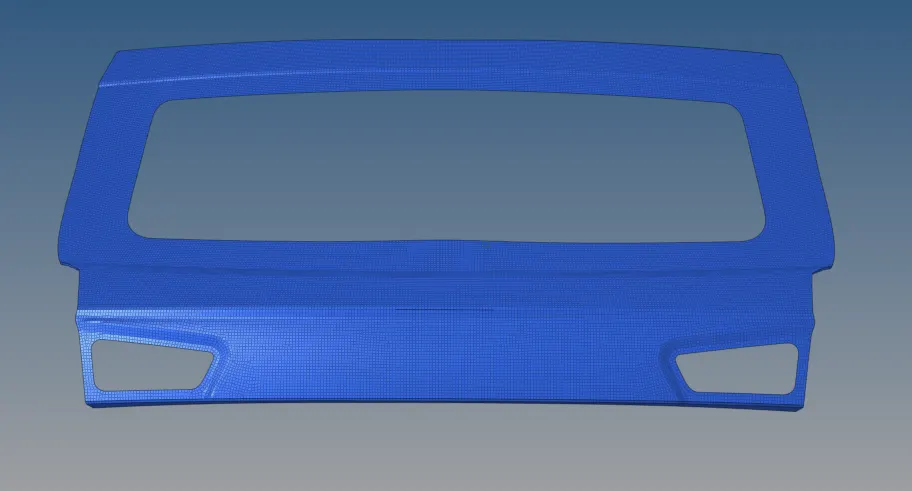
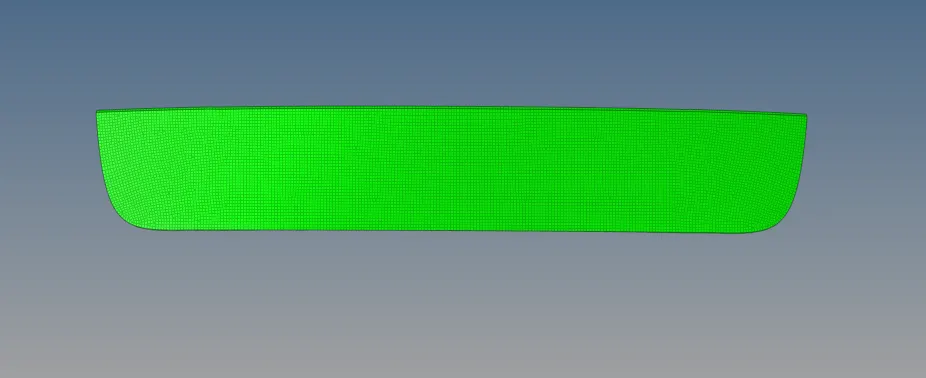
Images of the model:
Inner panel:
Upper panel:
Lower panel:
LINK TO VIEW THE MODEL: 1.BACK DOOR OF A CAR
2. Element quality criteria:
|
S.N |
Quality Criteria |
Value |
|
1 |
Target Element Length |
5 |
|
2 |
Aspect Ratio |
3 |
|
3 |
Skewness |
45 |
|
4 |
Warping |
30 |
|
5 |
Taper |
0.5 |
|
6 |
Min. Length |
3mm |
|
7 |
Max. Length |
7mm |
|
8 |
Min angle Quad |
45 |
|
9 |
Max angle Quad |
135 |
|
10 |
Min angle Tria |
30 |
|
11 |
Max angle Tria |
110 |
|
12 |
Tria % |
15 |
Procedure:
- Imported the file.
- Organized the components separately by selecting the surfaces one by one.
- Performed topology cleanup for the surfaces.
- Extracted the mid surface.
1.used skin offset option for the inner panel midsurfacing.
2.used manual method for the upper and lower panel midsurfacing. - again performed topology cleanup for the midsurfaces.
- split the surfaces to attain proper mesh flow.
- meshed the split surfaces one by one.
- Changed the mesh style according to the split surfaces.
- Used some options like node edit, edge edit, and edit elements.
- Performed the quality of meshing using the option quality index and check elements.
- Checked the quality until it satisfies the given criteria.
- Checked for any free edges presence.
- Used the reflect option to reflect the mesh elements to the body 2.
- saved the file.
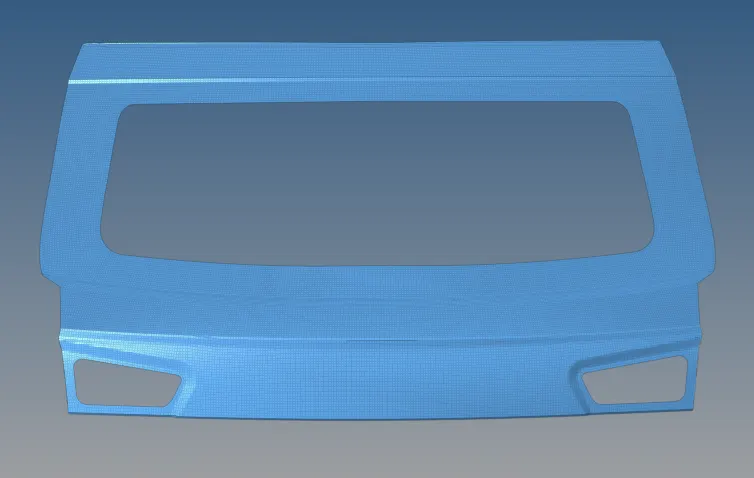
Images of the model:
Upper panel:
inner panel:
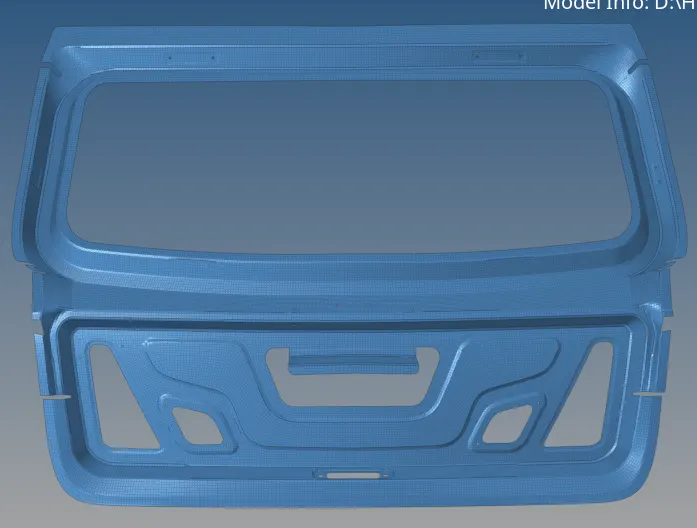
lower panel:
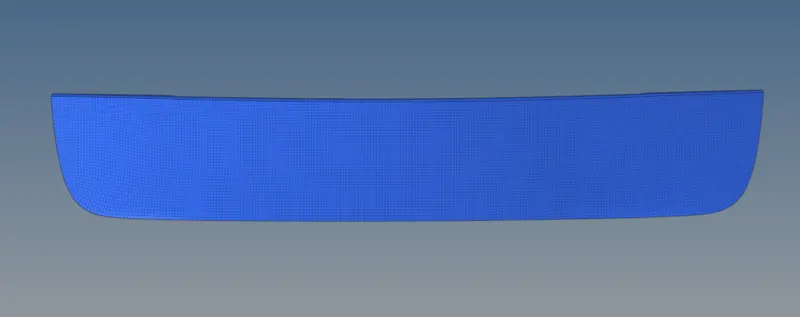
Result:
Hence, the backdoor components are meshed according to the given quality criteria.
LINK TO VIEW THE MODEL: 2.BACKDOOR OF A CAR