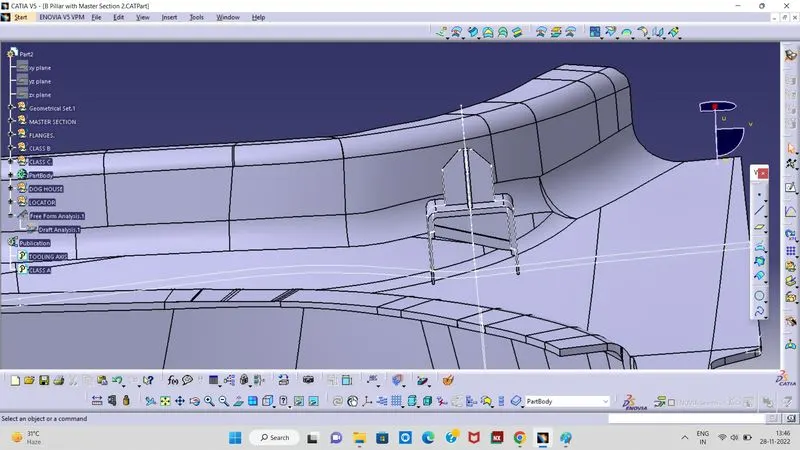
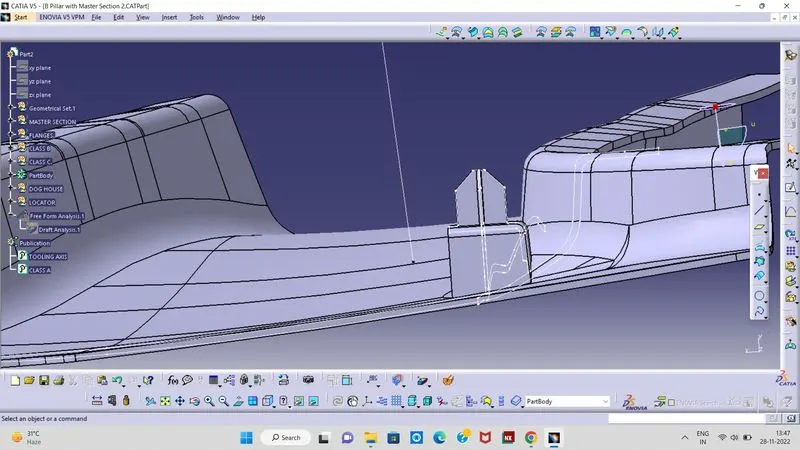
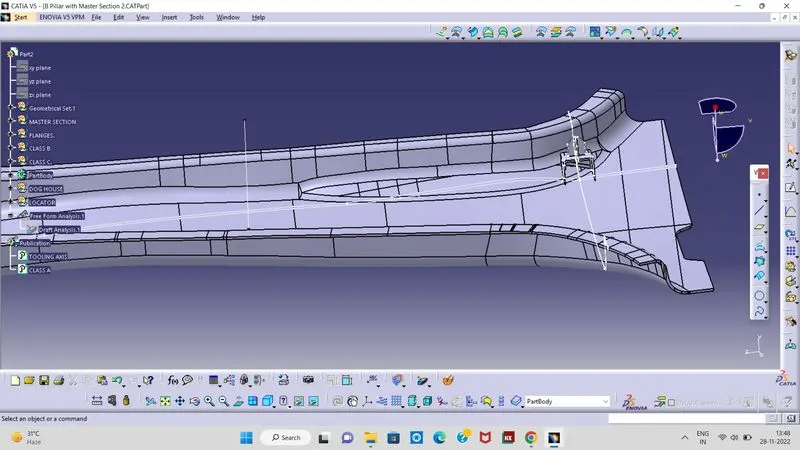
Master section
CREATION OF FLANGE:
From the master section it can be observed that the B Pillar is having Flange but the CLASS A surface which was given to us as input do not have any Flange.
After extracting the boundaries, apply a smooth option to it to avoid any surface continuity issues.
Surfaces of CLASS A / B which are attached to the boundary need to be extracted first which will act as a reference surface for the Flange while sweeping.
Now sweep the boundary with the reference surface (surfaces which we extracted) and give an appropriate angle such that the Flange is aligned with the master section.
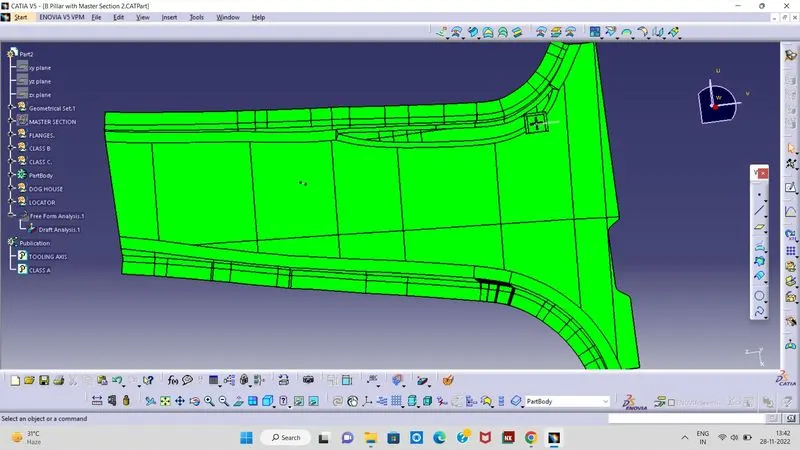
DOGHOUSE:
Doghouse is an engineering feature that is used in plastic trim design. It is used as a supporting feature for other engineering features like snaps, locators etc. that are mounted on the Doghouse to increase their strength and to avoid the sink marks.
To create a Doghouse, we need to follow the master sections which were given to us as an input. The top surface and the supported walls of the Doghouse on which the locator is laid is created by simply extracting the lines from the master section in a sketch and extruding it to a certain length.
o draft the inner walls of the Doghouse, a lifter axis is first created and then a 0.5 deg draft is given to it following the draft direction of the lifter tooling axis.
The inner walls of the Doghouse are created at an offset value of 1.2mm from the outer walls and the top surface for the inner walls is created by intersecting the CLASS A surface with the back wall of the Doghouse.
This surface is then split with the close solid to create the inner walls of the Doghouse.
CLASS C SURFACE CREATION:
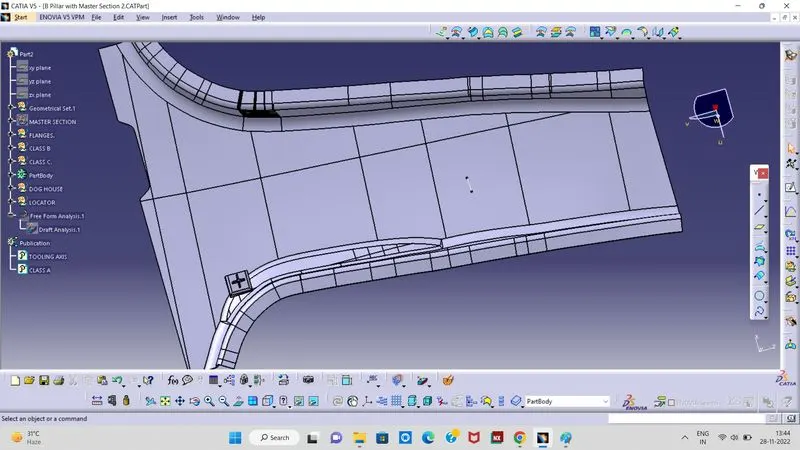
To create a CLASS C surface, first extract the boundaries (all edges separately) of the CLASS A surface. Now using the ‘sweep’ option create the surface. To perform this operation, go to the Toolbar > Sweep > Profile type > Line > Subtype > With draft direction > Guide curve 1 - (select the extracted boundaries) > Draft direction - (select the tooling axis) > angle as 3 deg and give any suitable length and press ok.Once these sweep surfaces are created, trim them to join the surfaces. This will give us a CLASS C surface.
FINAL TRIM:
To create the B Pillar component, we need to join all these surfaces (i.e., CLASS A, B and C surfaces).
First join the CLASS A surface with the CLASS C surface and then trim this joined surface with the CLASS B surface to get the final output.
CLOSED SURFACE:
Since these surfaces are hollow, we need to close it to form a thick solid component.
Using the “CLOSE SURFACE” option in PART WORKBENCH, a solid body from the surface can be formed. This will give us a solid component.