II. Answer in detail
Create a G+4 Residential building as per NBC standards and make it a central model file. Your model should contain:
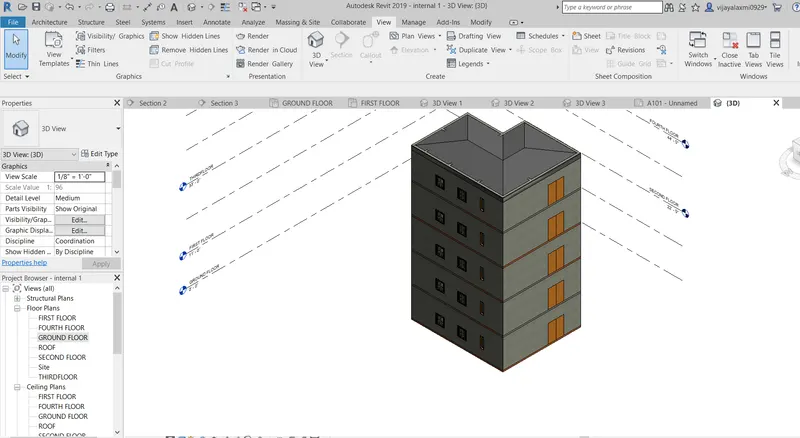
- The sloped roof at the top level of the building (10 degrees)
- Architectural components including furniture and home appliances
- Room tags and Annotations
- Section cut through each room either longitudinally or transversely
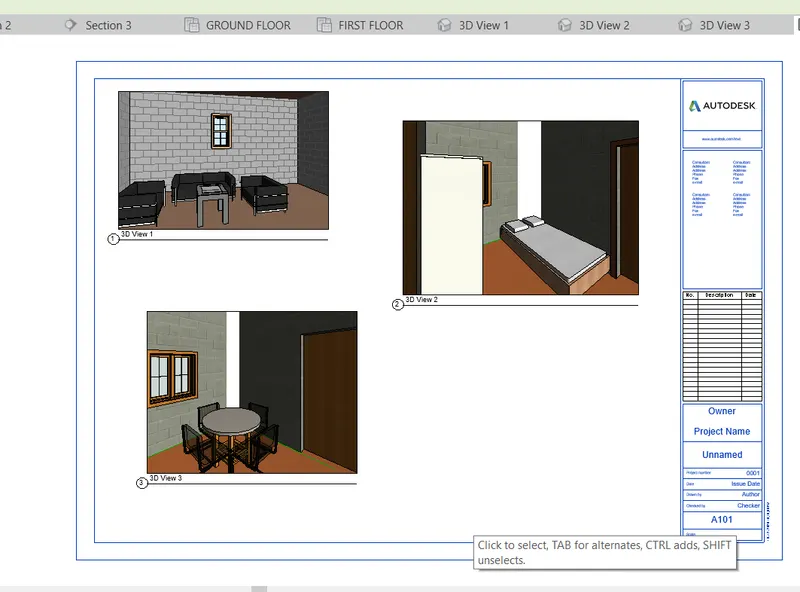
- Create a camera view on each room and add it in a sheet template.
TOOLS USED:
Architectural
Walls
Doors
levels
families
roof
RoomTag
View tab
3D view
Default 3D view
Section
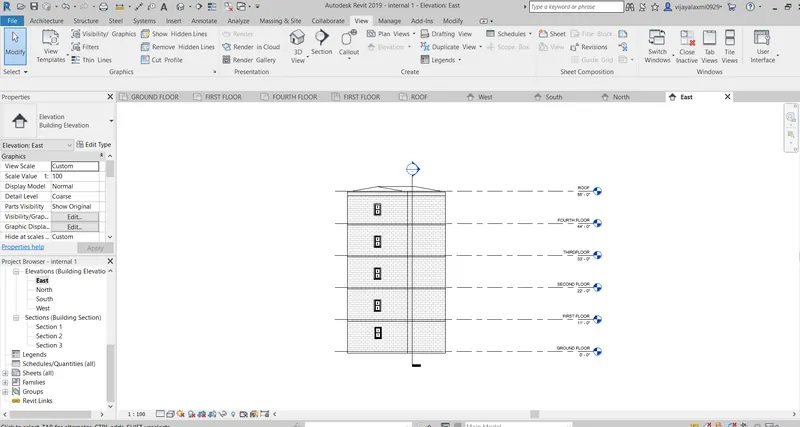
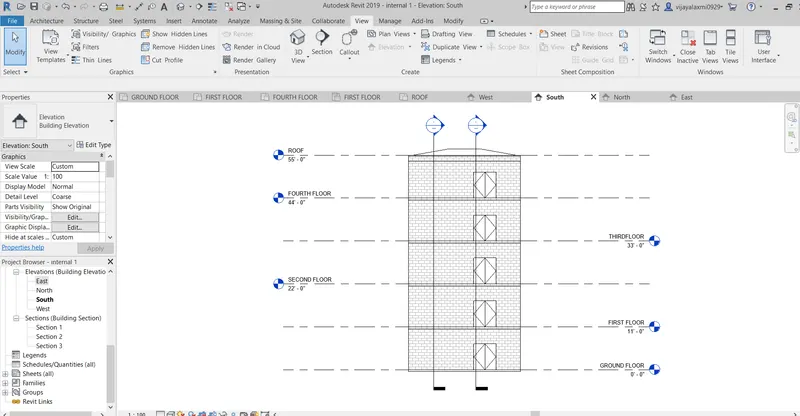
Elevation
sheets
camera
PROCEDURE:
STEP-1:Open the revit software .
STEP-2: Select the New> architectural template. cli
STEP-3:select the manage tab and change the project units to feets and inches.
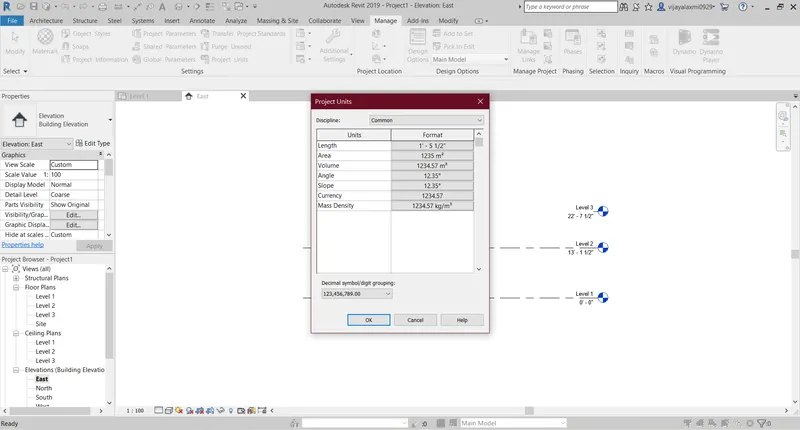
STEP-4:Go to elevation in the project browser and add the levels to it at a height of 11' each and rename the levels.
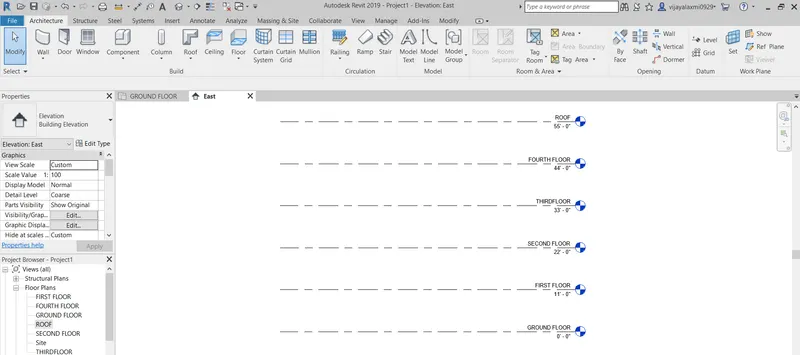
STEP-5:Go to the archutectural tab and select the wall>Wall architectural and draw the plan of the model.
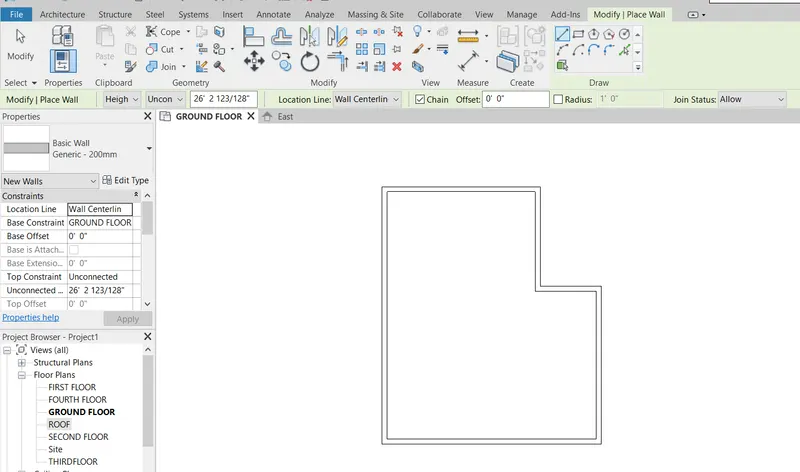
STEP-6:Add the interior walls to the plan .
step-7:Select the wall and make them connected to first floor .
STEP-8:select the plan and go to architectural and floor and pick the line and click the green mark
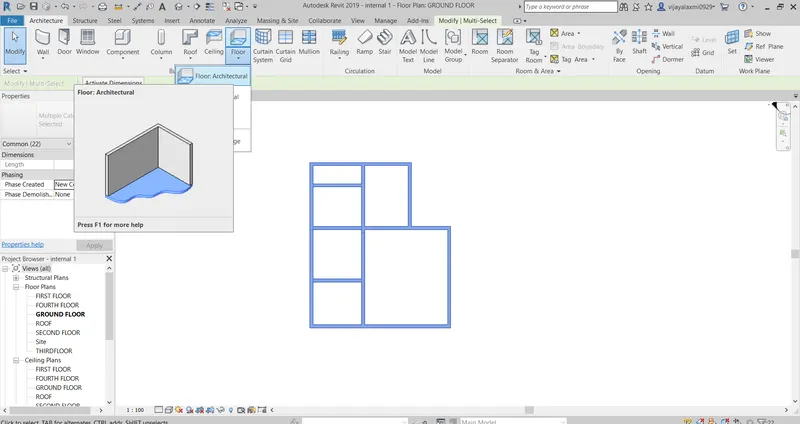
STEP-9:Now the ground floor is created.
STEP-10:Go to the Annotate toolbar and Aligned and align the dimensions of the plan.
STEP-11:Select the insert and go to load famiies and insert all the components like Doors and window .
STEP-12:GO to Architectural and click on the tagroom tag the rooms and Name them.
STEP-13: Place all the components in the rooms.
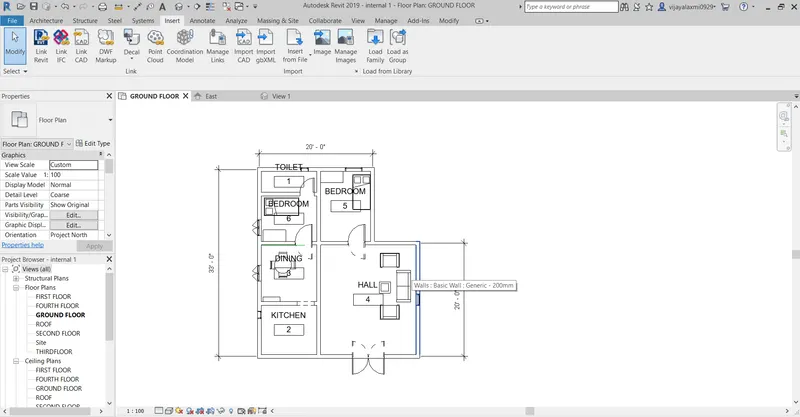
STEP-14:copy the groundfloor and paste to the selected views like First floor ,second floor,third floor,fourth floor.
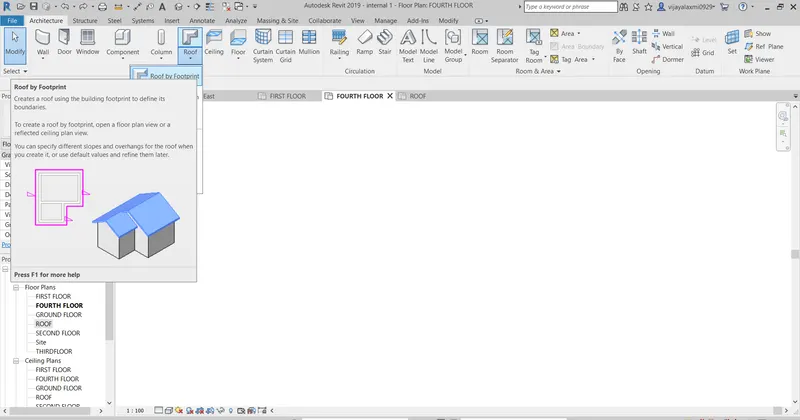
STEP-15:select the arechitectural tab and Click the roof by footprint and select the roof level .Go to properties browser> dimensions and change the slope as 10 degrees.
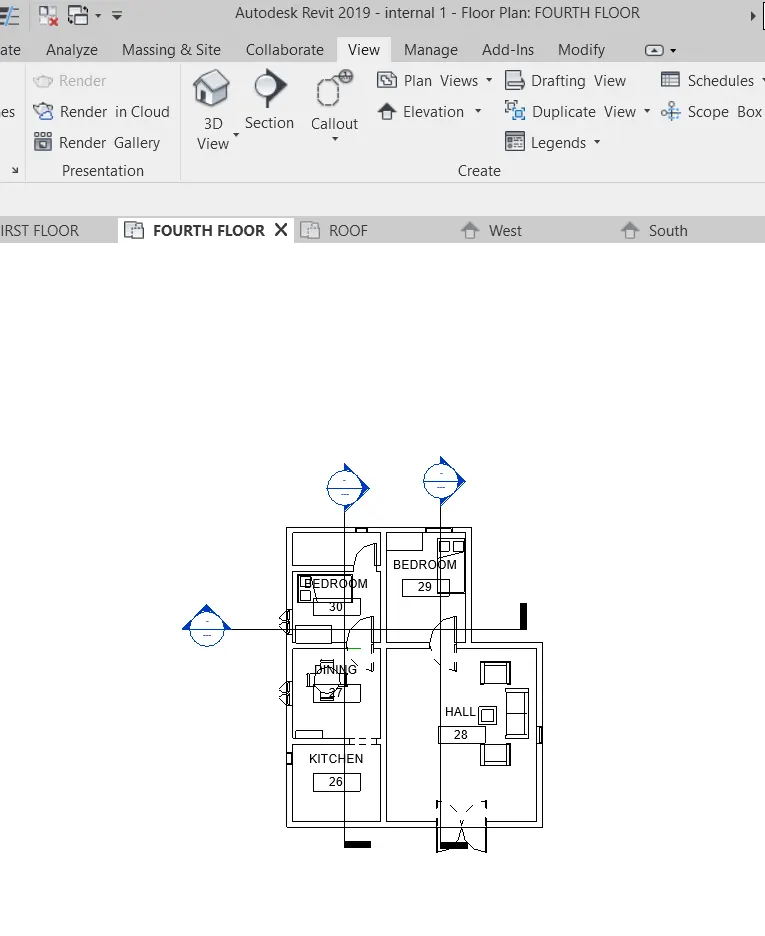
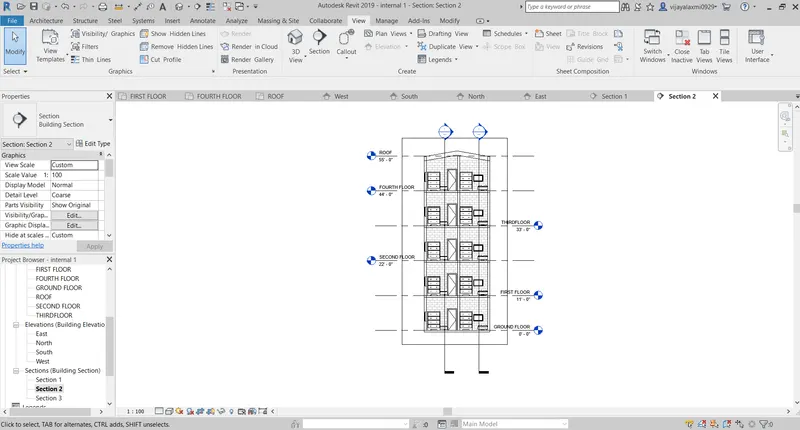
STEP-16:select the view and click on the section and draw the views longitudinally and in traverse direction .
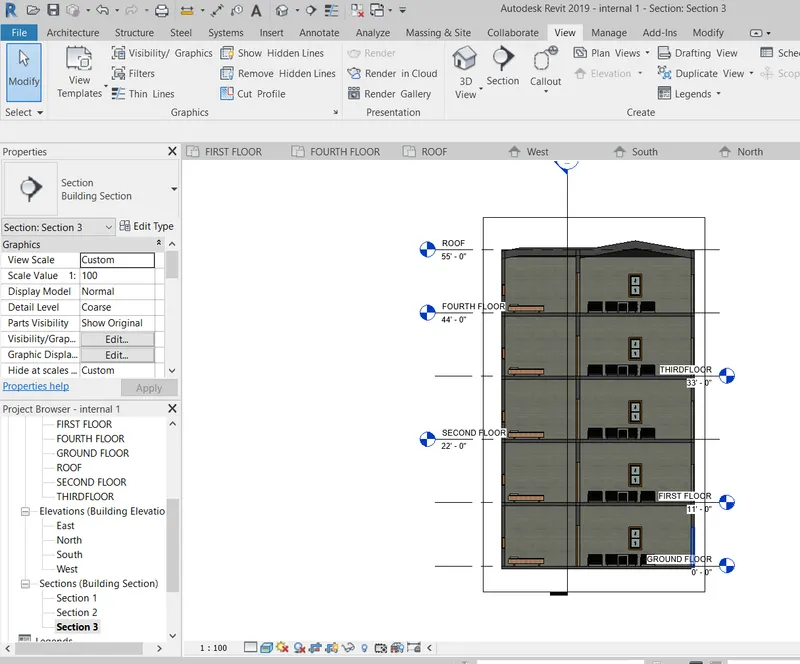
STEP-17:The sections views are created in the propreties browser you can rename them by right clicking on it and click rename .
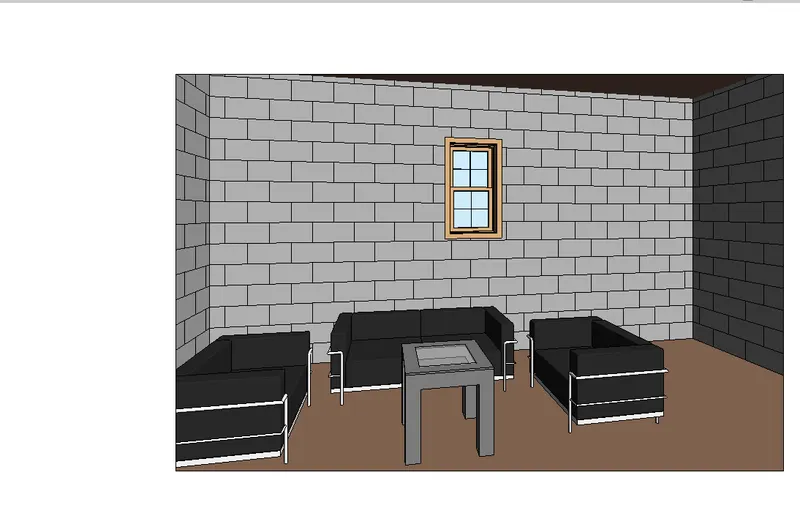
STEP-18:GO to view and select camera and place the camera in different directions in which you need the view.
Camera view of hall
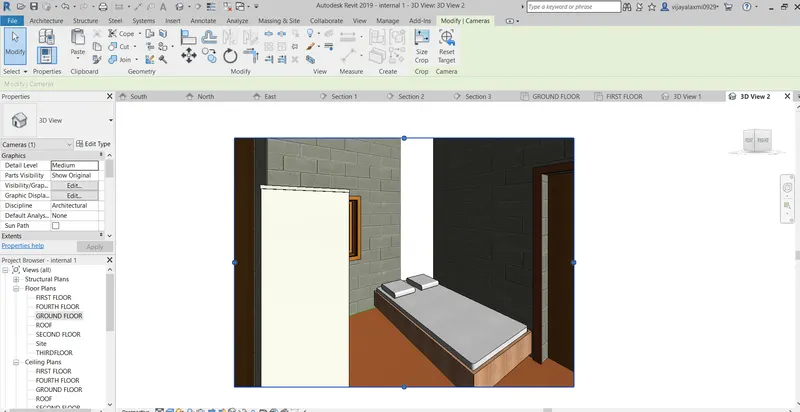
view of bedroom
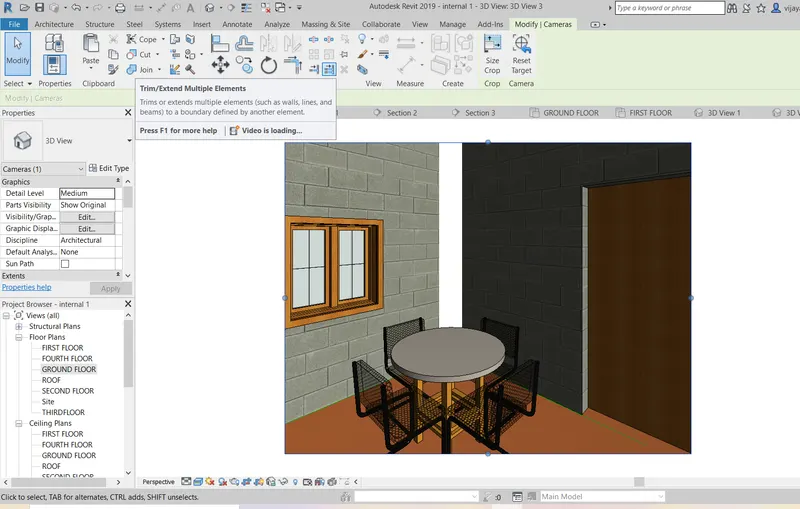
STEP-19: Now all this views in the sheet template
STEP-20:Go to view >sheets>view and >add to view sheet.
STEP-21:you can change the view sheet name in properties browser .change the sheetname ,project name inthe properties browser .
RESULT:
The G+4 residential building is successfully created and the components to the various buildings are placed and roomtags are created to each room and the sections are drawn along the traverse and longitudinal direction and viewed and the camera is placed in the directon i need the view and viewed and placed them in the sheet template successfully.