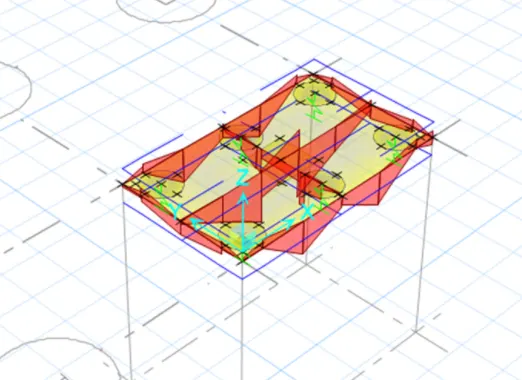
Foundation Design using SAFE
Quetion 1.
Model the isolated footing provided in week 11 challenge on SAFE. Analyze and design it to verify the size, depth and steel provided as per calculations.
Aim:
- To Analyze and design the isolated footing from week 11 challenge on SAFE and verify the size, depth and steel provided as per calculations.
Introduction:
- CSI SAFE (Slab Analysis by the Finite Element Method) is the best tool for designing concrete slabs and foundations.
- SAFE used to engineer towards the safe design of structures with powerful tools like draw, analyze, design and detailing etc.
Solution:
STEP: 1
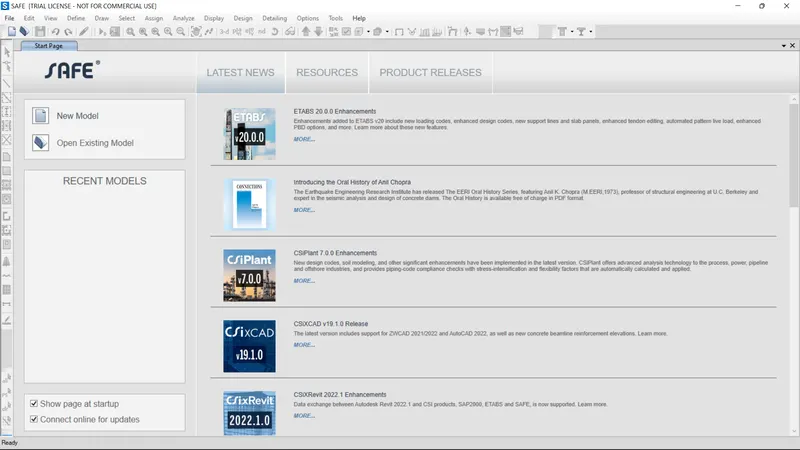
Open the SAFE Application and select New Model
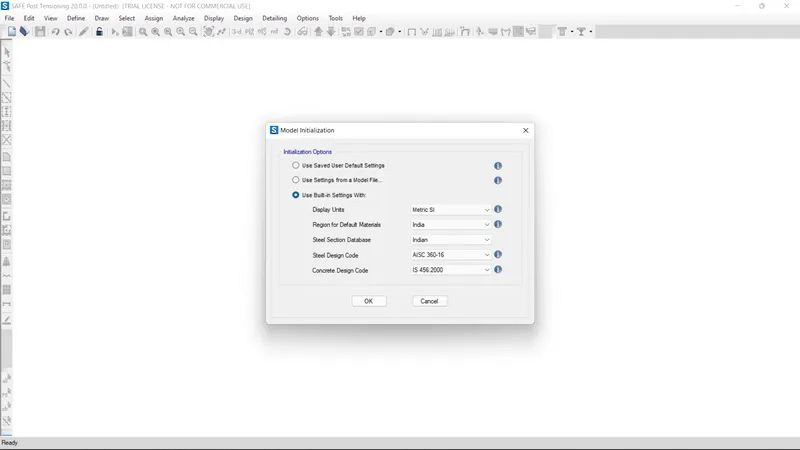
Units was selected as Metric and Code IS 456-2000.
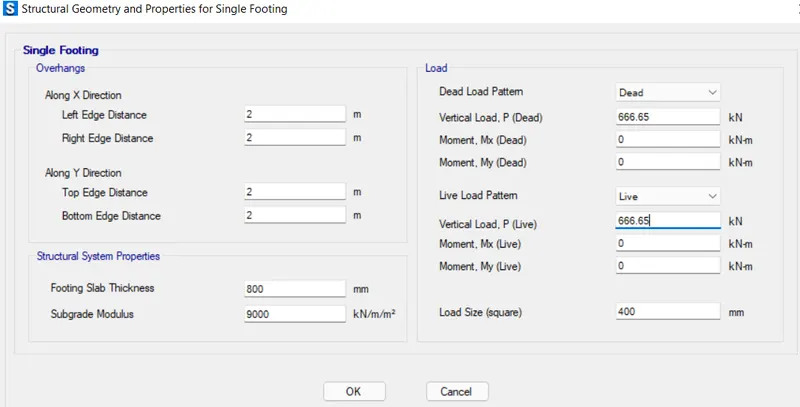
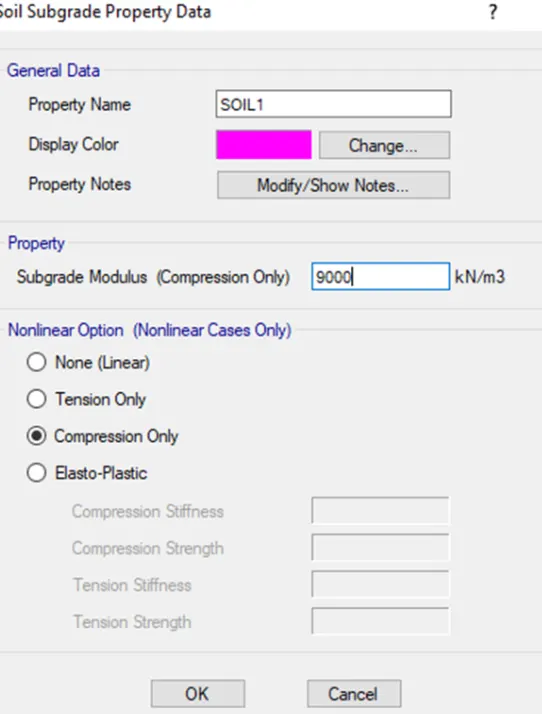
Subgrade Modulus Calculation:
Subgrade modulus=F.O.SXS.B.C/Settlement
= 3x150/0.05
= 9000KN/`m^3`
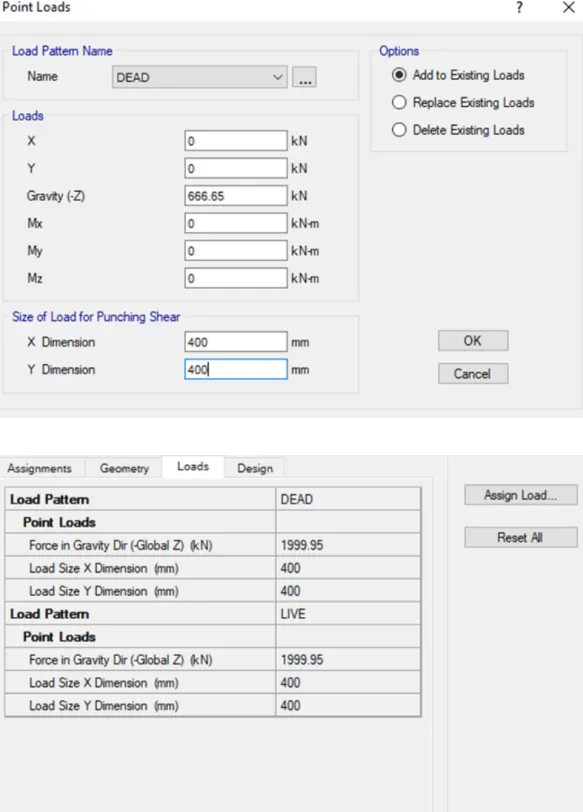
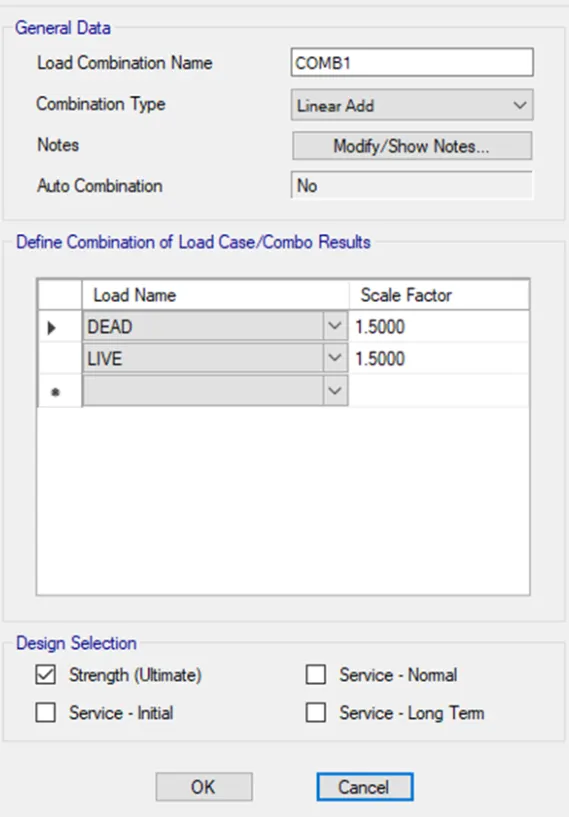
The compression axial load for the load combination (1.5DL+1.5LL) is 2000KN.
Unfacrtored load=2000/1.5
= 1333.3KN
1333.3/2=666.5KN
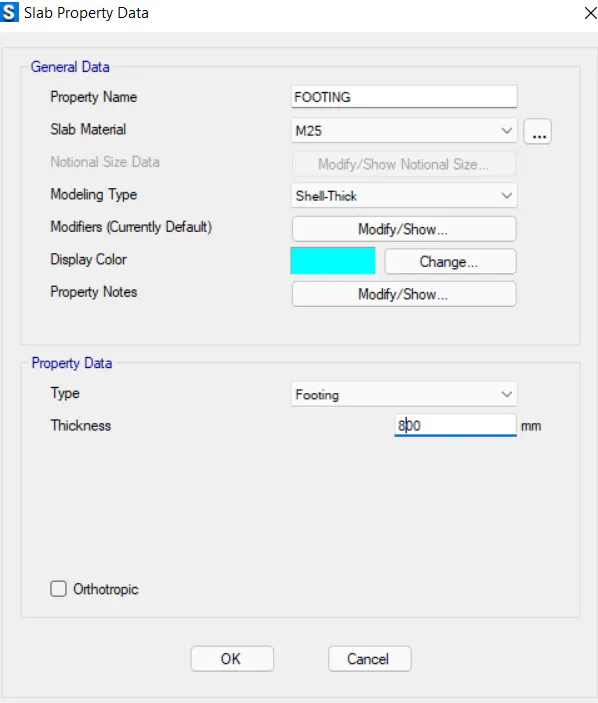
Thickness of footing is 800mm.
STEP: 2
opne Define materials
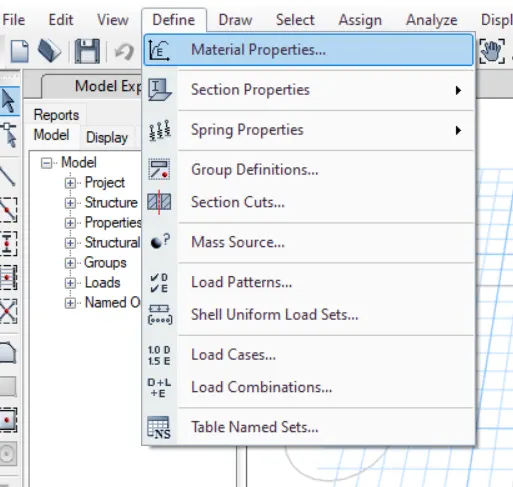
Add M25 Concrete
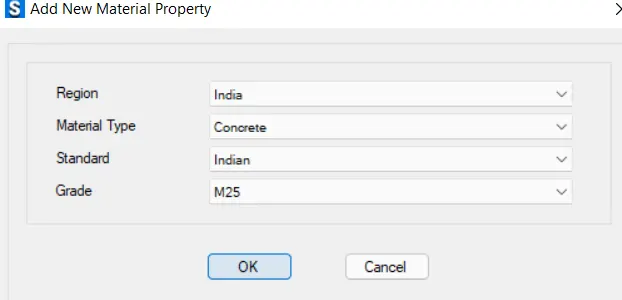
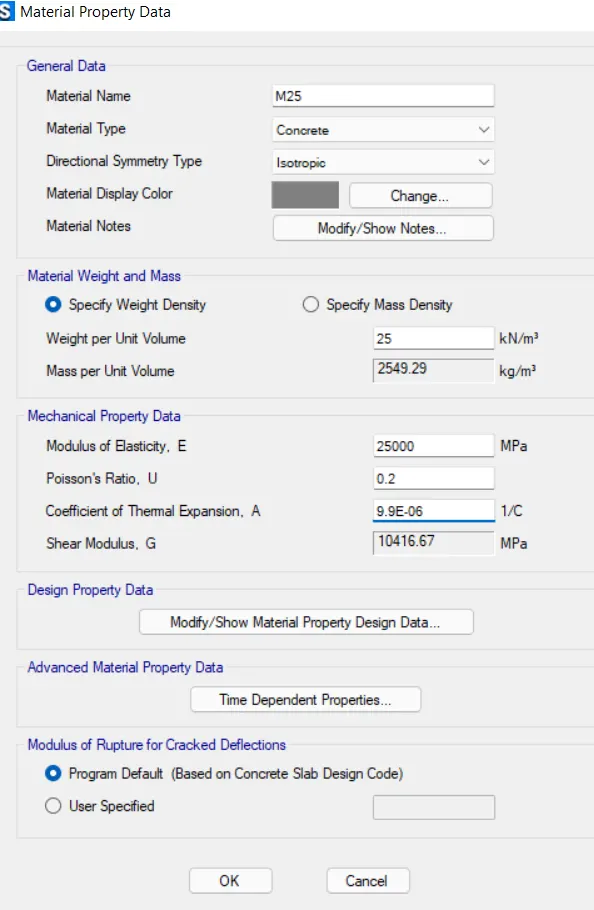
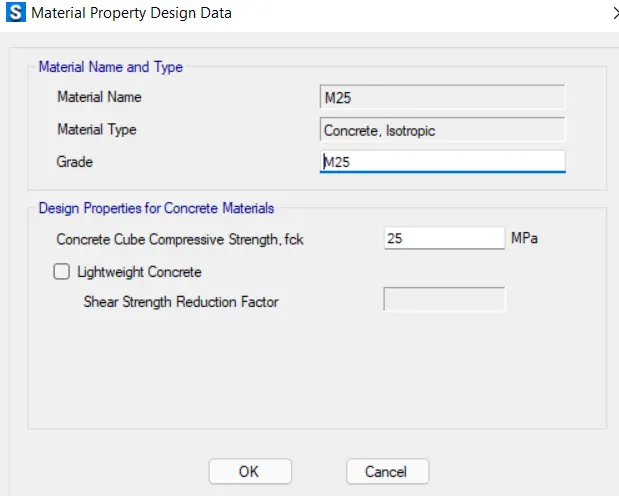
Add rebar Fe500
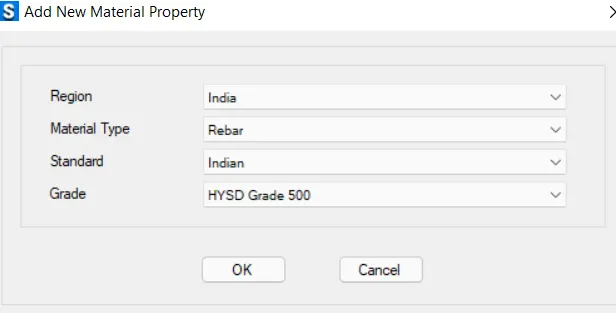
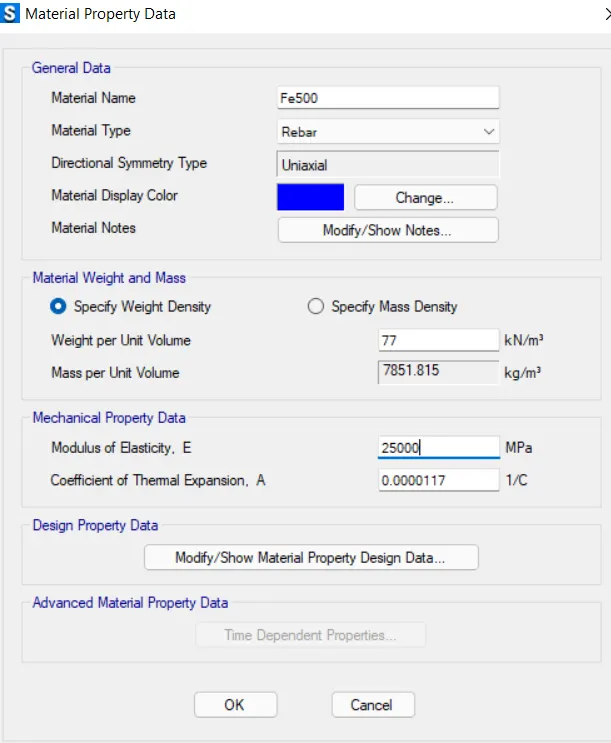
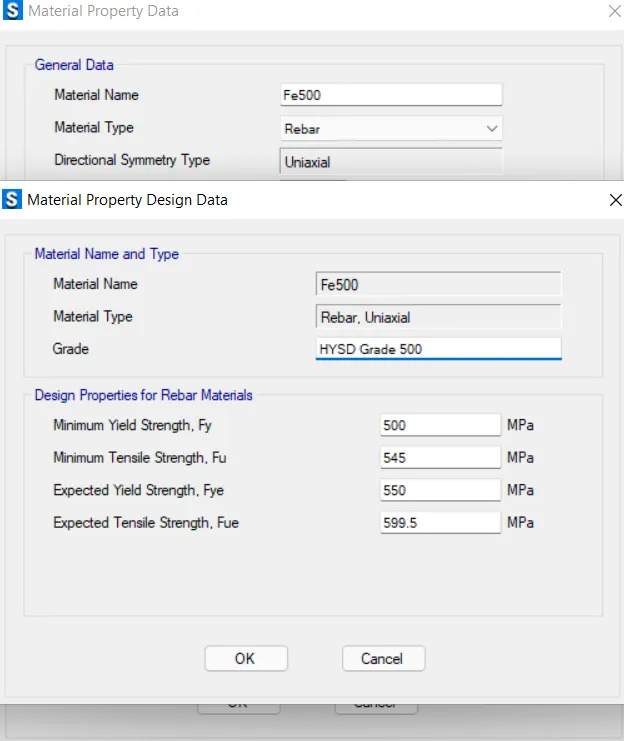
Material Property data:
Click define followed by Material properties
M25 grade of concrete
Modulus of elasticity,
`E= sqrt(25xx5000)`
= 25000N/`mm^2`
STEP: 3
Define slab properties
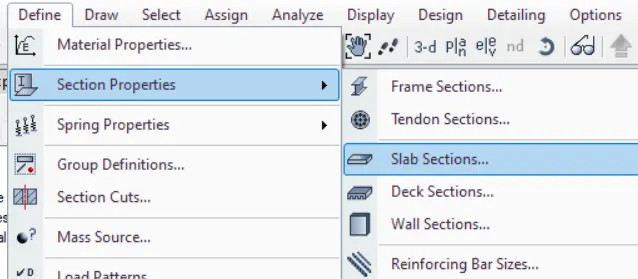
Define proterties for footing
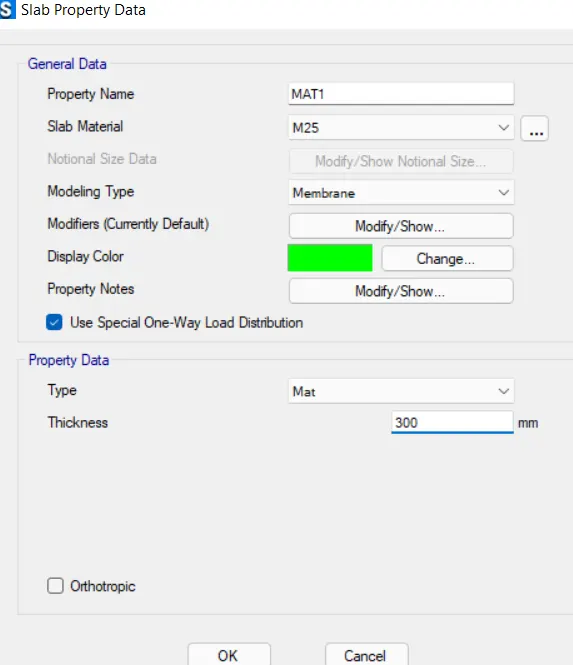
Define properties for mat
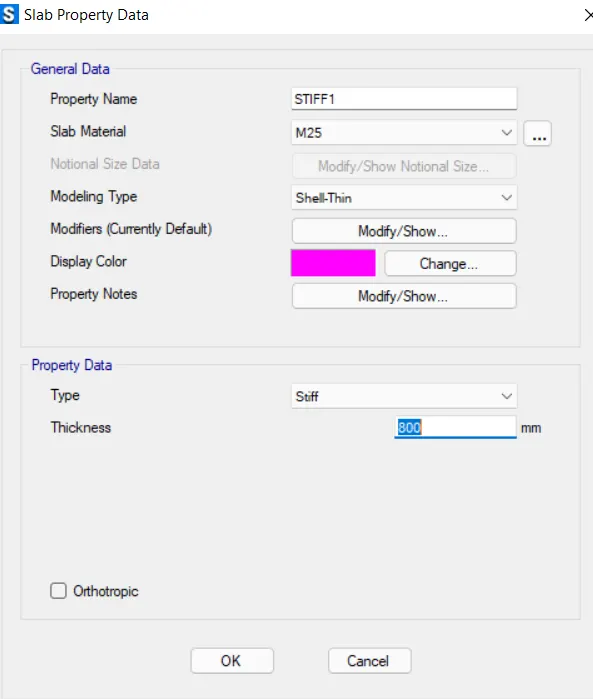
Define properties for stiff
STEP: 4
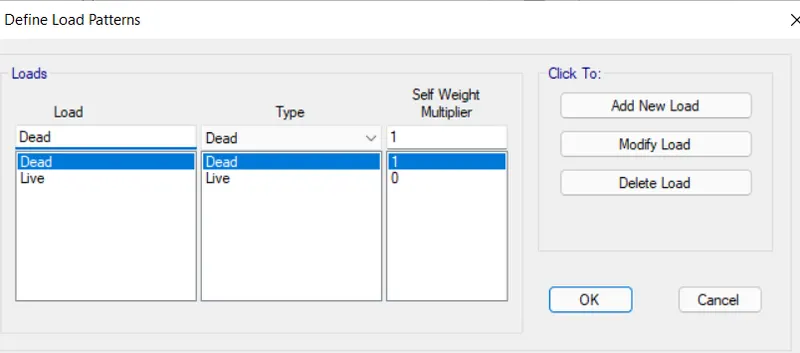
Define Load pattern
STEP: 5
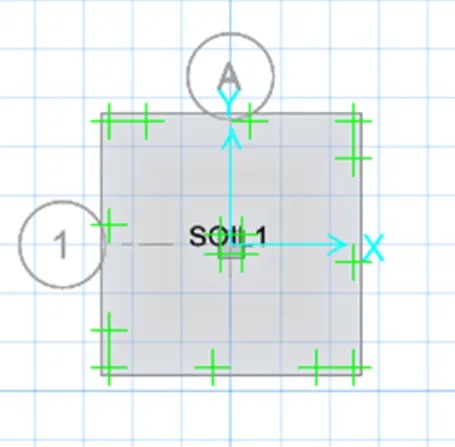
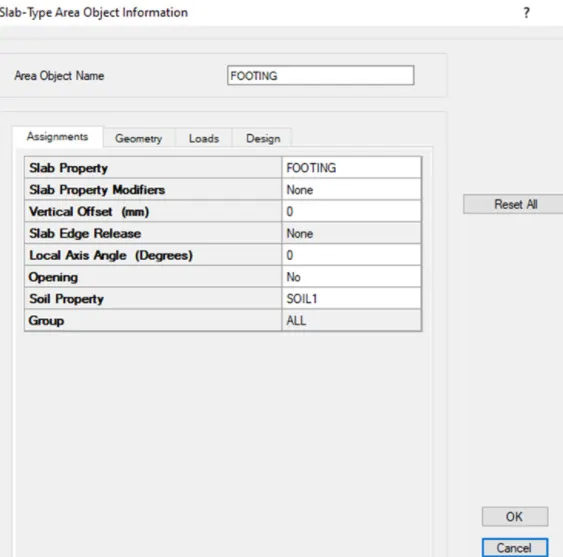
Define soil subgrade modulus
STEP: 6
Assign point load
STEP: 7
Assign load combinamtions
STEP: 8
check design preference (min cover 50mm)
STEP: 9
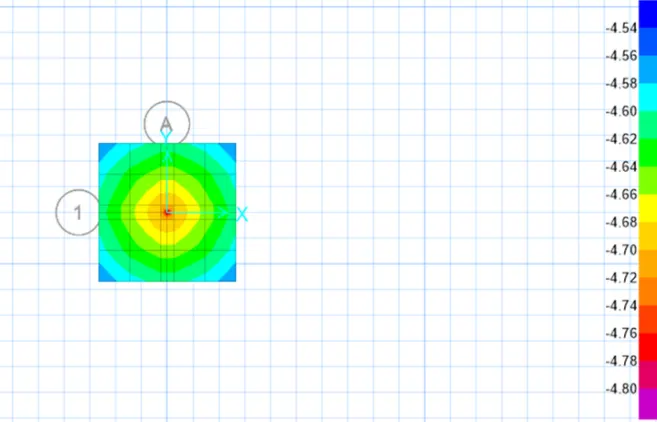
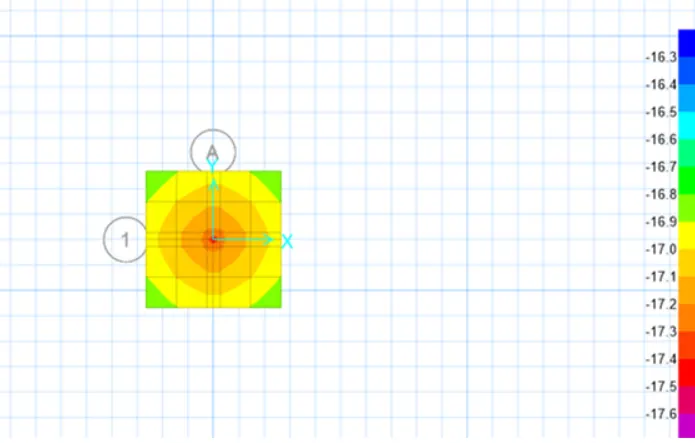
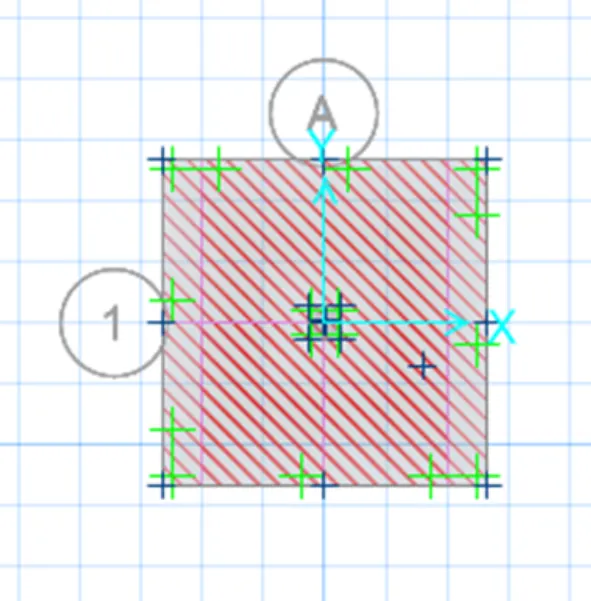
Run analysis and design
RESULT:
The Isolated Footing was desinged and analysed in SAFE is successfully completed.
Question 2:
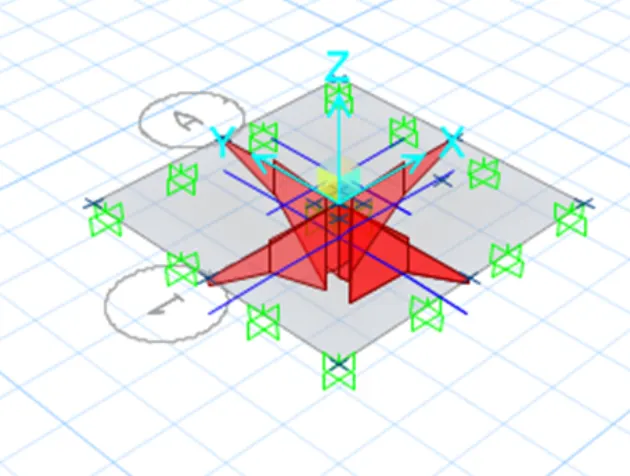
A column of size 600x600 carrying an unfactored gravity load (DL+LL) of 1175 KN is to be supported on pile cap, which ultimately transfers load to the piles underneath. Piles of 16 metres length and 500 mm diameter are to be used. Each pile has a load carrying capacity of 200 KN. Model, analyse and design the pile cap on SAFE to evaluate the following:
- Pile group to be used
- Depth of pile cap
- Longitudinal steel on top and bottom face in both directions
Aim:
To Model, analyse and design the pile cap on SAFE to evaluate the following,
- Pile group to be used
- Depth of pile cap
- Longitudinal steel on top and bottom face in both directions
Intruduction:
- CSI SAFE (Slab Analysis by the Finite Element Method) is the best tool for designing concrete slabs and foundations.
- SAFE provide easiness to engineer towards the safe design of structures with powerful tools like draw, analyze, design and detailing etc.
Solution:
Given Data:
Column Size = 600mmx600mm
Unfactored Load = 1175KN
Pile Length = 16m
Pile Diameter = 500mm
Load Carrying Capacity =200KN
Calculation:
Mumber of Pilees = 1175/200=5.8
Therefore no.of pillers =6
Spring Constand = ExA/L
E = 25000N/ `mm^2`
Area, A = `pi/4xx(500)^2`
= 196349 `mm^2`
Spring Length, L = 16000MM
= 25000x196349/16000
= 306795 N/mm
Edge Spacing is Taken as 200mm of 300mm
Step 1:
Open the SAFE Application
select New Model
followed by Input Settings,
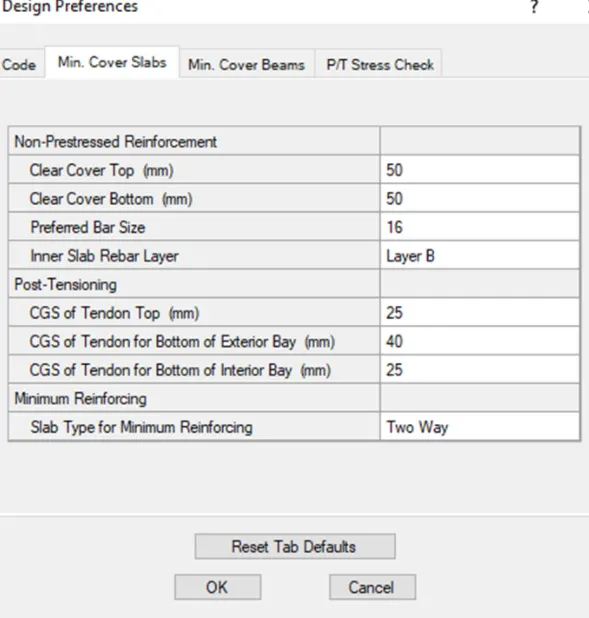
Units was selected as Metric and Code IS 456-2000.
50mm each was provided as cover at top and bottom and Bar size was defined as 16mm
Step 2:
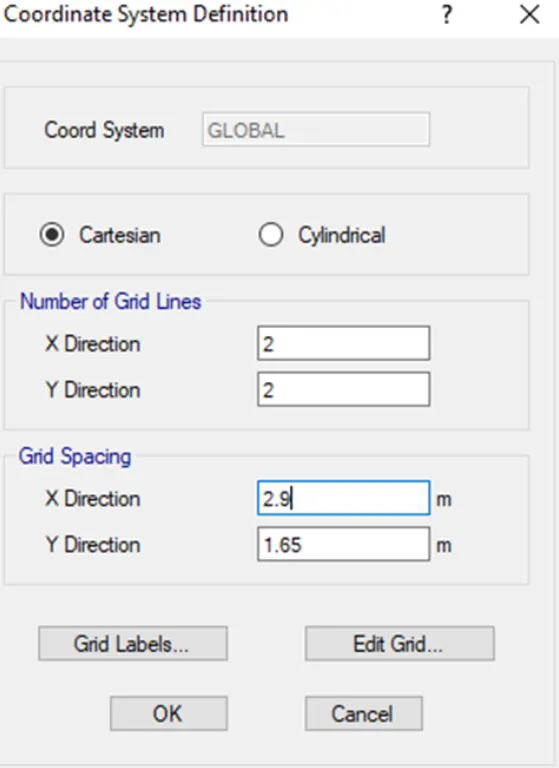
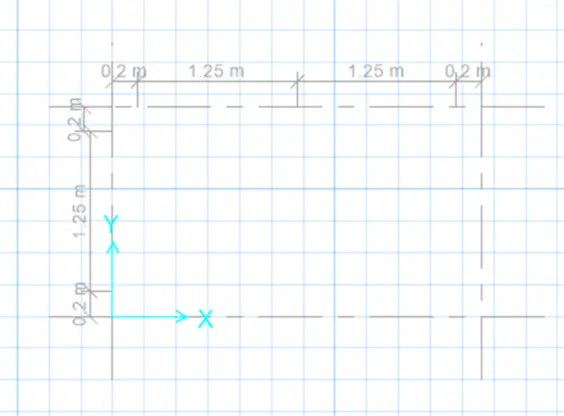
Coordinates was defined next.
Grid spacing in X direction and Y direction was taken as 2.9m and 1.65m
respectively.
It's shown in the below figure too.
Step 3:
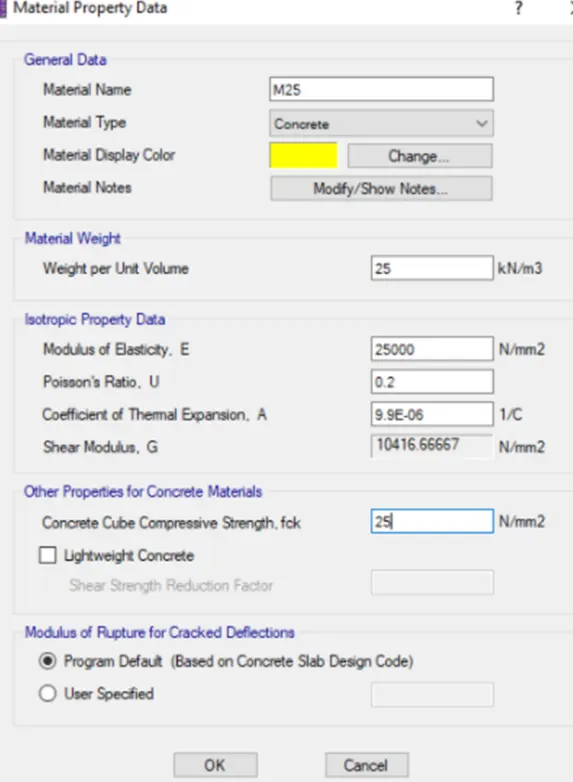
Material Property data:
- Click define followed by Material properties
- M25 grade of concrete
-
Modulus of elasticity,
`E= sqrt(25xx5000)`
= 25000N/`mm^2`
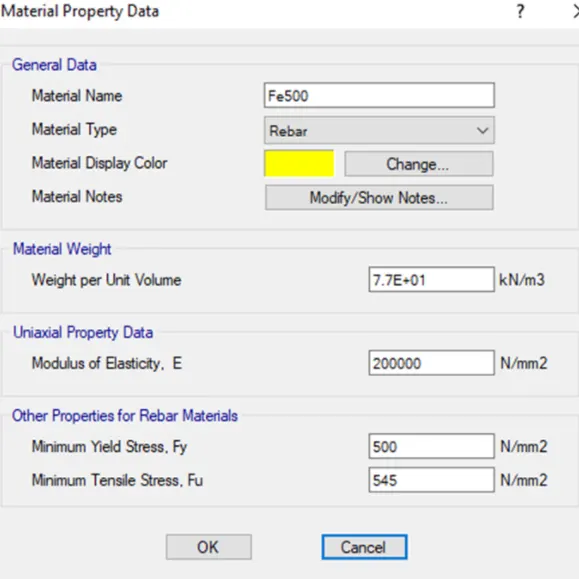
- Fe 500 Rebar was added next as shown below
Step 4:
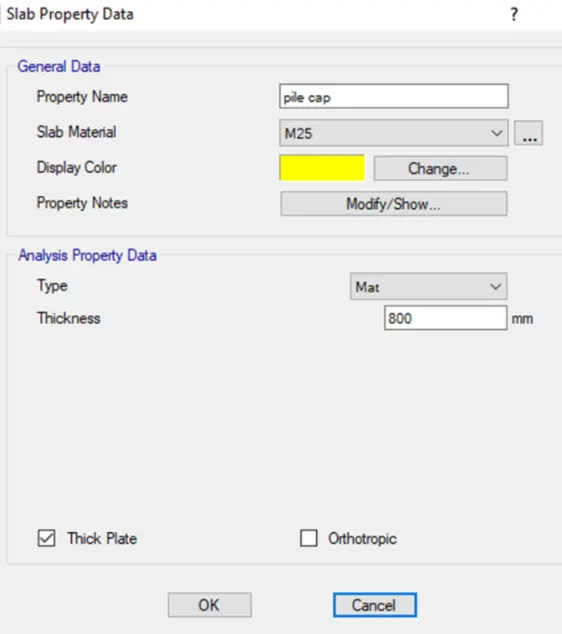
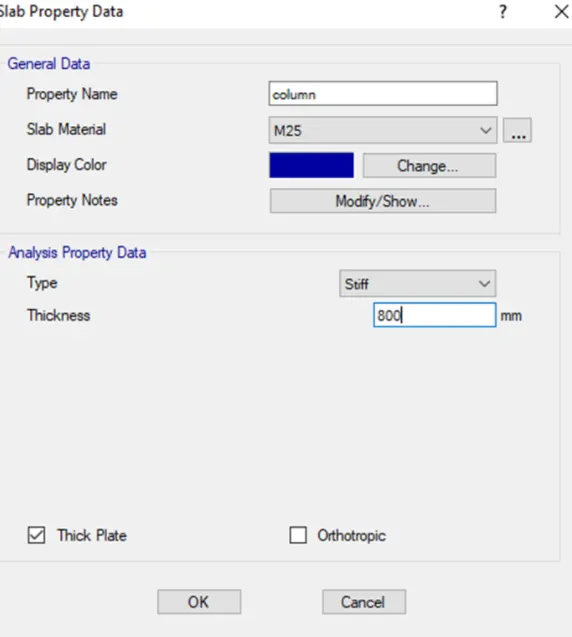
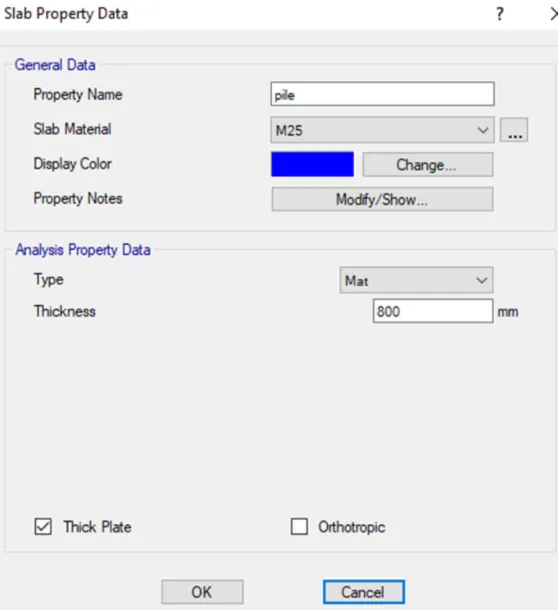
Define slab properties
- define pile cap
- define column
- define pile details
Step 5:
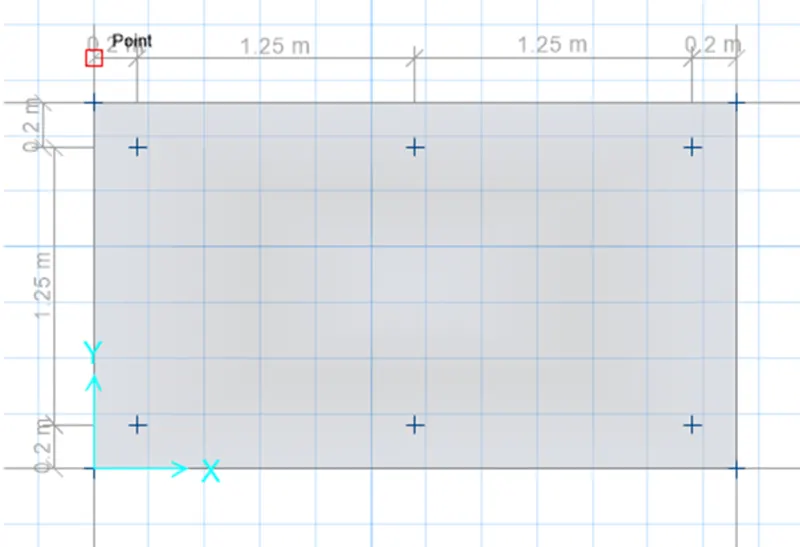
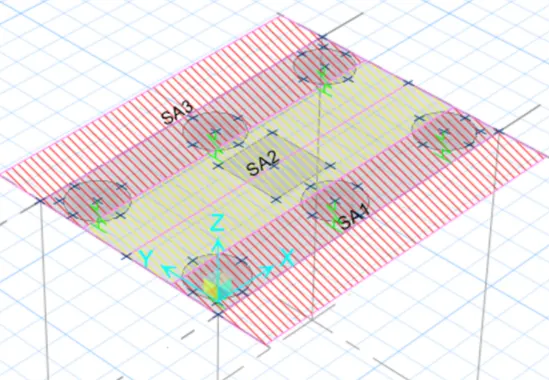
Draw the slab by using quick draw tool
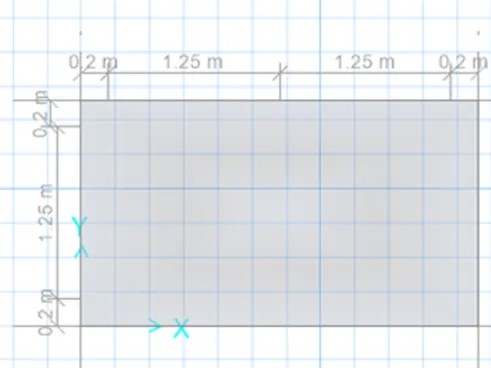
draw points
Step 6:
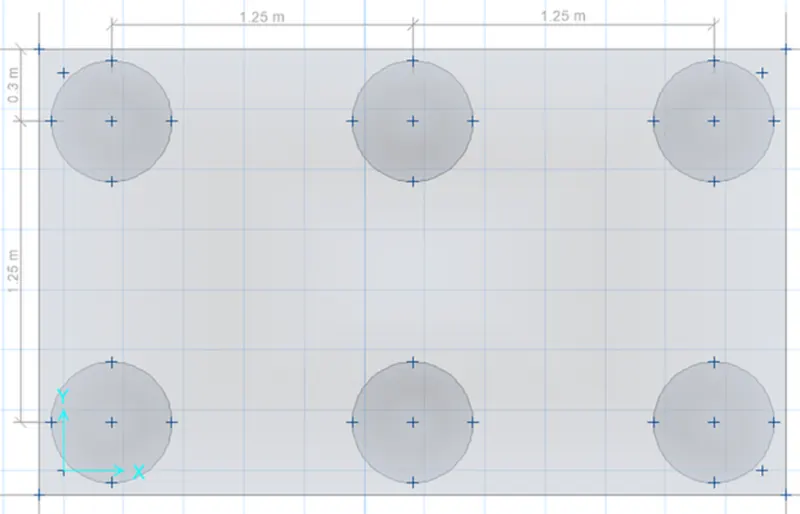
Add piles at the point
modify the edge distance to 0.3m
Step 7:
Create a column of 600mm x 600m
draw the column in center using quick draw tool
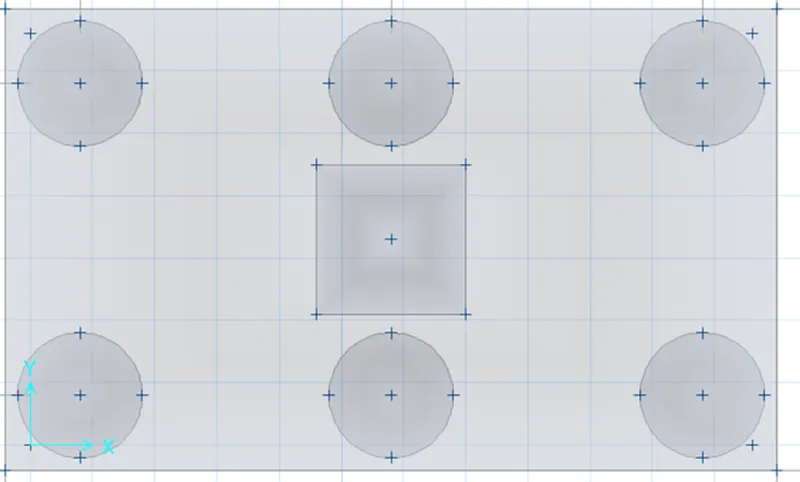
Step 8:
Springs were added
select pile< assign < support data < point springs
Springs constant is taken frome above calculation
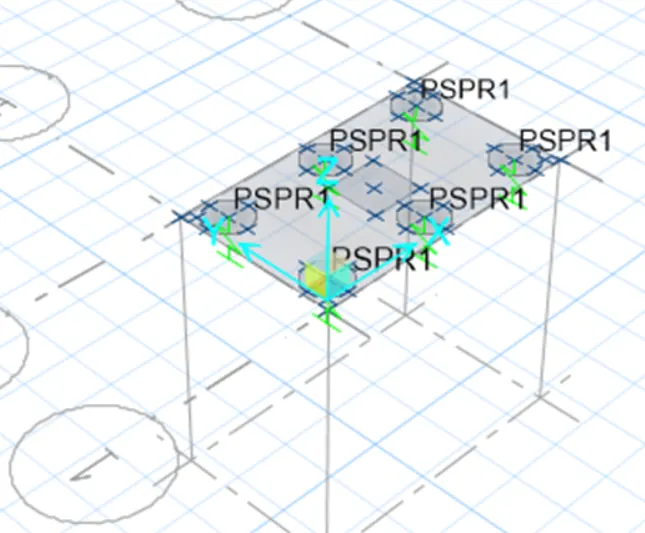
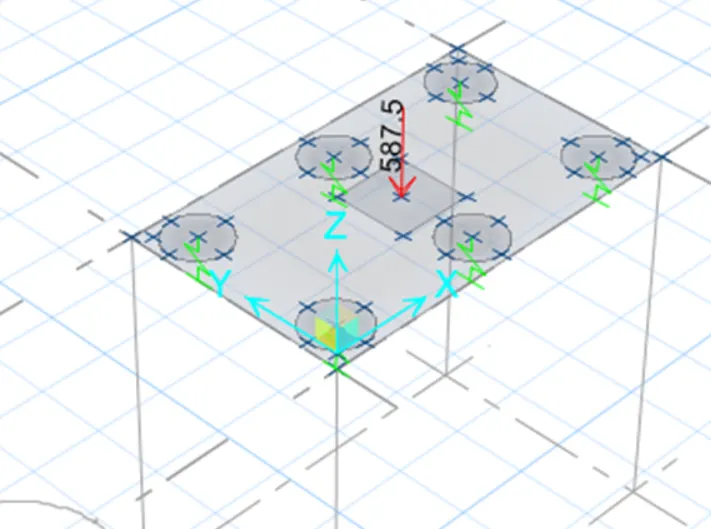
Dead and Live Load of 587.5KN are added next
Step 9:
Load case combination was defined next.
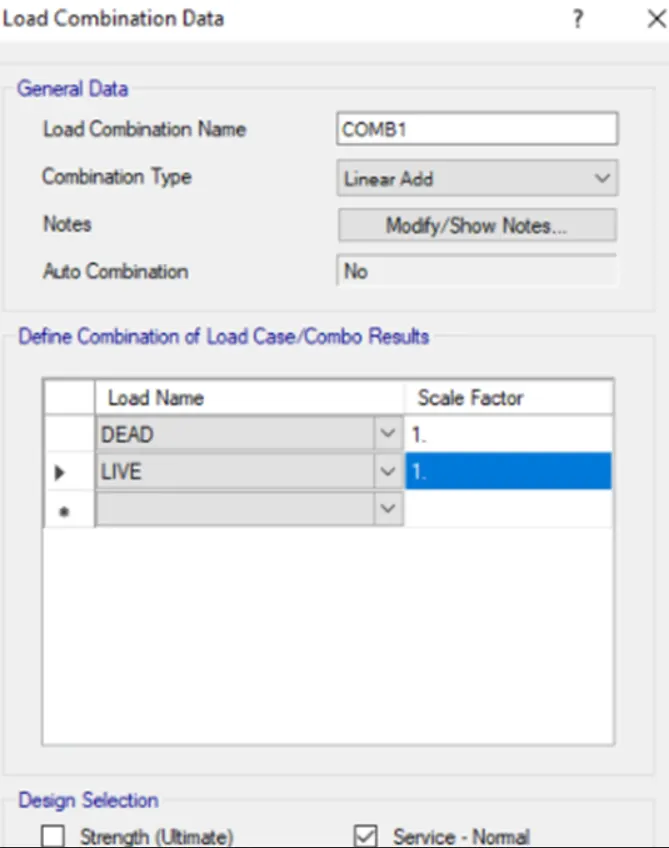
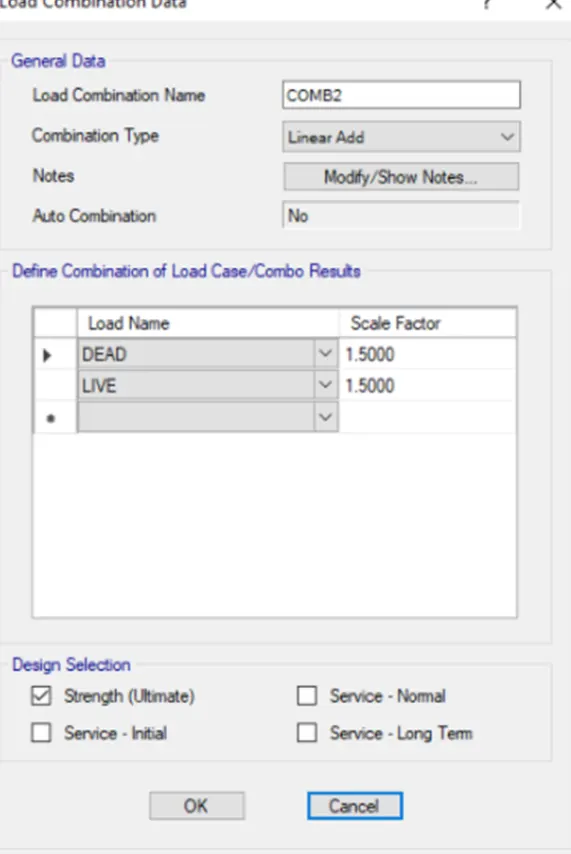
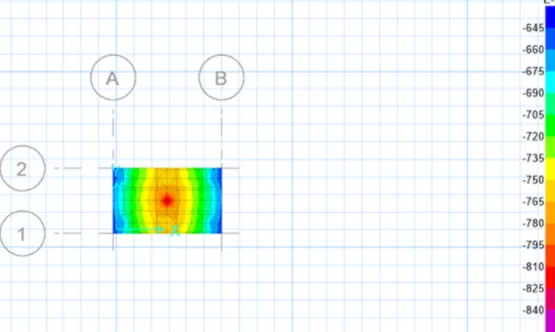
After defining the load combination run the analysis
max displacment was found to be .84
so its safe
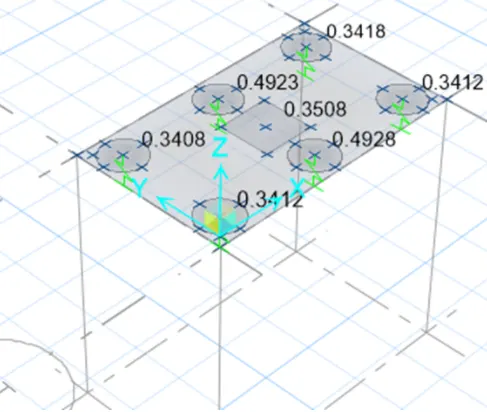
Also, all the Punching shear values are less than 1
so its safe.
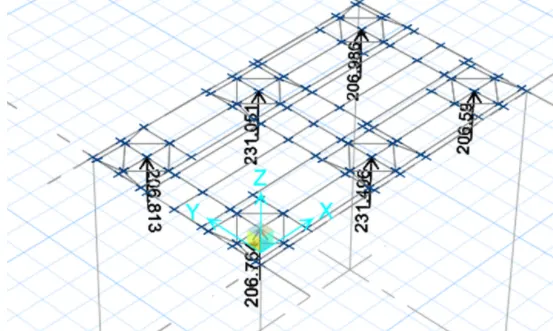
joint reaction diagram
as all the reaction forces are according to the limit,
its safe
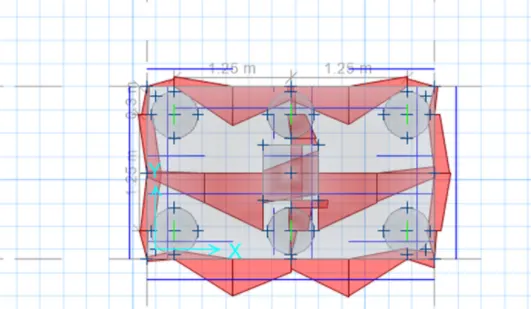
Reinforcement details are added next as shown in both X and Y direction respectively and run the analysis again
Step 10:
Reinforcement slab design:
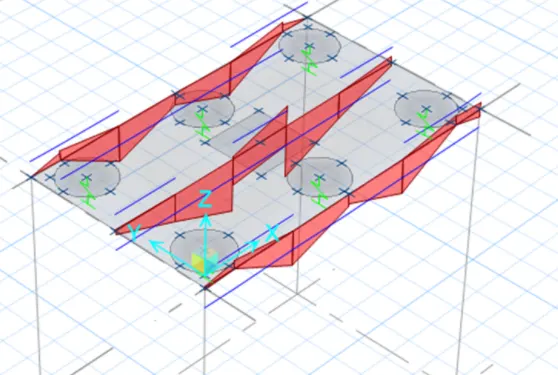
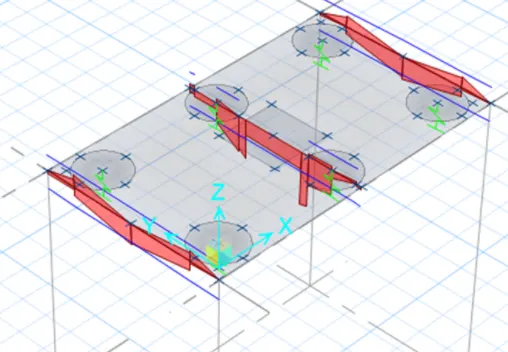
pile cap foundation design
Result:
Successfully Completed the design of pile cap foundation using SAFE software.