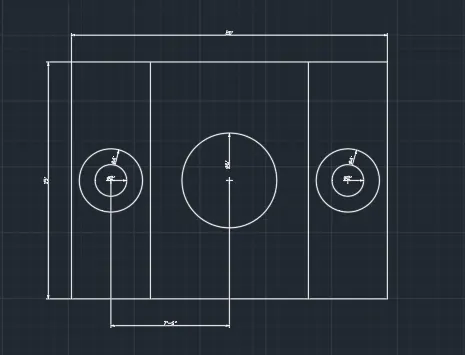
Drafting of various geometries using Chamfer, Fillet tool in AutoCad
Aim:
- To Draw the geometries using Chamfer, Fillet tool in Autocad.
Commands Used:
- Line
- Circle
- Chamfer
- Fillet
- Mirror
- Trim
- Move
- Rotate
- Annotate
Procedure:
- Open New Sheet set units.
- Limits 0,0 & 421,210
- Zoom all
- Draw line take command of L , base of length 4 units and now give the command @2<40, @3<80, @2<100 and close.
- Draw a circle at X=2 units & Y=1 unit of diameter 1.5 units, and draw next circle at X=2, Y=3 units & diameter 1 units.
- Annotate and give the dimentions of all segments and circles.
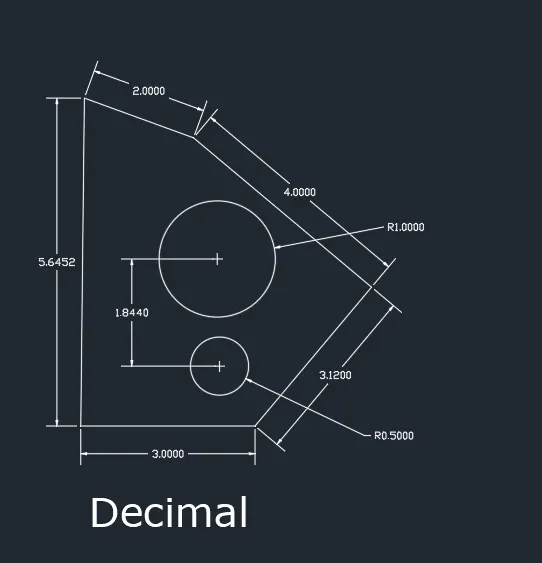
Aim:
To draw the geometry by using autocad
Commands Used:
- Line
Procedure:
- Draw a length by use the command of L (line)
- Length 2'9.6": angle 131 degree using command line an angle 103 degrees length 4'.
- Draw another line vertically downward and use commands line.
Result:
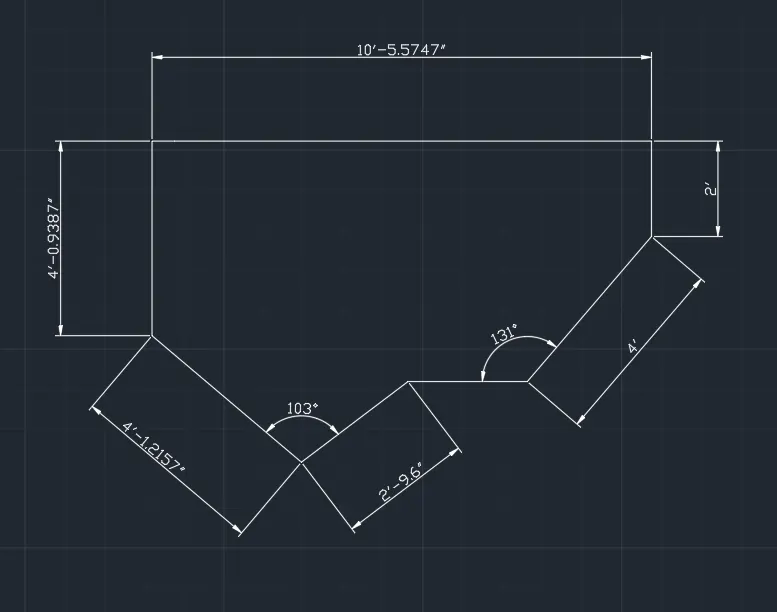
Aim:
- To creat Geometry
Commands:
- Rectangle
- Offsets
- Trim
- Rotate
- Copy
Procedure:
- Draw a Rectangle at a point and dimentions of length 5 feet and breadth 5 feet.
- Copy the square and rotate the object select the base point from 45 degree and trim unwanted line.
Result:
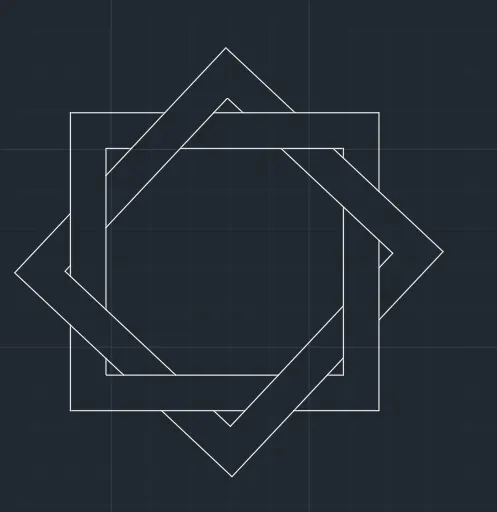
Aim:
- To creat Geometry
Commands:
- Line
- Trim
- Circle
- Erase
Result:
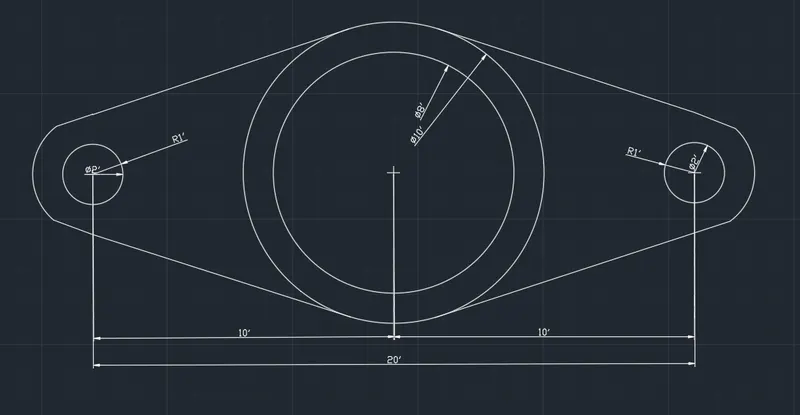
Aim:
- To creat Geometry
Commands:
- Line
- Offsets
- Trim
- Circle
- Explode
Result: