Door Arm Rest Week 8 Challenge
Aim
The aim of this project is to develop the product design of the door arm rest with the help of the class A surface following the OEM standards.
Introduction
Class A
Class A surface is the term mainly used in automotive design industry. It describes the final production surface data for the aesthetic parts of the car.
Class B
Class B surface is the secondary surfaces which is not visible normally. These must be smooth and "error-free" as well, but are not held to the standards that class A surfaces are.
Class C
Class C surfaces are the backside surfaces that can have tool marks, flash and other imperfections without hurting appearance, function, etc..
Procedure
- For the given door arm rest catpart i.e. class A surface we need to check basic checks i.e continuity of the given surface using surface features.
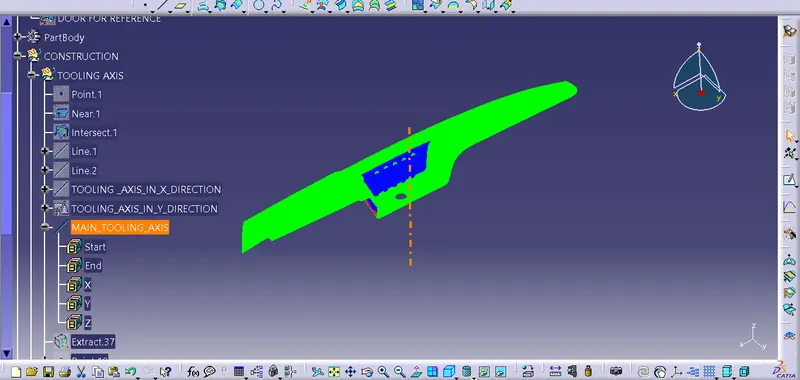
- To creat tooling axis creat axis system and form a intersect of class a surface with respect to the XZ plane
- create point on center of circle and create line normal to the surface and fro the point we would get tooling axis.
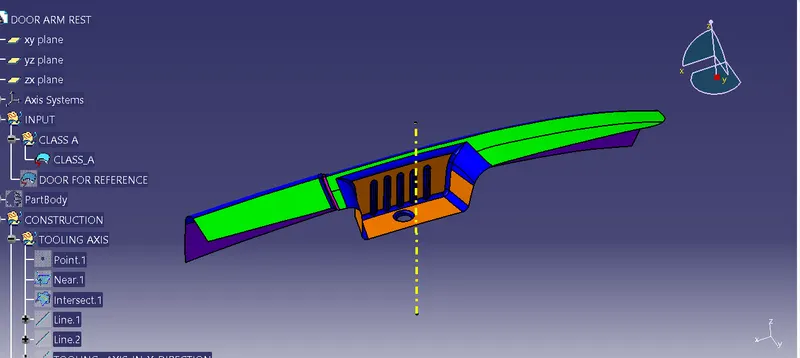
- For the draft analysis go to insert- analysis - feature draft analysis and make sure the view model is on material.
- Inline the compass with tooling axis and lock then click on the door arm rest class a surface we will get the draft analysis for the door arm rest class a surface the minimum draft required is of 3 degree.
- Here in this component it is found from the draft analysis report that some part in red and is not getting cleared by the verticle tooling axis.
- Hence, we will required a side core for this component and also side tooling axis.
- To create the side tooling axis extract the back surface of door arm rest create a point in centre and create a line normal to the surface and form the point, and we would get the side tooling axis.
Class B surface
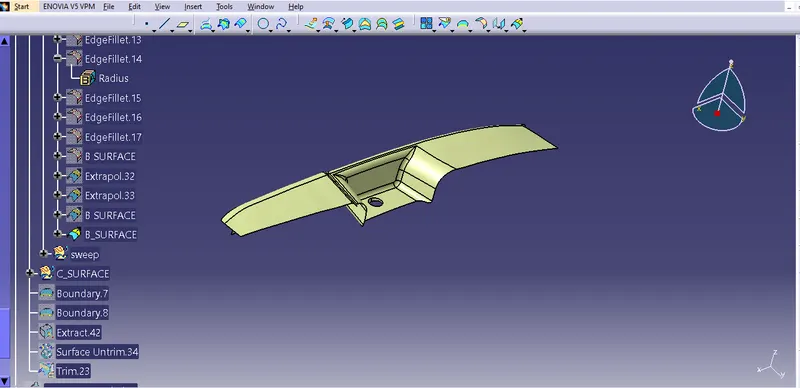
- To genrate class b surface extract class a surfaces individually , utrim them and extrapolate upto certain distance and offset at distance 2.5mm.
- Then trim unneccesary surface and provide suitable fillets to get class b surface.
Class C Surface
- To obtain class c surface extract multiple boundaries of class a surface and sweep it in parts in draft direction.
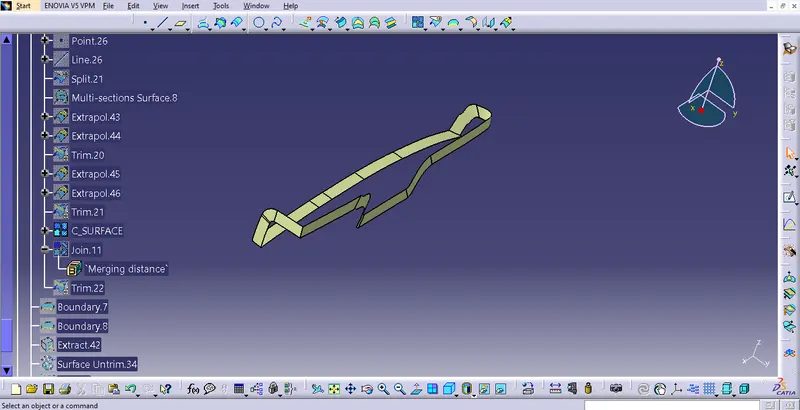
- To obtaion final solid parts of door arm rest component trim the unneccesary surfaces and join the class a, b and c surfaces together.
- Then to form a solid body use closesurfaces command.
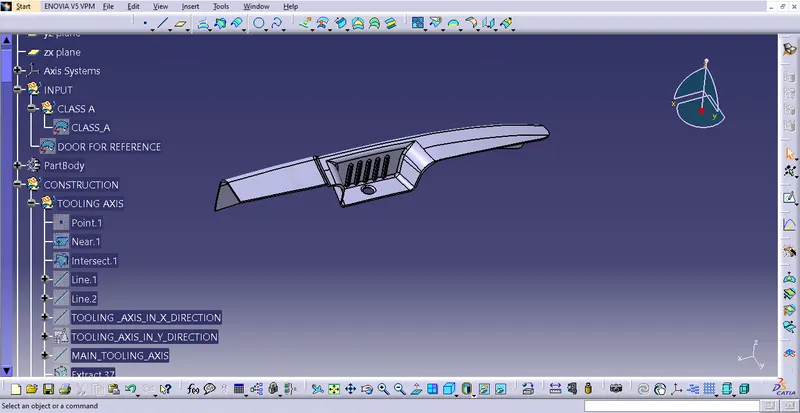
- At the end perform draft analysis on part.
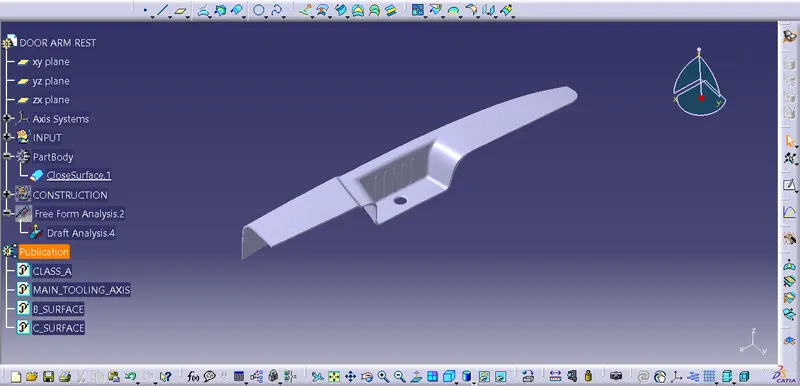
Various Orientations
Isometric View
Front View
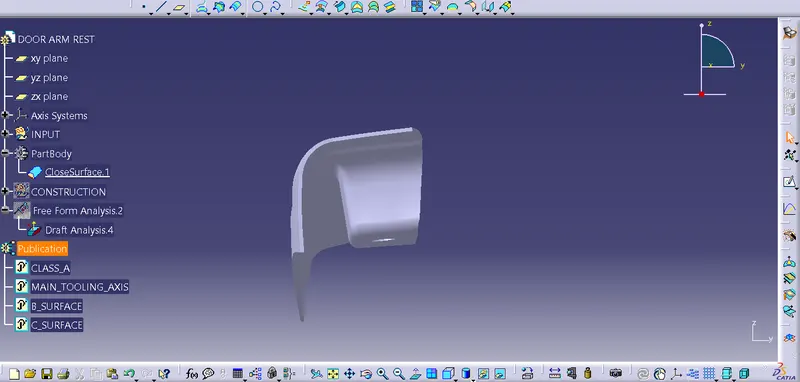
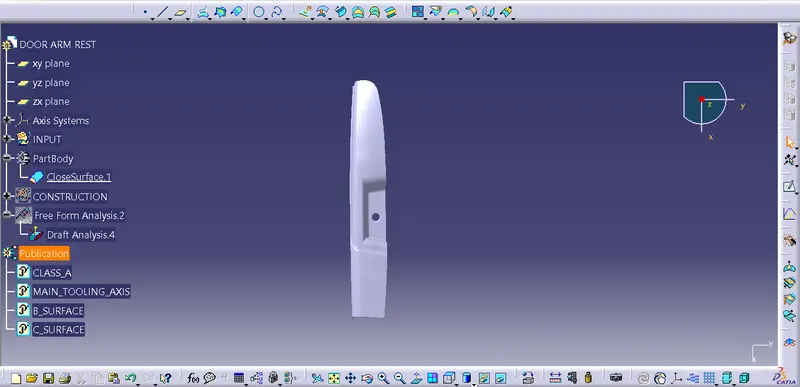
Side View
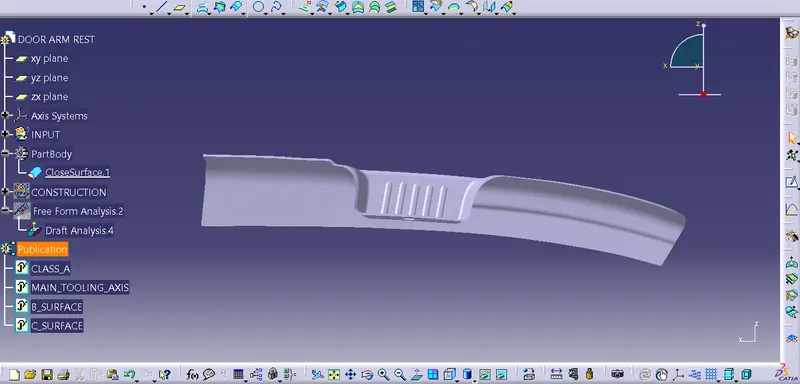
Top View
Conclusion
1. Class A, Class B and Class C surfaces are created following standards of automotive industry using Catia V5 software.
2. Draft analysis was performed on the door arm rest and it was observed that draft was under permissible limit for the manufacturing of the component using injection moulding process.